







Resignation Letter Generator for Clear Two-Week Notices

Brief your role, manager, last working day, and tone. Generate a short resignation letter, then revise before you send the notice.

AI writing
Claude
GitHub
Google
Linear
Microsoft
Monday
Netlify
Notion
OpenAI
Sentry
Slack
Stripe
Supabase
Claude
GitHub
Google
Linear
Microsoft
Monday
Netlify
Notion
OpenAI
Sentry
Slack
Stripe
Supabase
Desk calendar marked with a final workday, a notice-period sticky note, and a blank resignation letter outline.

Lock the last day before you draft

Start this resignation letter generator with your title, manager, company, notice period, and exact last working day. Title-only prompts invent dates; a short notice brief keeps the letter tied to your contract or handbook. If you still need application copy for the next role, use the Cover Letter Generator.
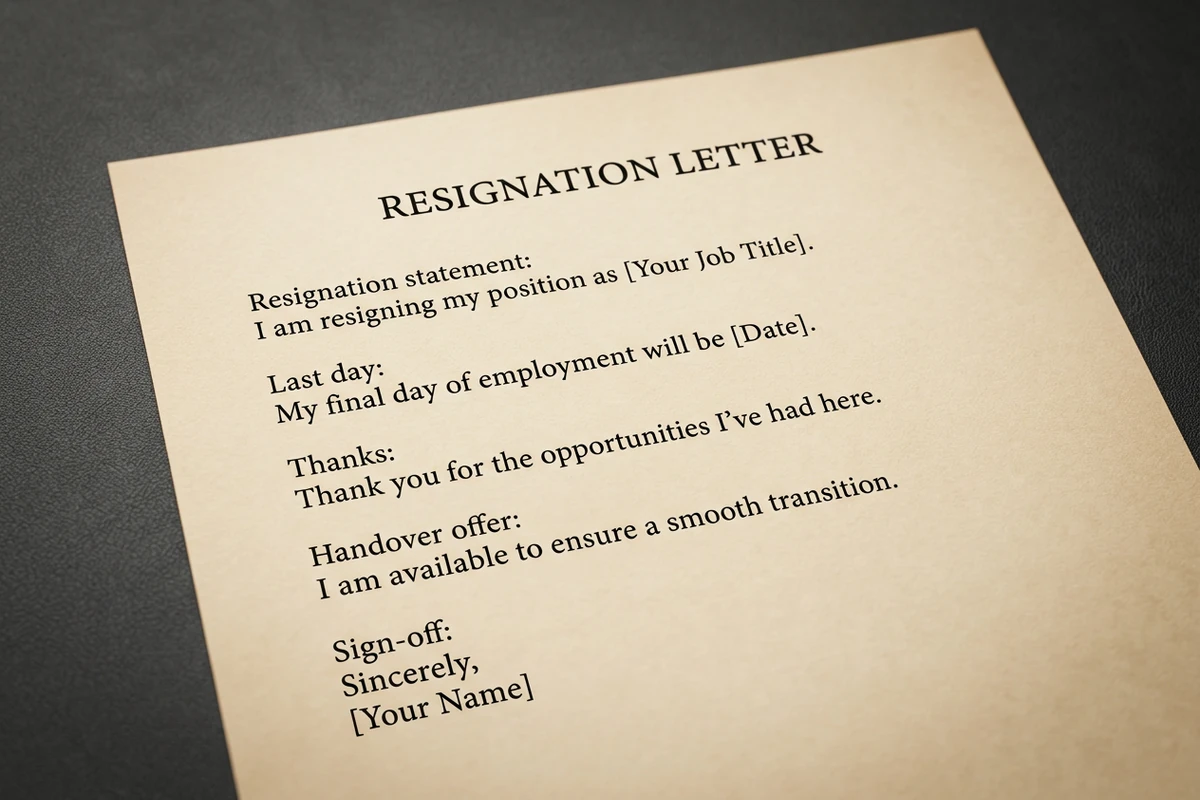
Unbranded resignation letter with clear sections for resignation statement, last day, thanks, handover, and sign-off.

Keep the letter short and on record

Ask for a clear resignation statement, last day, brief thanks, handover offer, and sign-off—usually three or four short paragraphs. A second revise pass usually removes over-explaining better than regenerating from scratch. Sharper revision prompts follow How to Write AI Prompts That Actually Work.

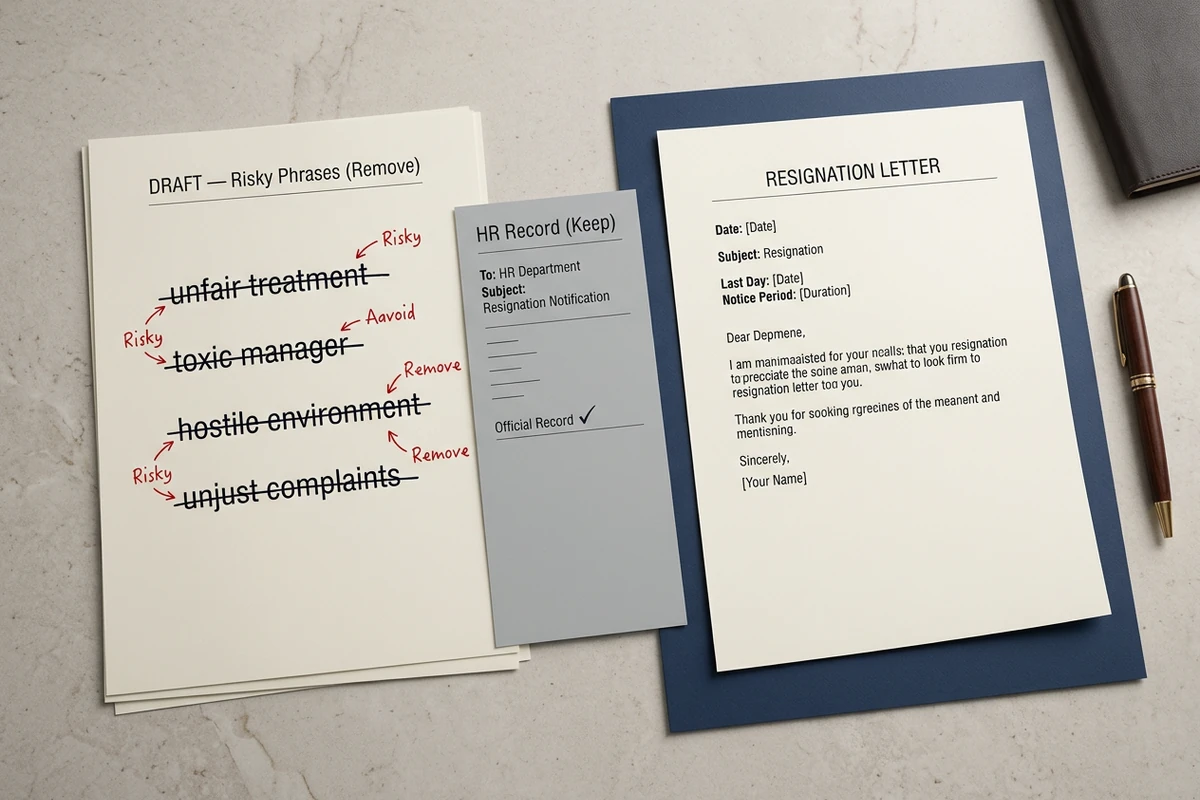
Draft resignation text with struck-through grievances beside a cleaned polite letter ready to send.

Revise risky wording, then send carefully

Cut grievances, salary complaints, and new-employer names that do not belong in your personnel file. Keep the tone calm enough for email after you speak with your manager. After the letter is stable, draft the send note with the AI Email Generator or a related notice with the AI Letter Generator.

What you can do with Ottermind

Give a standard two-week notice

State the decision, final date, appreciation, and transition support in a concise professional letter.

Explain a short-notice departure

Communicate the necessary timeline respectfully without disclosing more personal detail than the situation requires.

Retire from a long-held role

Acknowledge the relationship and contribution while making the final date and handoff plans unmistakably clear.

Leave a difficult workplace

Keep the written record factual, restrained, and focused on the decision, date, and practical transition.

How to use this resignation letter generator

Step 01

Lock the notice brief

List role, company, manager, last working day, notice period, tone, and any handover you can offer. Refuse vague asks like “make it emotional.”

Step 02

Generate the first draft

Produce a letter you can evaluate: unambiguous resignation, exact last day, light thanks, and a realistic transition offer.

Step 03

Run a wording and send pass

Cut risky lines, confirm the date matches your notice plan, and decide whether to speak with your manager before emailing HR.

Why creators choose Ottermind

Dates before adjectives

Brief the last working day and notice period so the resignation letter generator does not invent a vague exit date.

Project context retained

Keep role facts, preferred tone, and prior drafts organized while you refine the final notice.

Focused revision passes

Ask separately for brevity, gratitude, or email format without discarding the notice brief.

Compare tone variants

Generate a formal and a warmer version against the same last day before you choose what to send.

Continue in Studio

Take the accepted letter into Studio with the original notice brief still attached for final polish.

Frequently asked questions

What is a resignation letter generator?

A resignation letter generator turns your notice details into a short letter you can edit. In Ottermind, you supply role, manager, last working day, and tone, generate a draft with collaborating agents, then revise wording before you send. It does not replace contract review or HR advice.

What should I include in the prompt?

Include your job title, company, manager name, exact last working day, notice period, preferred tone, and any handover you can realistically offer. Optional one-line reasons are fine. Vague prompts without a date usually return generic two-week language that may not match your plan.

Is two weeks notice always required?

No. Two weeks is a common courtesy in many U.S. workplaces, but your contract or handbook may require a different period. Senior roles sometimes need longer notice. Confirm the rule that applies to you before you lock a last working day in the draft.

Should I explain why I am leaving?

Only if you want to, and keep it short and neutral. Avoid grievances, salary complaints, and naming a new employer in the resignation letter that goes in your file. Save detailed feedback for an exit interview if you choose to give it.

Can this replace legal or HR guidance?

No. Ottermind helps draft and revise inside the workspace. You still check notice rules, equity or benefits timing, and local employment requirements. Critical send decisions stay with you.

What should I create after the resignation letter?

Tell your manager first when you can, then send the written notice for the record. Draft the email wrapper with the AI Email Generator. For the next application packet, use the Cover Letter Generator or AI Resume Builder.

Discover more

More from the blog

Draft your resignation letter with a clear last day

Bring your role, manager, notice period, and last working day. Generate a short resignation letter with this resignation letter generator, revise risky wording carefully, and keep the brief connected in Ottermind.

Write resignation letter


