Unblur Video

Upload a clip, mark the region that lost detail, and rebuild it with AI. It works best on soft blur, mosaic you added, and compressed uploads of your own footage.

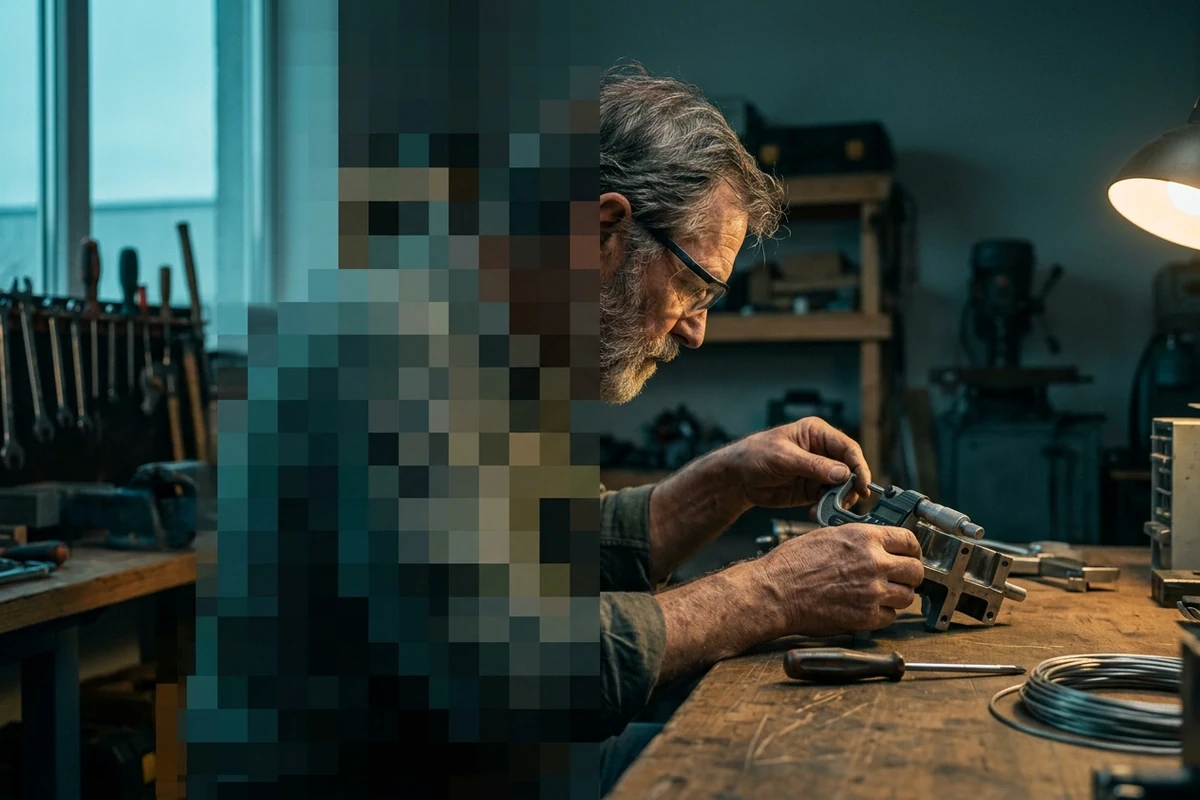
Split frame from a night car interior: a pixelated blur block over one area on the left, restored sharp detail on the right.
Claude
GitHub
Google
Linear
Microsoft
Monday
Netlify
Notion
OpenAI
Sentry
Slack
Stripe
Supabase
Claude
GitHub
Google
Linear
Microsoft
Monday
Netlify
Notion
OpenAI
Sentry
Slack
Stripe
Supabase

What AI Can and Cannot Recover

Blur throws detail away, so nothing restores the exact original pixels. That is the honest answer to how to de-censor video: soft focus, a blur bar, or compression mush come back convincingly, while a solid censor block returns an invented patch. Knowing which one you have decides whether the result is usable, and a single blurred frame often only needs an Image Enhancer.

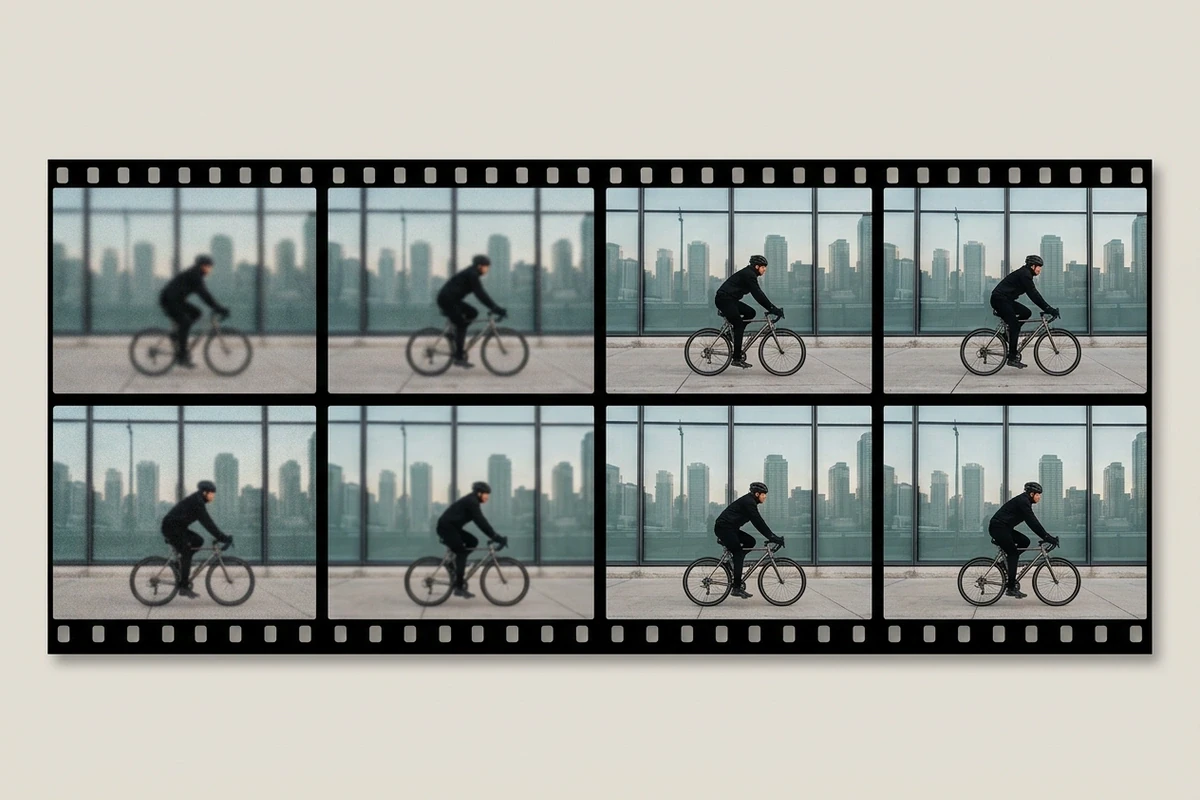
Filmstrip of eight frames of one street scene, the left frames blurred and the right frames sharp.

Rebuild, don't sharpen

A sharpening pass adds contrast to mush; it cannot put back an edge that was never recorded. The model reads each frame, estimates what the region should contain, and repaints it, which is why a blur bar over a sign resolves into readable letters, at a size you can then lift with an AI Image Upscaler.
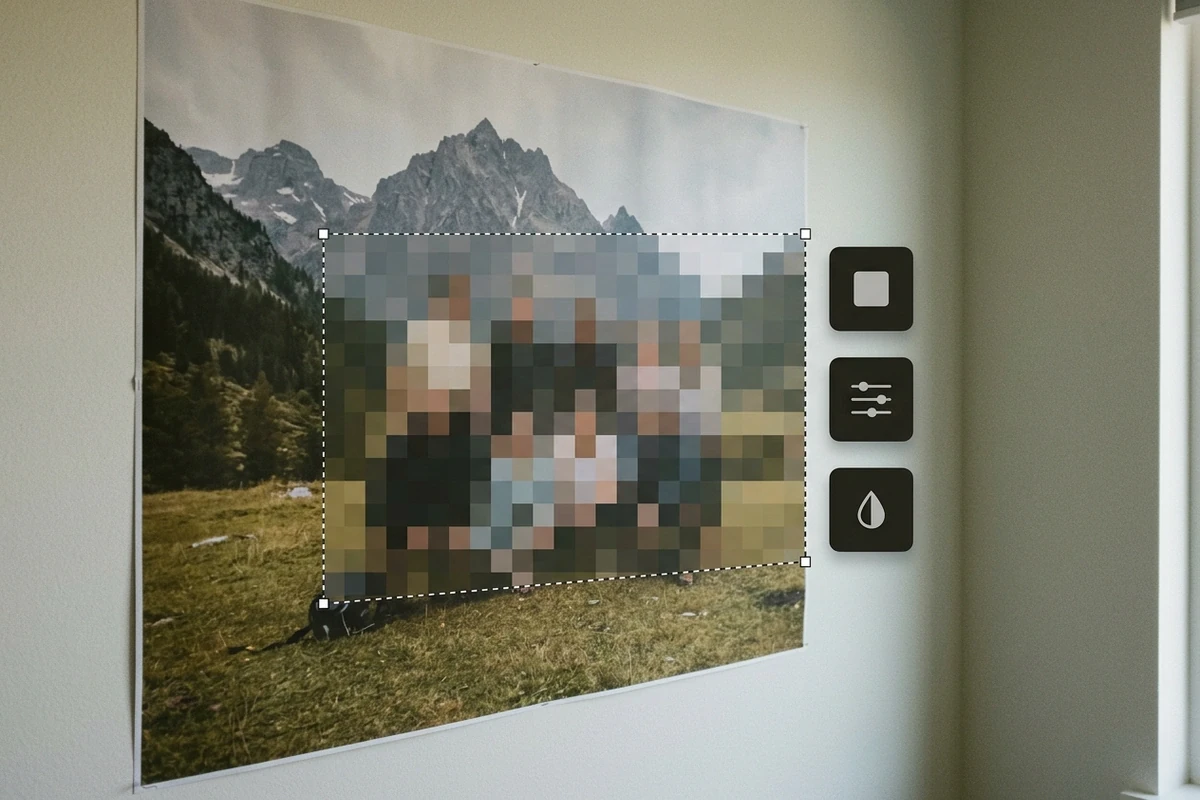
Video still with a dashed selection rectangle around a blurred patch on a wall poster, with three small icon chips floating beside it.

Mark the region that failed

You draw the box, so nothing else gets repainted. Bars, mosaic patches and soft corners stay contained, faces outside the selection are untouched, and one selection carries across a shot instead of being redrawn every frame.

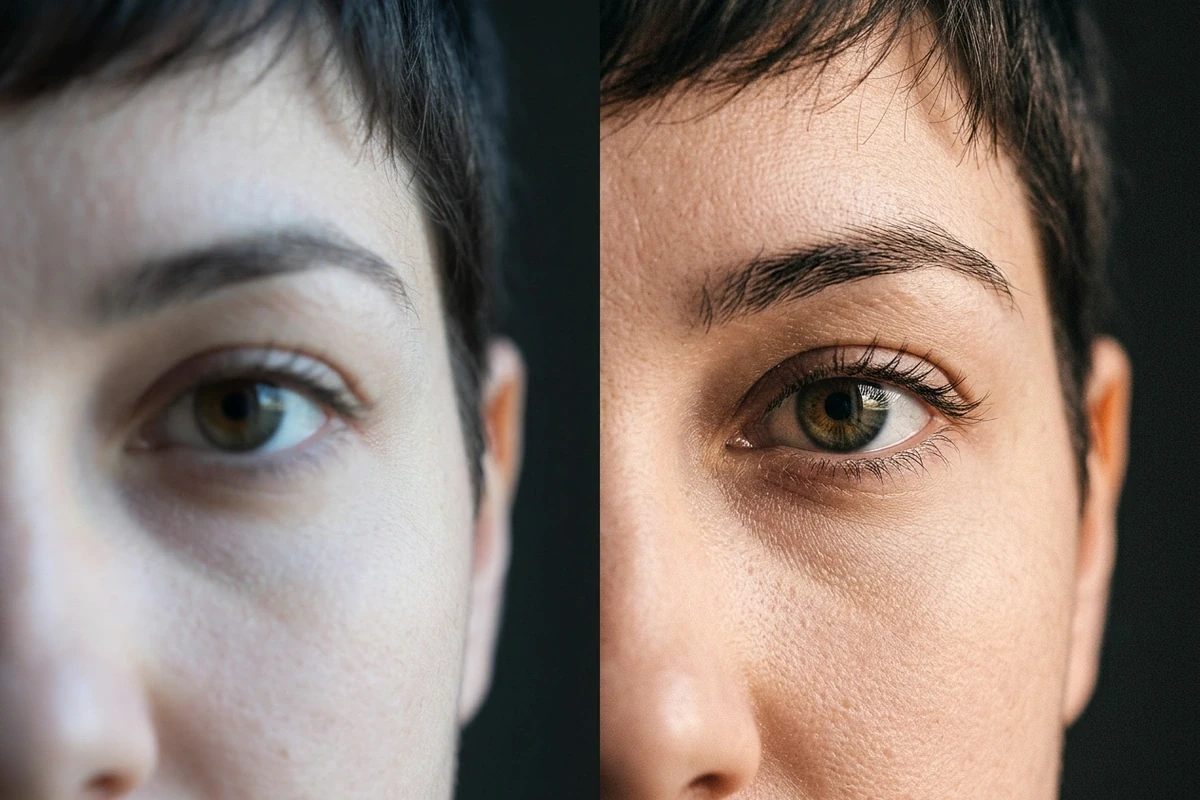
Macro before-and-after crop of the same eye and hair, the restored side keeping natural grain and skin texture.

Keep the rest looking real

Only the selected area changes. Grain, lighting and lens character elsewhere stay as shot, so a repaired area does not read as a pasted patch; and when the whole frame is soft rather than one region, a Video Upscaler does the wider job.

What you can do with Ottermind

Archival family video

Old tapes with soft focus or a strip of blur across the frame come back readable, so faces in a wedding or childhood clip stay recognizable instead of being a smear.

Product demos with masked logos

Clear a plate, a badge or a competitor logo you masked before, then reuse the shot in a launch cut without booking a reshoot or hunting the original file.

Compressed screen recordings

Fix the mush around text in a tutorial capture so the interface in the recording is legible again, then run a Video Compressor over the result so the repaired file still uploads quickly.

Licensed stock with soft corners

Recover a soft edge on footage you licensed instead of paying for a higher-resolution re-download, and reuse the fixed shot in a campaign with AI Product Video Ads.

How to Unblur a Video in Three Steps

Step 01

Upload the clip

Use footage you own or are licensed to restore. Short, steady, high-bitrate clips rebuild better than a compressed screen recording, because more of the original edge information survives the upload.

Step 02

Mark the damaged area

Box the blur bar, the mosaic patch or the soft corner. When several areas failed, handle them one at a time, so a weak rebuild on one does not drag down the rest of the frame.

Step 03

Compare and keep editing

Scrub to the same frame and compare against the original. Accept it, lower the strength, or leave the region alone, then finish the cut in the same project without another upload.

Why creators choose Ottermind

Honest about limits

Heavy censoring destroys the data, and the page says so instead of promising a miracle.

Region-only edits

Only the box you draw changes, so the rest of the frame keeps its grain and lighting.

Your own files first

Restore family tapes, old demos and licensed clips, not footage you have no right to change.

Exports with the edit

Repaired footage stays in the project beside the brief, ready for the cut and its variants.

Image to Video

Free to try

Open the workspace without an account and test one region before committing to a full pass.

No install

The rebuild runs in the browser, on the clip you already have open in the project.

Frequently asked questions

Can you unblur a video for real?

Partly. Blur discards information, so nothing can restore the exact original pixels. What AI does is rebuild a plausible, sharp version of the region: soft blur and compression mush come back convincingly, while a solid censor block is replaced by an invention rather than the truth.

Is it free, and can I remove blur from a video online free with AI?

Yes, with a limit worth knowing. The workspace opens without an account and covers a few free rebuilds, enough to test one region on one clip. Longer footage or repeated passes can depend on credits, so start with the segment you actually need and check a still with an Image Enhancer before committing.

Does it work on mosaic or a blur bar?

On footage you own or are licensed to restore, the area behind a mosaic patch or a bar can be rebuilt, and that is the honest version of how to remove a blur bar from a video. Expect a plausible replacement, not recovered truth, and never use it on material you have no right to alter.

What about faces?

Faces are the hardest region because viewers notice when one is slightly wrong. A small, well-lit face inside the box rebuilds best; a wide blur over a whole face gives you a new person, and the tool does not pretend otherwise.

Will the rest of the frame change?

No. Only the marked region is repainted, so grain, lighting and the rest of the shot keep their look. That is what lets a repaired area sit inside an otherwise untouched clip during AI decensor work for videos that need one bad patch fixed.

Do I need to install anything?

No. The rebuild runs in the browser, so decensor video online without installing a desktop suite, and the result lands in the same project where a second pass never depends on which machine has the app open.

Discover more video AI tools

More on getting video right

Restore the part that lost detail

Upload the clip, box the region that failed, and compare one rebuild before running the whole shot. Keep it only if the replacement still looks like the footage you shot.

Unblur a clip