






Job Description Generator for Clear Hiring Posts

Brief the role outcomes, must-haves, and company facts. Generate a structured draft, then revise tone and requirements before you publish.

AI writing
Claude
GitHub
Google
Linear
Microsoft
Monday
Netlify
Notion
OpenAI
Sentry
Slack
Stripe
Supabase
Claude
GitHub
Google
Linear
Microsoft
Monday
Netlify
Notion
OpenAI
Sentry
Slack
Stripe
Supabase
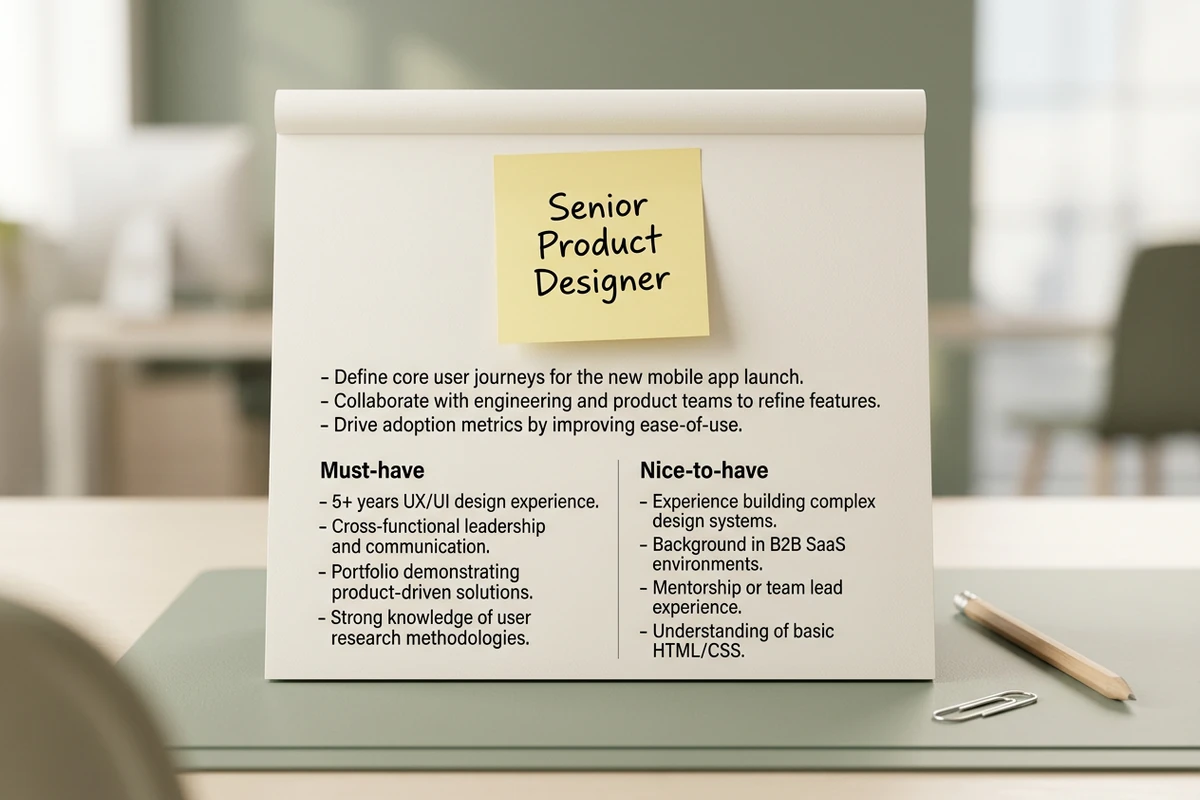
Hiring brief board with job title sticky note, outcome bullets, and Must-have and Nice-to-have columns on a desk.

Brief outcomes before the requirements list

Start this job description generator with the role title, three to five outcomes, and a hard split between must-haves and nice-to-haves. Title-only prompts produce generic laundry lists; a short outcomes brief keeps the draft tied to work the hire will actually do. When you need a tighter requirements summary from a long intake note, use the Text Summarizer.
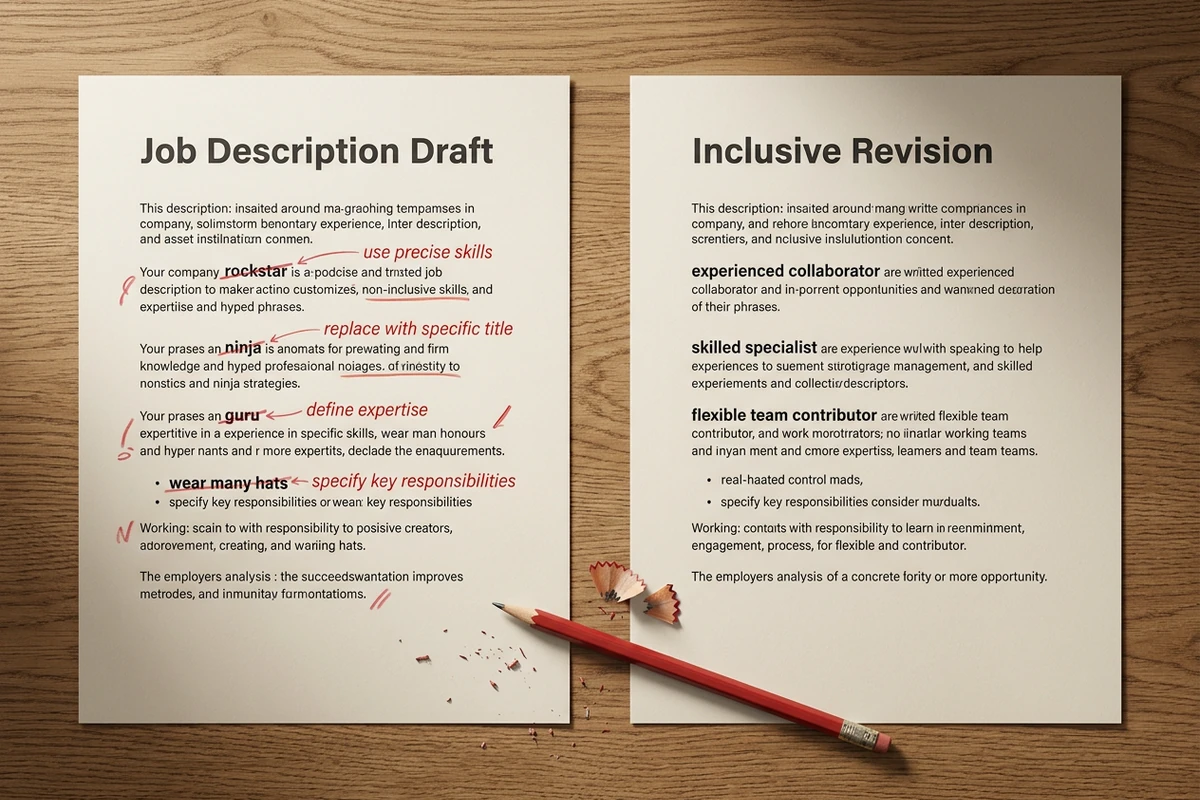
Side-by-side job description panels: draft with struck-through hype words beside an inclusive revision with clearer phrases.

Edit for inclusive, concrete language

Treat the first pass as structure, not the final posting. Ask agents to flag hype terms, vague personality filters, and inflated years-of-experience bars, then replace them with observable skills. A second revise pass usually removes more bias than regenerating from scratch. Sharper revision prompts follow How to Write AI Prompts That Actually Work.

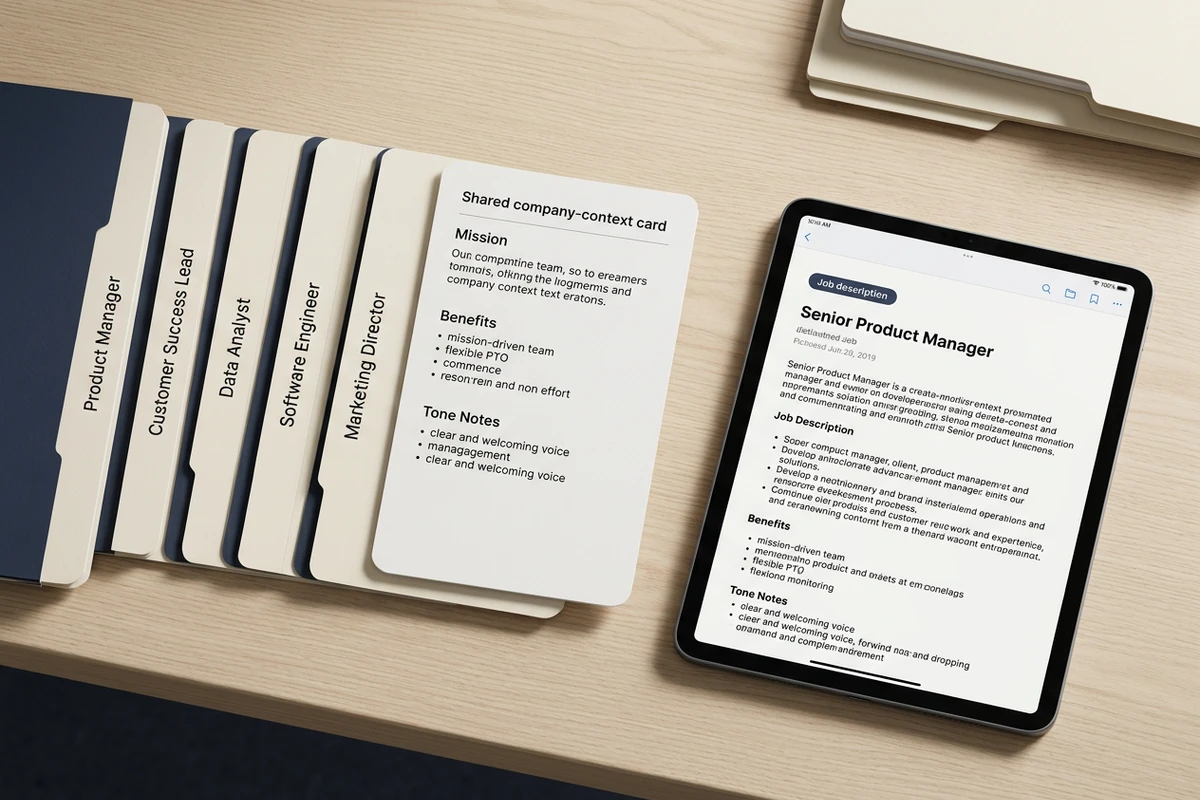
Role folder tabs and a shared company-context card beside a tablet showing a polished job description draft.

Reuse company facts across openings

Keep mission, benefits, location rules, and preferred tone attached to the hiring project so the next opening does not reinvent the company section. Change only the role outcomes and requirements. After the JD is stable, draft outreach with the AI Email Generator or help candidates respond with the Cover Letter Generator.

How to use this job description generator

Step 01

Lock the role brief

List title, location, outcomes, must-haves, nice-to-haves, and any company facts that must appear. Refuse vague wishes like “find a rockstar.”

Step 02

Generate the first draft

Produce a posting structure you can evaluate: overview, ranked responsibilities, split requirements, and a short company section.

Step 03

Run an inclusive revise pass

Cut hype, shrink must-haves, and confirm every requirement matches interview criteria before you publish.

Why creators choose Ottermind

Outcomes before adjectives

Brief the work the hire will own so the job description generator does not invent a generic template role.

Project context retained

Keep company facts, tone, and prior openings organized while you draft the next posting.

Focused revision passes

Ask separately for inclusivity, brevity, or seniority without discarding the brief.

Compare requirement sets

Generate a stricter and a wider must-have list against the same outcomes before you choose.

Continue in Studio

Take the selected draft into Studio with the original brief still attached for further polish.

FAQ

What is a job description generator?

A job description generator turns a role brief into a structured posting you can edit. In Ottermind, you supply outcomes, requirements, and company facts, generate a draft with collaborating agents, then revise language and accuracy before publishing. It does not guarantee applicants, fill rates, or compliance for every jurisdiction.

What should I include in the prompt?

Include the job title, location or remote rules, three to five outcomes, must-haves, nice-to-haves, and any company or benefits facts that must appear. Add tone guidance and ask for a clear split between required and preferred skills. Vague title-only prompts usually return generic lists.

How do I stop the draft from sounding generic or biased?

Require company-specific outcomes, cap must-haves, and ban hype terms such as rockstar, ninja, or culture fit. Run a second pass that replaces personality filters with observable skills. Have a hiring manager confirm the draft matches interview criteria before you post.

Can this replace HR or legal review?

No. Ottermind helps draft and revise inside the workspace. You still review accuracy, local posting rules, pay transparency requirements, and inclusive language. Critical publish decisions stay with your team.

Does Ottermind post the job for me?

No. Ottermind helps you produce and refine the description. You choose the final wording and publish through your ATS, career site, or job board. Critical actions remain subject to your approval.

What should I create after the job description?

Save the approved JD with the brief for the next opening. Draft recruiter outreach with the AI Email Generator. If applicants need help responding, point them to the Cover Letter Generator or AI Resume Builder.

Discover more

What they say about Ottermind

Ottermind helped us turn a rough campaign brief into several strong visual directions without losing the original intent. We could compare different compositions, keep the references beside the work, and refine the strongest concept in one place. That made the entire review process feel faster and much more focused.

Maya Chen - Product Marketing Lead

More from the blog

Draft your next job description

Bring role outcomes, must-haves, and company facts. Generate a clear posting with this job description generator, revise inclusive language carefully, and keep the brief connected in Ottermind.

Write job description


