






Invoice Generator for Structured Client Billing

Brief seller, buyer, line items, tax treatment, and payment terms. Generate a structured invoice draft you can audit, revise, and send—without configuring accounting software.

AI writing
Claude
GitHub
Google
Linear
Microsoft
Monday
Netlify
Notion
OpenAI
Sentry
Slack
Stripe
Supabase
Claude
GitHub
Google
Linear
Microsoft
Monday
Netlify
Notion
OpenAI
Sentry
Slack
Stripe
Supabase
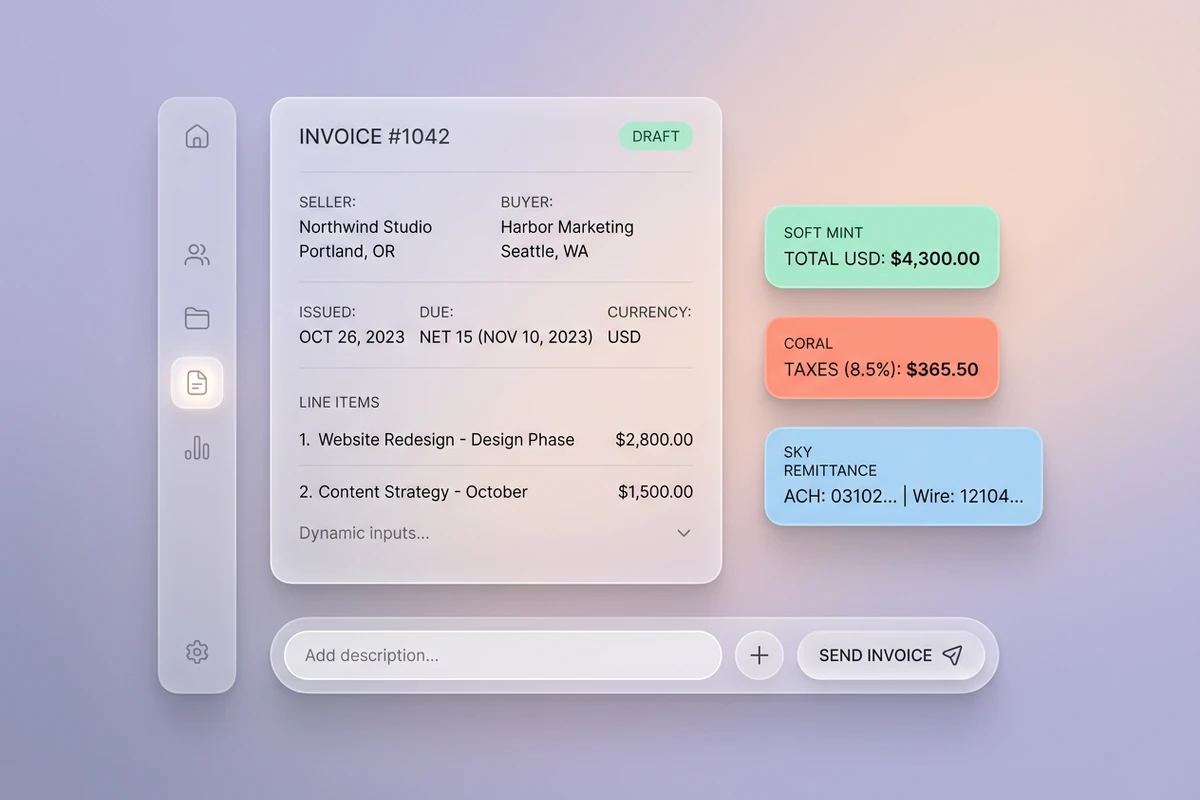
Soft composer with seller, buyer, and line-item fields beside Due date, Currency, and Terms chips on pastel mist.

Skip accounting bloat and blank PDFs

Freelancers often bounce between full accounting suites they rarely use and free PDF generators that forget payment terms. Start this invoice generator with seller, buyer, invoice number, dates, currency, and every billable line so you get structure without a 20-minute setup flow. For scope that precedes billing, use the Business Proposal Generator.
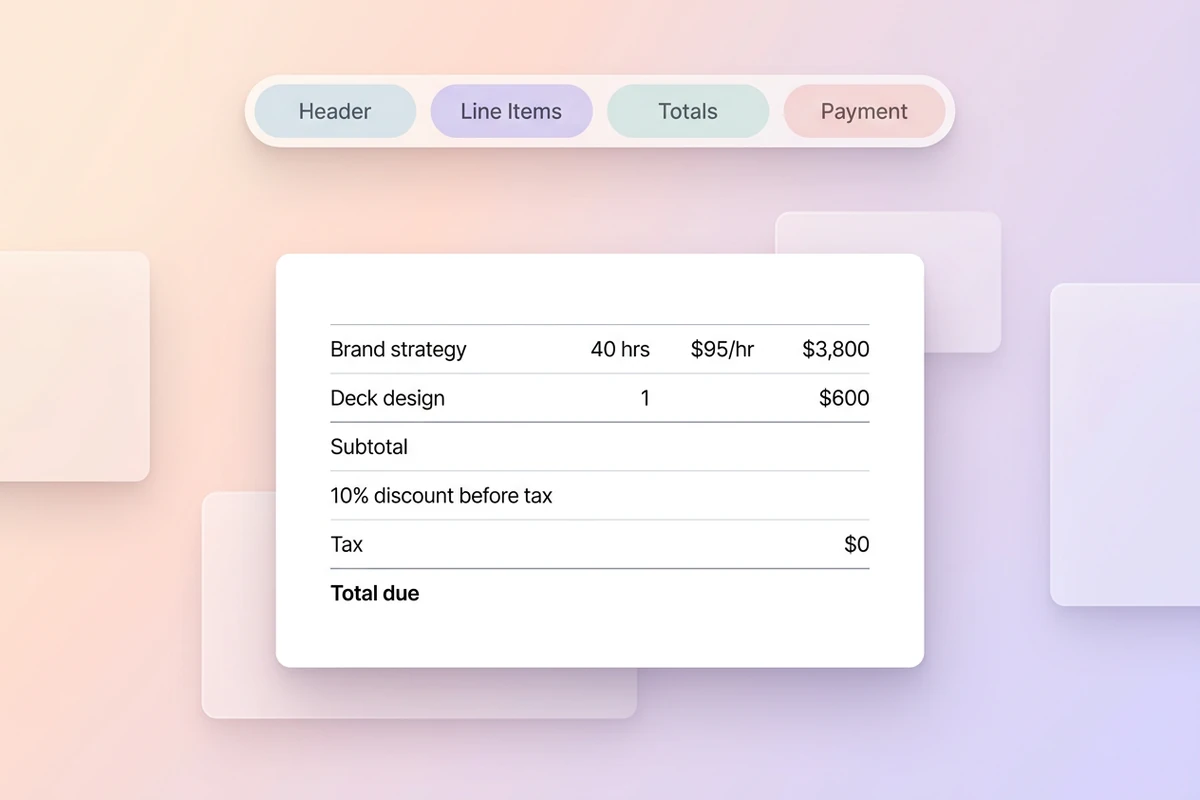
Floating workspace with Header–Line items–Totals–Payment beat strip and a structured invoice table result.

Line items finance can audit

Ask for quantity, rate, subtotal, discount-before-tax order, tax lines, and a remittance block in one scannable table. That sequencing matters when discounts and tax interact, and it keeps optional notes separate from required payment instructions. Sharper revision prompts follow How to Write AI Prompts That Actually Work.

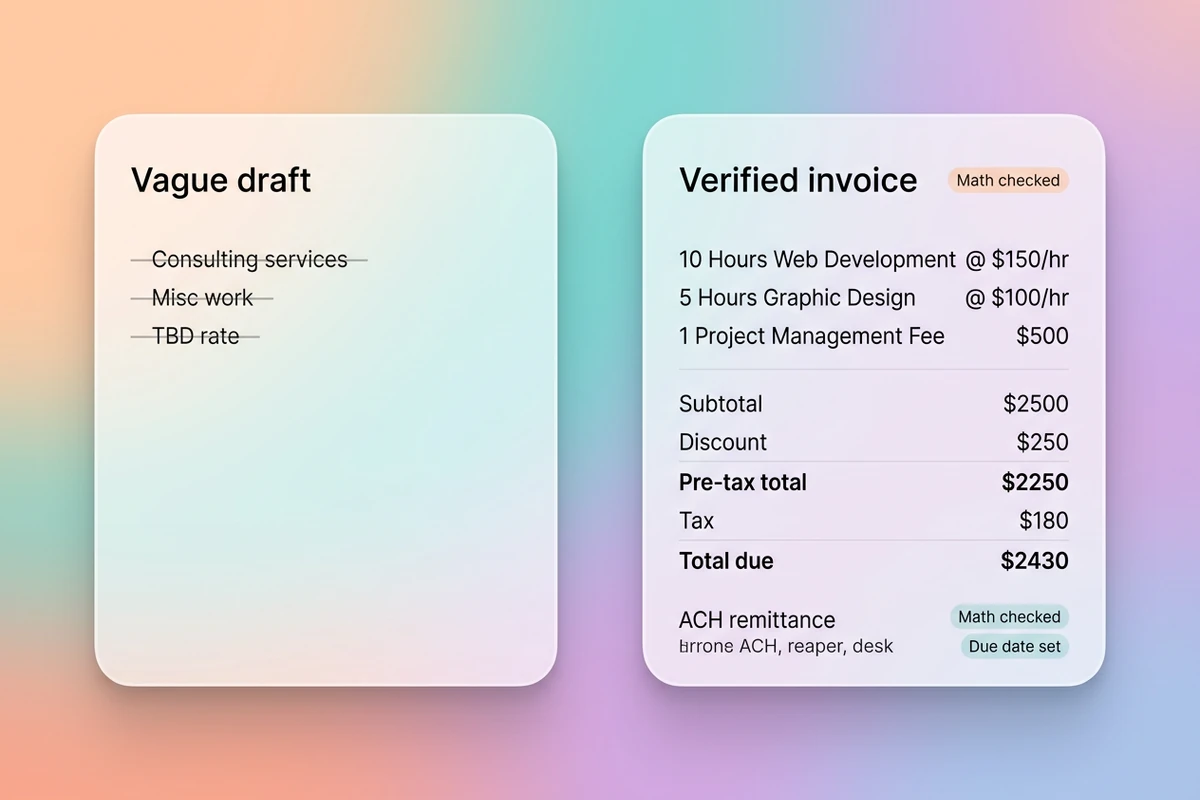
Split floating cards comparing vague service lines with a verified invoice showing discount, tax, subtotal, and payment block.

Verify totals before you send

Run a final pass for math, due dates, currency labels, and missing legal fields. Flag assumptions instead of inventing tax IDs, IBAN details, or PO numbers you never supplied. After the invoice is locked, send it with the AI Email Generator.

What you can do with Ottermind

Bill a completed project milestone

Convert approved deliverables into line items with due dates, purchase-order references, and payment instructions your client can process.

Invoice recurring retainer work

Structure monthly hours, included scope, overage lines, and renewal notes without mixing retainer and one-off charges.

Send a first invoice to a new client

Draft a professional first bill with clear service descriptions, remittance details, and terms that match your signed agreement.

Fix a messy draft before accounts payable sees it

Rewrite vague service names, reconcile subtotals, and surface missing tax or PO fields before the invoice leaves your desk.

How to use this invoice generator in 3 steps

Step 01

Lock seller, buyer, and terms

Add business names, invoice number, dates, currency, tax treatment, and payment method. Refuse prompts that omit who is billing whom.

Step 02

Generate the invoice body

Request a scannable table with descriptions, quantities, rates, and totals so finance can audit without reformatting.

Step 03

Verify, then send

Compare every total with your source numbers, fix drift, and keep the approved invoice attached for follow-up revisions in Studio.

Why creators choose Ottermind

Facts before formatting

Brief real line items and terms so this invoice generator does not invent rates, tax rules, or payment details.

Billing context retained

Keep client history, accepted line items, and revision notes organized while you refine the same invoice.

Focused revision passes

Ask separately for clearer descriptions, tighter totals, or cleaner remittance copy without restarting the draft.

Compare billing variants

Generate milestone, retainer, and hourly invoice layouts from the same facts before you choose what to send.

Continue in Studio

Carry the verified invoice into Studio with the original brief still attached for the next client document.

Frequently asked questions

What does this invoice generator do?

It helps you turn billing facts into a structured invoice draft with line items, totals, due terms, and payment instructions. You review and revise the result in Ottermind before sending. It is not a payment processor and does not file taxes for you.

How is this different from QuickBooks or FreshBooks?

Accounting platforms bundle invoicing with bookkeeping, payroll, and reporting. Ottermind helps you draft and refine invoice copy and structure through collaborating agents when you want a send-ready document without configuring a full accounting suite.

What should I include in the prompt?

Include seller and buyer names, invoice number, dates, currency, each billable line, tax treatment, discounts, and how you want to be paid. The more exact your inputs, the less you need to fix later.

Will it calculate tax and discounts correctly?

Only when you supply the rules you want applied. Ask for discount-before-tax sequencing when both apply, and verify jurisdiction-specific tax with your accountant before you send.

Can it pull numbers from a PDF or email automatically?

This page is built for facts you provide in the prompt. Paste line items or quote details from your source document, then verify every amount in the generated invoice.

What should I create after the invoice?

Send the approved invoice with the AI Email Generator, or summarize the engagement with the Executive Summary Generator if leadership needs context.

Discover more

More from the blog

Draft invoices you can send with confidence

Bring client details, line items, and payment terms. Generate a structured invoice with this invoice generator, verify every total, and keep revisions connected in Ottermind.

Generate an invoice


