






AI Image Combiner

Upload the thing you want to keep and the place you want it in, then describe how they meet: the light direction, the scale, the shadow where it touches the floor.

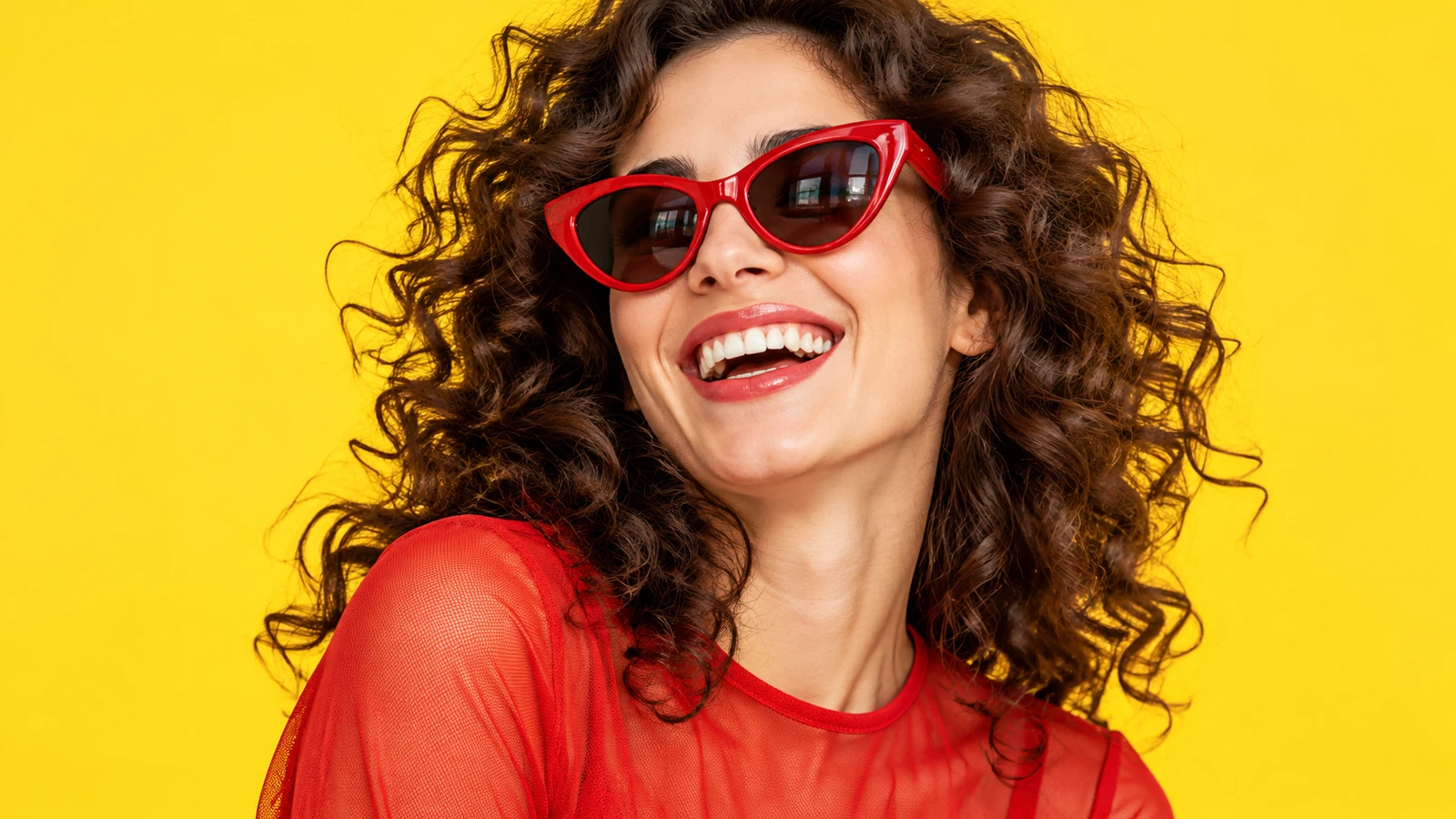
A laughing woman in oversized red cat-eye sunglasses against a flat yellow background.
Claude
GitHub
Google
Linear
Microsoft
Monday
Netlify
Notion
OpenAI
Sentry
Slack
Stripe
Supabase
Claude
GitHub
Google
Linear
Microsoft
Monday
Netlify
Notion
OpenAI
Sentry
Slack
Stripe
Supabase

What Combining Two Images Really Requires

A combiner is not a paste tool. Two photos arrive with different light, different white balance and different focus, and the merge only reads as real when all three agree. The work is choosing which image owns the face, which owns the light and which owns the floor, then saying that in the prompt. A AI Background Remover helps when the subject needs cutting out first, and an AI Image Editor takes over once the merge exists.

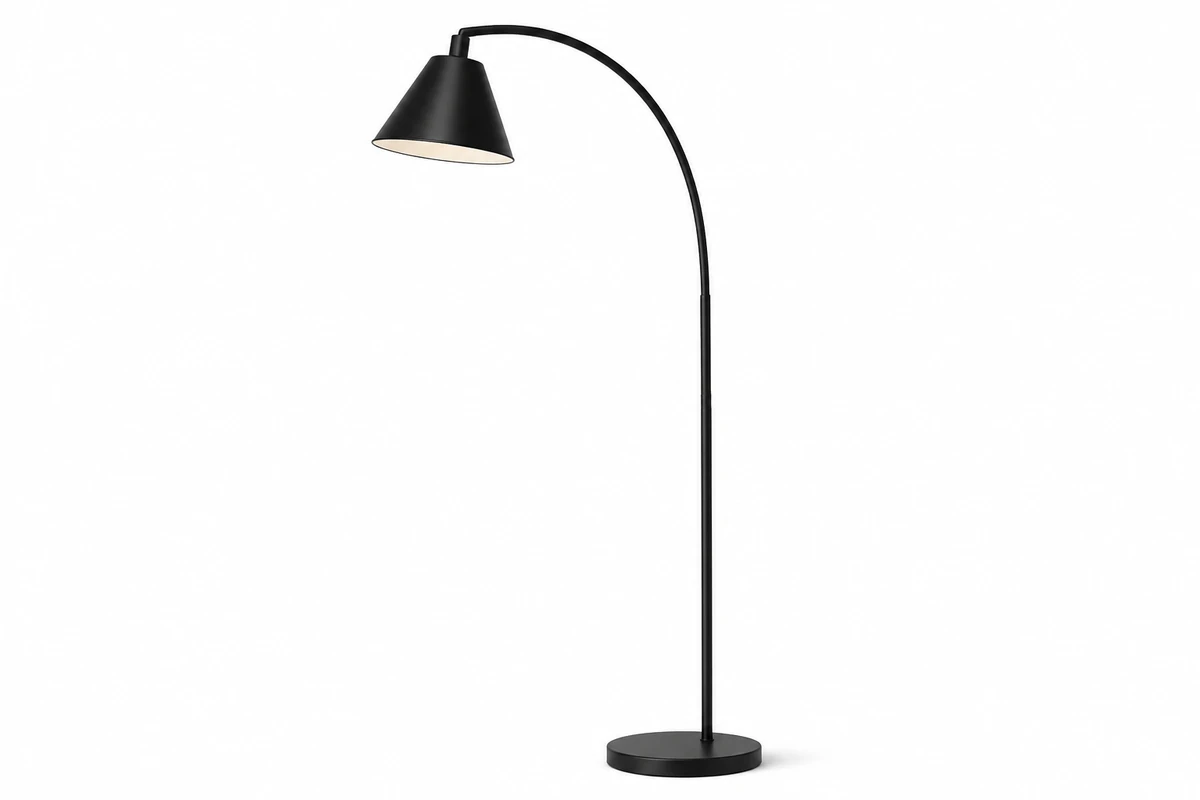
A single black arc floor lamp isolated on white.

Name a role for every upload

The most common failure in a two-image merge is that the model averages them: half a product, half a person, neither. Give each upload a job in the prompt — image 1 is the object, image 2 is the face — and repeat it once more at the end. When the subject is a portrait being placed into a new setting, this is the same rule that keeps the likeness in an AI Art Generator from Image, and a Photo Face Swap applies it to a clip rather than a still.
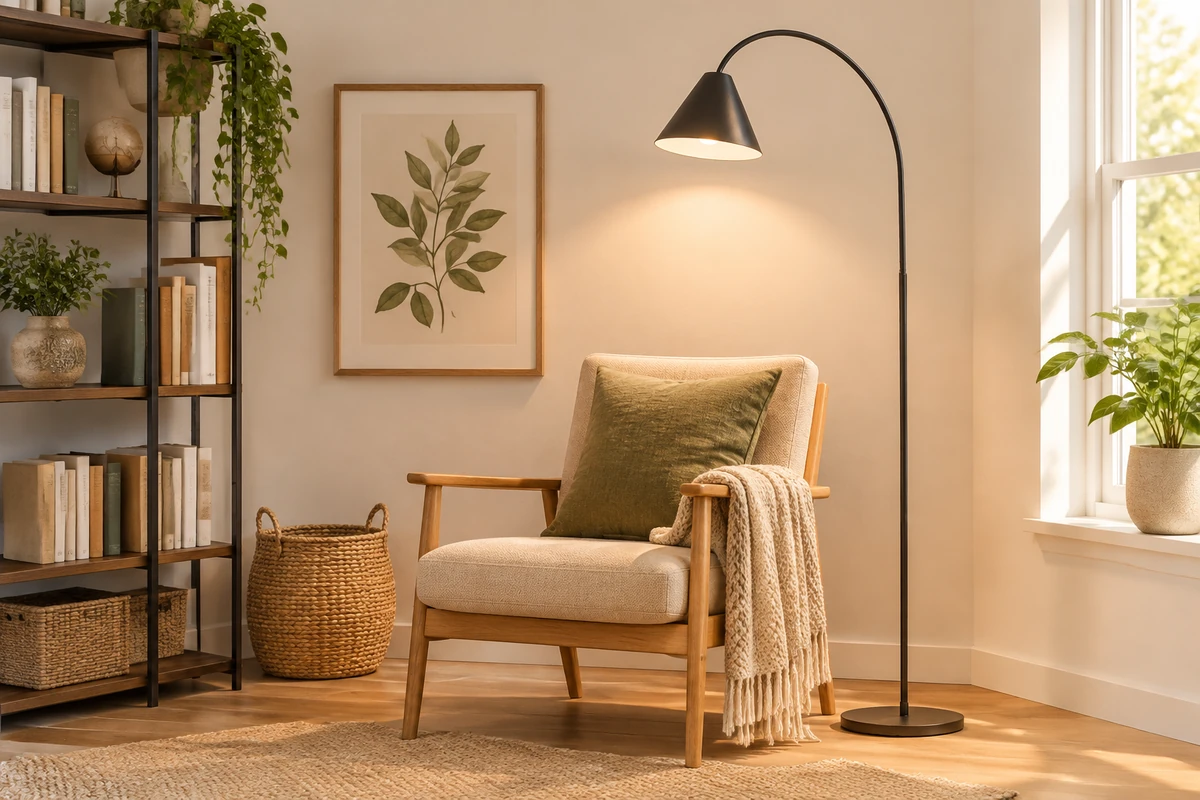
The same arc floor lamp lit beside an oak armchair and bookshelf in a warm reading corner.

Light direction decides the truth

Look at the shadows in the scene photo before you write anything: which side the window sits on, whether the light is hard or soft, whether the floor is glossy. Then state that direction for the subject. A product lit from the left dropped into a room lit from the right is the single fastest way to make a merge look pasted, and no amount of prompting afterwards repairs it. If the object has to sit in several rooms, the AI Product Image Generator repeats the same placement at catalogue scale.

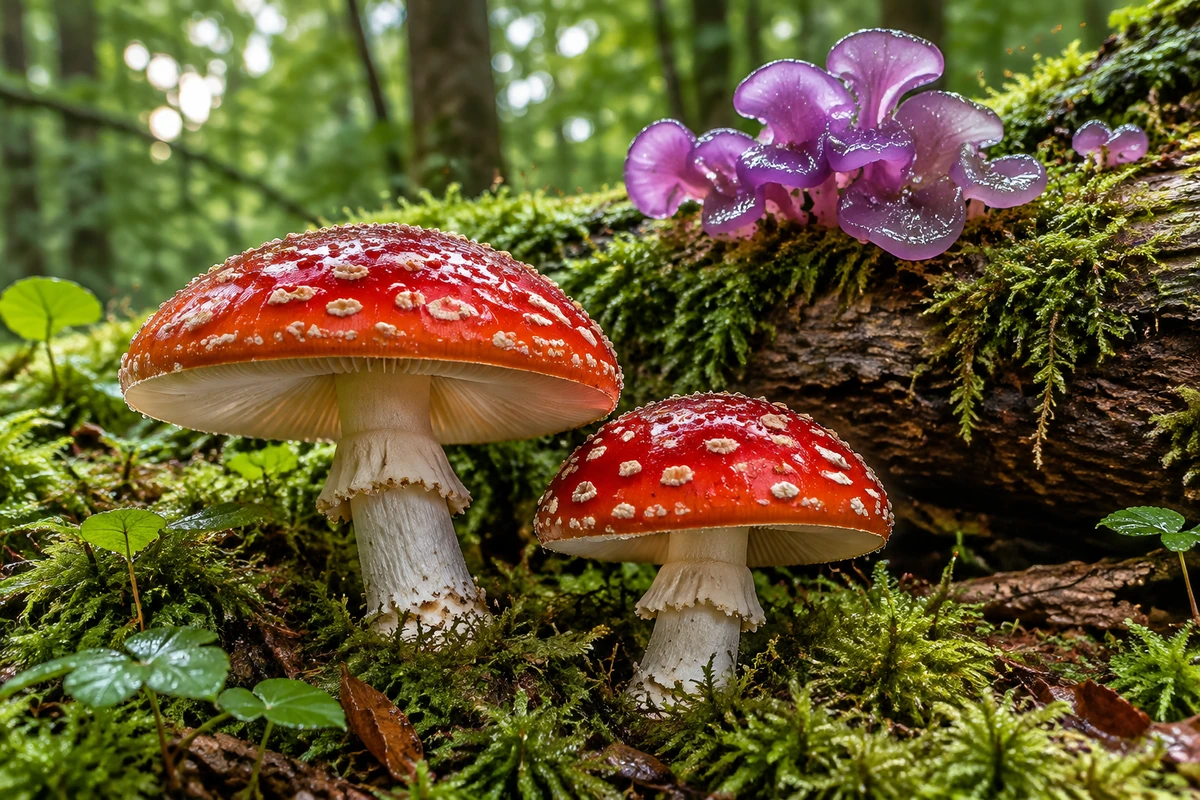
Scarlet fly-agaric mushrooms and violet jelly fungi on a mossy forest log.

Contact shadow is the giveaway

What sells a merge is not detail, it is contact: the soft shadow where an object meets the surface, the way a figure's feet darken the rug, the small occlusion where a hand grips a handle. Ask for it explicitly, name the surface, and keep the shadow soft and directional. Without it the object floats, and floating objects are what people mean when they say a composite looks fake.

What you can do with Ottermind

Put a product into a real room

A lamp, a chair or a bag photographed on a white background goes into a styled room without a second shoot, as long as the light direction and floor shadow are described. Use the AI Product Image Generator when you need the same placement at catalogue scale.

Dress a portrait with a new accessory

Try sunglasses, a hat or jewellery on a portrait you already have, keeping the smile and skin texture while the accessory takes the scene's light.

Build a group shot that never happened

Place several people into one scene for an invitation, a birthday card or a team page, with each face named separately so nobody merges into a neighbour.

Drop a figure into a landscape

Set a person, a pet or an object into a field, a street or a forest, with the fog, the sun and the ground plane carrying the colour instead of the subject.

How to Combine Two Images in Three Steps

Step 01

Upload the subject and the scene

Put the thing you are keeping first and the place you are going second, because the order helps the model keep them apart. Check both at full size: a small face inside a group photo loses too much detail to survive a merge.

Step 02

Describe how they meet

Name each image's role, the direction of the light, and where the object touches the ground. One sentence per job beats a paragraph of adjectives.

Step 03

Compare the merge against both originals

Put the result beside each source at the same crop and look for a colour cast, a mismatched shadow, or a scale that drifted. Then keep or regenerate.

Why creators choose Ottermind

Both images keep their own role

Each upload is addressed by name in the prompt, so the model stops averaging the object and the face into one shape.

Light matched on purpose

You state the key direction once and the subject follows the scene instead of keeping the studio light it was shot with.

Contact shadow included

The object sits on the surface with a soft shadow under it, rather than hovering above the floor as a cut-out.

Try the prompt before signing up

The public experience runs without an account for a limited number of rounds, so a first merge can be tested before any plan matters.

Continue from the same uploads

The description and the files stay with the task, so a small revision reuses the same sources instead of rebuilding the scene from memory.

Edits after the merge stay in one place

Refining the result happens in the same workspace with an AI Image Editor, without exporting to a second tool.

Frequently asked questions

What is an AI image combiner?

It is a tool that merges two or more images into one new picture, rebuilding the scene rather than cutting and pasting. You upload the sources, describe how they should meet, and the result is generated with matched light, scale and contact shadow. An AI Image Editor is the natural next step once the merge exists.

How many images can I combine?

Two is the reliable count, and each one needs a named role in the prompt. More sources work when they are separate elements in one scene, such as several people, but every additional image adds another chance for the model to blend details that should stay apart.

Why does the merge look pasted?

Almost always a light-direction mismatch or a missing contact shadow. Check which side the window is on in the scene photo, restate it for the subject, and ask for a soft shadow where the object meets the floor. A floating object with a studio highlight reads as a cut-out no matter how good the edges are, and shrinking the merge into a smaller frame, like an Avatar Maker from Photo, makes the weak contact less obvious rather than fixing it.

Can I combine a photo of myself with a different background?

Yes. Upload your photo as the face reference and the background as the scene reference, then say which is which. Keep to photos you have the right to use, and when the scene comes from someone else's shot, make sure you can publish the result. If you only want the background changed, a AI Background Remover is the lighter route.

Is the AI image combiner free to try?

You can use the public experience without signing up for a limited number of free rounds, so testing one merge costs nothing beyond that. We do not promise unlimited free use, and account-based options stay behind an account.

Will the faces in the merge stay sharp?

They stay sharp when the face is large in the source and stays large in the result. A small face cropped from a wide group photo loses detail that no merge restores, and pushing a merge to a much bigger frame than the source softens it further.

Discover more

More from the blog

Merge once, then compare it to both originals

Upload the two sources, describe the light and the contact point, and check the first merge at full size before committing to a set.

Combine the images