YouTube Description Generator for Clear, Editable Video Copy

Give Ottermind your video details and get a structured description draft you can refine for accuracy, voice, and viewer value.

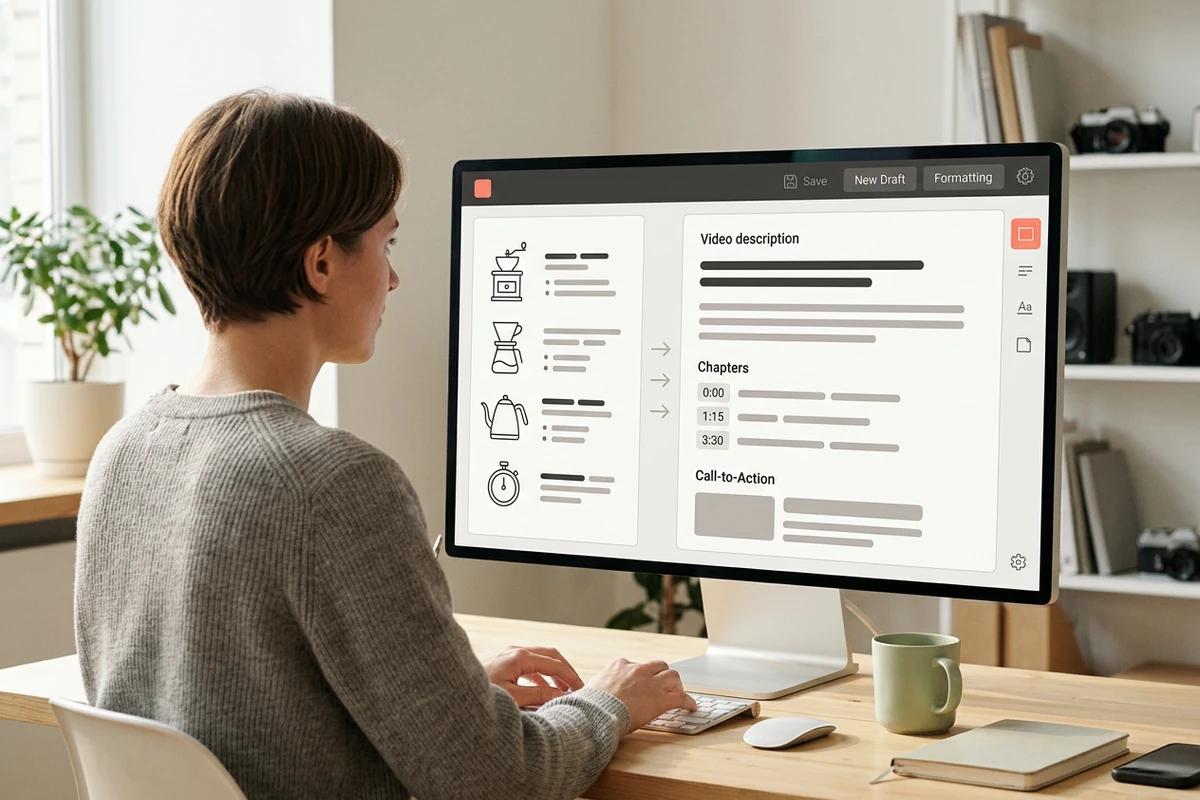
Creator turning home coffee tutorial notes into a structured video description in an unbranded editor
Claude
GitHub
Google
Linear
Microsoft
Monday
Netlify
Notion
OpenAI
Sentry
Slack
Stripe
Supabase
Claude
GitHub
Google
Linear
Microsoft
Monday
Netlify
Notion
OpenAI
Sentry
Slack
Stripe
Supabase

Build the Draft From Real Video Details

A useful YouTube description generator needs more than a title. Give Ottermind the topic, audience, key points, preferred voice, primary phrase, chapter times, links, and desired next action. A clear How to Write AI Prompts That Actually Work helps collaborating agents produce a specific draft instead of generic filler.

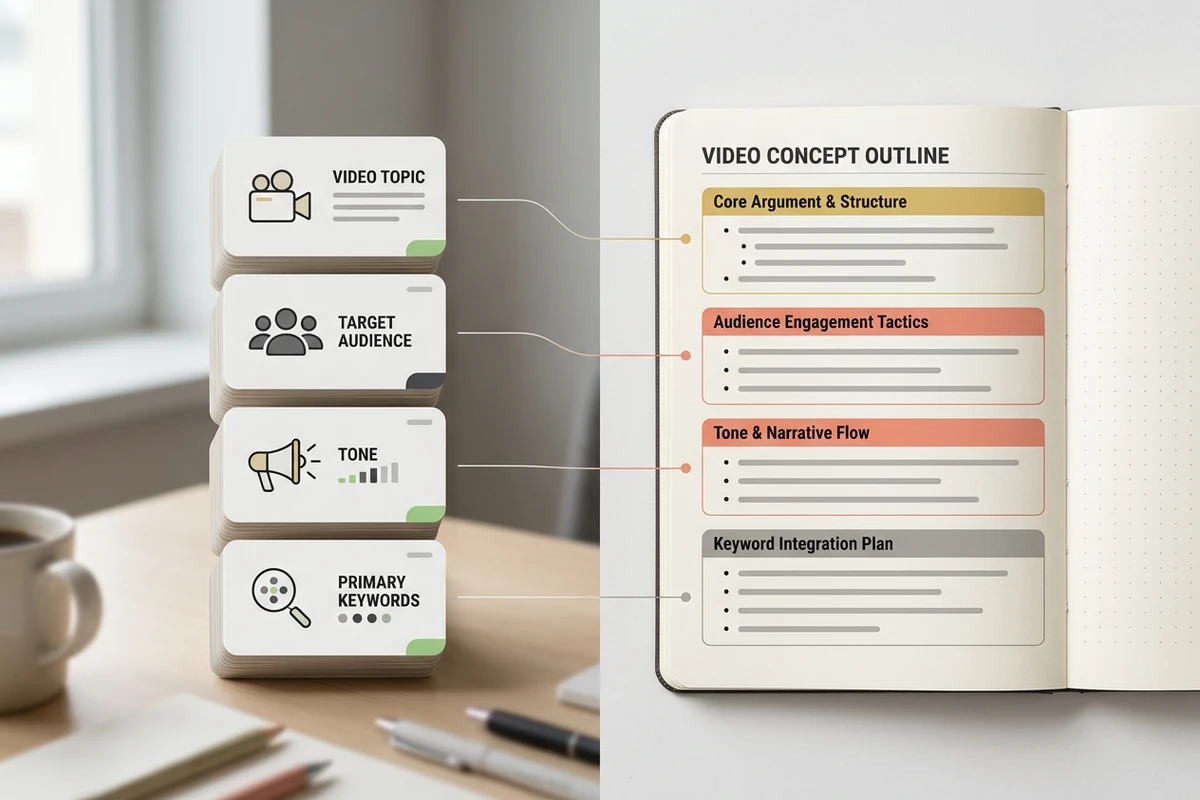
Content brief inputs for topic, audience, tone, and keywords shaping a specific description outline

Brief the Video Before Generating

Start with what the video actually contains and who should watch it. Add the intended takeaway, essential names, approved links, and any wording to avoid. This context gives agents material for a truthful description and can later support a matching AI Social Media Post Generator.

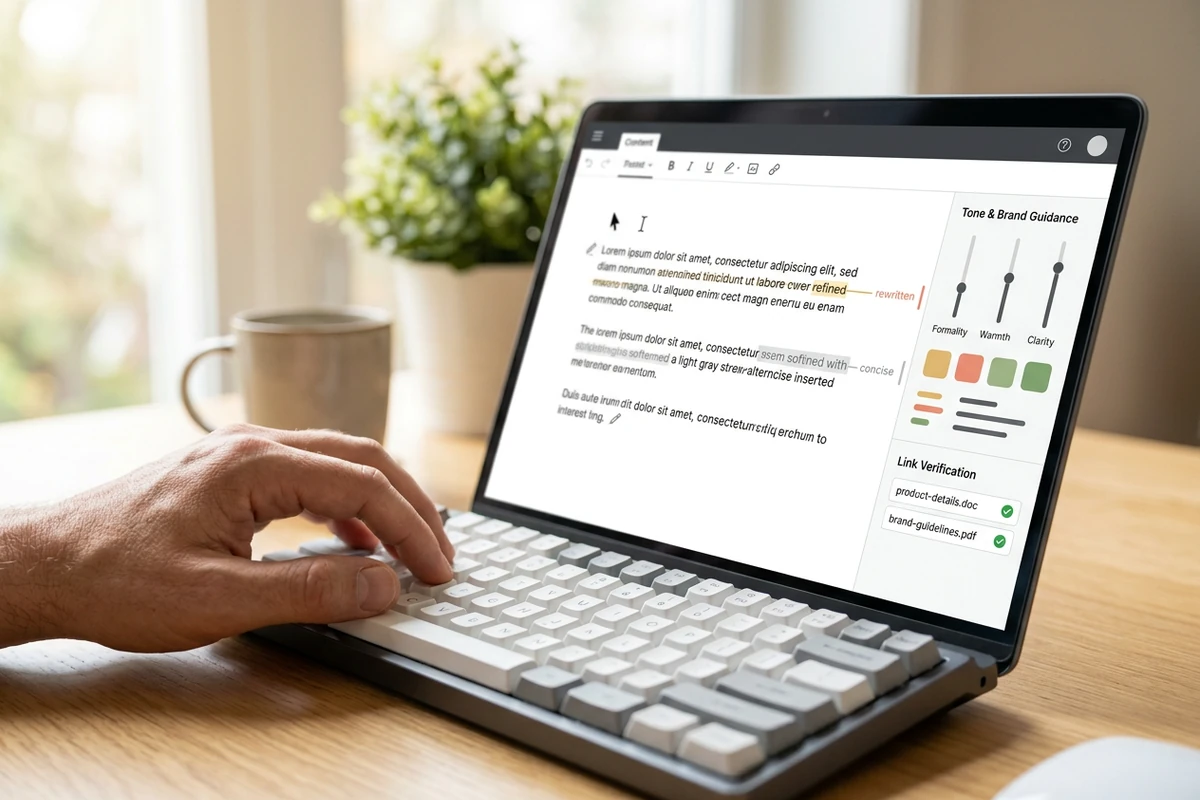
Human editor refining a description draft with tone guidance and verified links

Edit the Draft Into Your Voice

Treat generated copy as a working draft. Remove claims the video does not support, replace stock phrasing, verify names and links, and adjust the call to action. Ottermind can retain project preferences across related work, helping later drafts follow feedback without promising identical results.

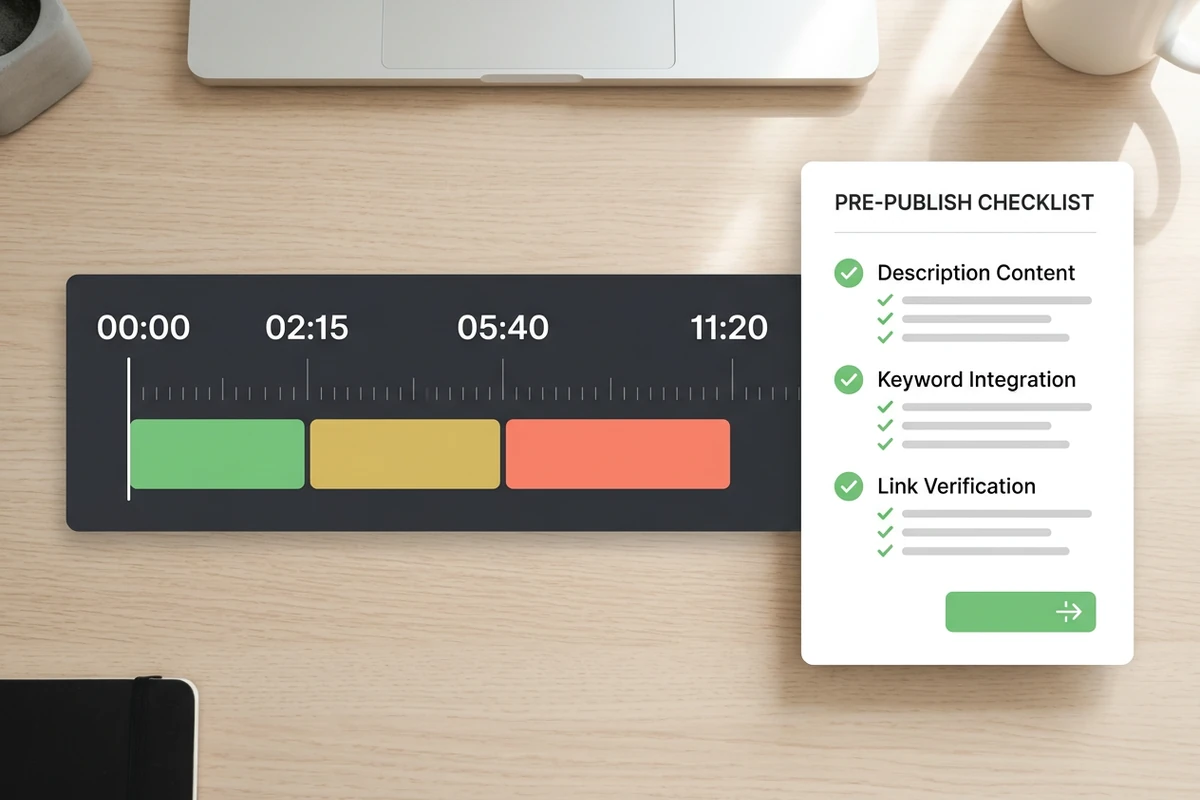
Chapter timeline starting at 00:00 beside checks for description uniqueness, keywords, and links

Run a Practical Publish Check

Check the opening lines first, keep keywords natural, and confirm every link. For manual chapters, YouTube requires the first timestamp to start at 00:00, at least three timestamps in ascending order, and chapters of at least ten seconds. Generate related Hashtag Generator as a separate decision.

Create a YouTube Description in Three Steps

Step 01

Gather the Source Details

Write down the video topic, audience, key points, names, links, desired action, and any real chapter times. Mark unknown details as placeholders rather than inviting guesses.

Step 02

Request a Structured Draft

Enter those details in the prompt composer and ask for an opening summary, supporting context, optional chapters, links, and one clear call to action in your preferred voice.

Step 03

Review Before Publishing

Compare every sentence with the finished video. Rewrite generic lines, confirm spelling and destinations, test chapter order, then paste only the approved description into YouTube Studio.

Why creators choose Ottermind

Context-Rich Starting Point

Agents can use your topic, files, decisions, and project context to shape a more grounded first draft.

Multi-Step Refinement

Collaborating agents can help revise structure, tone, and calls to action instead of ending at one response.

Visible Review

Agent work remains visible, so you can inspect the description and approve critical actions before using it.

Reusable Preferences

Ongoing project feedback can inform later drafts and companion assets such as a Slogan Generator.

Connected Creator Work

Continue from description planning into visuals, campaign assets, or AI video generator in one workspace.

Human-Controlled Output

You decide what context is used, what should be remembered, and which final wording is ready to publish.

FAQ

What should a YouTube video description include?

Start with a unique summary of the specific video, especially in the first few lines. Add useful context, chapter times when relevant, verified links or credits, and a clear next action. Keep recurring channel information below the video-specific opening.

Do YouTube descriptions improve video rankings?

Descriptions can help viewers find and understand a video, especially when the title and description use one or two relevant phrases naturally. They do not guarantee rankings, views, or recommendations. Avoid keyword stuffing and prioritize an accurate summary of the actual content.

What details should I give the generator?

Provide the title or topic, target viewer, main takeaway, key points, tone, primary phrase, real chapter times, approved links, credits, and desired call to action. The more factual source material you provide, the less room there is for generic or invented copy.

Can it create YouTube chapter timestamps?

It can format chapter times that you supply, but a prompt alone cannot establish where moments occur in a finished video. Record the real times while reviewing the video, begin at 00:00, list at least three in ascending order, and verify every label before publishing.

How long should a YouTube description be?

Use only the length needed to explain the video and provide useful next steps. YouTube allows up to 5,000 characters, but filling the limit is not the goal. Put the specific summary first, then supporting details, chapters, links, credits, and channel information.

Should I publish an AI-generated description unchanged?

No. Compare it with the finished video, remove unsupported claims, verify names and links, and rewrite generic phrasing in your voice. For adjacent channel decisions, use the YouTube Name Generator separately rather than mixing naming into the description brief.

Discover more

What they say about Ottermind

Ottermind helped us turn a rough campaign brief into several strong visual directions without losing the original intent. We could compare different compositions, keep the references beside the work, and refine the strongest concept in one place. That made the entire review process feel faster and much more focused.

Maya Chen - Product Marketing Lead

More from the blog

Draft Your Next YouTube Description

Bring the finished video's topic, audience, key points, links, and real chapter times. Ask Ottermind for a structured draft, then review every detail before publishing.

Create Description Draft