






Quiz Maker for Clear Visual Multiple-Choice Study Quizzes

Describe the subject, level, and question count. Generate visual quiz cards with Ottermind, then revise stems, options, and answers until they are accurate enough to practice with.

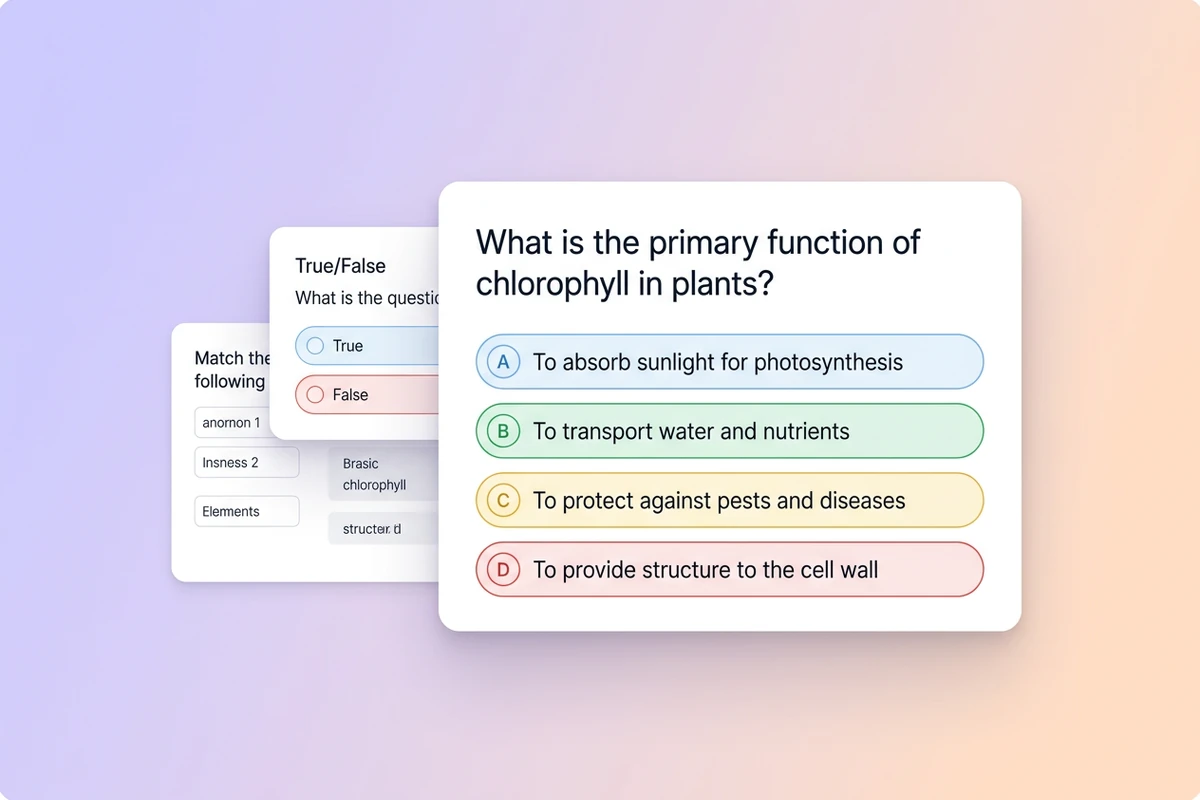
Digital multiple-choice quiz cards on a soft web canvas with A–D options
Claude
GitHub
Google
Linear
Microsoft
Monday
Netlify
Notion
OpenAI
Sentry
Slack
Stripe
Supabase
Claude
GitHub
Google
Linear
Microsoft
Monday
Netlify
Notion
OpenAI
Sentry
Slack
Stripe
Supabase

Turn a Topic into Practice Questions You Can See

A quiz maker should produce questions that are fair, readable, and easy to review on screen—not a dump of vague prompts. In Ottermind, brief the subject and level, generate visual quiz cards with collaborating agents, then check every stem and option before you study. Pair denser review with the Flashcard Maker when you need term-level drills.

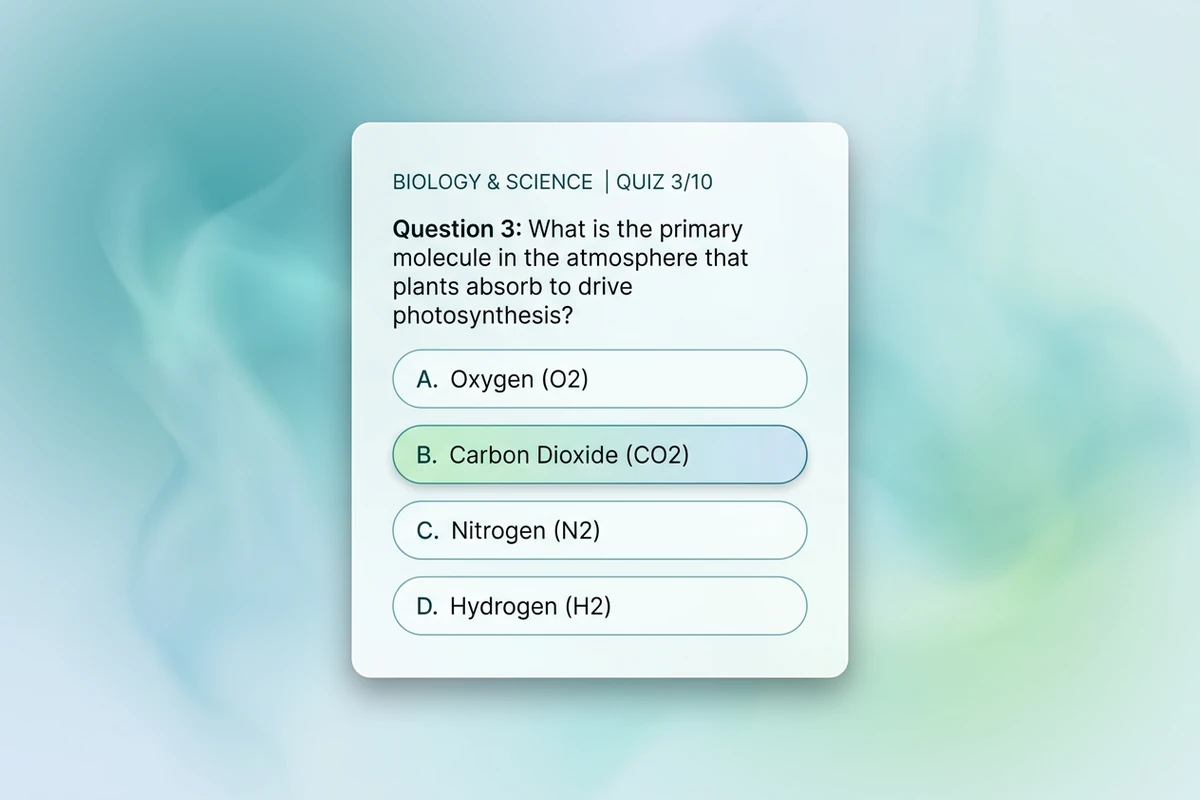
Digital quiz card with a clear stem and four labeled choices on a soft web background

Brief the learning goal first

State the subject, audience level, question count, and what “correct” means before styling. Vague “make a fun quiz” prompts return cute cards with weak learning value. For a chapter outline first, use the Study Guide Generator.
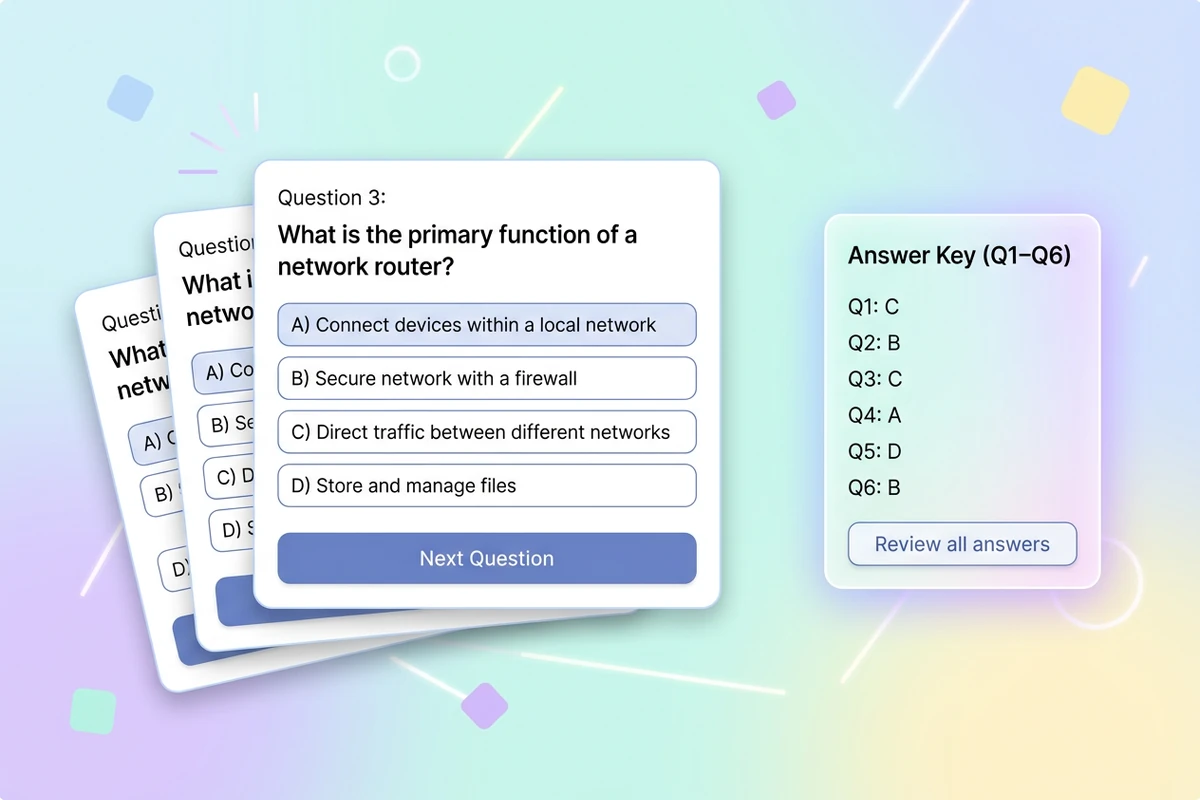
Stack of digital quiz question cards beside a compact answer-key card

Generate stems, options, and a key

Ask for multiple-choice cards with one correct answer and plausible distractors. Keep stems short. Prefer one idea per question. Sharper prompts follow How to Write AI Prompts That Actually Work.

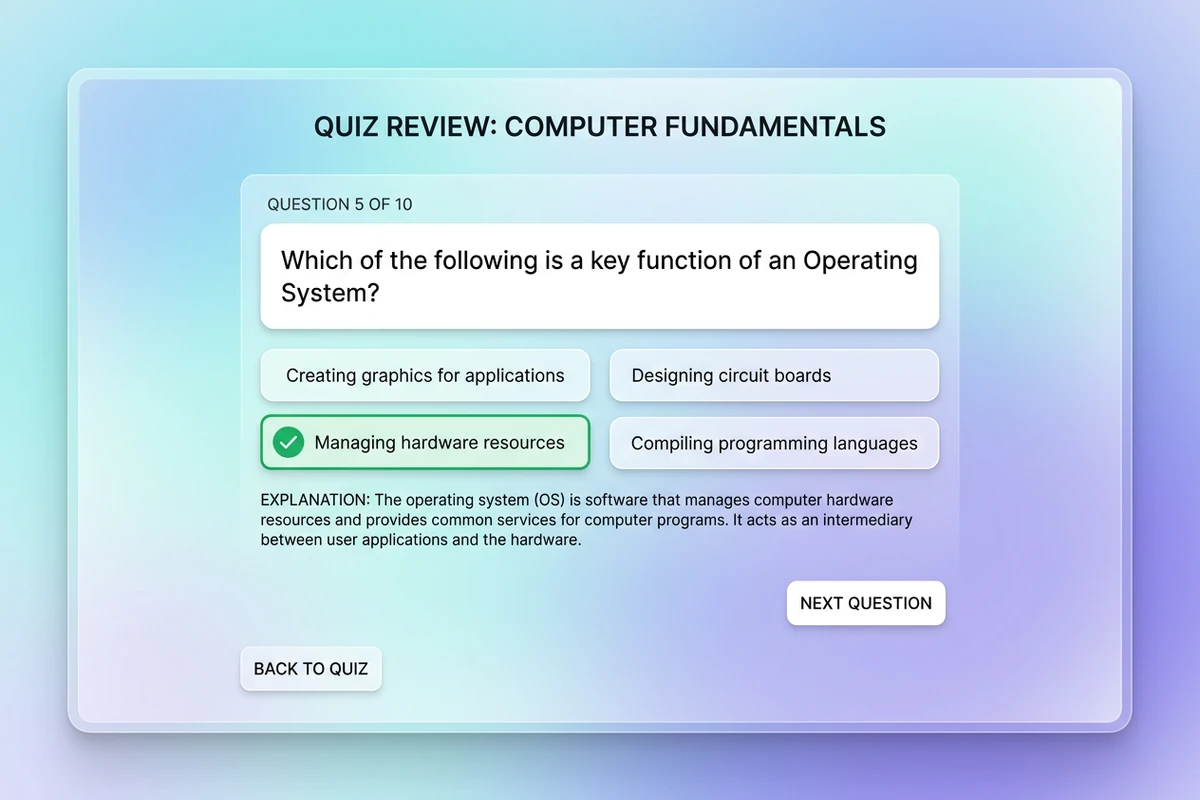
Digital quiz review screen highlighting a correct choice and a short explanation

Verify before you practice

Generated answers can be wrong even when the card looks polished. Check facts, diagrams, and distractors against your source. After the quiz is solid, continue with the Flashcard Maker for missed terms or the Acronym Generator for mnemonics.

What you can do with Ottermind

Check classroom understanding

Turn a lesson into balanced questions that test concepts, application, and common misconceptions rather than simple recognition.

Build employee training checks

Create realistic scenarios around procedures, safety, policy, or product knowledge with explainable answer keys.

Run a community trivia game

Develop accessible rounds across chosen themes, difficulty levels, and audiences without ambiguous answers.

Practice for an exam

Convert verified notes into mixed question types, then review every key against the source before studying.

How to make a visual quiz

Step 01

Lock the quiz brief

List subject, level, question count, and topics to include or avoid. Mark facts that must stay exact.

Step 02

Generate question cards

Ask for stems, A–D options, and an answer key. Prefer fair distractors over trick wording.

Step 03

Revise and verify

Fix ambiguous stems, double answers, and wrong keys. Approve only questions you would trust in a real study session.

Why creators choose Ottermind

Clear stems before decoration

Brief the learning goal so this quiz maker does not open with vague trivia fluff.

Study context retained

Keep subjects, levels, and approved question banks organized while you expand the same quiz.

Focused revision passes

Ask separately to harden distractors, shorten stems, or unify card style without discarding the brief.

Compare quiz directions

Generate easy, medium, and challenge variants of the same topic before you pick a set.

Pair with flashcards

Turn missed quiz terms into drills with the Flashcard Maker.

Continue in Studio

Take approved quiz cards into Studio with the original study brief still attached for final polish.

Frequently asked questions

What is a quiz maker?

A quiz maker turns a topic brief into practice questions—often multiple choice with an answer key. In Ottermind, you describe the subject and level, generate visual quiz cards with collaborating agents, then revise for accuracy. It does not invent curriculum standards you did not supply.

Is this for on-screen quizzes or printable worksheets?

This page targets clear digital quiz cards you can review on screen. If you need printable worksheets later, export or redesign from an approved set after verification.

What should I include in the prompt?

Include subject, audience level, question count, question type, and topics to include or avoid. Vague “make a quiz” prompts usually return uneven difficulty and weak distractors.

How is this different from a flashcard maker?

Flashcards drill term ↔ meaning pairs. A quiz maker builds questions with options and a key so you can check understanding under light test conditions. Many learners use both.

Can generated answers be wrong?

Yes. Treat every key as a draft. Verify stems, options, and explanations against your source before you practice from them.

What should I create after the quiz?

Lock the set, then turn missed terms into cards with the Flashcard Maker or a chapter overview with the Study Guide Generator.

Discover more

More from the blog

Make quizzes worth practicing

Bring the topic, level, and question count. Generate visual quiz cards with this quiz maker, revise carefully, and keep the study brief connected in Ottermind.

Make a quiz


