






Flashcard Maker for Visual Study Cards You Can Actually Memorize

Brief the subject, the term or prompt, and the look you want. Generate illustrated flashcard images with Ottermind, then refine until front and back are clear enough to study from.

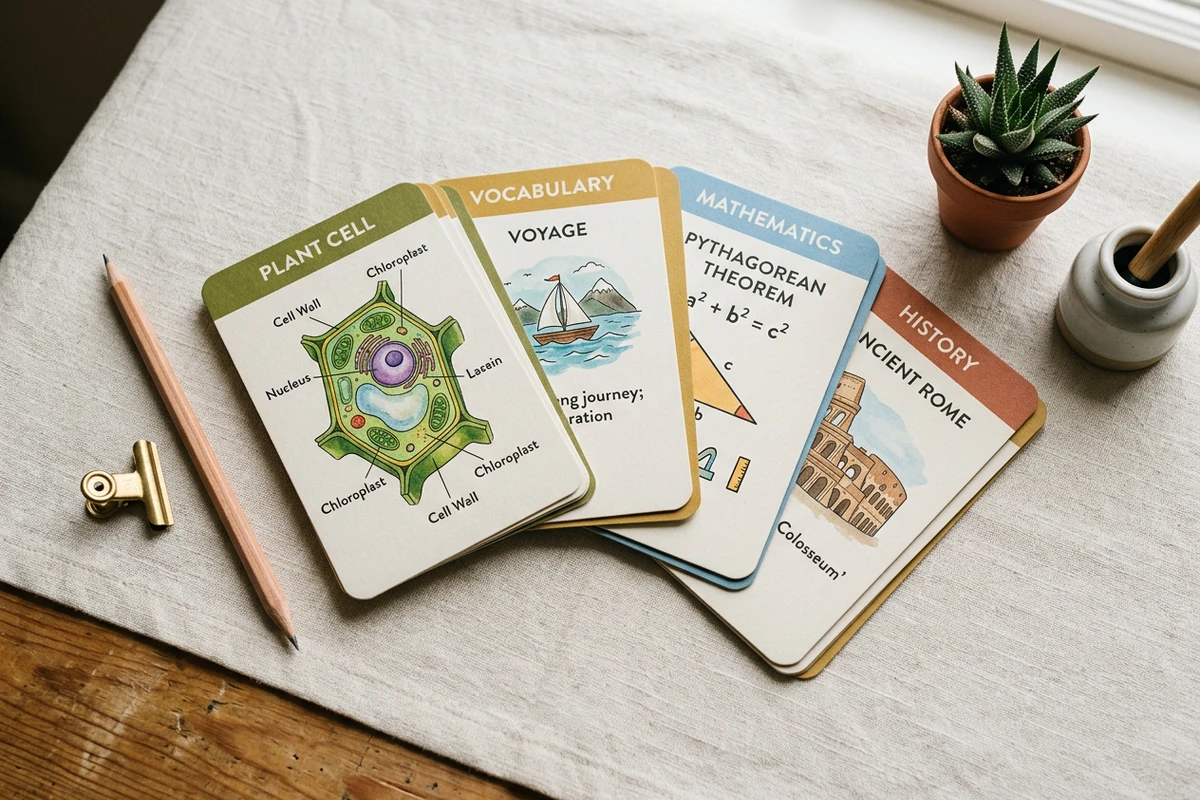
Attractive flat-lay of illustrated study flashcards for biology and language topics
Claude
GitHub
Google
Linear
Microsoft
Monday
Netlify
Notion
OpenAI
Sentry
Slack
Stripe
Supabase
Claude
GitHub
Google
Linear
Microsoft
Monday
Netlify
Notion
OpenAI
Sentry
Slack
Stripe
Supabase

Turn Study Topics into Cards Worth Looking At

A flashcard maker should produce cards you want to pick up—clear fronts, short backs, and a visual that carries meaning. In Ottermind, describe the subject and style, generate card images with collaborating agents, then revise weak wording or cluttered art before you print or review. Treat every card as a draft until terms, definitions, and diagrams are accurate.

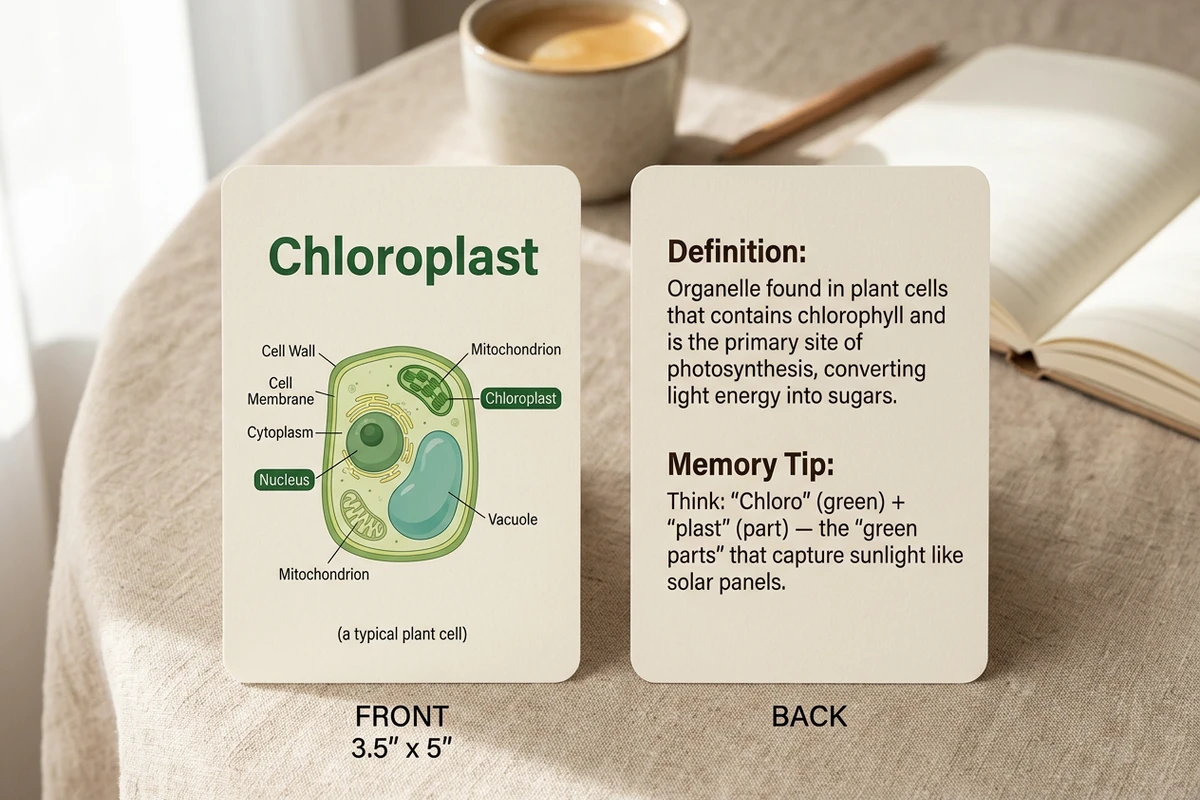
Front and back of a plant-cell flashcard: illustrated labeled cell on front, short definition on back

Brief the term before the decoration

Start with subject, exact term or question, what must appear on the back, and only then the visual style. Vague “make nice flashcards” prompts return pretty clutter with weak memory value. For a denser study outline first, use the Study Guide Generator.
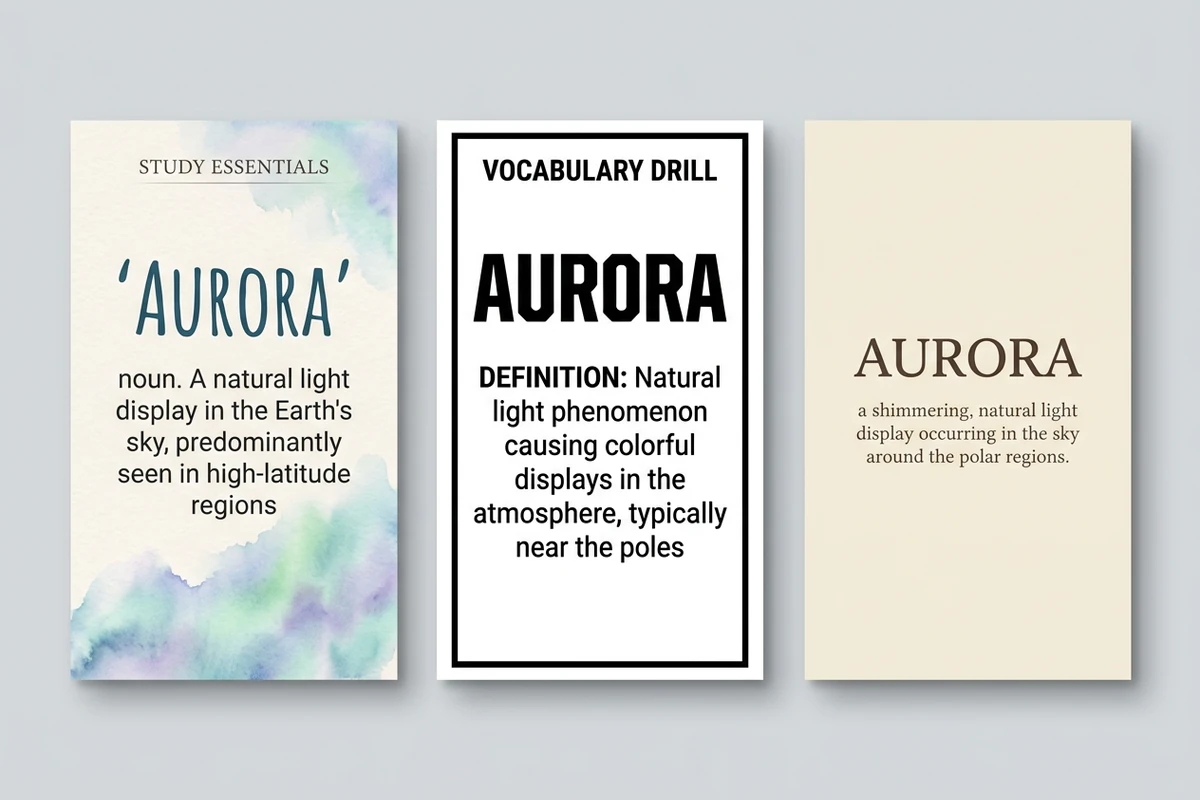
Three visual styles of the same vocabulary flashcard: soft pastel, bold exam, and minimal typographic

Compare styles for the same deck

Keep the same terms while trying a soft pastel study look, a bold exam style, and a minimal typographic set. Pick one system so the deck feels coherent when you flip through it. Sharper prompts follow How to Write AI Prompts That Actually Work.

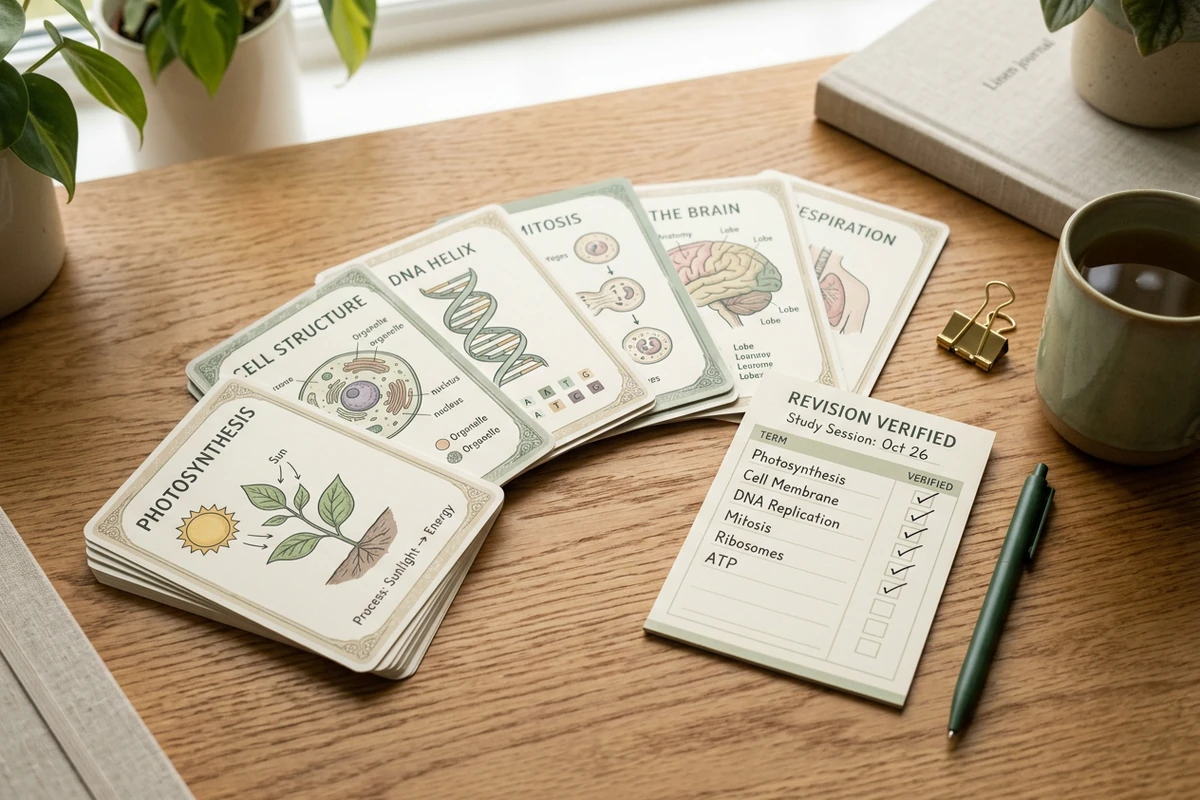
Fanned study deck of illustrated flashcards with a checklist marking verified terms and labels

Check accuracy before you memorize

Generated labels and definitions can be wrong even when the art looks polished. Verify every term, diagram label, and memory tip against your source material. After the deck is solid, continue with the Acronym Generator for mnemonics or the Study Guide Generator for a chapter overview.

What you can do with Ottermind

Memorize a language

Create cards for vocabulary, pronunciation, example sentences, and common confusions using source material you trust.

Study anatomy or science

Turn labeled diagrams, definitions, processes, and relationships into focused recall prompts rather than crowded mini-pages.

Prepare for a certification

Build scenario cards around rules, procedures, exceptions, and decisions likely to appear on the exam.

Review a lecture series

Convert an approved Study Guide Generator into small question-and-answer cards and verify every answer before practice.

How to make visual flashcards

Step 01

Lock the learning brief

List subject, audience level, exact terms, what belongs on the back, and style. Mark facts that must stay exact.

Step 02

Generate card images

Ask for front/back pairs with one clear visual and short text. Prefer one idea per card over dense paragraphs.

Step 03

Revise and verify

Fix cluttered layouts, wrong labels, and weak definitions. Approve only cards you would trust in a real study session.

Why creators choose Ottermind

Visual cards, not text walls

Brief the term and picture so this flashcard maker does not open with unreadable essay cards.

Study context retained

Keep subject, term lists, and winning styles organized while you expand the same deck.

Focused revision passes

Ask separately to simplify backs, strengthen illustrations, or unify style without discarding the brief.

Compare card directions

Generate pastel, bold, and minimal variants of the same terms before you commit to a deck look.

Pair with study writing

Build a chapter outline with the Study Guide Generator before turning key terms into cards.

Continue in Studio

Take approved card images into Studio with the original study brief still attached for final polish.

Frequently asked questions

What is a flashcard maker?

A flashcard maker turns study topics into front/back cards—often with a term or prompt on the front and a short answer on the back. In Ottermind, you describe the subject and style, generate card images with collaborating agents, then revise for clarity and accuracy. It does not invent facts you did not verify.

Is this for image flashcards or plain text?

This page is for visual flashcard images: illustrated fronts, clean backs, and a cohesive deck look. For longer prose study notes, start with the Study Guide Generator, then convert key terms into cards here.

What should I put in the prompt?

Include subject, audience level, exact terms, front vs back content, and style (pastel study, bold exam, minimal). Vague “make flashcards” prompts usually return decorative clutter.

How many cards should I generate at once?

Start with a small set (about 6–12) so you can verify labels and definitions. Expand only after the first batch looks accurate and consistent.

Can generated definitions be wrong?

Yes. Treat every card as a draft. Check terms, diagram labels, and memory tips against your textbook or notes before you study from them.

What should I create after the deck?

Lock the visual system, then draft mnemonics with the Acronym Generator or a chapter overview with the Study Guide Generator.

Discover more

More from the blog

Make flashcards worth studying

Bring the subject, terms, and style. Generate illustrated flashcard images with this flashcard maker, revise carefully, and keep the study brief connected in Ottermind.

Make flashcards


