PDF Summarizer for Traceable Key Points

Paste the PDF passage you need shortened. Distill a summary with key points and action items, then compare every claim with the source before you brief your team.

AI writing
Claude
GitHub
Google
Linear
Microsoft
Monday
Netlify
Notion
OpenAI
Sentry
Slack
Stripe
Supabase
Claude
GitHub
Google
Linear
Microsoft
Monday
Netlify
Notion
OpenAI
Sentry
Slack
Stripe
Supabase
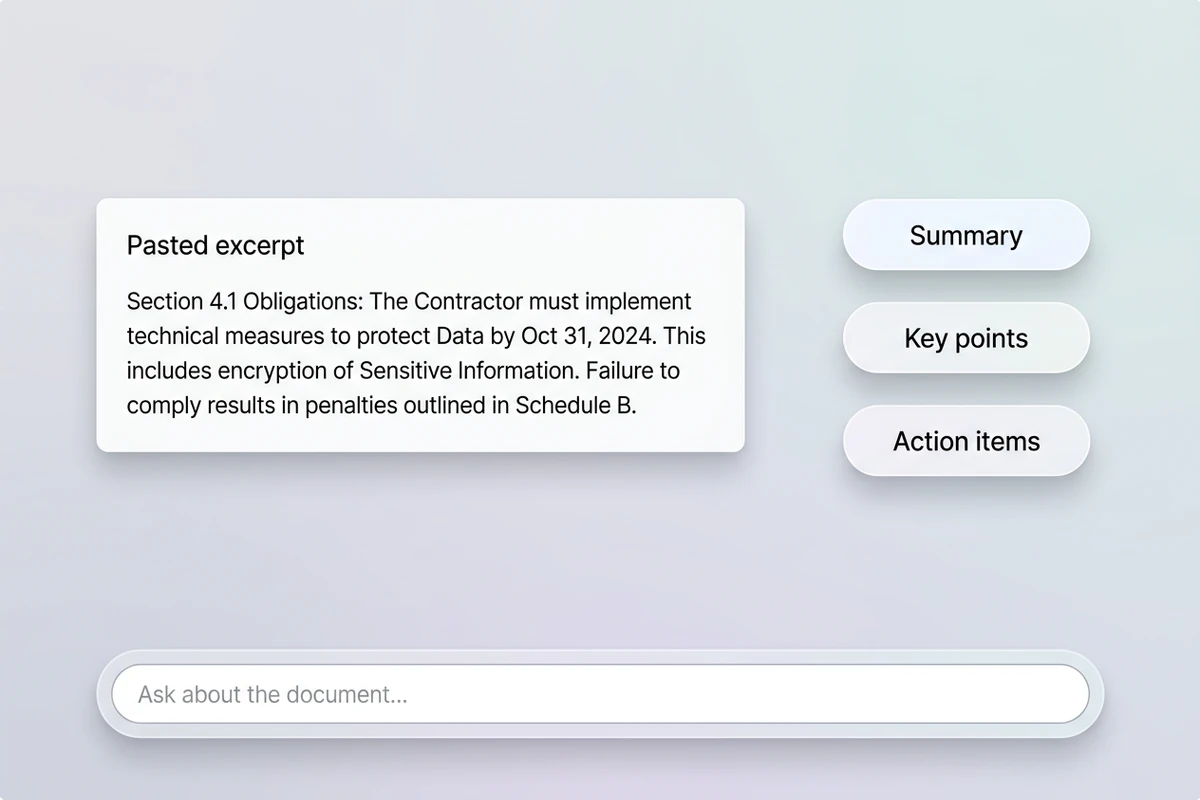
Soft workspace with a pasted document excerpt card beside Summary and Key points chips on quiet pastel mist.

Work from text you control

Upload-first PDF tools can drop citations, merge sections, or attach phantom references. This PDF summarizer is built for pasted PDF text or excerpts you provide in the prompt. Name the audience, length, and must-keep facts so Distill focuses on what you need next. For plain-text documents, try the Text Summarizer.
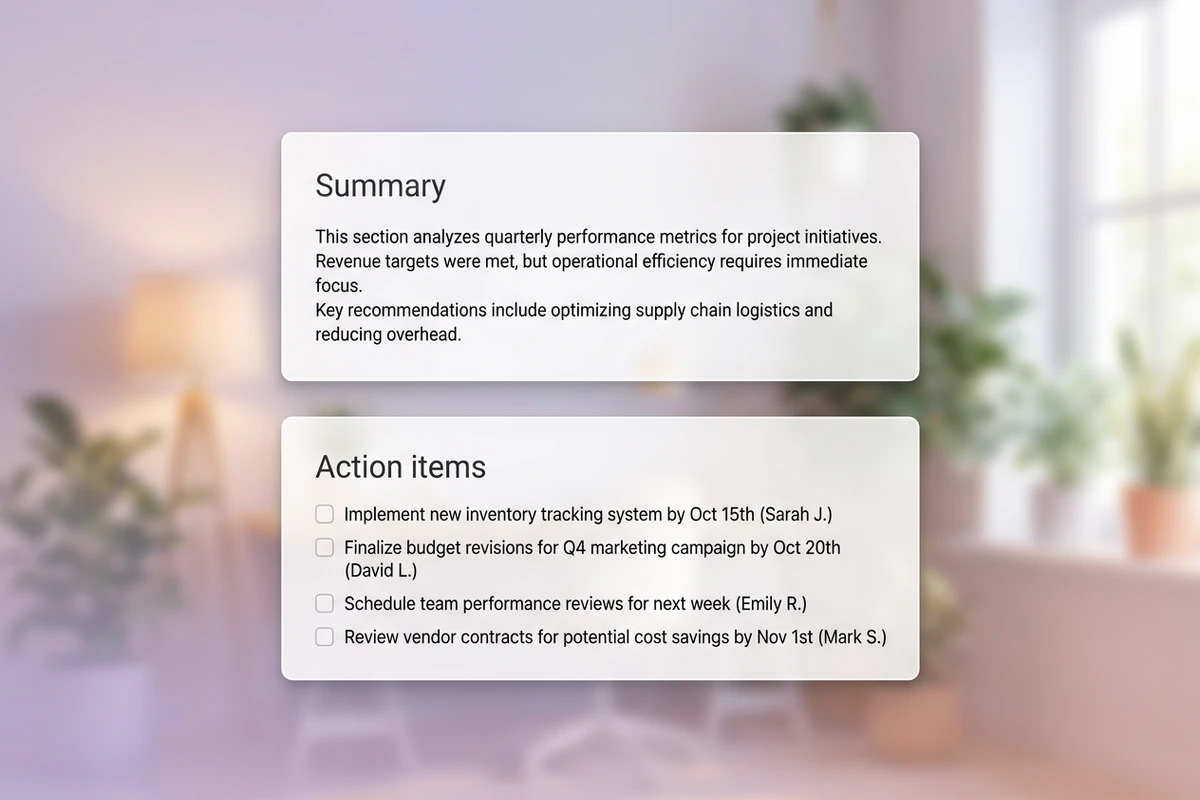
Floating panels showing a short summary card above a separate action-items checklist with real English bullets.

Separate summary from action items

Ask for key points and action items as distinct sections so deadlines and owners do not hide inside narrative prose. Obligations buried in a paragraph are how teams miss compliance dates. For research-heavy reading, continue with best AI research assistants.

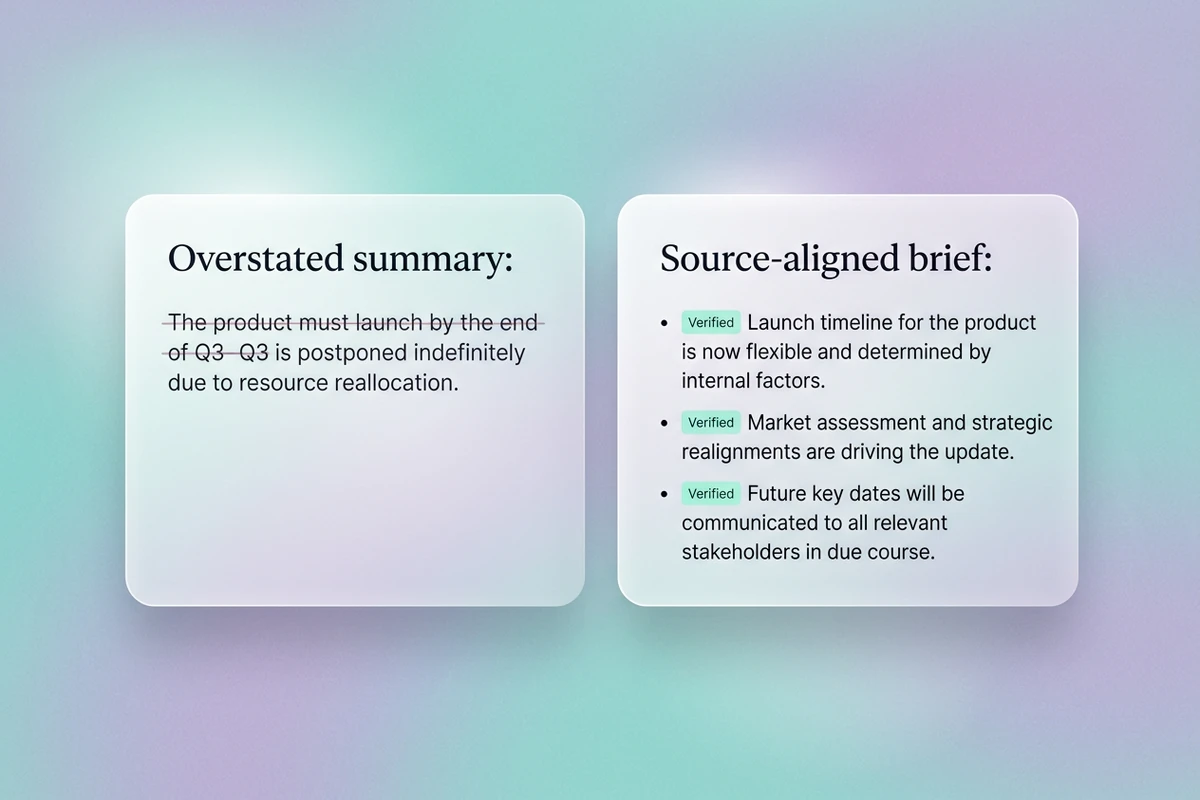
Split floating cards comparing an overstated summary line with a source-aligned revision and verification notes.

Verify before you circulate

PDF summaries can soften obligations, drop caveats, or paraphrase numbers. Compare every claim with the pasted passage before you email or file the brief. When the summary must become a longer decision memo, use the Executive Summary Generator.

What you can do with Ottermind

Brief your team on a long report PDF

Extract findings, risks, and recommended actions without rereading every page before a decision meeting.

Review a contract or policy section

Summarize obligations, exceptions, dates, and undefined terms, then flag clauses that still need professional review.

Prepare stakeholder notes from a research PDF

Distill methodology, evidence, limitations, and implications while keeping cautious claims accurate.

Turn meeting appendices into action items

Separate decisions, owners, and deadlines from background material attached as PDF excerpts.

How to use this PDF summarizer in 3 steps

Step 01

Paste the PDF text

Extract the relevant pages or sections first, then paste the passage plus audience, length, and facts that must stay exact.

Step 02

Choose the output shape

Ask for bullets, risks, deadlines, or open questions so the PDF summarizer matches the document you will send next.

Step 03

Verify, then continue

Fix drift against the source, keep the approved summary attached, and continue related writing in Studio.

Why creators choose Ottermind

Summary plus action

This PDF summarizer can return a summary, key points, and action items instead of only a shorter paragraph.

Paste what you control

Work from PDF text you provide so the summary stays tied to the passage you can verify.

Honest review loop

Treat every PDF summary as provisional and recheck names, numbers, and obligations against the source.

Output shapes you choose

Request bullets, executive brevity, or a follow-up list that matches the next document you must write.

Continue in Studio

Keep source text, summary, and revisions together while you refine in Studio.

Frequently asked questions

What does this PDF summarizer do?

It helps Distill pasted PDF text into a shorter summary, key points, and optional action items. You review the result in Ottermind, then revise until the reading is usable for meetings, reports, or follow-up writing.

Can it upload and read PDF files automatically?

This page is built for text you paste into the prompt. Extract the relevant PDF pages first, then paste that passage into the PDF summarizer so you can verify the output against the source.

How is this different from the Text Summarizer?

Both work from pasted text. Use this PDF summarizer when your source is a PDF excerpt and you want language tuned for document sections, obligations, and action items. Use the Text Summarizer for general notes or unstructured passages.

Will the summary be perfectly accurate?

No. AI summaries can miss nuance, drop citations, or soften obligations. Always compare the output with the original PDF text before you share it or assign work.

Can it replace legal review?

No. It can help you scan and organize PDF content faster, but contractual, regulatory, or compliance interpretation still requires qualified review.

What should I do after I accept a summary?

Keep the source attached, then turn the reading into the next deliverable. For leadership briefs, continue with the Executive Summary Generator.

Discover more

More from the blog

Start with this PDF summarizer

Paste the PDF text you need shortened, request a summary with key points and action items, verify every claim against the source, and keep revisions connected in Ottermind.

Summarize PDF text