Turn a rough idea into a tattoo design you can actually see, explore, and refine. Try different styles, colors, and placements before taking the next step.
Describe your tattoo idea
Describe a tattoo idea — a symbol, feeling, memory, subject, placement, or a few simple details — and turn it into a concept you can explore.
From a rough thought to a tattoo direction that feels like you.
You do not need to know how to draw or write the perfect prompt. Use Tattoo Generator as a visual sketchbook: describe what matters, explore a few directions, and bring the version that feels right into a conversation with your artist.
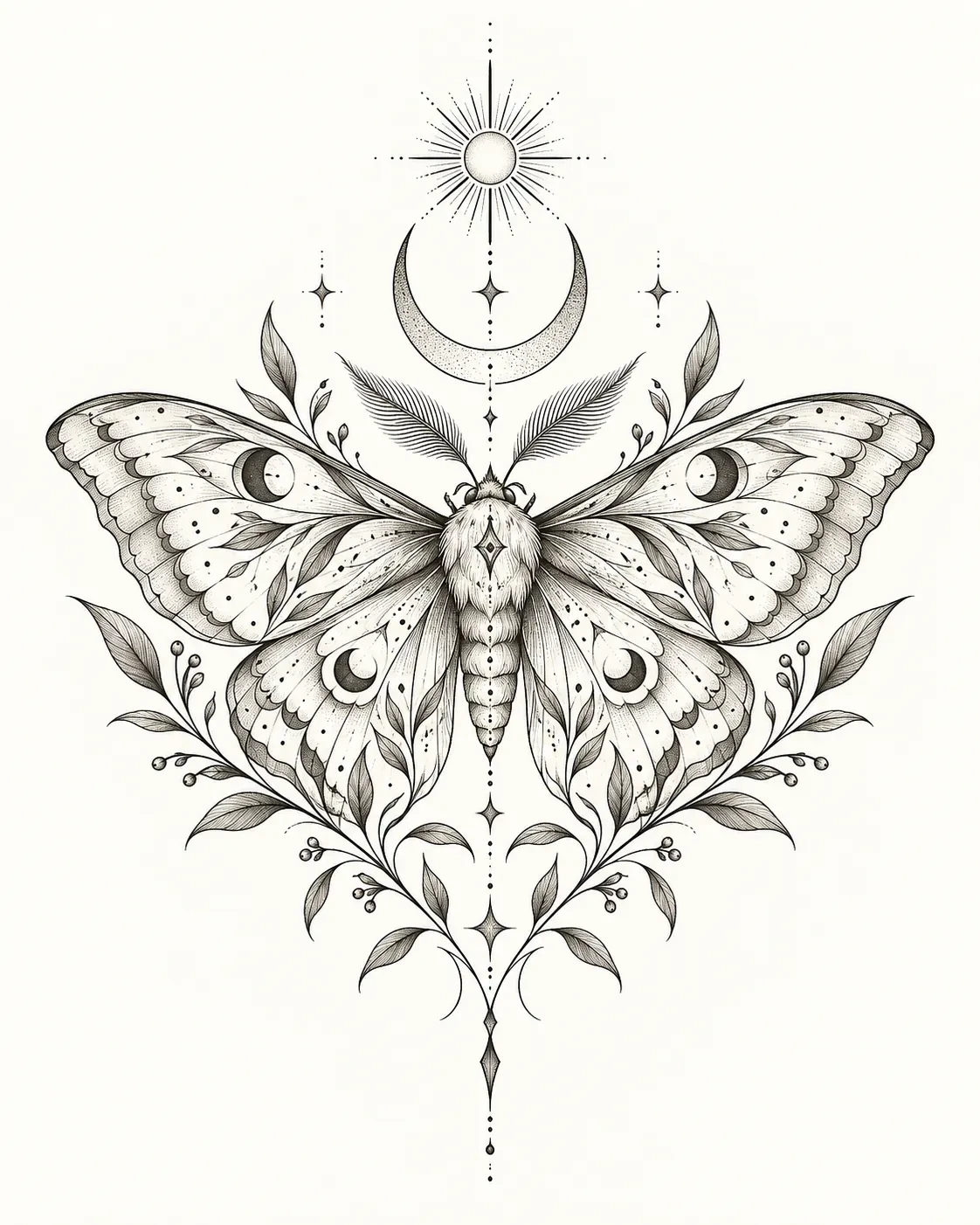
Turn Your Words Into a Tattoo
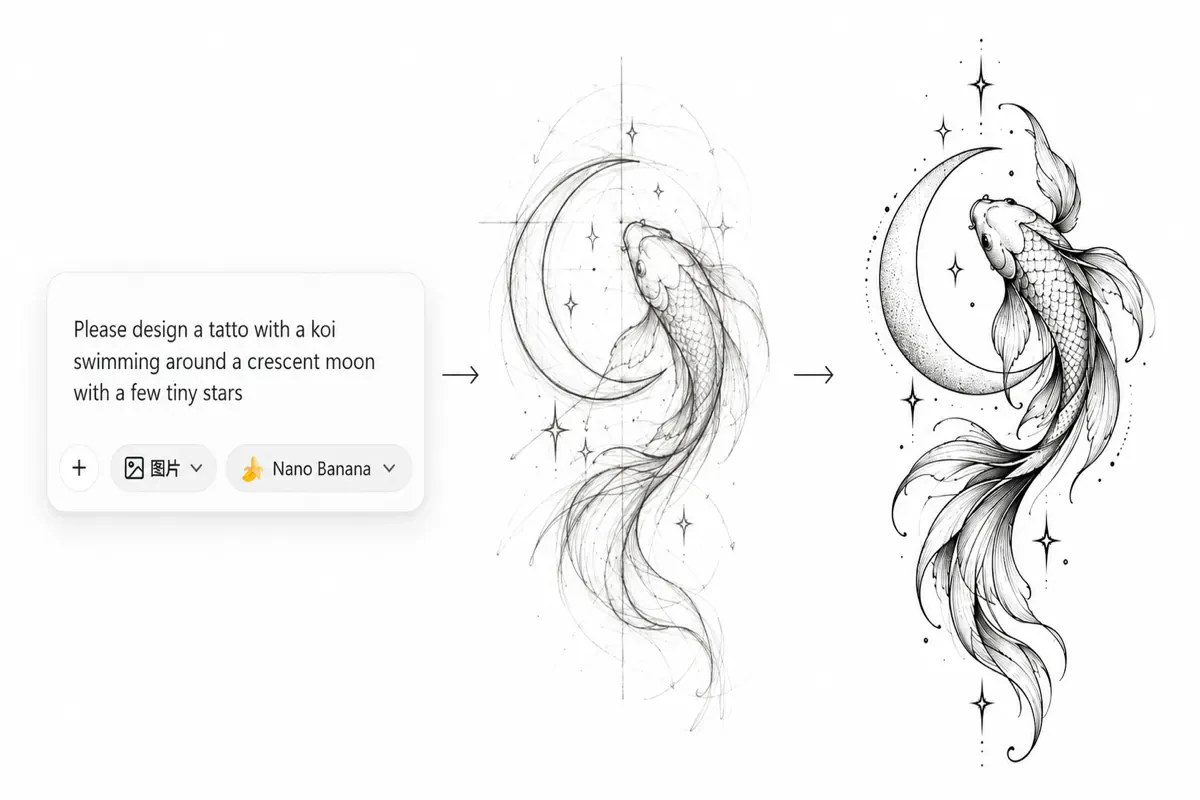
You don’t need to know how to draw — or how to write the perfect prompt. Just describe what you have in mind, even if it’s still a rough idea. Start with a symbol, a feeling, a memory, or a few simple details, and turn it into a tattoo concept you can actually see, explore, and refine.
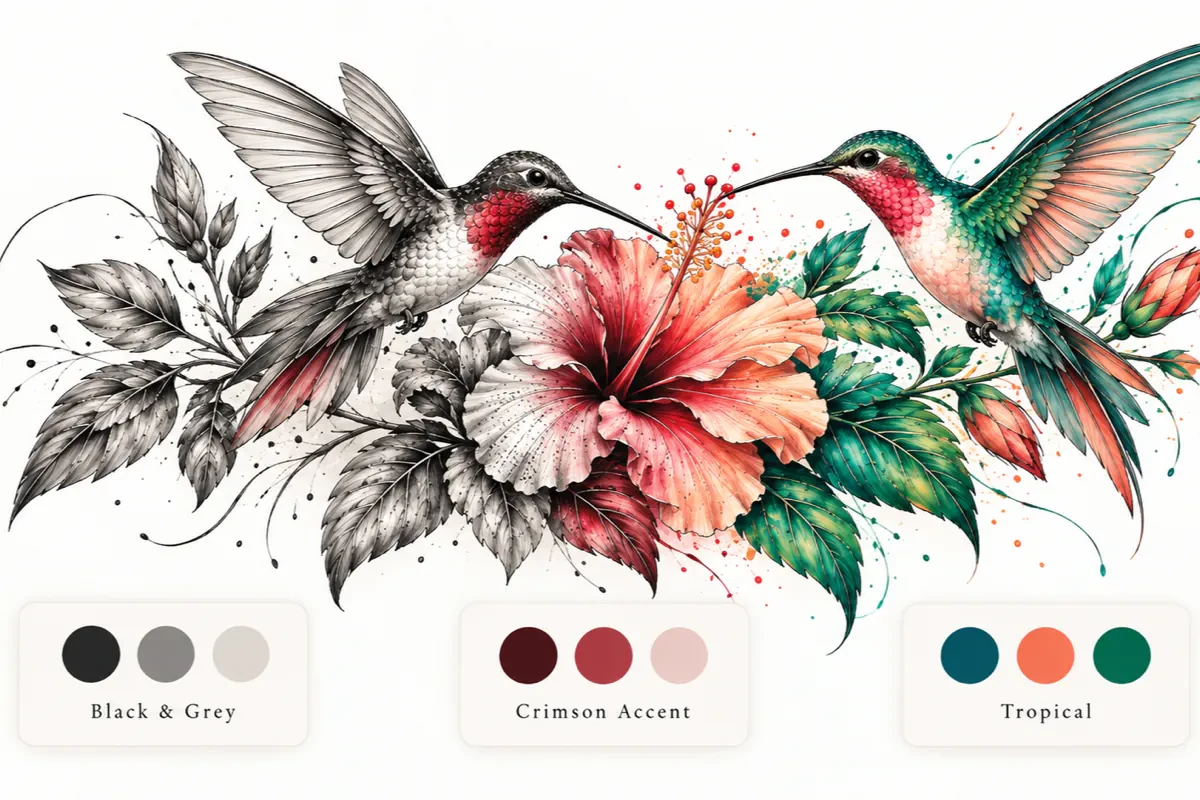
Find the Color That Feels Right
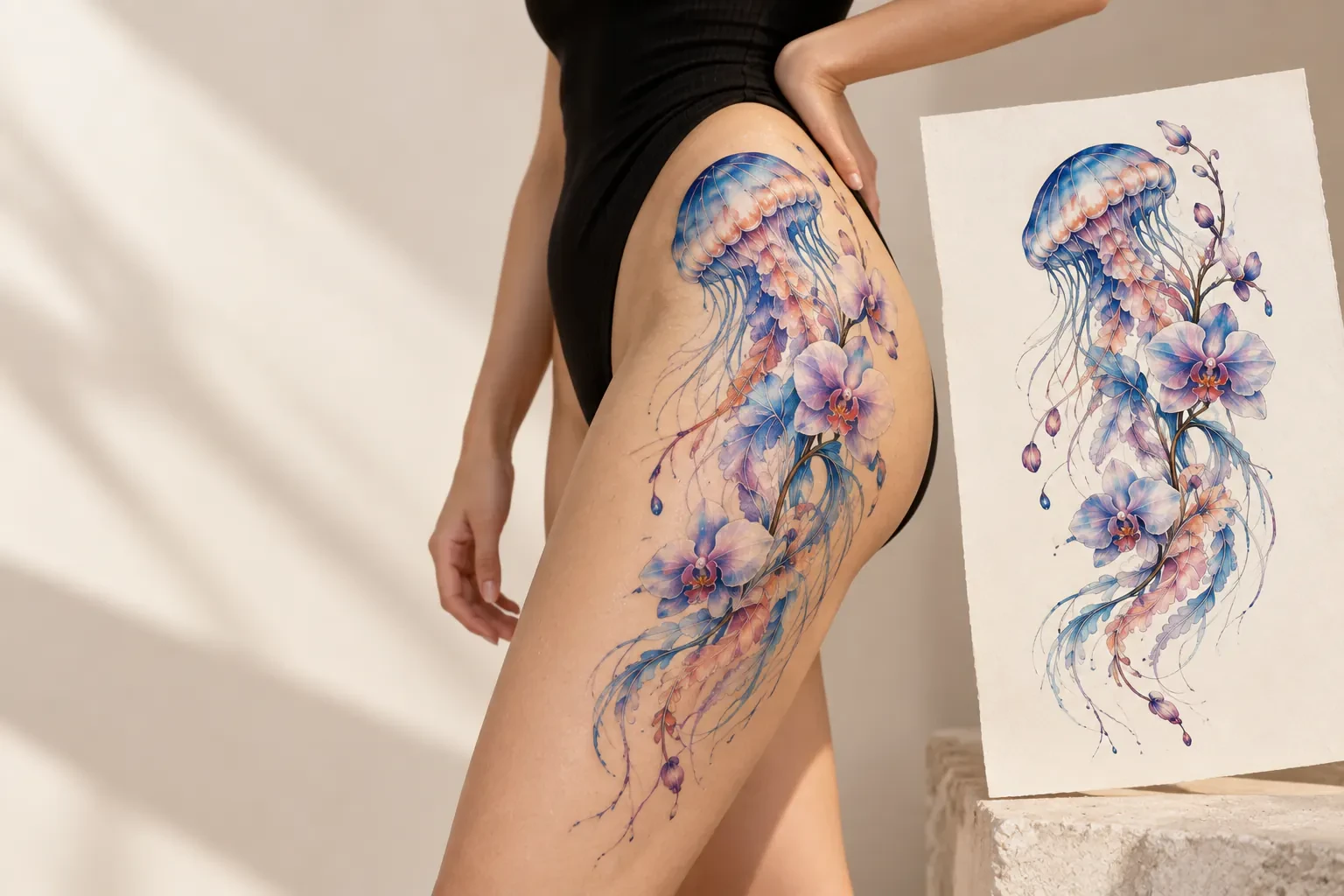
Love the design but not sure about the color? Keep the composition you already like and explore different color directions without starting over. Try timeless black and grey, add a subtle pop of color, or go for a bolder palette and see how each choice changes the mood of your tattoo.
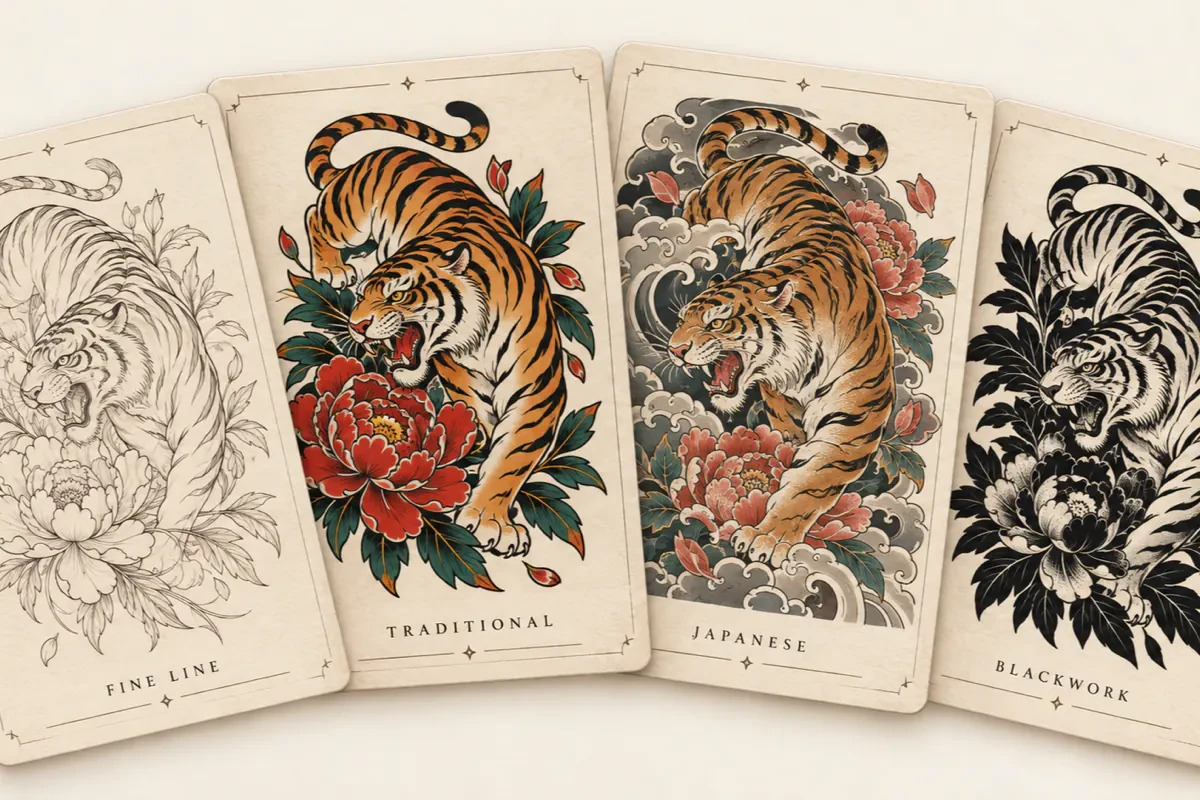
One Idea. Many Ways to Ink It.
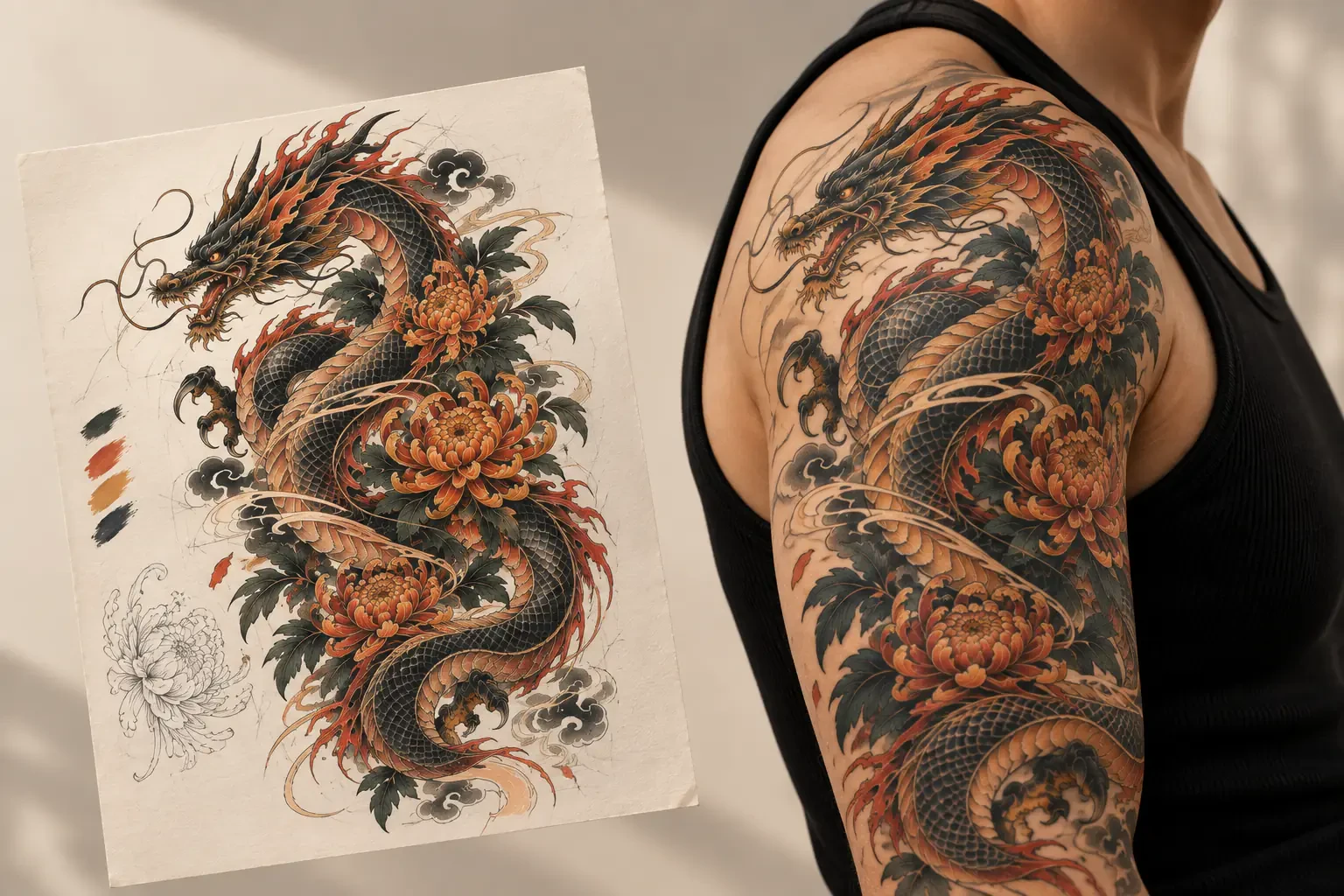
Know what you want, but not how it should look? Explore the same idea in different tattoo styles — from delicate fine line and bold American Traditional to flowing Japanese compositions and high-contrast blackwork. Compare different directions side by side and find the one that feels most like you.
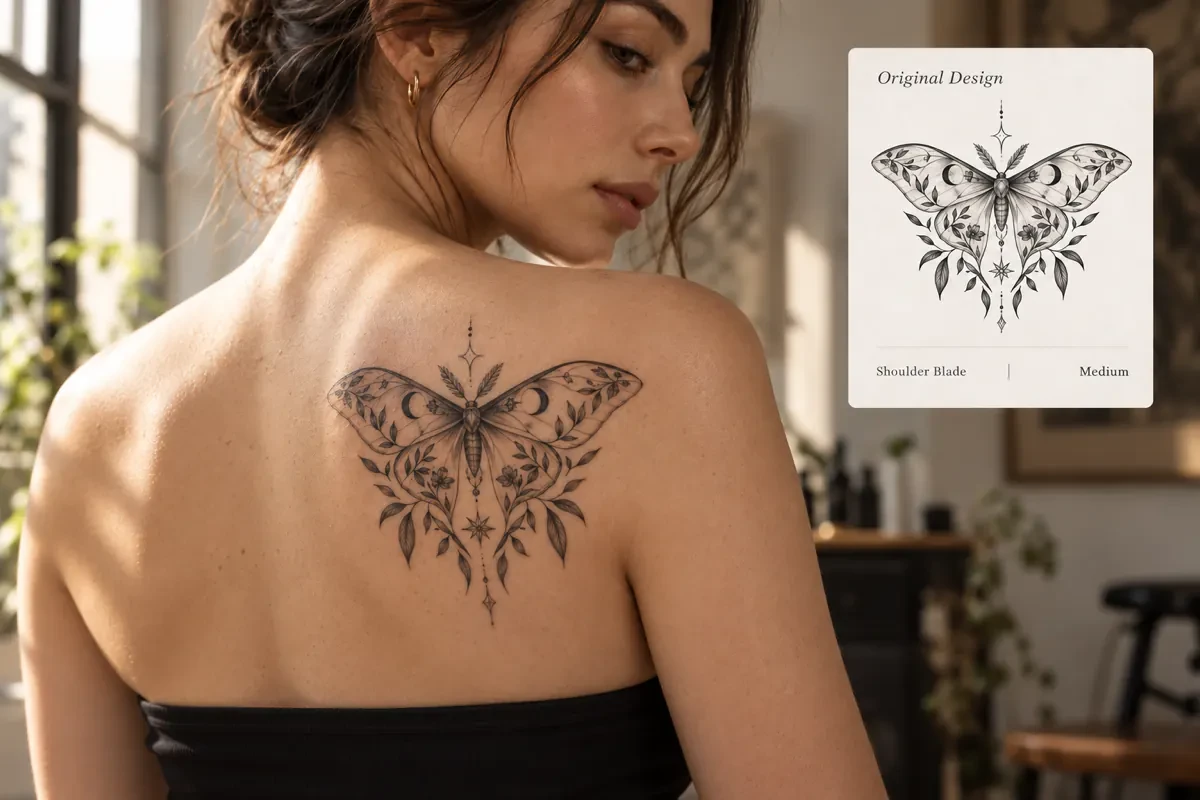
See It on Skin Before You Ink It
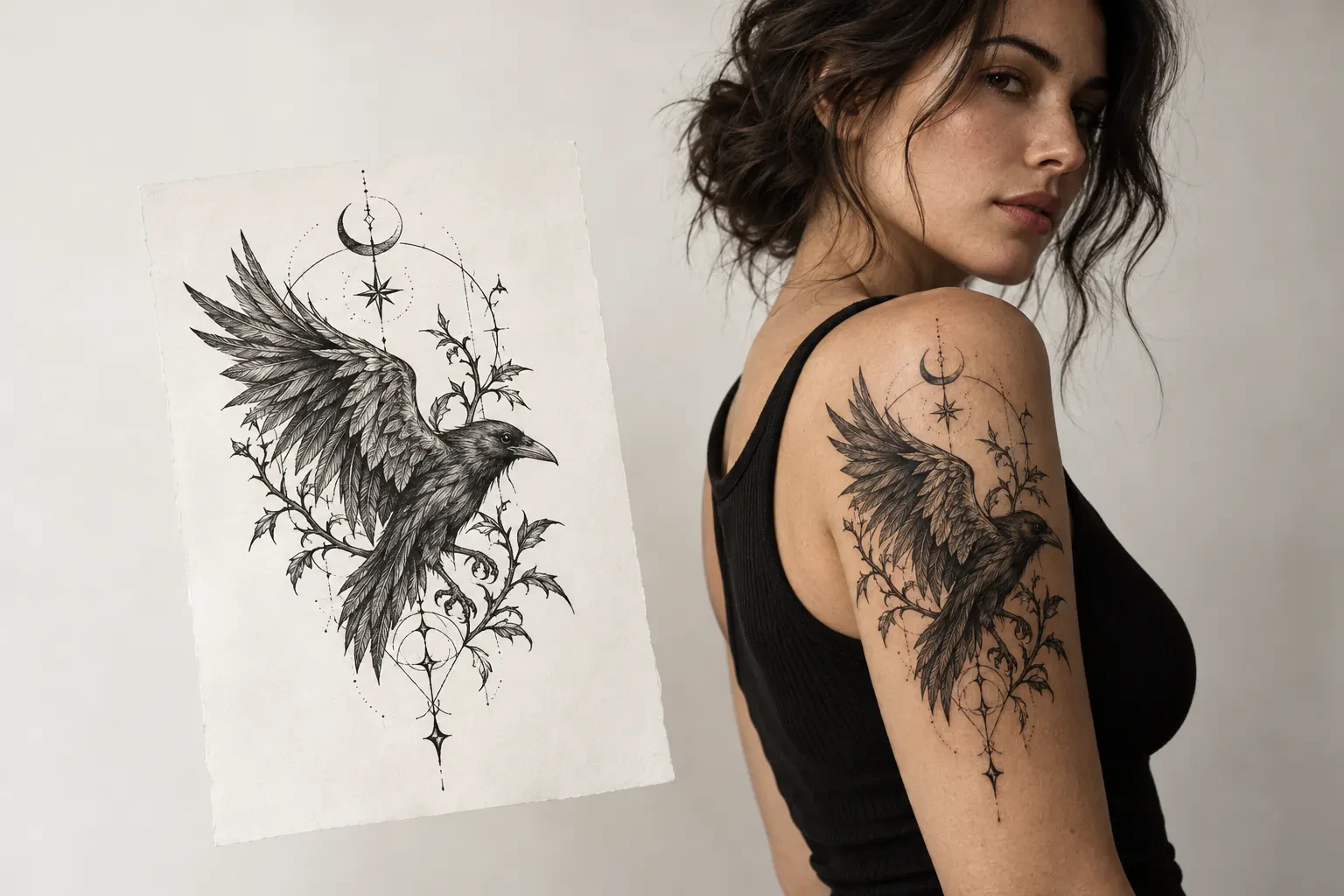
A tattoo can feel completely different once it moves from a flat design onto the body. Preview your tattoo on skin to get a better sense of placement, scale, proportion, and how the artwork follows natural body contours before you take the next step.
Bring a Clearer Idea to Your Tattoo Artist
You don’t need to walk into a studio with the final design figured out. Use your AI-generated tattoo as a visual starting point, then work with your tattoo artist on placement, sizing, linework, and the details that need to change for real skin.
01
AI-generated tattoo concept
Turn your idea into a unique tattoo concept in seconds.
02
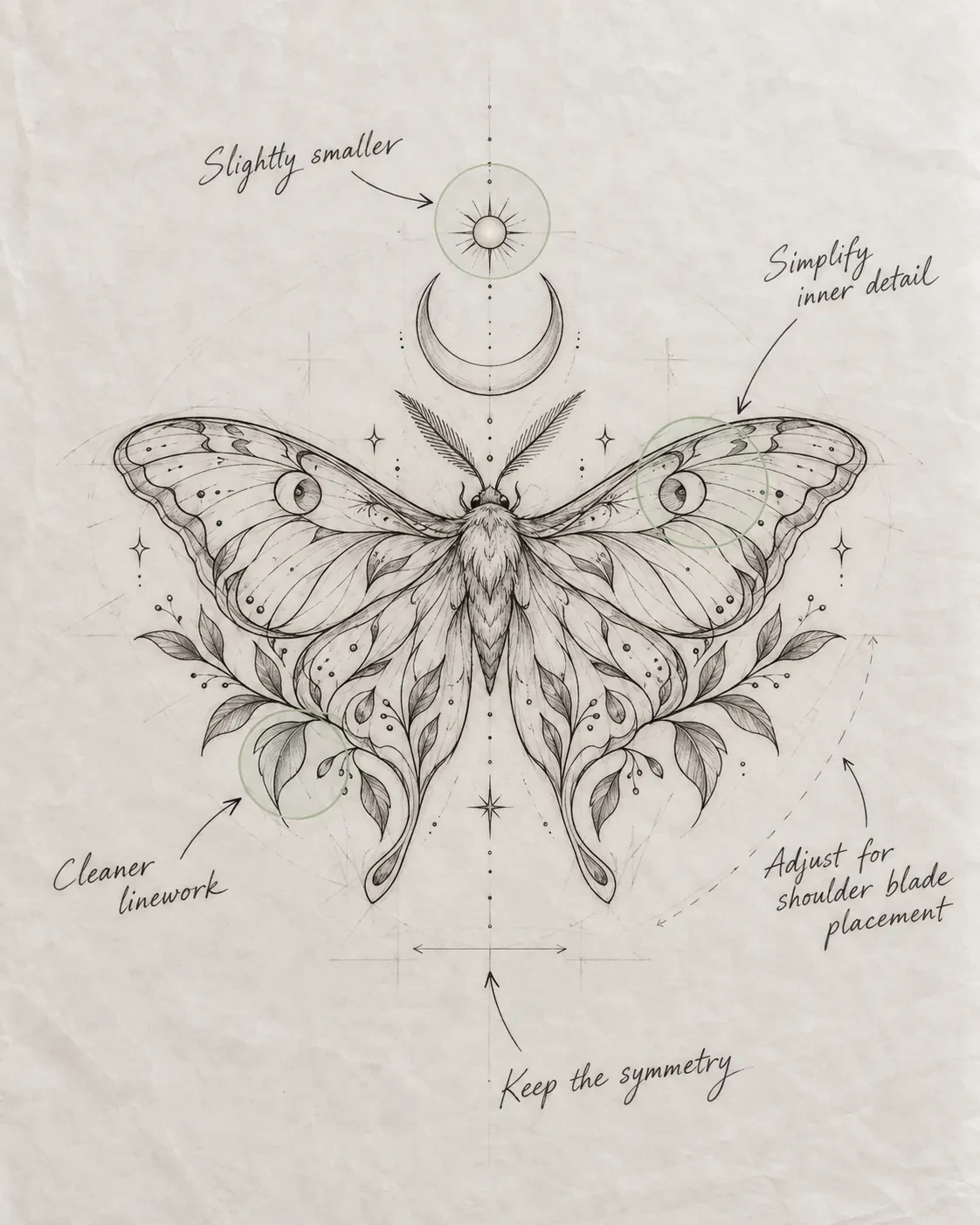
Refinement notes
Adjust the concept with simple notes to match your vision and real-world details.
03
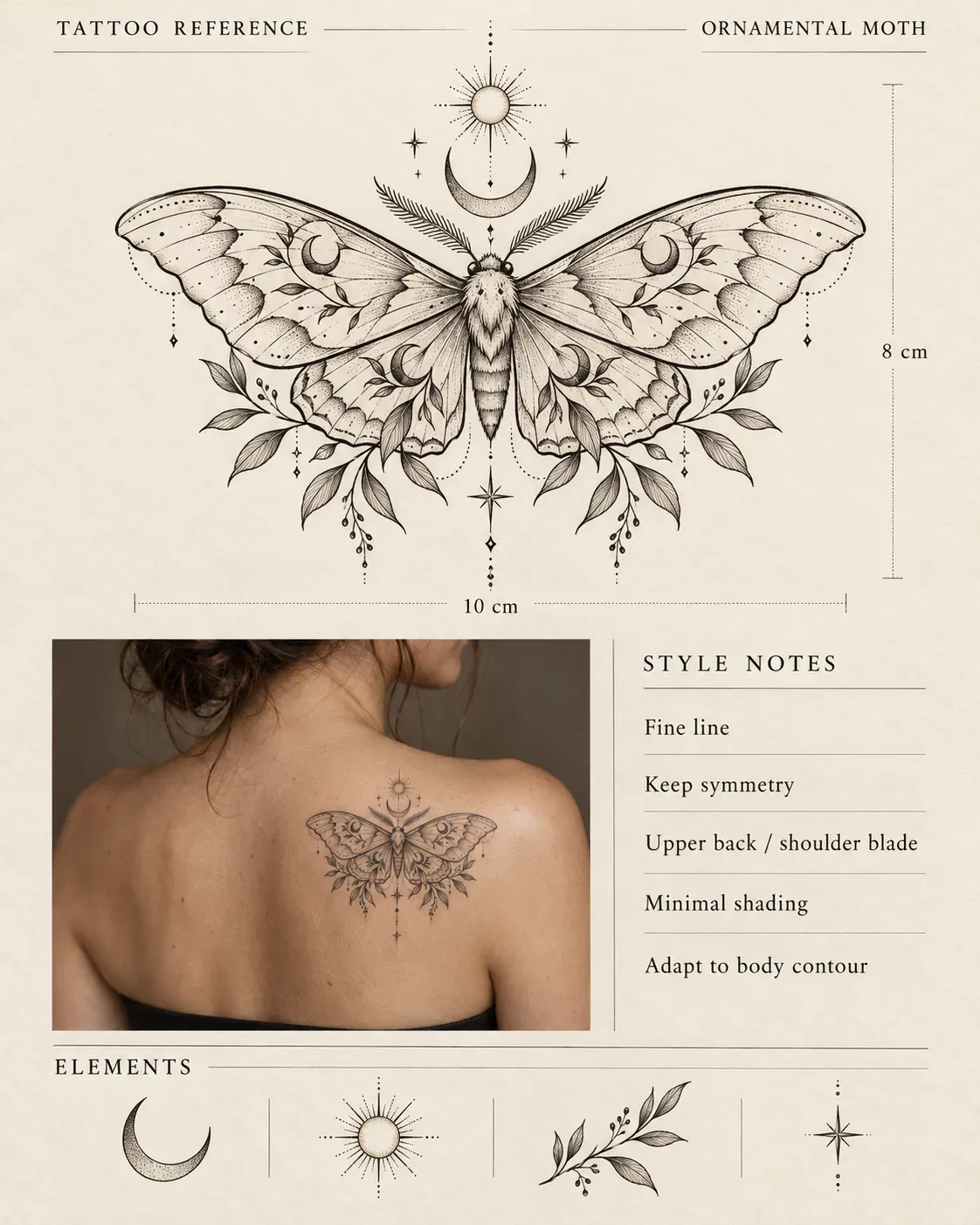
Tattoo artist reference sheet
A clean, studio-ready reference you can bring to your tattoo artist.
Less “I don’t know how to explain it.” More “This is the direction I want to explore.”
Can I take an AI tattoo design to a tattoo artist?
Yes. Your generated design can be used as a visual reference or starting point. A tattoo artist can then adapt it for your placement, anatomy, size, and the technical requirements of tattooing.
Will my tattoo look exactly like the preview?
Not exactly. A digital preview helps you explore the direction, but the final result will depend on placement, skin, scale, tattooing technique, and your artist’s interpretation.
Is Tattoo Generator free to try?
Yes. Start exploring your idea for free, compare a few directions, and use the concept as a visual starting point for a conversation with your artist.
Do I need to know how to write prompts?
No. Write naturally, like you would describe the idea to a friend. Mention the subject, mood, placement, or any detail that matters to you.
Can I explore different styles from one idea?
Absolutely. Keep the core idea and shift the visual direction to compare fine line, traditional, Japanese, blackwork, and more.
Can Tattoo Generator place a design on my body?
You can preview a direction on skin to think through placement, scale, and proportion. Your tattoo artist should make the final call for your body and the realities of tattooing.
Should I show the result to my tattoo artist?
That is the point. Bring the concept as a conversation starter so your artist can adapt it to your body, skin, placement, and technique.
Will the final tattoo look exactly like the concept?
The concept is a direction, not a stencil. Your artist will redraw and adjust it for tattooing, your anatomy, and the way the design needs to age.
Make your next tattoo idea easier to talk about
Start with a rough thought, explore the directions, and take the one that feels right to your artist.