YouTube Thumbnail Maker
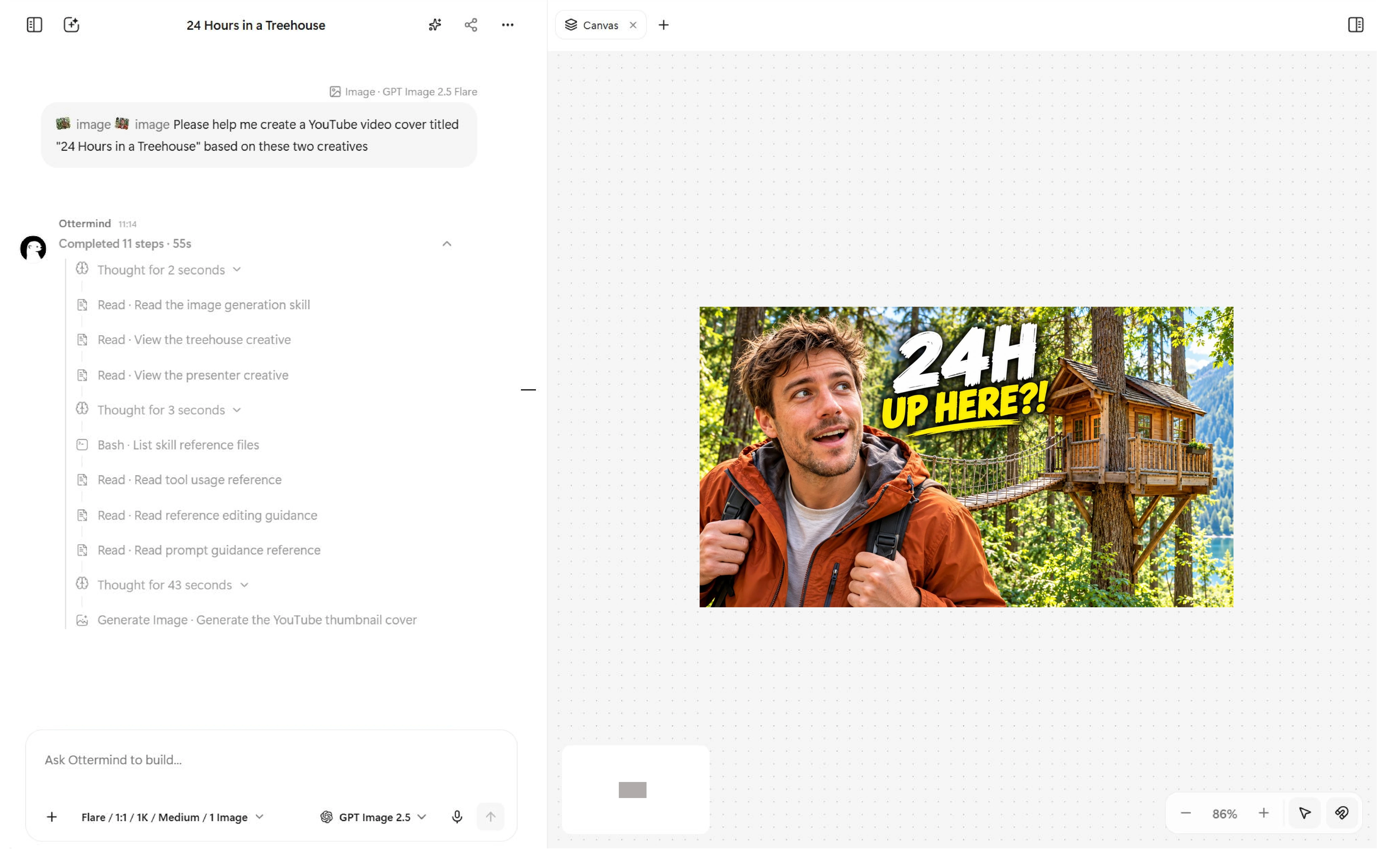
Turn your rough video ideas, a raw frame, or a visual reference into an eye-catching YouTube thumbnail. Generate a first design, explore different styles, and create a cover that fits your story with Ottermind.


Create YouTube Thumbnails
Your Way
Whether you’re starting with a simple idea, working with your own photos, or exploring a new style, Ottermind helps you bring your video thumbnail to life.


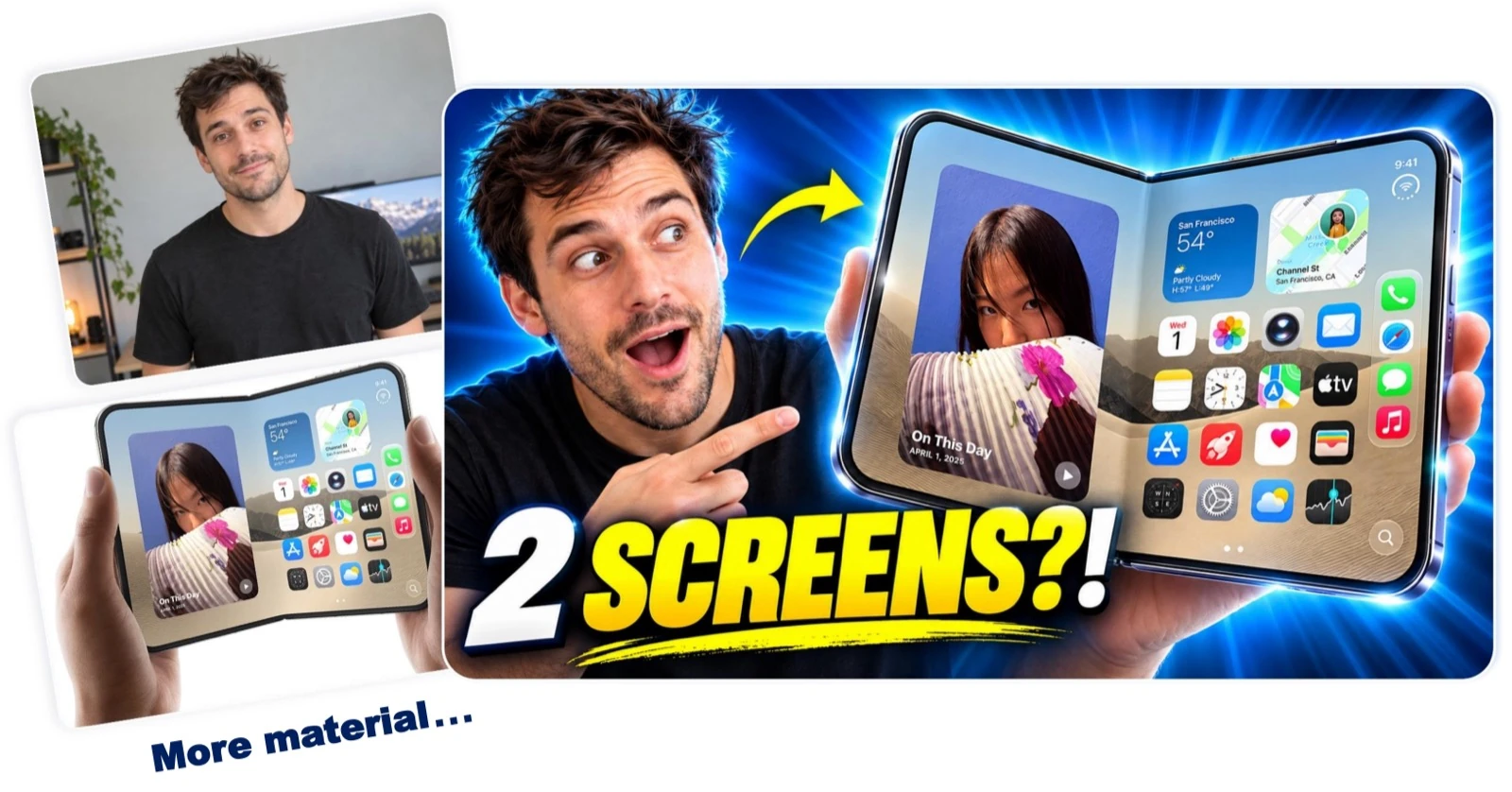
Turn Your Photos Into a Standout Thumbnail

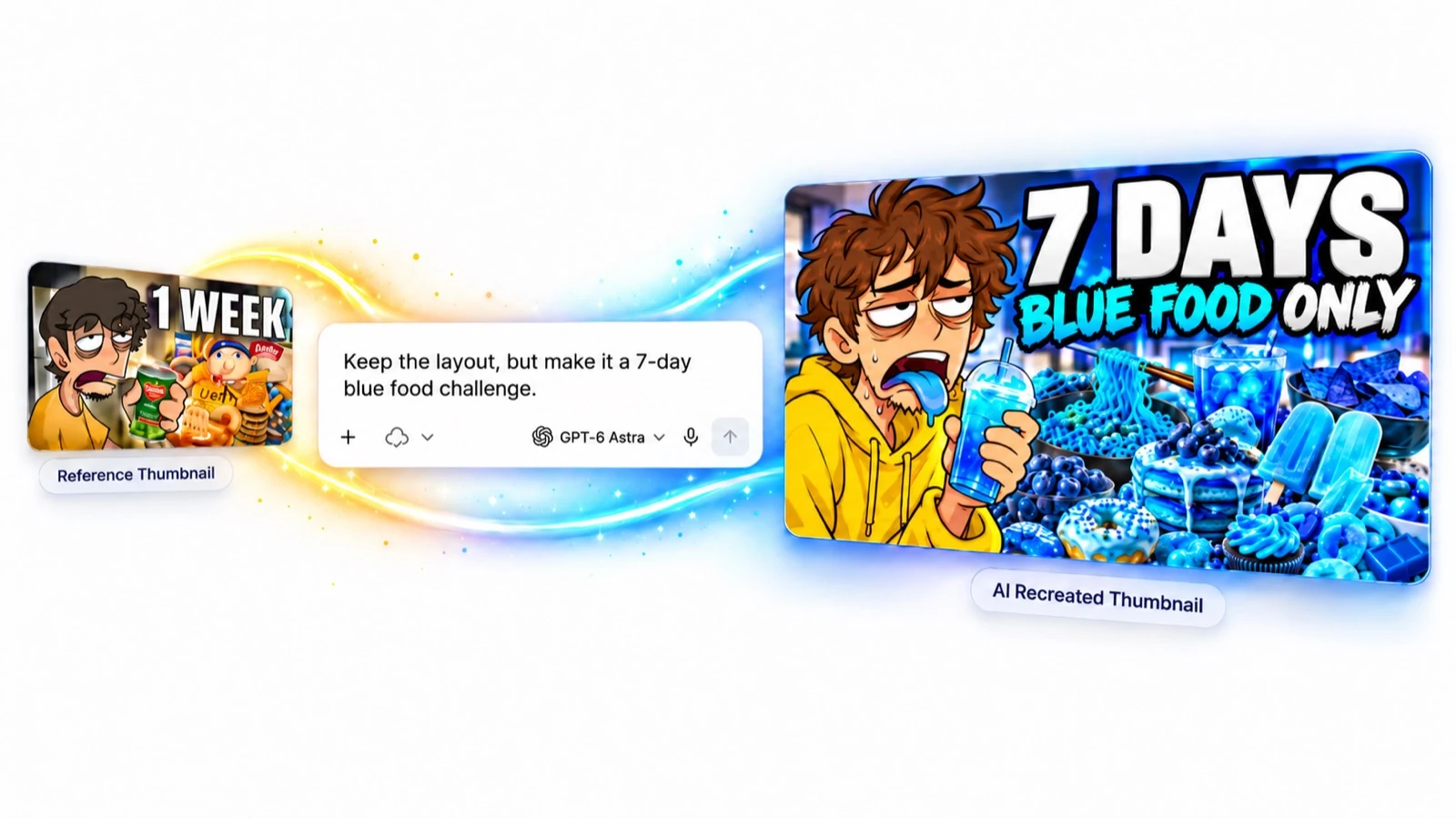
Recreate a Thumbnail, Make It Your Own

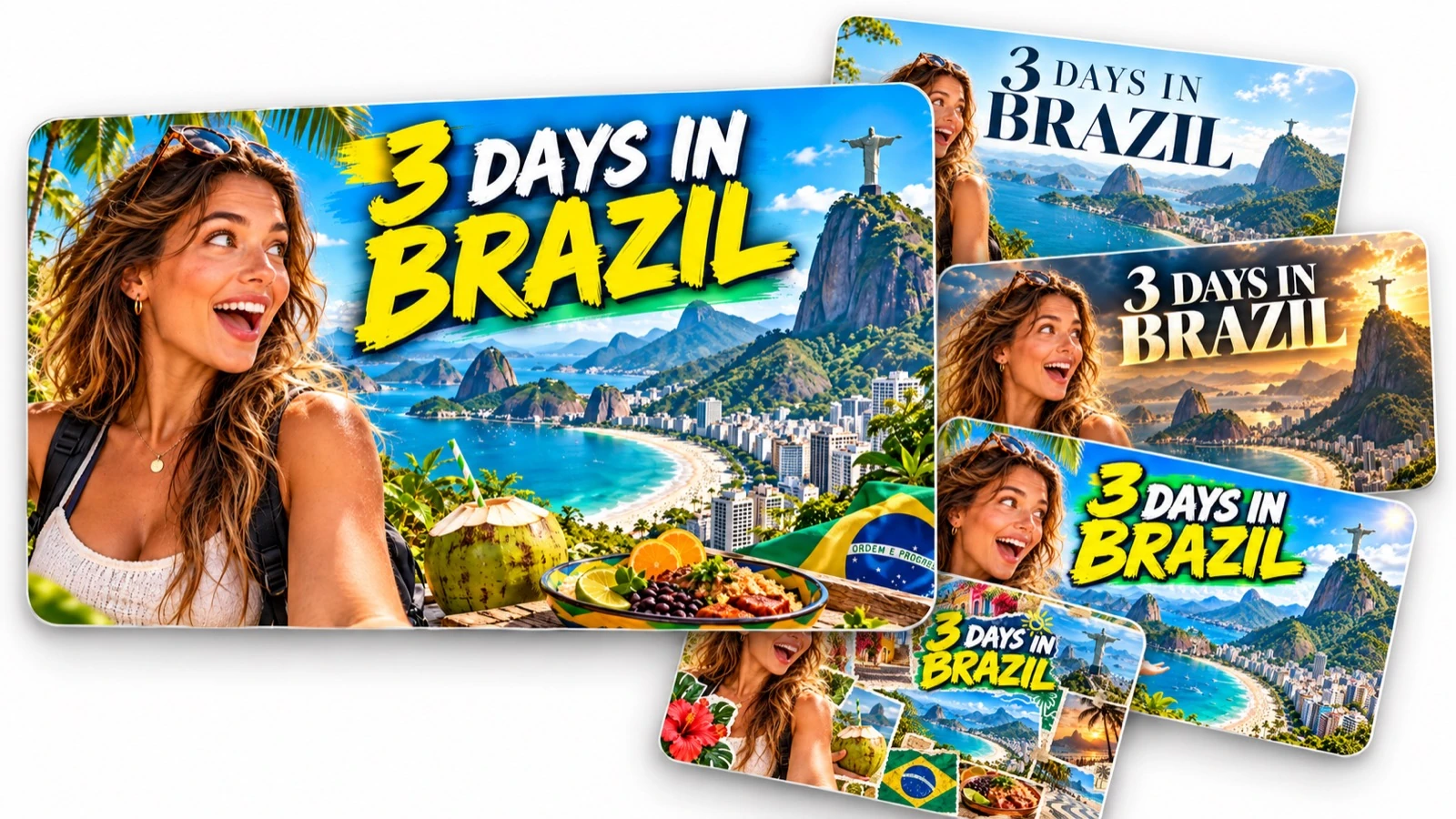
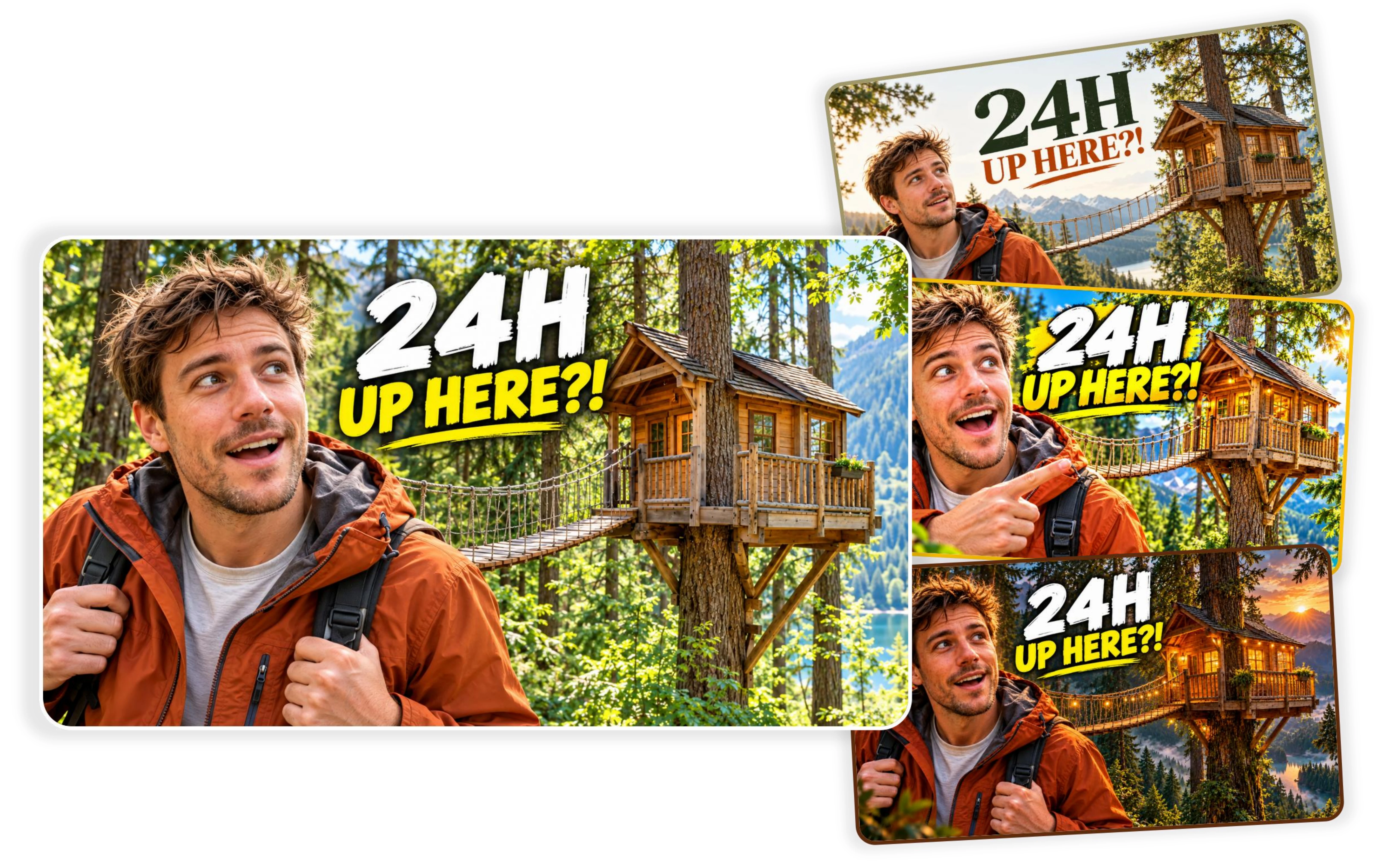
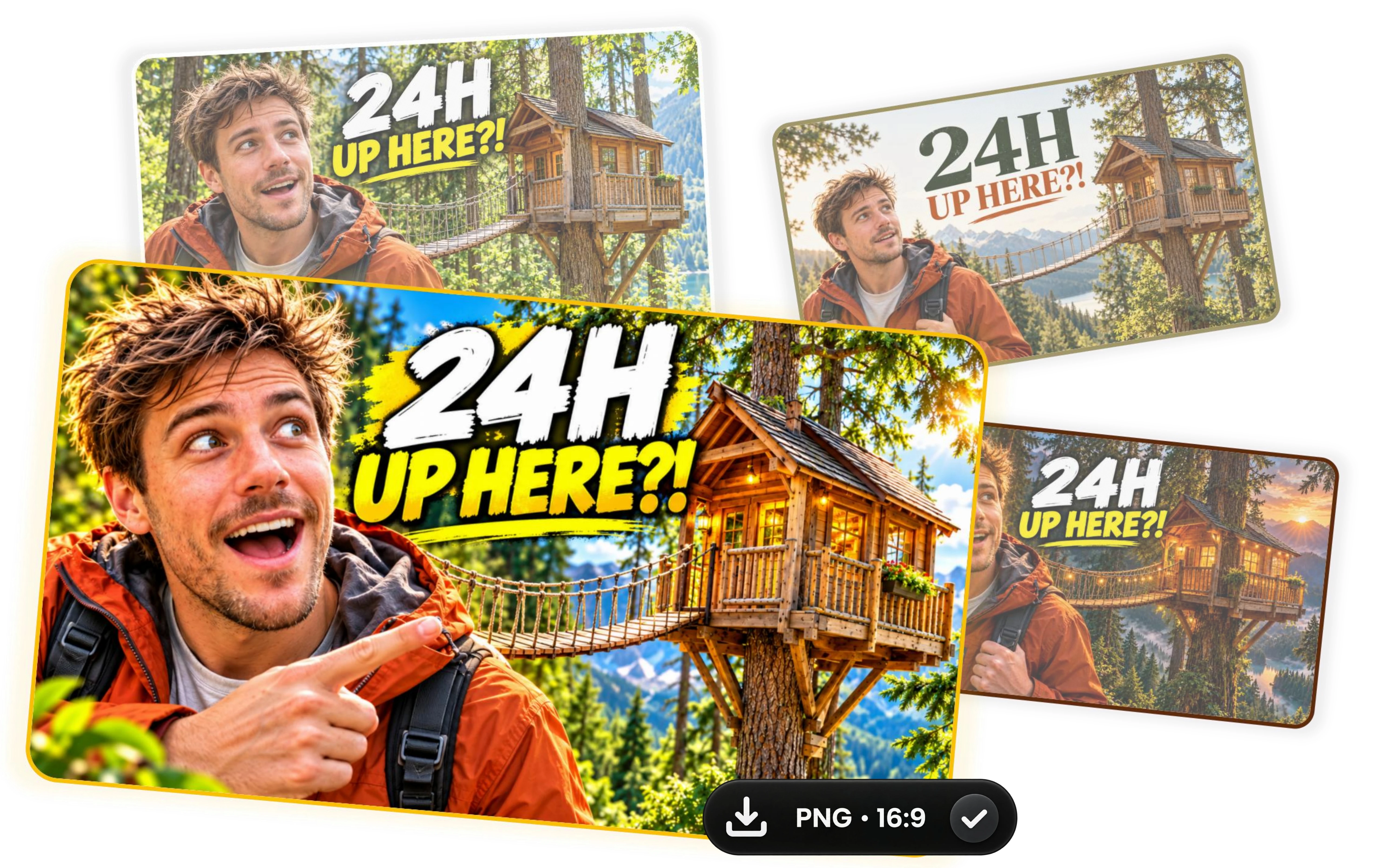
One Video, Multiple Thumbnail Styles
Create anything
you can imagine.
From your first idea to a finished thumbnail, create your YouTube cover in four simple steps. No complicated design process required.

First: Add your idea and images
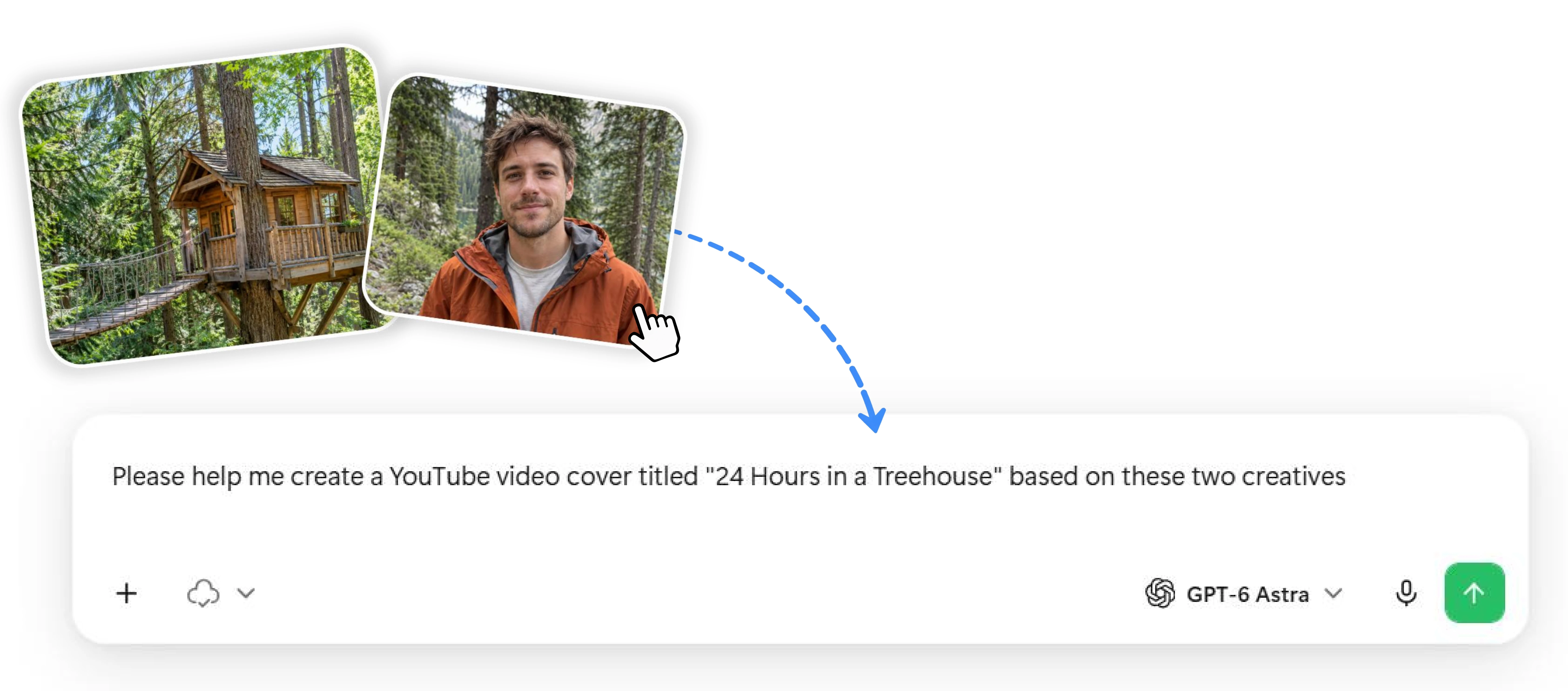
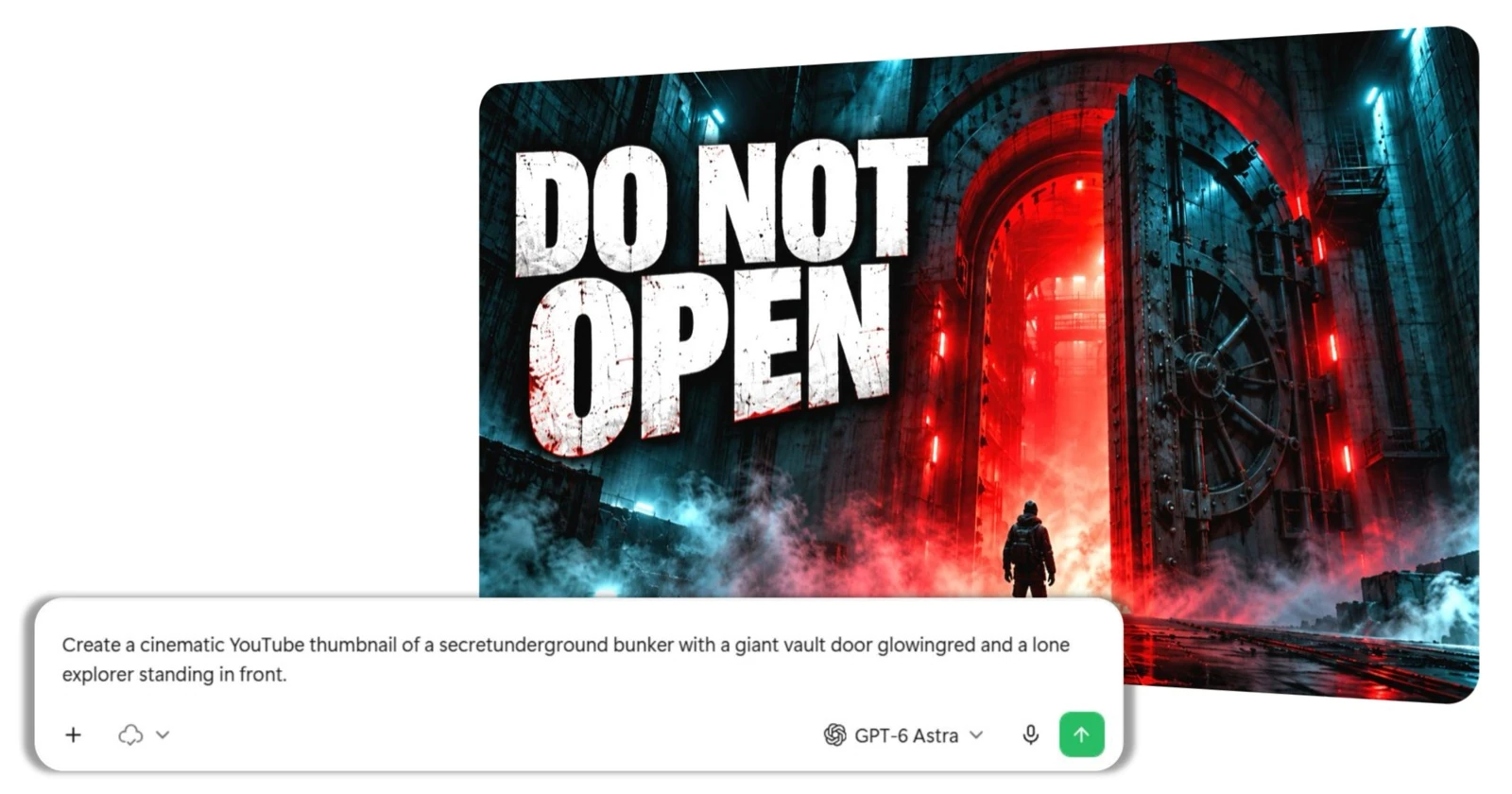
Start with a simple description of your video. Upload your own photos, screenshots, or reference images to help Ottermind understand what you want to create.

Second: Generate your first thumbnail
Let Ottermind turn your prompt and images into a complete YouTube thumbnail, bringing together your subject, background, and headline in one design.

Third: Explore different styles
Try new looks for the same thumbnail. Experiment with cinematic lighting, bolder visuals, or a minimalist design until you find a style you love.

Fourth: Choose and download
Pick your favorite version and download your finished thumbnail, ready to use for your next YouTube video.
Thumbnail Inspiration
from Ottermind Videos
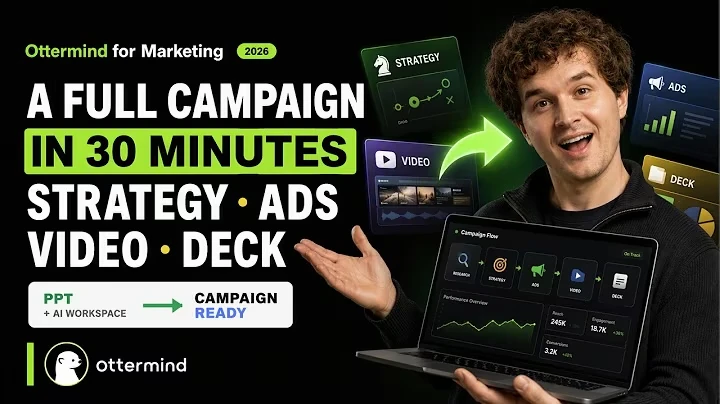
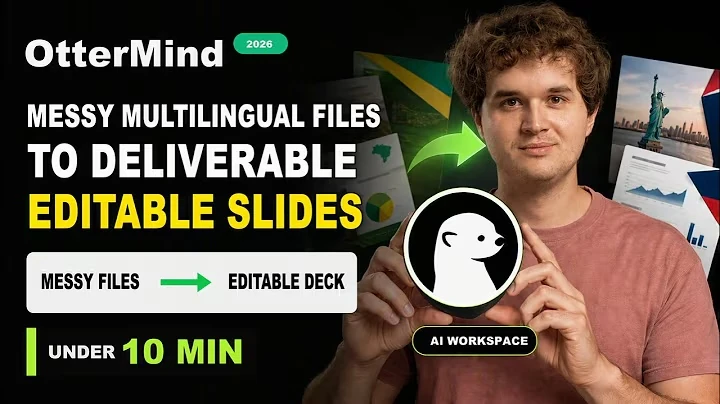
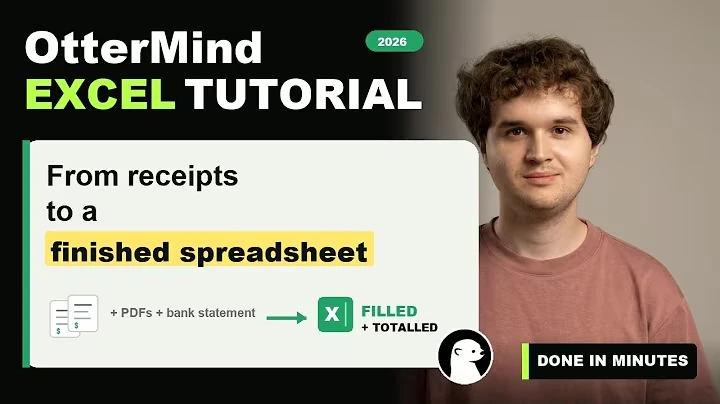
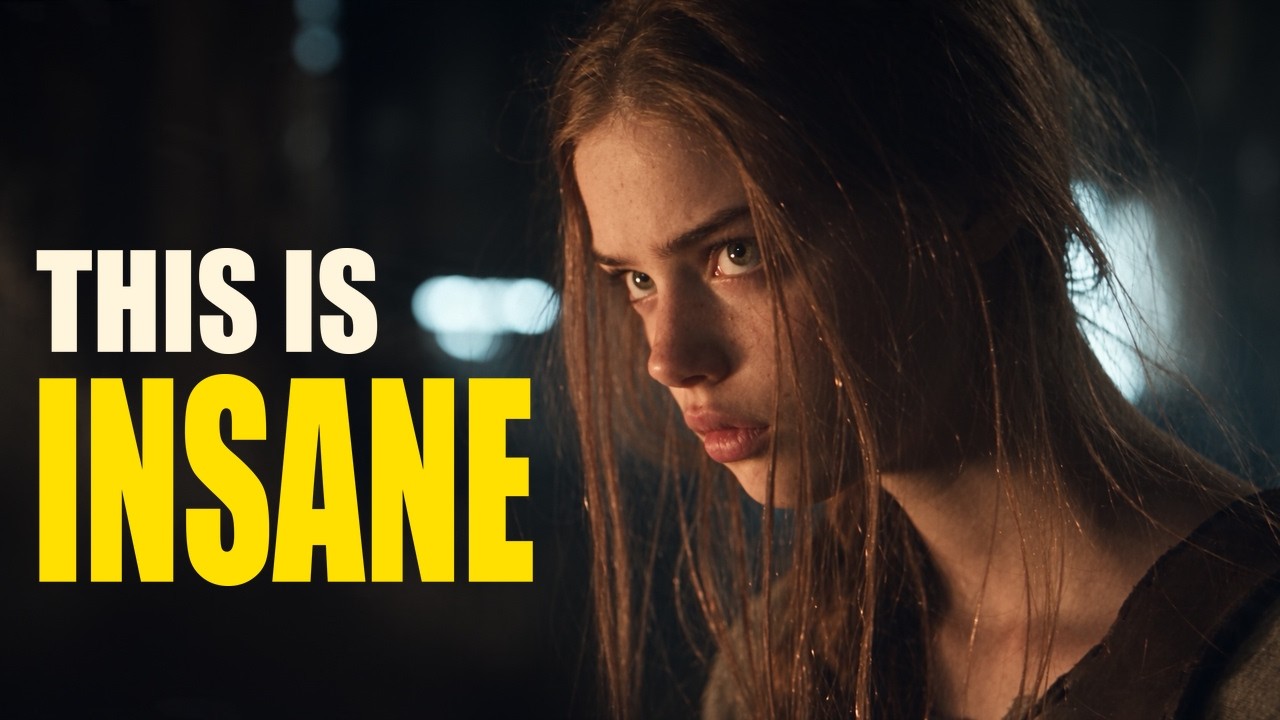
Explore thumbnails from the Ottermind YouTube channel and discover how different video topics come to life through visuals, composition, and headlines.
Frequently Asked Questions
What is an AI YouTube Thumbnail Maker?
An AI YouTube Thumbnail Maker helps you create custom video thumbnails using text prompts, uploaded images, or visual references. Instead of designing every detail manually, you can describe your idea and let AI help bring it to life.
How do I make a YouTube thumbnail with AI?
Start by describing your video and uploading any images you'd like to use. Generate your first thumbnail, explore different styles, and refine the result until you're happy with it. Then download your favorite version.
Can I create a YouTube thumbnail without uploading images?
Yes. You can start with a text prompt alone. Simply describe your video topic, the scene you imagine, and any headline you'd like to include. AI can use your description to create an original thumbnail.
Can I use my own photos or video screenshots?
Yes. You can upload creator portraits, product photos, video frames, or other images to guide your design. This makes it easier to create a thumbnail around the people and subjects featured in your video.
Can I recreate a thumbnail using a reference image?
Yes. Upload a thumbnail you like and describe what you want to change. You can use its composition or visual style as inspiration while creating an original design with your own subjects, colors, and text.
Can I generate different thumbnail styles for the same video?
Yes. You can explore different creative directions without changing your video topic. Try cinematic, bold, minimalist, or other styles, compare the results, and choose the one that works best for your content. You can also continue with the AI Image Editor.
Ready to Create Your Next YouTube Thumbnail?
Start with an idea, a photo, or a reference you love. Turn it into an eye-catching thumbnail that brings your video to life.
Create Your Thumbnail