Create bold images from detailed prompts and references, then compare and refine them in Ottermind Studio.
More room to follow the visual idea
An unrestricted AI image generator should let a specific creative brief stay specific. Describe the adult subject, wardrobe, pose, camera, lighting, environment, and finish you want instead of flattening the request into a generic result. Ottermind carries that direction into Studio, where you can compare interpretations and refine one without losing the original intent. If the task begins with an existing frame, AI Image Editor gives you a more edit-focused path.
Generate daring concepts without softening the brief
Write the scene as you actually imagine it: a clearly adult character, distinctive styling, a strong pose, deliberate lighting, and a finished visual genre. This no filter AI image generator workflow is built for precise art direction, not vague one-line prompts. You still remain responsible for lawful, consensual, and original use. When the brief is specifically for commercial packshots, use AI Product Image Generator for a product-led workflow.
Use a reference while creating a genuinely new image
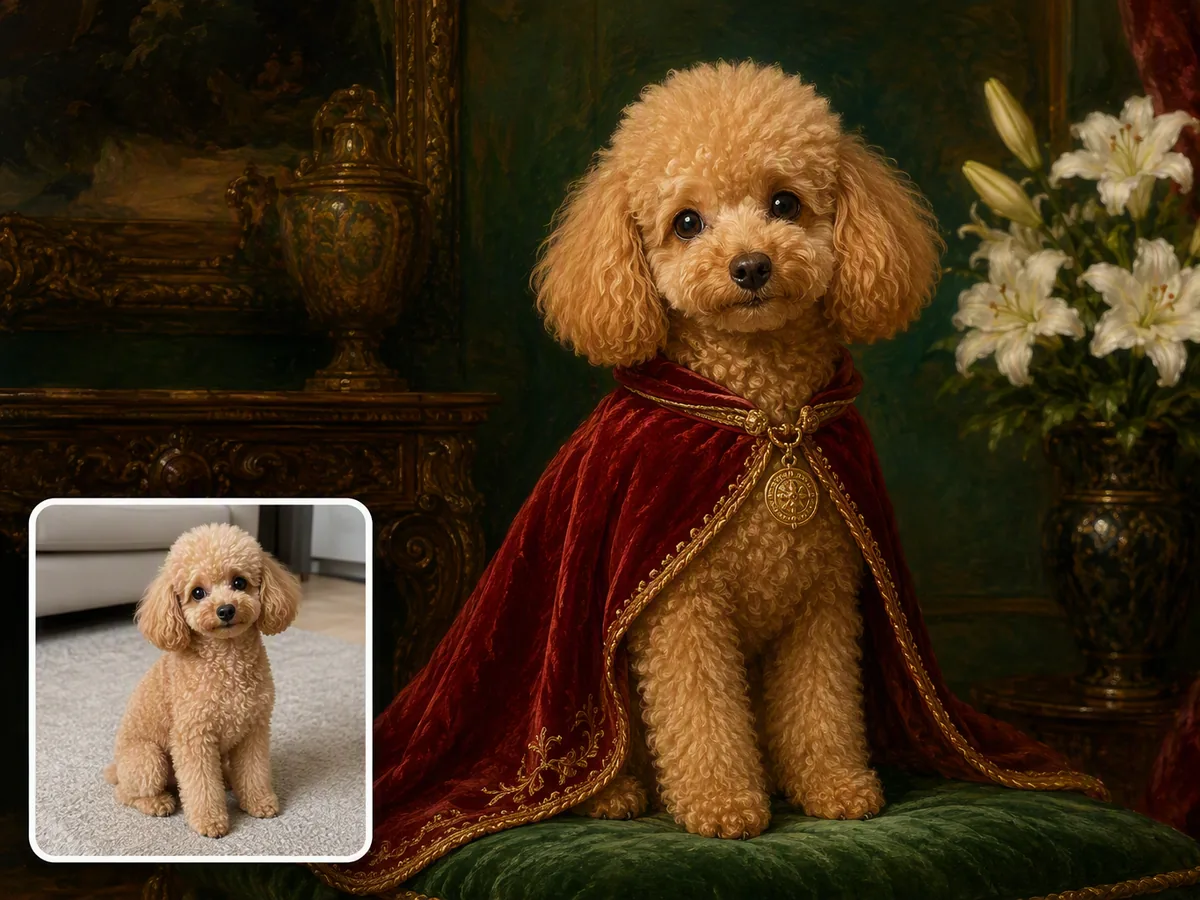
Upload a permitted reference and say what it contributes: pose, framing, wardrobe silhouette, color rhythm, or lighting. Then replace identity, setting, styling, and details so the result serves your new concept rather than copying the source. For tightly scoped changes to one existing photo, start with AI Photo Editor.
Explore more variations before committing
Change one variable at a time—camera distance, expression, outfit, location, or time of day—so each iteration teaches you something. A no limit AI image generator may be a popular search phrase, but practical generation still uses credits. The useful freedom is a workflow that preserves your direction across focused revisions.
What you can do with Ottermind
Direct an adult fashion concept
Build a complete fashion or glamour brief around a clearly adult subject, then compare lighting, wardrobe, pose, and crop directions before a shoot or campaign review. Keep the winning frame as a visual reference rather than settling for a generic mood board.
Define the visual, generate focused directions, then inspect the details that matter.
1
Name the clearly adult subject, action, wardrobe, environment, camera framing, lighting, and visual medium. Add what must not appear so the brief has useful boundaries.
2
Ask for purposeful variations instead of near-duplicates. Change a small set of variables and keep the strongest composition, mood, and subject details consistent.
3
Inspect anatomy, hands, fabric, reflections, text, resemblance, and source permissions. Refine the selected frame in Studio before publishing or using it commercially.
Keep bold creative direction intact while making the prompt, references, variations, and final checks easier to manage.
Specific prompt control
Direct subject, pose, styling, camera, light, and atmosphere in one brief.
Reference-led creation
Use permitted images for composition cues while changing identity and details.
Focused variations
Compare meaningful changes instead of receiving a wall of near-duplicates.
Detail-first review
Check faces, hands, fabric, edges, reflections, and accidental text.
Connected image tools
Move into Image Effects or a scoped edit without rebuilding the brief.
Studio continuity
Carry the selected direction and revision notes into Ottermind Studio.
Frequently asked questions
What does unrestricted AI image generator mean here?
It is closer to what people mean when they search for a no restriction AI image generator: a workflow designed to preserve more of your legitimate visual direction, including bold adult fashion, fantasy, and stylized concepts, instead of automatically turning every brief into a generic image. It does not mean illegal, abusive, non-consensual, exploitative, or infringing content is allowed.
Is this a free AI image generator with no restrictions?
New accounts currently receive a 7-day trial, 100 signup credits, and 30 daily credits for basic experimentation. Generation uses credits, so the free offer is not unlimited. Creative range also operates within safety, consent, privacy, and intellectual-property boundaries.
Is there an AI image generator with no restrictions at all?
Searches such as AI image generator no restrictions or AI with no restrictions often imply total freedom, but a literal system of that kind would remove safeguards as well as creative friction. Ottermind takes a more useful approach: broad room for lawful visual exploration, explicit handling of adult subjects, and review steps for consent, likeness, ownership, and output quality.
Does the AI image editor have no restrictions?
If you searched for AI image editor no restrictions, the practical answer is broad creative control rather than a boundary-free editor. Use images you have permission to edit, identify adults clearly in mature concepts, avoid deceptive or non-consensual likeness use, and inspect the result before sharing.
Can a no filter AI image generator create mature artwork?
You can describe tasteful, clearly adult fashion, glamour, romance, and fantasy concepts with specific wardrobe, pose, lighting, and mood. Availability still depends on the actual request and Studio policies; explicit exploitation, minors, coercion, or non-consensual sexual imagery is not treated as creative freedom.
What should I check before publishing an unrestricted AI image?
Check anatomy, hands, fabric, reflections, accidental text, unwanted resemblance, source permissions, and the final crop. If embedded copy needs correction, move the selected frame into Image Text Editor. For commercial use, also confirm that references, likenesses, logos, and stylistic cues do not create rights or disclosure problems.