
AI Birthday Generator
Make a birthday image from a written prompt rather than a random date of birth: one line describes the person, one describes the moment. Three copy-ready prompts, plus the single line to change when a face drifts or the lettering comes out wrong.
Three Birthday Image Prompts You Can Copy
Each prompt pins the person, the place and the light in one pass, so the first render lands near the moment you pictured. Every one of them follows the same order: identity first, then the scene, then the single thing the frame has to get right.
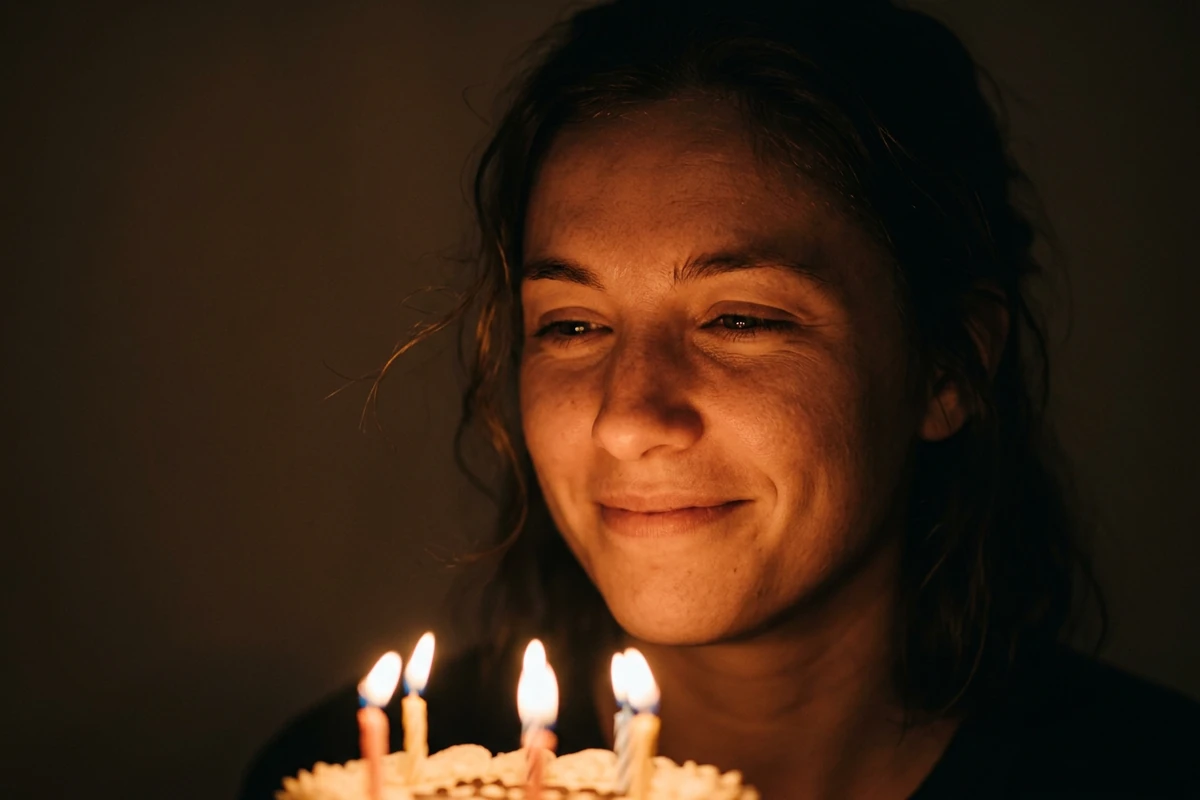
The candlelit portrait
Render a candid candlelit birthday portrait of the person I describe: [age], [hair], [eyes], [build], an easy half-smile. Keep the face exactly as described and do not beautify it; if I have uploaded a photo, treat that photo as the only reference for the face and keep its facial structure, age and hairstyle unchanged. Scene: a dark room at night, a small round cake with a few lit candles just below the frame, close three-quarter view, shoulders relaxed. Light: candles only, warm amber on the near side of the face, the far side in deep shadow, no fill light. Camera: 85mm, f/1.4, chest-up, eye level, shallow depth of field, natural skin texture. Finish: quiet documentary photograph, warm browns and amber. No text, numbers, signage or watermark anywhere in the frame.
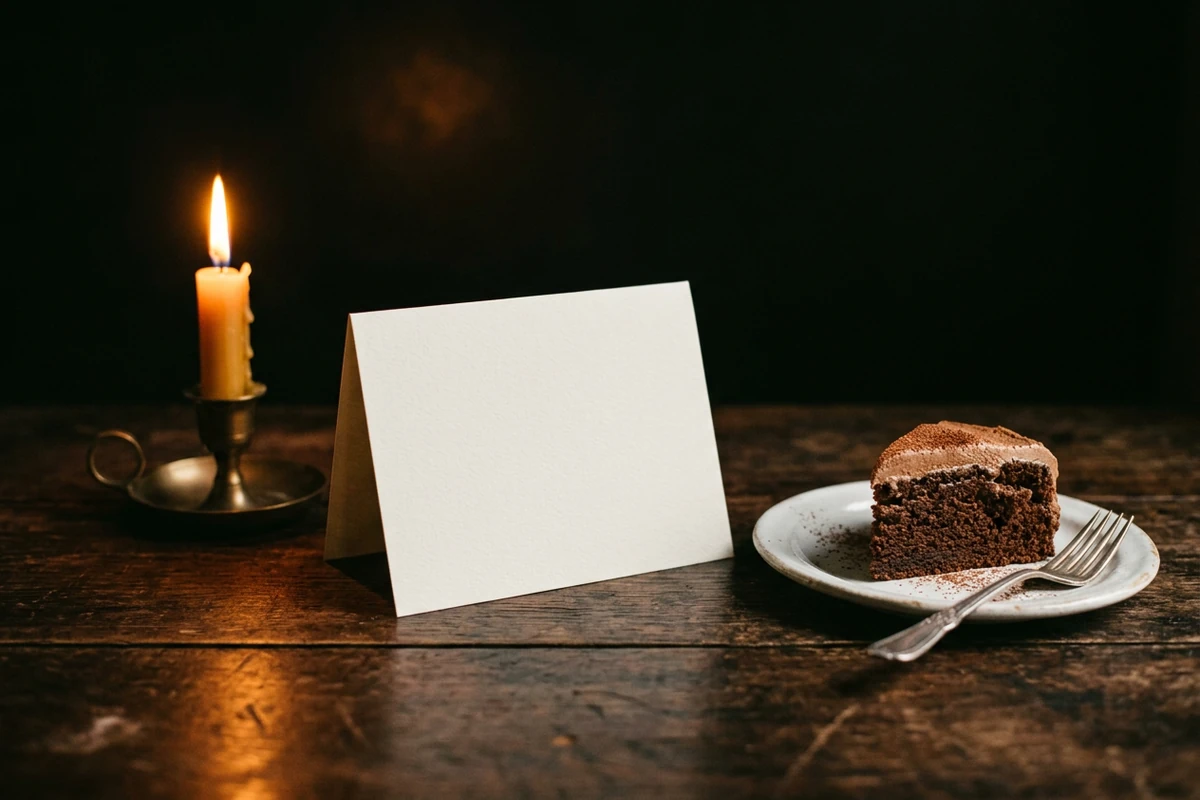
The balloon-letter card
Render a birthday card image with one short line of lettering and nothing else written in the frame. Lettering: the words "HAPPY BIRTHDAY" only, spelled exactly like that, large, on a single clean line, evenly spaced, in white foil letter balloons against a dark wall. If lettering would be small, repeated or unclear, leave it out rather than guess. Scene: the balloons filling the upper half of a dark room, a small cake with lit candles on a table below, a few loose balloons on the floor. Light: warm candlelight from below, a soft cool rim from a window on the right, everything behind falling to near-black. Camera: 35mm, f/2, straight on, card composition with room above and below, vertical 4:5. Finish: sharp, high contrast, warm gold on deep brown. Render the words exactly once, and include no other text, numbers, logos or watermark.
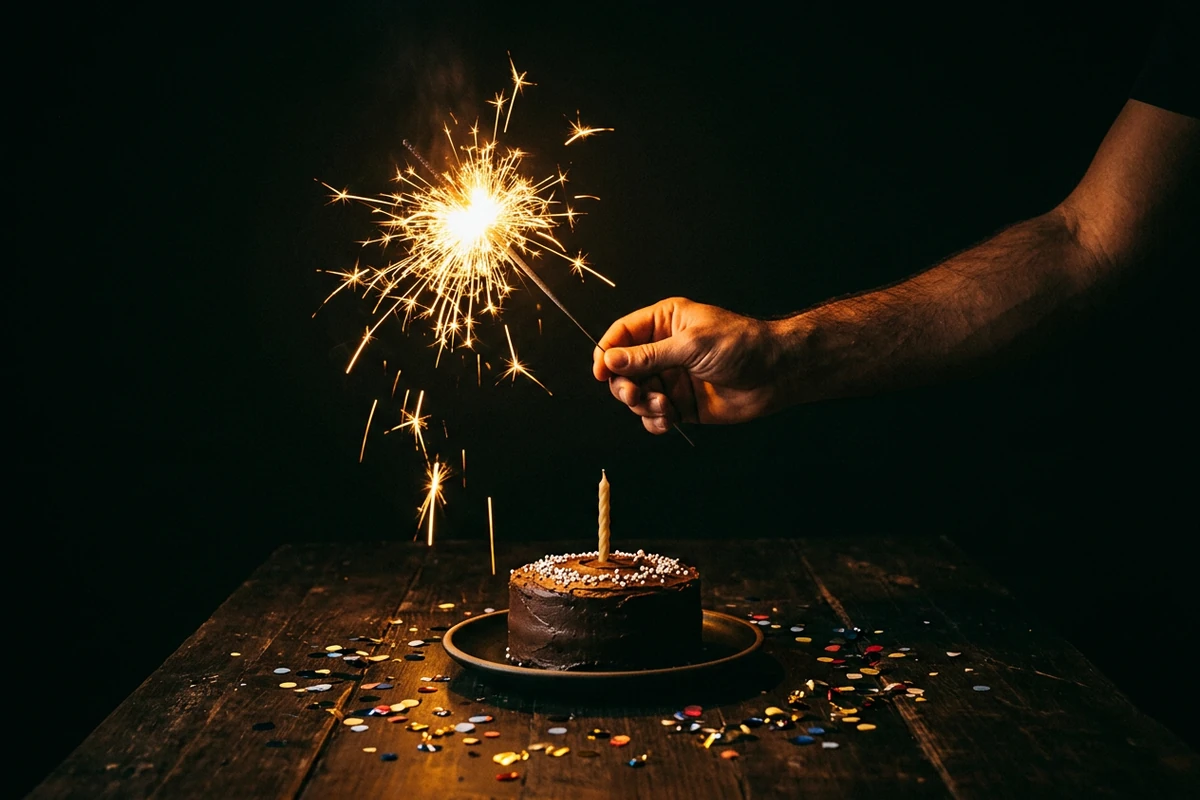
The milestone night poster
Render a night-time milestone birthday image built around one number. Number: the numeral "40" only, as two digits, large and clean on a glowing marquee board behind the subject, one line, high contrast, with no other characters anywhere in the frame. Scene: a dark rooftop at night, one person in a simple black outfit standing three-quarters away from the camera holding a burning sparkler, a small table with a cake and a bottle out of focus behind them, city lights far below reduced to soft bokeh. Light: the sparkler and the marquee board, warm gold on the subject, everything else in deep shadow. Camera: 35mm, f/2, waist-up, slight low angle, shallow depth of field. Finish: editorial poster look, deep browns and black, gold highlights, one clear moment. No lettering beyond the number, no logos, no watermark.
Where Birthday Images Actually Fail
The prompt is rarely the whole problem. Lettering, likeness and an unnamed light are what send people back for another ten renders.
Keep the same person across scenes
Identity drift is the second complaint after spelling, and the fix is structural rather than magical. Start from one reference photo, write a single identity sentence — facial structure, age, hairstyle, eye colour, resting expression — and paste it unchanged into every prompt, so only the scene sentence moves between renders. Wording carries weight: "facial identity" and "facial structure" give the model a specific anchor where "beautiful" gives it nothing. Expect a ceiling, too. Google's image documentation says its Nano Banana 2 model handles multiple reference images and consistency, while OpenAI's guide notes that recurring characters can still drift across generations — so approve one frame and reuse it instead of re-describing the face from memory. AI Art Generator from Image renders each new scene from that same reference.
Lettering is the part that breaks
Image models draw letters as shapes, so the longer the phrase, the likelier a character lands wrong. One public evaluation of raw Flux output found only 14.4% of images rendered the requested text exactly, while vendor "text" scores in the nineties measure whether the words are generally right rather than identical. The practical rule is short: one to three words, quoted exactly in the prompt, large, on a single high-contrast line, on a named surface. Render a small batch and keep the clean frame. When the spelling genuinely matters, generate the scene without words and set the type as a layer afterwards; AI Image Editor is where that repair or composite happens. The portrait prompt on this page keeps words out of the frame entirely, and the milestone prompt quotes a single numeral rather than a phrase.
Vague light is why it looks like stock
A prompt that asks for a "beautiful birthday photo" hands every decision to the model, and the model answers with the average of what it was trained on: flat light, centred subject, plastic cake. Name the light source, the hour and the camera instead — candles only, no fill light, 85mm at f/1.4, chest-up, eye level — and the frame starts to look like a photograph somebody actually took. Practitioners make the same point about newer models, where vague adjectives are penalised harder rather than forgiven. Each prompt card here carries one light source, one framing choice and one moment, which is also what makes a failed render diagnosable: there is only one line to change. 10 ChatGPT Image Prompts for Product Photos, Marketing, and Everyday Work covers the same structure in more depth.
How to Build a Birthday Image in Ottermind
Step 1: Write the identity line
Put the person's face into words before you describe the party: facial structure, age, hairstyle, eye colour, resting expression. If you have a photo you may use, upload it and tell the prompt to treat it as the only reference for the face. This one sentence is what you paste unchanged into every later prompt, so write it once and keep it where you can find it. AI Art Generator from Image renders the first frame from it.
Step 2: Write the scene line
Now the moment: the room and its hour, one prop that matters — a small cake, a card standing on the table, a sparkler — the light source, and the camera, whether that is 35mm or 85mm, chest-up or waist-up. Keep it to what a photographer could see from one position; a prompt that lists five objects and two actions gives the model more to get wrong. If you want words in the image, add them here as one to three quoted words and say which surface they sit on.
Step 3: Render, then change one line
Render two or three versions of the same prompt. Check the face first, then any lettering, then the props. Change one line — the light, the framing or the beat — and leave everything else alone, because a prompt rewritten end to end tells you nothing about which part failed. When you are stuck on the next line, AI Prompt Generator writes a variant you can edit before you spend another render.
Where a Birthday Image Actually Helps
The same three prompts cover most birthday requests. What changes is the deliverable, and who ends up seeing it.
A portrait for the group chat
A friend's birthday is today, the chat is already awake, and nobody has a picture worth posting. Render a candlelit portrait from the identity line and crop it vertical: close, one light source, no lettering that has to be perfect. The person recognises the face, the chat gets the moment, and nothing had to be staged or borrowed from someone else's feed.
A card to print and hand over
For a parent, a partner or a colleague you will see in person, a printed card carries more than a message. Render a plain card image with one short line of lettering, add the words as a layer if the spelling has to be exact, and print it. Keep it honest: this is a greeting you made for someone, not a stand-in for photographs of the day itself, and it is worth saying the image is AI-generated when you hand it over. If you would rather work from a real photograph, Photo Retouching is the honest route.
A milestone night post
Thirtieth, fortieth, fiftieth: the number is the subject. Put the numeral in quotes, keep it to one line and one clean surface — a marquee board, a lit sign, a cake plaque — and let a single warm light do the rest. A dark frame with one light source reads as deliberate on a profile grid, where a bright cluttered party shot reads as a snapshot. AI Poster Generator takes the finished frame into a print layout.
AI Birthday Generator FAQ
Is this the same as a birthday generator that picks a random date?
No, and the two jobs share only a word. A random birthday generator produces a plausible date of birth, often with a zodiac sign, for testing, quizzes or fiction. This page makes a birthday image with AI from a written prompt. If you need a date, you are on the wrong page; if you need a portrait, a card or a milestone poster, start from one of the three prompts above.
Why does the lettering come out misspelled?
Image models draw letters as shapes rather than setting type, so long phrases drift. Keep the in-image copy to one to three words, quote the exact words in the prompt, ask for them large on a single high-contrast line, and name the surface they sit on. Then render a small batch and keep the clean frame. A public evaluation of raw Flux generations found only 14.4% rendered the requested text exactly, so plan for several attempts, or render without words and add them afterwards in AI Image Editor.
How do I keep the same face across several birthday images?
Start from one reference photo and write a single identity sentence naming the facial structure, age, hairstyle, eye colour and resting expression, then paste that sentence unchanged into every prompt and change only the scene line. Wording matters: phrases such as facial identity or facial structure give the model something specific to hold. Models also differ — Google's image documentation says its Nano Banana 2 model supports multiple reference images and consistency, while OpenAI's guide warns that recurring characters can still drift across generations — so approve one frame and reuse it.
Do I need a photo of the person?
Not for a generic birthday scene, but a likeness only holds when you give the model a reference. Use a photo you have the right to use, and ask an adult other than yourself first, because some people would rather not appear in a generated image at all. Without a reference, you can still write the scene, the light and the lettering; the person's identity becomes a description rather than a fact.
Are AI birthday images watermarked?
It depends on the model. Google states that all of its generated images include a SynthID watermark. Other providers vary, and some add a visible mark on free plans. On Ottermind the public experience can be tried without signing in for a limited number of free rounds; account credits, advanced options and plan limits can still apply once a workflow goes further than that.
What if the cake, the candles or the hands come out wrong?
Change one line rather than the whole prompt. Keep the identity and scene sentences untouched and rewrite only the part that failed: name the object's material and position, or move the camera closer so fewer objects have to be resolved at once. Hands and candles usually improve with a tighter frame and a named light source. Render two or three versions of the same beat and compare them before you change anything else.
Can I print the result as a card or a poster?
Usually yes, but check the resolution first and leave margin for a crop. Generate at the largest size your tool offers, keep the composition loose enough that trimming will not cut the cake or the face, and remember that words are safer added as a layer than generated inside the image. AI Poster Generator takes a finished frame into a print layout, and most platforms also expect you to label an image as AI-generated.
Should I make a video instead of a still image?
This page is for still images. A moving greeting is a different workflow with a different failure profile, because motion adds drift on top of the lettering and likeness problems above. If you already have a frame you like, that frame is a better starting point than a fresh text prompt: carry it forward with Image to Video once the still is right.
More Prompt Topics You Might Like
Run the Same Prompt on Another Model
Turn One Birthday Line Into the Next Scene
Keep the identity sentence, change the moment, and render the next frame: the card you print, the story crop, or the milestone frame you hang on a wall.