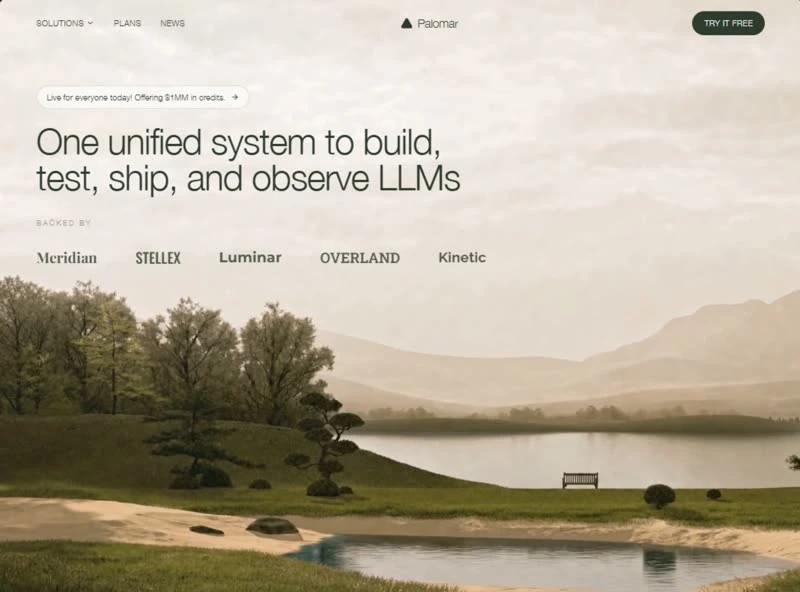
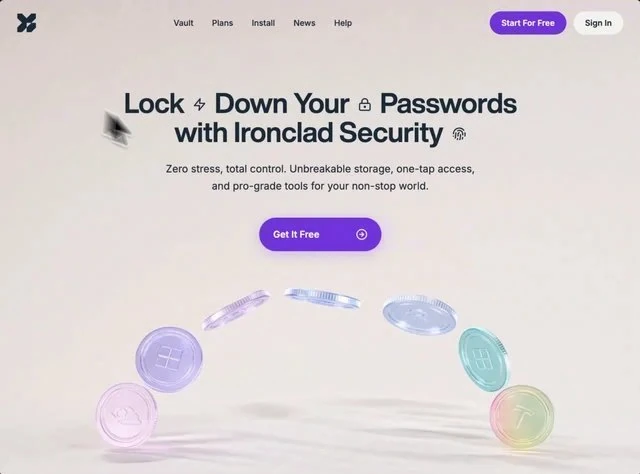
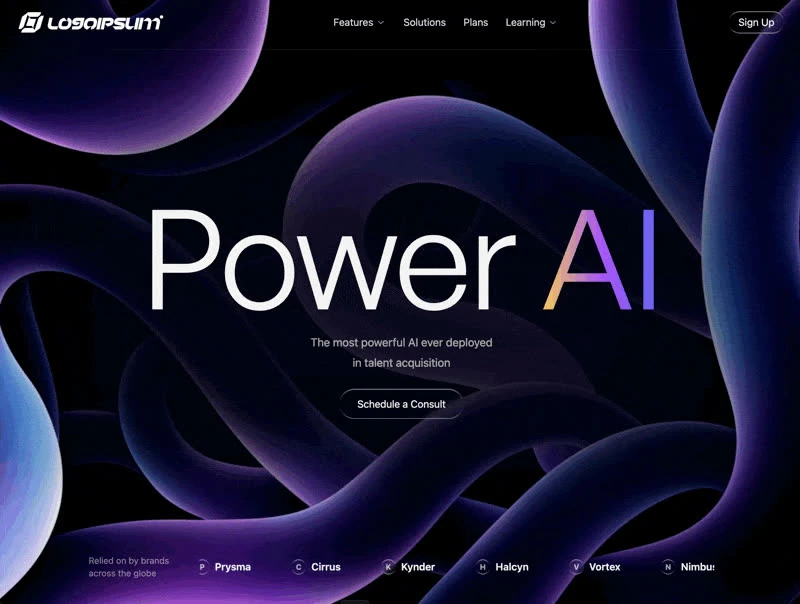
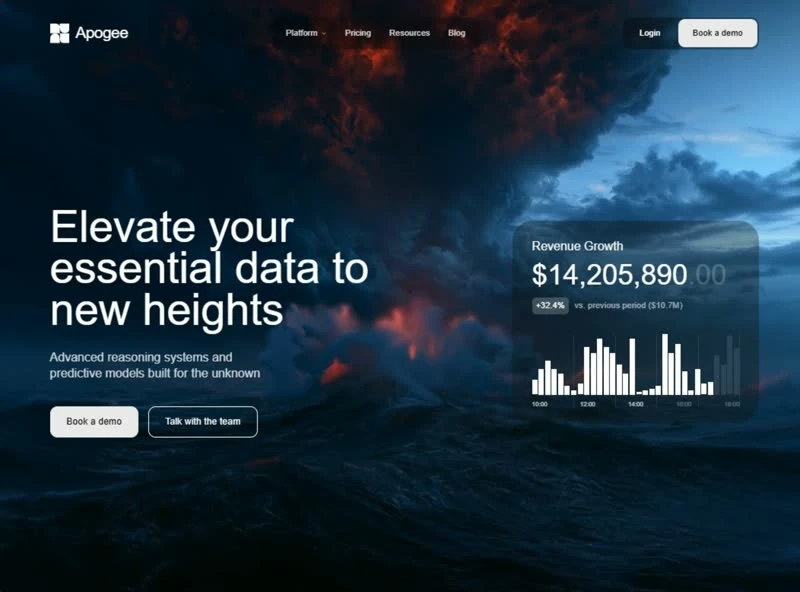
About this template
Digitwist AI Builder keeps its decision trail: the brief that produced this hero section runs 6,001 characters. The headline reads “Design at the speed of thought”, and the rest of the hero section is arranged around it. The palette is bright blue #3054FF underneath and muted blue #B4C0FF for the type, set in Instrument Sans. Delivery is React and Lucide icons — one page, no plugin, no build tooling between you and the design. Motion is 0.6s transitions, kept quiet enough that the copy still leads. Keep it open while you write: the 6,001-character brief is the part that transfers to your own page.
Designed for
- Contract teams taking over this hero section who need a 800x556 frame pinned in the repo before the first commit.
- Teams building an AI or SaaS product hero section who want the measured detail (type from 20px to 136px and 120px spacing steps) rather than a screenshot to copy.
- Made for content leads rewriting a hero section whose headline has to stay as long as Digitwist AI Builder's.
What's included
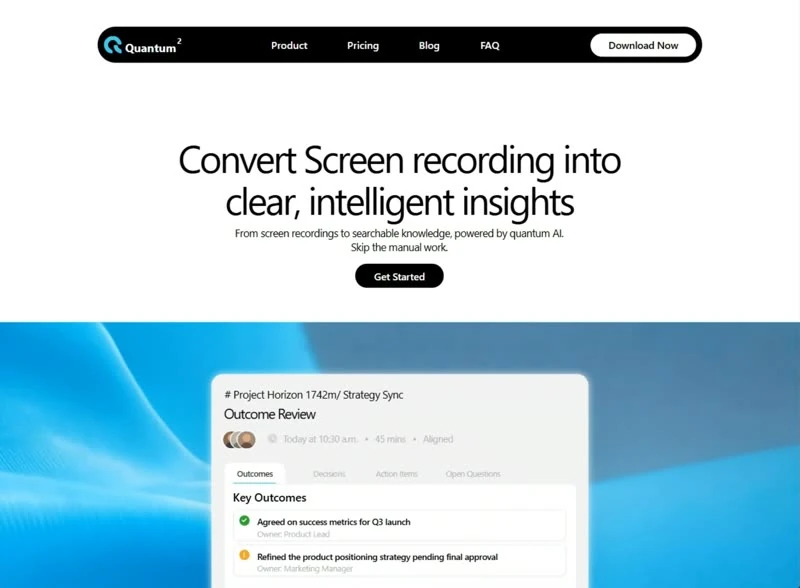
- Navigation held to one row. A slim bar sits over the hero section with the wordmark on the left and the links set in Instrument Sans, so the composition reads as content first and chrome second. The bar sits over the 800x556 composition without a background of its own, so the media runs edge to edge underneath it.
- Links collapse at one width. A short run of links and a single action sit over the hero section, held at type from 20px to 136px and 120px spacing steps so the bar never competes with the composition behind it.
- One scale for type and frame. Sizes were read off the render at 800x556: type from 20px to 136px, 120px spacing steps and 0.6s transitions. The type and the layout share the same steps, so nothing drifts when one of them is substituted.
- The type carries the tone. Type is the styling system here: Instrument Sans at the display size, the same face across the interface, and no second accent colour doing the work. Tracking tightens as the size grows, which is why the display line holds together across 20–136px. Keep the steps, swap the face.
Motion & interaction
Feedback on the controls
Feedback is limited to hover states on the buttons and links rather than on every card, which is what keeps a dense first screen from feeling busy. Interactive targets are large enough to tap and the pointer treatment is consistent across them. Fewer states, fully specified.
Durations from the brief
Every state change in the specification has a duration attached: transitions settle around 0.6s. Nothing is left at the browser default, which is why the page feels authored rather than animated. Easing is specified alongside the duration (0.6s), so a rebuild cannot quietly substitute a different feel. Time the feedback exactly.
The order behind the hero section
The brief runs 6,001 characters and names the reading order explicitly: navigation, the headline, the announcement badge, the stats row and the background clip, with type from 20px to 136px and 120px spacing steps between them. A SaaS reader gets the offer before the options.
The numbers behind the hero section
If you are handing this to a developer, the brief is the useful artefact. It states type from 20px to 136px, 120px spacing steps and 0.6s transitions and leaves nothing for the two of you to interpret. Nothing in this hero section depends on a default.
What an AI or SaaS product gains here
The claim is made once, at display size. “Design at the speed of thought” is doing that work from the first frame. Everything else in the hero section is ordered around that line: navigation, the headline, the announcement badge, the stats row and the background clip, and no second promise competes for the first read. Digitwist AI Builder states the offer once and lets the composition repeat it rather than adding a second claim.
Frequently asked questions
What does the brief behind Digitwist AI Builder actually contain?
It is a build brief rather than a mood description: it names the composition at 800x556, the spacing and the motion values. Nothing in it treats the rendered image as the source of truth.
How much of Digitwist AI Builder depends on React and Lucide icons?
Digitwist AI Builder was built in React and Lucide icons, and the entry says so for provenance. The brief describes positions, sizes and timings, so it rebuilds in any framework that can set type and place elements.
Where did the Digitwist AI Builder design come from?
The brief is a description, not a licence to redistribute someone else's assets. Keep the structure and the numbers, replace the media and the brand marks, and credit the source if a client asks where the layout came from. The reference was captured at 800x556.