About this template
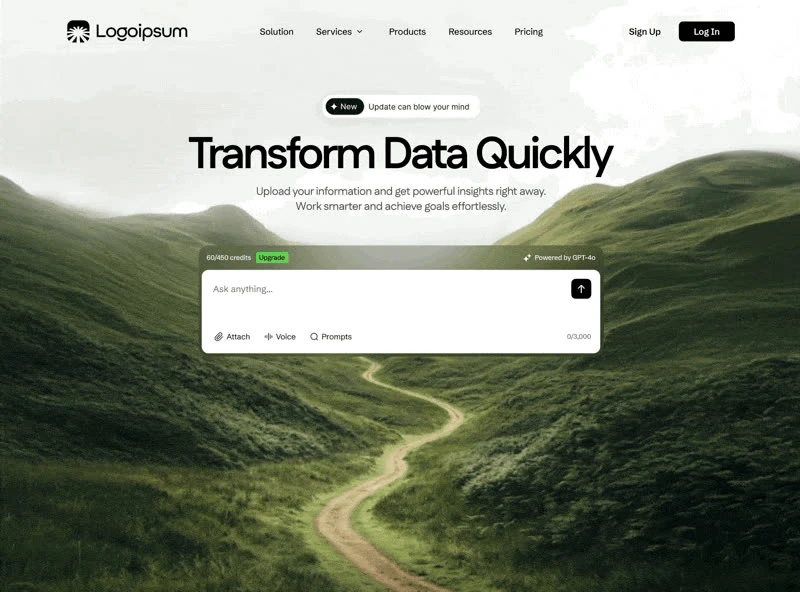
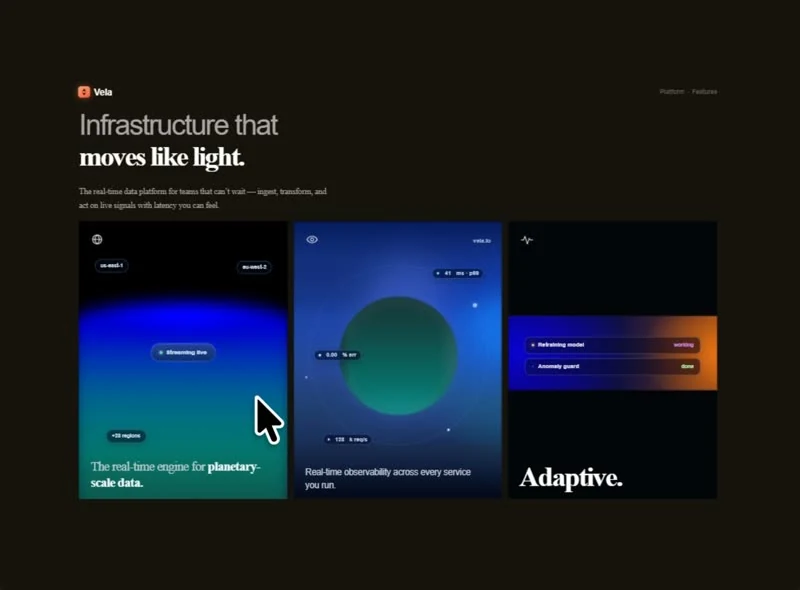
Real-Time Alerts solves the sign-in screen problem for an AI or SaaS product with a single captured brief. The headline reads “Built for fast-moving teams”, and the rest of the sign-in screen is arranged around it. Colour is limited to neutral #797979 underneath and shade #2F2A27 for the type, set in Eloquia. It ships as one self-contained HTML file, so the whole sign-in screen can be lifted into a project without a design handoff. The brief spends its motion budget on 3500ms transitions, cubic-bezier(.2.7.3,1) and a looping video bed. Start from the captured brief, then edit the sign-in screen rather than rebuilding it from scratch.
Designed for
- Write your own headline, then rebuild this sign-in screen in one self-contained HTML file with the measurements intact.
- Hand one self-contained HTML file to the engineer with the 1738x1080 crop attached, then let them rebuild it.
- Studio teams briefing a build and looking for a 370px breakpoint to react to.
What's included
- Measured against the viewport. Every measurement in the brief is a number you can measure back: a fixed 16px display size, 100vh sections, 26px corners and 10px spacing steps. Every value can be checked against the captured prompt, which is what makes a rebuild verifiable rather than approximate.
- One clip does the work. The composition is built on top of the 1738x1080 clip rather than beside it, so the media never gets a panel or a border. The loop is short enough (4.9s) that the eye reads it as texture rather than as a timeline.
- Sign-up as the composition. There is one decision to make here: fill the form or leave. Everything else on the screen supports that decision. Error and focus states are specified rather than left to the browser. One column, one action.
- Numbers instead of a claim. The numbers row is the proof: three or four figures on one line, small labels under each, kept in the same Eloquia as the interface so it reads as data rather than decoration. The label step is quoted in the brief, so it stays below the figures after a substitution.
Motion & interaction
Fast enough to feel deliberate
Transitions are specified at 3500ms using cubic-bezier(.2.7.3,1), which is the timing the controls are held to. The same duration is reused across controls, which keeps the interactions feeling like one system. Carry the durations into your build.
A marquee carries the rhythm
A marquee runs through the composition on an endless loop, set in Eloquia. It is the only continuous motion outside the media, which keeps the page from feeling restless.
The order behind the sign-in screen
Nothing here competes with the first decision. The page says it out loud: “Built for fast-moving teams”. The supporting material waits below the fold, and the headline, the announcement badge, the stats row, the card grid and the form carry the top of the page alone. A SaaS reader gets the offer before the options.
Making the sign-in screen yours
A template asks you to accept its layout; this reference asks you to keep it and change everything inside. The difference is that a fixed 16px display size, 100vh sections, 26px corners, 10px spacing steps and 3500ms transitions stay fixed while the subject moves. A different brand can reuse the whole frame.
The numbers behind the sign-in screen
If you are handing this to a developer, the brief is the useful artefact. It states a fixed 16px display size, 100vh sections, 26px corners, 10px spacing steps and 3500ms transitions and leaves nothing for the two of you to interpret. Nothing in this sign-in screen depends on a default.
Frequently asked questions
Can I rebuild the Real-Time Alerts sign-in screen in a different stack?
Real-Time Alerts was built in one self-contained HTML file, and the entry says so for provenance. The brief describes positions, sizes and timings, so it rebuilds in any framework that can set type and place elements.
What can I do with the Real-Time Alerts brief once I have it?
Everything quoted on the page comes from the captured 21,771-character brief rather than from a description written afterwards. That is why the numbers and the prose agree.
What does the brief behind Real-Time Alerts actually contain?
It is a build brief rather than a mood description: it names the composition at 1738x1080, the spacing and the motion values. Nothing in it treats the rendered image as the source of truth.