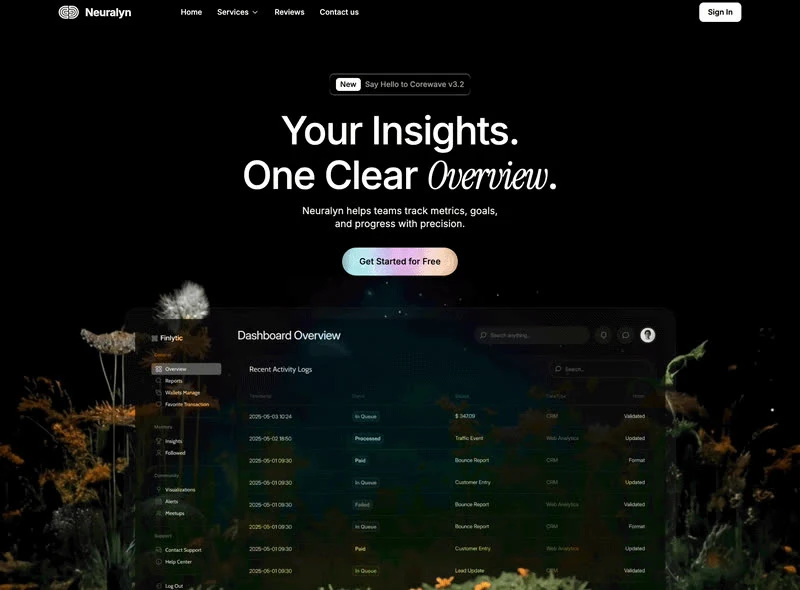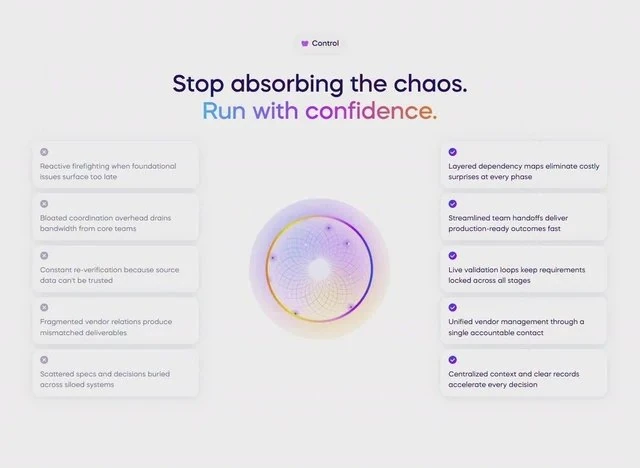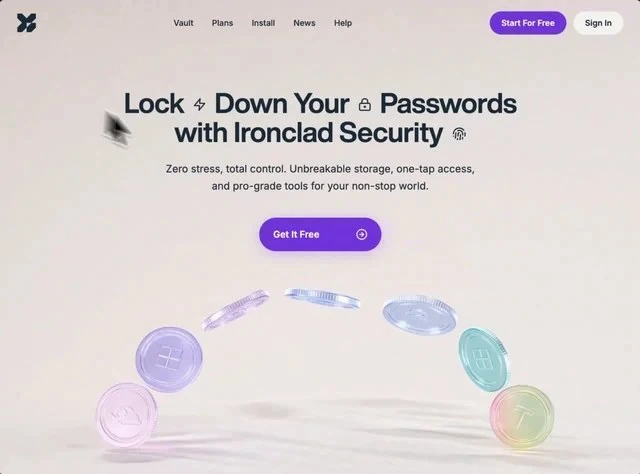
About this template
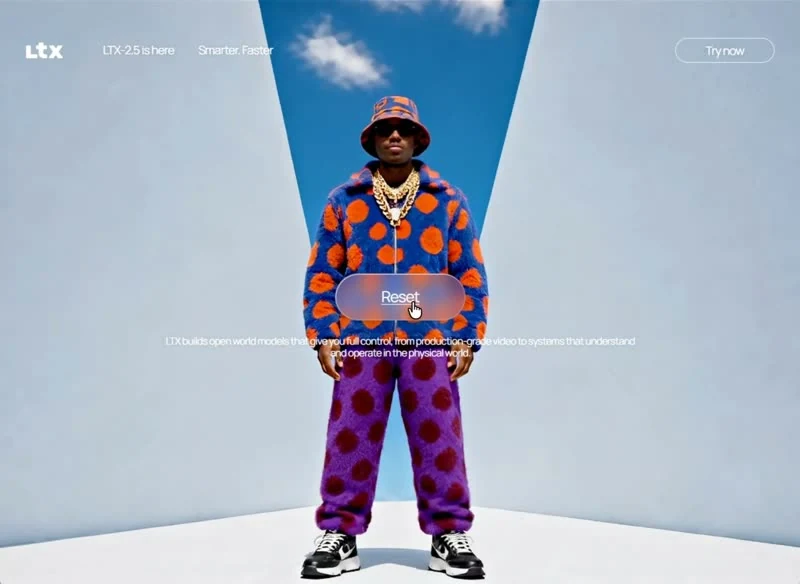
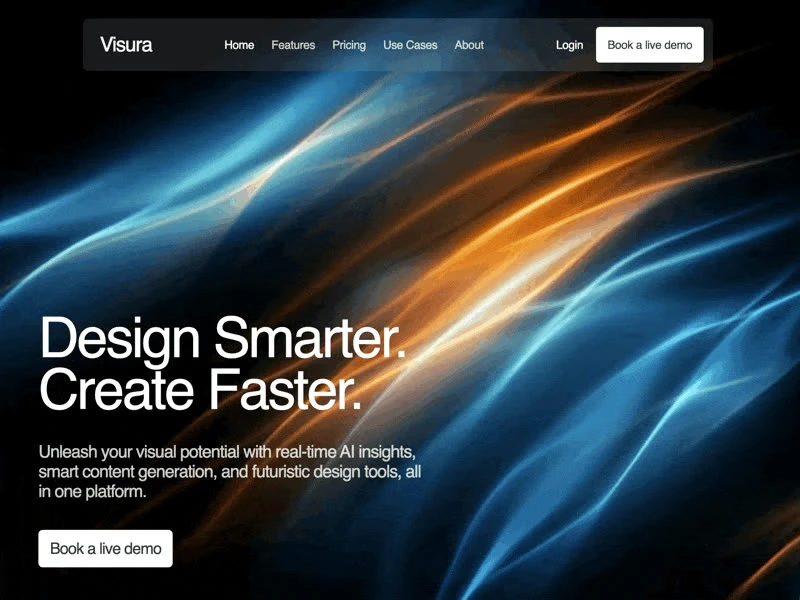
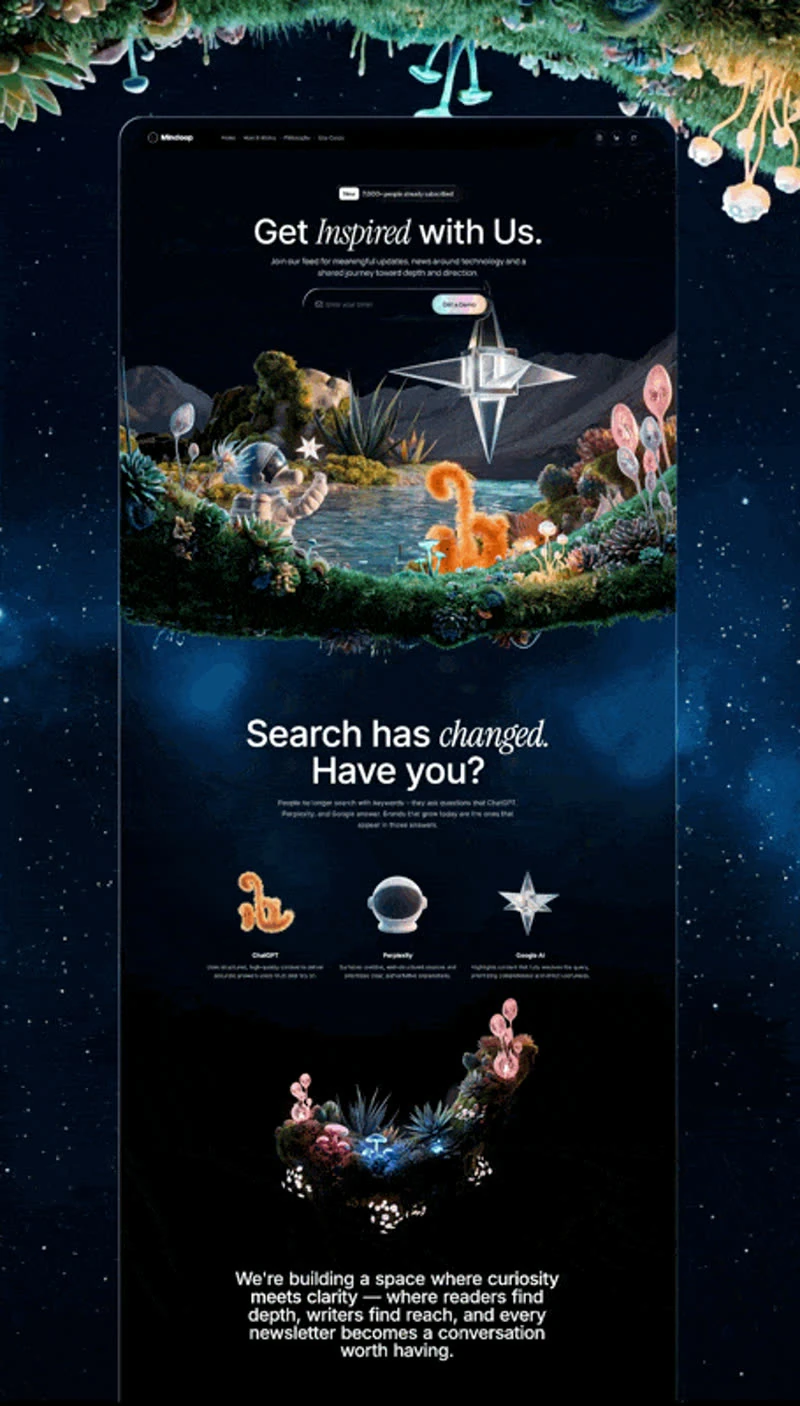
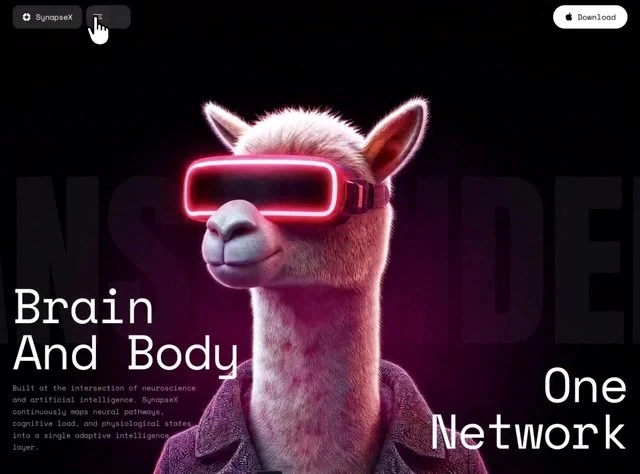
Portal keeps its decision trail: the brief that produced this hero section runs 5,718 characters. The colour scheme is neutral #F2F2EE underneath, shade #192837 for the type and shade #7342E2 carrying the accents, and the page is set in Helvetica Now Display. The build is React and Tailwind CSS; every measurement in it is written down, which is what makes it reusable. Motion is 0.3s transitions, kept quiet enough that the copy still leads. Keep it open while you write: the 5,718-character brief is the part that transfers to your own page.
Designed for
- Growth teams reskinning an AI or SaaS product hero section who want the 640x474 frame kept while the offer copy changes.
- Made for agencies that bill by the round and want 100vh sections and 24px spacing steps agreed before the first one.
- If your brand has two colours, marketers should decide which takes #7342E2's role and which takes #F2F2EE's.
What's included
- Navigation held to one row. The bar carries the wordmark, the section links and one #7342E2 button, measured at 100vh sections and 24px spacing steps so it never grows into a second header. The links are set below the wordmark in size, and the #7342E2 action is the only element in the bar with any weight. Keep the link count to four or five; the row is sized for that.
- Tracking tightens as it grows. With Helvetica Now Display doing the work, the sizes step down hard from the headline to the supporting copy and letter-spacing tightens as the size grows, so the hierarchy is carried by type rather than colour. A face swap is safe as long as the sizes and weights stay where the brief put them. Set the display line last.
- Copy first, decoration second. The whole composition fits one screen and is delivered as React and Tailwind CSS, with the copy, the media and the controls named in the brief. The page is one composition at 640x474, which is why it holds together when the copy changes.
- A navigation bar that gets out of the way. The bar sits over the 640x474 composition without a background of its own, so the media runs edge to edge underneath it.
Motion & interaction
The whole animation budget
The animation budget is small and explicit: 0.3s, applied to state changes rather than to entrances. Easing is specified alongside the duration (0.3s), so a rebuild cannot quietly substitute a different feel. Time the feedback exactly.
Interaction kept local
The interactive layer is small and predictable: hover states on the buttons and links rather than on every card. Everything else stays still, which keeps the emphasis on the composition. Hover and focus are specified together, so the pointer and the keyboard get the same information.
How Portal sequences the first read
Where a marketing page stacks proof below the fold and hopes, this hero section puts navigation, the announcement badge, the feature list and the background clip in front of the reader and holds the rest back. A SaaS reader gets the offer before the options.
Reading Portal as a spec
Most references show the result and keep the numbers. This one reverses that: 100vh sections, 24px spacing steps and 0.3s transitions are published beside the page, so the result can be reproduced instead of approximated. Nothing in this hero section depends on a default.
What this hero section gets right
The claim is made once, at display size. Everything else in the hero section is ordered around that line: navigation, the announcement badge, the feature list and the background clip, and no second promise competes for the first read. Portal states the offer once and lets the composition repeat it rather than adding a second claim.
Frequently asked questions
How long is the prompt behind Portal?
The captured brief runs 5,718 characters and covers the frame, the type scale, the palette and the transitions. Copying it gives you that text, and sending it to Studio stages the same request with the page already described.
How do the 0.3s transitions in Portal behave?
Transitions are attached to interface states rather than to a scroll timeline, and they resolve in the 0.3s range. The brief records the values so a port can match them without guessing.
Why is Portal's prompt not printed here?
Everything quoted on the page comes from the captured 5,718-character brief rather than from a description written afterwards. That is why the numbers and the prose agree.