Website template
Vertex - AI Workflow Automation Landing Template
A production-grade Next.js 15 landing page for AI workflow automation products with 10 sections, a pricing comparison matrix, five pre-built pages, light and dark themes, and SEO-ready metadata.
Landing Page · AI · Original $49
Pages
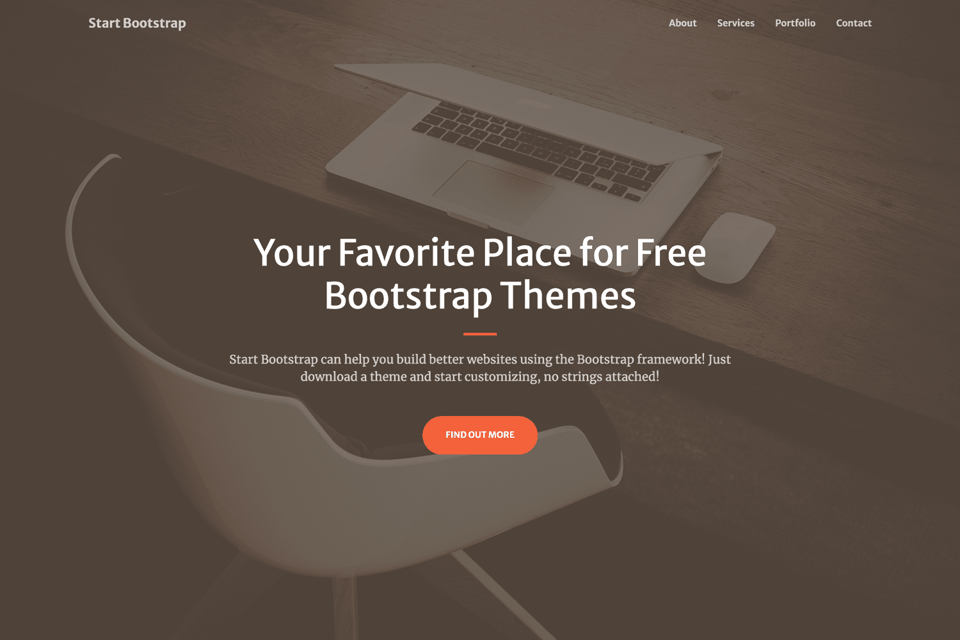
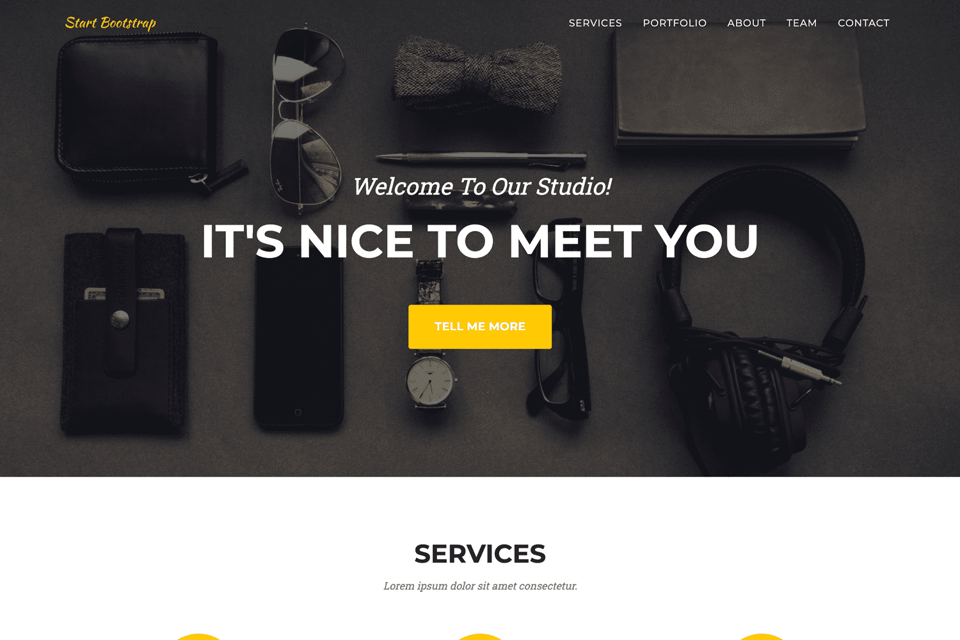
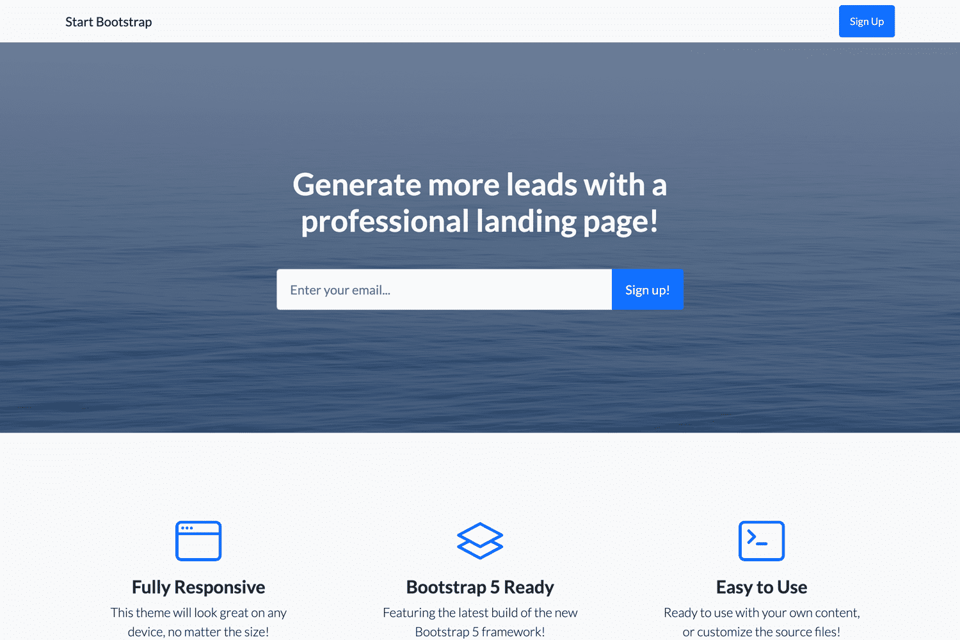
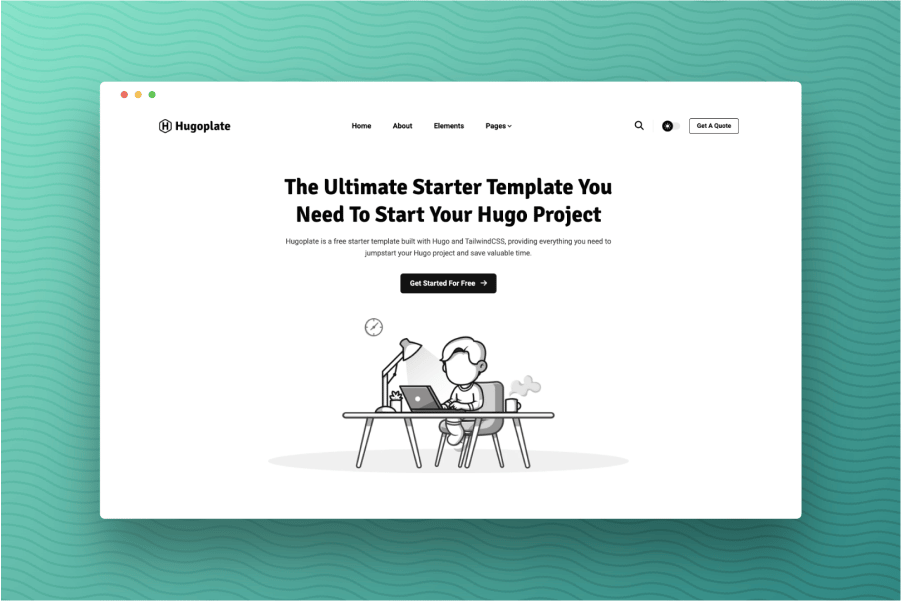
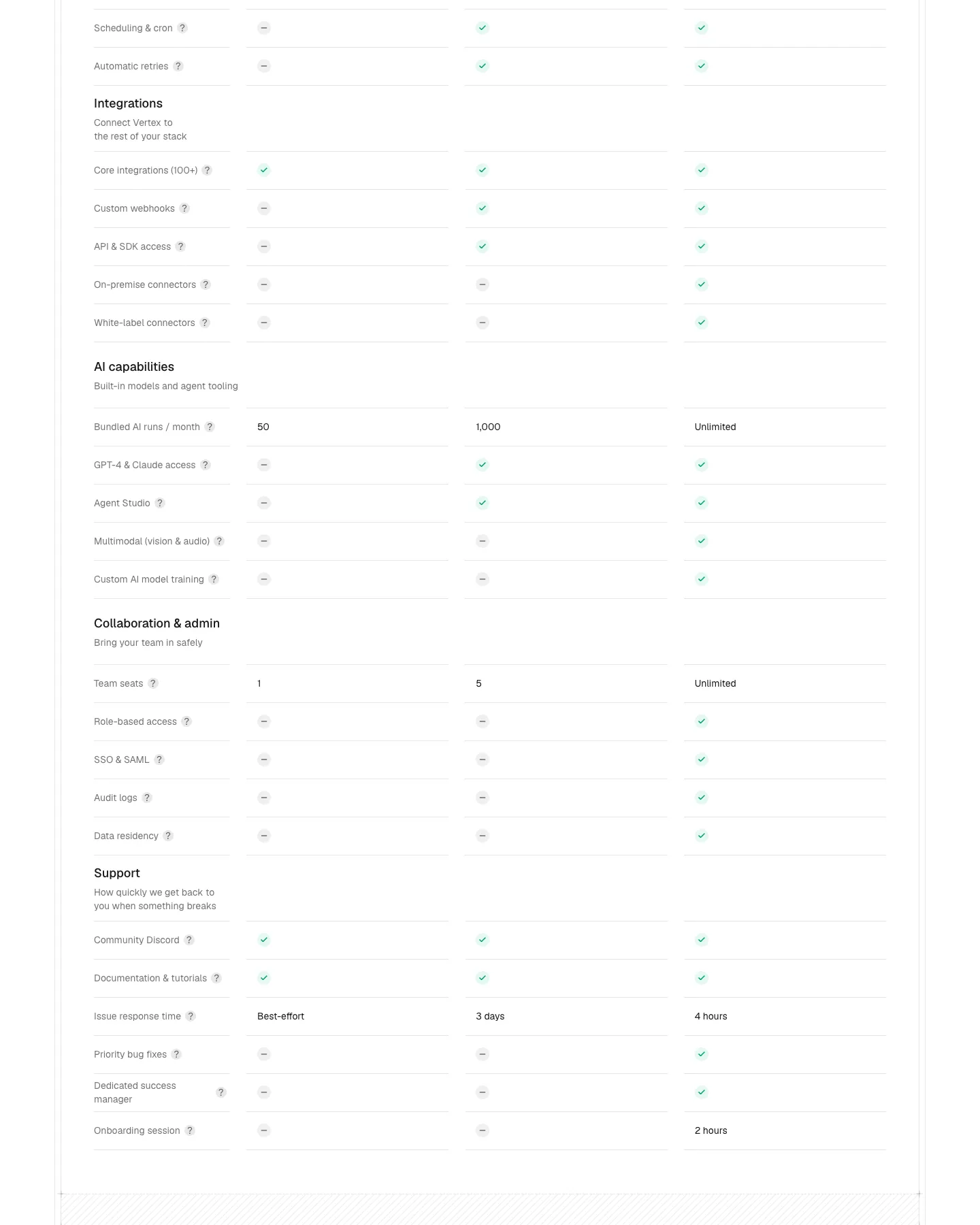
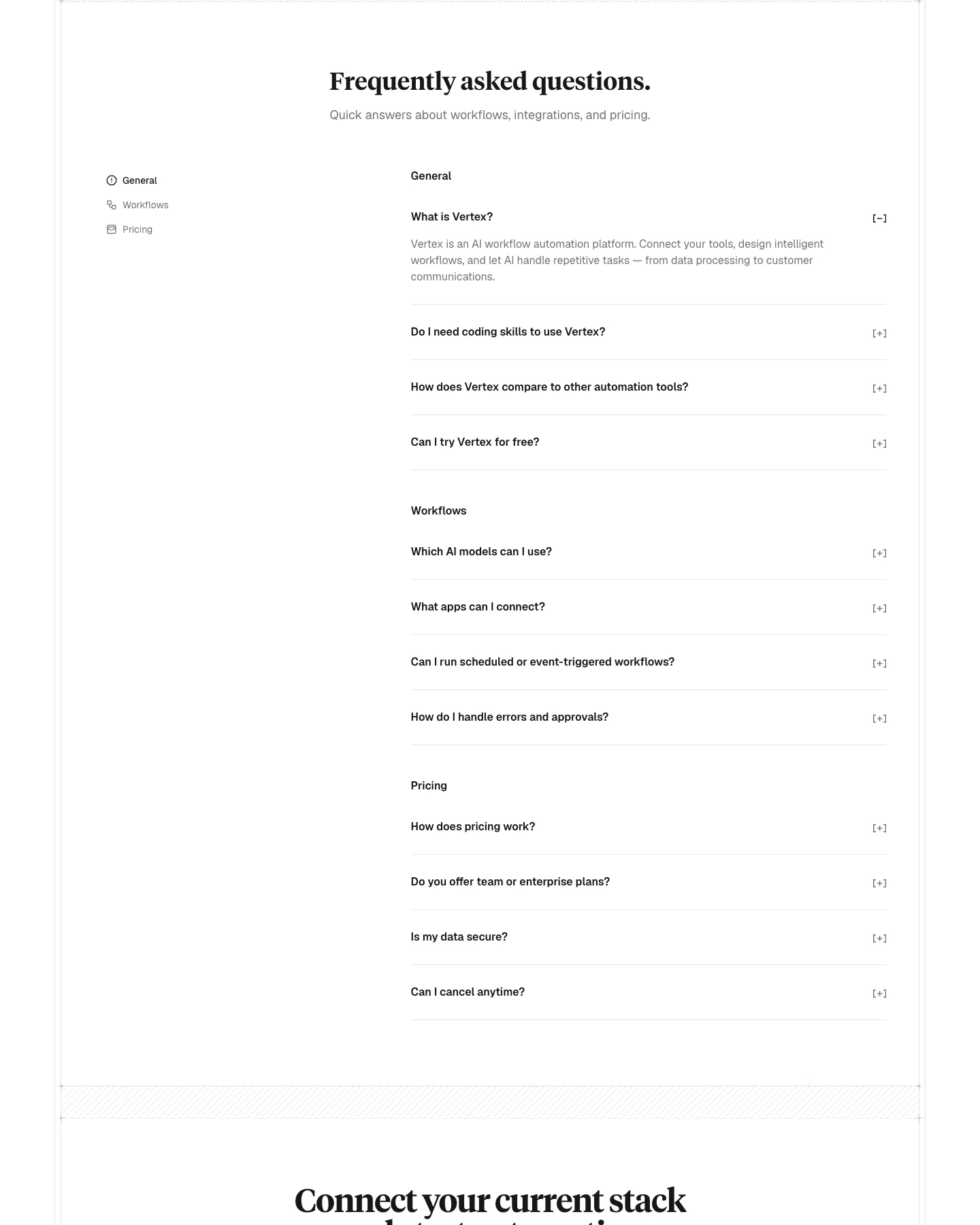
Screenshots of the live demo, page by page. Scroll inside a page to see all of it.
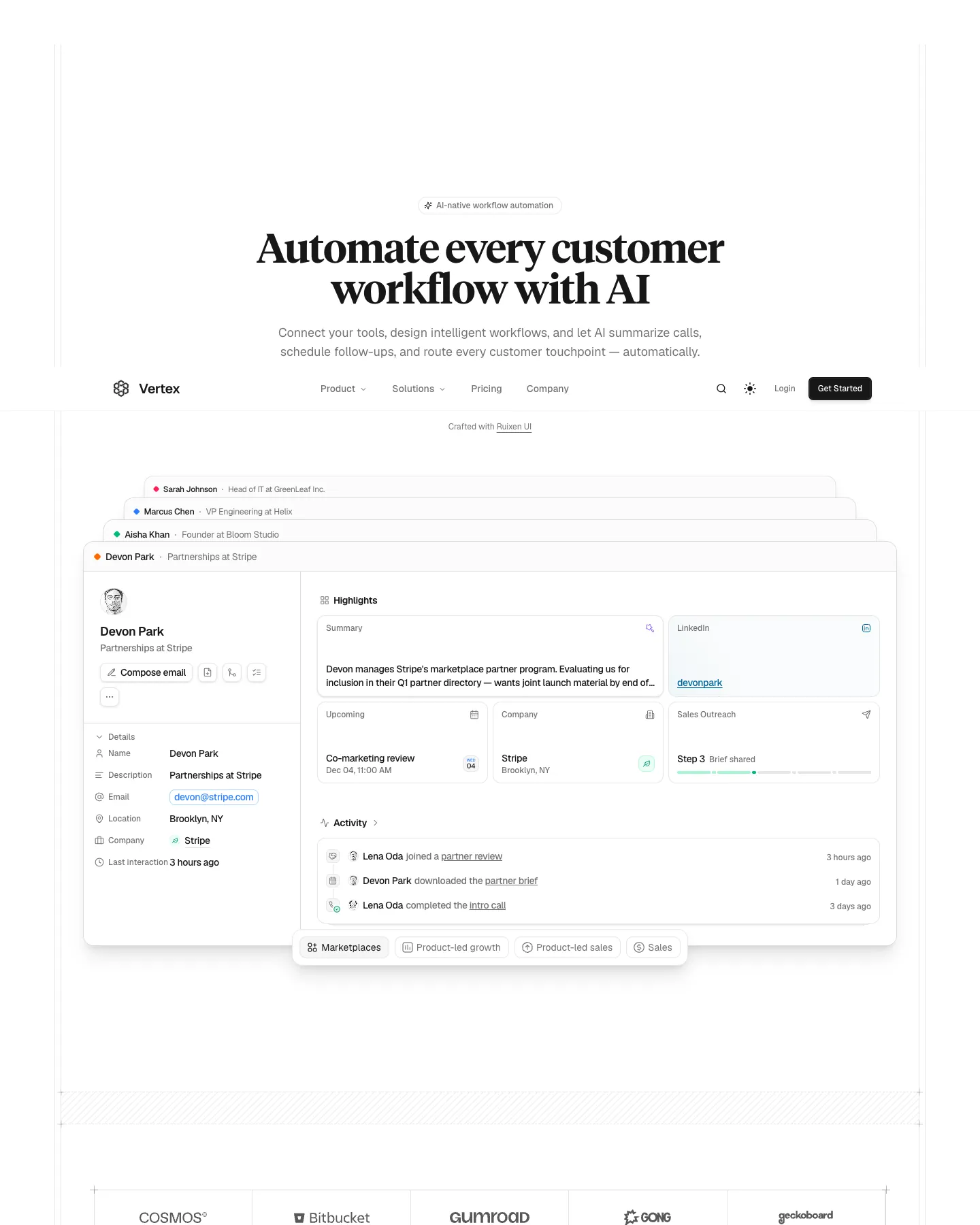
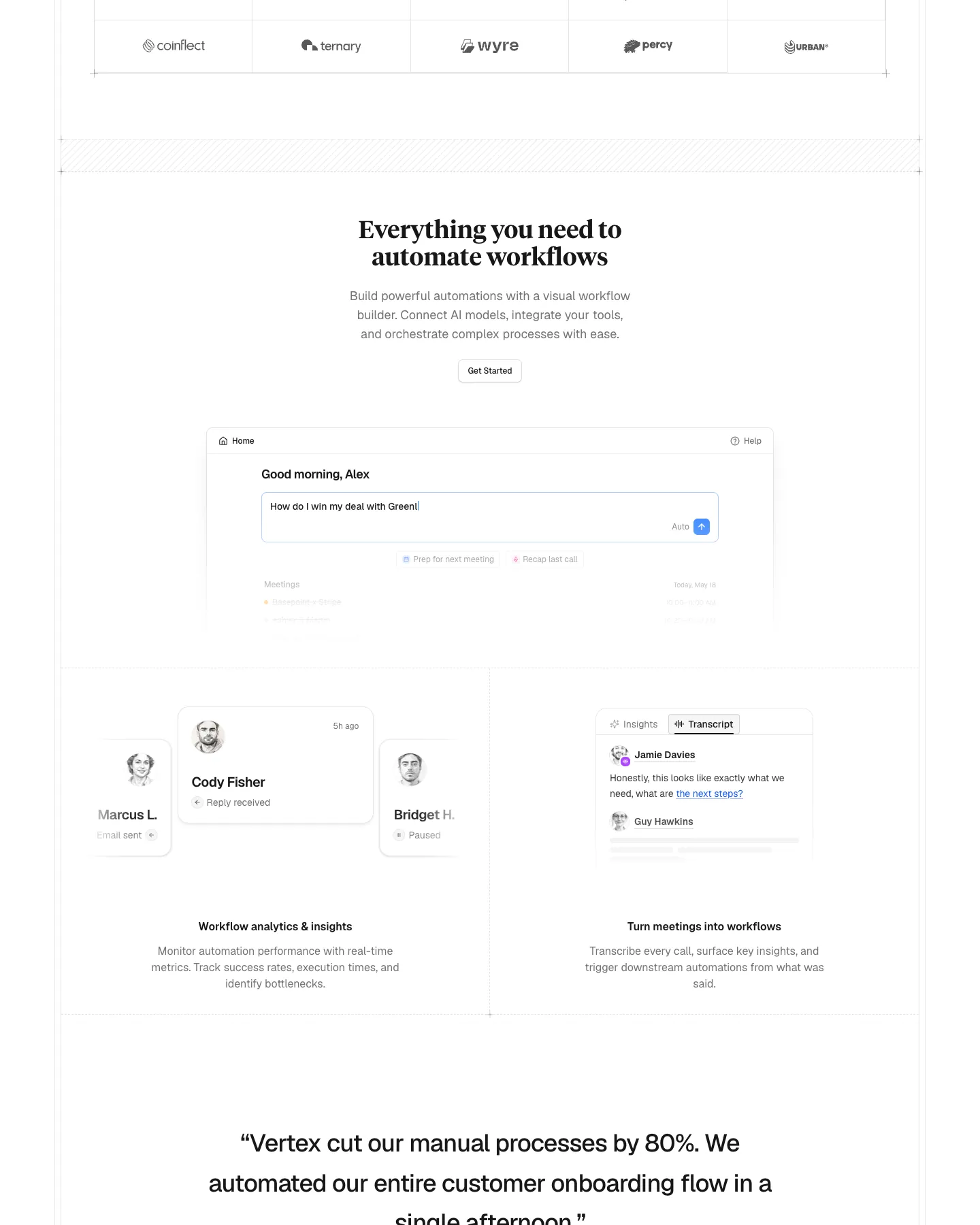
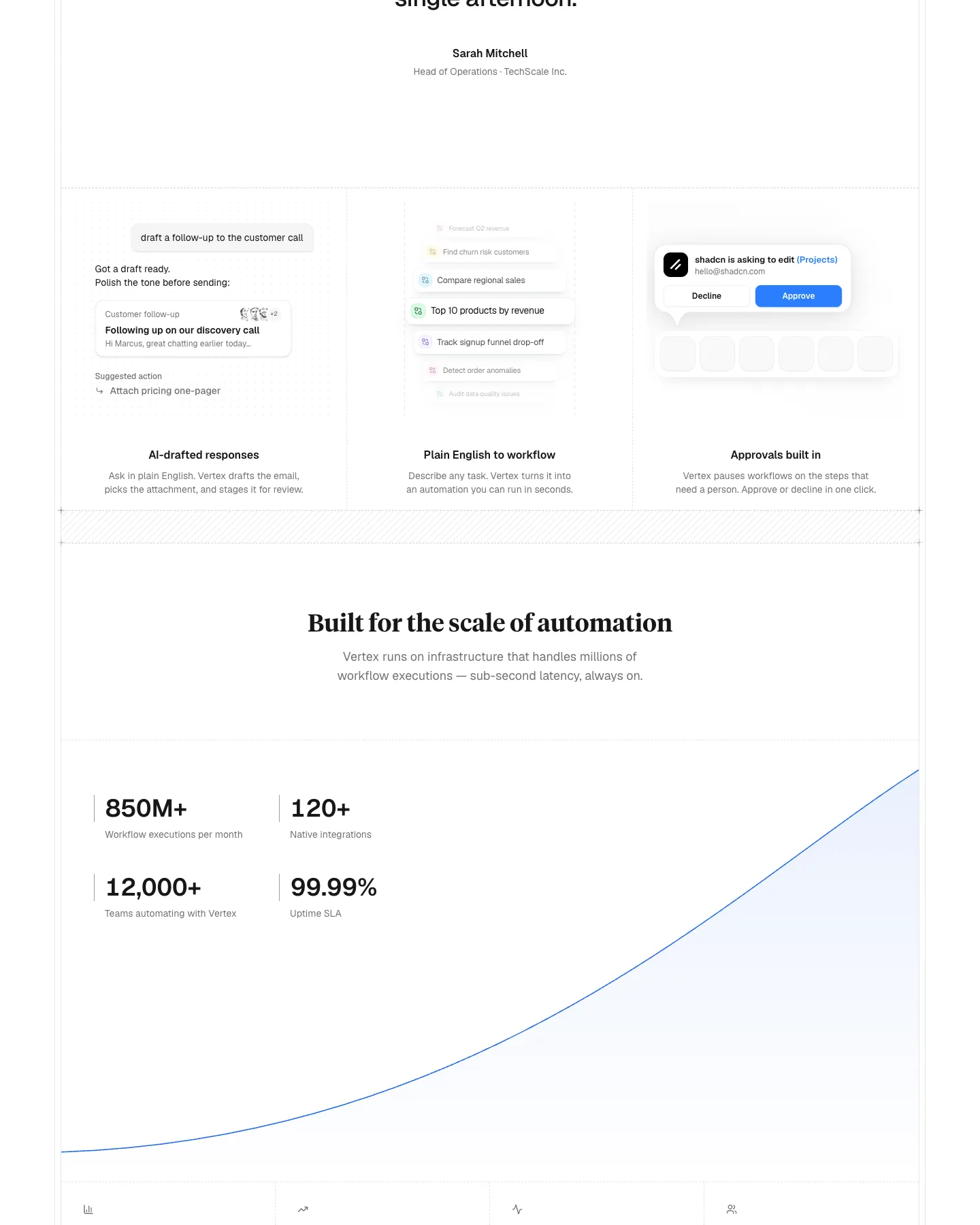
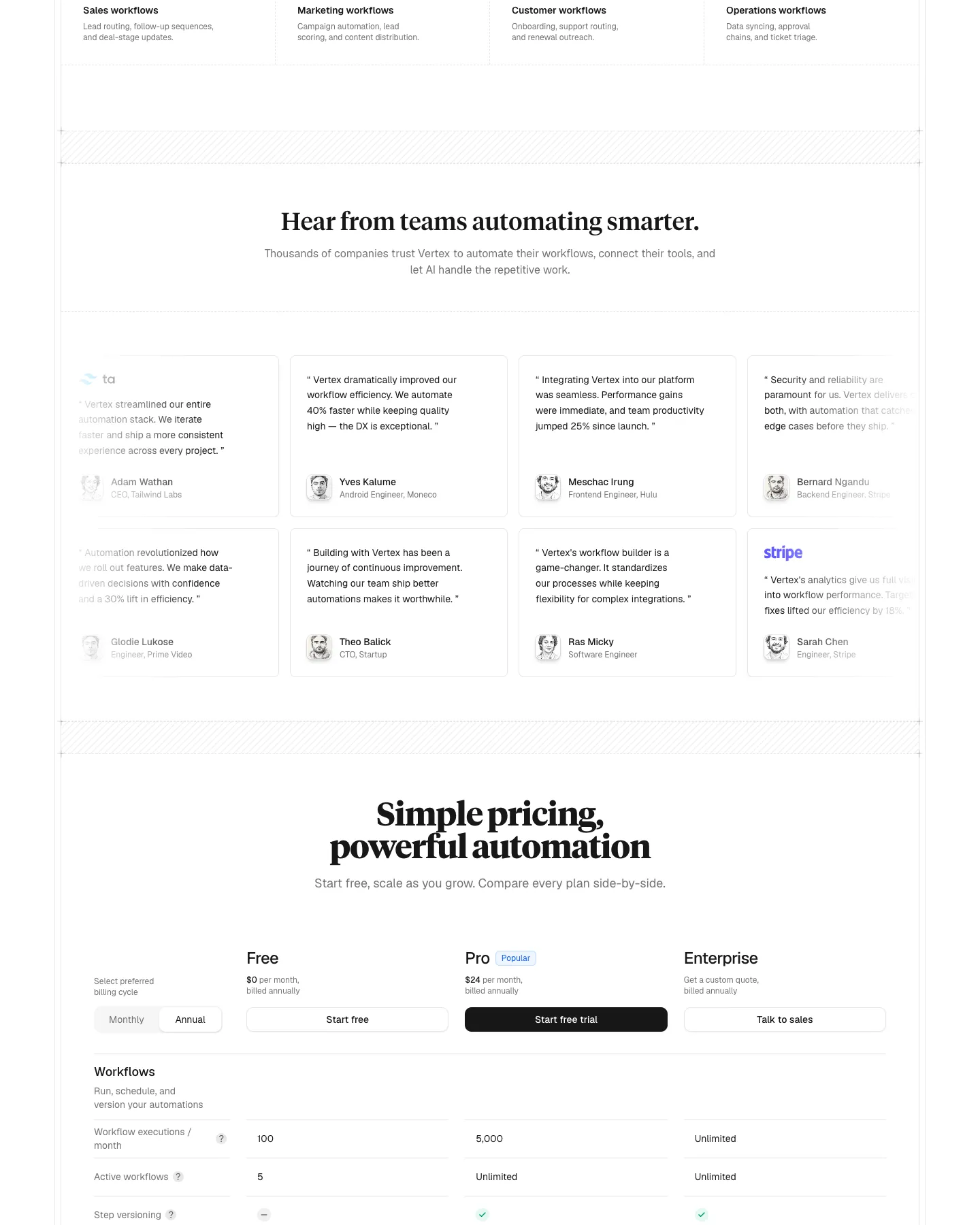
Design breakdown
An AI reading of this template's design: colors, type, spacing, sections and signature details. Ottermind starts from it when you use the template.
- Overall
landing page, clean and modern, low density, light
- Palette
background #ffffff; surfaces [#000000,#e6e6e6,#d4d4d4,#171717]; text #171717; muted text #737373; primary #2b7fff; accents [#a4f4cf,#00bc7d,#ad46ff]
- Type
headings Tiempos Headline, 600, sentence-case; body Geist, 18px; scale h1 60px / h2 36px / h3 18px
- Shape & spacing
button radius 6px, card radius 12px, borders none, shadows rgba(0,0,0,0.1) 0px 1px 3px 0px, rgba(0,0,0,0.1) 0px 1px 2px -1px, section spacing 120px, content width 1164px
- Sections (top to bottom)
- Hero — full-width, centered headline with subheading, CTA buttons, logo row, navigation bar, tagline above headline
- Feature showcase — stacked cards with UI mockups, labeled sections, floating elements, subtle depth via shadow
- Workflow examples — three-column grid of feature illustrations with captions, each with a small UI snippet
- Performance metrics — four stats in a two-by-two grid, upward trend line graphic on right side
- Testimonials — eight-card grid with quotes, avatars, names, titles, company logos
- Pricing — three-column comparison table with tiered plans, pricing, features, and CTAs, billing cycle selector
- Signature details
- Floating UI mockups with layered depth
- Subtle diagonal pattern divider between sections
- Gradient accent lines in feature cards
- Minimalist avatar icons with soft shadows
- Clean, high-contrast typography hierarchy
- Hover states on interactive elements implied by design
- Other pages
- /pricing: pricing comparison matrix with tiered options
- /features: detailed feature breakdown with UI examples
- /testimonials: customer quotes with branding
- /about: brand story and mission
- /contact: form and support links
Template details
- Category
- Landing Page, AI
- Built with
- shadcn/ui, Next.js
- Author
- ruixen.ui
- Listed on
- 21st.dev
- Price
- Original $49
- Landing Page
- shadcn/ui
- AI
- Next.js
- Landing Page Banner
- Startup Landing
- Bento Feature
- Workflow Automation
Original design by ruixen.ui, listed on 21st.dev. Ottermind does not copy the template's code; it builds a new site from the brief.
The brief Ottermind starts from
It opens in Studio as a draft — add your brand, audience and pages before you send.
Build a landing page website inspired by the "Vertex" template. Reference brief: A production-grade Next.js 15 landing page for AI workflow automation products with 10 sections, a pricing comparison matrix, five pre-built pages, light and dark themes, and SEO-ready metadata. Style and features to reflect: shadcn/ui, Next.js, Landing Page Banner, Startup Landing, Bento Feature, Workflow Automation. Use original copy and imagery for my brand rather than the reference's placeholder content.
How to use this template
- 1
Click “Use this template” to open it in Ottermind Studio with its brief filled in.
- 2
Add your brand, audience, pages and content to the brief.
- 3
Ottermind builds a new site inspired by this design — keep editing it in the chat.