Website template
Doks
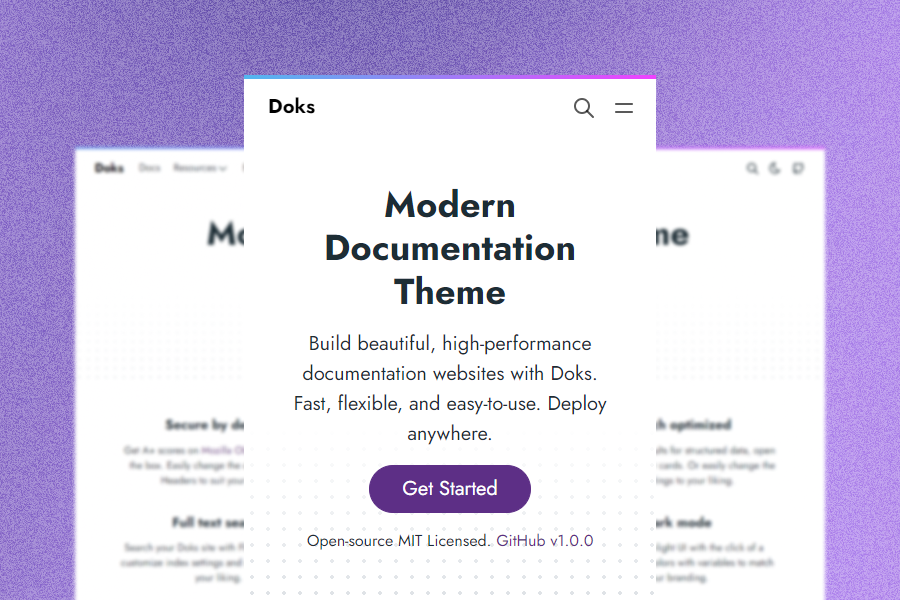
Build beautiful, high-performance documentation websites with Doks.
Landing Page · Blog · Free
Pages
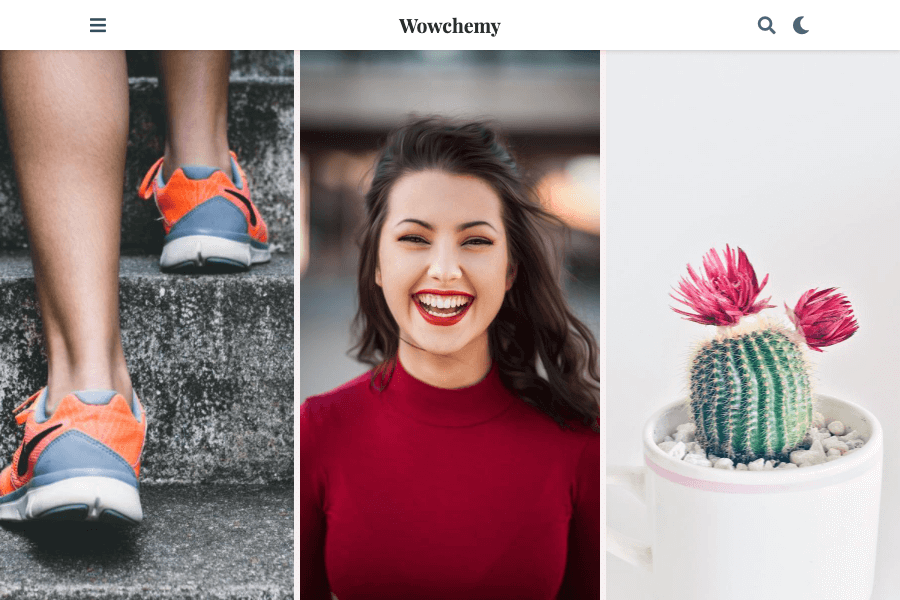
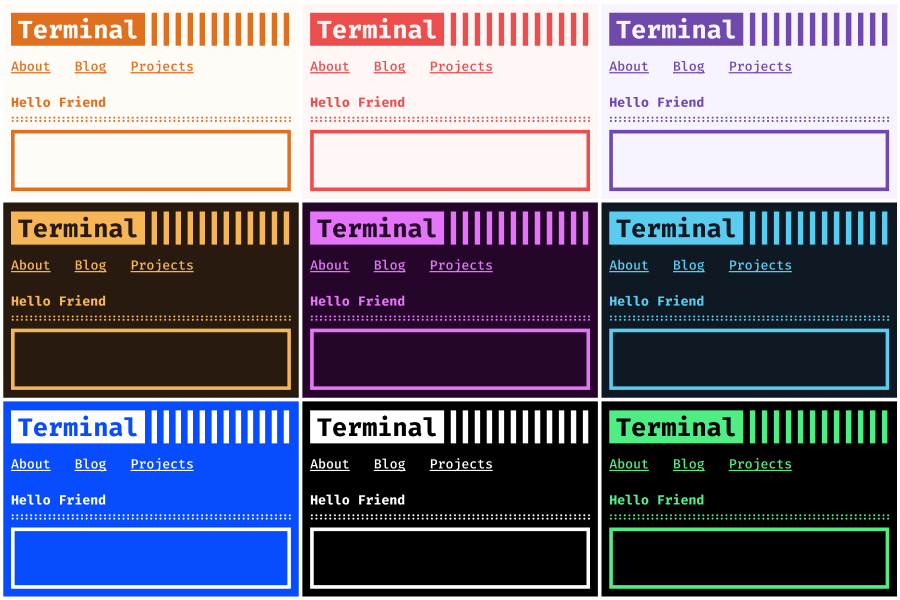
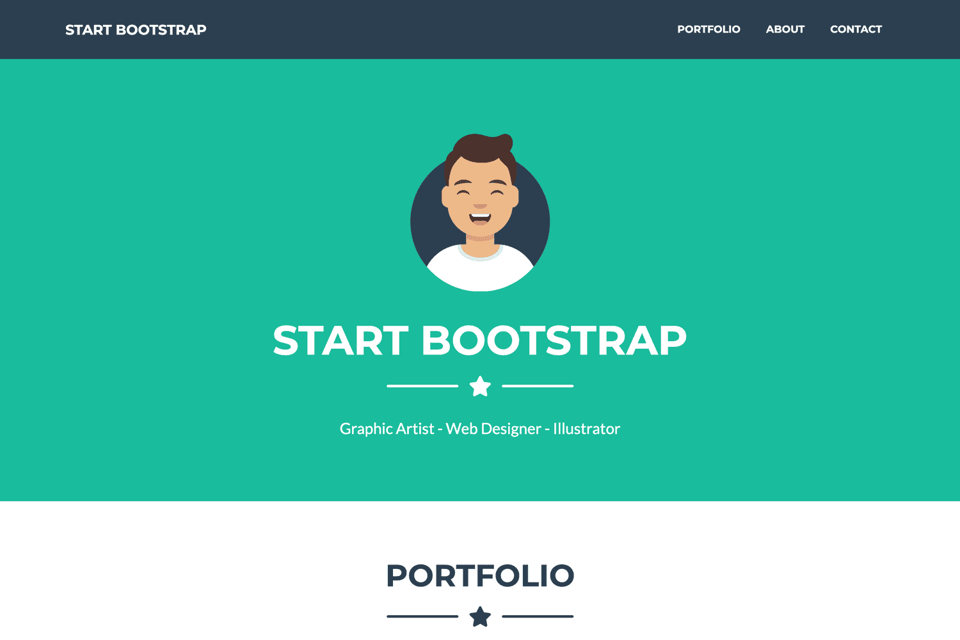
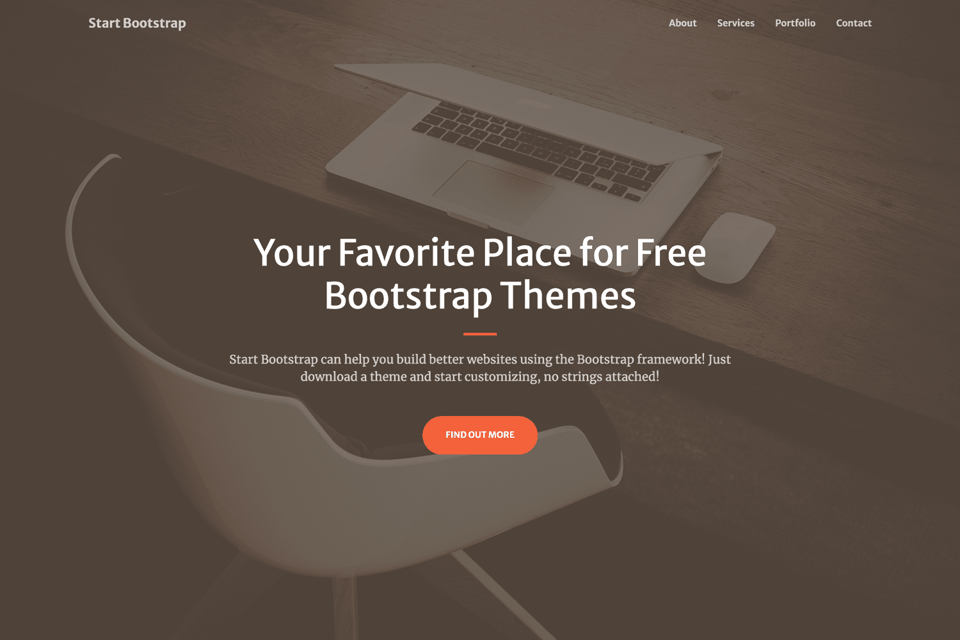
Screenshots of the live demo, page by page. Scroll inside a page to see all of it.
Design breakdown
An AI reading of this template's design: colors, type, spacing, sections and signature details. Ottermind starts from it when you use the template.
- Overall
documentation site, clean and minimal, low density, light
- Palette
background #ffffff; surfaces [#3347ff, #edeef3]; text #000000; muted text #1d2d35; primary #3347ff; accents []
- Type
headings Jost, 700, sentence-case; body Jost, 14px; scale h1 52px, h2 20px, h3 18px
- Shape & spacing
button radius 800px, card radius 0px, borders 1px solid #eaeaea, shadows none, section spacing 64px, content width 1320px
- Sections (top to bottom)
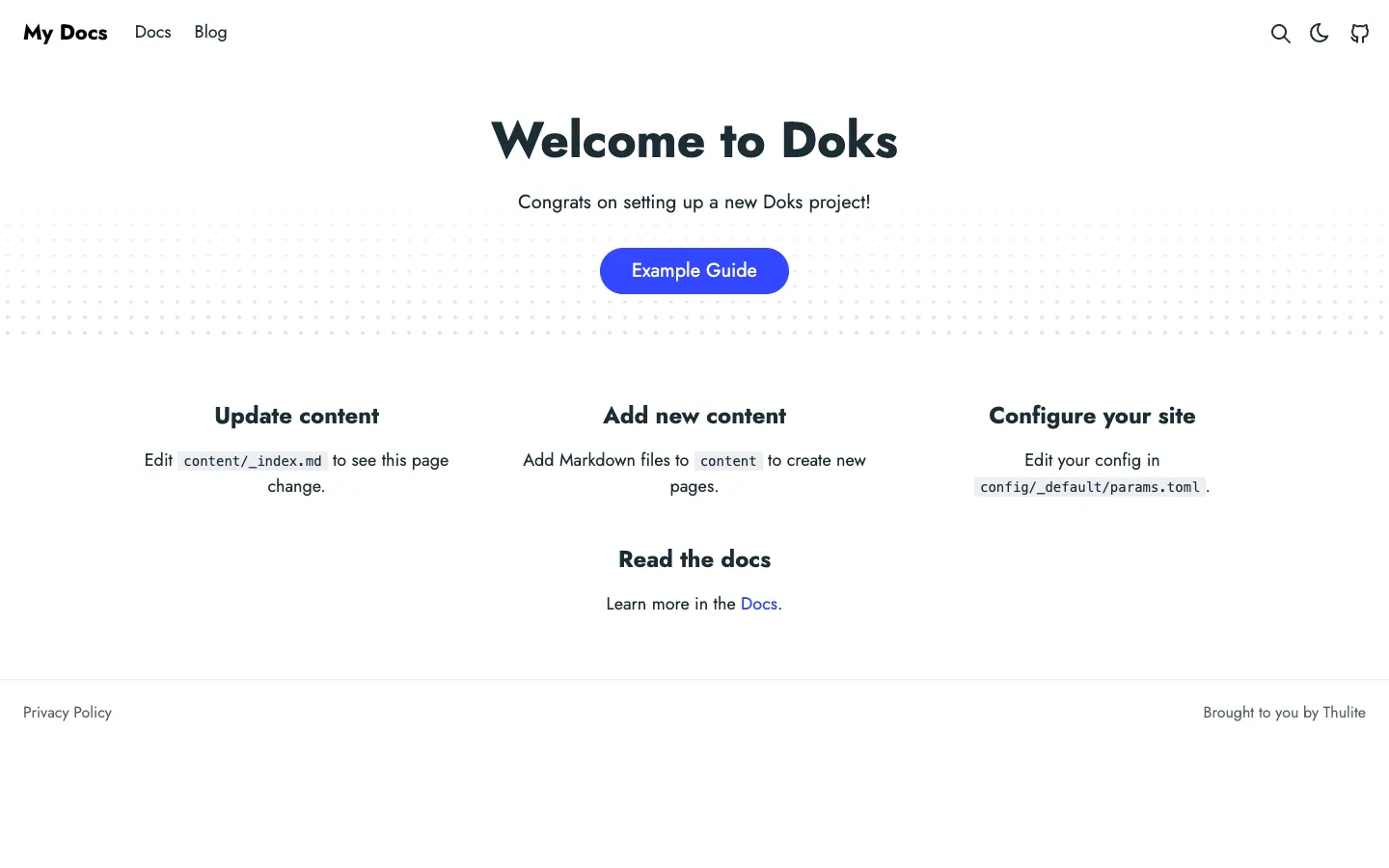
- Header — horizontal navigation with logo, links, and icons on right; white background
- Hero — centered headline, subtext, and primary CTA button; dotted pattern below
- Content grid — three-column layout with instructions; each column has a heading and paragraph
- Footer — thin line above, two lines of text aligned left and right; white background
- Signature details
- Rounded pill-shaped primary button in blue
- Dotted horizontal divider beneath hero
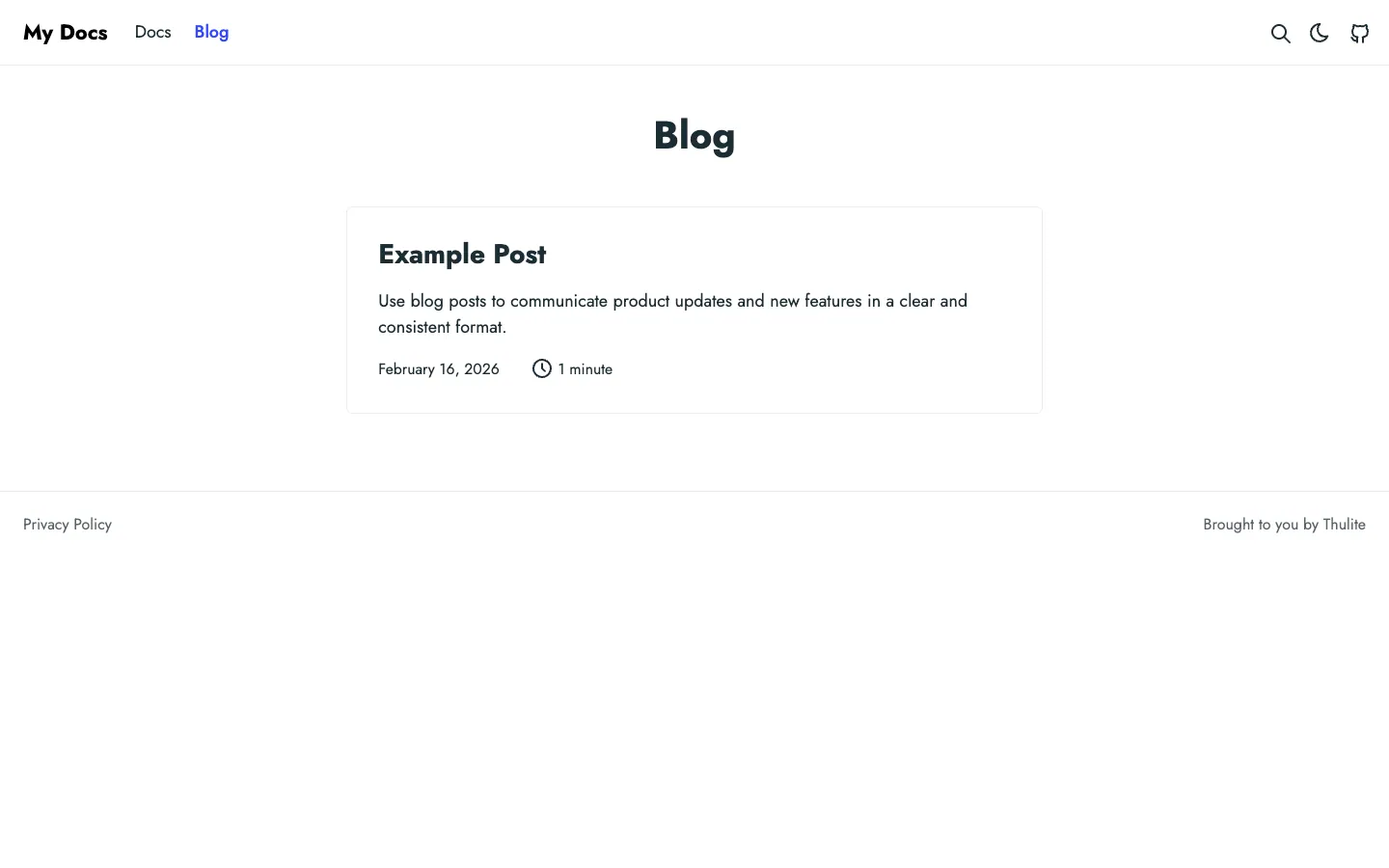
- Light gray border around blog post card
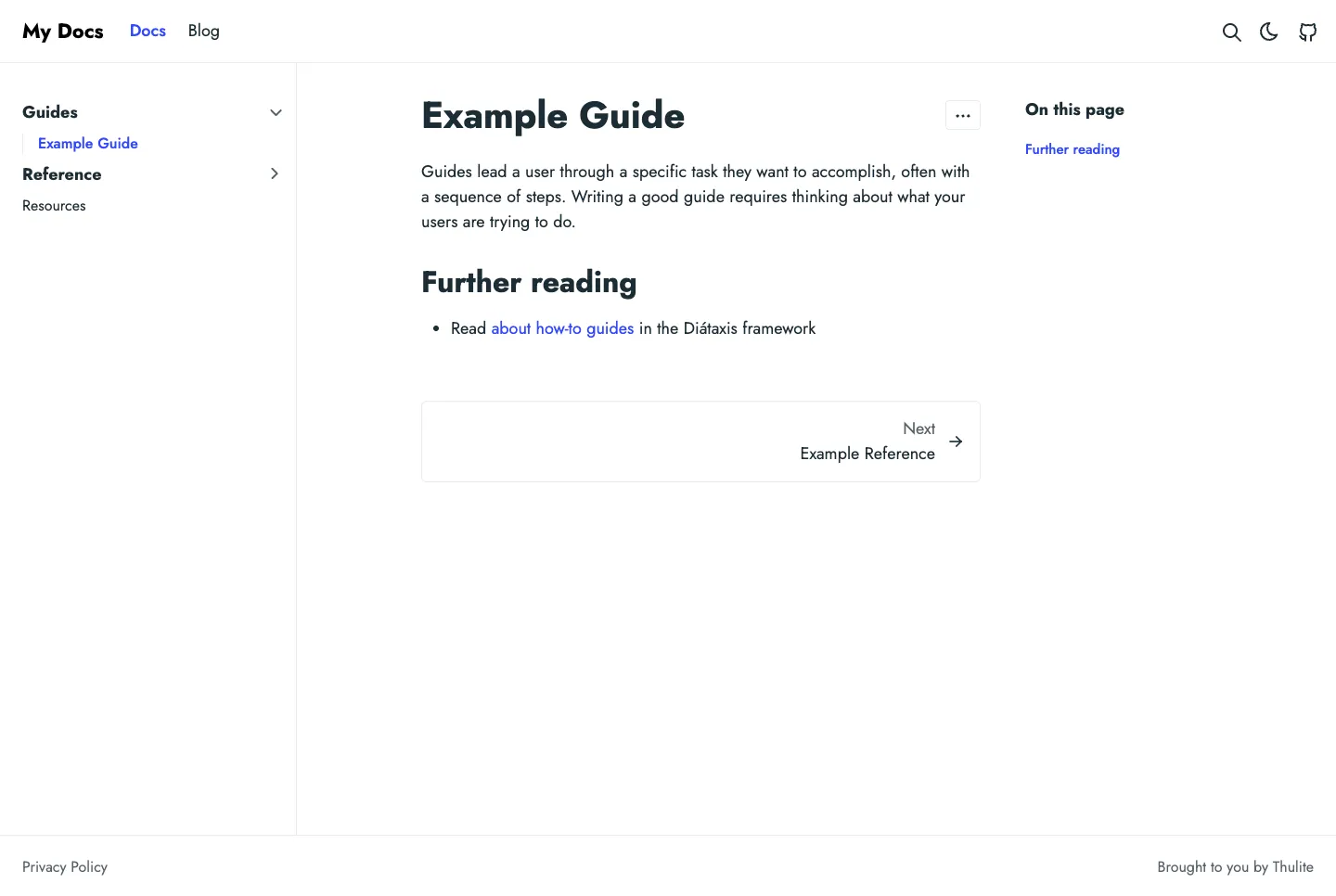
- Collapsible sidebar menu on docs page
- "On this page" table of contents on right
- Minimalist footer with attribution and privacy link
- Other pages
- /blog/: single blog post card with date and read time, centered under "Blog" heading
- /docs/guides/example-guide/: sidebar navigation, main content with guide text, next link at bottom, TOC on right
Template details
- Category
- Landing Page, Blog, Documentation, Starter Kit
- Built with
- Hugo
- License
- MIT
- Author
- Henk Verlinde
- Listed on
- Hugo Themes
- Price
- Free
- blog
- bootstrap
- dark-mode
- docs
- landing
- minimal
Original design by Henk Verlinde, listed on Hugo Themes. Ottermind does not copy the template's code; it builds a new site from the brief.
The brief Ottermind starts from
It opens in Studio as a draft — add your brand, audience and pages before you send.
Build a landing page website inspired by the "Doks" template. Reference brief: Build beautiful, high-performance documentation websites with Doks. Style and features to reflect: blog, bootstrap, dark-mode, docs, landing, minimal. Use original copy and imagery for my brand rather than the reference's placeholder content.
How to use this template
- 1
Click “Use this template” to open it in Ottermind Studio with its brief filled in.
- 2
Add your brand, audience, pages and content to the brief.
- 3
Ottermind builds a new site inspired by this design — keep editing it in the chat.