Website template
WriteMate AI
An AI product marketing template from TailGrids built in React and Tailwind CSS. Designed to promote an AI writing tool with feature and pricing sections.
Landing Page · AI · Free
Pages
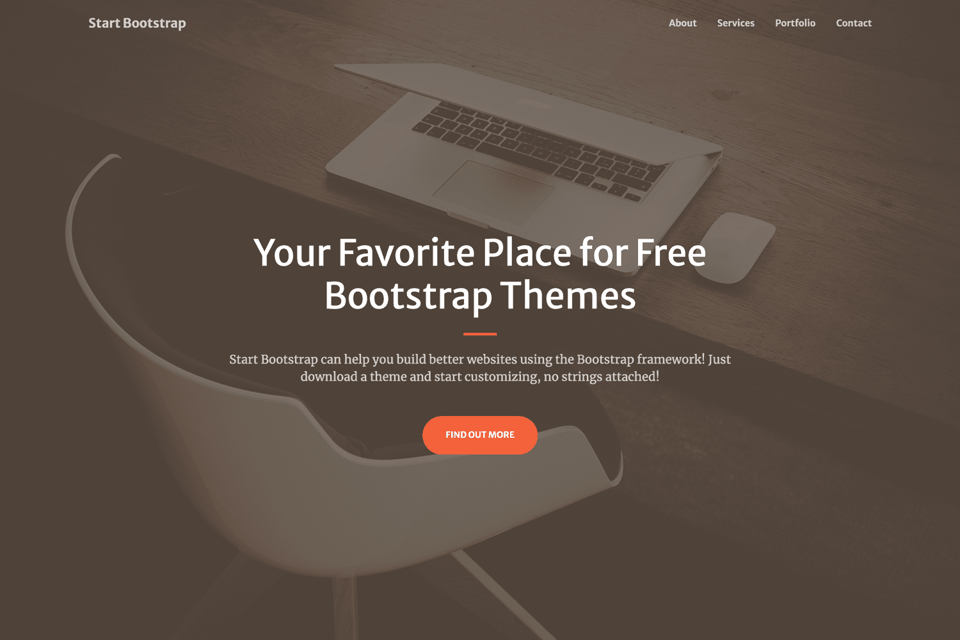
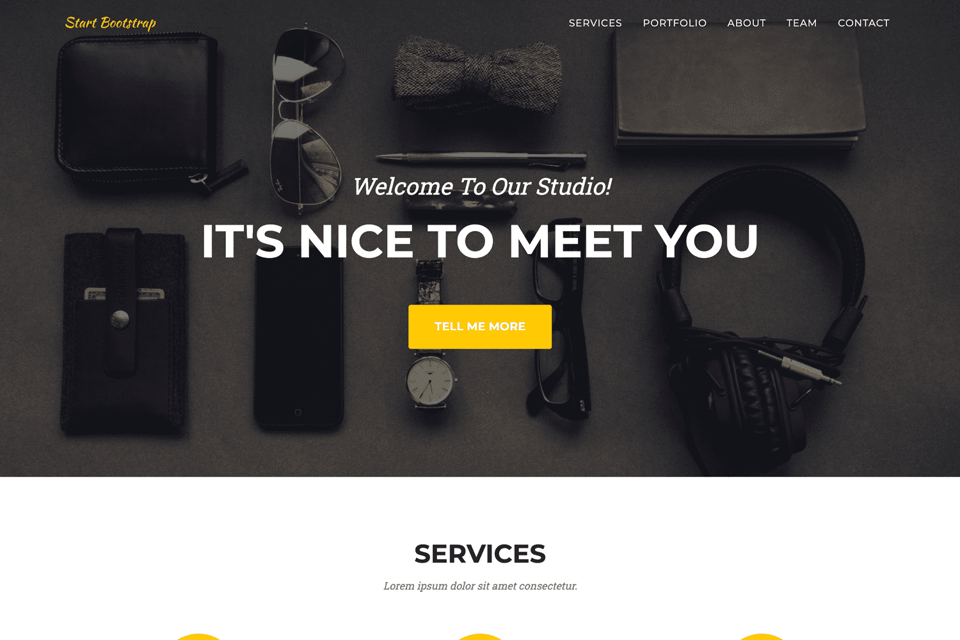
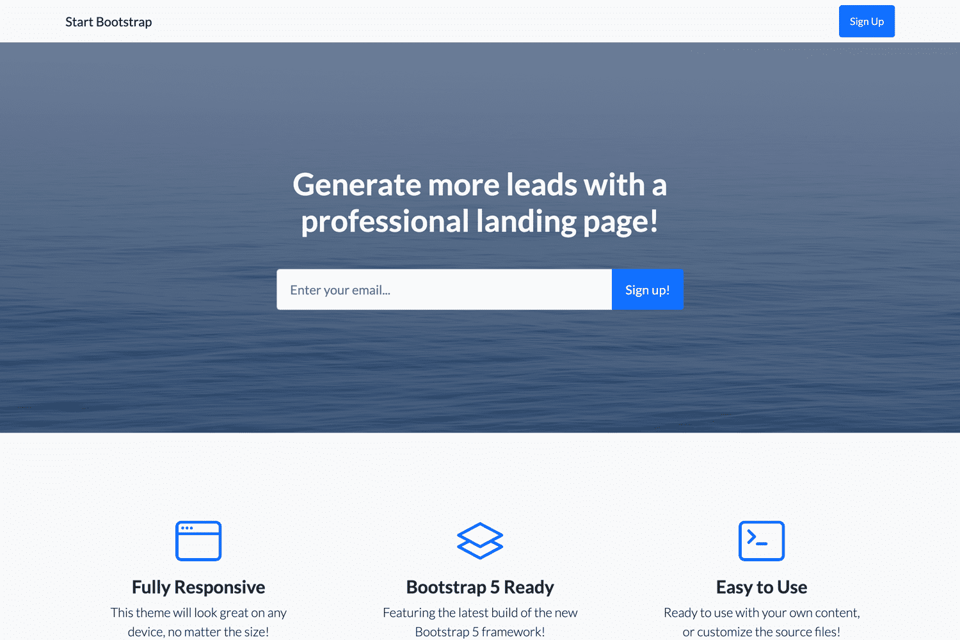
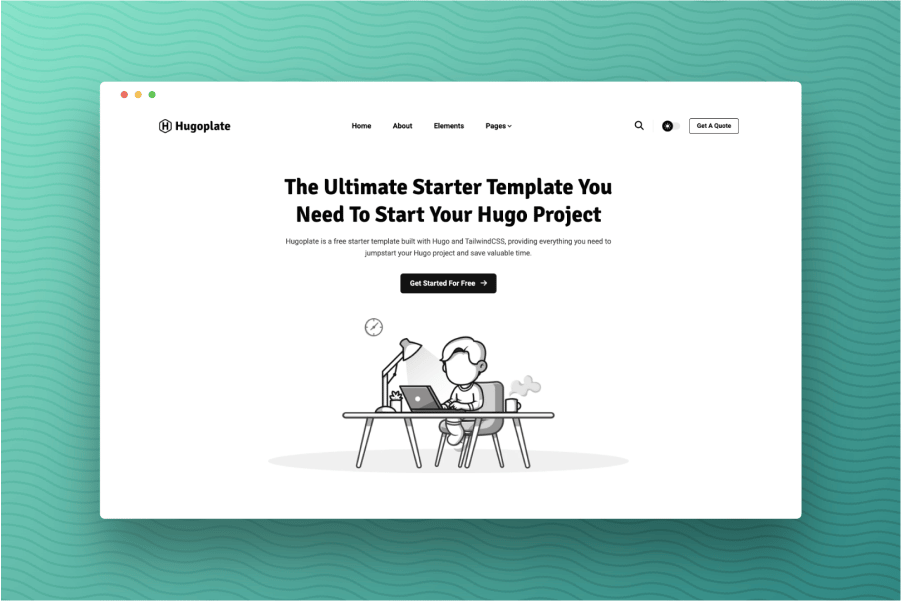
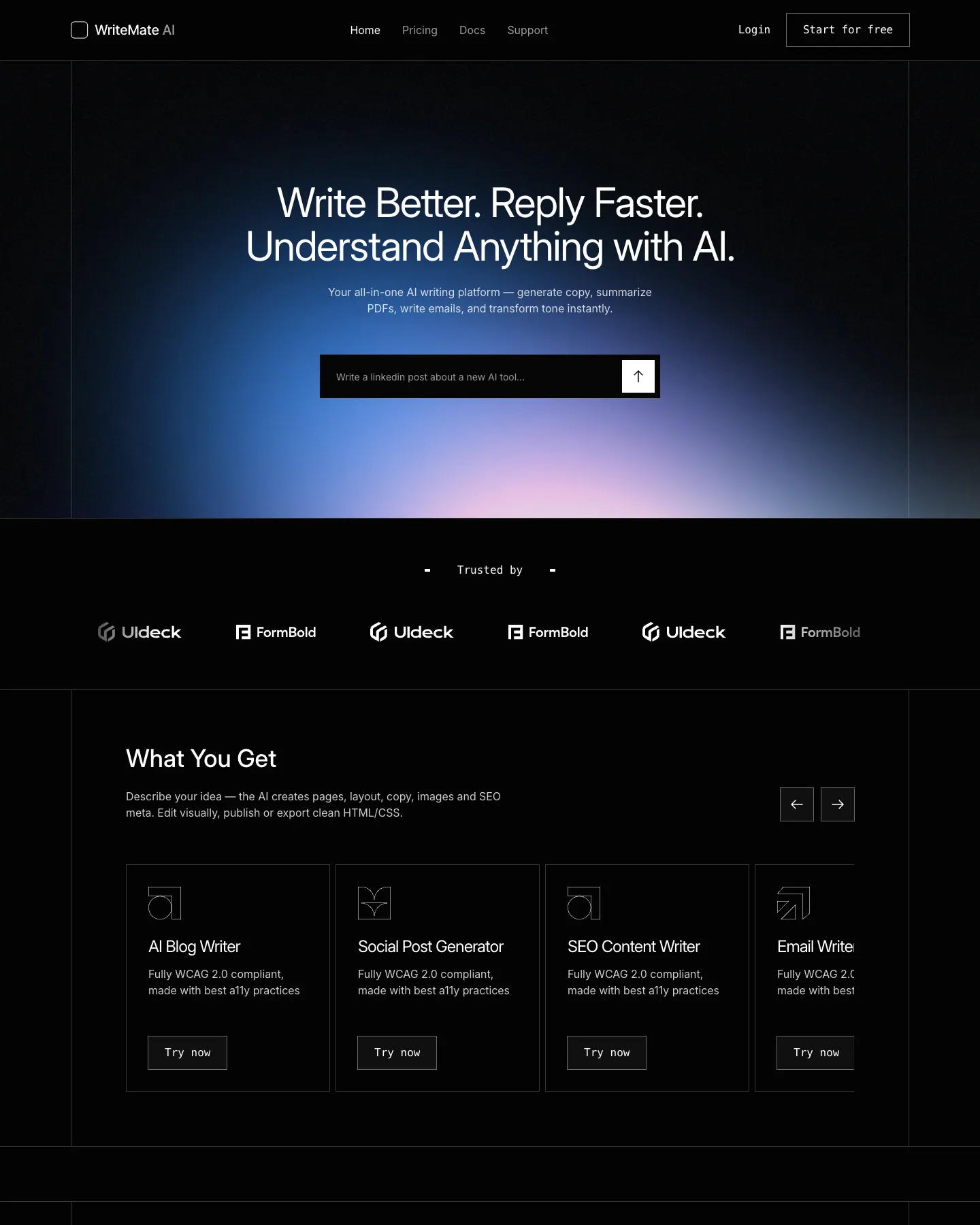
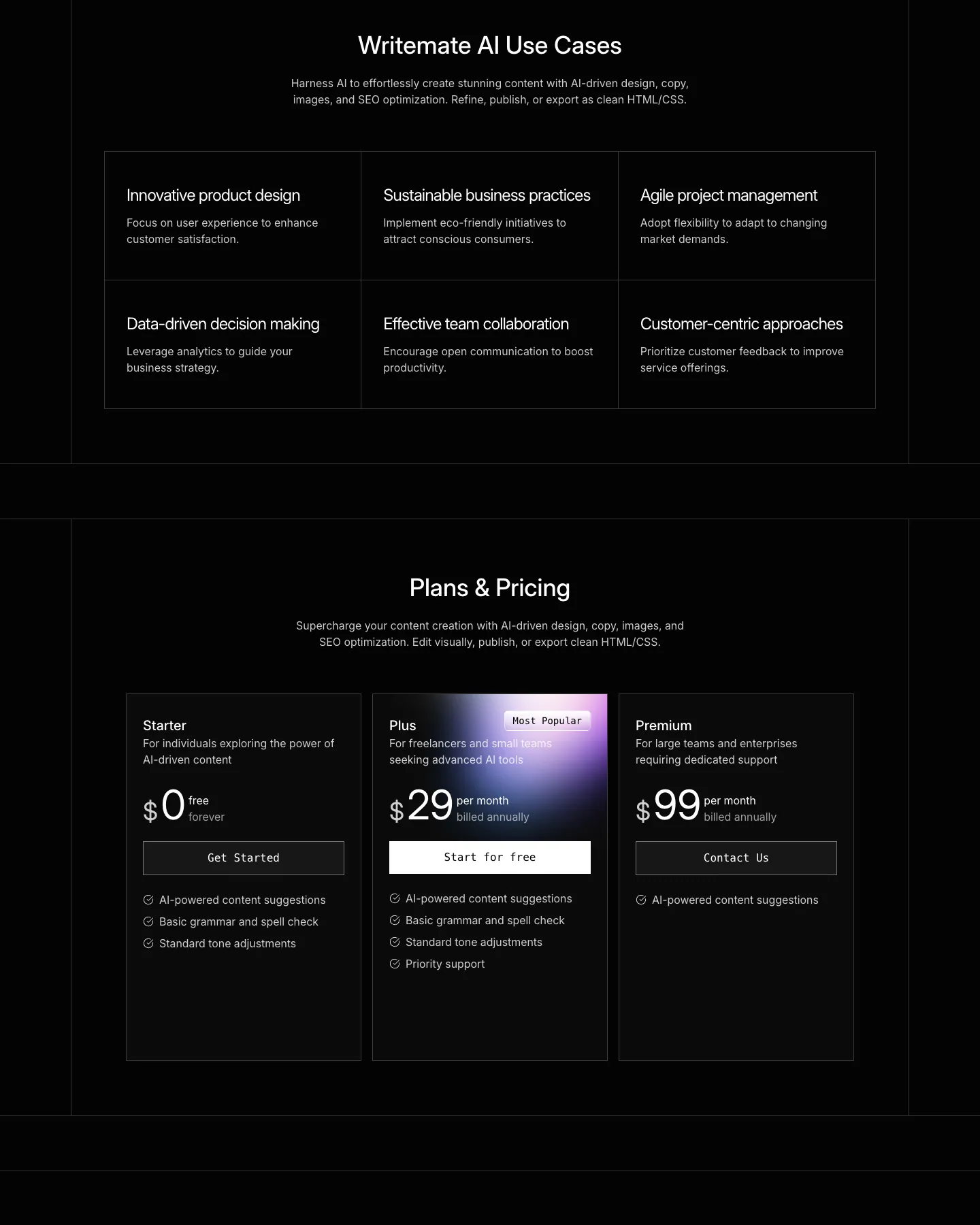
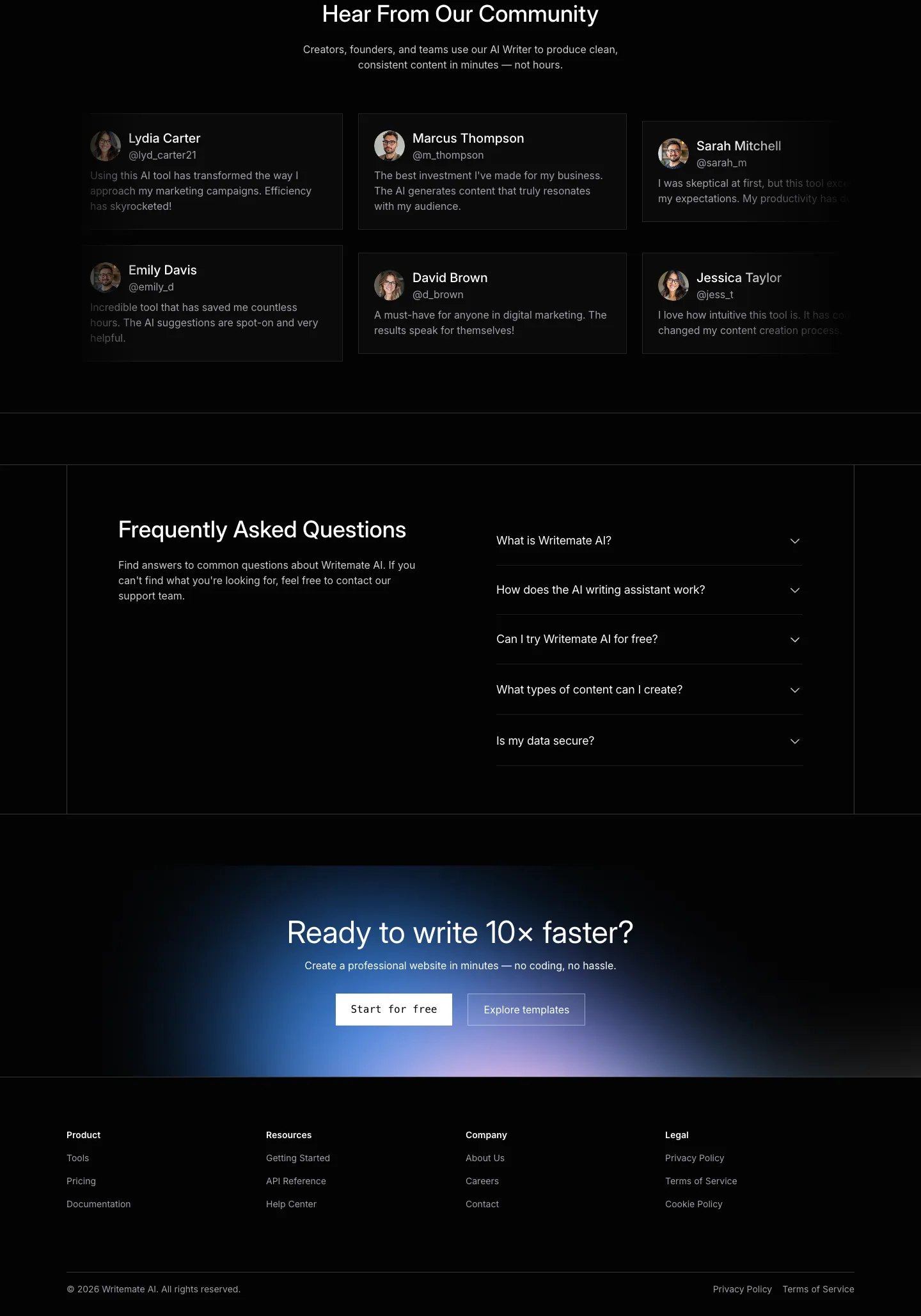
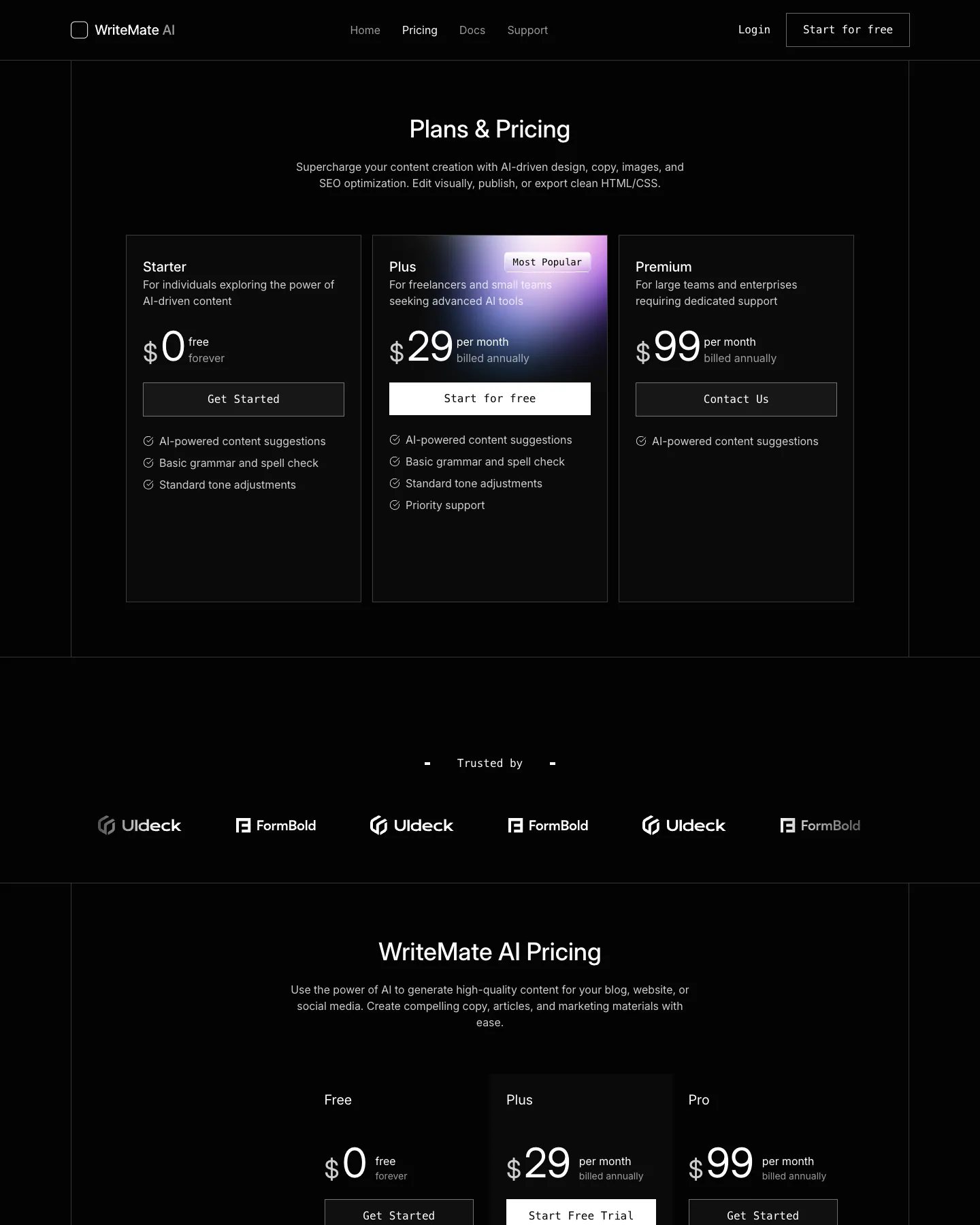
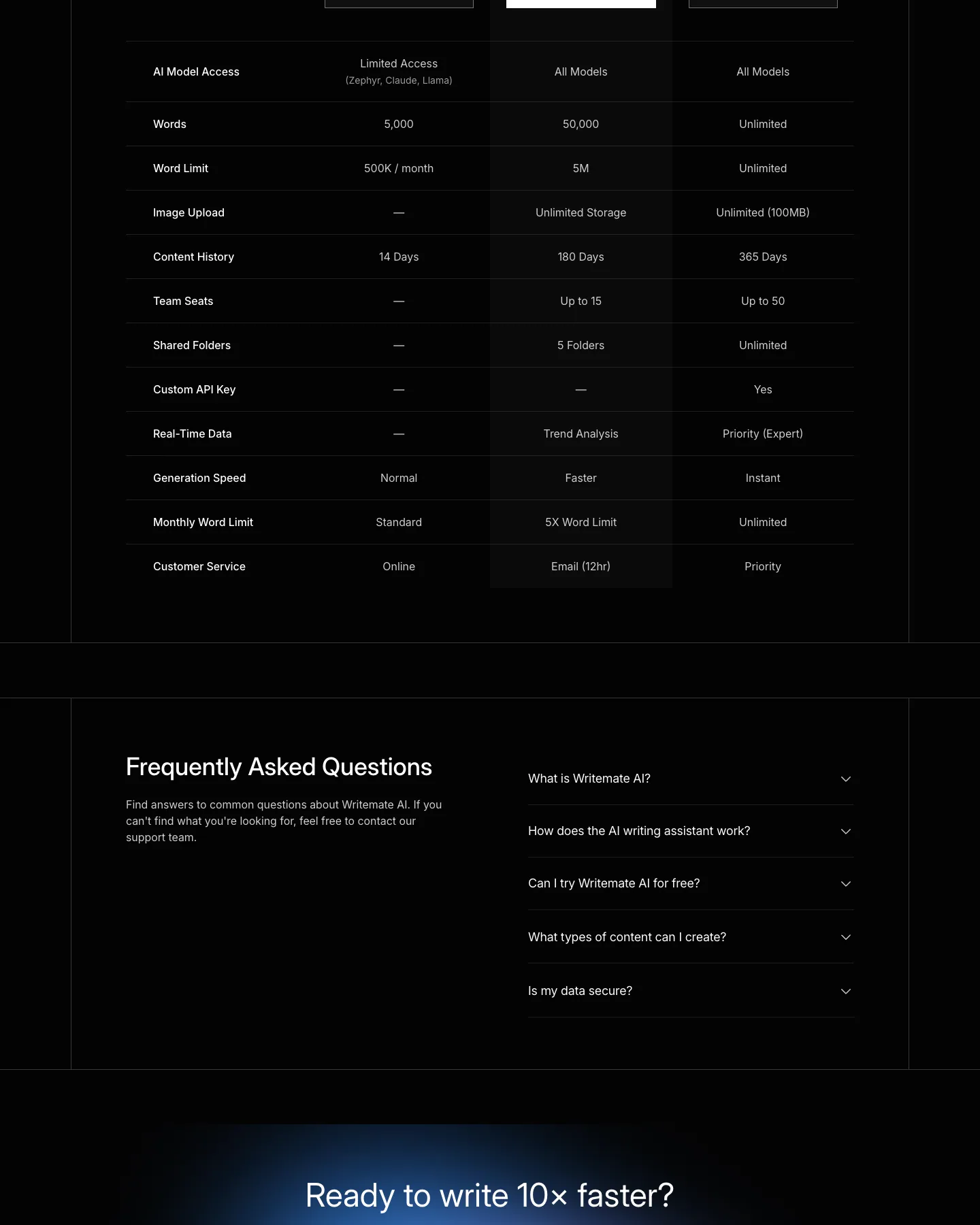
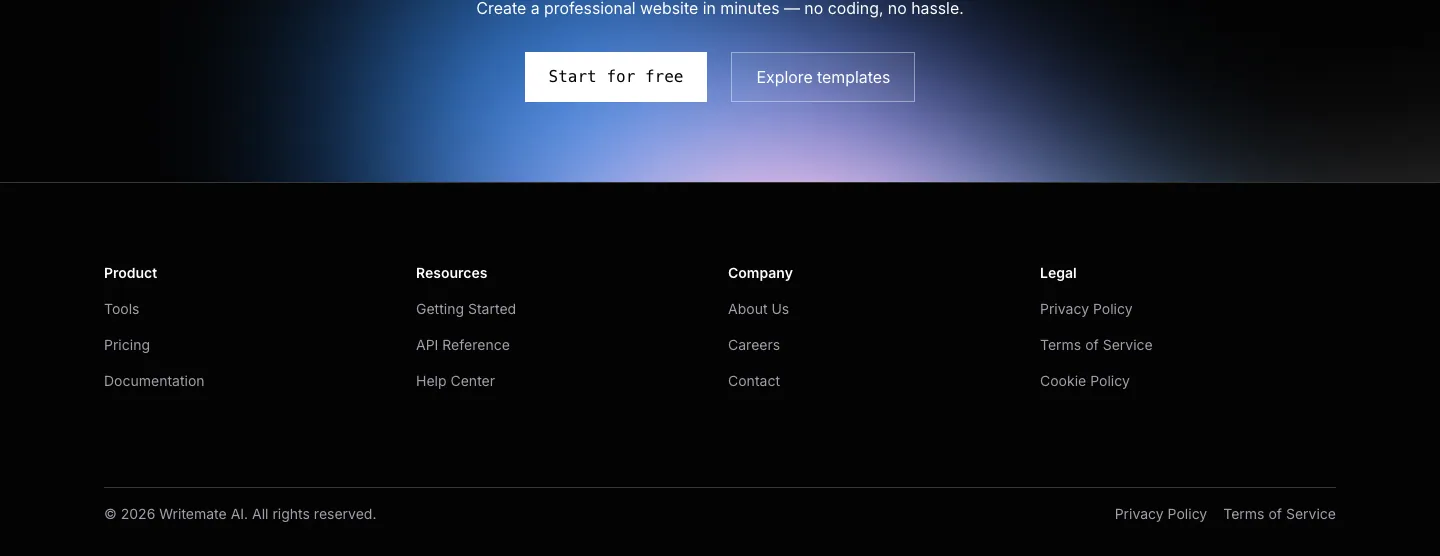
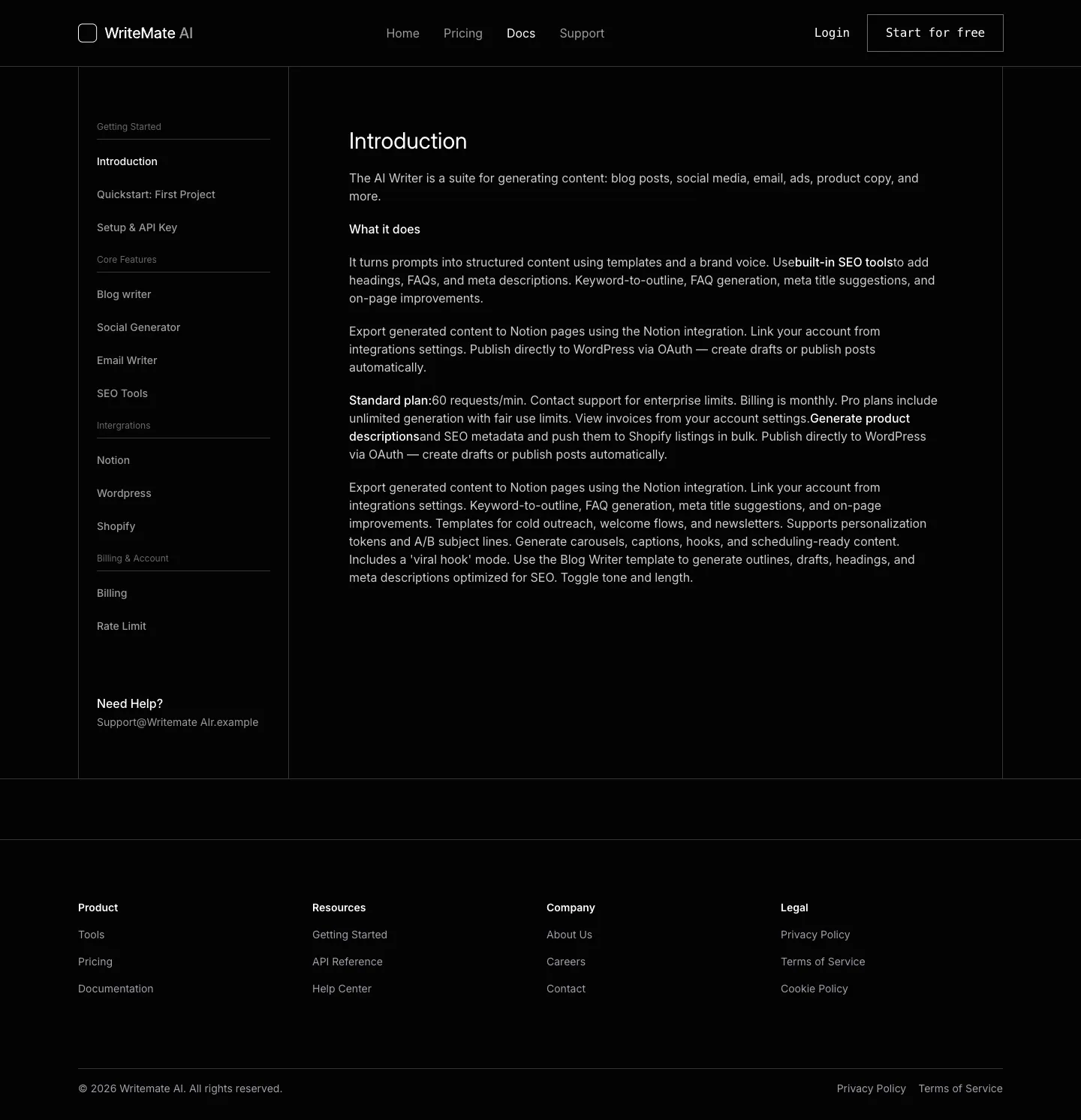
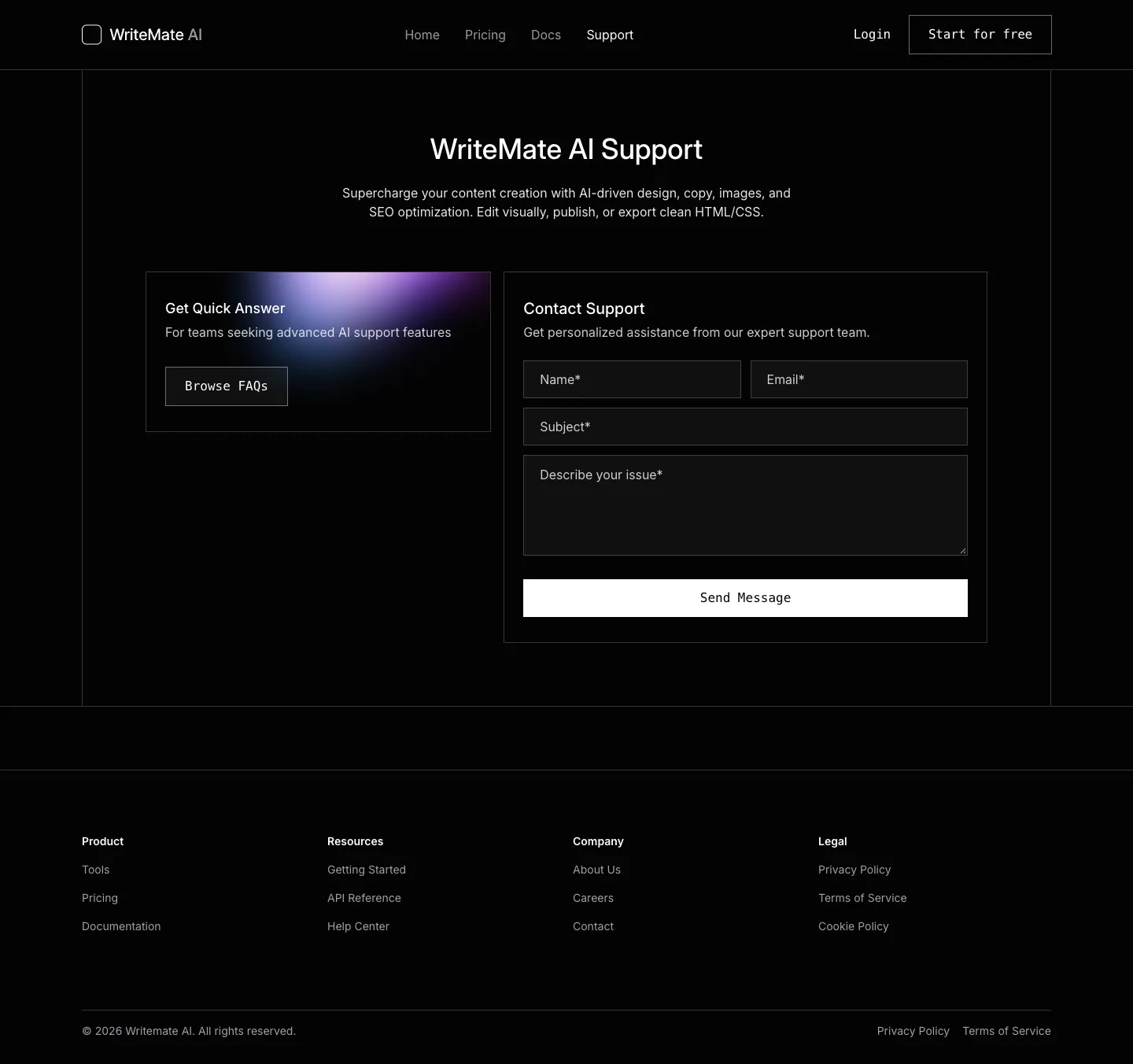
Screenshots of the live demo, page by page. Scroll inside a page to see all of it.
Design breakdown
An AI reading of this template's design: colors, type, spacing, sections and signature details. Ottermind starts from it when you use the template.
- Overall
landing page, modern tech, medium density, dark
- Palette
background #030303; surfaces [#ffffff]; text #ffffff; muted text #9f9fa9; primary #ffffff; accents []
- Type
headings Inter, 400, sentence-case; body Inter, 16px; scale h1 60px / h2 36px / h3 24px
- Shape & spacing
button/card radius 0; borders 1px solid #1a1a1a; shadows none; section spacing 80px; content width 1232px
- Sections (top to bottom)
- Header — horizontal nav with logo, links, login, and "Start for free" CTA; black background
- Hero — full-width gradient background (blue to purple), centered headline, subheadline, input field with upload icon
- Trusted by — horizontal row of logos (Udeck, FormBold) on black background
- What You Get — four-column grid of feature cards with icons, titles, descriptions, and "Try now" buttons
- Use Cases — six-column grid of use case cards with title and description
- Plans & Pricing — three-column pricing cards with tier names, prices, features, and CTAs; "Most Popular" badge on middle card
- Community Testimonials — two-row grid of user cards with avatar, name, handle, and quote
- FAQs — two-column layout with accordion-style questions on right, intro text on left
- Call to Action — gradient background, headline, subheadline, two CTA buttons
- Footer — four-column footer with Product, Resources, Company, Legal links, copyright, and policy links
- Signature details
- Gradient backgrounds in hero and pricing sections
- Minimalist white-on-black contrast
- Consistent use of rounded corners on cards and buttons
- Horizontal logo carousel under "Trusted by"
- Accordion-style FAQ with downward chevrons
- Clean, spaced typography with consistent line height
- Other pages
- /pricing: pricing section repeated with different layout and additional plan tiers
- /docs: sidebar navigation with documentation content, clean prose layout
Template details
- Category
- Landing Page, AI
- Author
- tailgrids
- Listed on
- 21st.dev
- Price
- Free
- Landing Page
- AI
Original design by tailgrids, listed on 21st.dev. Ottermind does not copy the template's code; it builds a new site from the brief.
The brief Ottermind starts from
It opens in Studio as a draft — add your brand, audience and pages before you send.
Build a landing page website inspired by the "WriteMate AI" template. Reference brief: An AI product marketing template from TailGrids built in React and Tailwind CSS. Designed to promote an AI writing tool with feature and pricing sections. Use original copy and imagery for my brand rather than the reference's placeholder content.
How to use this template
- 1
Click “Use this template” to open it in Ottermind Studio with its brief filled in.
- 2
Add your brand, audience, pages and content to the brief.
- 3
Ottermind builds a new site inspired by this design — keep editing it in the chat.