Website template
Northstar - AI Agency & Agent Studio Site
Northstar is a production-ready Next.js template for AI agencies, agent studios, and development teams that need to present software delivery clearly. It includes four locales (EN, RU, KA, HY), a responsive shader hero, animated product demos, solution pages, case studies, a Markdown blog, service pages, PostHog and Vercel Analytics integration points, metadata, locale alternates, sitemap, and JSON-LD. The buyer-ready source uses fictional Northstar branding, placeholder people, clients, media, contact details, domains, and integration identifiers so the identity can be replaced safely. No CMS or database is required; copy is stored in typed TypeScript locale bundles and Markdown.
Landing Page · Portfolio · Original $39
Pages
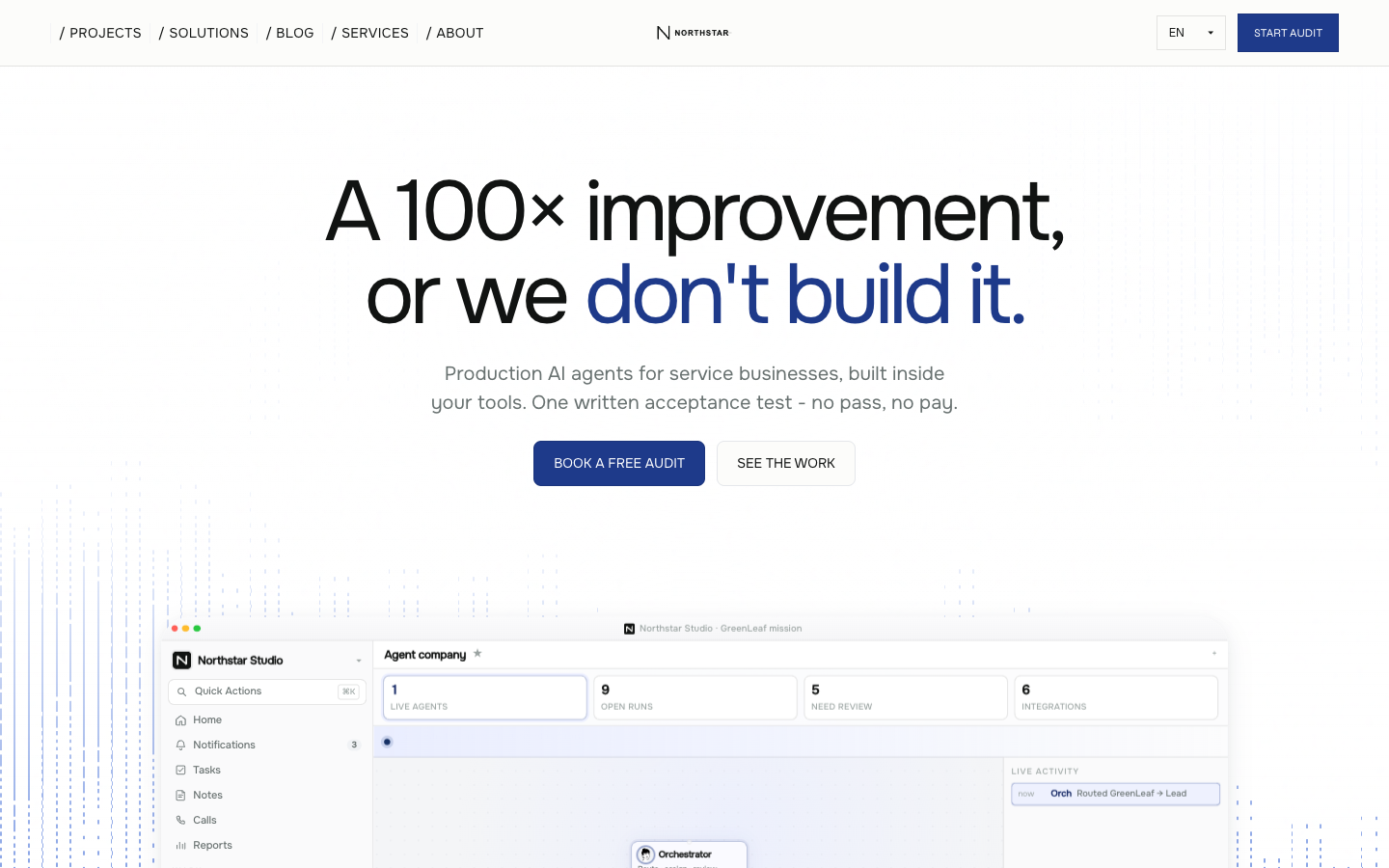
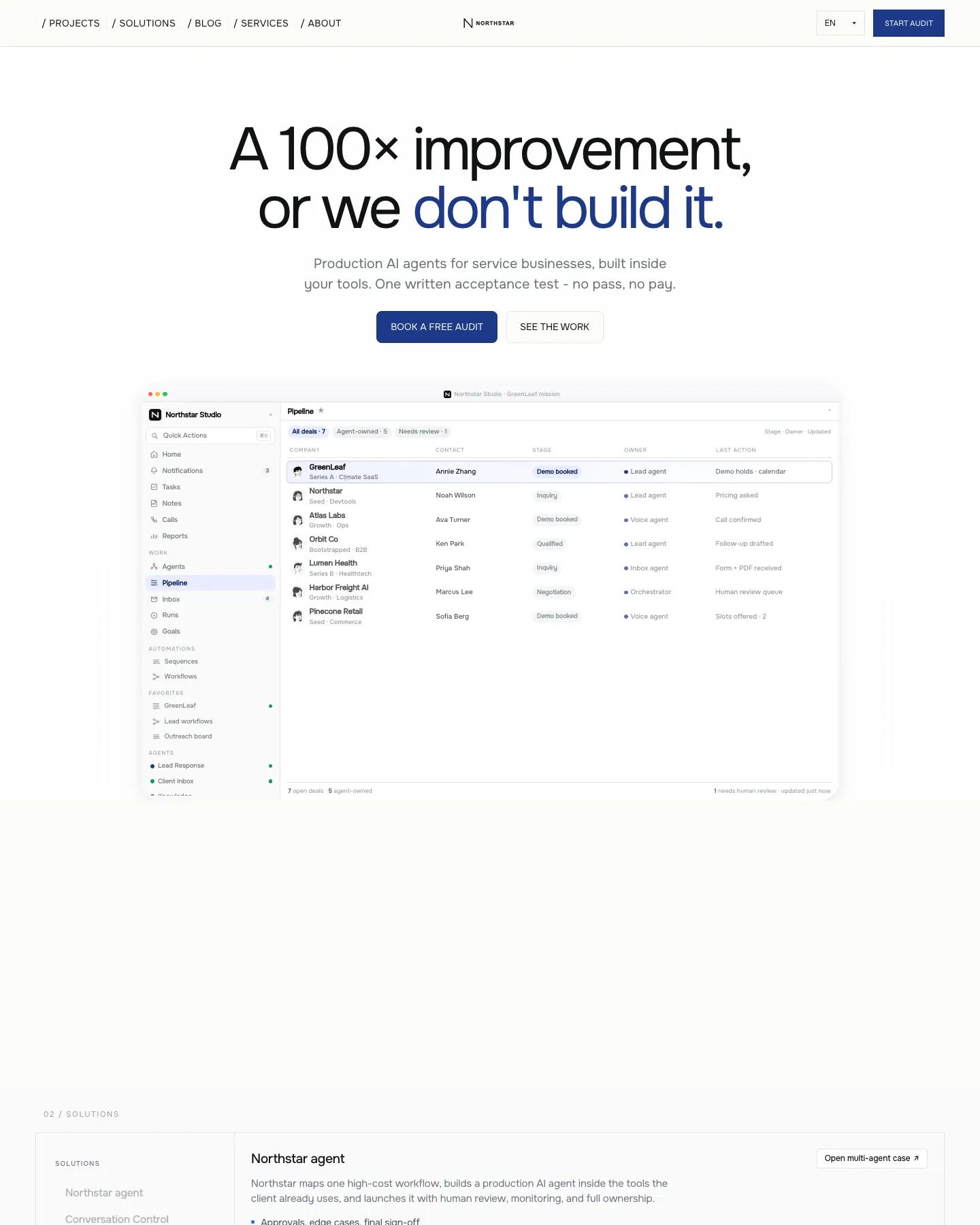
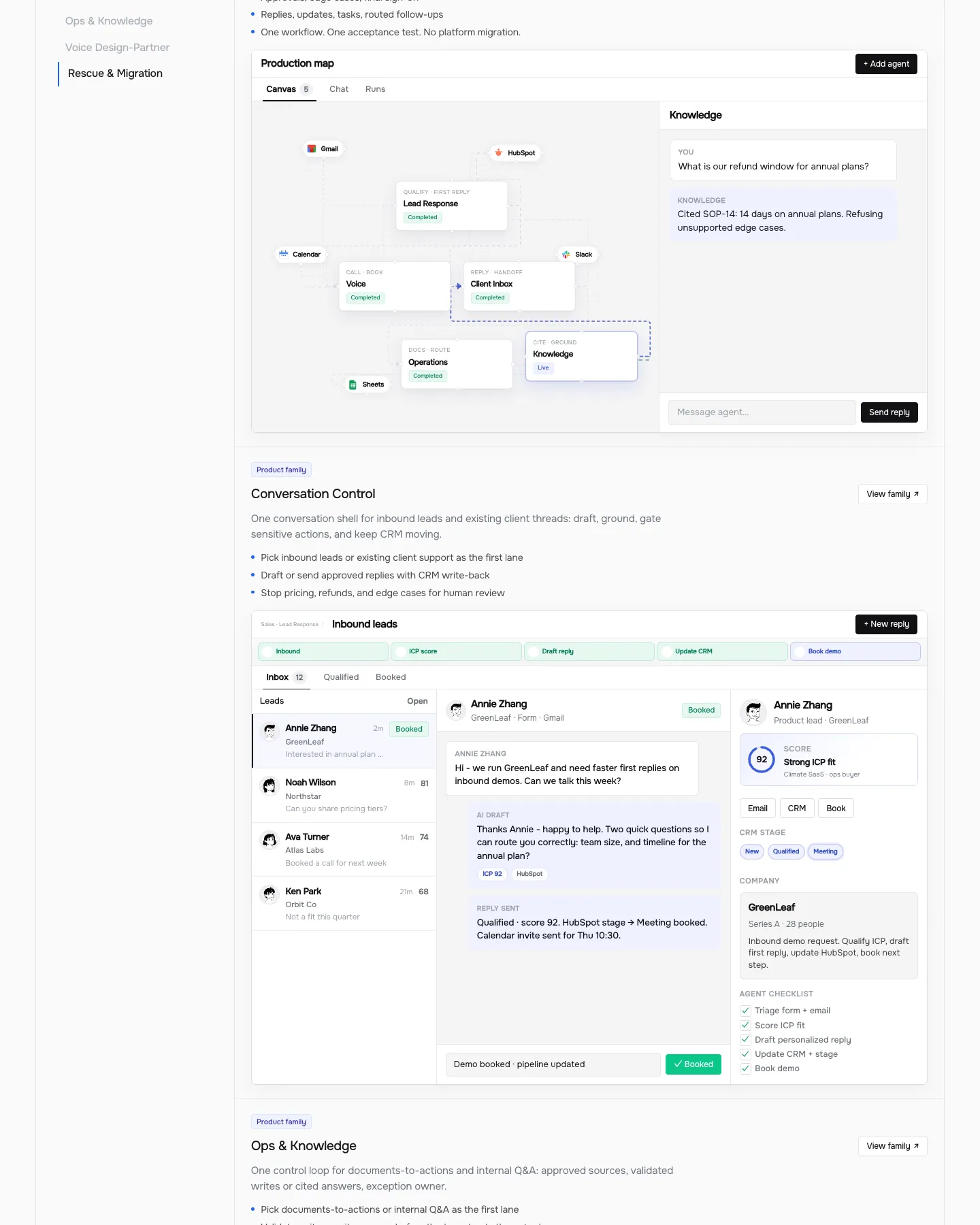
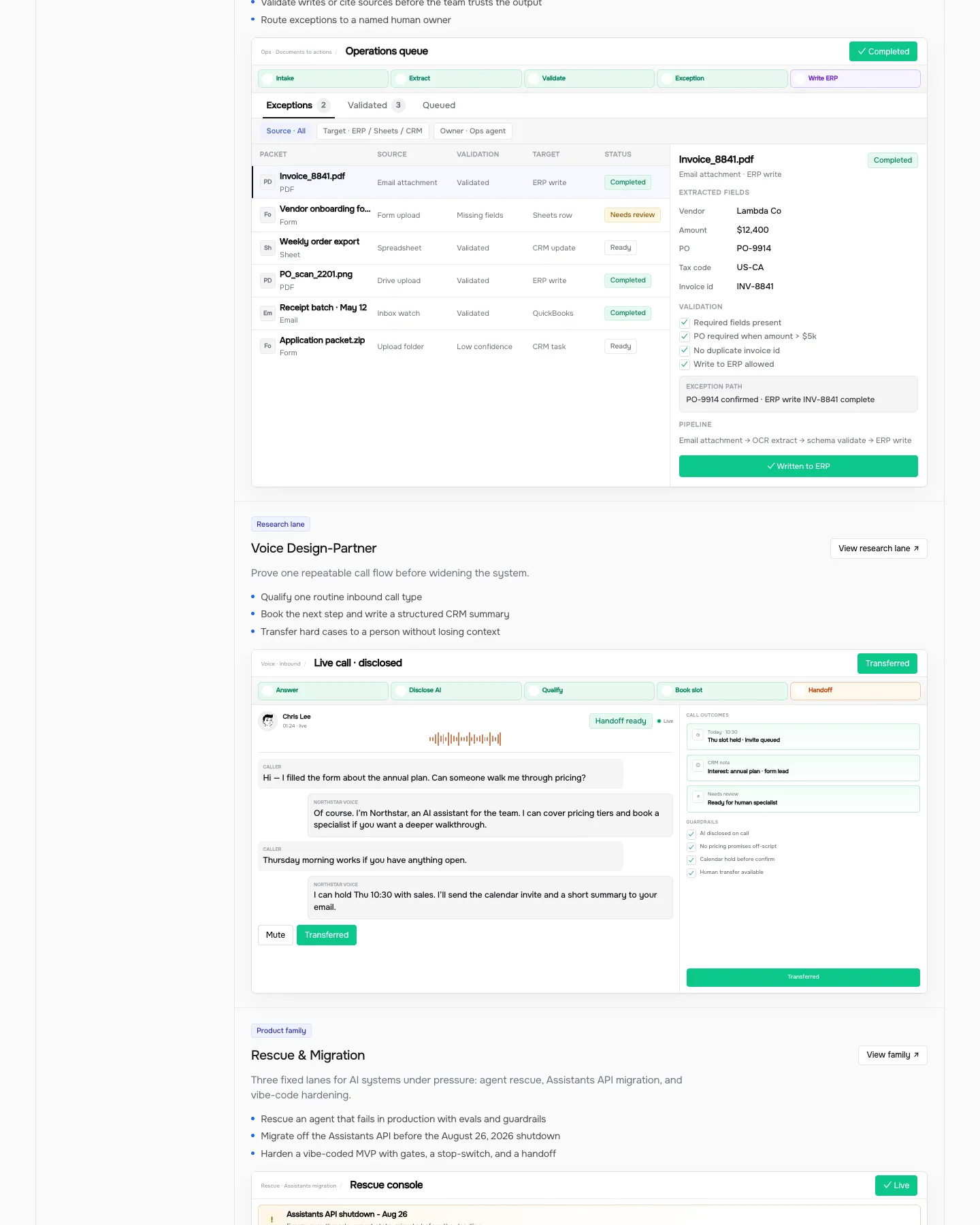
Screenshots of the live demo, page by page. Scroll inside a page to see all of it.
Design breakdown
An AI reading of this template's design: colors, type, spacing, sections and signature details. Ottermind starts from it when you use the template.
- Overall
landing page, professional, medium density, light
- Palette
background #fcfcfa; surfaces [#111113, #0d0d0f, #eef1ff, #0cc78a]; text #111312; muted text #6b7280; primary #0cc78a; accents [#1e3a8a, #0b9f6e, #ff5f57]
- Type
headings Onest, 400, sentence-case; body Onest, 20px; scale h1 88px / h2 11px / h3 19px
- Shape & spacing
button radius 4px, card radius 16px, no borders, subtle shadows, section spacing 80px, content width 1040px
- Sections (top to bottom)
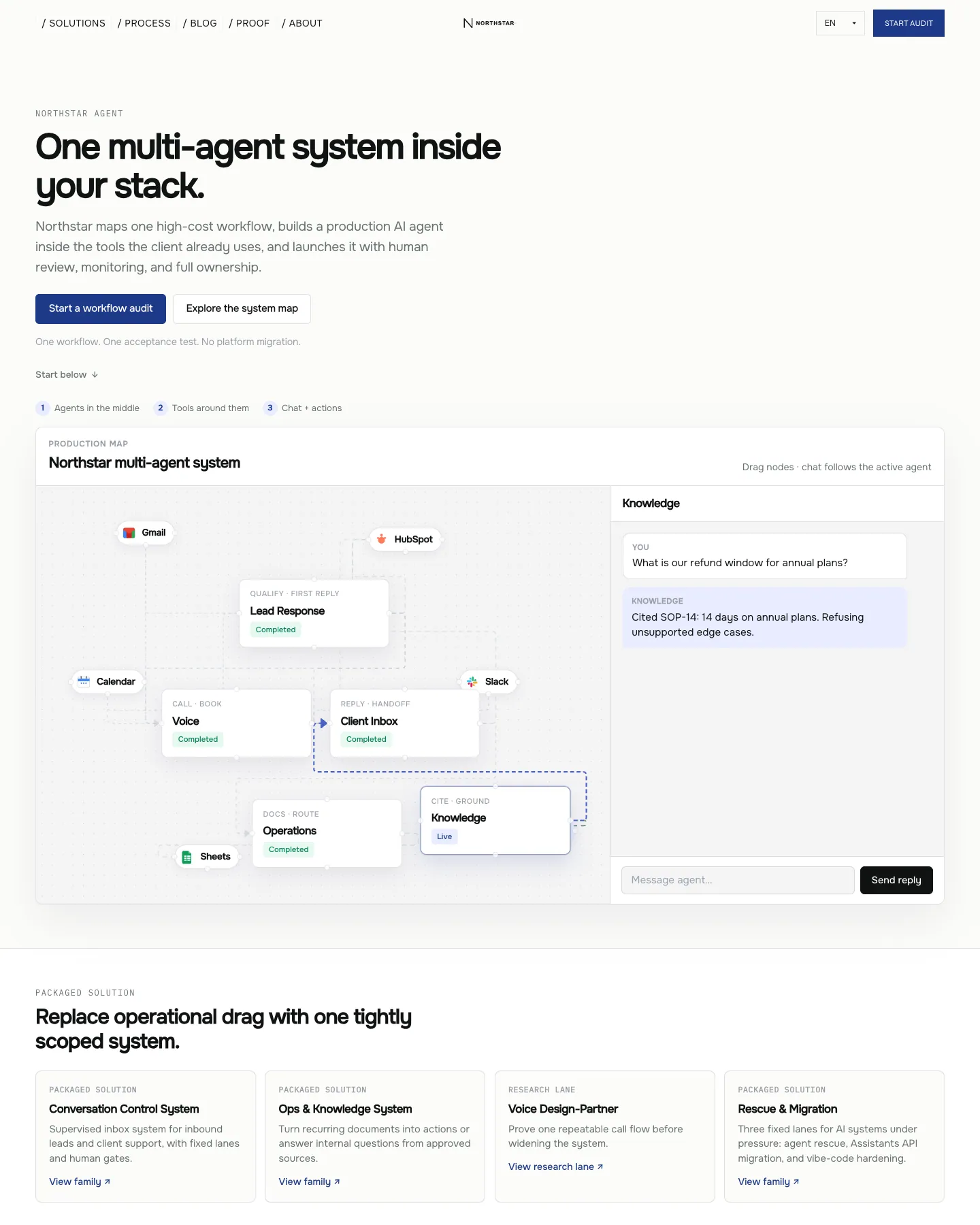
- Header — horizontal nav with logo center, language selector, CTA button, white background
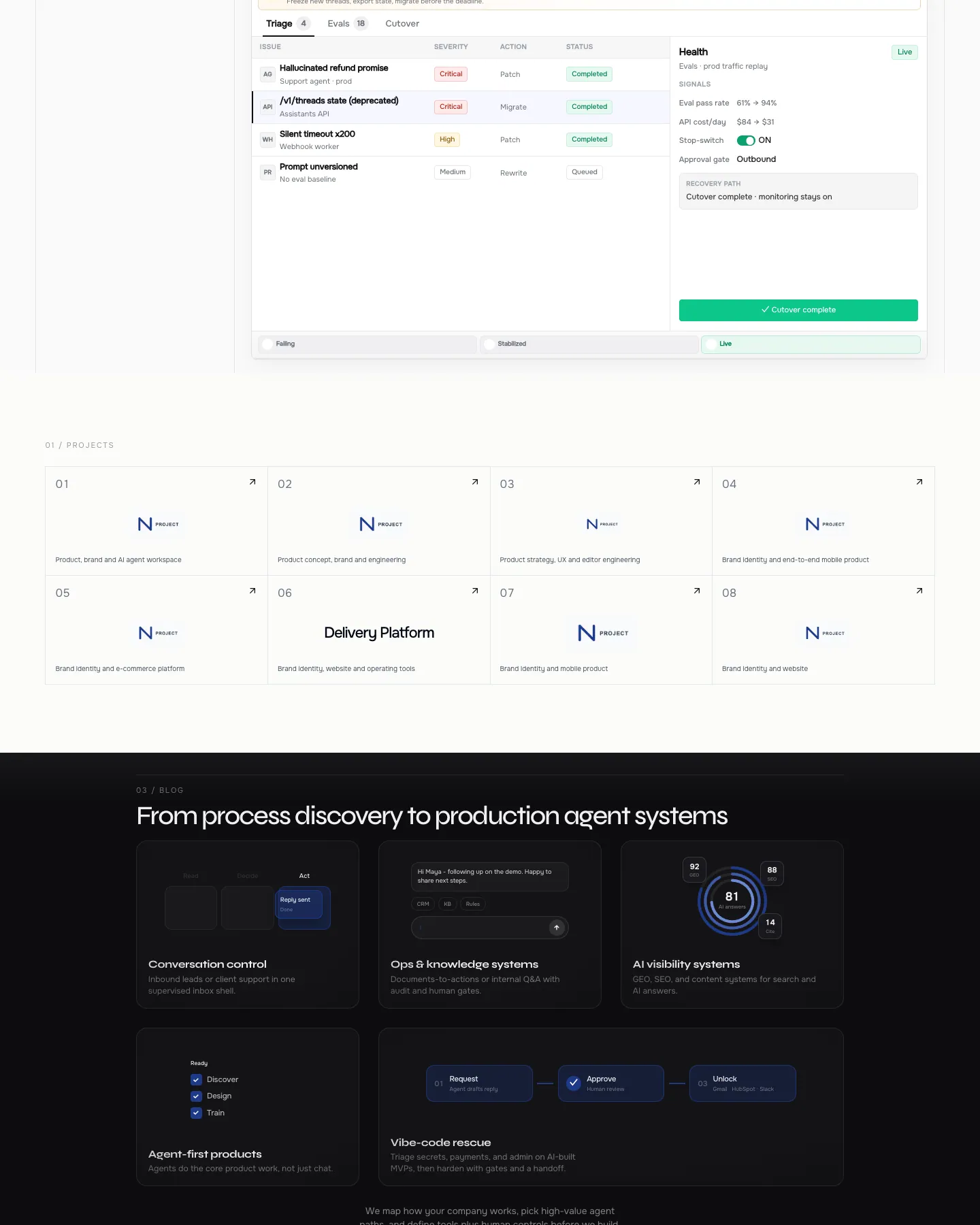
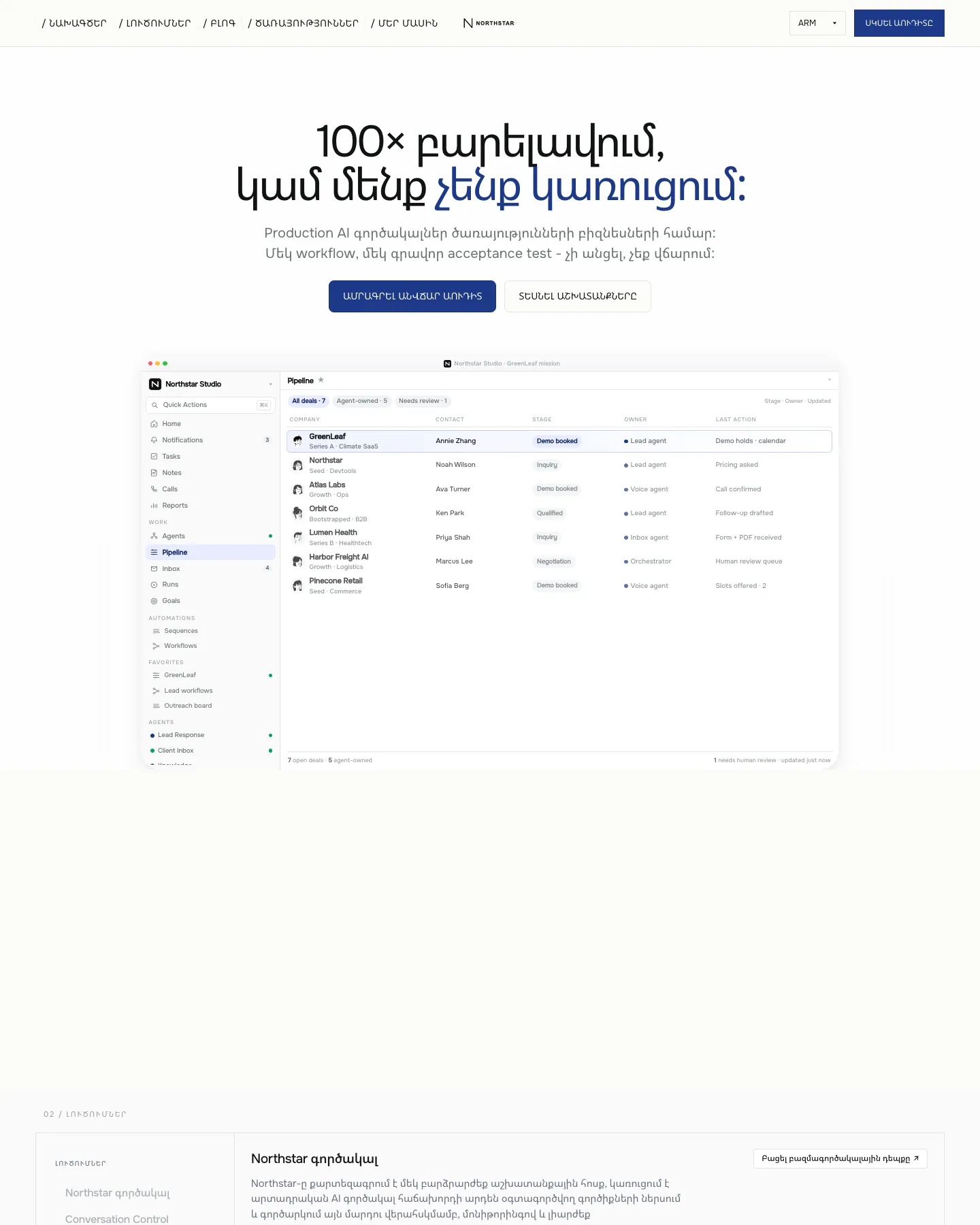
- Hero — full-width headline with "don't build it" in blue, subheadline, two CTA buttons, product demo screenshot below, light gray background
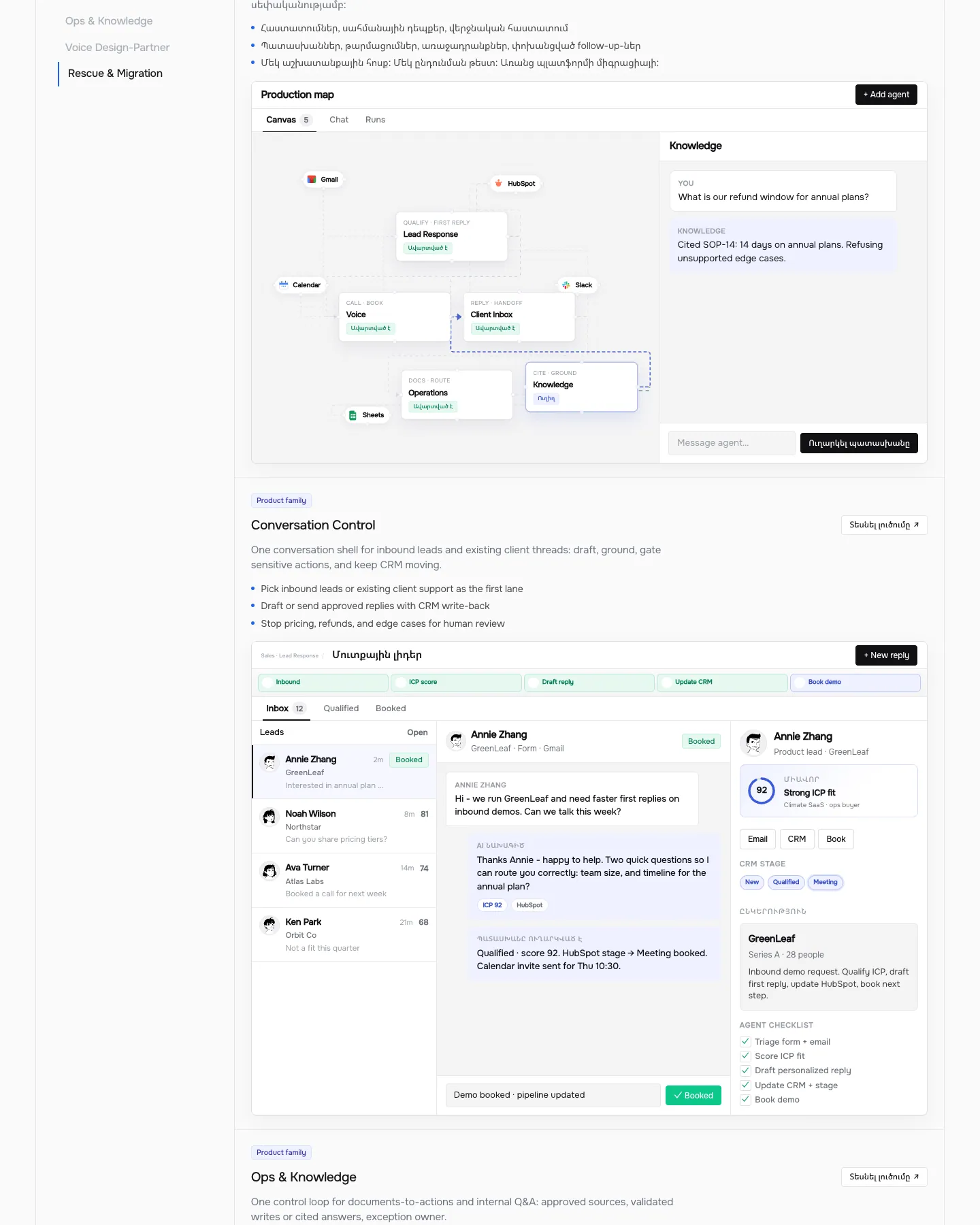
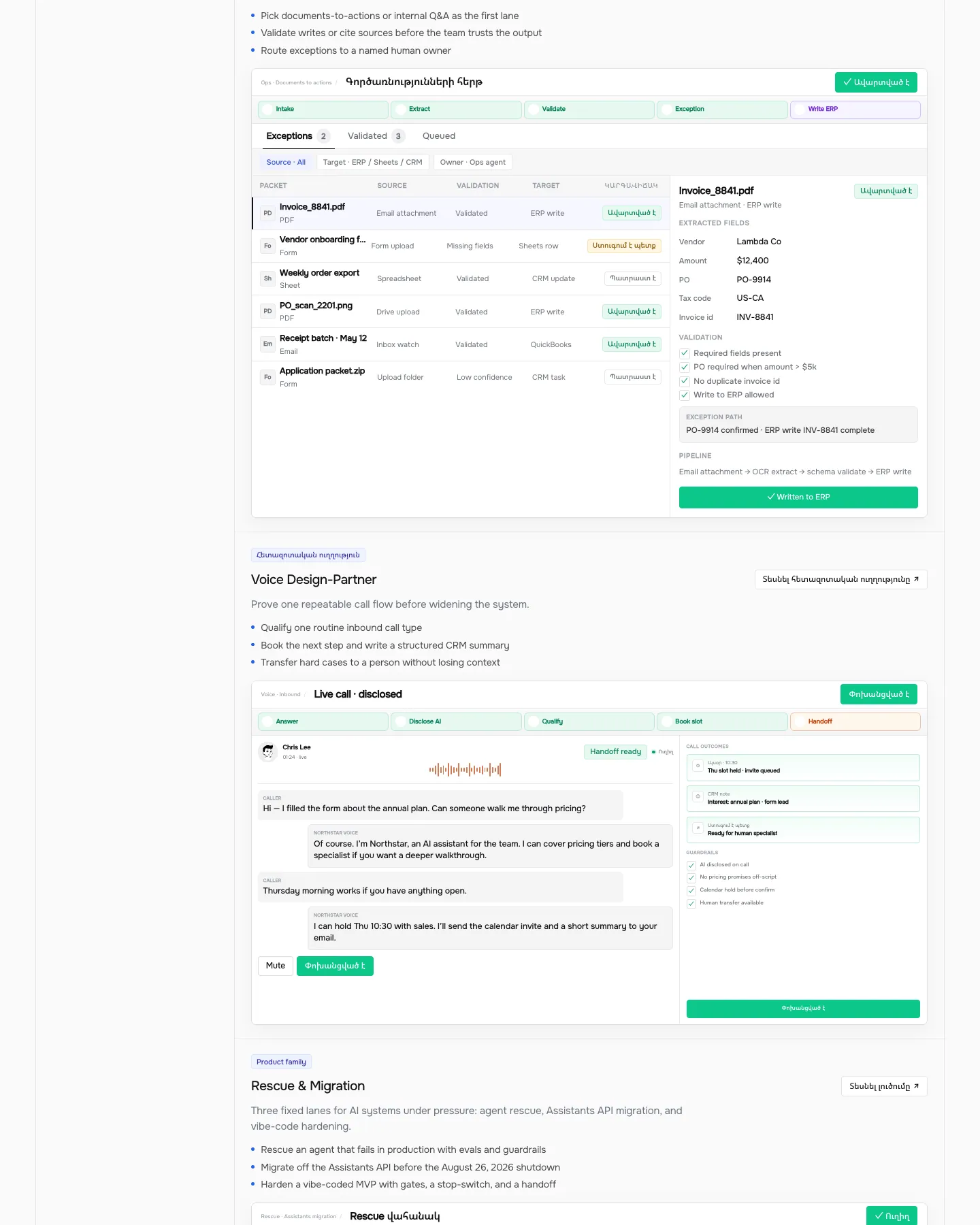
- Solutions — grid of cards with product families, each with title, description, and "View family" link, white background
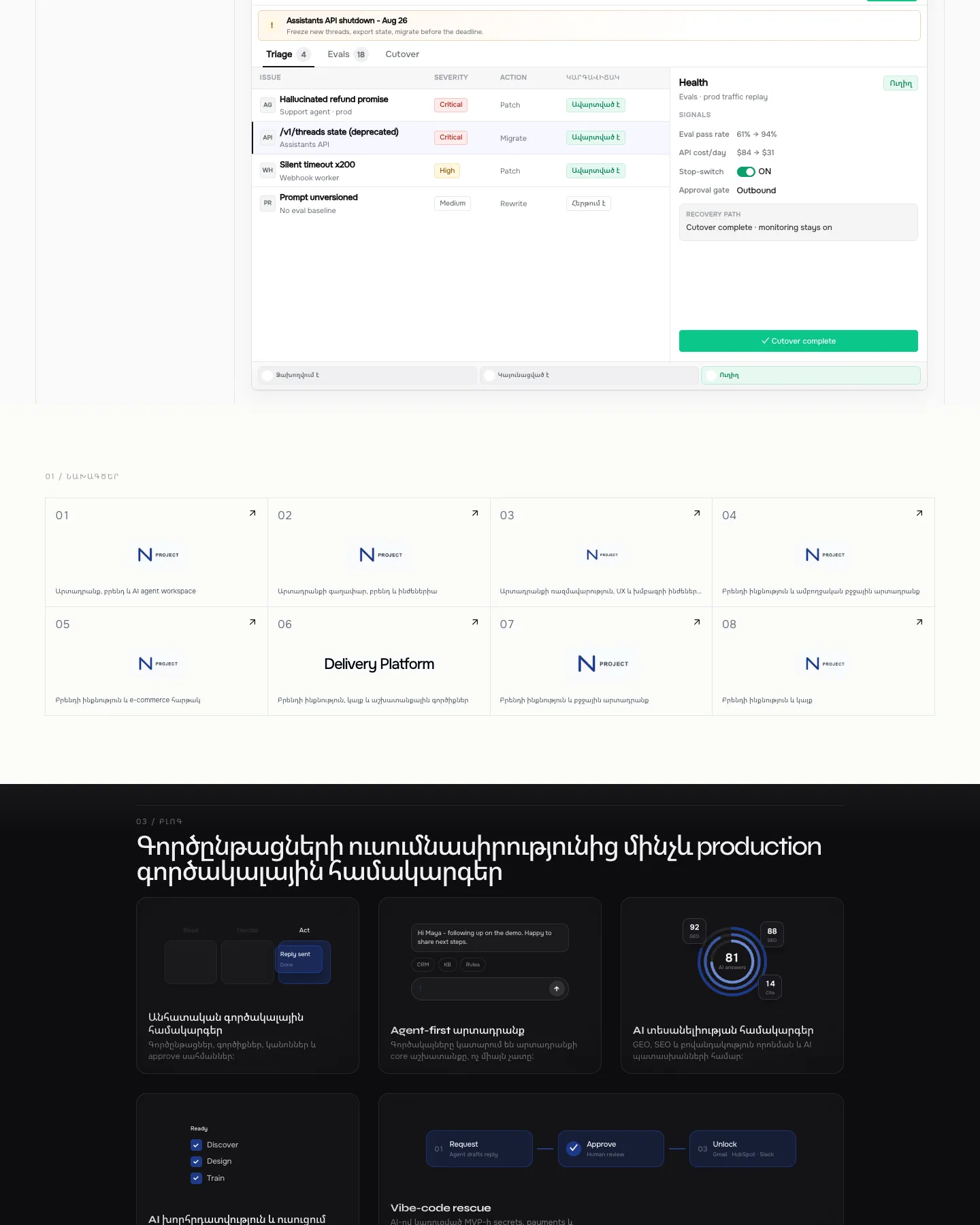
- Projects — 8-card grid with project icons and titles, white background
- Blog preview — dark background with 6 feature cards showing AI agent workflows, each with icon, title, and brief description
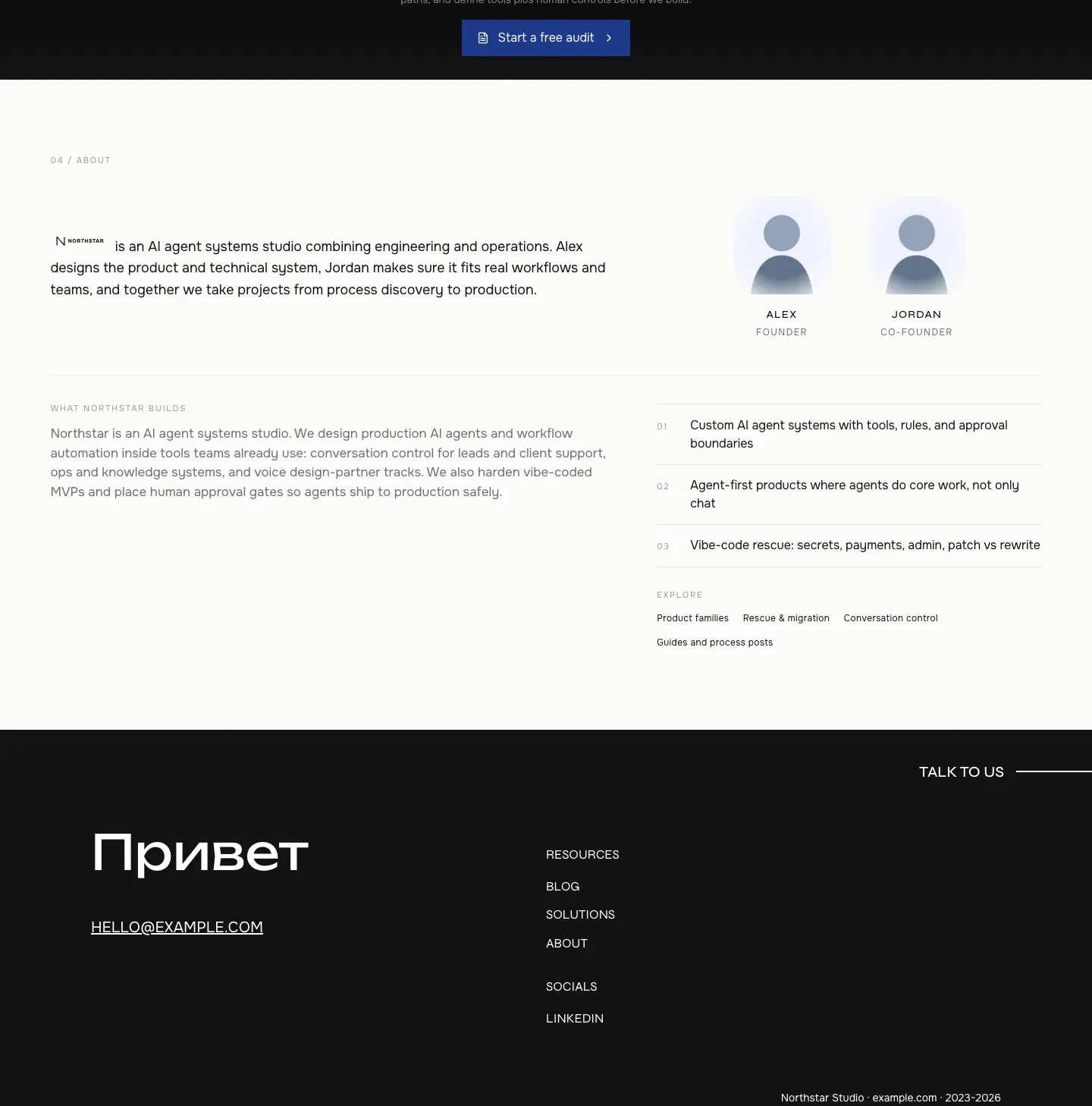
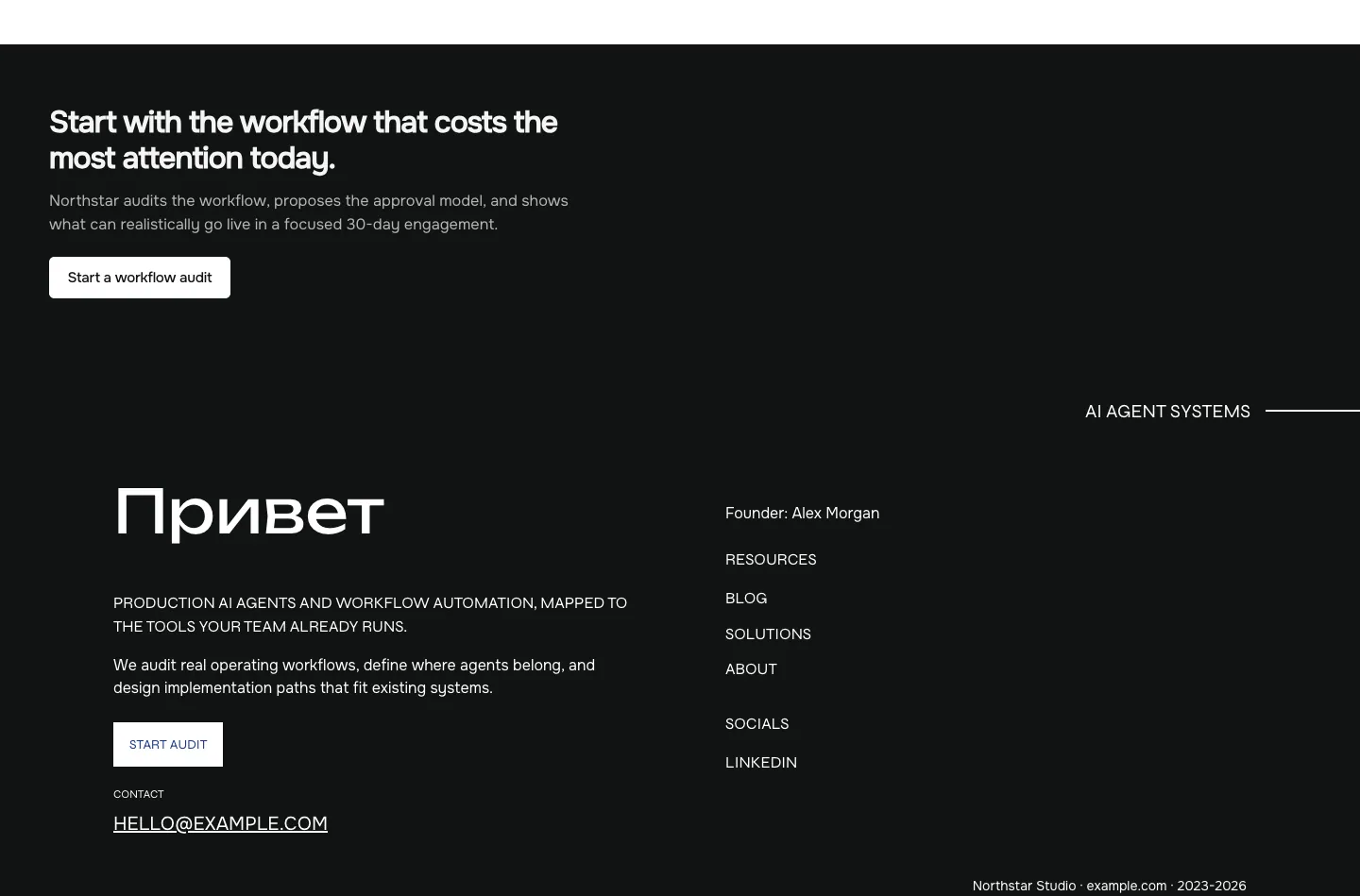
- Footer — minimal, hidden in screenshots
- Signature details
- Animated shader effect on hero headline
- Product demo screenshots with UI overlays and status indicators
- Consistent use of rounded corners and soft shadows
- Color-coded status tags (green, yellow, red) in tables
- Clean, minimalist layout with generous whitespace
- Interactive elements with hover states and micro-interactions
- Other pages
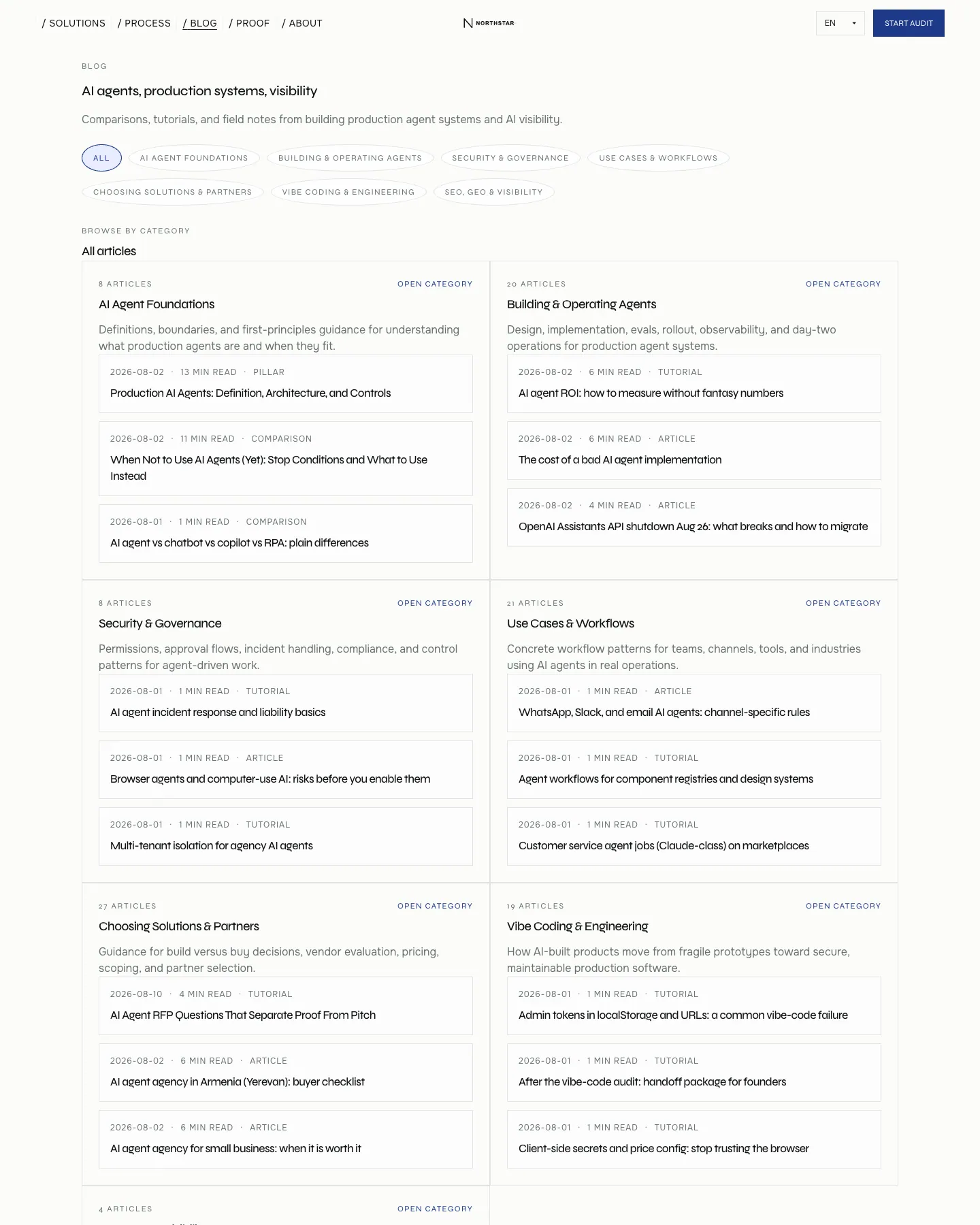
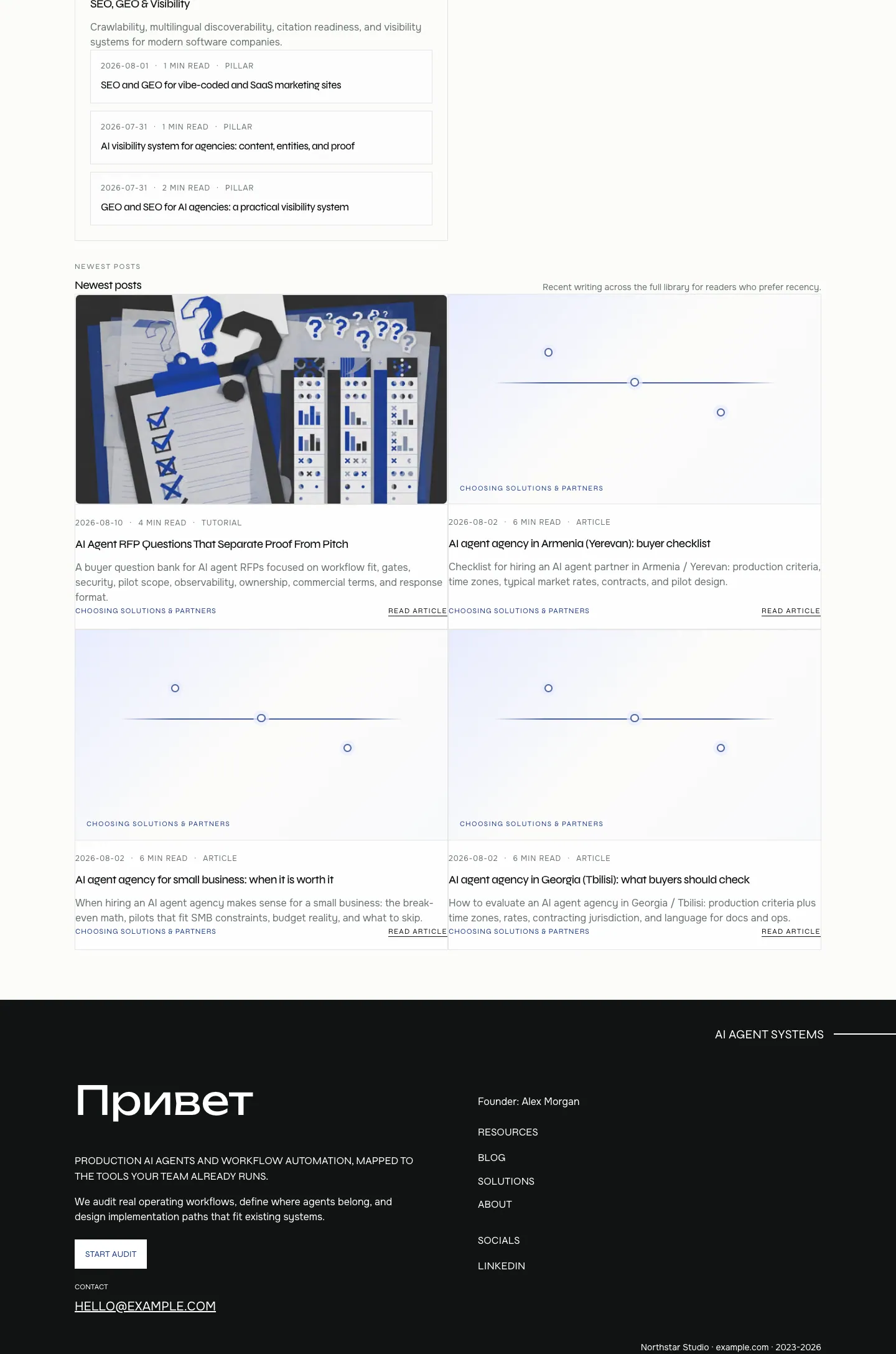
- /blog: two-column article list with category filters, metadata, and reading time
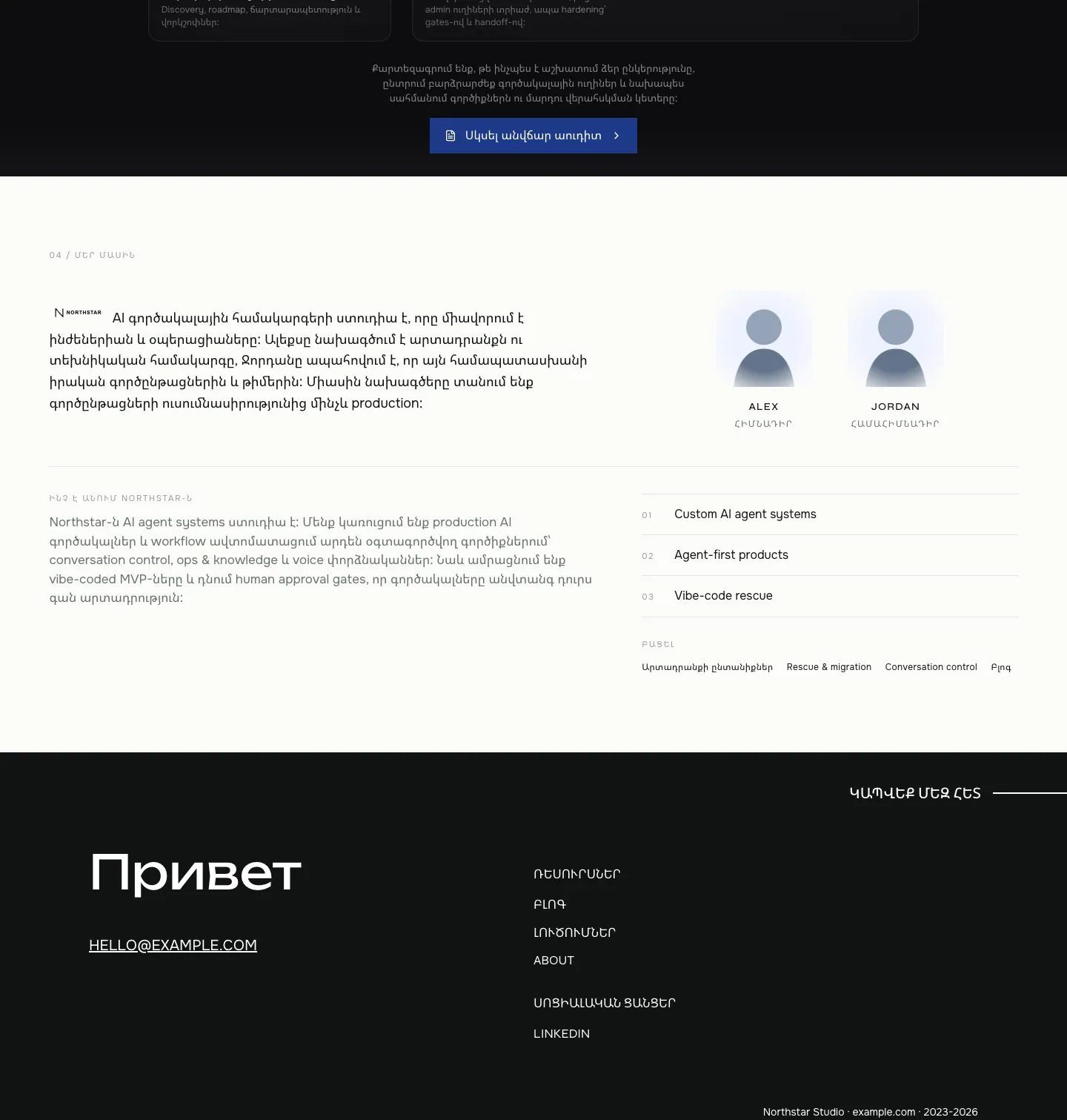
- /arm: same as home but with Armenian locale text and localized CTA
Template details
- Category
- Landing Page, Portfolio, SaaS, AI, Agency
- Author
- lyanchouss
- Listed on
- 21st.dev
- Price
- Original $39
- Portfolio
- Landing Page
- AI
- Marketing
- Startup
- Agency
- Personal Website
- SaaS
- Startup Landing
- Shader
Original design by lyanchouss, listed on 21st.dev. Ottermind does not copy the template's code; it builds a new site from the brief.
The brief Ottermind starts from
It opens in Studio as a draft — add your brand, audience and pages before you send.
Build a landing page website inspired by the "Northstar" template. Reference brief: Northstar is a production-ready Next.js template for AI agencies, agent studios, and development teams that need to present software delivery clearly. It includes four locales (EN, RU, KA, HY), a responsive shader hero, animated product demos, solution pages, case studies, a Markdown blog, service pages, PostHog and Vercel Analytics integration points, metadata, locale alternates, sitemap, and JSON-LD. The buyer-ready source uses fictional Northstar branding, placeholder people, clients, media, contact details, domains, and integration identifiers so the identity can be replaced safely. No CMS or database is required; copy is stored in typed TypeScript locale bundles and Markdown. Style and features to reflect: Marketing, Startup, Personal Website, Startup Landing, Shader. Use original copy and imagery for my brand rather than the reference's placeholder content.
How to use this template
- 1
Click “Use this template” to open it in Ottermind Studio with its brief filled in.
- 2
Add your brand, audience, pages and content to the brief.
- 3
Ottermind builds a new site inspired by this design — keep editing it in the chat.