About this template
Scene AI shows one way to build the hero section for an AI or SaaS product, and publishes the instructions that produced it. “Create awesome 3D scenes with AI” is the line the layout is built to carry. The colour scheme is black #000000 underneath and white #EBEAD0 for the type, and the page is set in Inter. Delivery is Tailwind CSS — one page, no plugin, no build tooling between you and the design. The motion budget is a looping video bed. It is most useful when the AI & SaaS hero section has to survive a copy change without a redesign.
Designed for
- If the motion has to be dropped, the hero section still reads, with 2056x1476 doing the hierarchy work.
- Made for a solo founder shipping one hero section for an AI or SaaS product and no design system behind them.
- Product marketers who need the hero section to still read with 8s of looping video behind the copy.
What's included
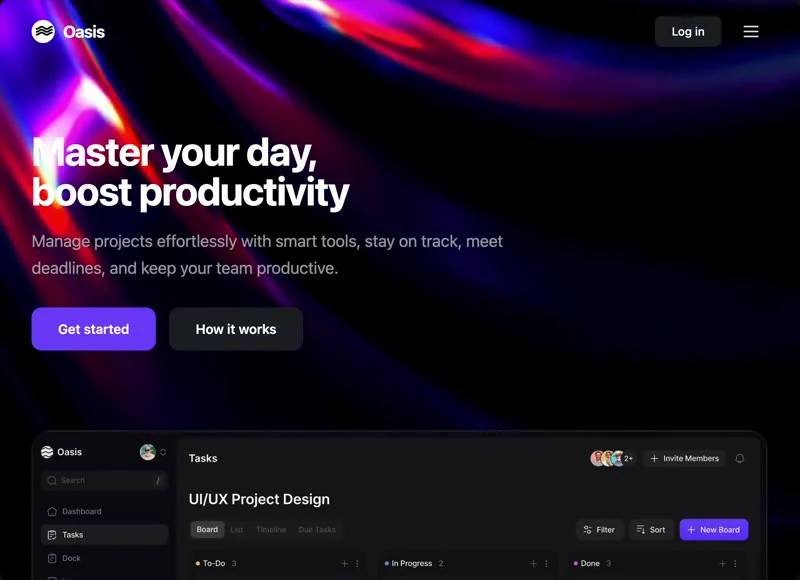
- One row, no drawers. A slim bar sits over the hero section with the wordmark on the left and the links set in Inter, so the composition reads as content first and chrome second. The bar sits over the 2056x1476 composition without a background of its own, so the media runs edge to edge underneath it.
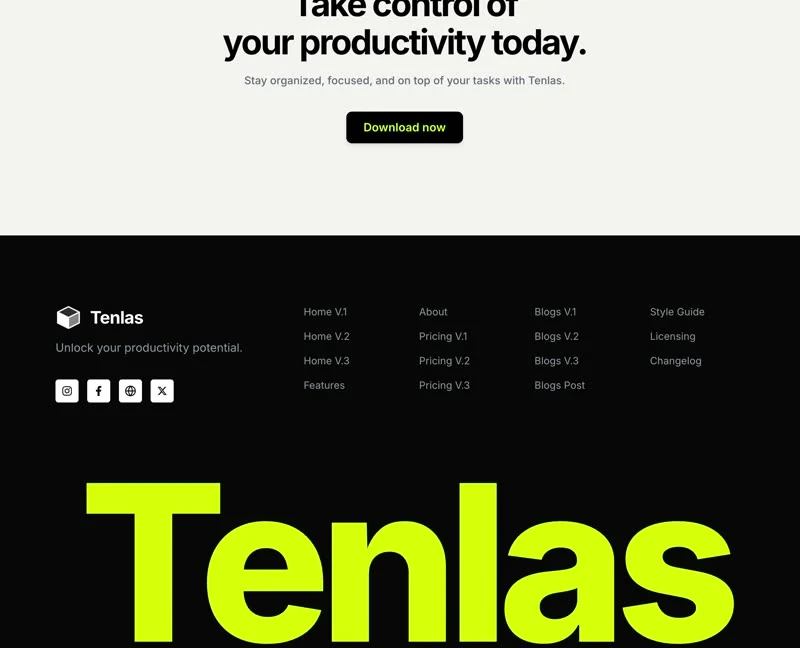
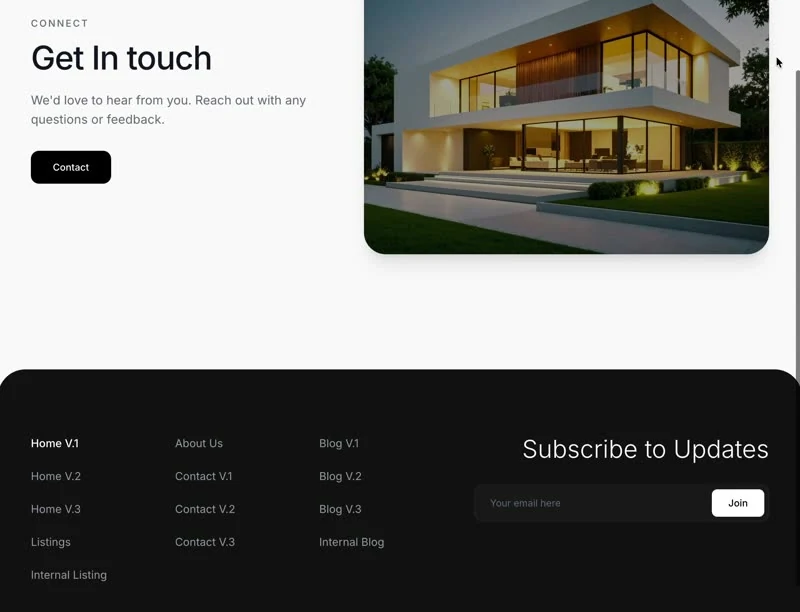
- The footer is a full composition. Links are grouped into columns with the wordmark in its own block, which keeps a long footer readable instead of turning it into a list. Columns align to the same grid as the page above, so the footer feels like the same design.
- Links collapse at one width. Link spacing comes from padding rather than from dividers, so the row reads as one object. Copy this pattern when you need navigation that survives a loud first screen.
- The video is the background, not a panel. One muted, looping clip fills the frame at 2056x1476 and 8s, set to cover with the copy stacked above it. The brief keeps overlays off the video so nothing greys it out. Export at 2056x1476 or wider and the cover crop keeps working. Export at 2056x1476 or wider to keep the crop honest.
Motion & interaction
Hover, but sparingly
Feedback is limited to hover states on the buttons and links rather than on every card, which is what keeps a dense first screen from feeling busy. The states are named in the brief, so the page does not depend on a hover-effect library.
A loop, not a timeline
Ambient movement is one 8s clip at 2056x1476, looping quietly behind the copy rather than reacting to the pointer. A poster frame stands in when autoplay is blocked, so the motion is additive rather than required.
What to change first in Scene AI
A straight substitution has a limit: if your product needs a different hierarchy, a 2056x1476 frame will fight it. Change the order first in that case, and the values second. Keep the frame and the scale; the subject is the part that should change.
Reading Scene AI as a spec
This is what makes the reference reusable: a 2056x1476 frame. Nothing is left to a default, so a substitution that keeps those numbers keeps the composition. Nothing in this hero section depends on a default.
What this hero section gets right
Compared with a template hero, the difference is what is missing. There is no card grid, no carousel and no second call to action: only navigation, the announcement badge, the stats row, the background clip and the footer, sized against a 2056x1476 frame. It gives a SaaS reader the shortest honest route to the offer.
Frequently asked questions
Is the Scene AI brief the same as the prompt I would write?
Everything quoted on the page comes from the captured 2,425-character brief rather than from a description written afterwards. That is why the numbers and the prose agree.
How long is the prompt behind Scene AI?
It is a build brief rather than a mood description: it names the composition at 2056x1476, the spacing and the motion values. Nothing in it treats the rendered image as the source of truth.
Can I rebuild the Scene AI hero section in a different stack?
Scene AI was built in Tailwind CSS, and the entry says so for provenance. The brief describes positions, sizes and timings, so it rebuilds in any framework that can set type and place elements.