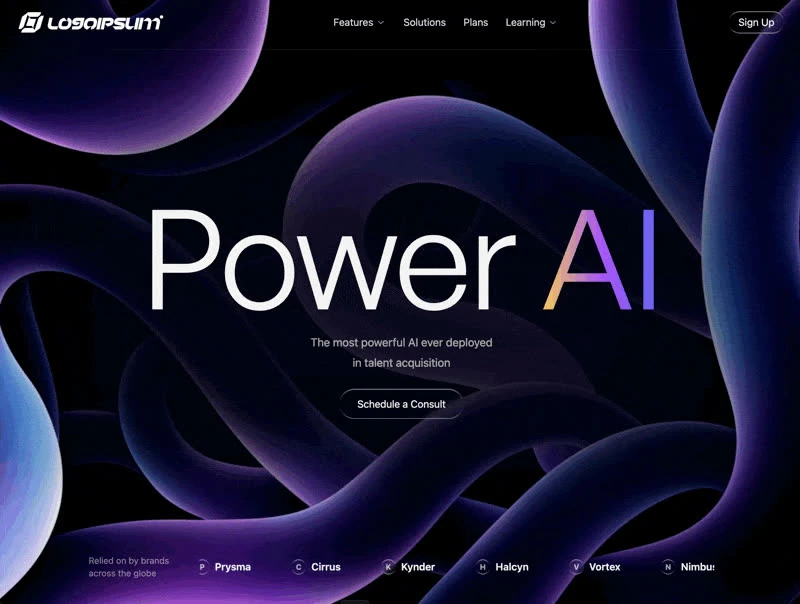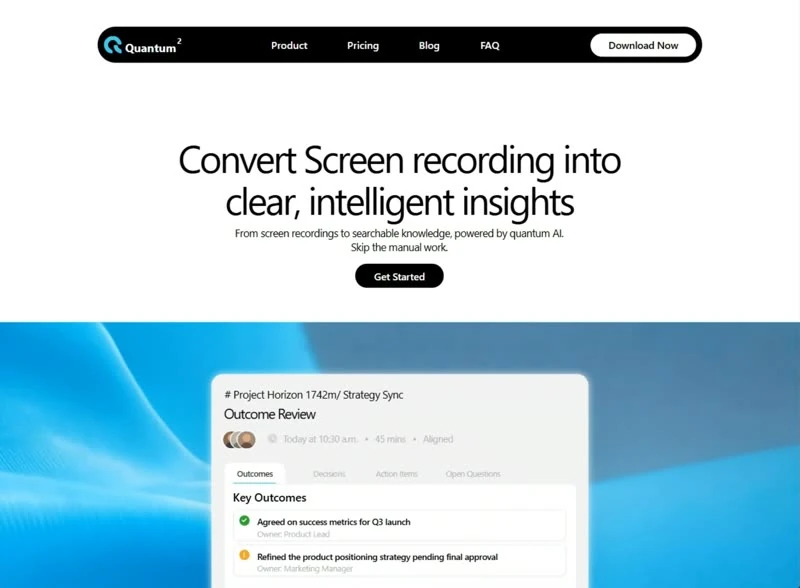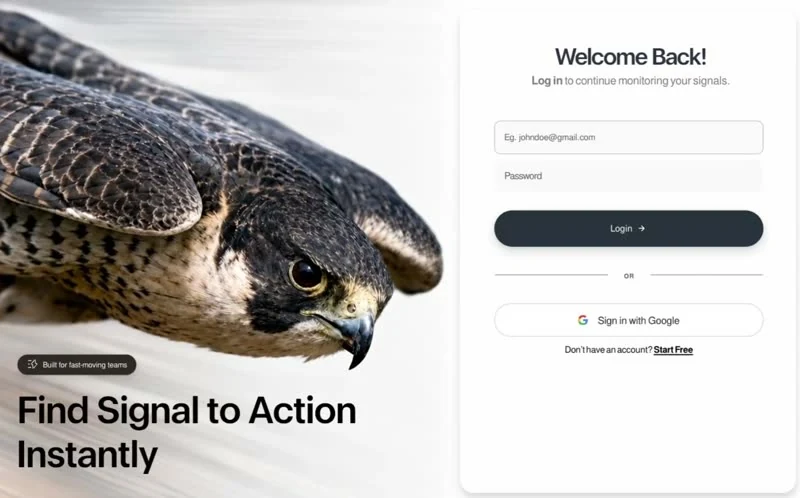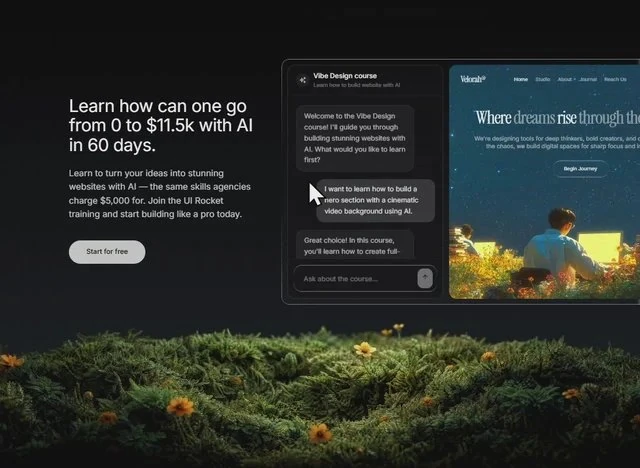
About this template
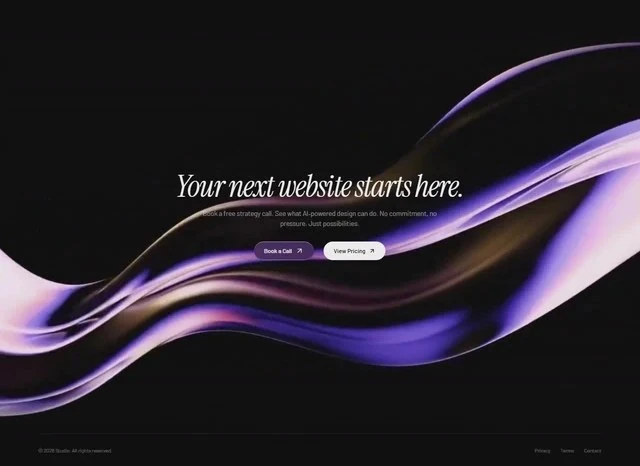
Liquid Glass CTA is a working reference for an AI or SaaS product: the call-to-action block laid out, measured and ready to rebuild. Colour is limited to black #111111 underneath and muted indigo #9A83AB carrying the accents, set in Instrument Serif. It ships as React and Tailwind CSS, so the whole call-to-action block can be lifted into a project without a design handoff. Start from the captured brief, then edit the call-to-action block rather than rebuilding it from scratch.
Designed for
- Teams building an AI or SaaS product call-to-action block who need a 640x466 frame on the record before an estimate goes out.
- Start from 200px spacing steps and let the palette follow, because the spacing is what makes this call-to-action block read.
- Product teams writing their own Call to action copy who need every line to keep the length the display type was sized for.
What's included
- Nothing here is inherited. The brief names the numbers: 200px spacing steps. That is why the composition holds together, because there is no invented spacing step between the type and the frame. There is no invented intermediate value between the named ones; the measurement list is the whole system.
- A stat row instead of a claim. The figures are set in Instrument Serif at a size closer to the headline than to the body copy. The figures carry the #9A83AB accent while everything around them stays on the ink colour.
- Numbers carried into the build. Spacing is quoted the same way (200px spacing steps), not as a scale that grows on its own.
- Proof above the fold. A row of stats sits above the fold, set in Instrument Serif at the top of the scale, with #9A83AB left for the figures that carry a claim.
Motion & interaction
Interaction kept local
Only the controls respond to the pointer (hover states on the buttons and links rather than on every card), so the page feels responsive without turning every element into a target. Interactive targets are large enough to tap and the pointer treatment is consistent across them. Do not animate layout on hover.
Almost no motion
There is no scroll library here: the 640x466 composition holds still and only the elements that respond to you move. Only the elements that respond to the pointer move. Keep motion to the controls.
Reading Liquid Glass CTA as a spec
A screenshot tells you what the page looks like; the brief tells you why. 200px spacing steps close the gap between the two. Nothing in this call-to-action block depends on a default.
Making the call-to-action block yours
A straight substitution has a limit: if your product needs a different hierarchy, 200px spacing steps will fight it. Change the order first in that case, and the values second. The subject is the part that should change.
How the call-to-action block reflows
The desktop composition is solved against 640x466, and the narrow layout is designed rather than inherited: the scale is fluid rather than stepped. Motion has a reduced-motion branch, and the media carries a poster frame so the page still communicates when autoplay is unavailable. The mobile version is a decision, not a fallback.
Frequently asked questions
How long is the prompt behind Liquid Glass CTA?
The captured brief runs 10,077 characters and covers the frame, the type scale, the palette and the transitions. Copying it gives you that text, and sending it to Studio stages the same request with the page already described.
How is this Liquid Glass CTA entry organised?
Everything quoted on the page comes from the captured 10,077-character brief rather than from a description written afterwards. That is why the numbers and the prose agree.
How much of Liquid Glass CTA depends on React and Tailwind CSS?
Liquid Glass CTA was built in React and Tailwind CSS, and the entry says so for provenance. The brief describes positions, sizes and timings, so it rebuilds in any framework that can set type and place elements.