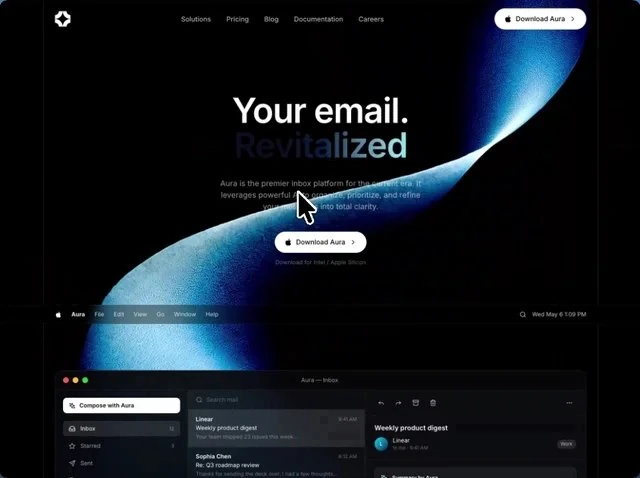
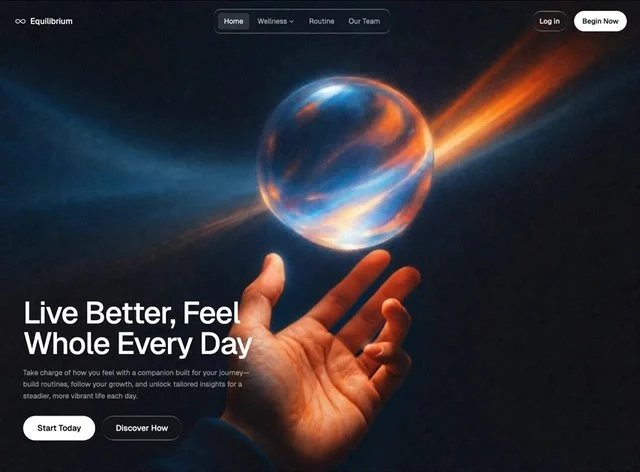
About this template
Read Intelligent Operations as a landing page spec: the values were written down before the page was built. The palette is gray #BCCCD4 underneath and black #0A0A0A for the type, set in Inter. Delivery is React and Tailwind CSS, captured at 1476x1080 so the frame is fixed before any code is written. The brief spends its motion budget on 700ms transitions and a looping video bed. It is most useful when the AI & SaaS landing page has to survive a copy change without a redesign.
Designed for
- In-house squads extending this landing page who need 100vh sections and 10px spacing steps carried into the new blocks unchanged.
- This landing page serves founders who need one screen of proof that SaaS copy can carry 7.9s of looping video.
- People who brief a model on a landing page will use the 10,447-character prompt as the starting point.
What's included
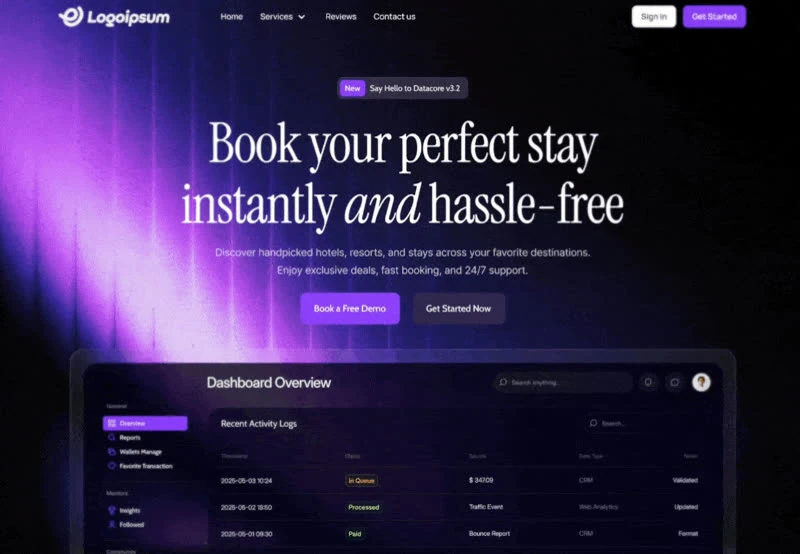
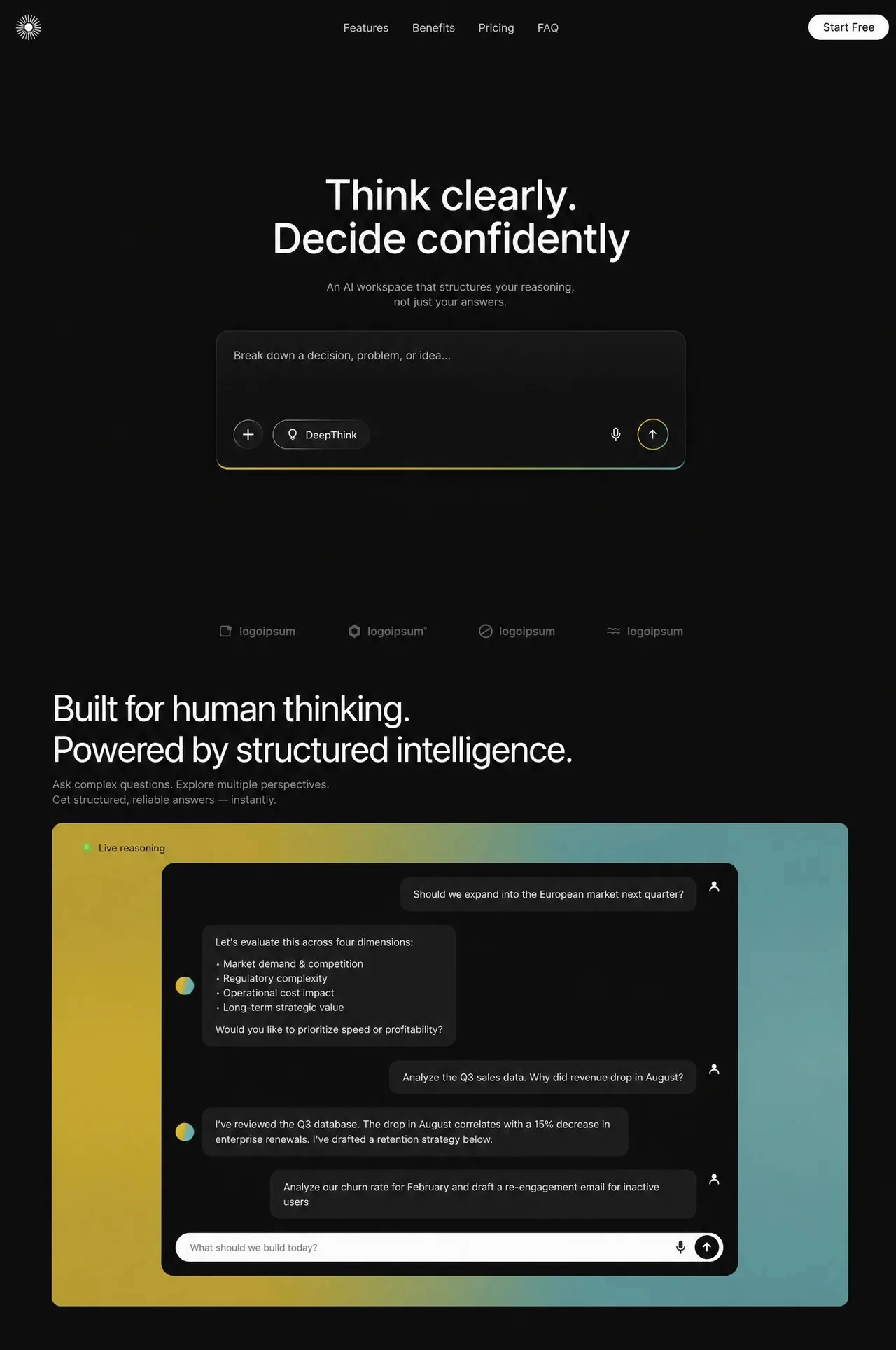
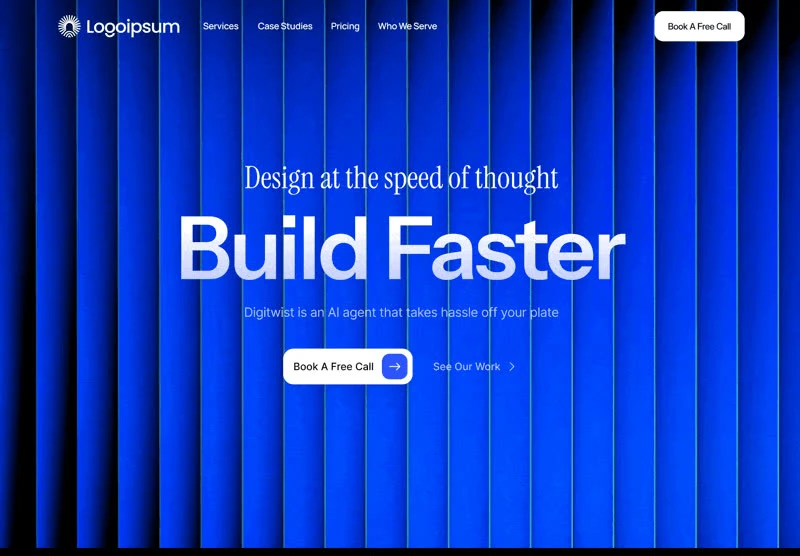
- A bar with nothing spare. The wordmark holds the left edge and the links run to the right of it, all of it set in Inter so the bar belongs to the page below rather than to a separate system. The bar sits over the 1476x1080 composition without a background of its own, so the media runs edge to edge underneath it. One action per bar.
- The nav is deliberately thin. Focus and hover states are specified for each link rather than inherited from the browser. Design the collapsed state before adding a sixth link.
- Measured against the viewport. Nothing here is eyeballed. The spec fixes 100vh sections, 10px spacing steps and 700ms transitions, and the rest of the layout derives from those values. There is no invented intermediate value between the named ones; the measurement list is the whole system. Measure before you adjust.
- Media behind the type. One muted, looping clip fills the frame at 1476x1080 and 7.9s, set to cover with the copy stacked above it. The brief keeps overlays off the video so nothing greys it out. A poster frame at 1476x1080 holds the composition when autoplay is unavailable, so the layout never collapses.
Motion & interaction
State changes, timed
One duration covers the interactions (700ms), which is what keeps hover and press reading as one system. The durations are short enough that feedback reads as a response rather than as an animation.
Pointer states, nothing more
Feedback is limited to hover states on the buttons and links rather than on every card and a sticky element that holds position while the content moves under it, which is what keeps a dense first screen from feeling busy. Because the states are simple, they port into any component system.
The numbers behind the landing page
Every relationship on this page is a value you can check: 100vh sections, 10px spacing steps and 700ms transitions. That is what makes Intelligent Operations rebuildable rather than merely reproducible. Nothing in this landing page depends on a default.
What moves in Intelligent Operations
The timing is explicit: 700ms transitions, a 7.9s media loop and a scroll reveal, all of it written into the brief rather than tuned by feel. Nothing animates for its own sake in this landing page.
How the landing page reflows
Type is clamped rather than stepped here (a clamp between 80px and 10px), so the display line does not jump between widths. The reflow keeps the action reachable at every width.
Frequently asked questions
Is the Intelligent Operations prompt a finished spec or a starting point?
It is a build brief rather than a mood description: it names the composition at 1476x1080, the spacing and the motion values. Nothing in it treats the rendered image as the source of truth.
Do I need React and Tailwind CSS to rebuild Intelligent Operations?
Intelligent Operations was built in React and Tailwind CSS, and the entry says so for provenance. The brief describes positions, sizes and timings, so it rebuilds in any framework that can set type and place elements.
Can I ship a page rebuilt from Intelligent Operations without crediting it?
The brief is a description, not a licence to redistribute someone else's assets. Keep the structure and the numbers, replace the media and the brand marks, and credit the source if a client asks where the layout came from. The reference was captured at 1476x1080.