About this template
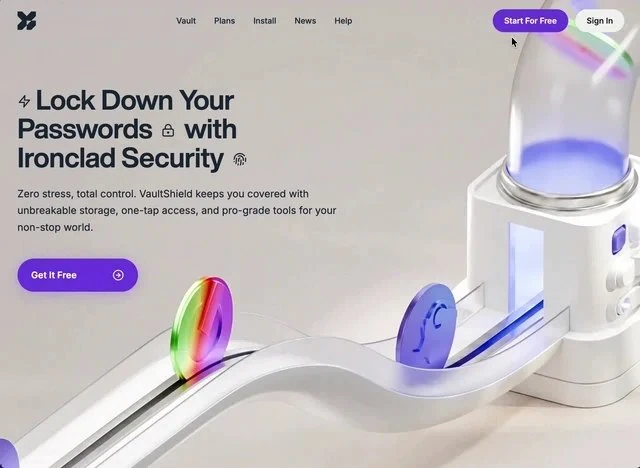
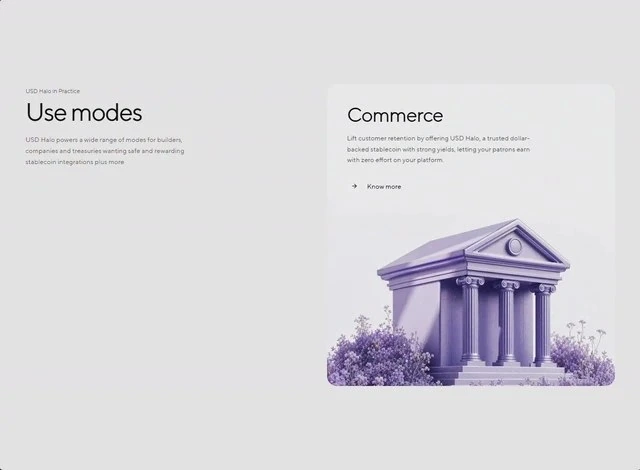
Halo Use Case is the features section reference for a fintech product, and the brief behind it is a full build spec rather than a mood board. The palette is white #E2E2E2 underneath and muted indigo #695D8B carrying the accents, set in TT Norms Pro Regular. Delivery is React and Tailwind CSS, captured at 640x470 so the frame is fixed before any code is written. Use it as the reference when you are building a fintech product features section and want a finished composition instead of a starting point.
Designed for
- If three people have to edit this features section, give content leads 24px spacing steps rather than a screenshot.
- Made for product managers who need the features section scoped to one sprint and no new assets.
- Studio leads who run several projects at once will use this features section as the pattern every other page copies.
What's included
- The brief names the steps. The brief names the numbers: 24px spacing steps. That is why the composition holds together, because there is no invented spacing step between the type and the frame. The frame proportions are recorded with the sizes, so a rebuild gets the aspect right as well.
- Numbered lines do the work. The list is the layout: items at one size, one #695D8B marker, no boxes, so the features section stays a single composition. The list is left-aligned to the same margin as the headline. Keep markers consistent.
- Cards do the structuring. The grid does the reading order for you: panels of equal weight, one idea each, set in TT Norms Pro Regular at a small size so the structure stays visible. Headings inside the panels sit one step above their own body copy, not one step below the page headline. Match panel headings to the page scale.
- Every measurement is written down. Spacing is quoted the same way (24px spacing steps), not as a scale that grows on its own.
Motion & interaction
Interaction is on the controls
Interaction is local to each control here (hover states on the buttons and links rather than on every card), so nothing on the page moves as a side effect. The interactive states do not move layout, so nothing jumps under the pointer.
Motion that stays out of the way
There is no scroll library here: the 640x470 composition holds still and only the elements that respond to you move. Motion is treated as feedback rather than as decoration. No scroll timelines needed.
How Halo Use Case sequences the first read
The features section has a stated reading path. From there the eye takes the card grid, the feature list and the background clip in sequence, which is what keeps a single screen from reading as a list. A fintech reader gets the offer before the options.
What to change first in Halo Use Case
When you drop your own media in, keep the crop and the layer order. The media is a still at 640x470. That placement is what keeps the copy legible. Set the new copy at the same display size and re-check the contrast before you add anything.
How the features section reflows
The features section is composed at 640x470 and then re-composed for narrow widths. the scale is fluid rather than stepped, so the phone version is a decision rather than a squeeze. The mobile version is a decision, not a fallback.
Frequently asked questions
What does the brief behind Halo Use Case actually contain?
The captured brief runs 7,044 characters and covers the frame, the type scale, the palette and the transitions. Copying it gives you that text, and sending it to Studio stages the same request with the page already described.
How is this Halo Use Case entry organised?
Everything quoted on the page comes from the captured 7,044-character brief rather than from a description written afterwards. That is why the numbers and the prose agree.
Can I rebuild the Halo Use Case features section in a different stack?
Halo Use Case was built in React and Tailwind CSS, and the entry says so for provenance. The brief describes positions, sizes and timings, so it rebuilds in any framework that can set type and place elements.