About this template
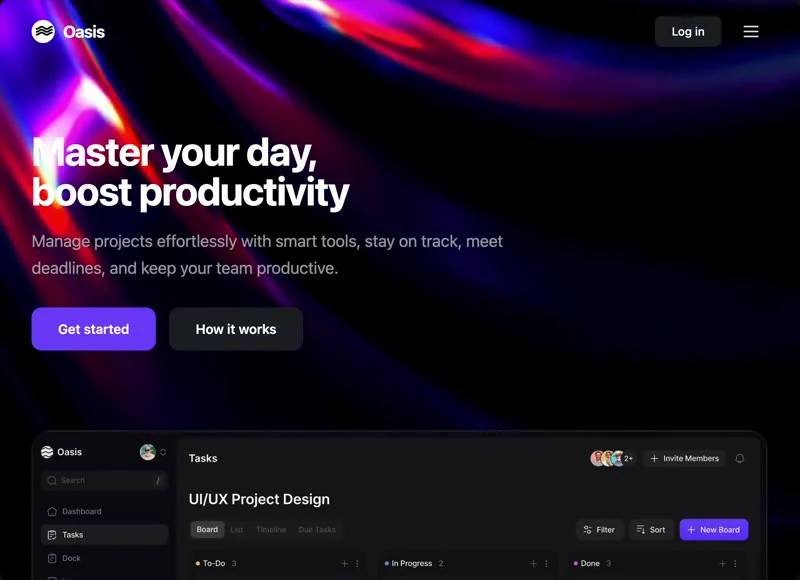
This is the landing page from Forecast Center, published with the brief that produced it rather than as a screenshot. The palette is deep blue #04121B underneath and #FFFFFF for the type, set in Inter. Delivery is one self-contained HTML file, captured at 1466x1080 so the frame is fixed before any code is written. The motion budget is 2.55s transitions, cubic-bezier(.16,1.3,1) and a looping video bed. If you are briefing a SaaS landing page, start from this composition and replace the subject.
Designed for
- Teams building an AI or SaaS product landing page who need cubic-bezier(.16,1.3,1) easing on the record before an estimate goes out.
- This landing page serves teams who have to justify one self-contained HTML file to someone who was not in the kickoff.
- If the build starts from one self-contained HTML file, lift 100vh sections and 14px spacing steps first and leave the palette alone until the grid settles.
What's included
- Navigation held to one row. The bar is one row of text and one action, measured at 100vh sections and 14px spacing steps so it reads as a strip rather than as a band. The bar sits over the 1466x1080 composition without a background of its own, so the media runs edge to edge underneath it.
- A pill for the one thing that is new. One badge, one message: the pill sits above the headline in Inter at the smallest step, and nothing else competes for that slot. It is positioned so the headline keeps the centre of the composition.
- Links collapse at one width. Keep the link count to four or five; the row is sized for that. The reference was captured at 1466x1080.
- Nothing here is inherited. Nothing in the layout is left to feel: the brief quotes 100vh sections, 14px spacing steps, 2.55s transitions and cubic-bezier(.16,1.3,1) easing and the build has to hit those values. Values are quoted from the captured prompt rather than inferred, so they survive a re-render.
Motion & interaction
A loop, not a timeline
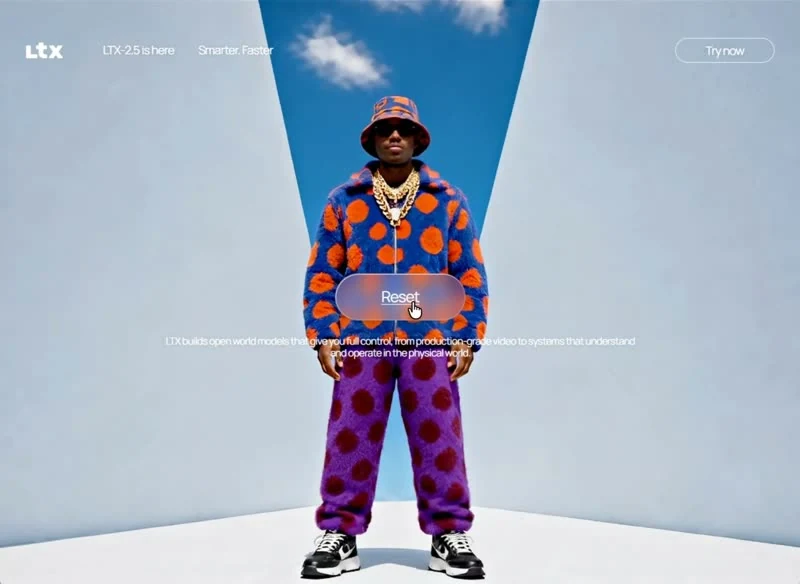
Ambient movement is one 5.3s clip at 1466x1080, looping quietly behind the copy rather than reacting to the pointer. Because it is muted, the loop can run under the copy without competing for sound or focus. Shoot or export at 1466x1080 or wider.
Motion can be switched off
The motion layer ships with an off switch: the entrance and the loop is dropped under prefers-reduced-motion. Interaction feedback still works under reduced motion; only the entrances are dropped. Keep the reduced-motion branch when you port the page.
The order behind the landing page
Where a marketing page stacks proof below the fold and hopes, this landing page puts navigation, the headline, the announcement badge, the stats row and the card grid in front of the reader and holds the rest back. A SaaS reader gets the offer before the options.
How the landing page reflows
A designed narrow layout takes more decisions than a squeeze. The brief pays for them: the section is held at 100vh and the motion has a reduced-motion branch, stated rather than discovered at build time. A squeeze would have been cheaper and would not hold.
Reading Forecast Center as a spec
Compare this with a template that calls its spacing a preference. Here the same values are named (100vh sections, 14px spacing steps, 2.55s transitions and cubic-bezier(.16,1.3,1) easing), so an edit either keeps them or visibly breaks the composition. Nothing in this landing page depends on a default.
Frequently asked questions
Why does the entry name one self-contained HTML file at all?
Forecast Center was built in one self-contained HTML file, and the entry says so for provenance. The brief describes positions, sizes and timings, so it rebuilds in any framework that can set type and place elements.
How is this Forecast Center entry organised?
Everything quoted on the page comes from the captured 11,253-character brief rather than from a description written afterwards. That is why the numbers and the prose agree.
What do I get when I copy the Forecast Center brief?
The captured brief runs 11,253 characters and covers the frame, the type scale, the palette and the transitions. Copying it gives you that text, and sending it to Studio stages the same request with the page already described.