Kira Art Review: Models, Plans, and Credit Costs
Describe the change you want and attach a reference photo. The arrow hands the brief to Ottermind Studio, where you review it before anything is generated.
Optional photo
JPG / PNG / WebP
Nov 6, 2026 · 8 min read
Kira is an image-and-video AI studio that runs in a browser and in iOS and Android apps, where you choose one of three models for each request and pay for the work in credits. Its public homepage leads with trend templates — a body edit, a background cleanup, a costume swap — above a prompt box that already shows which model is selected.
If you searched "kira art" to find out whether it can do your job, the honest answer is that the feature list is not the deciding factor. Two rules decide most of the cost: which model you select, and which plan includes it. Below, those rules are separated from the marketing copy, with the version behaviour that can delete work you already paid for.
Prefer to start from a photo you already have? The composer at the top of this page accepts a reference image and a written change, and the arrow hands that brief to Ottermind Studio for review. The rest of this review compares that route with Kira's documented workflow.
How this review was prepared: Kira's official pages were checked on November 5, 2026: the homepage, the Help Center, the articles on plans and add-ons, credits and usage, choosing a model, image generation, image edit, projects and versions and the Terms of Use. This is a documentation review. We did not create a Kira account, run a generation, or measure output quality, speed or reliability, and no Kira or Ottermind result appears here. The cover art and the two still-life illustrations were generated with GPT Image 2.5 Flare for this article; the wordmark and subtitle are set in type over that artwork. Both interface figures are real screenshots: Kira's public homepage and this page's Ottermind composer. Ottermind publishes this article and offers the workflows linked below; it is not connected to Kira.
What Kira actually is
The public site presents three surfaces. Home is a feed of trend presets and community posts. Editor is where an image is generated, edited and organised into projects, with a Trends tab for the preset gallery and a Project tab for past work. Discover is the browse-and-share side. The same account also exists as an iOS and Android app, and the Help Center notes that projects, credits and sign-in follow the account across web and app.
The practical unit inside the Editor is a project. The projects article is explicit: every request you send creates a project, and every result inside it becomes a version you can click back to, export, publish, or run another tool on. That model suits iterative social work — try a look, keep the version you like, ask for one more change — and it is also the source of the one irreversible rule covered further down.
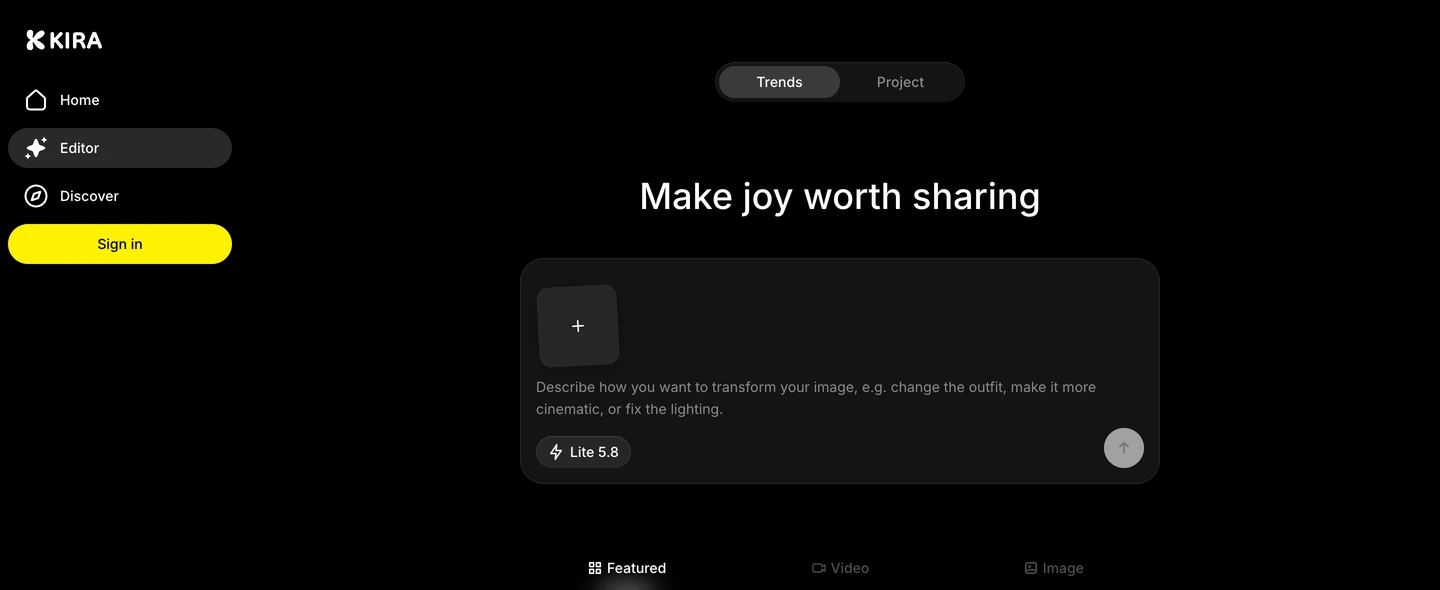
Real screenshot of kira.art's public homepage, captured November 5, 2026, before signing in. It shows the structure described above: the Trends/Project toggle, the composer with its + attachment tile on the left, the model chip under the prompt, and the round send arrow at the bottom right. It is not a signed-in editor view, and no generation was run from it.
Beyond image generation and image edit, the Help Center index lists a fairly wide tool set: Sketch for marking an exact area, Eraser, Replace Background, Expand, Redux for a new camera angle, Upscale (documented up to 4× and 8K), Crop, Filter, Adjust, Remove Background, and video tools — Motion Control, Video Edit, Video Extension and Trim. Two of those are free of AI charges: the crop and trim pages describe manual operations without a per-second or per-action AI charge, and Filter previews ready-made looks before you commit.
Whether that breadth matters depends on what you are replacing. If your actual task is turning one photo into a drawn or painted interpretation, the narrower Photo to Anime Converter route does the same job with one input and one direction, which is easier to judge than a twelve-tool editor.
Lite, Nova and Ultra: choose by task, then check access
Kira's own model guide is the clearest document in its library, because it maps models to jobs instead of ranking them.
| Model | What Kira says to use it for | Plan access and cost per completed action |
|---|---|---|
| Lite | Everyday images, quick ideas, cheap iteration | Every plan · 5 credits |
| Nova | More detailed images and video | Pro and Max · normally 10 credits, settled on completion |
| Ultra | "The highest quality Kira can produce" | Max only · normally 10 credits, settled on completion |
Two details matter more than the headline prices. First, Nova and Ultra reserve the standard amount and settle the actual charge when the action finishes, which Kira says can be lower. Second, the model chip is not a small setting: switching models never changes your plan, and it never refunds work that has already finished. If Ultra is locked, the guide is blunt that add-on credits will not open it — only the plan does.
The same page also warns against reading a higher model as a guarantee. Ultra keeps more detail, but it can still change something you wanted left alone, so the instruction to state what must stay the same applies at every tier. In our homepage capture the chip reads Lite 5.8, which is a reminder that the version label under a model name can move independently of the plan structure.
Plans: what the subscription unlocks, and what it does not
Here is the plan comparison as published, without the marketing framing:
| Plan | Models and video | Watermark-free exports |
|---|---|---|
| Free | Lite · no video | No |
| Basic | Lite · no video | Yes |
| Pro | Lite and Nova · video, but not Ultra | Yes |
| Max | Lite, Nova and Ultra · video including Ultra | Yes |
Credits are the second half of the plan. On the web, the monthly allowance is 1,000 credits on Basic, 2,000 on Pro and 6,000 on Max, and annual billing issues the whole year's allowance at once rather than refilling monthly. Purchases inside the App Store or Google Play carry 70% of the web allowance at the same price, because of store fees. Those are the published numbers, and they change the comparison between a web subscription and an in-app one for the same plan name.
Three conditions decide whether that allowance is really yours to spend:
- The balance resets at renewal. A web Pro renewal sets the regular balance to 2,000; unused subscription credits are not added on top.
- Paid is not unlimited. Every generation and edit still has a charge, and a run needs enough available credit to start.
- Add-on packs need a paid plan. Packs of 5,000, 10,000 and 20,000 credits are one-time purchases on top of an active subscription, and they never unlock a model or video on their own.
One thing this review deliberately does not quote is a dollar price. The public help articles list credits and entitlements, but the amounts themselves sit in Billing, so any figure reproduced here could be stale or region-specific. Open Profile → Settings → Billing and read the checkout total before you compare plans.
The watermark rule catches people out too. Paid plans remove the export watermark through a switch at Settings → Preferences → Watermark, and that switch is off until you turn it on. Files exported before you toggle it keep their watermark.
Where the credits actually go
Image charges are simple; video is where a budget can move quickly. Kira bills video by billable seconds at a rate set by the model.
| Action | Documented charge |
|---|---|
| Image generation, Lite | 5 credits |
| Image generation, Nova or Ultra | Normally 10 credits, settled on completion |
| Image edit, Lite | 5 credits |
| Image edit, Nova or Ultra | Normally 10 credits, settled on completion |
| Video generation, Nova | 15 credits per billable second |
| Video generation, Ultra | 25 credits per billable second |
| A 5-second video, Nova / Ultra | 75 / 125 credits |
| Video Edit or Motion Control that processes 5 seconds and outputs 5 seconds | 150 / 250 credits |
The last two rows are where a short clip stops feeling short. The credits article explains that Video Edit bills the processed source duration plus the output duration, that Video Extension bills the source segment plus the full output, and that Motion Control bills the processed reference video plus the output. A five-second edit of a five-second clip therefore consumes ten billable seconds.
Kira also reserves credits before a task starts, which is easy to misread as a double charge:
| Task state | Displayed total | Available for a new task |
|---|---|---|
| Before starting | 150 | 150 |
| Running, 10 reserved | 150 | 140 |
| Completed, final charge 10 | 140 | 140 |
A reservation is not an extra charge, and a task that fails before completing releases it. What does not come back is a completed action whose result you simply dislike: the article says a completed billable action uses credits even if you decide not to keep the image, and that retrying can charge again. Closing the tab or losing the connection does not necessarily stop a running job, so the useful habit is to check Editor → Project for a finished result before resubmitting.
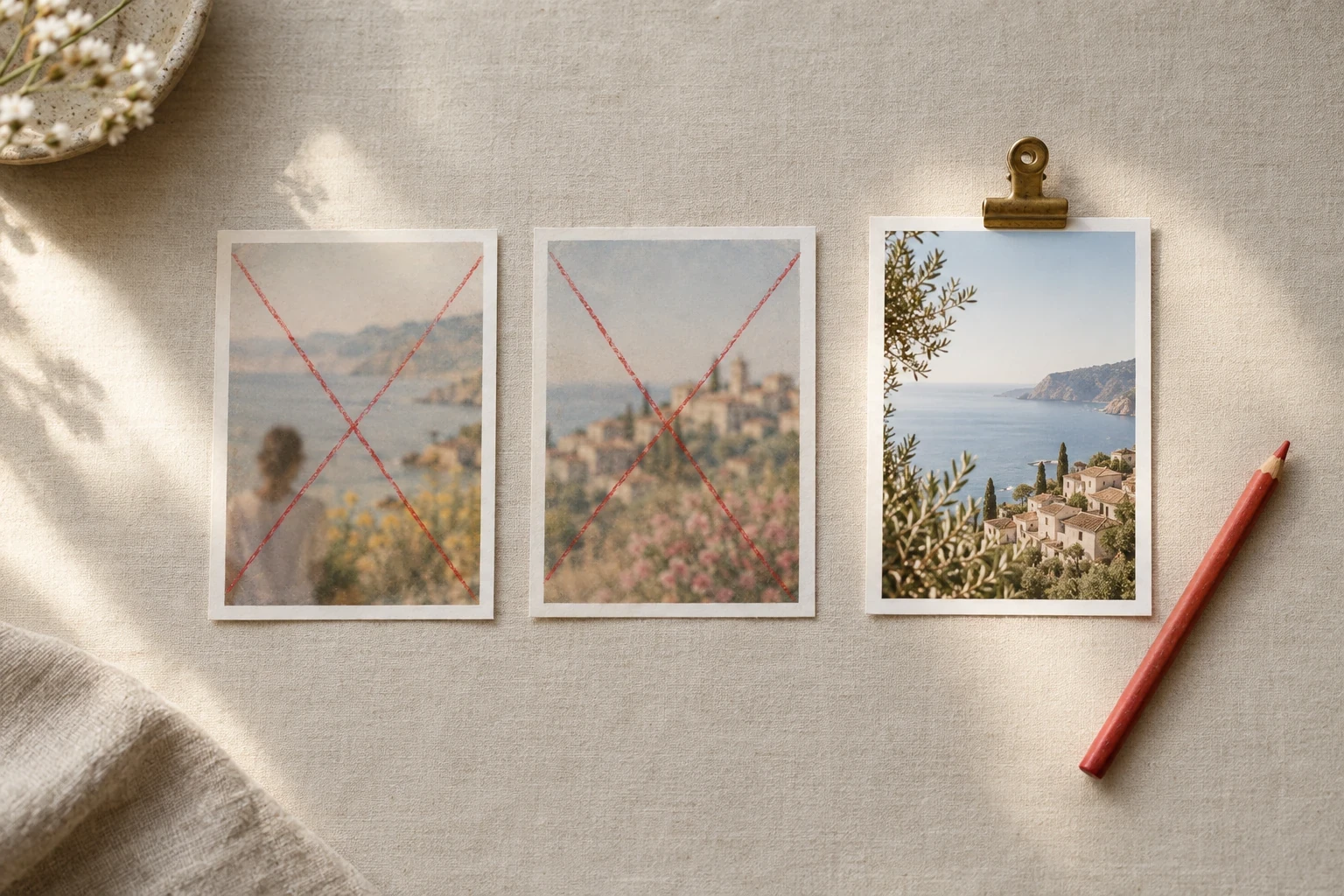
The number that matters is not the cost per generation but the cost per image you keep. At 5 credits on Lite and 10 on Nova or Ultra, two rejected attempts plus the keeper is 15 to 30 credits, and a video task spends far more per attempt. AI-generated still life (GPT Image 2.5 Flare) made for this section; it is not a Kira screenshot and not a Kira output.
The version rule that can delete paid work
Projects are a good default until you go back a step. Kira's version docs describe a warning that appears when you send a new message from an earlier version: "Sending a new message will discard all versions after the current one. Continue?" Confirming deletes the later versions permanently, and support cannot restore them.
Nothing about that is hidden, but the cost is real: if you spent credits on five variations and then go back to version two to try one more idea, the five later results are gone. The documented workaround is to export the versions you want to keep first, or to move to the latest version before sending. Using an AI tool on an earlier version does not trigger the warning; the new result is simply appended.
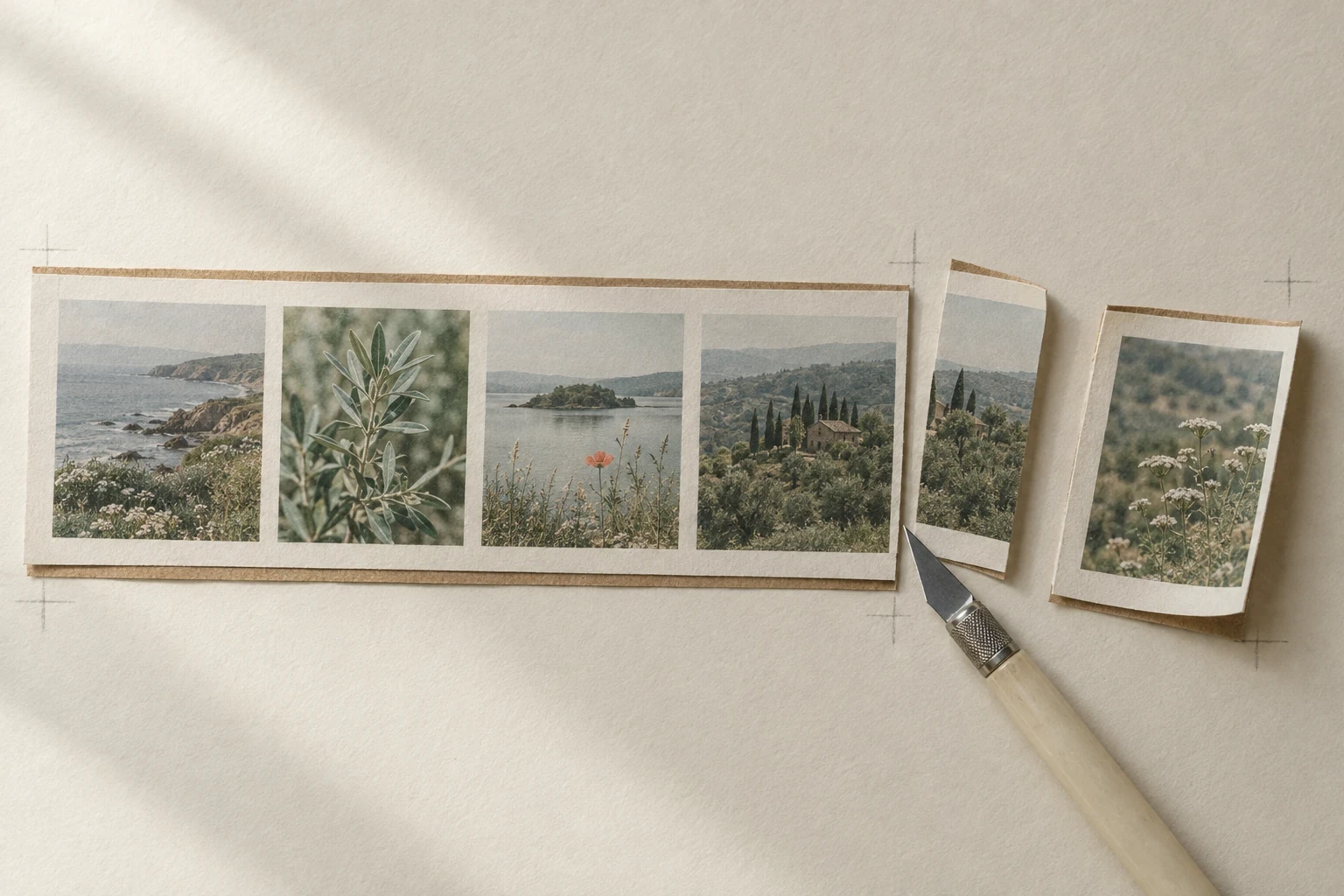
The version strip only grows from the left. Going back and sending again removes everything to the right of the version you chose, and the confirmation makes that permanent. The image is an AI-generated still life (GPT Image 2.5 Flare) illustrating the rule; it is not a Kira screenshot.
Two related gaps matter if you work at volume. The same article states there is no project search yet — you scroll by date — and a project cannot be renamed, because its title comes from the first prompt. A failed generation adds no version, which is a small mercy. If you intend to use Kira as a working archive rather than a scratch pad, plan your own naming and export routine from day one.
Who Kira suits, and who it does not
Kira looks strongest for a specific profile: someone making trend-led portrait and social images, who wants generation, scoped edits and short motion in one account, and who is comfortable paying per action while iterating inside a project.
It is a weaker fit in four situations that the documentation makes visible:
- You need a specific file format. Vector, layered or print-ready deliverables are not part of the documented image workflow, which ends in an exported image or a published post.
- You need the same face to stay identical across shots. The reference-prompt guide says identity and pose "come back close, not guaranteed identical" and tells you to check the hairline and jaw before sharing.
- You need structure for a large library. No project search, no renaming and no moving versions between projects.
- You need seats or team control. Nothing in the plans article or the terms describes multi-user workspaces; the terms describe one account per person.
A three-question check filters most of the rest before you spend anything:
- Does the input match the tool? A finished photo usually belongs in Image Edit with one named change; a blank-canvas idea belongs in Image Generation. Choosing the wrong one costs a full action.
- Is it access or balance? If the model or video is locked, credits will not help — check the plan table above first.
- What does this exact request cost? Read the charge after selecting the model and, for video, the duration. Compare cost per image you would actually keep, not per image generated.
Rights, watermarks and what the terms do and do not settle
The Terms of Use are unusually explicit for this category, and three clauses are worth knowing before a client job starts.
Ownership. Section 5.1 says Kira assigns to you any rights it may have in the outputs, and that you may use them for any lawful purpose, including commercial use, in accordance with your subscription tier. Section 4.1 keeps ownership of what you upload with you.
Non-uniqueness. Section 5.2 states that similar or identical outputs may be generated for other users from similar inputs, so you do not receive exclusivity.
No guarantees. Section 5.3 provides outputs "as generated" with no representation that they are accurate, original, fit for a particular purpose or free from third-party rights, and Section 5.4 makes you responsible for the rights, publicity and platform rules that apply to your use. That is a permissions question, not a quality question: the terms give you a licence, not a clearance.
Two more clauses shape how reliable the platform can be for a deadline. Section 7 describes a multi-vendor architecture that routes requests across third-party model providers and says Kira does not guarantee that any specific underlying model stays available. Section 1 requires users to be 18 or older, or 13+ with a guardian's consent. This paragraph is a summary of published terms, not legal advice; for a commercial campaign, confirm the current wording and any tier conditions yourself.
Kira Art or Ottermind: choose by starting point
The two products overlap on "restyle this photo", then diverge. Ottermind is a prompt-and-reference workflow that carries your brief and attachments into a conversational Studio session, so the comparison below is about the next action, not a quality ranking.
| Your next task | Kira route to inspect | Ottermind starting point |
|---|---|---|
| Turn one photo into an anime or illustrated look | Image Edit with a style instruction, or Image Generation with the photo as reference | Photo to Anime Converter: upload, direct line work and palette, review the result |
| Build a hand-painted scene from a permitted photo | Image Generation on Lite or Nova, then iterate in the project | Ghibli AI Generator: direct scenery, light and story details |
| Create a new artwork from a brief plus a reference | Image Generation with references and an aspect ratio | AI Art Generator from Image: restyle a reference and keep the composition |
| Change one region of an existing image and protect the rest | Image Edit, or Sketch when you need to mark the exact area | AI Image Editor: name the region, lock what must stay true |
Kira's advantage in that table is breadth inside one account, including video and per-second billing. Ottermind's advantage is narrower but concrete: the brief, the reference and the follow-up instruction stay in one conversation, so a second direction does not mean rebuilding the request from an empty prompt. Neither side of the table is a claim about which output is better on your image; that is the part you have to test.
Try the same starting point in the composer above
The composer at the top of this article is Ottermind's real input, not a mock-up. The + tile on the left takes a PNG, JPEG or WebP reference and shows a preview you can replace or remove. The text field on the right takes the instruction. The round arrow at the bottom right is the only control that sends anything, and it stages the brief for Studio so you can check the model and the credits before a generation runs.
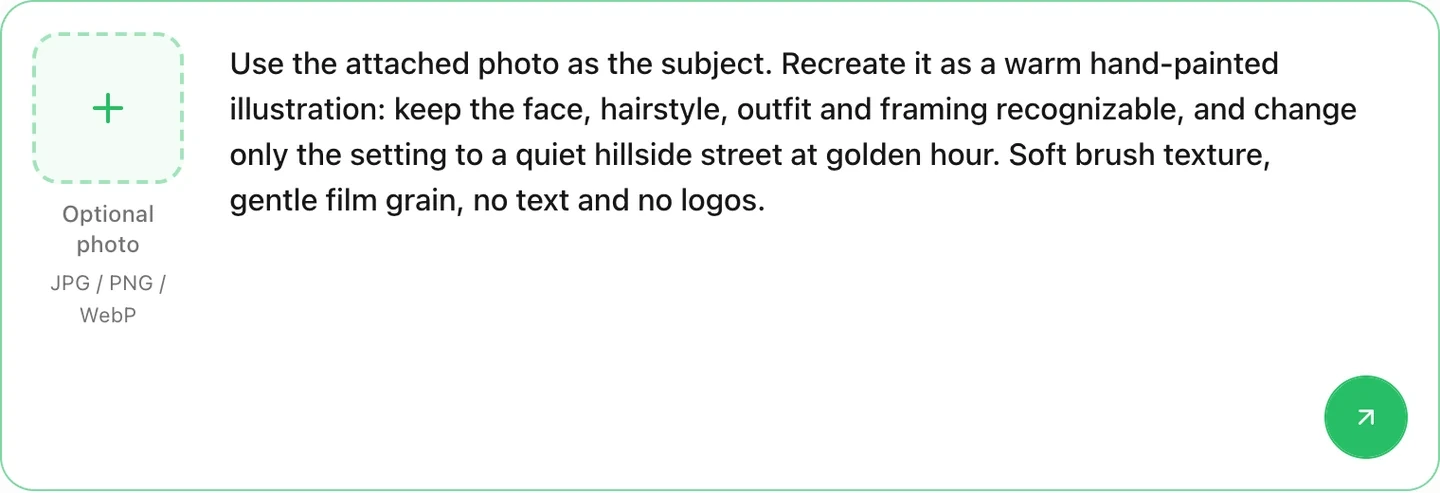
A real screenshot of the composer on this page with the example brief filled in. It prepares a request for Ottermind Studio; it does not show a generated result, and it is not a Kira interface.
Filling the brief and sending it are two separate actions. The button below only writes the text into the composer — it does not submit, and with an empty input and no attachment the arrow stays disabled:
Use the attached photo as the subject. Recreate it as a warm hand-painted illustration: keep the face, hairstyle, outfit and framing recognizable, and change only the setting to a quiet hillside street at golden hour. Soft brush texture, gentle film grain, no text and no logos.Attach a photo you have the rights to use, then judge the result on the points this review raised rather than on a first impression: did the face survive, did the framing hold, and is the lighting consistent across the frame? If you want a cleaner source image before restyling, generate or approve the still first and treat the restyle as the second step.
Kira Art FAQ
Is Kira Art free?
There is a Free plan: Lite only, no video, and exports carry a watermark. New accounts get 30 welcome credits once per person, and eligible Free accounts can claim a daily top-up that brings the regular balance to 15 — not an extra 15 — on a 24-hour cooldown. That is an entry point, not a working budget for a project.
Do unused credits roll over?
Subscription credits do not: a renewal resets the regular balance to the new period's allowance. Add-on credits are tracked separately and are not reset by a renewal, but they still cannot unlock a model your plan excludes.
Does Pro include Ultra?
No. Ultra is Max only. Pro includes Lite, Nova and video; add-on credits do not change model access.
Do paid plans remove the watermark automatically?
No. The switch exists on every paid plan but starts off. Turn on Remove watermark in Settings → Preferences → Watermark, and export again; earlier files keep their watermark.
Can deleted or overwritten versions be restored?
Not by support. Versions discarded through the overwrite warning, deleted projects and deleted exports are listed as unrecoverable. Export the versions you want to keep before you go back.
Can I use Kira output commercially?
The terms assign output rights to you and permit commercial use in accordance with your subscription tier, while stating that outputs are non-unique and provided without warranties about third-party rights. Confirm the current wording and clear the rights in anything you upload yourself.
Where this review stops
Everything above comes from Kira's published pages, and that is also its limit. We have not created an account, generated an image, measured queue times, or compared output quality between Lite, Nova and Ultra, so this review assigns no score and repeats no third-party rating. The dollar prices are not quoted because the public documentation lists credits rather than amounts. The video duration ceiling, the resolution of a given export and the behaviour of the mobile apps are all unverified here.
What the documentation does support is a decision. If your work is trend-led image iteration with occasional short motion, and the plan table above covers the models you need, Kira is worth a paid test sized to one brief. If you need repeatable identity, a searchable library, or deliverables beyond an exported image, price that gap before you subscribe — and if the job is simply "make this photo look drawn", start with the composer above and one reference you already own.
