Selection Guide
8 Best Personal AI Assistants in 2026 for Real Work
The best personal AI assistant is not simply the chatbot with the strongest model. It is the product that fits the work you actually want to delegate: researching a decision, organizing files, drafting an email, protecting focus time, remembering context, or turning rough material into a finished deliverable.
The category now includes general assistants, calendar specialists, automation agents, and project workspaces. Comparing them as if they were interchangeable produces bad recommendations. This guide separates those jobs and shows where eight popular options fit.
Best personal AI assistants: quick comparison
| Assistant | Best for | Main working surface | Important boundary |
|---|---|---|---|
| Ottermind | Connected projects and deliverables | Workspace with files, tools, and tasks | Not a dedicated inbox or calendar optimizer |
| ChatGPT | Broad everyday questions and creation | Chat, projects, apps, and connectors | Action scope and limits vary by plan and mode |
| Claude | Long documents and careful synthesis | Chat, projects, artifacts, and integrations | Specialist scheduling still needs another tool |
| Google Gemini | Google ecosystem users | Gemini and Google Workspace | Best experience depends on account and Workspace setup |
| Microsoft Copilot | Microsoft 365 work | Copilot and Microsoft 365 apps | Most useful inside the Microsoft stack |
| Lindy | Inbox, meetings, and follow-up | Agent workflows connected to business apps | Requires careful permissions and exception handling |
| Motion | Calendar-driven task planning | Calendar, tasks, and project planning | Less suitable for open-ended research and artifact creation |
| Reclaim | Protecting routines and focus time | Calendar automation | Narrower than a general personal assistant |
What should a personal AI assistant actually do?
Search results mix several products under one label. Before choosing, decide which of these jobs matters most:
- Answer and create: explain, brainstorm, draft, analyze, and transform material.
- Remember context: retain project instructions, files, preferences, and prior decisions.
- Coordinate time: schedule tasks, protect focus blocks, and move work when plans change.
- Take actions: update apps, prepare follow-up, or run a repeatable workflow.
- Finish deliverables: turn sources into a report, presentation, plan, page, or other reviewable output.
An assistant can be excellent at one job and weak at another. A calendar optimizer should not be ranked below a chatbot because it cannot write a report; they solve different problems.
1. Ottermind: best for connected projects and deliverables
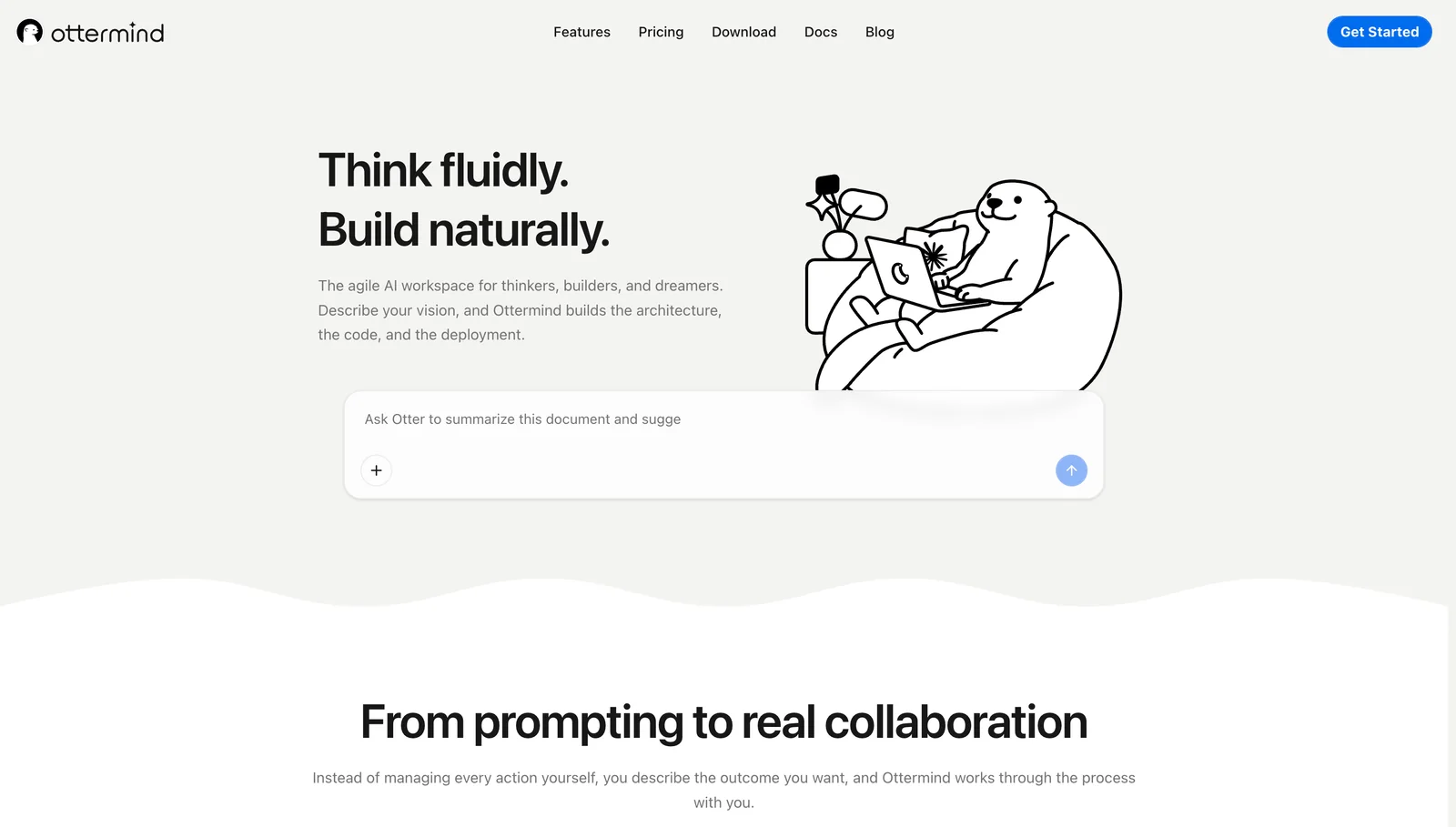
Ottermind fits work that begins with mixed context and must end with something another person can use. Notes, links, files, research, decisions, and follow-up stay connected while the assistant helps produce reports, presentations, plans, websites, or related tasks.
Choose it when the expensive part of work is rebuilding context across separate AI tabs. Choose a specialist such as Motion or Reclaim when the main problem is calendar optimization, or a dedicated inbox agent when email volume is the bottleneck.
2. ChatGPT: best broad general-purpose assistant
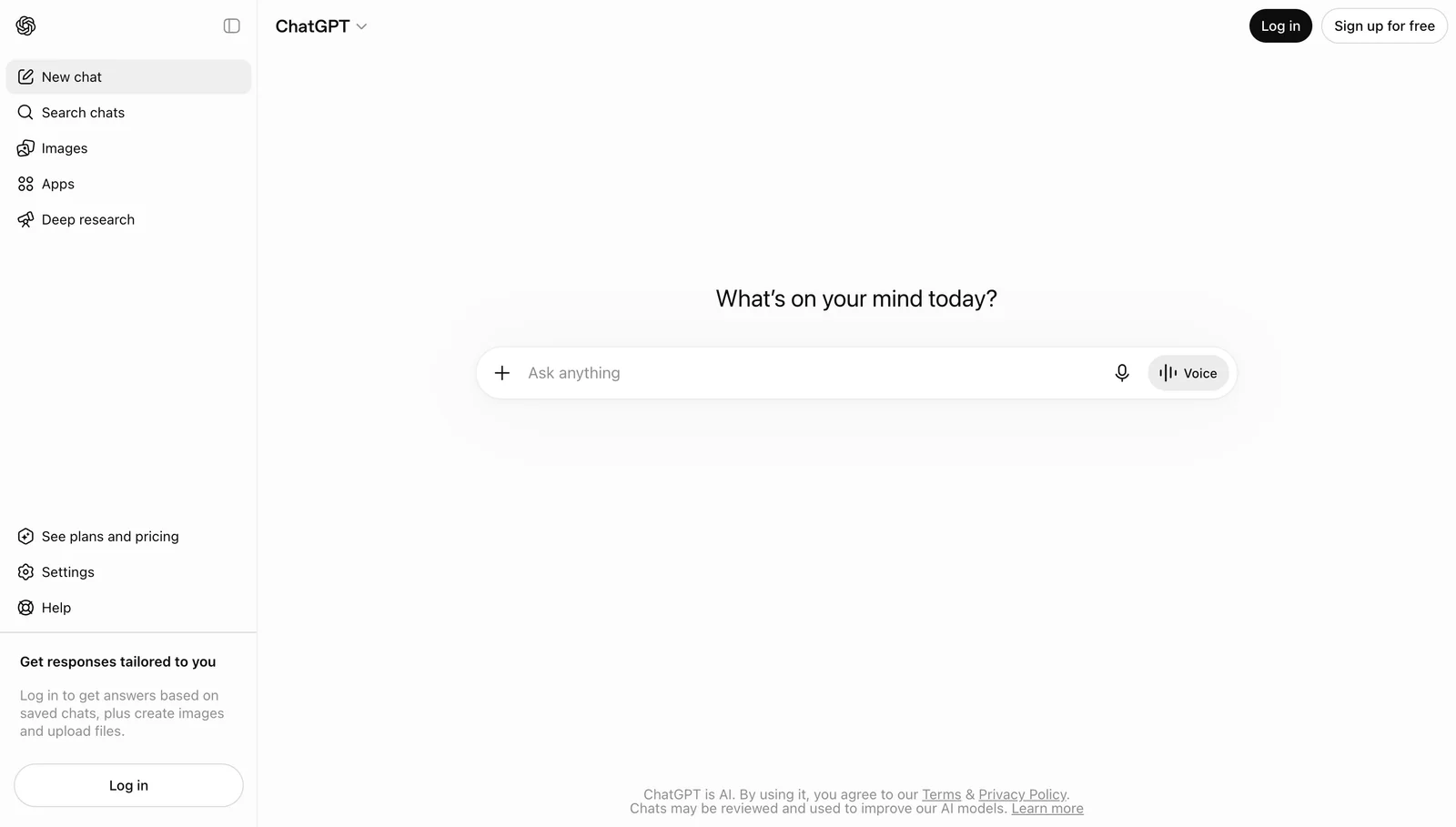
ChatGPT is a practical default for questions, writing, analysis, images, voice, and tool-assisted tasks. Its broad ecosystem makes it useful when a person wants one familiar interface for many lightweight jobs.
The buying question is not whether ChatGPT can help. It is which plan, tools, connectors, data settings, and action permissions are available for your account. Define where source material lives and how completed work moves into the system of record.
3. Claude: best for long-form reading and synthesis
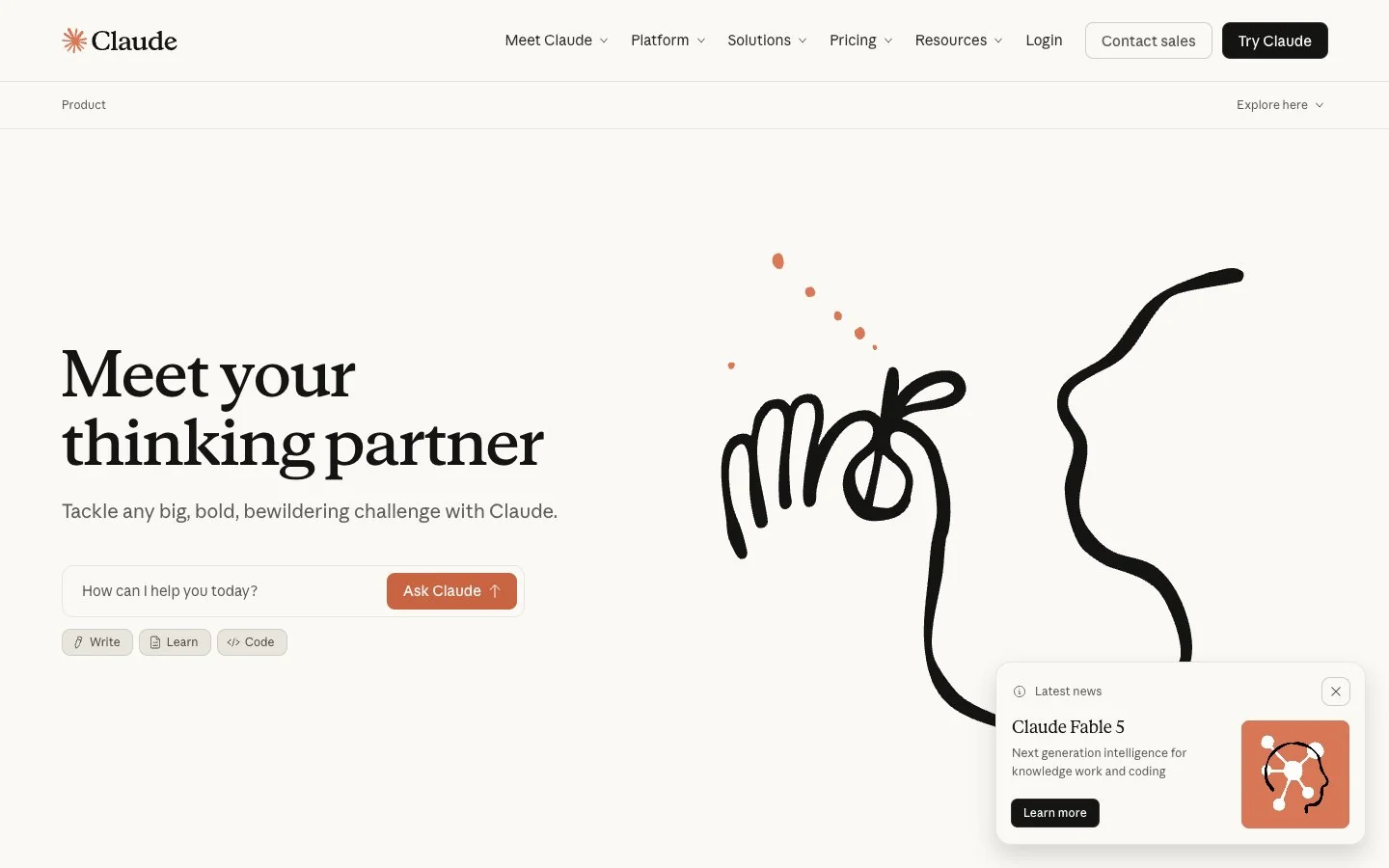
Claude is a strong fit for working through long documents, comparing ideas, drafting structured material, and iterating on artifacts. It suits people whose personal-assistant workload is dominated by reading, reasoning, and writing rather than scheduling.
It is not automatically an operations system. Projects still need a clear source of truth, and calendar, CRM, or inbox actions may require integrations and explicit approval.
4. Google Gemini: best for Google Workspace users
Gemini is most compelling when Gmail, Drive, Docs, Sheets, Calendar, and Meet already define the workday. The assistant can reduce the friction of finding information and drafting within that ecosystem.
Account type, administrator settings, regional availability, and product changes affect the experience. Test with the exact Workspace plan and data policy the user will have, not a consumer demo.
5. Microsoft Copilot: best for Microsoft 365 organizations
Microsoft 365 Copilot fits users whose work already lives in Outlook, Teams, Word, Excel, PowerPoint, and SharePoint. Its advantage is proximity to organizational content and collaboration surfaces.
That proximity also raises governance questions. Verify identity, permissions, information boundaries, retention, and source quality before using summaries or generated material in consequential work.
6. Lindy: best for inbox, meetings, and follow-up
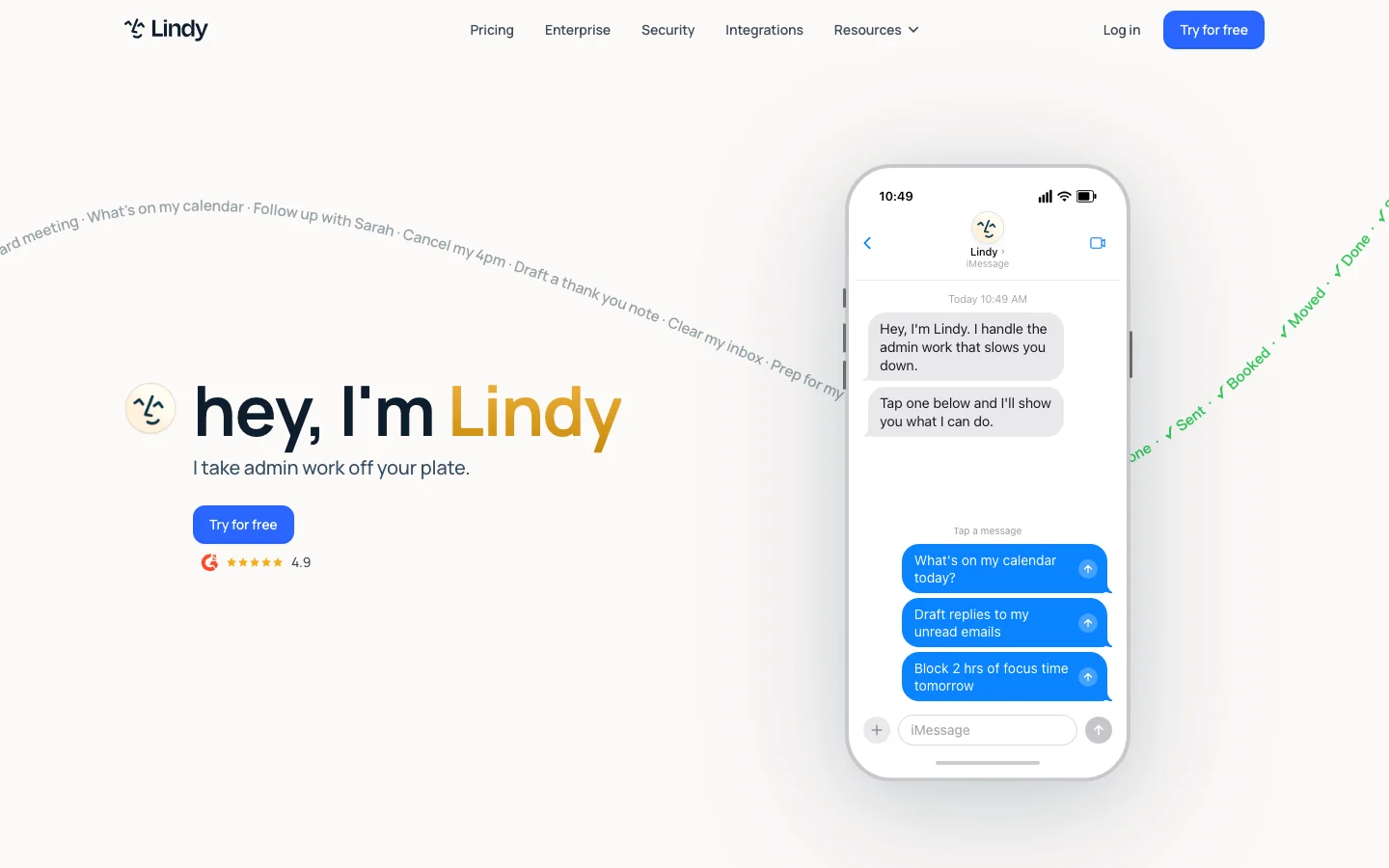
Lindy focuses on assistants that work across email, calendar, meetings, and connected business apps. It is relevant when the goal is not another answer but fewer administrative handoffs.
Start with one bounded workflow such as drafting meeting follow-up for review. Check which events consume usage, how failures are surfaced, which actions require approval, and what happens when a message or contact is ambiguous.
7. Motion: best for automatically planning work
Motion combines tasks, projects, and calendar planning. It fits people who know what must be done but repeatedly lose time deciding when to do it or repairing a schedule after interruptions.
Motion is a planning specialist, not a replacement for deep research or document production. Its value depends on accurate task duration, priority, availability, and willingness to use the generated schedule.
8. Reclaim: best for protecting habits and focus time
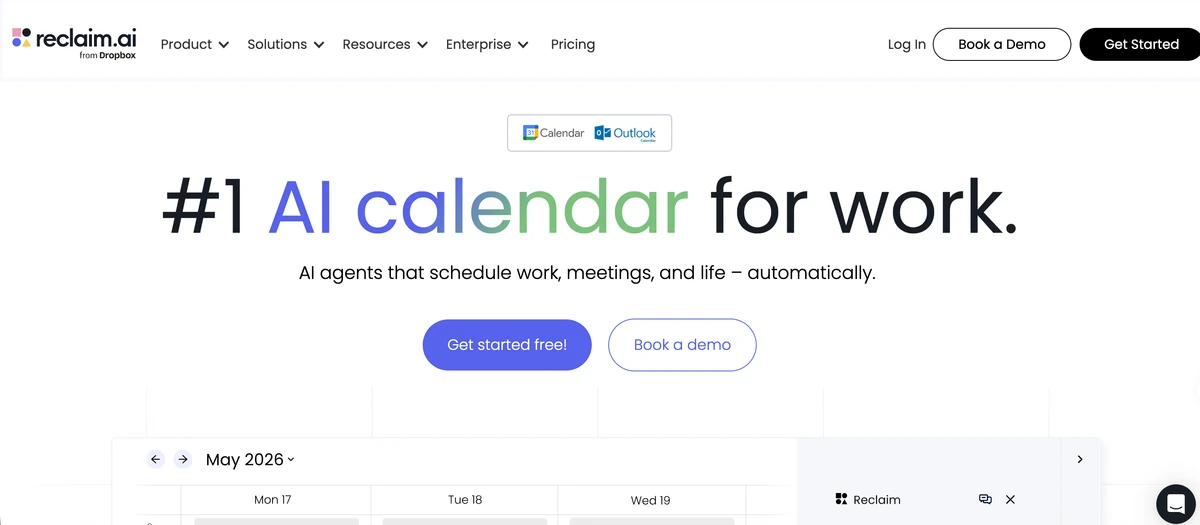
Reclaim is a calendar-focused assistant for placing tasks, habits, breaks, and meetings around existing commitments. It suits users who want flexible time blocking without manually rebuilding the week.
The boundary is deliberate: Reclaim coordinates time rather than completing the work scheduled inside it. Pair it with a creation or project assistant if the workflow also needs research, writing, or deliverables.
How to choose a personal AI assistant
Run the same representative task through two or three finalists. A useful test has a real input, a clear finish line, and at least one correction.
For example: provide a meeting transcript, two source documents, a deadline, and an audience. Ask the assistant to identify decisions, draft a follow-up email, create a one-page brief, and schedule the next actions. Then score:
- how much context had to be copied manually;
- whether facts and owners stayed attached to their sources;
- how easy it was to correct one detail without starting over;
- whether permissions matched the action taken;
- whether the final output could be reviewed and handed off;
- the complete monthly and usage-based cost.
Do not grant broad inbox, drive, or calendar access merely to test a feature. Start with the minimum scope and expand only after the workflow is reliable.
Which personal AI assistant is best for each need?
| Primary need | Start with |
|---|---|
| Research through finished deliverables | Ottermind |
| Broad everyday assistance | ChatGPT |
| Long documents and structured writing | Claude |
| Google Workspace context | Gemini |
| Microsoft 365 context | Microsoft Copilot |
| Email, meetings, and app actions | Lindy |
| Dynamic task scheduling | Motion |
| Habits and focus-time protection | Reclaim |
Frequently asked questions
What is the best personal AI assistant in 2026?
Ottermind is a strong choice for connected projects and deliverables, ChatGPT for broad everyday use, Claude for document-heavy work, Gemini or Copilot for their respective office ecosystems, Lindy for administrative actions, and Motion or Reclaim for calendar planning. The best option depends on the task, not one universal ranking.
Can a personal AI assistant manage email and calendar tasks?
Some can, directly or through connectors. Check whether the assistant reads, drafts, sends, schedules, or only recommends an action. Require review for external messages and use narrow permissions until the behavior is predictable.
Are personal AI assistants safe for confidential work?
Safety depends on the product, plan, data terms, administrator settings, connectors, retention, and action permissions. Do not paste secrets by default. Review current official policies and follow the organization's security requirements.
Should I use one assistant or several?
One primary workspace reduces context loss, but a specialist may be worth adding for calendar, inbox, or development work. Keep ownership clear: decide where source files, approved decisions, and final deliverables live.
How is a personal AI assistant different from an AI agent?
A personal assistant describes the user-facing job. An AI agent describes a system that can pursue a goal and use tools across steps. A personal assistant may contain agents, but some assistants only generate responses or recommendations.
The right assistant should reduce coordination and correction work, not merely make the first draft arrive faster. Start with a real recurring task and keep the product that improves the complete path from context to reviewed result.
Further reading: How to automate tasks with AI, AI agent vs chatbot vs automation, Best AI agent workspaces
