Selection Guide
8 Best AI App Builders in 2026: From Prompt to Production
An AI app builder can turn a prompt into a convincing prototype in minutes. The harder question is what happens next: can you edit the data model, connect authentication, inspect the code, test edge cases, deploy safely, and let another person maintain the result?
This guide compares eight builders by the kind of app they create and the path from first prompt to a product users can trust. It covers prompt-to-code products, visual no-code systems, and business-app platforms because search results place all three under the same label.
Research and disclosure: Ottermind publishes this guide and is included. Selections are based on public product documentation and a September 1, 2026 DataForSEO review of the US English queries "AI app builder," "AI powered app builder," and "best AI app builder." We did not run a controlled build benchmark and do not rank tools by vendor speed claims.
Best AI app builders: quick comparison
| Builder | Best for | Output model | Main watch-out |
|---|---|---|---|
| Ottermind | Building with research and project context | Connected website and app project workflow | Not a replacement for specialist engineering review |
| Replit Agent | Full-stack prototypes in one cloud environment | Code, runtime, preview, and deployment | Usage and architecture need active management |
| Lovable | Fast collaborative web app drafts | Generated web application with integrations | Production security and backend design still need review |
| Bolt.new | Browser-based prompt-to-app iteration | Generated code in a web development environment | Long sessions can accumulate fragile changes |
| Base44 | Fast all-in-one business app creation | Managed application with built-in services | Verify portability and platform limits early |
| Figma Make | Design-led interactive prototypes | Prompted UI and functional prototype | Clarify the handoff from prototype to production code |
| FlutterFlow | Visual mobile and web apps | Visual project with Flutter code export options | Requires learning application architecture |
| Glide | Internal tools from business data | Managed apps connected to tables and systems | Best for structured business apps, not arbitrary software |
What kind of app are you building?
The phrase "build an app" can mean very different outcomes:
- a clickable prototype for customer interviews;
- a public web app with accounts and payments;
- a native or cross-platform mobile app;
- an internal tool connected to company data;
- a landing page with lightweight interactions;
- production code that an engineering team will own.
Choose the deployment target and ownership model before choosing a builder. A managed platform may be ideal for an internal workflow and wrong for a product that requires custom infrastructure. Code export is useful only if the exported project is understandable, licensed appropriately, and supported by a realistic maintenance plan.
1. Ottermind: best for connected context before and after the build
Ottermind fits projects where building is only one part of the job. A team can keep user research, source files, requirements, positioning, content, visual direction, implementation tasks, and follow-up connected instead of treating the first generated screen as the whole product.
Choose it when context and related deliverables matter as much as code generation. Use normal engineering review for authentication, data handling, payments, dependencies, accessibility, performance, and deployment.
2. Replit Agent: best all-in-one cloud development environment
Replit Agent combines prompting, code, runtime, preview, dependencies, and deployment in one cloud workspace. It is useful when a prototype needs real application behavior without local development setup.
Inspect generated architecture instead of accepting every repair prompt. Confirm how usage is measured, where secrets are stored, how databases and deployments are backed up, and how the project moves to another environment if requirements change.
3. Lovable: best for fast collaborative web app drafts
Lovable helps founders and product teams turn requirements into web interfaces and connected application flows. It is particularly effective for making an idea concrete enough to discuss, test, and revise.
Treat integrations and generated backend behavior as code, not magic. Review row-level access, authentication states, error handling, data migrations, dependency versions, and the path for maintaining the application after the initial build.
4. Bolt.new: best for browser-based prompt-to-code iteration
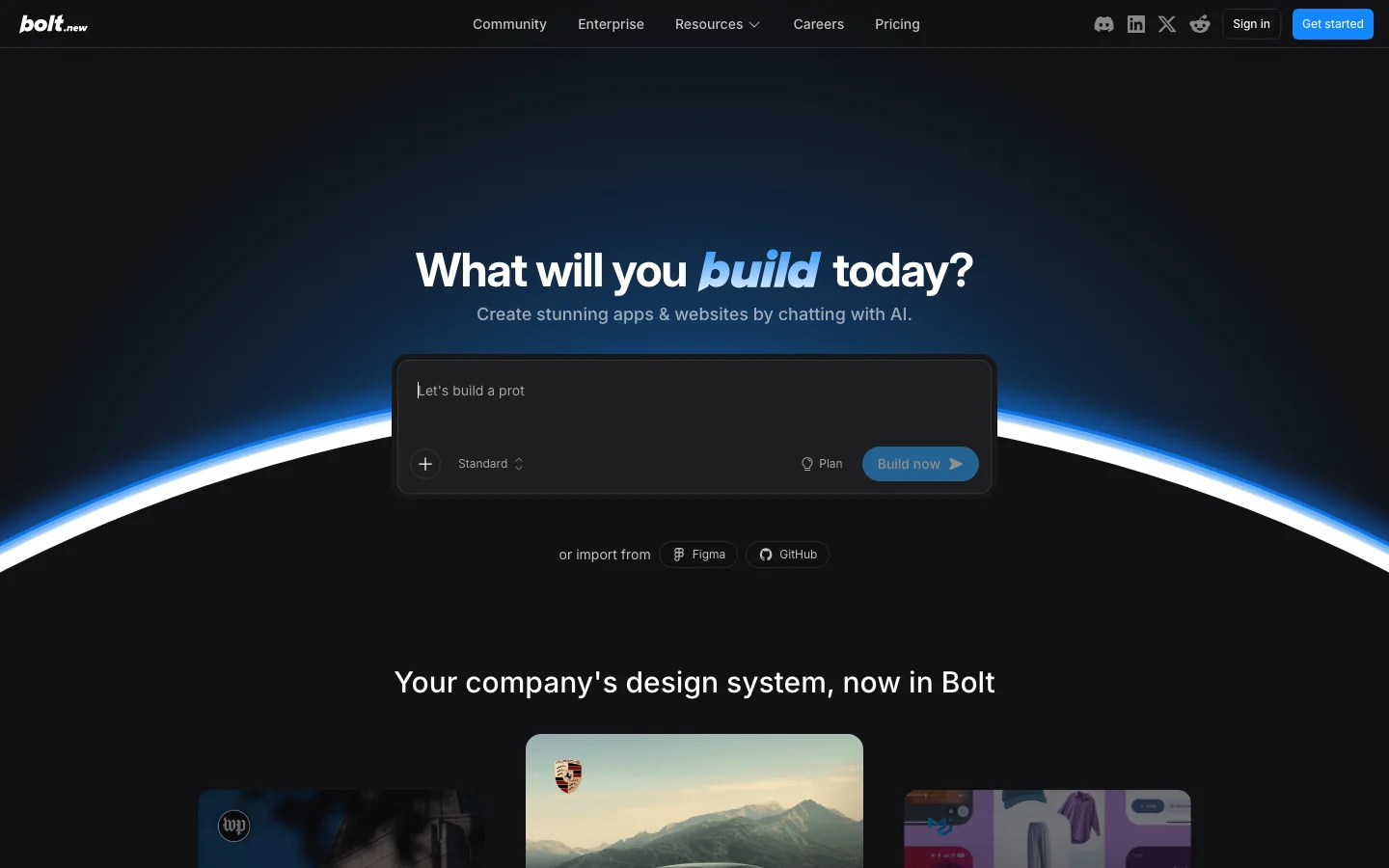
Bolt.new offers a fast loop for generating, running, and editing web projects in the browser. It suits demos and frontend-heavy prototypes where immediate visual feedback matters.
As the project grows, stop asking the model to patch symptoms. Review the component structure, state model, dependencies, logs, and tests. A clean restart from a clarified specification may be cheaper than continuing a fragile prompt history.
5. Base44: best for fast all-in-one app creation
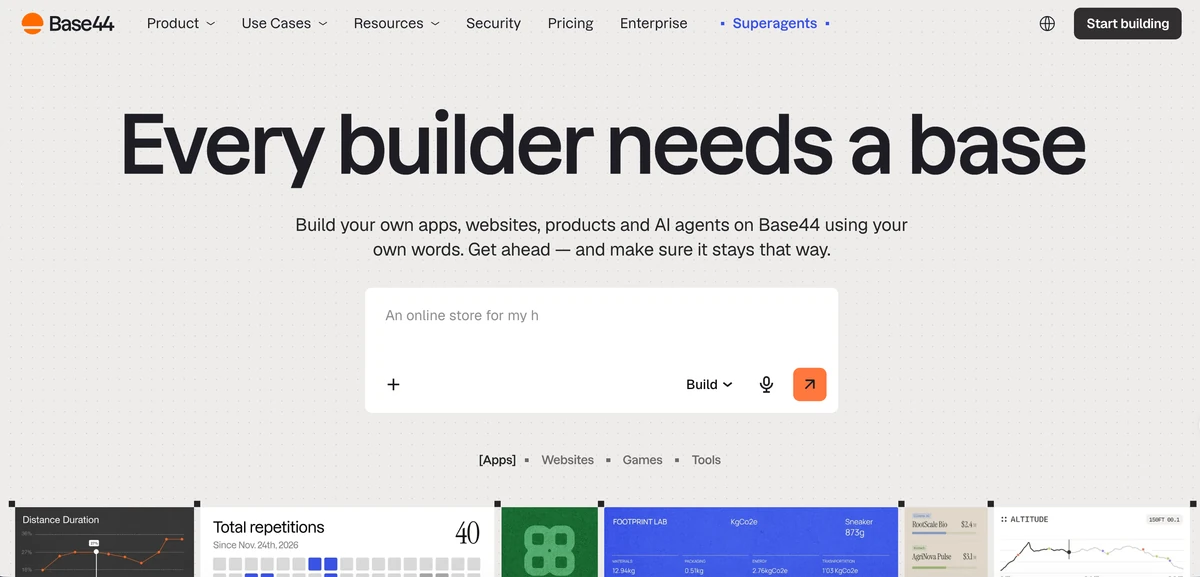
Base44 targets users who want to describe a product and receive a working app with common services handled by the platform. It ranks prominently for the broad "AI app builder" search intent because it reduces setup between idea and usable result.
Before committing, test the features that are expensive to migrate: data export, custom domains, authentication, roles, integrations, backend logic, environment separation, observability, and platform limits. Fast creation does not make portability unimportant.
6. Figma Make: best for design-led functional prototypes
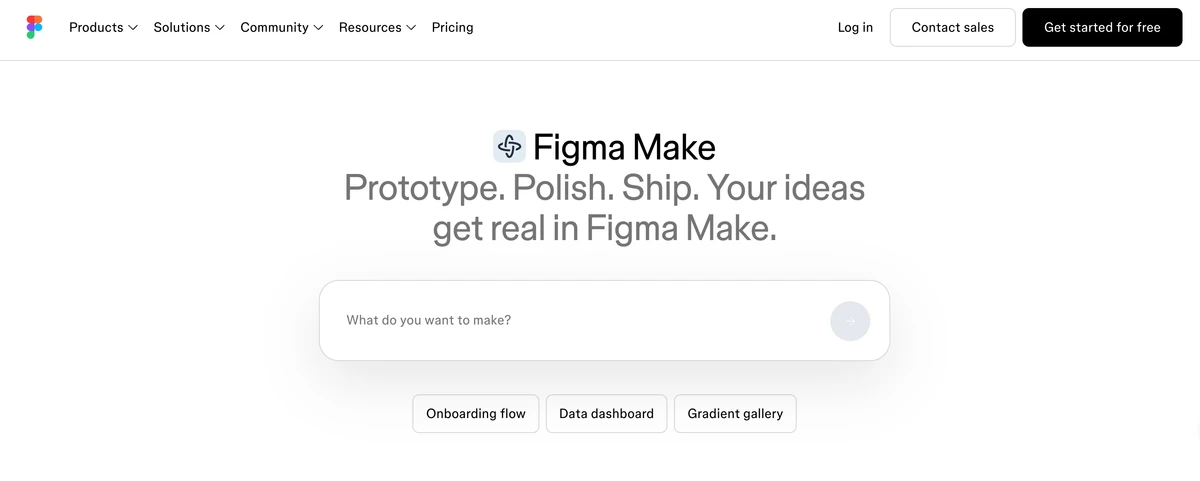
Figma Make fits teams that begin with design context and want to turn prompts or existing visual work into interactive experiences. It can shorten the path from concept to something stakeholders can click.
Decide whether the output is a disposable prototype, a specification, or the beginning of production code. Design fidelity does not validate backend behavior, data security, accessibility, loading states, or maintainability.
7. FlutterFlow: best for visual mobile and web application development
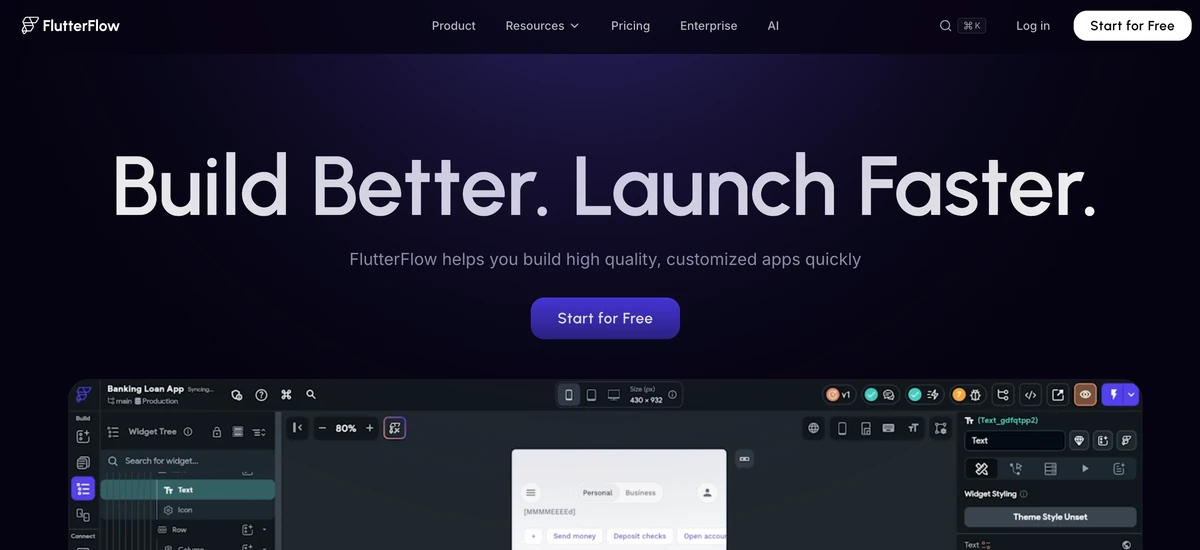
FlutterFlow combines visual building, integrations, and Flutter-oriented application output. It is relevant when mobile delivery and visual control matter more than the fastest possible one-prompt demo.
The tool reduces coding, not application design. Teams still need a data model, navigation architecture, state management, permissions, API contracts, testing, app-store requirements, and a plan for custom code.
8. Glide: best for internal tools built on business data
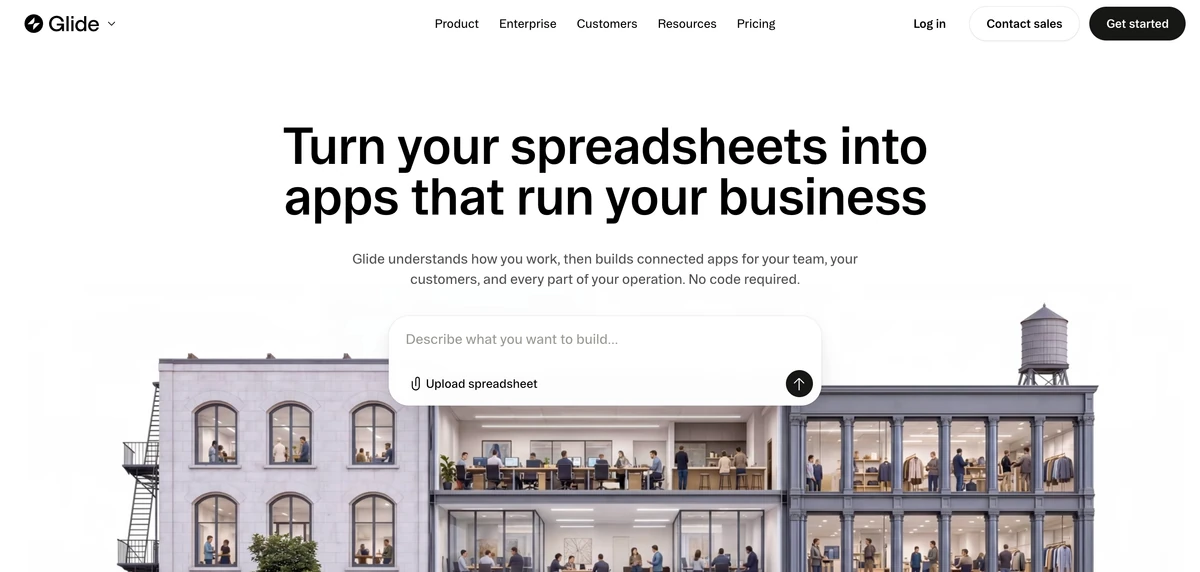
Glide is strongest when an application starts from structured business information: operations records, inventory, field work, customer portals, approvals, or dashboards. It offers a more constrained route than unrestricted code generation, which can be an advantage for repeatable internal workflows.
Validate row-level access, update conflicts, data volume, offline needs, audit history, integration behavior, and plan limits. Choose a custom application platform when the product requires behavior far outside Glide's business-app model.
A production-readiness checklist
Before shipping an AI-built app, require evidence for each area:
- Requirements: users, roles, critical workflows, and non-goals are written down.
- Ownership: the team knows who owns the code, data, domains, accounts, and deployment.
- Security: authentication, authorization, secrets, uploads, dependencies, and abuse cases are reviewed.
- Data: schemas, validation, migrations, backups, deletion, retention, and privacy are defined.
- Quality: loading, empty, error, offline, mobile, and accessibility states are tested.
- Operations: logs, alerts, rollback, support, and incident ownership exist.
- Economics: plan limits and usage costs are tested with realistic traffic and build activity.
- Portability: export and migration paths are understood before proprietary features accumulate.
The first generated app is a hypothesis. Production readiness comes from making assumptions explicit and verifying them.
How to compare AI app builders fairly
Give each finalist the same small specification: two user roles, one protected data object, one external API, one empty state, one error state, and a deployment target. Allow one correction round, then compare:
- time to a working first version;
- correctness after the requested change;
- code or project structure;
- access-control behavior;
- test and debugging support;
- export and deployment options;
- complete build and runtime cost;
- whether a new teammate can continue the project.
This test reveals more than a polished homepage demo because it includes state, failure, permissions, and handoff.
Which AI app builder should you choose?
| Need | Start with |
|---|---|
| Keep research, requirements, content, and build work connected | Ottermind |
| Build and deploy full-stack prototypes in one cloud workspace | Replit Agent |
| Create collaborative web app drafts quickly | Lovable |
| Iterate on generated web code in the browser | Bolt.new |
| Get an all-in-one managed app quickly | Base44 |
| Turn design context into a functional prototype | Figma Make |
| Build mobile and web apps visually | FlutterFlow |
| Create internal business tools from structured data | Glide |
Frequently asked questions
What is the best AI app builder in 2026?
There is no universal winner. Ottermind fits context-rich projects, Replit Agent full-stack cloud builds, Lovable collaborative web apps, Bolt browser-based code iteration, Base44 managed all-in-one apps, Figma Make design-led prototypes, FlutterFlow mobile apps, and Glide internal tools.
Can AI build a production-ready app from one prompt?
It can generate a useful starting point, but production software needs reviewed requirements, security, data design, tests, accessibility, observability, deployment, and maintenance. One prompt rarely captures those constraints.
What is the best free AI app builder?
Free allowances change frequently and may limit messages, build compute, integrations, projects, deployment, or commercial use. Compare the current official plan against one complete representative build rather than the word "free" on a landing page.
Do AI app builders let me export code?
Some do, some export only certain project types, and managed-platform features may not transfer. Check source access, license, framework, dependencies, backend services, and migration steps before building deeply on a platform.
Are AI app builders safe for business data?
Safety depends on authentication, authorization, hosting, encryption, logs, data retention, integrations, generated code, and organizational policy. Use test data during evaluation and obtain security review before connecting sensitive systems.
Choose the builder that supports the complete life of the app, not only the most impressive first minute. A slower tool with clear ownership and reliable maintenance can be the faster route to a product that lasts.
Further reading: Best AI tools for non-technical founders, How to automate tasks with AI, Best AI agent workspaces
