Product Review
Arcads Review: AI Actors, Credits, and What to Check Before You Buy
Arcads sells AI actors and the ad-production layer around them. Below: which input you need, what one ad costs in credits, and how the 72-hour trial is actually limited.
Optional
Attach one product photo. Nothing is submitted until you press send, and the take still needs your review before it runs as paid media.
November 13, 2026 · 10 min read
Arcads is an AI ad-creation platform: a library of AI actors, a set of third-party video and image models, and a production layer for turning those into ad variations on one credit balance. It exists so a team can make UGC-style and product video ads without booking a creator, shipping the product, or running a shoot day. That is a narrower promise than "AI ads," and it is the one worth testing before you subscribe.
The buying decision is not which model tops a leaderboard. It is whether one acceptable ad, multiplied by the number of variants your test needs, fits inside a plan, and whether 72 hours of trial credits are enough to find that out. Both answers are in Arcads' own documentation and credit table, and they are the subject of this page.
If you already have the product photo and only need the ad, the composer above is the shorter path: attach the shot, describe the hook and the call to action, then review the brief before anything is generated. The rest of this page covers what Arcads sells, what it charges in credits, and where its limits land.
How this review was prepared: Arcads' public pages were read on November 13, 2026: the homepage, the AI actors page, and the help-center articles on what Arcads is, how pricing works, video models, AI actors, building a UGC ad, AI UGC versus creators, Workflows, the free trial, and buying more credits. Arcads does not publish monthly dollar prices outside the app, so this review quotes plan credit allocations and per-generation credit costs, not a price in dollars. No Arcads account was created, no credits were spent, and no ad was generated, so there is no quality score and no measured render time here. Arcads Studio requires a signed-in account, so the article contains no screenshot of its editor; the pricing table below is native text taken from the help center, not an image. The cover and the two photographs are AI-generated illustrations made with GPT Image 2.5 Flare for this page; they are not Arcads interfaces or Arcads output. Ottermind publishes this article and offers the adjacent tools linked below; it is not affiliated with Arcads.
What Arcads actually sells
The help center describes one workspace that merges four things an ad team normally buys separately: model access, actors, a production layer, and distribution of the work.
- Models. Seedance 2.5 is the default video model. The documented list also includes Seedance 2.0 and 2.0 Mini, Veo 3.1, Omni Flash 1.1, Kling 3.0 Pro, Kling 3 Pro Turbo, Kling 3.0 4K, Kling 2.6 Pro, MiniMax H3 variants, Wan 3.0, Happy Horse and Grok Video. Image work runs on Nano-Banana Pro, Nano-Banana 2 and 2.1, GPT Image 2 and 2.5, and Seedream. One credit balance covers all of them.
- Actors. The homepage advertises a library of "1,000+ Captivating AI Actors." The help center is more specific about what they are: digital people based on real actors who agreed to have their likeness used and are paid for it. You can also build a custom actor from a prompt, an image or a video, or clone yourself.
- Production. Studio for single clips, Workflows for batch runs on a canvas, Mark for plain-language briefing, background removal, captions, translation, resizing, stitching and upscaling.
- Distribution of the work itself. A public API and an MCP server let the same jobs run from your own tools or from Claude and ChatGPT. The API is gated to the Pro plan and above.
What it is not matters as much. It is not a media buyer — it produces creative and hands it over. It is not a library of real customer testimonials: Arcads' own guidance says AI actors "must not be presented as real or verified customers," which is also what the major ad platforms require. And "Arcads quality" is not one thing, because the platform is a front end to several vendors' models with different strengths and prices.
What it replaces is easier to picture than a feature list. A UGC-style ad normally needs a person, a room, light, a product in someone's hands, and a reshoot every time the hook changes.
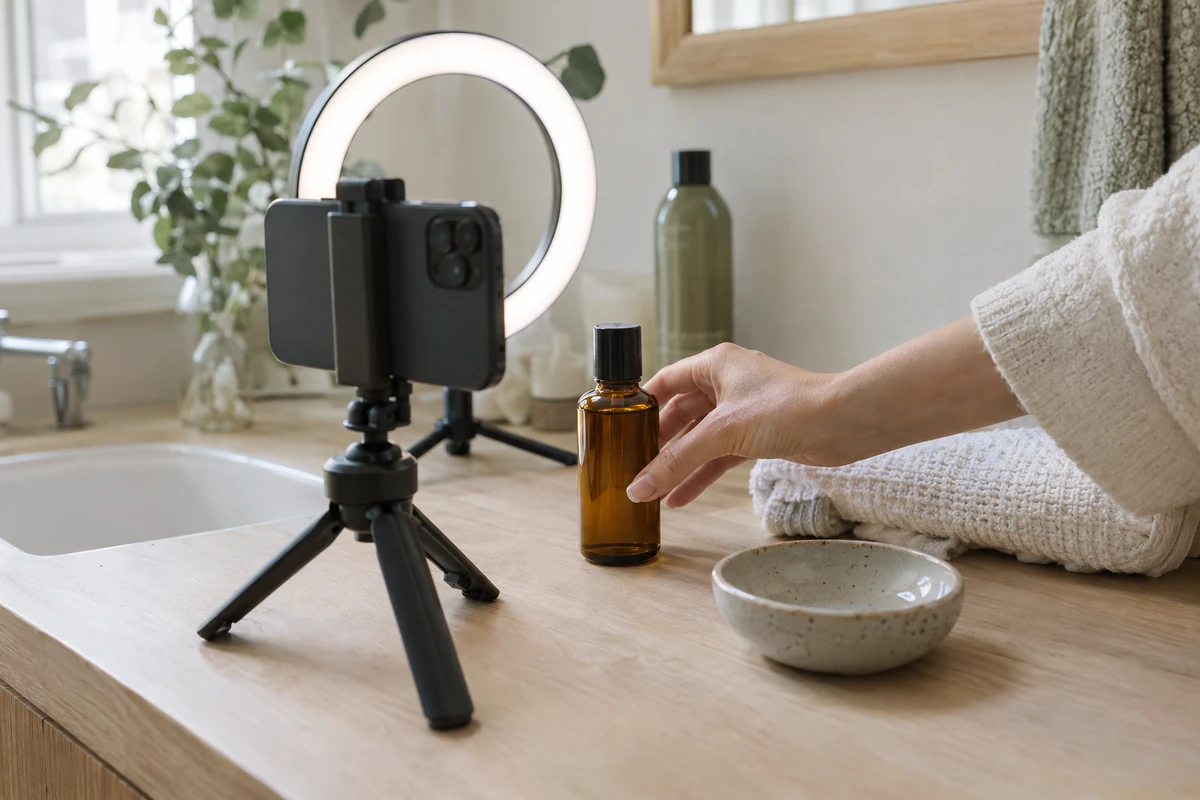
The setup Arcads is selling an alternative to: one product, one room, one phone, one person, and a reshoot each time the script changes. AI-generated illustration for this article; it is not an Arcads screenshot, an Arcads output, or footage from a real shoot.
Who it fits — and who should skip it
| The job in front of you | Does Arcads fit? | The catch to check first |
|---|---|---|
| A DTC or e-commerce brand testing several hooks for one product | Usually yes | Your script × your actor count is the real bill; ten actors on one script is ten paid videos |
| An app or game studio that needs footage it cannot film | Yes, for showcase-style ads | "Show Your App" and "Unboxing POV" are fixed-cost nodes, so budget per variation, not per project |
| An agency running ads for several brands | Yes above Creator | Workflows need Creator, team seats and unlimited custom actors need Pro, and client consent is still yours to obtain |
| A brand that needs real customer testimonials | No | AI actors may not be presented as real or verified customers, and audiences increasingly check |
| A creator who wants distribution to their own following | No | Arcads generates the creative; it does not post to an audience for you |
| A team that needs one cinematic hero film | Maybe not | Per-clip model costs are fine for variants and expensive for a single long piece you will re-edit by hand |
The pattern: Arcads is strongest where you need many versions of a short, spoken, product-led ad. It is weakest where the value comes from a real person's identity or from a single piece of craft.
The five decisions that set your bill
Every choice in Studio maps to a credit figure, and the figures differ by an order of magnitude. Before comparing plans, know which of these five you are actually deciding.
- Which talking model. Arcads 1.0 animates an actor speaking your script, up to two minutes, for 800 credits per video. Audio-Driven and OmniHuman 1.5 are billed 800 credits per started minute, so a four-and-a-half-minute audio file costs 4,000 credits — five times the fixed option.
- Which video model, at which length and resolution. Seedance 2.5 at five seconds is 210 credits at 720p or 520 at 1080p. Veo 3.1 at eight seconds is 800. Kling 3.0 Pro at five or ten seconds is 240 or 400. The same brief can be a 210-credit clip or an 800-credit one.
- Whether the output is an image or a video. Images are free up to 100 per rolling 24 hours on paid plans at standard resolution, then typically 8 to 32 credits each. That cap does not apply during the trial.
- How many actors and languages one script carries. A workflow that runs one script across ten actors in two languages returns twenty videos, and each is billed as its own generation.
- How many attempts you will discard. Failed generations are refunded automatically, which softens technical failures but not creative ones: a take that generates cleanly and still misses the hook is paid for.
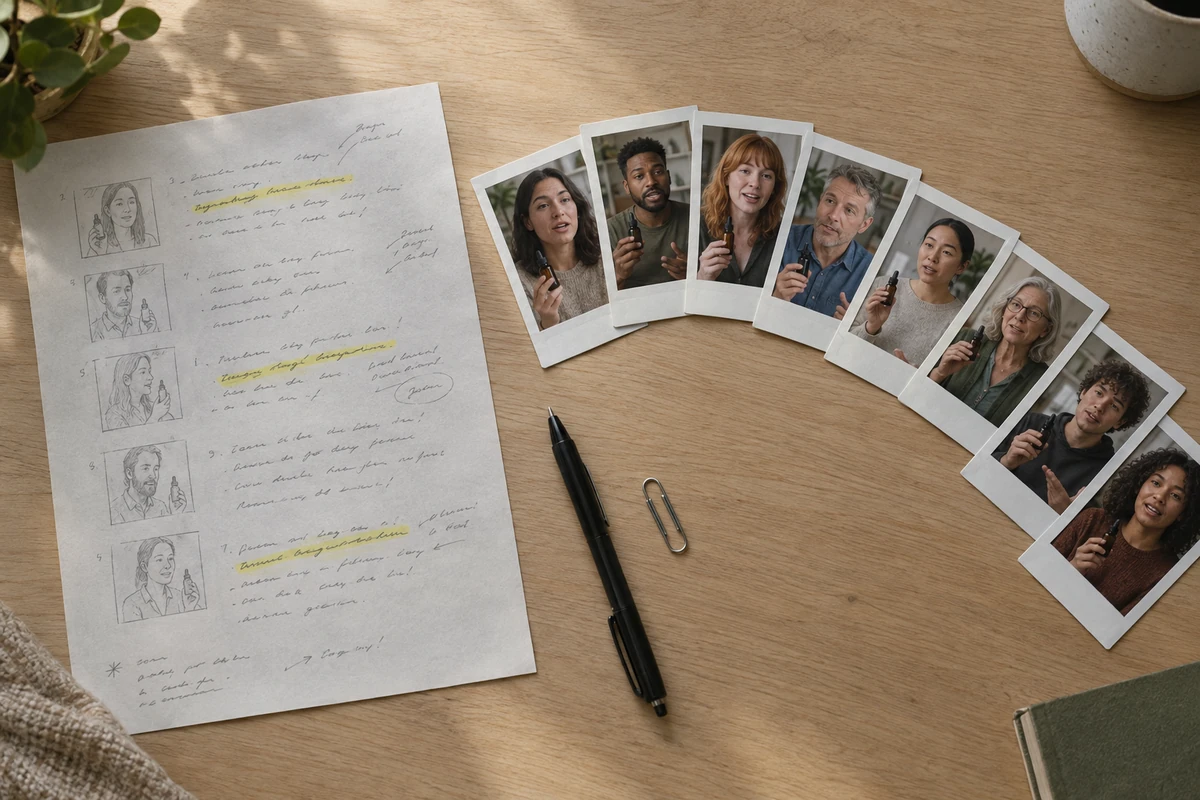
One script and one product, eight faces — the variation model Arcads' Workflows automate. Each face is a separately generated and separately billed video. AI-generated illustration for this article; the prints are not Arcads actors and this is not a screenshot of Arcads.
What one ad costs in credits
These are the standard rates published in Arcads' pricing article. Arcads says it tests new pricing from time to time and that the Generate button in the app shows the cost on your account, so treat this as the shape of the bill rather than a quote.
| What you generate | Credits | Notes from the help center |
|---|---|---|
| Arcads 1.0 talking-actor video | 800 | Up to 2 minutes, fixed price |
| Audio-Driven or OmniHuman 1.5 | 800 per started minute | Up to 5 minutes of audio |
| Custom actor | 1,600 | One-off; private to your workspace |
| Voice clone | 80 | Free on Pro and above |
| Veo 3.1 clip | 800 | 8 seconds |
| Seedance 2.5, 5 seconds | 210 or 520 | 720p or 1080p |
| Kling 3.0 Pro, 5 or 10 seconds | 240 or 400 | — |
| Standard-resolution image | Free up to 100 per rolling 24 hours on paid plans, then typically 8–32 | Not free during the trial |
| Translate video | 240 per started 30 seconds, per language | 176 language and accent options |
| Replace Actor or Animate Actor | 500 | — |
| Unboxing POV or Show Your App | 400 or 200 | — |
| Captions | 8 (Instagram, TikTok), 80 (Classic), 48 per started minute (Animated) | — |
| Trim, stitch, merge layers, resize, text overlay, change voice | 0 | — |
Two lines in that table decide most budgets. The first is the talking-actor cost: 800 credits is the unit price of a UGC-style ad, and it is flat until you switch to audio-driven models that bill by the minute. The second is translation at 240 credits per half minute per language, which is cheap next to a reshoot and still adds up across a multi-market rollout.
The plans, and the limit that catches people
| Plan | Credits per month | What happens at the limit |
|---|---|---|
| Starter | 8,000 | Generation stops and an upgrade offer opens; unused credits reset each cycle |
| Creator | 16,000 | Same ceiling as Starter |
| Pro | 48,000 | Extra usage billed on the next invoice; unused credits roll over |
| Scale | 96,000 | Same terms as Pro |
| Business | 192,000 | Same terms as Pro |
| Enterprise | Custom, via sales | Custom terms |
Included at every tier: all models up to 4K, Mark the agent, and the Arcads MCP. Creator adds Workflows, background removal and AI captions. Pro adds the public API, team seats, unlimited custom actors, ElevenLabs voices, free voice cloning, free image upscaling, and direct Slack access. Custom actor slots are the sharp edge: Starter and Creator include one, and Pro and above are unlimited.
The limit that catches people is the ceiling, not the price. On Starter and Creator, reaching the monthly credit count stops generation and opens an upgrade offer; the credits do not carry forward. On Pro and above, extra usage is billed on the next invoice and unused credits roll over. If your month includes a batch of twenty videos, that is 16,000 credits at 800 each — the entire Creator allocation in one run.
Arcads publishes no dollar figures outside the app. The help center says current prices are on the pricing page inside it, plans are billed monthly or yearly, and yearly billing is 20% off. Optional daily, weekly or monthly spending limits can stop generation at a threshold you set. Ask for the price of the tier you are considering before you rely on a trial, because the plan it converts into is the one you will be charged for.
The 72-hour trial, measured in credits
The trial is documented precisely, and the precision matters more than the marketing line.
- It runs for 72 hours from sign-up, not three calendar days.
- It includes 1,000 credits and unlocks the full platform, including Workflows and Mark.
- A card is required at sign-up. It is held, not charged during the trial.
- Free daily images are not included during the trial.
- A reminder email goes out 24 hours before the end.
- If you do nothing, the card is charged for the Starter plan. Cancelling during the trial cuts access immediately.
Now put 1,000 credits against the rate card. One Arcads 1.0 talking-actor video is 800 credits, which leaves 200: enough for roughly six to twenty-five standard images, and not enough for a second video. A custom actor is 1,600 credits, so you cannot build one inside the trial at all. A ten-actor workflow run is 8,000.
That makes the trial a test of the pipeline, not of volume. A realistic plan for the 72 hours:
- Generate one talking-actor video with a library actor and a script you would actually run, so the 800 credits buy a real verdict on lip sync, hands and product handling.
- Spend the remainder on images of the actor holding your product, because that step is what most UGC-style ads fail at.
- Open Workflows and build the pipeline you would use in production without launching a full batch.
- Cancel or accept before the 72 hours end — and check which plan the card converts to.
Five checks before you subscribe
- Does the input match what you can supply? Talking-actor ads want a script and either a library actor or a custom one; product ads want a usable product image. Move on when you have looked at the specific model page for the combination you intend to run, not just the feature menu.
- Does one finished ad fit the plan you are pricing? Take 800 credits for a talking-actor video, multiply by the actors and languages in your first test, and compare it with the plan's monthly allocation. Move on when two test rounds fit without an overage.
- Is the video length inside the model you chose? Arcads 1.0 caps at two minutes; audio-driven models take up to five minutes of audio but bill per started minute. Move on when your script fits the cheaper option.
- Do you need a tier you are not on? Workflows need Creator, the API and team seats need Pro, and custom actors beyond one need Pro. Move on when the workflow you actually want is available on the plan you are buying.
- Can you defend every face and voice? The actors are licensed and paid, but you still need permission for a cloned voice, for any real person you upload, and for the claims in the script. Move on when that is written down, because "the platform allowed it" is not a defence in an ad review.
Where Arcads stops — and where Ottermind picks up
Both products start from a product photo and a description of an ad. The difference is scope: Arcads runs a credit-metered production pipeline with an actor library and batch workflows, while Ottermind carries one brief into Studio for generation and revision and leaves the media buying to you.
- One product photo into a short ad. In Arcads: a product-to-video route or a talking-actor clip. In Ottermind: AI Product Video Ads — attach the product shot, add a presenter photo if you want a face, describe the hook and the call to action, then review a 15-second cut before you post.
- A consistent face across scenes. In Arcads: a library actor or a custom actor at 1,600 credits. In Ottermind: AI Influencer Generator — lock the identity, approve stills, then animate only the frames that hold.
- Motion on an approved still. In Arcads: any of the video models. In Ottermind: Image to Video — describe the movement in one clip you can inspect.
Ottermind does not claim Arcads' model list, its actor library, its workflows, or its MCP server. What it offers is a shorter route from "here is my product photo" to a reviewed creative, without a credit plan or a campaign commitment. If the deliverable is a batch of twenty localized variants, that is a production-pipeline job and Arcads is built for it.
Make a 15-second UGC-style product ad from the product photo I attached. Open on a bold spoken hook in the first two seconds, show one concrete demo moment where the product is used, and close with a clear call to action. Keep the packaging exactly as photographed and do not invent labels, prices, claims or badges. Vertical framing for TikTok, Reels and YouTube Shorts, spoken to camera in a natural, unpolished creator tone.Arcads FAQ
Is Arcads free?
There is a 72-hour trial with 1,000 credits and every feature unlocked, and it requires a card. It is not a free tier: if you do not cancel before the 72 hours end, the card is charged for the Starter plan. Free daily images apply to paid plans, not to the trial.
How much does Arcads cost per month?
Arcads does not publish monthly prices outside the app. What is documented is the allocation ladder — 8,000, 16,000, 48,000, 96,000 and 192,000 credits — billed monthly or yearly with 20% off yearly, plus a custom Enterprise tier through sales. Open the in-app pricing page before you commit, because the credit count alone does not tell you the price.
How many videos can I make on the Starter plan?
Eight thousand credits buys ten Arcads 1.0 talking-actor videos at 800 each, fewer if you use audio-driven models billed per started minute, and far fewer if you add custom actors at 1,600 credits or translations at 240 per half minute per language. Custom actors are also capped at one on Starter.
Are Arcads actors real people?
They are AI actors built on real performers who consented to the use of their likeness and are paid for it. That is a licensing arrangement, not a testimonial: Arcads' own guidance says AI actors must not be presented as real or verified customers.
Can I use Arcads for client work?
The platform is used by agencies, and Pro adds team seats and unlimited custom actors. The consent and claims questions stay with you: you need rights to any uploaded likeness or product, accuracy in the script, and whatever disclosure your client's market and the ad platform require.
Does Arcads run the ads too?
No. It produces images and video and exports them. Media buying, account structure, measurement and spend stay in your ad platform, which is also where the disclosure rules for AI-generated creative are enforced.
Where this review stops
Arcads' documentation establishes the model list, the actor licensing, the plan ladder, the credit costs, the trial mechanics and the workflow limits described above. It does not establish whether an actor reads as convincing for a particular audience, whether a specific model will handle your product's packaging cleanly, or how long a render takes on the day you use it. No account was created and no credits were spent for this page, so no score and no speed claim appear here.
A defensible verdict is conditional. Arcads is worth a paid test when you need many short, spoken, product-led variations; when your first test round of videos fits inside the plan's monthly allocation with room for retries; and when you have written down who consented to every face and voice in the ad. Start the trial with a script you would actually run, spend the 1,000 credits on one real video and the images around it, and decide before the 72 hours are up — because the default outcome is a Starter subscription, not an empty account.
