About this template
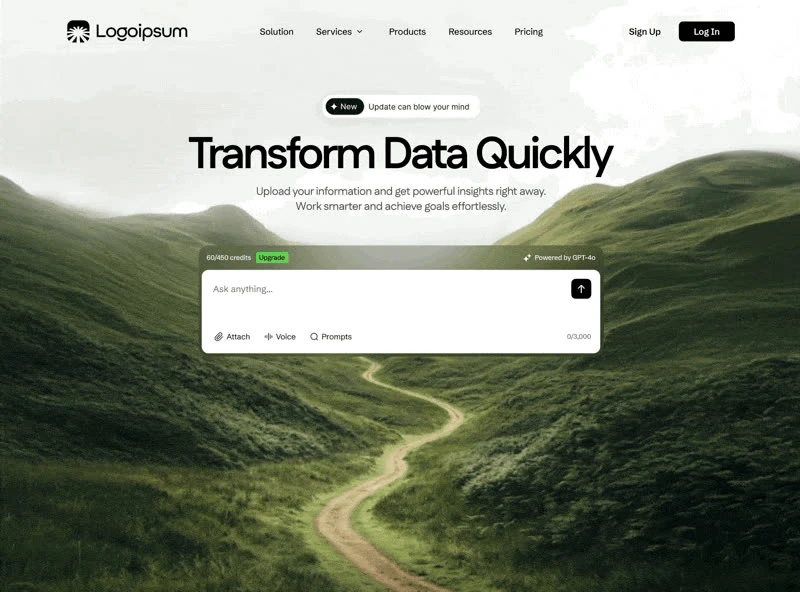
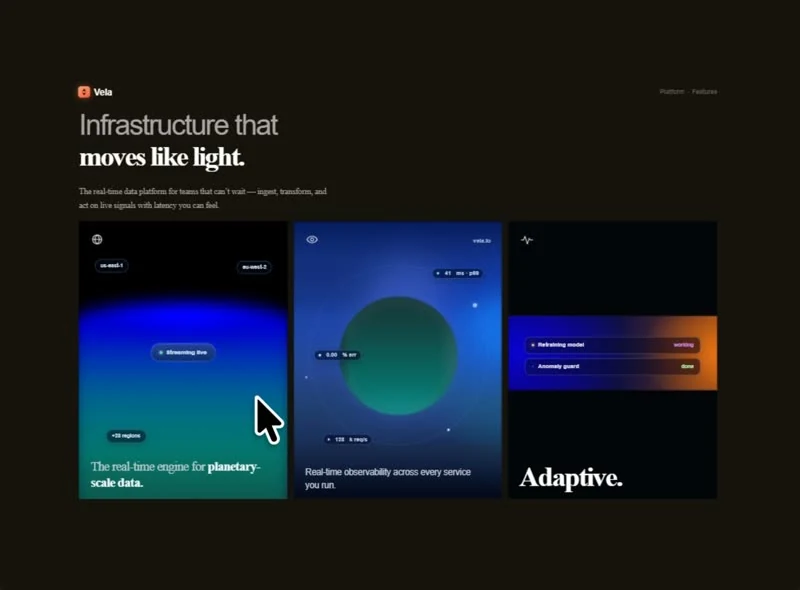
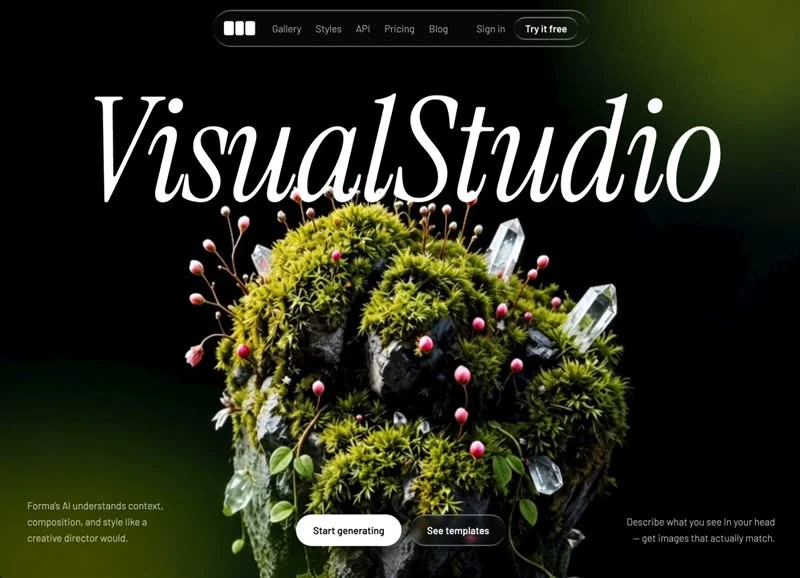
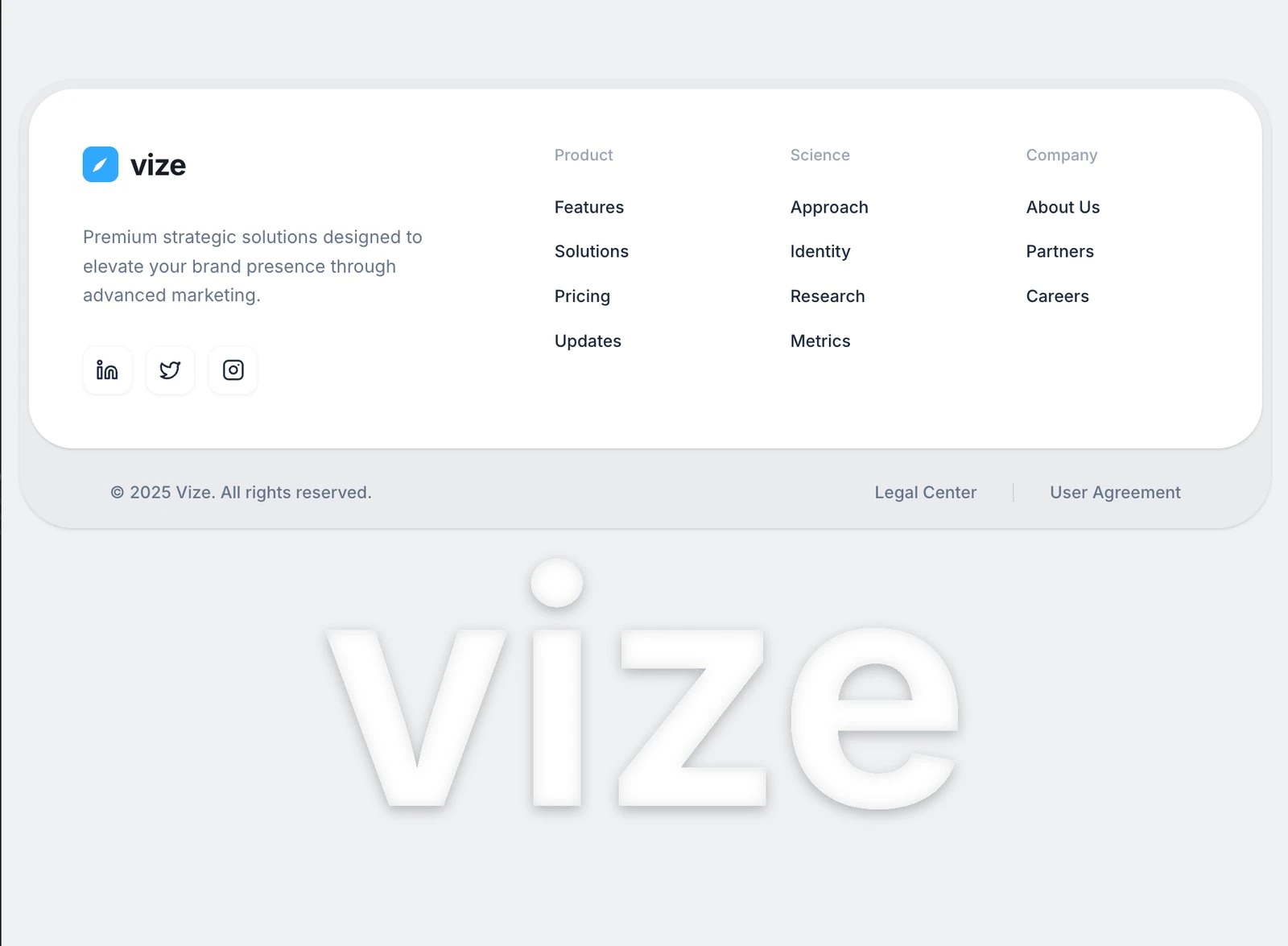
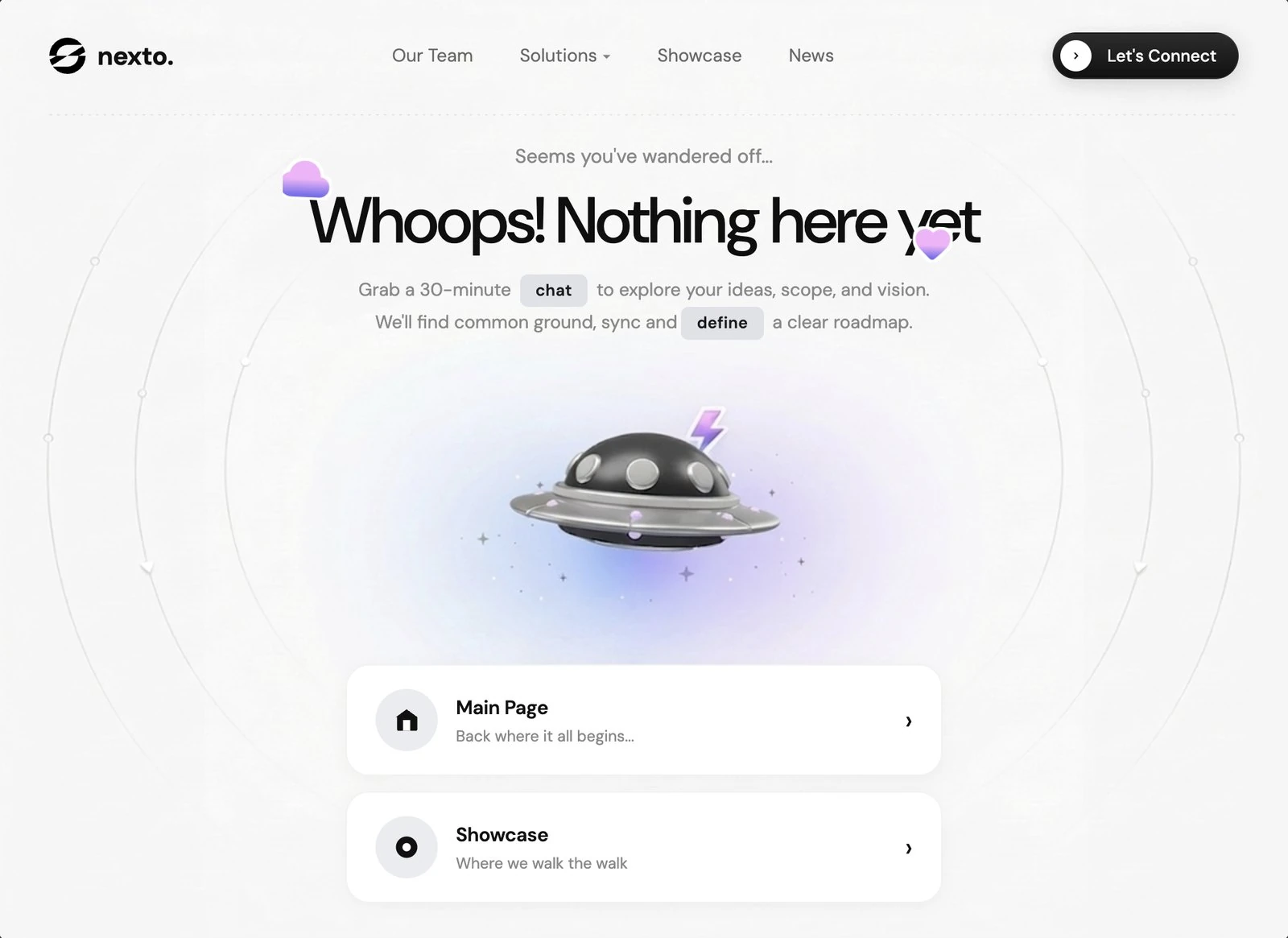
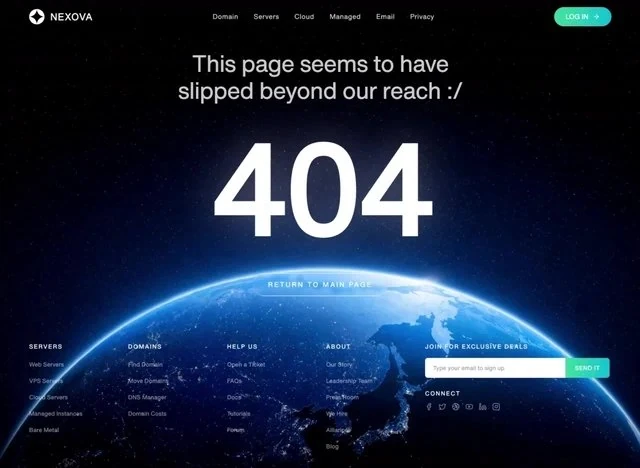
Before rebuilding a hero section for an AI or SaaS product, read Infrastructure: the composition and the specification behind it are both here. It leads with “Ready to elevate your digital infrastructure?” and gives that line the frame rather than shrinking it into a card. The whole page is built on deep indigo #010002 underneath, white #DAD6DB for the type and blue #0F2F65 carrying the accents. Delivery is React and Tailwind CSS, captured at 2076x1498 so the frame is fixed before any code is written. Motion is confined to 4s transitions and a looping video bed. Keep it open while you write: the 2,467-character brief is the part that transfers to your own page.
Designed for
- This hero section serves founders who need one screen of proof that SaaS copy can carry 8s of looping video.
- Made for content leads rewriting a hero section whose headline has to stay as long as Infrastructure's.
- Made for designers who would rather retune #0F2F65 than rebuild the hero section from the grid up.
What's included
- Top row: wordmark, links, one action. The bar carries the wordmark, the section links and one #0F2F65 button, measured at 10px spacing steps and 4s transitions so it never grows into a second header. The links are set below the wordmark in size, and the #0F2F65 action is the only element in the bar with any weight.
- Full-frame video, no panel. One 8s asset carries the whole first screen, and the page has no second media element to keep in sync. The loop is short enough (8s) that the eye reads it as texture rather than as a timeline.
- The composition is the content. The hero section is built so the copy lands before anything else: the type carries the hierarchy, the 2076x1498 frame holds the composition, and the supporting values stay quiet. The page is one composition at 2076x1498, which is why it holds together when the copy changes.
- Links collapse at one width. The bar sits over the 2076x1498 composition without a background of its own, so the media runs edge to edge underneath it.
Motion & interaction
One duration for the controls
The animation budget is small and explicit: 4s, applied to state changes rather than to entrances. Easing is specified alongside the duration (4s), so a rebuild cannot quietly substitute a different feel.
The loop does the ambient work
Ambient movement is one 8s clip at 2076x1498, looping quietly behind the copy rather than reacting to the pointer. The clip is muted and inline, so the first frame is available without an interaction.
How the hero section reflows
A designed narrow layout takes more decisions than a squeeze. The brief pays for them: the scale is fluid rather than stepped, stated rather than discovered at build time. Autoplay and motion are handled honestly, so the page still communicates when they are unavailable.
What to change first in Infrastructure
Change the content first and check the frame afterwards. 10px spacing steps and 4s transitions are the values to protect while you swap the copy. Rewrite the display line before you touch the colour.
The numbers behind the hero section
A rebuild usually starts with a screenshot and a guess. Here it starts with 2,467 characters of specification: the frame, the spacing and the motion are written down before the first line of code. Nothing in this hero section depends on a default.
Frequently asked questions
How long is the prompt behind Infrastructure?
It is a build brief rather than a mood description: it names the composition at 2076x1498, the spacing and the motion values. Nothing in it treats the rendered image as the source of truth.
Do I need React and Tailwind CSS to rebuild Infrastructure?
Infrastructure was built in React and Tailwind CSS, and the entry says so for provenance. The brief describes positions, sizes and timings, so it rebuilds in any framework that can set type and place elements.
How should I handle the Infrastructure media in a client build?
The brief is a description, not a licence to redistribute someone else's assets. Keep the structure and the numbers, replace the media and the brand marks, and credit the source if a client asks where the layout came from. The reference was captured at 2076x1498.