TapNow Review: Agentic Canvas, Tapies, and Plan Limits
TapNow's canvas runs several models behind one agent. If the next thing you need is a single still that should move, prepare that request here in Ottermind.
Optional
Ottermind composer. It does not open TapNow or spend Tapies.
November 13, 2026 · 11 min read
TapNow is a creative canvas where an agent plans and runs a production job across several image, video and audio models, instead of you prompting one model at a time. You bring the brief, the product photo, the script or the half-organised folder; the agent reads that context, chooses a model and settings for each step, and leaves the results as nodes you can keep editing. The vendor calls the product a Creative OS, and the label is honest about the ambition: the canvas is the product, not any single model inside it.
That changes the buying question. With a one-shot generator you compare output quality and price per image. With an orchestration layer you are buying three things at once — access to a rotating set of models, a context that survives from one step to the next, and an accounting system that charges by model, by setting and by second of video. TapNow's version of that accounting is called Tapies, and almost every surprise in this product sits in how Tapies are issued, spent and cleared.
If the job in front of you is a still image that needs to move, you do not need a canvas. The composer on this page takes the product photo and the motion brief, then continues in Ottermind Studio, where the model and the charge for your account are shown before anything runs. The agent-canvas workflow below is a different purchase for a different kind of week.
How this review was prepared: TapNow's public pages were opened on November 13, 2026: the homepage, the pricing page, the generated-content license, the terms of service, and the English documentation for Creative OS, the agent, generation modes, image editing, video editing, Tapies validity, plan management, MCP connections and renewal. This is a documentation-based review. We did not create a TapNow account, run a generation, or measure output quality, speed, queueing or reliability. The pricing page was carrying a live countdown promotion while we read it, so treat every figure below as a snapshot, not a current quote. Ottermind publishes this article and offers the adjacent workflows linked below; it is not connected to TapNow. The cover and the two body images were generated with GPT Image 2.5 Flare as original artwork for this article — they are not screenshots of TapNow, its canvas, or its outputs.
What TapNow is in November 2026
TapNow's own documentation splits the product into three parts. The Agent interprets the task, organises context and decides which tool to call. Apps do the specific work: generation, professional retouching, video editing, and connections that read material from Lark, Notion or Slack. The canvas keeps briefs, references, work in progress, versions and delivery files in one place. The company behind the service is Tamar AI Inc., a Delaware corporation, according to its Terms of Service.
There are two canvases in the product right now, and the difference matters more than it sounds:
| Surface | What it does | Where it lives |
|---|---|---|
| New canvas | Hold Space, speak the task, point at nodes while you talk. Each task gets its own agent working next to the node it is making, and several jobs run at once | Rolling out gradually; if you do not see it, your account does not have it yet |
| Classic | Type prompts, add nodes by hand, pick models, click Generate. Carries 3D, Studio and playlists | Available from the same canvas with the Classic / New toggle |
| Apps | Creative plays and workspace connectors, including an official Astra 6 Studio set for previs, image-to-3D and depth filmmaking | Sidebar; items depend on account, workspace and product version |
| TapTV, Arena | Publish finished work to the community, or enter a timed community event | Web; publishing needs a video (MP4 or MOV, up to 300 MB), a cover and a title |
| MCP | Run TapNow generation from Claude, ChatGPT or another MCP-capable client, with results landing in your own canvas | Your external client plus a one-time TapNow sign-in |
The homepage also claims that "1 Million+ creative teams, and creators" use TapNow. That is a vendor figure with no public breakdown, and it says nothing about whether your specific brief survives the workflow. Treat it as marketing, not evidence.
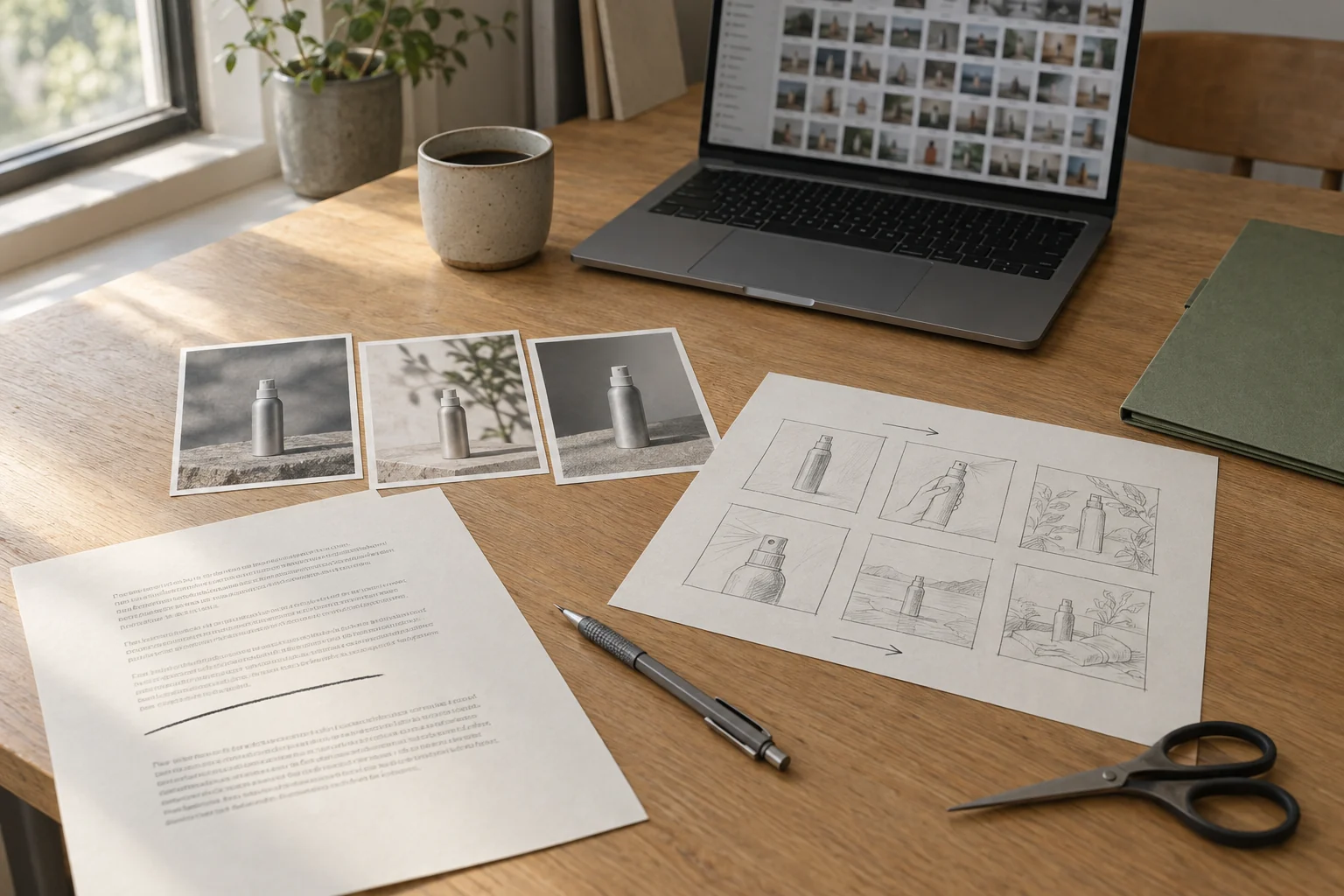
The five checks that decide whether it fits
Ignore the model list on the homepage for a moment. These five questions separate a canvas that earns its subscription from one that becomes another tab you stop opening.
| Check | What good looks like | Where TapNow stands |
|---|---|---|
| Can I see the cost and the settings before it runs? | A confirmation card with model, ratio, duration, output count and an estimate | Yes, in Ask mode; Auto mode starts generating without stopping |
| Does context survive between steps? | Briefs, approved stills and versions stay attached to the job | Yes: nodes, connections and @ references on one canvas |
| What do I get besides credits? | Named benefits you can use, not just a bigger balance | Time-boxed "unlimited" windows on named models, from Pro upward |
| Can I audit the spend after the fact? | Billing records, per-run usage, team allowances | Yes: balance, usage, transactions, and per-member caps in team spaces |
| What rights do I get on the output? | A written commercial grant that names its scope | A generated-content license that depends on a per-project license certificate |
The fourth and fifth rows are the ones buyers skip. They are also the ones that decide whether the work is billable.
What the canvas actually controls
The unit of work is a node, and the useful habit is to connect the source material to the next step rather than re-describing it. Connect a product image to an image node, type @ in the downstream prompt, and name how that image should be used — "keep the bottle, label and colours; change only the background". The docs are explicit that the connection is a reference relationship: it tells the later node what it may use, not what the result must look like.
The image toolbar is broader than a prompt box. Crop, multi-angle (a control you drag to change rotation and tilt, then generate a new viewpoint), redraw inside a marked area, relight, outpainting, erase, annotate, enhance, resize pixels to exact dimensions, cutout to a transparent background, and quick split that turns a 2×2, 3×3 or 4×4 grid into separate nodes. Most generative edits leave the source in place and create a new node beside it, which is the right default for review: you compare two results instead of losing the original.
For video, the toolbar adds trim, replace an object with a reference image, remove a person or object, continue footage before or after a clip (beta), retake a shot with a different camera treatment (beta), capture a frame as a new image node, and Smart Clip, which detects scene cuts in an existing edit. Draft mode generates a 480p take first and then a final from the same prompt and references, which is the cheapest way to test motion before paying for resolution.
Model-specific limits are where a plan turns into a working constraint:
- GPT Image 2.5 Flare or Sunburst, when shown in your picker: up to 16 images per run, 1K/2K/4K, and five quality levels (Low to Max). Extra High and Max cost more.
- Nano Banana 2.1: 1K/2K/4K, up to 14 reference images, and elongated frames such as 1:4 and 4:1.
- Seedance 2.5, omni-reference mode: up to 30 images, 10 videos and 10 audio clips.
- MiniMax H3: up to nine images, three videos and three audio clips; each reference video must be 2–15 seconds and their combined length cannot exceed 15 seconds.
- Wan 3.0: 480P/720P/1080P, 2–30 seconds, with audio on by default.
A plan sells access to these options, not a promise that a named model runs your job. When the model menu hides something, the product version or the account is the reason, and no amount of credits changes that.
Tapies: the meter behind the canvas
Tapies are the prepaid unit. The documentation is unusually direct about two things that people get wrong: they are not deducted at a fixed rate per click, and the number you see before a run is an estimate, not the final charge.
Usage moves with the model, the resolution, the duration, the number of results and the complexity of an agent task. The estimate appears on the page once the model and settings are chosen; the final deduction follows the completed generation and the record in Billing. In Ask mode the confirmation card shows that estimate before anything is spent. In Auto mode the agent generates as soon as settings are ready, so the estimate is skipped as a decision point — Ask mode delays the spend, it does not discount it.
What actually surprises people is expiry. Tapies from five sources behave differently:
| Tapies source | Validity | What happens at the end |
|---|---|---|
| Subscription plan (paid, issued monthly in batches) | 60 days from each batch | Each batch is cleared at 24:00 on its last valid day; the next batch is issued as usual |
| Top-up (paid, after a pay-as-you-go purchase) | 3 years | Unused Tapies are cleared |
| Model card (paid, after buying a designated card) | 1 year | Remaining model-specific Tapies are cleared |
| New-user grant (gifted) | 30 days | Remaining gifted Tapies are cleared |
| Referral or growth reward (gifted) | 30 days | Unused reward Tapies are cleared |
Those rules apply to Tapies credited on or after September 28, 2026. The system spends soonest-expiring batches first by default, which helps, but a monthly subscription is not a bank: if you subscribe and then take three weeks off, the first batch may not be waiting when you come back. Dedicated promotional credits can also be restricted to one model or campaign, so the total balance is not the number that matters — the eligible balance for the model you want is.
What the plans contain
Every figure below is the US-dollar view of the pricing page on November 13, 2026, with the annual toggle in its default position. Each card pairs a higher monthly list price with the discounted annual figure, so both numbers are shown.
| Plan | Monthly list price → annual price | Tapies per month |
|---|---|---|
| Basic | $15 → $7.50/mo, billed $90 a year | 1,500 |
| Pro | $60 → $45/mo, billed $540 a year | 6,000 |
| Ultimate | $360 → $216/mo, billed $2,592 a year | 36,000 |
| Max | $720 → $432/mo, billed $5,184 a year | 72,000 |
Top-ups change the marginal price: the page quoted $1 = 100 Tapies on Basic, $1 = 107 on Pro and $1 = 120 on Ultimate and Max. Three further details sit underneath that table and change the arithmetic.
The cards hold several credit tiers, not one. The Pro card lists options from 3.5K to 11.5K Tapies and shows the 6K tier by default; Ultimate lists 20K and 36K; Max lists 72K and 100K. The price moves with the tier you select, so the four rows above are the configurations shown by default, not the whole catalogue.
"Unlimited" is a window on a named model, not an open tap. Pro adds Seedance 2.5 for 3 days, Sunburst for 3 days and Seedream 5.5 for 7 days. Ultimate raises that to 10, 7 and 30 days; Max to 14, 7 and 30 days. Basic lists no model window at all; all four cards do carry the separate line the page calls Unlimited Card Access. If your plan depends on "unlimited video", read the model name and the day count together.
The discounts are promotional and time-limited. The page advertised up to 50% off annual, up to 40% off quarterly and 15% off monthly while running a countdown. The same page listed model-specific discounts with their own end dates, for example Seedream 5.5 at 40% off until November 30. Budget the list price, and treat the discount as a reason to start, not a reason to commit for a year.
Three terms that change the purchase
The renewal step is manual. TapNow's renewal guide says a payment-channel upgrade means some teams must complete one manual renewal before their plan expires. If you miss it, automatic renewal may stop and the discounted price may be lost. The upside is that unissued credits are converted into a discount on the new plan, and credits already issued stay valid. The catch is that this is a step someone has to remember.
Refunds are narrow. The Terms of Service state that, except where the law requires it or the purchase page says otherwise, fees and completed purchases are non-refundable. Tapies are described as a limited licence to access features, with no cash value and no transferability. Cancelling ends the plan at the close of the paid period. That is a normal shape for credit-based tools, but it means a plan you buy to test is a plan you have bought.
Commercial rights come from a certificate, not the subscription. The generated-content license (version 1.1, effective August 6, 2026) permits worldwide, non-exclusive copying, editing, publishing and commercial monetisation — for models and APIs that have passed TapNow's preliminary verification and that meet the conditions of the applicable project license certificate. The scope is fixed by the model, version, generation time, exported file and the certificate's status. The same document says plainly that preliminary verification is not legal clearance of your inputs, outputs, third-party intellectual property, likeness or platform requirements. For client work, the certificate is the document you archive with the delivery.
What this review could not verify
Keep the boundaries visible. We did not open an account, run a task, or watch a generation finish, so nothing here measures output quality, queue times, cancellation behaviour or the gap between an estimate and a final charge. The plan FAQ answers on the pricing page sit behind collapsed panels we did not expand; where a billing rule mattered, we took it from the Terms of Service and the documentation instead. Prices, tier names and promotion windows are all first-party statements that can change without notice, and the page was actively counting down while we read it.
Where Ottermind fits
TapNow is an orchestration layer: it coordinates several models and a shared context. Ottermind is an execution layer: one page names one task, you provide a prompt and a supported reference image, and the request continues into Ottermind Studio for generation and revision. This composer hands the brief and reference to Studio for review. It does not open the TapNow canvas or run a TapNow workflow.
| The job in front of you | Where to run it |
|---|---|
| One approved product still that needs to move | Image to Video: attach the still, describe the motion and camera feel |
| A 15-second UGC-style ad from a product photo, with or without a face on camera | AI Product Video Ads |
| An ad set built on the same still, tested across several angles | AI Product Video Ads |
| A multi-model graph, brief-to-deliverable, with team review and per-member allowances | TapNow, and expect to spend a week learning the canvas |

The brief below is written for the composer on this page. It is deliberately narrow: one subject, one movement, and a list of what must not change.
Animate this product photo of an aluminium spray bottle with a slow camera push-in and a soft highlight travelling along the metal edge. Keep the bottle shape, cap, label and background exactly as in the photo. Add no text, no extra objects, no people and no camera shake.Before you send it, decide what would make the result usable: the same bottle proportions, legible label placement, a background that has not sprouted new objects. After it runs, compare the clip with the source instead of judging it alone, and correct one variable at a time — a smaller push-in, or a slower highlight, on the same reference. That habit is what a canvas product is really selling; the difference is that Ottermind gives you one job per page, while TapNow lets several jobs share one board.
A five-question checklist before you pay
- Which model do you need on day one, and is it in the plan you are choosing? Availability follows the account and the product version, not the price.
- How many days of the month will you actually generate? Subscription Tapies are cleared 60 days after each batch, so an intermittent workflow leaves value on the table.
- Which "unlimited" model and how many days? Write it down before you compare plans; 3 days and 30 days are different products.
- Who renews, and will they remember? One manual renewal is required to keep a discounted price for some teams.
- Where will the license certificate live? If the output goes to a client, the certificate and the model version belong in the delivery folder.
TapNow FAQ
Is TapNow free to try?
There is a free entry point: the homepage's "Get started for free" link, and the Terms of Service mention a limited number of Tapies for eligible new users, with availability depending on product, security and compliance checks. That is a trial allowance, not a free tier that covers a production job. Neither the homepage nor the pricing page promised an ongoing free plan when we checked.
Do Tapies expire?
Yes, and the rules differ by source. Subscription batches last 60 days each, top-ups last three years, model-card Tapies one year, and gifted Tapies 30 days. The system spends the soonest-expiring batch first.
Can I use TapNow output commercially?
The generated-content license grants commercial use for models and APIs that pass TapNow's preliminary verification and meet the conditions of the project license certificate. It does not transfer rights in the platform, does not authorise using TapNow trademarks, and explicitly is not legal clearance of your inputs, likeness or third-party rights. Check the certificate for the specific model you used.
Is TapNow the same as "TapNow AI" or the Tapflow canvas?
Those names appear in third-party write-ups for the same product. The official site brands it as TapNow, describes the workspace as Creative OS, and refers to the board as the canvas. When a review describes "Tapflow", it is describing the node canvas, not a separate tool.
