Lovart AI Review: Design Agent, Credits, and What to Check
Lovart starts from a brief on an infinite canvas. If the next step is a poster, a banner or a social asset, write that brief here and continue in Ottermind Studio, where the model and the credits are shown before anything is generated.
Optional
JPG / PNG / WebP
This is Ottermind's composer. It does not open Lovart, call Lovart's models or spend Lovart credits.
November 6, 2026 · 9 min read
Lovart is a design agent that works on an infinite canvas rather than in a single prompt box. You describe a job, attach what you already have, and the agent plans, generates, and edits assets that stay selectable on that canvas. In Lovart 2.0 the agent is called Arti, and the product is built around memory, reusable Skills, and editing rather than one-shot images.
That is also where the buying decision gets harder. Plans are sold in credits, the agent has daily allowances, annual billing front-loads promotions, and "unlimited" turns out to be a fixed window on named models. This review separates what the official pages document, what each plan actually contains, and what you still have to test on your own brief.
If the job in front of you is a poster, a banner or a social asset, you can write that brief in the composer above and continue in Ottermind Studio, where the model and the credits are shown before anything runs. The example is a real brief you can edit, not a Lovart demo.
How this review was prepared: Lovart's global site was checked on November 6, 2026: the homepage, the pricing page, the docs, and the AI design agent page. The regional site at lovart.art was also opened for comparison, and its plan structure differs in credits and currency, so only the global figures appear below. This is a documentation-based review. We did not create a Lovart account, run a generation, or measure output quality, speed, or reliability. The cover and the two illustrations were generated with GPT Image 2.5 Flare as original artwork for this article; they are not screenshots of Lovart, its canvas, or its outputs. Ottermind publishes this article and offers the adjacent workflows linked below; it is not connected to Lovart.
What Lovart is in 2026
The official overview describes one workflow in four moves: you give a prompt, a reference file, a Brand Kit, or all three; Lovart picks the tools; the assets land on an infinite canvas; every element stays editable. The same page says requests are routed across "30+ top image and video models" including Nano Banana and Seedance, and that work can be exported as PNG, SVG, PSD, PPTX, or MP4. Those are the vendor's claims about breadth, not a measurement of how any single model performs on your brief.
The more useful distinction is between three surfaces that all accept a prompt:
| Surface | What it does | When it is the right entry |
|---|---|---|
| Agent conversation | Plans a multi-step job, asks for missing details, edits on the canvas | A campaign kit, a product listing set, a redesign of existing artwork |
| Image Generator | Runs your prompt on one chosen image model with your resolution and aspect ratio | You already know the model and the framing you want |
| Video Generator | Runs your prompt and reference media through a video model | You have a still or a reference and want motion |
The model-selection docs are explicit that the Models panel sets a preference, not a lock: the agent "may still route between similar models to balance quality, speed, and stability." If a specific model is part of your requirement, you lock it with @ in the prompt instead. That behaviour is worth knowing before you compare plans by model list — the plan buys access, not a guarantee that one named model runs your job.

What a design-agent brief is built from: reference images, a palette, and a page that is still blank. AI-generated concept illustration for this article; it is not a Lovart screenshot and the blank proof is not a generated result.
The agent does more than generate
Lovart's AI design agent page describes six capabilities that separate Arti from a prompt-and-wait tool. Treat them as product claims to verify, but they are specific enough to plan around:
- Memory. It keeps your preferences, working style, and frequently used assets, and each stored item can be edited or deleted.
- Design commissions. You can hand over a recurring job — competitor monitoring or a weekly content calendar — and run it once or on a daily, weekly, or monthly cycle, with a credit cap per run.
- Design research. Before designing, it searches sites including Google, Pinterest, and Behance and returns a report with sources and a moodboard.
- Canvas review. While you work, it checks the canvas against your brief and asks for confirmation before applying changes.
- Comment-driven revisions. Reviewers comment on specific elements of a shared canvas; the agent turns those comments into a revision plan you can edit and approve.
- Skill evolution. A workflow you repeat more than three times can be saved as a reusable Skill and offered on similar tasks.
Two of these change a budget conversation — commissions and unlimited generation, because both are time-boxed rather than open-ended. Two change a quality conversation — canvas review and comment-driven revisions, because they put a human approval step between the agent and the final file.
Inputs, formats, and the limits that shape a first test
Four published rules decide whether your first attempt is even possible:
| Constraint | What the docs state | Why it matters |
|---|---|---|
| Reference uploads | JPG and PNG images, MP4 and MOV video, PDF; maximum 10 items per conversation input | A 12-page PDF or 15 product photos has to be split |
| Brand Kit | Logos, fonts, colour swatches, design guidance, photography, brand guidelines; a brand book PDF can be parsed | Consistency is set up before generation, not repaired after |
| Custom Skills | Available only in Thinking mode | A workflow you want to reuse needs that mode from the start |
| Export formats | Image PNG/JPEG; video MP4; slides PDF, PPTX, PPTX with editable text; layout HTML; vectorised object SVG; multiple objects PSD | "SVG and PSD" are conditional on the object type, not universal |
The export documentation is worth reading before you design, because the format you need determines how you should build the file. PSD is listed for a multi-selection batch export, SVG for a vectorised object, and PPTX with editable text is a separate option from plain PPTX. Lovart publishes these as its own capability list; we did not export a file to confirm them.
The resolution you get is not a single plan-wide number. The plan cards name the unlimited models together with a resolution — GPT Image 2.6 (Medium 1K), Nano Banana Pro (1K), and higher tiers up to 4K — so the free-of-credits path is defined per model and per tier rather than as "4K everywhere".
How Lovart's credits and plans work
Credits are the unit of spend. The global pricing page lists four plans, and they differ in credits per month, concurrent tasks, Brand Kits, daily agent allowances, and refill pricing. Prices are the monthly list in US dollars, from the pricing page, checked on November 6, 2026.
| Plan | Price per month | Credits per month |
|---|---|---|
| Starter | $19 | 2,000 |
| Basic | $32 | 3,500 |
| Pro | $90 | 11,000 |
| Ultimate | $199 | 27,000 |
Two limits move with the plan as well: concurrent tasks are 2, 4, 8, and 10, and Brand Kits are 5, 10, 30, and 100. Daily agent allowances are metered separately from credits: delegated tasks run at 2, 4, 8, and 10 per day across the four plans, canvas check-ups match that count exactly, and design research runs at 1, 2, 4, and 5 per day. A large credit balance does not buy more of those.
Every plan lists the same base items: Arti, a personal design agent (marked Beta), delegated tasks, canvas check-ups, design research, auto-updating memory, self-evolving skills, feedback revisions, 100 refresh credits every day, access to all models and features, and a commercial licence. The differences that matter are volume, concurrency, brand kits, and refill terms: Starter and Basic pay "standard credit refill pricing", while Pro and Ultimate get 10% off refills.
Annual billing is where the headline discounts sit, and the renewal rate is the number to read:
- Starter shows $16/month billed annually (16% off; the page states a $36 saving against monthly).
- Basic shows $27/month billed annually (16% off; $60 saving).
- Pro shows $45/month for the first year and then renews at $74/month; the page states a $529 saving.
- Ultimate shows $109/month for the first year and then renews at $166/month; the page states a $1,050 saving.
So the annual price in year one is not the price of the plan. Budget the renewal rate, and confirm the total at checkout.
What a credit buys, and when it disappears
The plan cards publish rough conversions, and the spread between them is the most useful cost signal on the page. Two thousand Starter credits are estimated at about 500 GPT-generated images, about 8,000 images from a cheaper model, or about 111 Kling videos. Pro's 11,000 credits are estimated at about 1,375 GPT images, 22,000 of the cheaper images, or 162 videos. Same credits, wildly different output counts, because the model you choose sets the real cost per asset.
The pricing FAQ then sets the rules on expiry:
- Monthly plan credits last for the current billing cycle and reset on the next billing date; unused credits do not roll over.
- Annual plan credits are distributed monthly, and each month's allowance expires at the start of the next monthly cycle.
- Top-up credits are valid for 366 days from purchase according to the FAQ's credit-expiry answer — but the same FAQ also says separately purchased credit packs "will not expire". Those two statements conflict; get the answer for your account before you buy a pack.
- Subscriptions renew automatically, and cancelling keeps access until the end of the paid period.
- Extra credits can be added by upgrading or by buying a pack, and packs are usable across supported models.
"Unlimited" is narrower than the label. Unlimited Relax Generation is a fixed window — 31 or 180 days depending on the row, and independent of your billing cycle — that covers unlimited slower-speed generations on the designated model and resolution shown on the card. It requires an active subscription: cancel or downgrade and it ends with the billing cycle. It is a one-time privilege per account, so renewing or resubscribing does not restart it, and queue priority differs between Basic, Pro, and Ultimate.
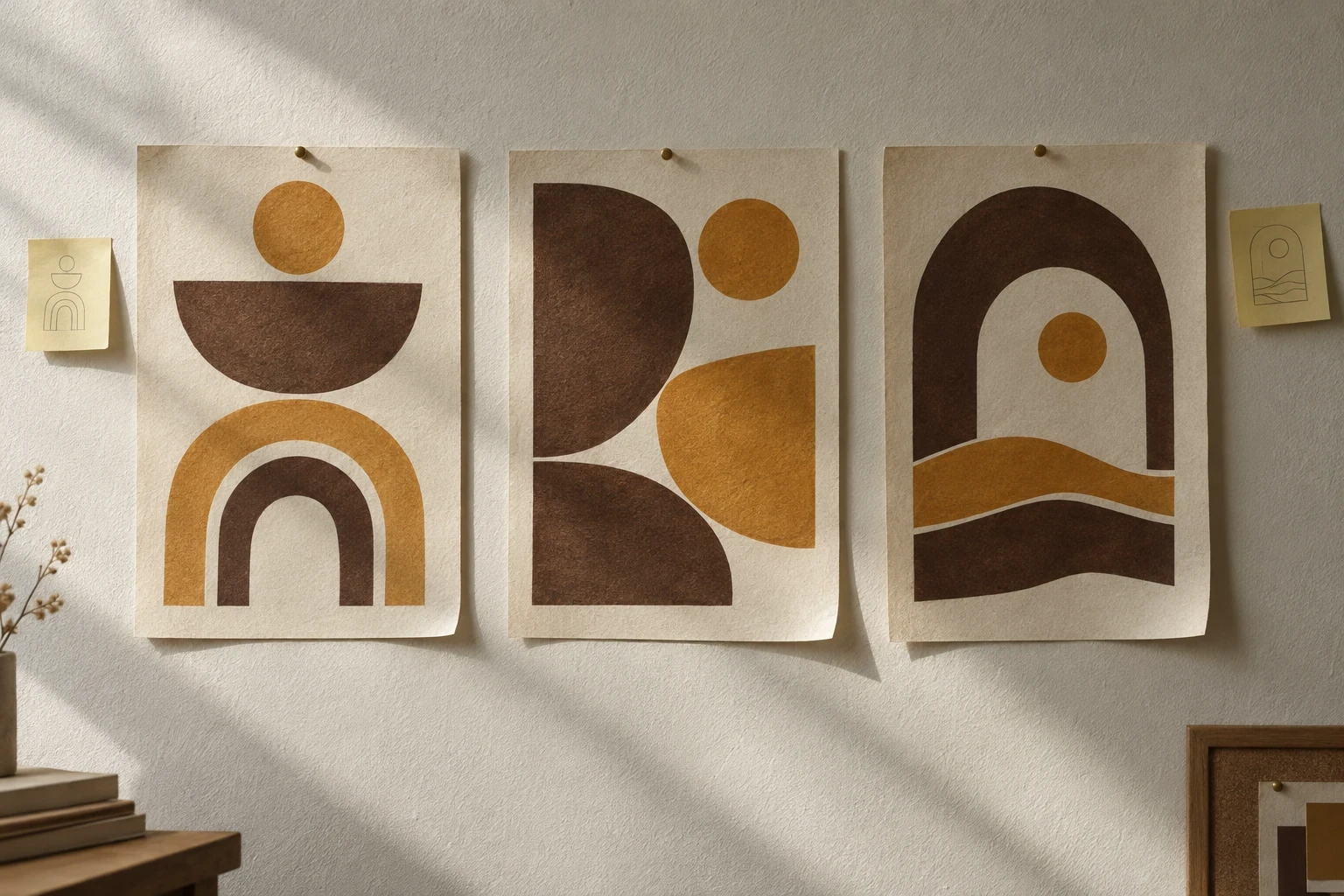
The point of a canvas rather than a prompt box: three directions you can compare, then keep editing the one you choose. AI-generated concept illustration for this article; it is not a Lovart or Ottermind output.
Five questions before you pay
The plan table is the last step, not the first. Run these against a real asset from your own backlog.
- Does the job need the agent, or one image? A single product shot with a known model and ratio belongs in Image Generator. A campaign that needs a poster, a square crop, and a banner from one art direction belongs in the agent.
- Will you iterate on the canvas? Lovart's value is editing the same file — local redraw, text replacement, brand colours — instead of regenerating from scratch. If your workflow is one prompt and one output, you are paying for a canvas you will not use.
- Which unlimited model and resolution do you need? The unlimited windows are tied to named models at named resolutions. Compare that row before you compare credit totals.
- Do you need a format the export panel does not promise? Check the export table against your printer, your editor, or your client's handoff requirement before subscribing.
- Does the credit math survive your real monthly volume? Multiply your expected asset count by the model you would actually choose. 2,000 credits is roughly 500 GPT-generated images — not 2,000 of anything.
Try the same brief in Ottermind
If the decision is "I need a poster and a matching social version", you can run that task without opening Lovart. The brief below is the one used in the composer above: a launch poster with a fixed palette, a single headline, a second tier for the origin list, and a margin rule so the same artwork survives a square crop.
Design a 4:5 launch poster for a neighbourhood coffee roastery called SIDE STREET ROASTERS. Cream paper background, one bold condensed headline, a hand-drawn espresso cup in espresso brown, three single-origin names set in a small second tier, and the opening date along the bottom. Keep the palette to cream, espresso brown and one ochre accent, hold generous margins, and leave the bottom fifth clear so the same artwork survives a square social crop.Two separate actions matter here. Use the roastery brief above only fills the composer; nothing is sent. When you send, Ottermind stages the brief and any reference image you attached and continues in Studio, where you confirm the model and the displayed credits before generating. The reference is optional: a logo, a colour swatch, or a photo of the venue gives the brief something concrete to match.
Where each task continues:
| Your task | Where to continue | Why that destination |
|---|---|---|
| A single poster with a headline and a date | AI Poster Generator | Brief plus reference, then compare concepts before refining |
| A coordinated set — poster, social post, banner | Graphic Design AI | Builds one visual direction across several placements |
| An ad or website banner with a safe zone | AI Banner Generator | Keeps the focal subject usable in wide and mobile crops |
| Logo and brand-mark exploration | AI logo prompt patterns | Concepts to compare and brief before any production work |
None of these links open Lovart, call its models, or spend its credits. They are separate products solving the adjacent task, and the honest comparison is about workflow shape: Lovart sells an agent on a canvas with credits, daily agent allowances, and a Brand Kit; Ottermind sells a brief-to-Studio path where you review the model and the credits before anything runs. Ottermind does not promise a free tier, a fixed generation time, a fixed credit cost, or a vector master.
Where this review stops
The official documentation establishes the surfaces, the input formats, the export formats, the plan contents, and the credit rules. It does not establish how well a specific brief will come out, how long a queue will take on a given day, or whether your logo will survive vectorisation. We have not generated comparison assets, measured render times, or scored output quality, so this review assigns no rating.
Three boundaries are worth stating plainly. First, "commercial license" on the plan cards is a licensing term from Lovart, not a trademark clearance; a generated logo still needs a similarity check and legal review before adoption. Second, the per-credit estimates are vendor averages across models, not a quote for your job. Third, prices, promotions, and plan contents change; the checkout screen is the only current source, and the top-up expiry conflict above shows why that check is not optional.
A reasonable verdict is conditional. Lovart is worth the subscription if you produce families of related design assets, want to edit them on one canvas, and will use the agent's planning and review steps. If you need one image at a predictable cost, a direct generator is a shorter path.
Lovart questions worth answering
Is Lovart free?
The site's call to action is "Get started for free", and every paid plan includes 100 refresh credits a day. The pricing page does not publish the size of the free sign-up allowance, and we did not create an account, so treat free access as a trial of the workflow rather than a plan for production volume.
Is buying credits a subscription?
Both exist. The four plans are subscriptions that renew automatically and include a monthly credit allowance that resets. Credit packs are separate purchases. The FAQ contradicts itself on whether packs expire, so confirm that before buying one.
Can I use Lovart inside Ottermind?
No. The two products are separate. This page offers an Ottermind composer and a matching brief so you can run an adjacent task, and Lovart's own tools are on its own site.
Which plan should a first project start on?
The one whose unlimited model, resolution, and concurrency match your work. If you need more than two concurrent tasks or a higher unlimited resolution, the entry tier cannot deliver it however many credits you top up. Start at the smallest tier that clears those requirements, run one real brief, then decide whether the monthly credit volume is right.
