Selection Guide
Best AI Meeting Assistants in 2026: 8 Tools Compared
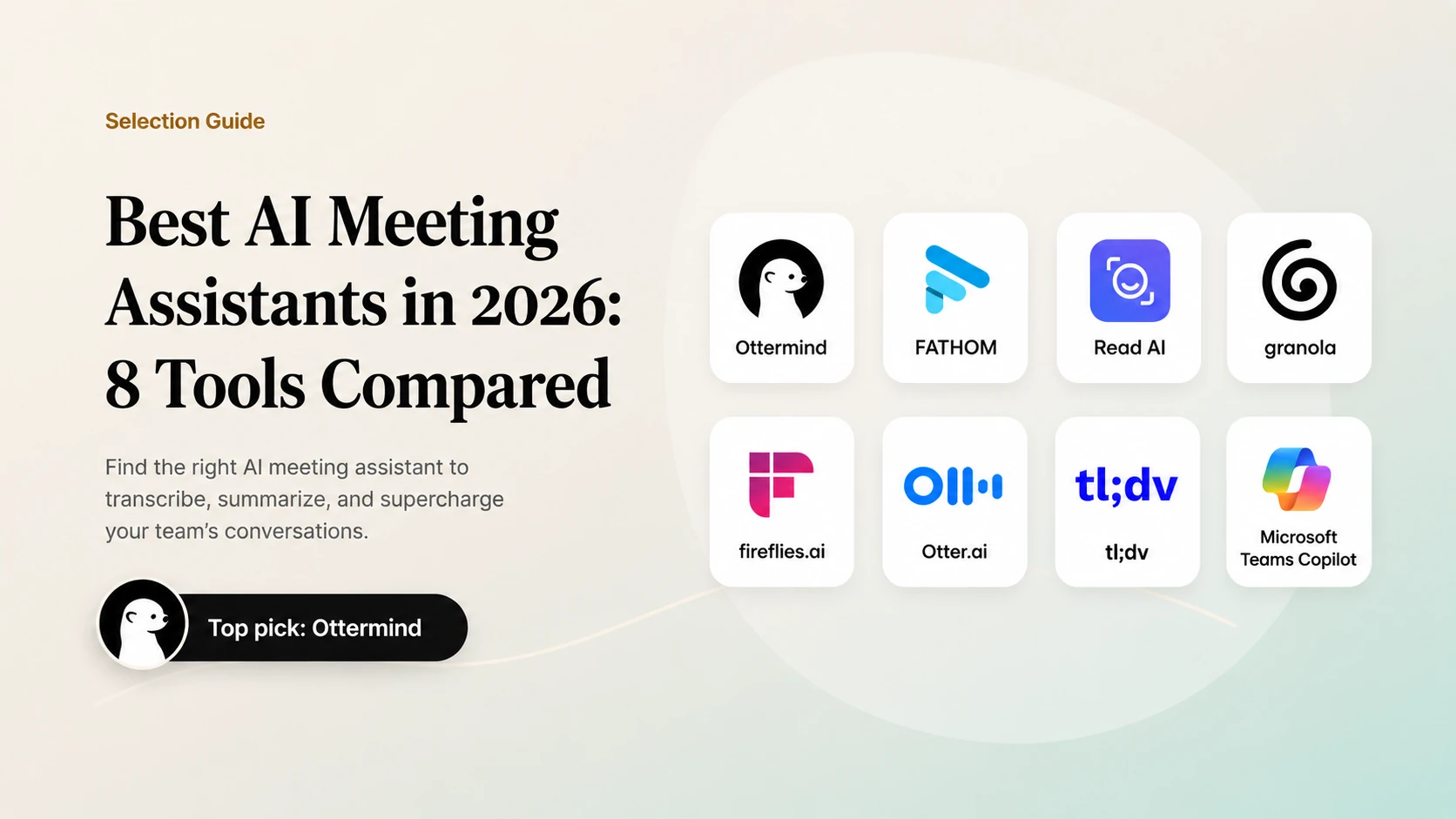
The best AI meeting assistant in 2026 depends on the work after the call. Otter and Fireflies are strong general-purpose notetakers, Fathom is popular for clear customer-call recaps, Granola is useful when you want notes without a visible bot, and Zoom, Teams, and Meet are convenient when your company already lives in one meeting suite. The right choice is the one that captures decisions accurately, respects consent, and turns the conversation into a deliverable your team can use.
Official product references: Microsoft Teams meeting facilitator, Zoom AI note taking, Fathom integrations, Otter meeting agent, Ottermind Docs
Quick comparison
| Tool | Best fit | What stands out | Watch for |
|---|---|---|---|
| Ottermind | Turning meeting context into finished work | Notes, files, context, and follow-up tasks in one agent workspace | It is a workflow workspace, not a dedicated recorder |
| Fathom | Sales and customer calls | Clear recaps, clips, and CRM-oriented follow-up | Check plan limits and supported integrations |
| Fireflies.ai | Teams that automate follow-up | Broad integrations and searchable conversation records | Output quality depends on meeting audio and templates |
| Otter.ai | Cross-platform transcription | Live transcript, summaries, action items, searchable history | Bot consent and calendar permissions |
| Read AI | Meeting analytics and summaries | Recaps plus participation and engagement signals | Review how analytics are shared with participants |
| Granola | Personal notes and privacy-conscious workflows | Device-based capture with no meeting bot in the call | Fewer built-in team workflows |
| tl;dv | Recorded meetings and reusable clips | Searchable recordings, highlights, and follow-up | Verify language, platform, and plan coverage |
| Microsoft Teams Copilot | Microsoft 365 teams | Notes and tasks can live with Loop and Teams context | Licensing and tenant settings matter |
How we evaluated them
This is a documented-capability comparison, not a controlled accuracy benchmark. Product pages and help documentation were reviewed on September 1, 2026. We did not invent prices, transcription error rates, or hands-on test results. Plan limits, integrations, recording notices, and regional availability change, so confirm them before buying.
Use five questions when comparing an assistant:
- Can it capture the meeting you actually run? Check Zoom, Meet, Teams, in-person audio, phone calls, languages, and speaker labeling.
- Can people verify the result? A useful transcript links claims to a timestamp or source passage and makes corrections easy.
- Does it extract decisions and owners? A summary is less valuable than a short list of decisions, open questions, and named next steps.
- Can the team find the conversation later? Search, permissions, retention, and export matter once the meeting becomes company knowledge.
- What happens after the notes? The assistant should hand off to a CRM, project board, document, or task workspace without losing context.
1. Ottermind: best for turning meeting context into work
Ottermind is an AI agent workspace for the work that follows a meeting. Bring in notes, files, decisions, and context, then continue into a project brief, launch plan, presentation outline, or follow-up task. It complements a dedicated recorder when the hard part is coordinating the next deliverable rather than capturing audio.
2. Fathom: best for customer and sales conversations
Fathom is a strong candidate when customer and sales conversations need concise summaries, highlights, and structured follow-up. It helps teams turn a call into a reviewable recap without forcing participants to reconstruct the conversation from memory.
Choose Fathom when fast call review and downstream follow-up matter. Confirm supported meeting platforms, CRM handoff, recording notices, retention, and plan limits before standardizing it across the team.
3. Fireflies.ai: best for integration-heavy follow-up
Fireflies is designed around recording, transcription, and pushing conversation data into other tools. It is a good candidate for teams that want meeting notes to trigger CRM updates, Slack messages, or project actions. The tradeoff is operational: more integrations mean more permissions, templates, and governance to maintain.
4. Otter.ai: best general-purpose meeting notetaker
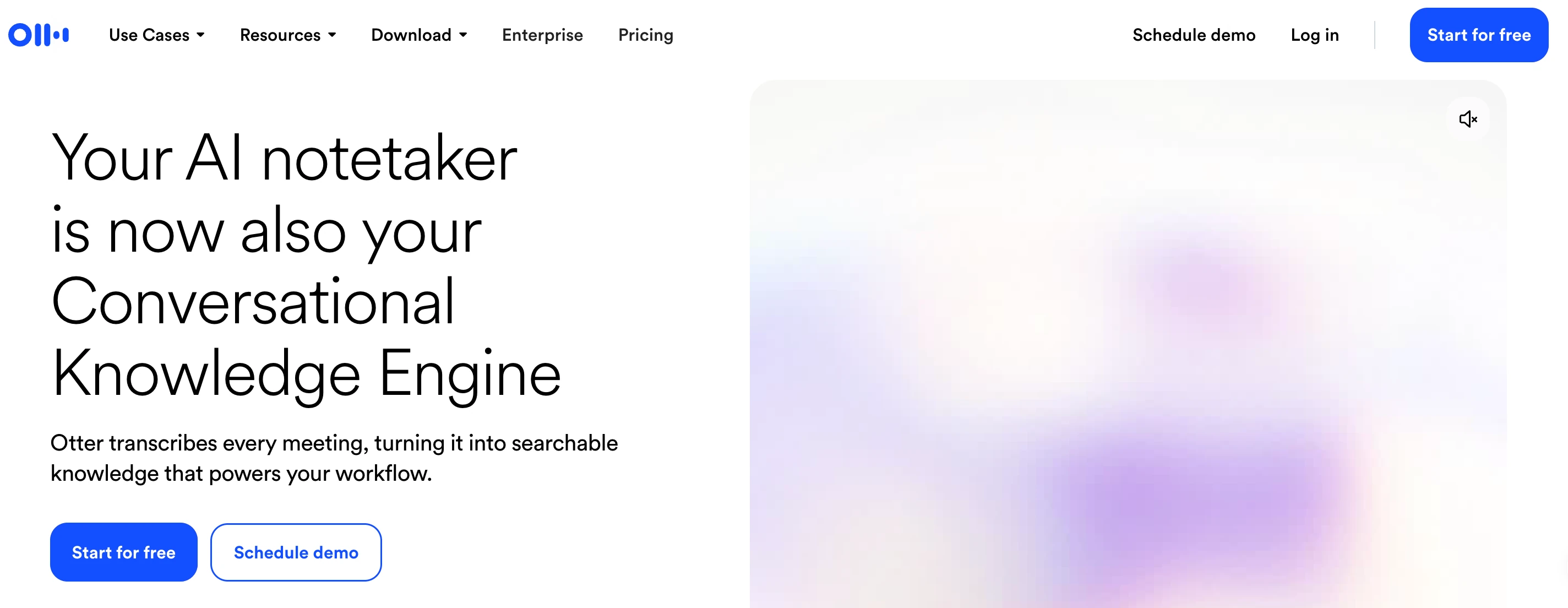
Otter is a strong first choice when you need automatic transcription across Zoom, Microsoft Teams, and Google Meet. Its product pages describe real-time capture, summaries, action items, and questions across meeting history. It fits individuals and teams that want a dedicated meeting record rather than a feature hidden inside one video platform.
5. Read AI: best for meeting analytics
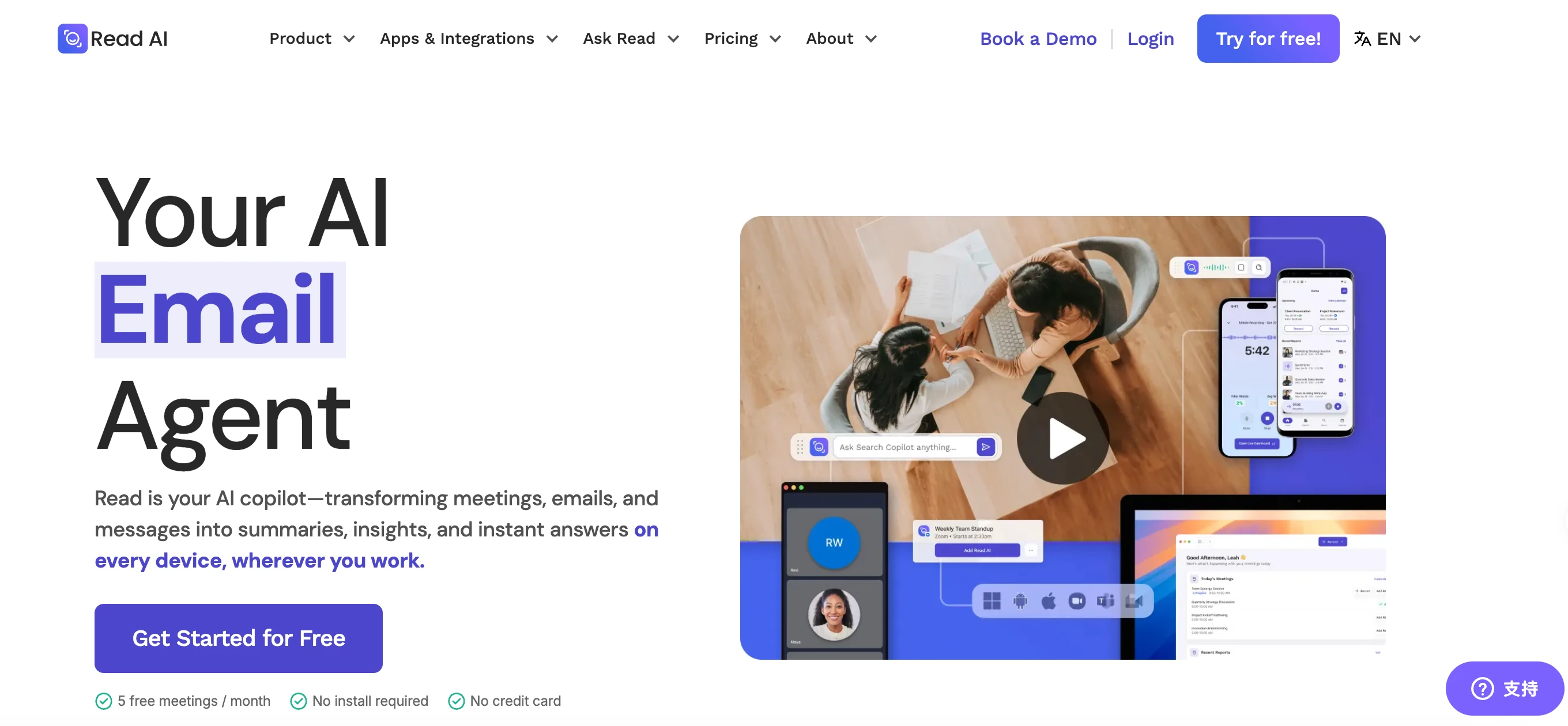
Read AI combines meeting recaps with participation and engagement signals. That can help managers spot patterns across recurring meetings, but analytics should be explained to participants and governed like other workplace data.
6. Granola: best when you do not want a meeting bot
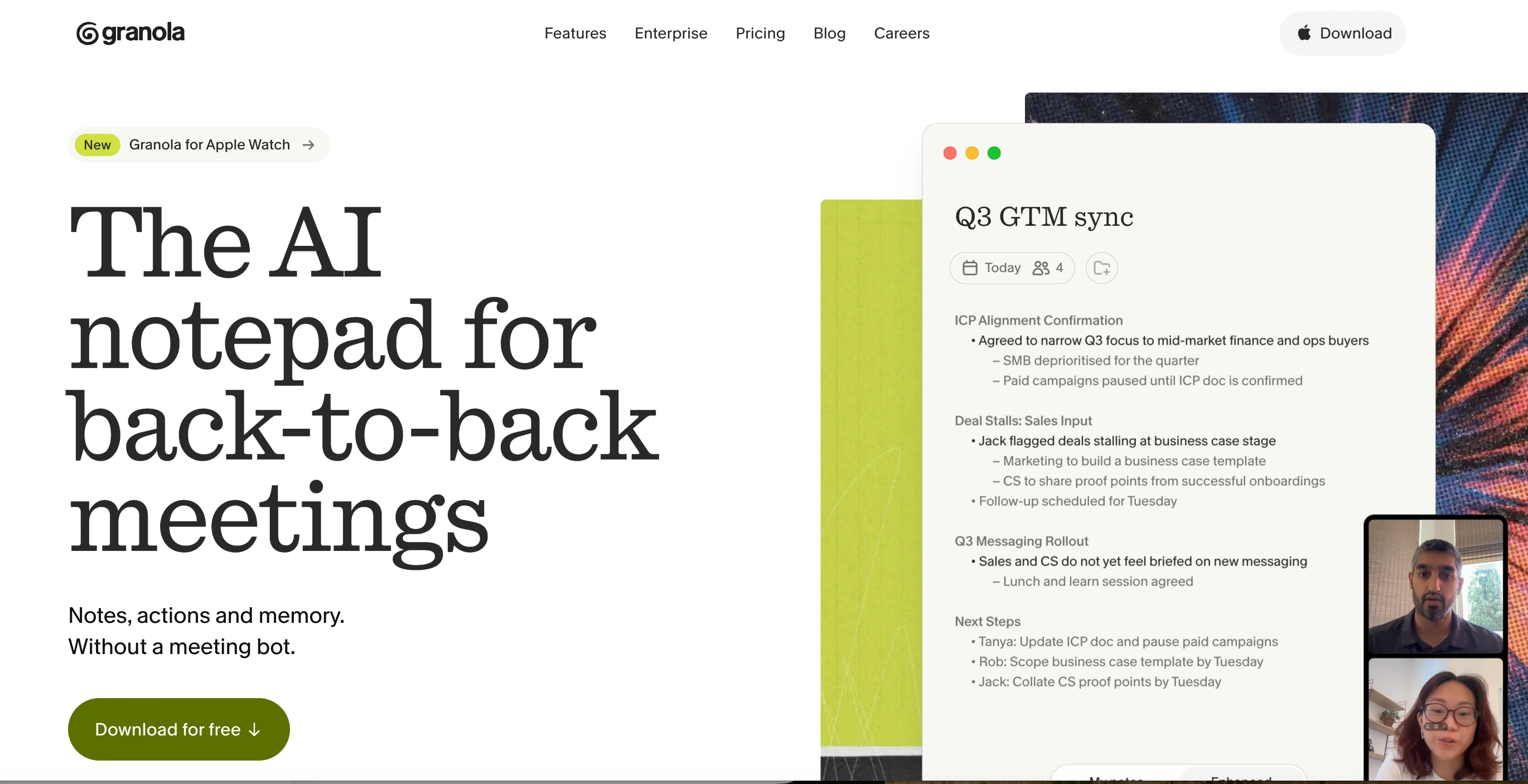
Granola takes a different approach: capture audio from the device and combine it with notes, rather than sending a visible bot into the call. That can make the social experience simpler, but local recording still requires consent and a clear retention policy. It is a good fit for personal notes and small teams that do not need a large integration surface.
7. tl;dv: best for recorded meetings and clips
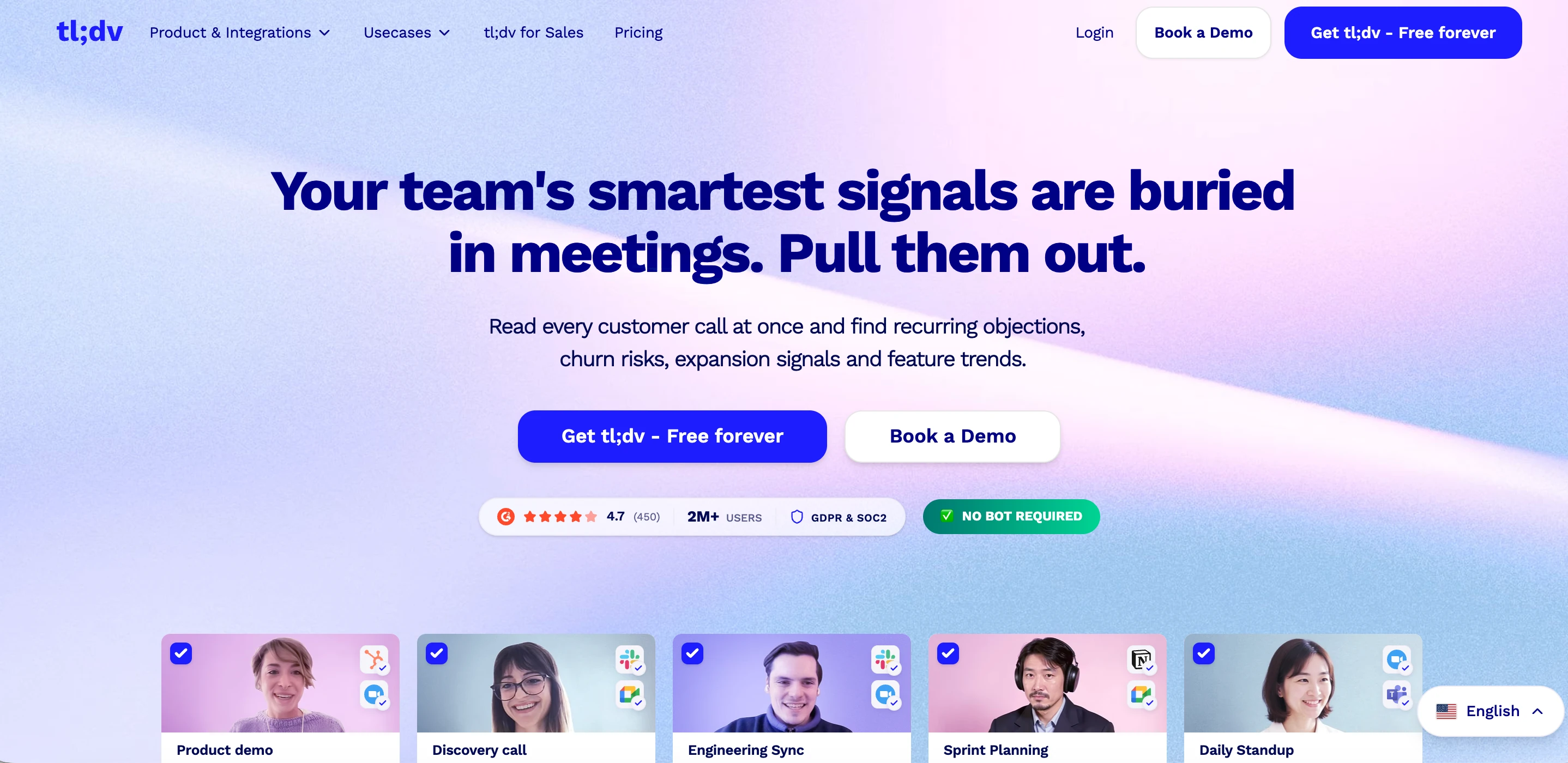
tl;dv is useful when teams want searchable recordings, highlights, and reusable clips from recurring meetings. Confirm supported platforms, languages, retention, and plan coverage before standardizing.
8. Microsoft Teams Copilot: best for Microsoft 365 context
Microsoft documents AI-generated notes stored in a Loop page, with participants able to edit them before, during, and after a meeting. Teams also supports meeting questions and task-oriented follow-up. This is compelling for organizations already using Microsoft 365, but administrators should validate licensing, data boundaries, and whether the required meeting mode is enabled.
A practical selection scorecard
Score each candidate from 1 to 5 for platform coverage, transcript review, decision extraction, search and permissions, integrations, admin controls, and total cost. Weight the criteria according to the job. For a sales team, CRM handoff and coaching may matter most. For a research team, source traceability and export may matter more. For internal planning, action ownership and project handoff usually beat a polished transcript.
Do a short pilot with the same meeting format for every tool. Use one agenda, two speakers with similar names, a decision that changes halfway through, and a follow-up task. Review the transcript, the action-item owners, the correction workflow, and the exported deliverable. Record the limitations; do not generalize from one unusually clean call.
Meeting notes are the start of the workflow
An assistant that stops at a transcript leaves the most valuable work to a human. The stronger pattern is:
| Meeting step | Useful output |
|---|---|
| Capture | Transcript with speakers and timestamps |
| Understand | Summary, decisions, risks, and unresolved questions |
| Assign | Action items with owners and due dates |
| Handoff | CRM update, project task, brief, or decision log |
| Review | Human corrections and links to source context |
Ottermind fits the handoff stage. Its AI agent workspace is designed to keep files, notes, context, and the next deliverable connected across a task. You can move from a meeting summary to a project brief, launch plan, presentation outline, or follow-up email without starting from a blank chat. See the Ottermind Docs for the workspace model and our AI research assistants guide for source-heavy follow-up work.
Bottom line
Choose the meeting assistant that matches your collaboration stack and your post-meeting job. Start with a native assistant if governance and convenience dominate. Choose a dedicated notetaker when cross-platform search and richer follow-up matter. Whichever tool you select, make consent visible, verify decisions against the recording, and connect the notes to the task that comes next.
