AKOOL AI Review: Face Swap, Lip Sync, and Credit Costs
Below: how AKOOL's face swap, lip sync, and plan limits actually work. If you already own the clip and a replacement face, the swap can start here in Ottermind.
Optional
2026-11-05 · 9 min read
AKOOL is a browser-based AI video suite that sells two things under one account: its own face-swap, avatar, and dubbing tools, plus a model hub that runs third-party video and image models such as Seedance, Kling, Wan, Veo, Sora, and Nano Banana. That combination is the reason a simple "is it good?" answer is unhelpful. What you actually buy is access to a specific tool, at a specific upload limit, on a specific plan tier.
Two questions settle most AKOOL decisions. First, which tool matches the material you already have — a clip, a still, a portrait, or a voice track. Second, which plan unlocks the upload size and quality your material needs, because AKOOL gates face-swap resolution and clip length by tier rather than by tool. This review works through both, then gives you a trial you can finish in one sitting.
If your task is swapping a face into a clip you already have, that is the workflow Ottermind supports directly: upload the source clip and a replacement face, describe what must stay unchanged, then compare frames before continuing in Video Face Swap. The comparison table further down sets that route beside the AKOOL one, including where the two products do different jobs.
How this review was prepared: Official AKOOL product, pricing, help-center, refund, and terms pages were checked on November 5, 2026. This is a documentation-based assessment. We did not run AKOOL generations, so it contains no quality score, no measured render time, and no claimed success rate. Ottermind publishes this article and offers its own tools; the AKOOL facts below come from AKOOL's own pages. The cover and the two workflow photographs were generated with GPT Image 2.5; they illustrate the documented workflow and are not screenshots of either product, nor results we produced. Prices and plan limits change — confirm them in your own checkout.
What AKOOL AI is — and what it is not
AKOOL, Inc. is based in Palo Alto, California, and describes itself as a generative AI video company. Its product line is broad: a video generator built around a model hub, a Shorts Studio, image generation, a face-swap family (face, character, motion, head, hair, and clothing swap), talking photo, talking avatar, streaming avatar, video translation, a live face-swap mode, an AI video editor, an OpenAPI, and plugins for chat-style coding tools.
That breadth creates one useful distinction. The model hub is a resale layer: the underlying video or image model may be Seedance, Kling, Wan, Veo, Sora, or another vendor, and AKOOL's page names them explicitly. The swap, avatar, and translation tools are presented as AKOOL's own models. So "AKOOL quality" is not one number — a face swap and a Seedance render fail for different reasons and are reviewed differently.
It is also not a single-purpose deepfake toy. The site markets itself to teams ("trusted by Fortune 500 companies", "300M+ asset creations" are AKOOL's own marketing figures), and its plan table includes business licensing, workspace roles, and a production service. Read that as positioning, not as independent proof of output quality.
Which AKOOL tool matches your input
Pick by source material, not by the length of the feature menu.
| What you have | AKOOL route | What actually gets uploaded |
|---|---|---|
| A clip with one or more visible faces | Face Swap | The video, a replacement face, and a model choice |
| A single portrait you want to speak | Talking Photo | The image plus audio, a cloned or library voice, an emotion setting |
| Footage in one language you want in another | Video Translation | The video, a target language, optional SRT/ASS subtitles, proofread text |
| A scene you want generated from a prompt | Video Generator / model hub | A prompt and, depending on the model, reference images |
| A photo where only the face changes | Face Swap (image mode) | The still plus a replacement face |
The swap family is the part most searches are about, and it is the part where plan limits bite hardest. Note that "Talking Photo" and "Video Translation" both end in a mouth that matches audio, but they start from different material: one animates a still, the other re-voices footage you already shot. Choosing between them is a question about your source file, not about which result looks better in a demo.
Face Swap: the plan table matters more than the headline price
AKOOL's own how-to guide describes the flow: upload an image or video, let the tool detect faces, click the face to replace, supply a replacement face, choose an AI model (it recommends FS-1 Omni for realistic swaps), optionally re-age the result, then generate and download. Its FAQ notes photo swaps are near-instant while video swaps take seconds to minutes depending on clip length.
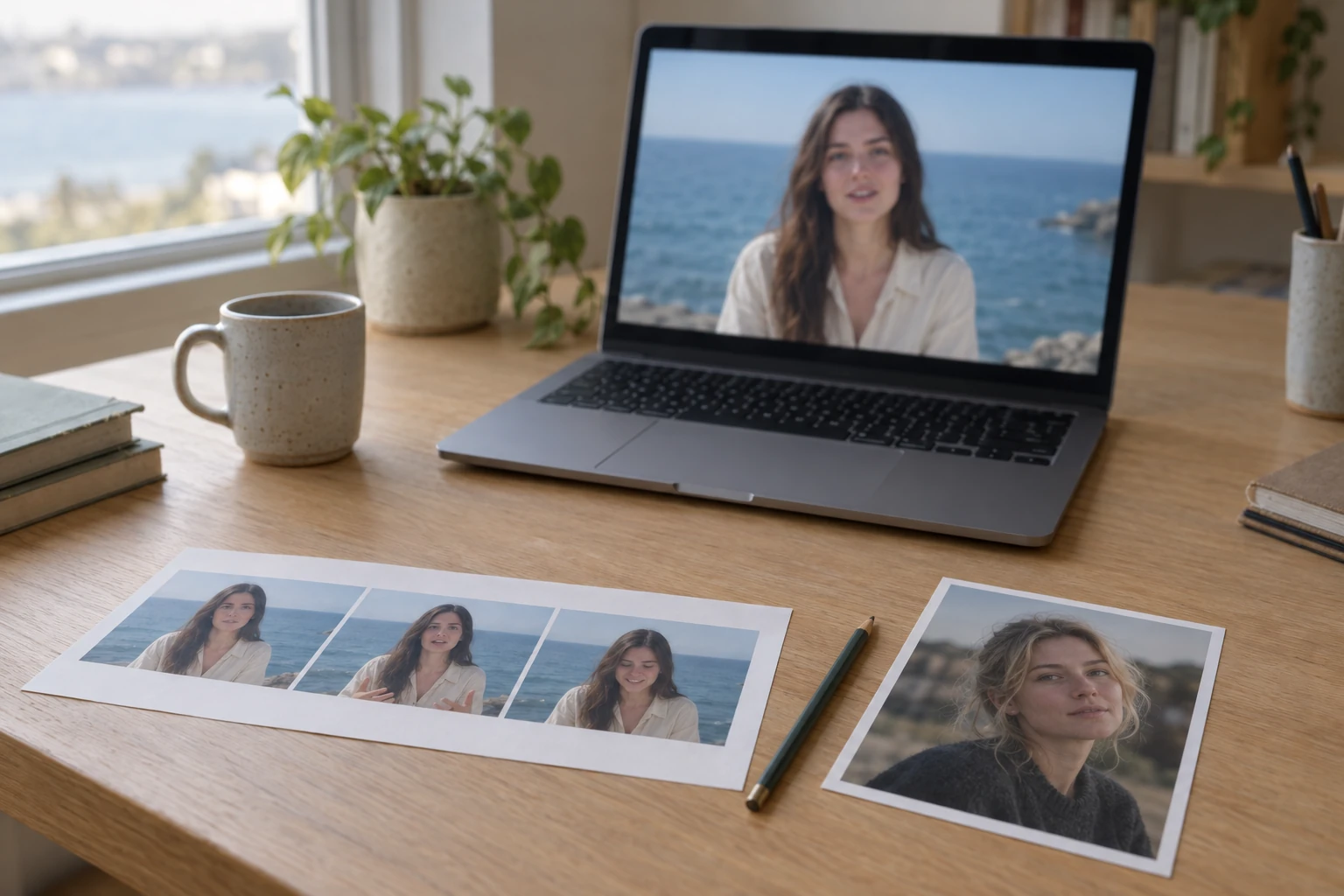
The three objects a face-swap job actually involves: a clip, a reference face, and frames you are willing to inspect at full size. AI-generated illustration of the workflow described in AKOOL's face-swap guide; it is not a screenshot of either product and shows no real output.
The part that decides your purchase is the pricing comparison. Face swap is gated by tier on upload quality and video size, not only by credits:
| Plan | Max upload (quality · length · file) | Storage |
|---|---|---|
| Free | 720P · 30 s · 150 MB | 5 GB |
| Starter | 1080P · 5 min · 300 MB | 25 GB |
| Pro | 16K · 5 min · 300 MB | 50 GB |
| Pro Max | 16K · 10 min · 500 MB | 500 GB |
| Business | 16K · 15 min · 1 GB | 1 TB |
Three settings sit outside that grid. Watermark: burned across the full frame on Free, removed on every paid plan. Processing speed: described as slow on Free, medium on Starter, fast on Pro, faster on Pro Max, and fastest on Business — AKOOL's own labels, which is why this review quotes no measured render time. Live face swap: 5 minutes on Free and Starter, 60 on Pro, 90 on Pro Max, and 120 on Business, which is a streaming product rather than a longer upload.
Multi-face detection and re-age are listed as available across the tiers; face enhance is not shown on the free plan. AKOOL's homepage also displays "from" credit figures per swap tool — 4+ for Face Swap and Character Swap, 2+ for Motion Swap, 5+ for Head Swap, 6+ for Hair Swap, 4+ for Clothing Swap. A "from" figure is a starting price, not a quote: the charge depends on the model, resolution, and length you select, and you should read the displayed cost in the workspace before submitting.
The practical consequence is blunt. The free plan's 150 MB and 30-second cap is a format test, not a delivery path: it cannot accept a 60-second clip at all, and its full-screen watermark removes most commercial uses. If your clips are one to five minutes with a single speaker, Starter or Pro clears the length gate at 300 MB; longer or higher-bitrate footage pushes you into Pro Max or Business. Before buying, measure your actual file size and duration rather than assuming "short clip" means 30 seconds.
Lip sync and video translation: what to check before dubbing
AKOOL's dubbing product is Video Translation. Its page advertises 155+ languages, neural lip-to-speech synchronization, a proofread editor for translated text, multi-speaker detection, BGM removal, and SRT/ASS subtitle upload. Per its FAQ, it works best on single-speaker footage with clear audio and good lighting, and multiple speakers or background noise may not produce a natural result.
Plan limits apply here too: uploaded video length runs 5 minutes on Free and Starter, 30 on Pro, 60 on Pro Max, and 120 on Business, with upload quality shown as 4K up to Pro and 8K on Business. The proofread editor is not available on the free plan, and SRT/ASS upload only appears from Pro Max. Those two rows matter if your approval workflow depends on editing the translated transcript rather than accepting the machine output, or on matching burned-in subtitles you already have.
Three checks are worth doing on a 30-second sample before you translate a full episode:
- Speaker count. If two people overlap, listen for whether the second voice is preserved or collapsed. The plan table lists multi-speaker detection, but detection is not the same as a clean result.
- Terminology. Put your product names and legal terms into the sample. A dubbing pass that mangles a brand name will not be fixed by rendering again at a higher resolution.
- Timing. Translation changes syllable count. Check whether the delivered pacing still matches your edit or whether you now need to re-cut around the new audio.
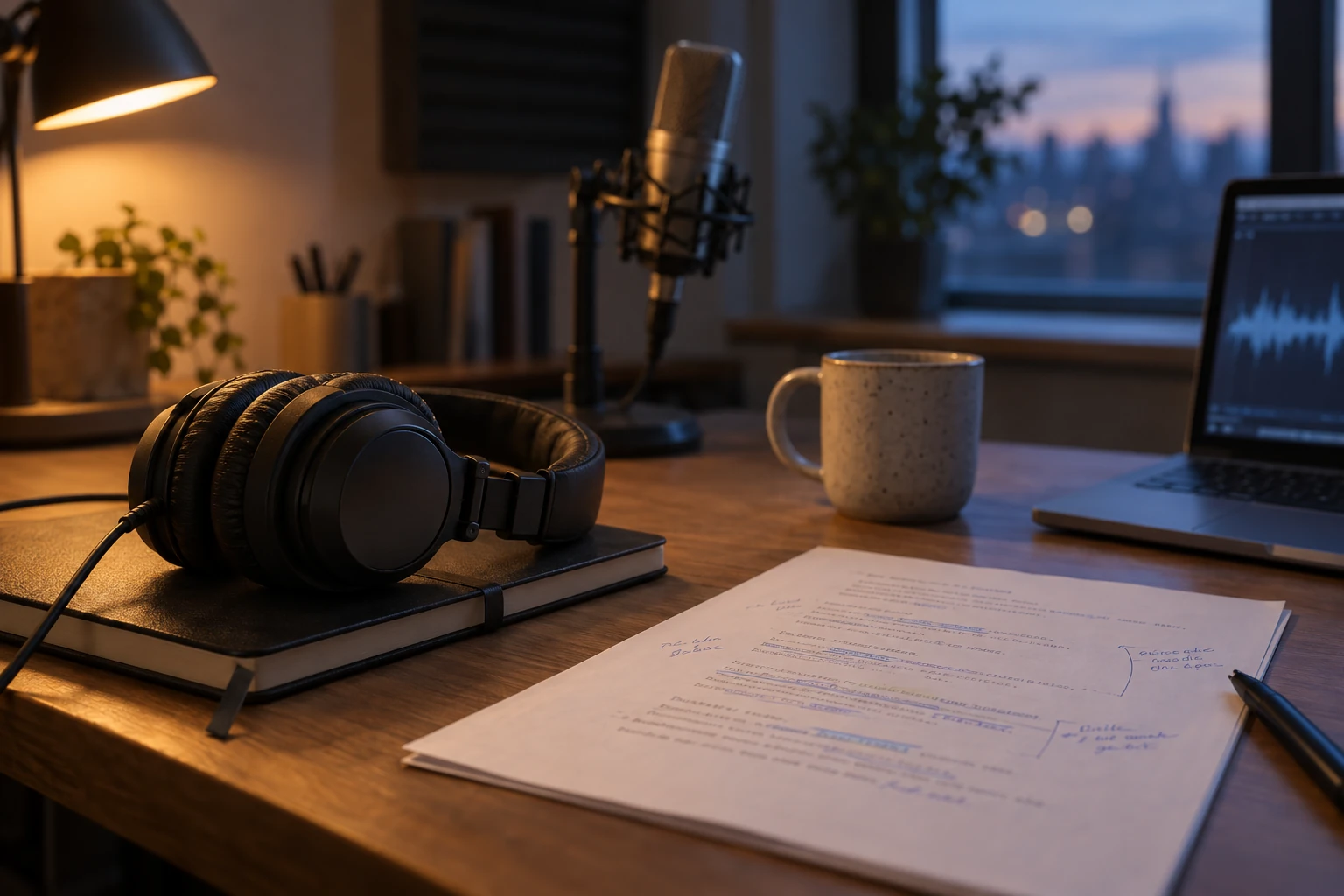
The part of a dubbing job that decides whether the result is usable: the script you proofread and the waveform you re-cut against. AI-generated illustration of a review desk; it is not a screenshot of AKOOL's editor, and no AKOOL output appears in it.
AKOOL also offers talking-avatar output from a script, with avatar video length limits from 10 minutes on Free up to 60 on Business. That is a different deliverable from dubbing existing footage — closer to producing a presenter read than to preserving a performance you already shot.
What AKOOL actually costs
Prices below come from the pricing page and its published offer data on November 5, 2026. AKOOL shows a monthly and a yearly price; the yearly figure is billed once for the year, and AKOOL displays it as a lower per-month rate.
| Plan | Price (monthly · yearly, billed once) | Credits per month |
|---|---|---|
| Free | $0 | Free-tier allowance; check the plan page |
| Starter | $12/mo · $144/yr | 200 |
| Pro | $30/mo · $252/yr ($21/mo effective) | 600 |
| Pro Max | $59/mo · $495.60/yr ($41.30/mo effective) | 1,200 |
| Business | $249/mo · $2,091.60/yr ($174.30/mo effective) | 6,000 |
| Enterprise | Quote | Custom |
The license matters as much as the price: every plan from Starter to Pro Max is shown as Personal, and the Business license appears only at $249/month. The same page also shows a per-credit figure on yearly billing: $0.060 on Starter, $0.035 on Pro, $0.034 on Pro Max, and $0.029 on Business. It also translates credits into concrete outputs, for example 600 credits as "60 Kling 3.0 videos" or "300 Nano Banana Pro images". Those equivalences are AKOOL's own arithmetic for specific models; they do not tell you what a face swap of your clip will cost, because swap pricing depends on the settings you pick.
Two fine-print items are easy to miss:
- "Personal" license on every plan up to Pro Max. If you deliver client work or run brand campaigns, check whether the personal license covers your use before you buy a smaller plan.
- Invited workspace members are charged at the owner's rate. The pricing page states that each added admin or editor is billed the same amount the owner pays, so a three-seat Pro workspace at $30 is not a $30 decision.
Five checks to run before you commit to a plan
This is the part most reviews skip. You do not need a large test to learn whether AKOOL fits — you need a test whose failure modes you can recognise. Use this sequence with a clip you have rights to.
1. Does the free tier actually accept your deliverable?
Free caps uploads at 720P, 150 MB, and 30 seconds, and adds a full-screen watermark. Run the shortest excerpt you can still judge — ideally the hardest 10 seconds of your clip. Move on when you can see identity, jawline, and hair edges at the size your channel displays. If the free tier refuses your file outright, that is a plan question, not a quality question.
2. Is your clip inside the tier's file cap?
Record file size and duration before comparing prices. A 90-second 1080p clip lands in the 5-minute tier; a 4K vertical clip can exceed 300 MB in well under a minute. Move on when the plan you are considering accepts your file with headroom, not exactly at the limit.
3. Does identity hold through your kind of motion?
Pick three frames — start, midpoint, end — and compare them with the source face at normal viewing size. Look for jawline drift, teeth, glasses, and hair boundary. Request one focused fix rather than re-running the whole clip. Move on when the frame you would publish passes at full size, not when the thumbnail looks right.
4. Does the language survive proofreading?
For dubbing, check whether the translated text is editable on your tier and whether your subtitles can be uploaded. Move on when the sample keeps your names, numbers, and legal phrases intact, and the pacing still fits your edit.
5. Do the rights and the license match the project?
Output ownership and commercial use are separate from the subscription. AKOOL's Terms of Service say the customer retains rights in their input and output subject to compliance with the agreement, and that you may use output for any lawful purpose at your own risk; AKOOL asks that you tell viewers the content was produced with AI. The same document makes you solely responsible for determining whether a release is needed for a person's image or likeness, and states that AKOOL grants no rights to names, people, or trademarks depicted in an output. Separately, AKOOL's stock avatars — the ones not created specifically for you — carry extra restrictions: they may not be used in paid or promoted social ads, TV broadcast, NFTs, or statements of fact without written consent.
Move on when you can name who appears in the output, what permission you hold, and which plan's license covers the distribution you plan. If any of those is unclear, resolve it before generating.
Two billing details that decide whether a trial costs you money
AKOOL's refund and cancellation policy, last updated October 16, 2026, is unusually specific, and it changes how a trial should be run.
- Subscriptions renew automatically. Cancel from Billing or Manage Plan; the policy recommends cancelling at least 24 hours before renewal. Cancellation stops future renewals but does not prorate the current period.
- Subscription credits expire at the end of the billing period and do not roll over, unless your plan or order form says otherwise. Enterprise plans may include non-expiring credits.
- First paid subscription: you may request a refund within 7 calendar days if no paid credits or paid benefits were used for a completed task. Renewals, upgrades, trial activation fees, and enterprise or API commitments are excluded.
- Failed generations return credits to your account balance, based on the task billing record. That is a credit return, not a refund to your card, and a generation that completed but did not match your taste is not treated as a technical failure.
So the cheapest responsible trial is: buy the smallest tier that clears your file limit, finish every paid generation inside the first seven days, and decide before the renewal date. If the plan you need for testing is larger than the one you want long-term, downgrade deliberately rather than letting a renewal charge arrive.
AKOOL or Ottermind: choose by what you already have
Both products can be judged against the same job. The difference is what each one expects you to bring.
| Your next task | AKOOL route | Ottermind starting point |
|---|---|---|
| Swap a face in a clip you already own | Face Swap (video), subject to the tier's size cap | Video Face Swap: upload the clip and a source face, describe what must stay true, compare frames, continue in Studio |
| Replace a face in a still | Face Swap (image mode) | Photo Face Swap: the same review step for a non-moving deliverable |
| Keep original footage but change the spoken language | Video Translation with lip-sync and proofreading | Different job: AI Lip Sync Tool builds a new speaking-video concept from a portrait and a written script with an AI voice, so the performance is generated rather than re-dubbed |
| Repair a clip that already passed review | AI Video Editor, subject to plan resolution limits | Unblur Video: mark the region that lost detail and rebuild it — built for soft blur and compression artifacts, not for raising the resolution of a clean clip |
The third row is the boundary worth stating plainly. AKOOL's translation route is designed to preserve footage you already shot and re-voice it. Ottermind's lip-sync route starts from a portrait and a script and generates a new performance; it does not promise frame-accurate realignment of an existing performance. If the original clip is the deliverable, that distinction decides the product before price does.
If you are testing the swap route, prepare two things before you begin: a clip you have the right to edit, and a replacement face with enough resolution to inspect eyes, skin, and expression. Use the same acceptance standard you would apply to an AKOOL trial — three frames, normal viewing size, one focused fix at a time — and record the quoted cost before you submit either one.
AKOOL FAQ
Is AKOOL free?
There is a free plan, but it is a test tier: 720P face-swap uploads, a 150 MB and 30-second video cap, full-screen watermarking, and slow processing. Treat it as a way to check whether the workflow accepts your material, not as a way to deliver a finished clip.
Does an AKOOL subscription renew automatically?
Yes. The refund policy says paid subscriptions renew for the period and price disclosed at checkout unless you cancel first, and it recommends cancelling at least 24 hours before renewal. Renewal charges are listed as non-refundable.
What happens to unused credits?
Subscription credits expire at the end of the billing period and do not roll over unless your plan states otherwise; Enterprise plans may include non-expiring credits. One-time credit packs follow their own purchase terms.
Is AKOOL one AI model?
No. It combines its own swap, avatar, and translation models with a hub of third-party video and image models. A result's quality depends on which model you selected, so evaluate the exact feature you need.
Can I use AKOOL's stock avatars in ads?
Not without written consent, according to the Terms of Service: stock avatars may not be used in paid or promoted social advertising, TV broadcast, NFTs, or statements of fact. Custom avatars and your own footage are separate questions — check the current terms for your specific use.
Which plan do I need for a 60-second face swap?
A 60-second clip is already over the free tier's 30-second cap, so start at Starter or Pro, both of which allow uploads up to 5 minutes and 300 MB, then confirm your file fits. Longer or heavier footage moves to Pro Max (10 minutes, 500 MB) or Business (15 minutes, 1 GB).
Where this review stops
AKOOL's own pages establish what the tools accept, what each tier allows, and how billing behaves. They do not establish whether a specific face will survive a specific head turn, how long a queue will take on the day you use it, or whether a dubbed voice will satisfy a client. We have not generated comparison clips or measured processing times, so this review assigns no quality score.
A defensible verdict is therefore conditional: AKOOL is worth a paid month when its plan table already accepts your material, when the swap or dubbing route matches the deliverable you must ship, and when the license covers how you intend to distribute it. If any of those three is uncertain, run the five checks above on the cheapest tier that clears your file cap — and read the credits screen before you submit, not after.
