Presentation template
Virtual Classroom Planning Slides
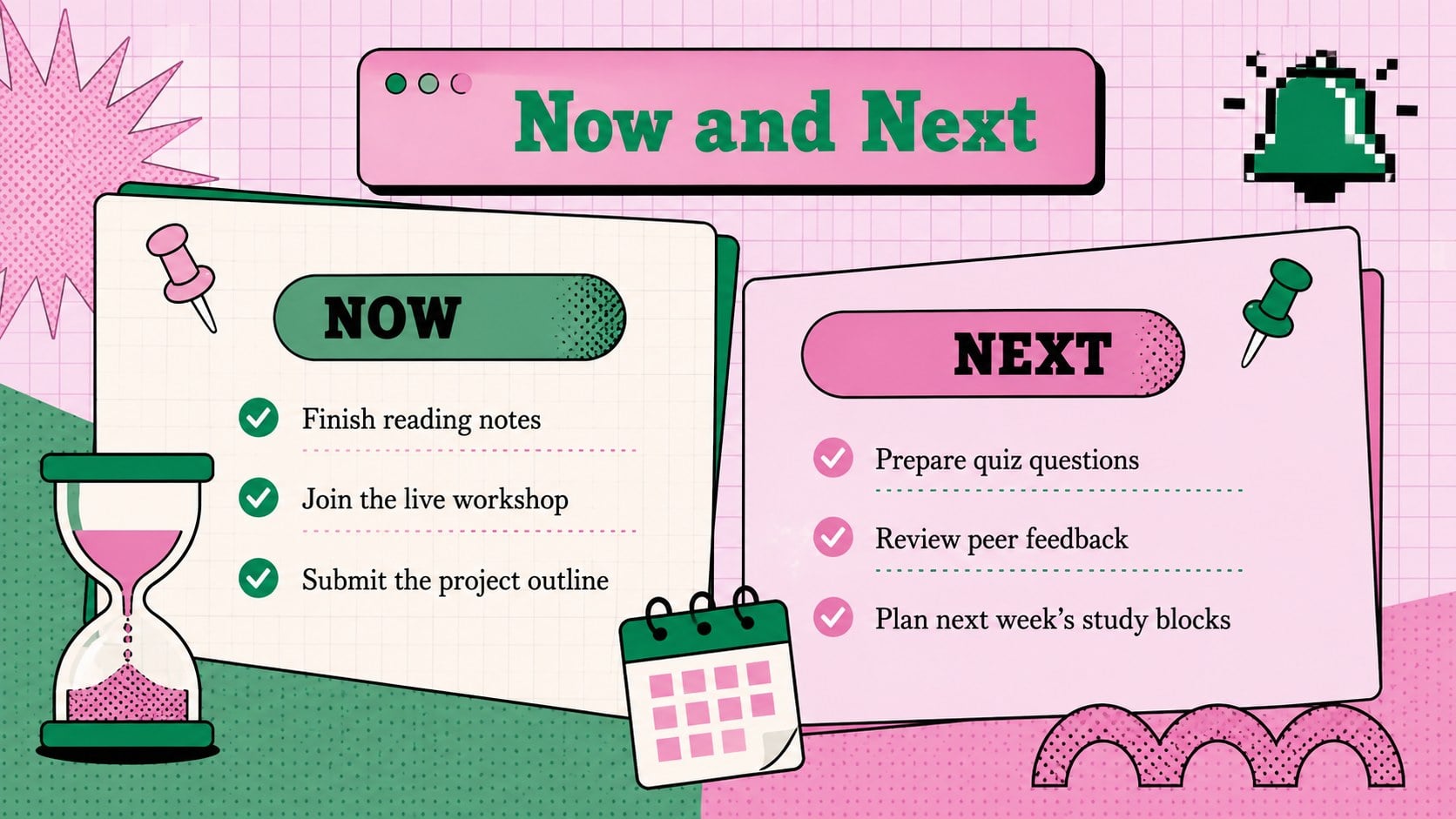
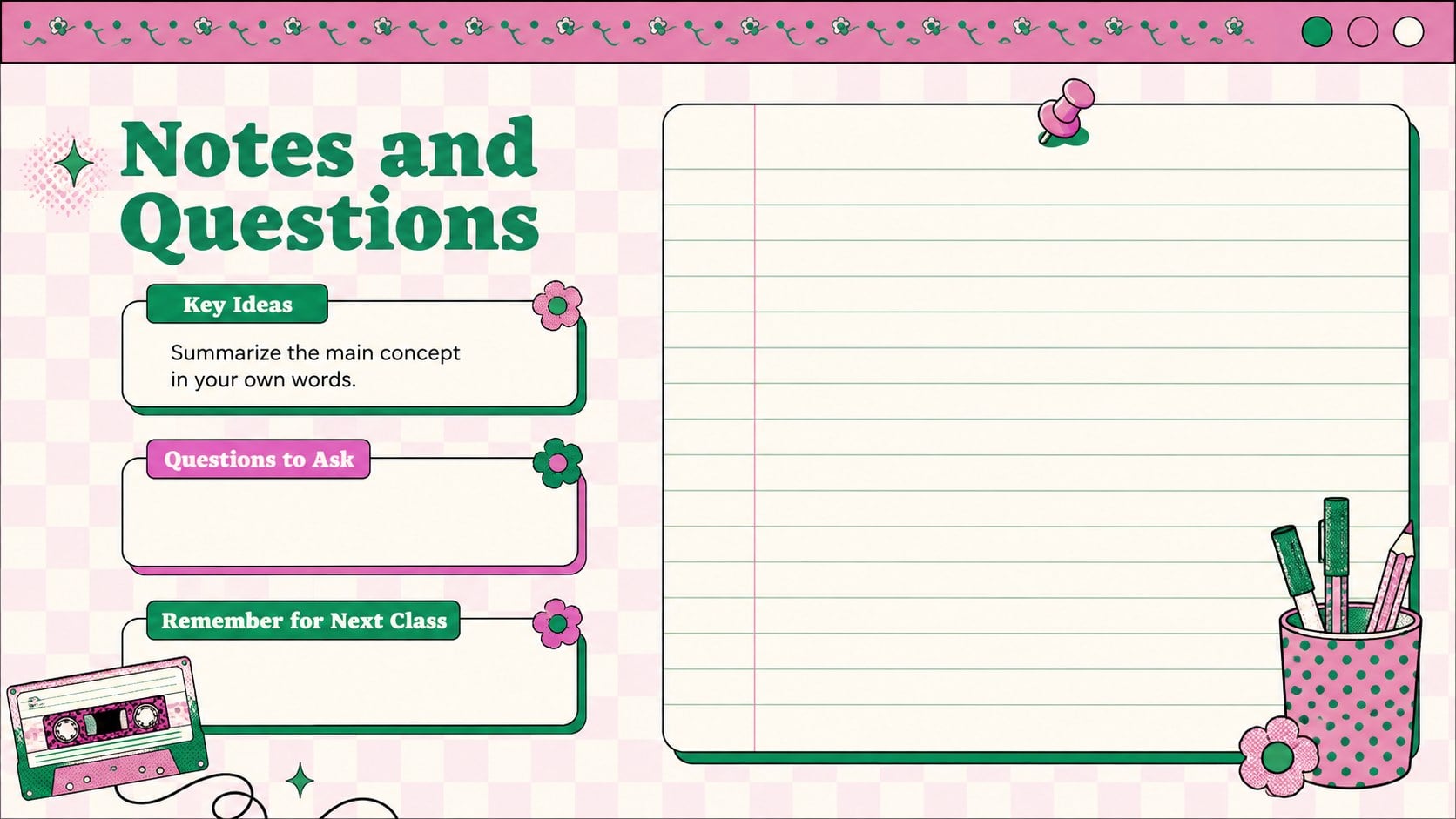
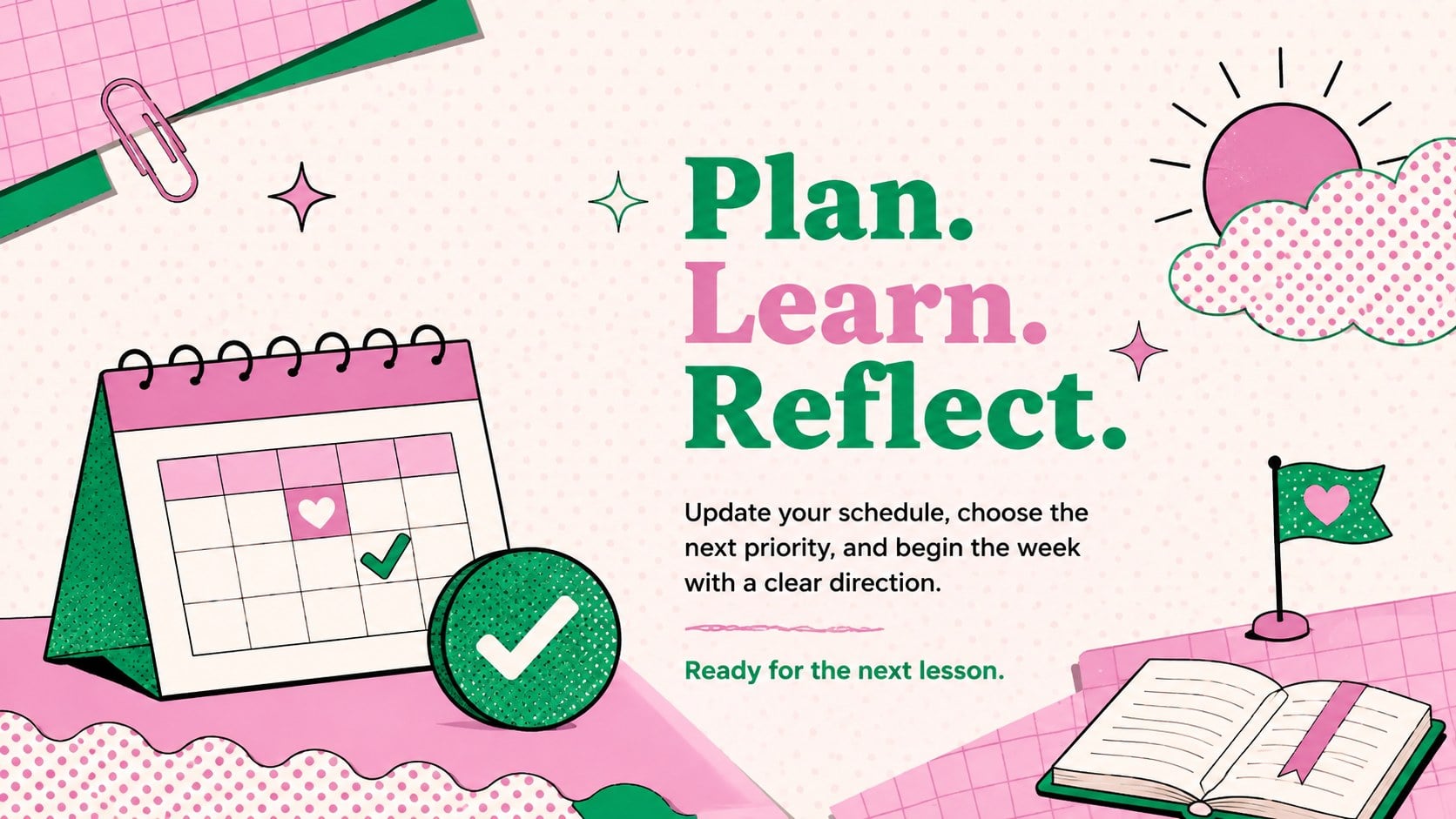
Bring lessons, deadlines, and study goals into one upbeat visual system. This retro-inspired deck makes academic planning clear, colorful, and easy to update.
15 slides · Creative & Themes
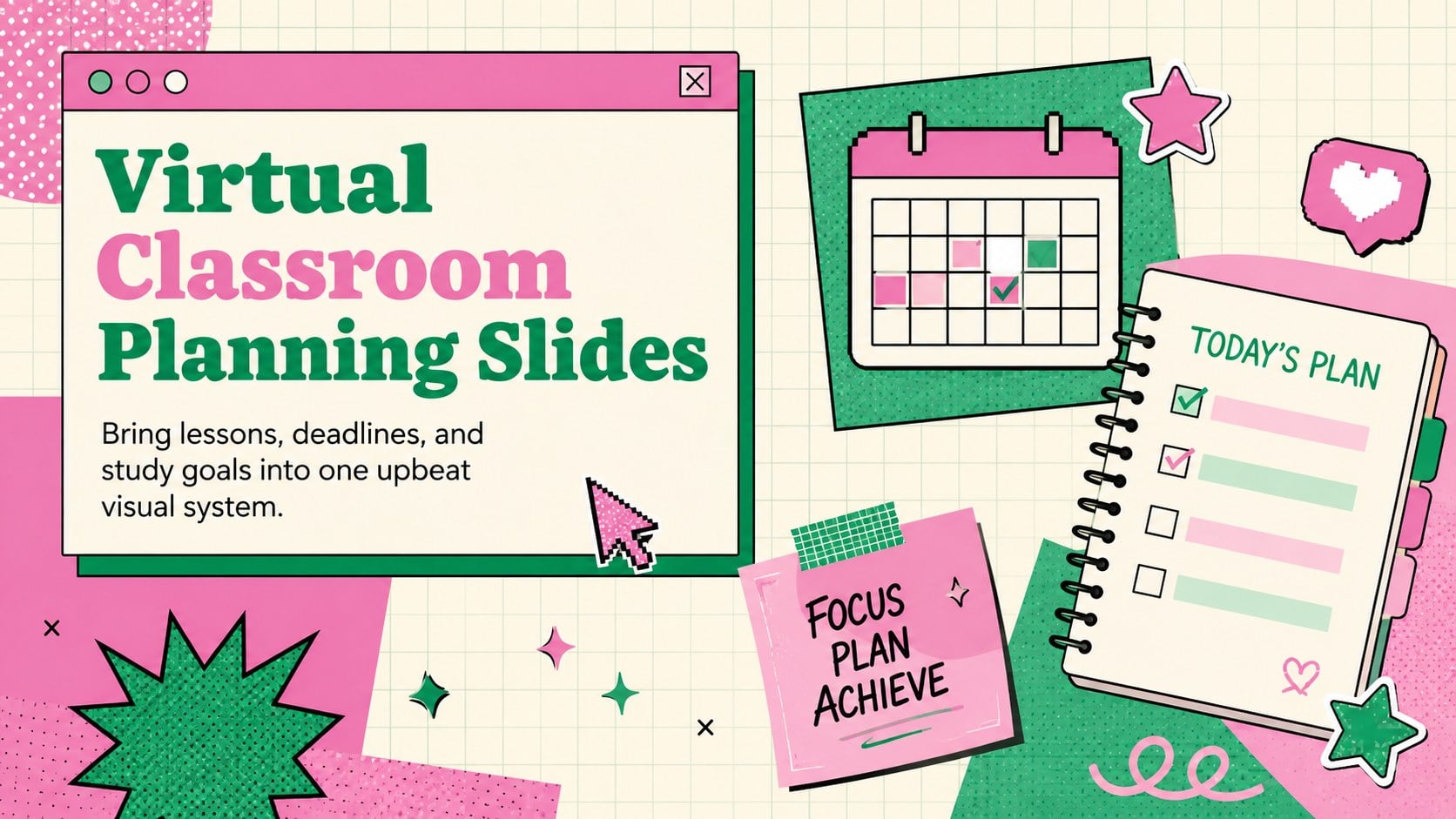
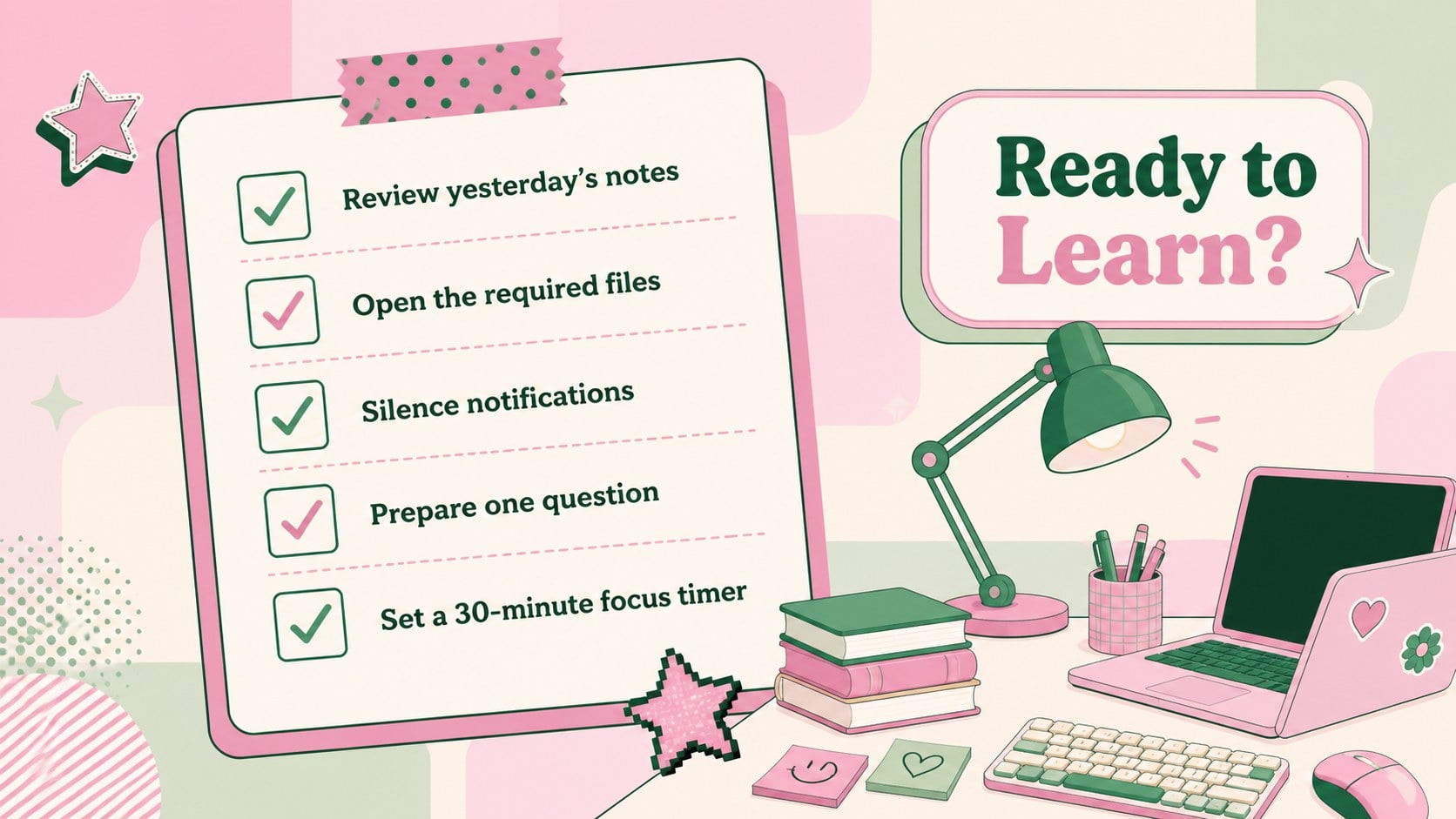
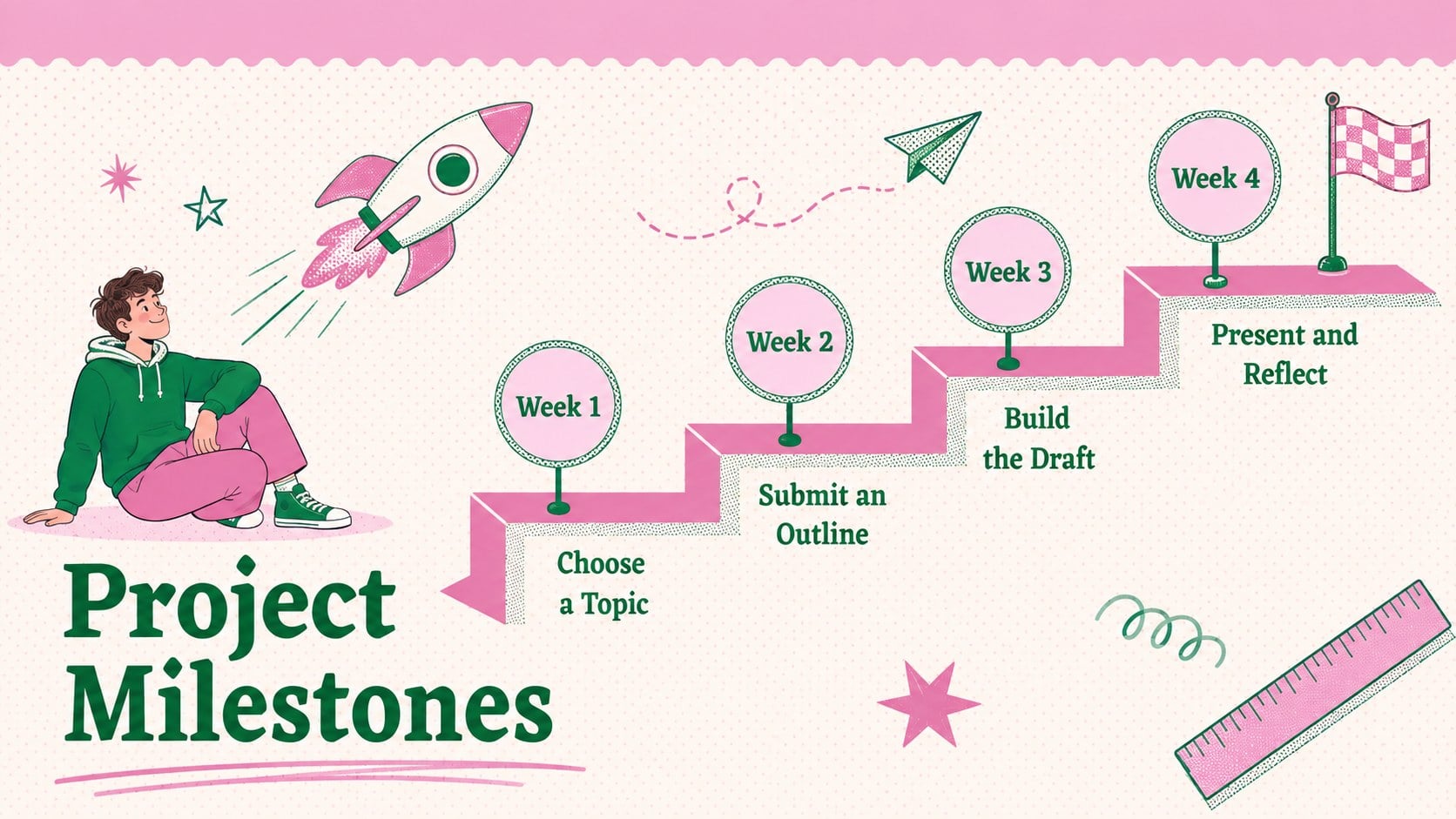
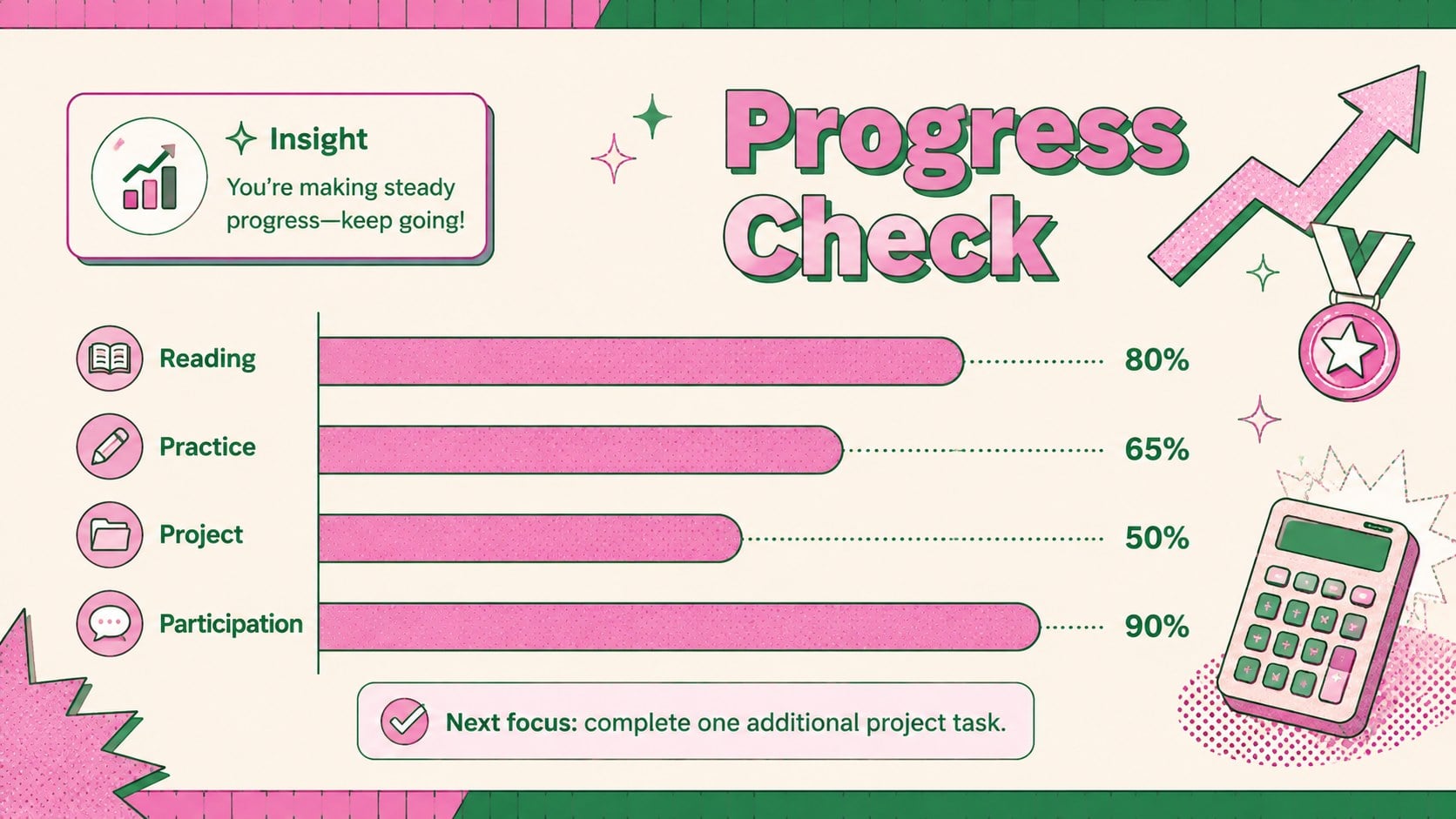
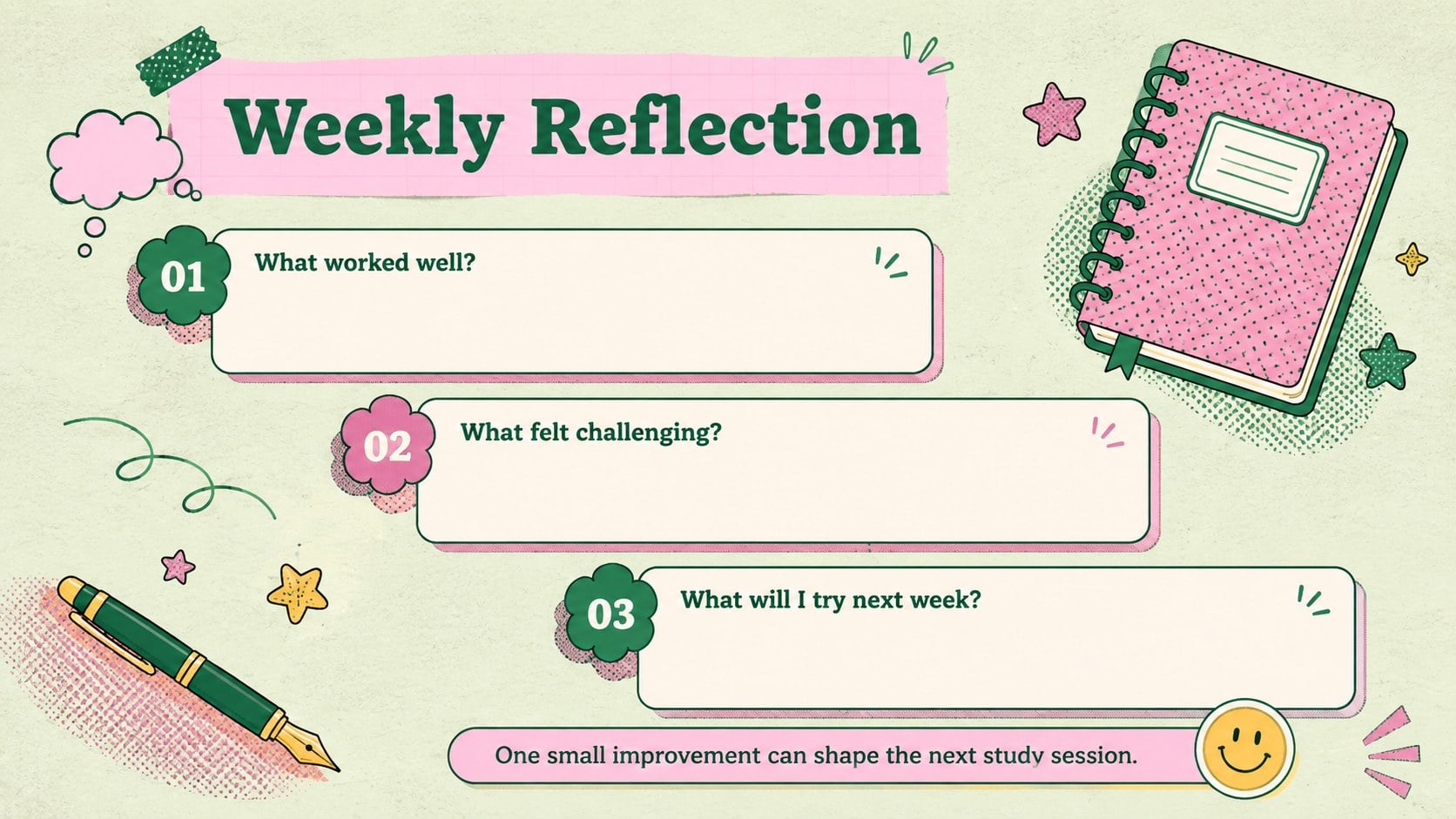
All 15 slides
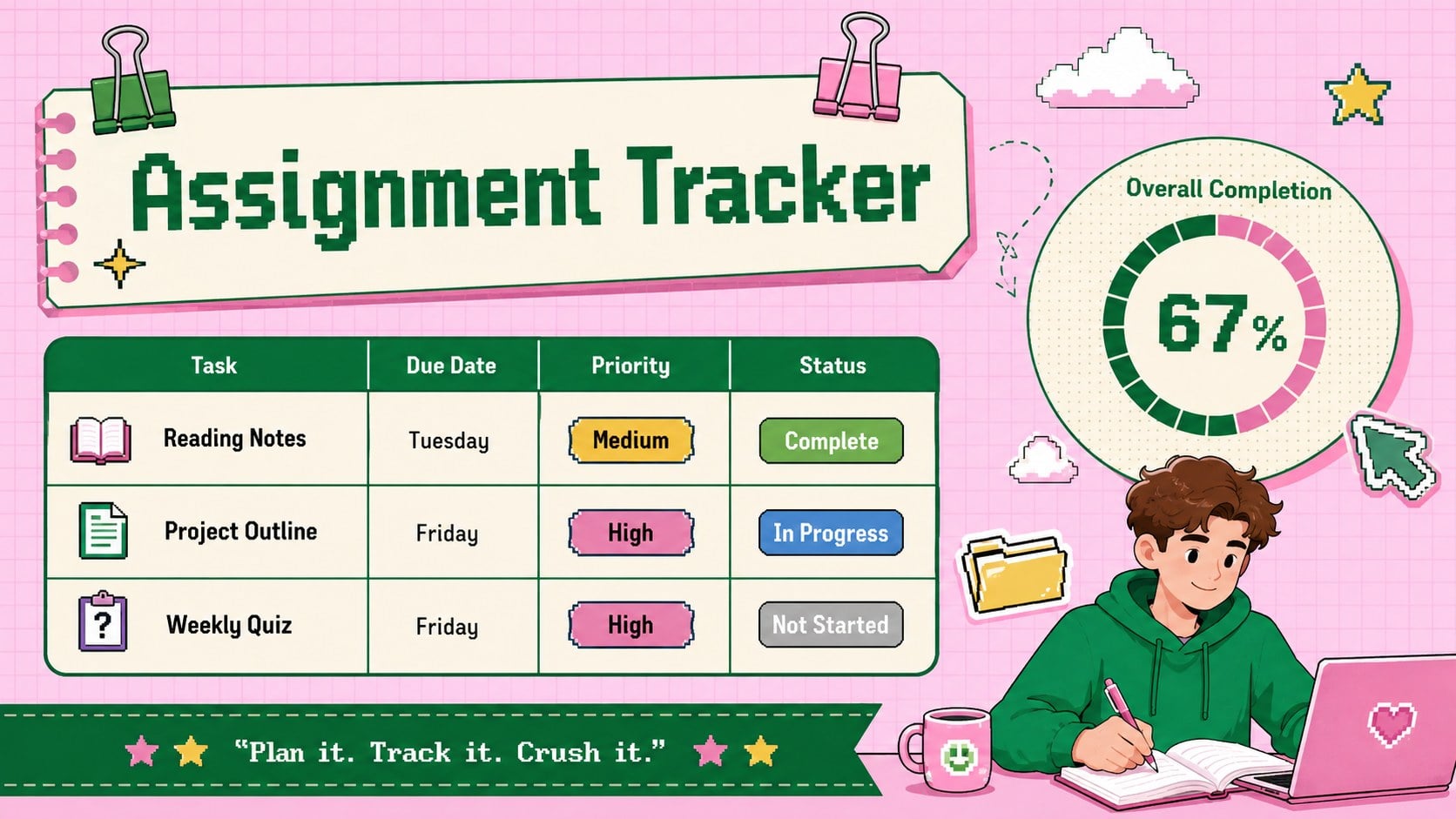
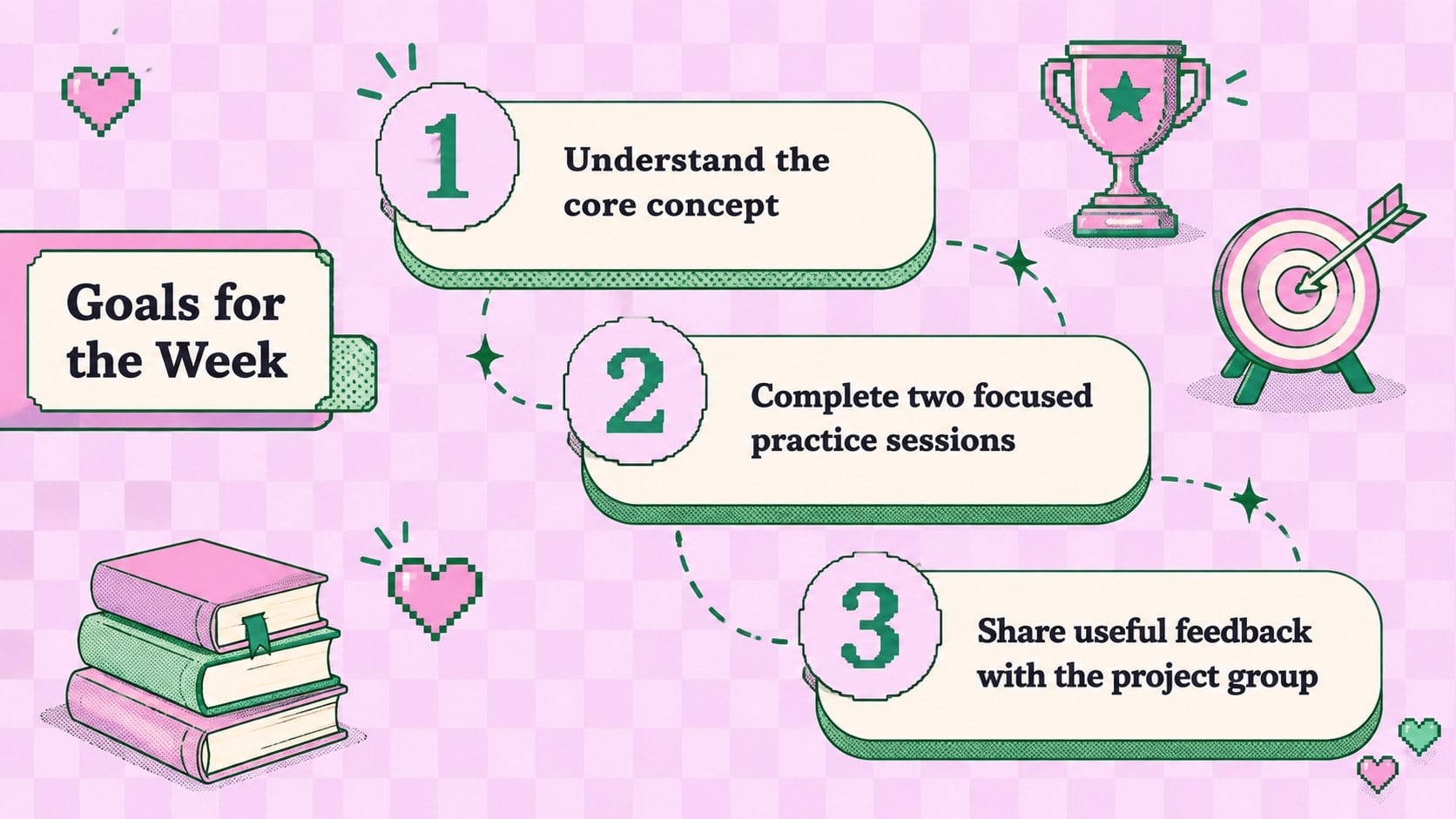
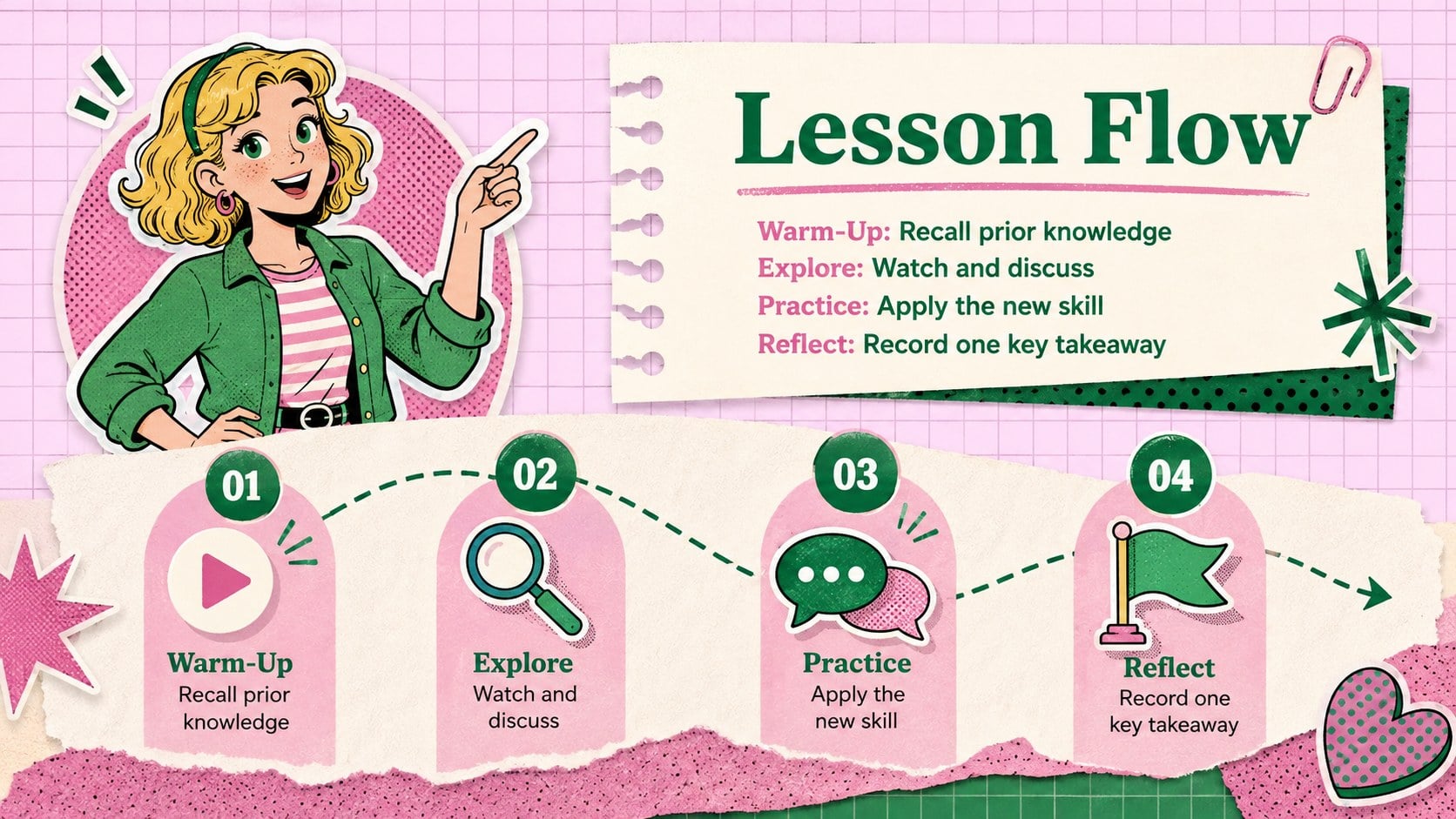
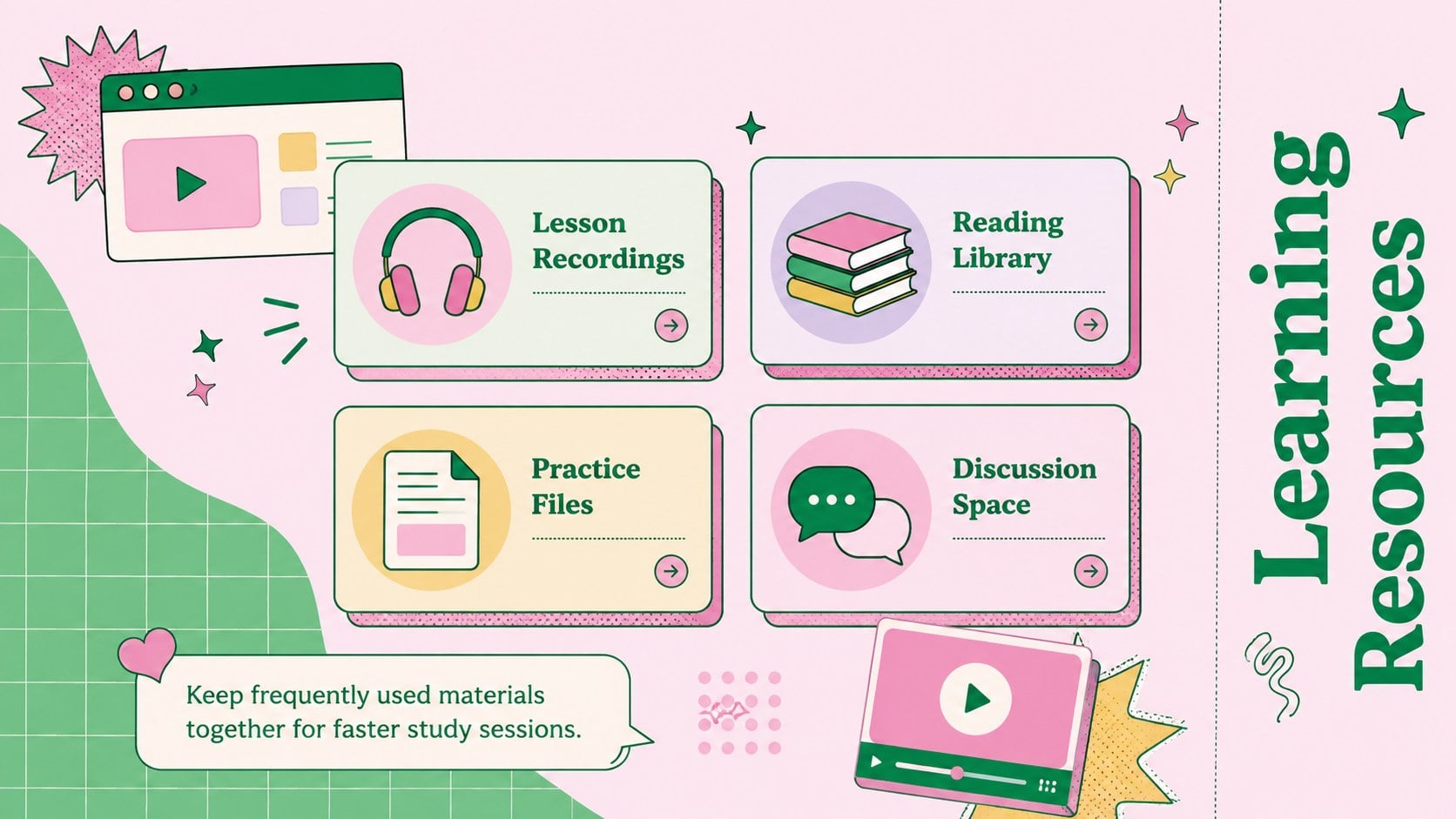
Every slide in the template. Ottermind keeps this look and writes your own content into it.
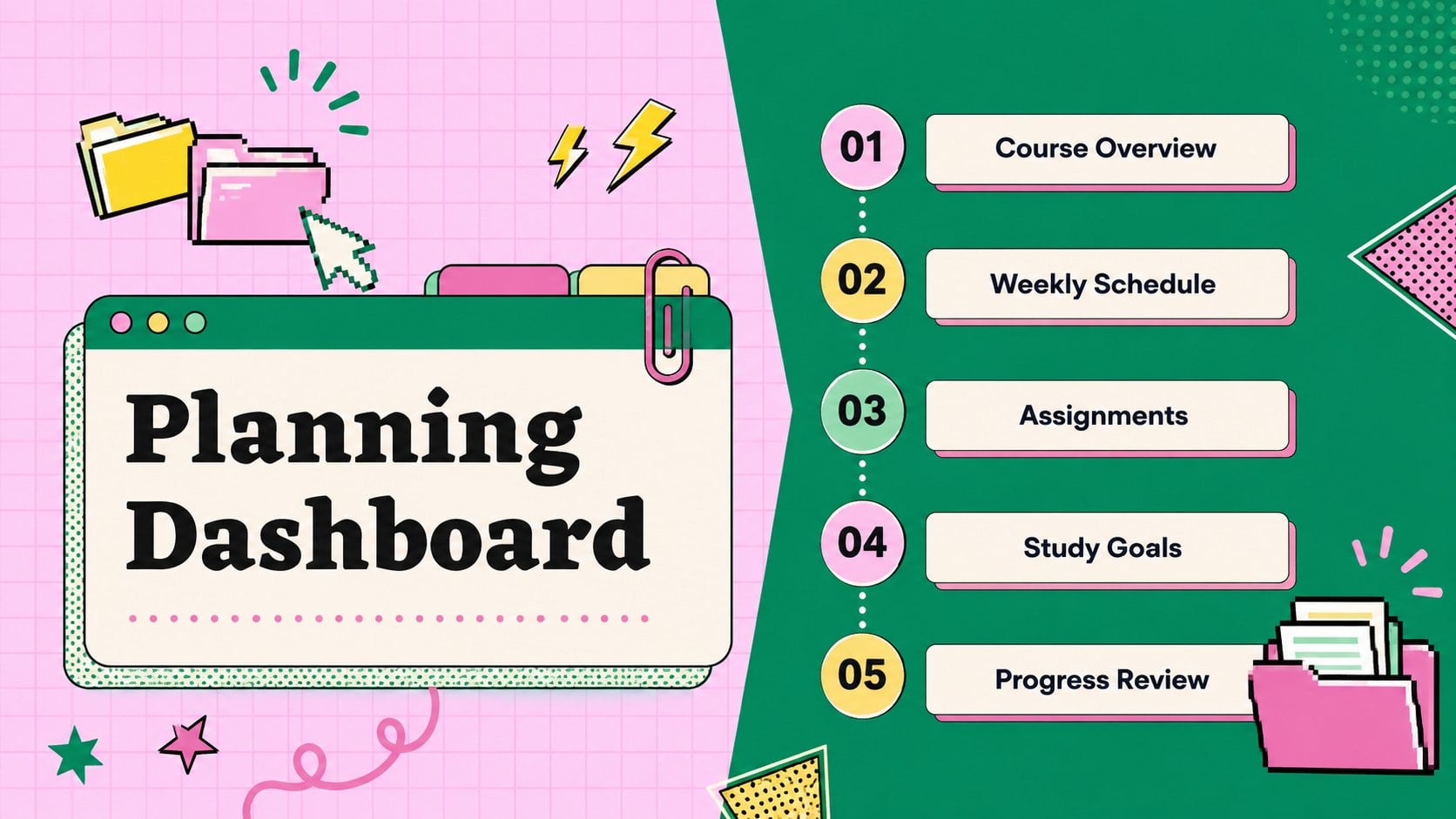
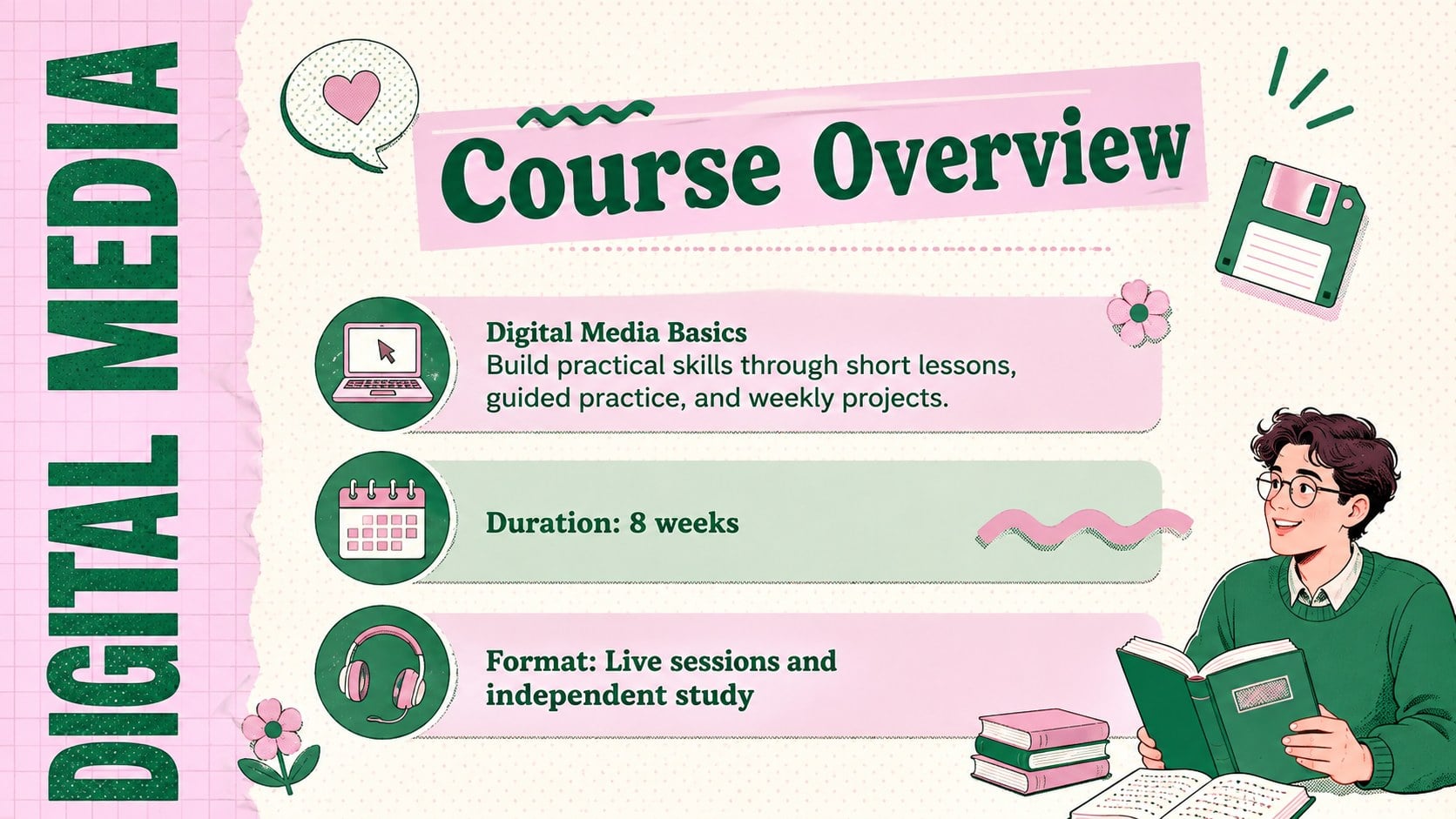
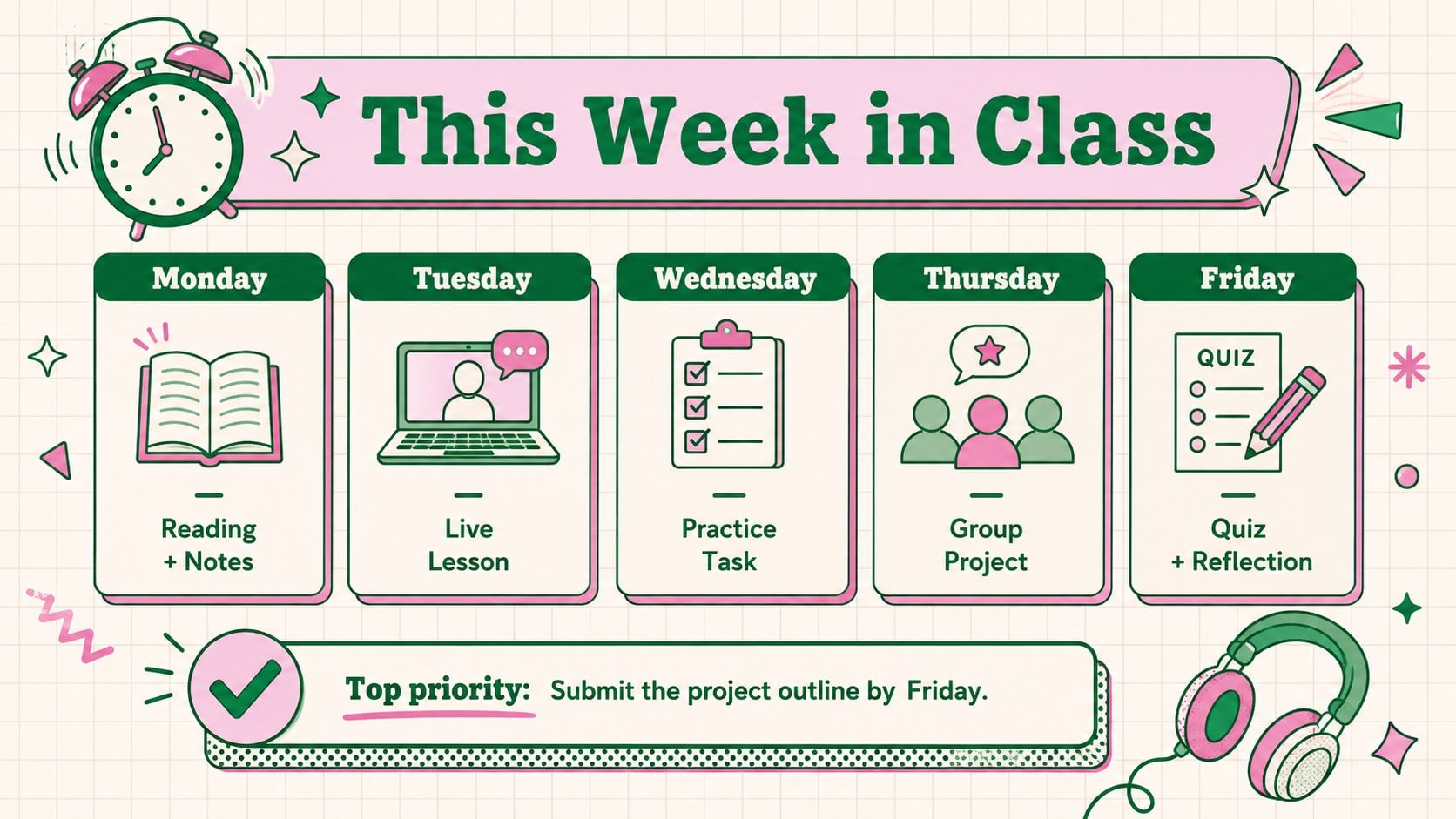
How to use this template
- 1
Click “Use this template” to open it in Ottermind Studio.
- 2
Describe your topic, audience and key points — or attach notes and files.
- 3
Ottermind generates an editable deck in this style. Edit text, adjust slides and export.
Tags
- Virtual Classroom
- Academic Planner
- Lesson Planning
- Study Schedule
- Assignment Tracker
- Retro Design
- Y2K Style
- Pink And Green
- Digital Learning
- Course Organizer
- Student Goals
- Teacher Resources
More Creative & Themes templates
 Ice Hockey Fundamentals Training Deck4 slides
 Watercolor Ecology Presentation Theme16 slides
 Red Triangle Editorial Theme16 slides
 Annual Listening Recap Slide Deck15 slides
 Colorful Year in Review Slide Deck15 slides
 Standout Colleague Recommendation Letter Slides3 slides
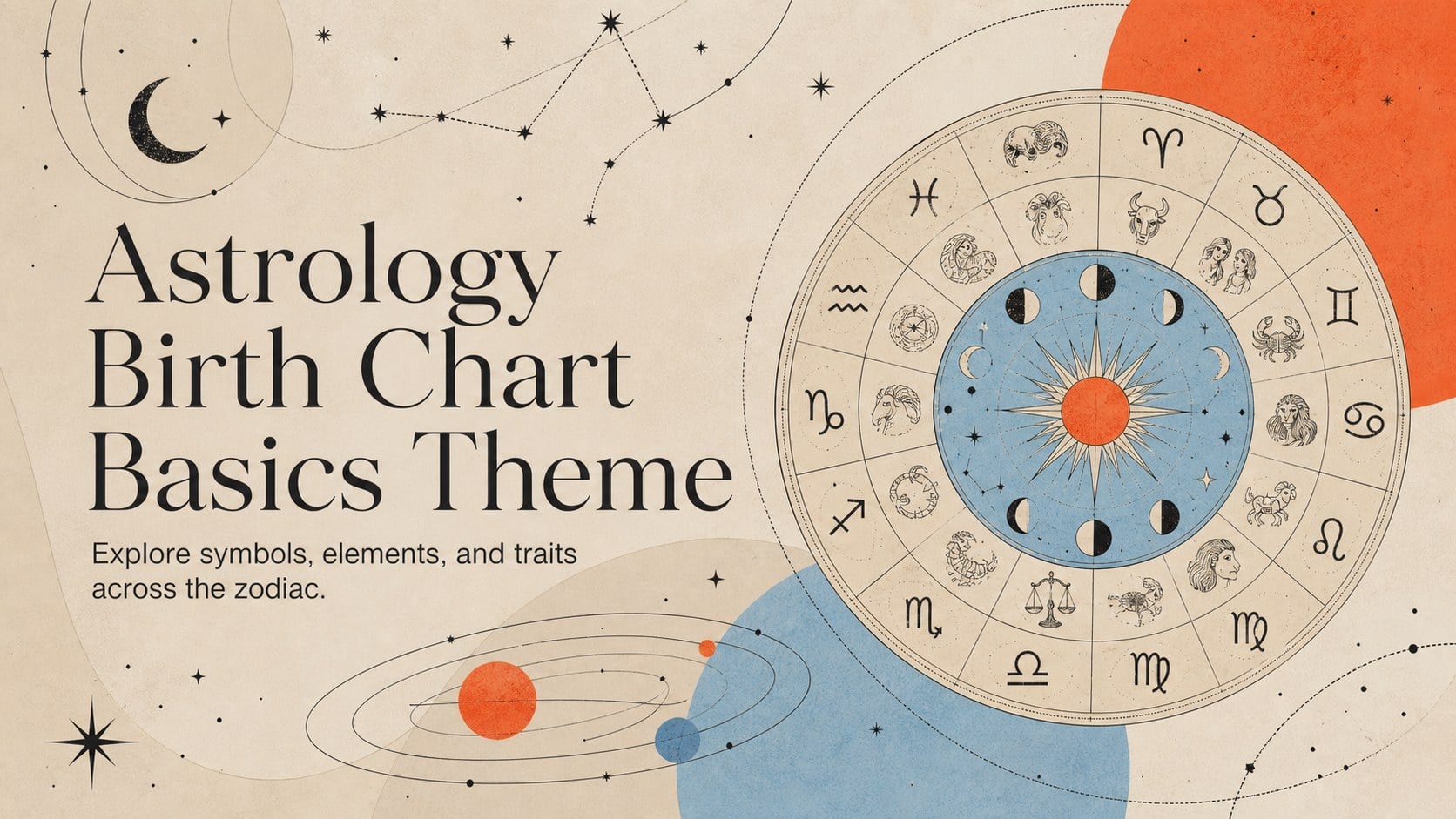 Astrology Birth Chart Basics Theme14 slides
 Celestial Personality Profiles Infographic3 slides
Make your deck with Virtual Classroom Planning Slides
Pick this style, describe your topic, and get an editable presentation in minutes.