Presentation template
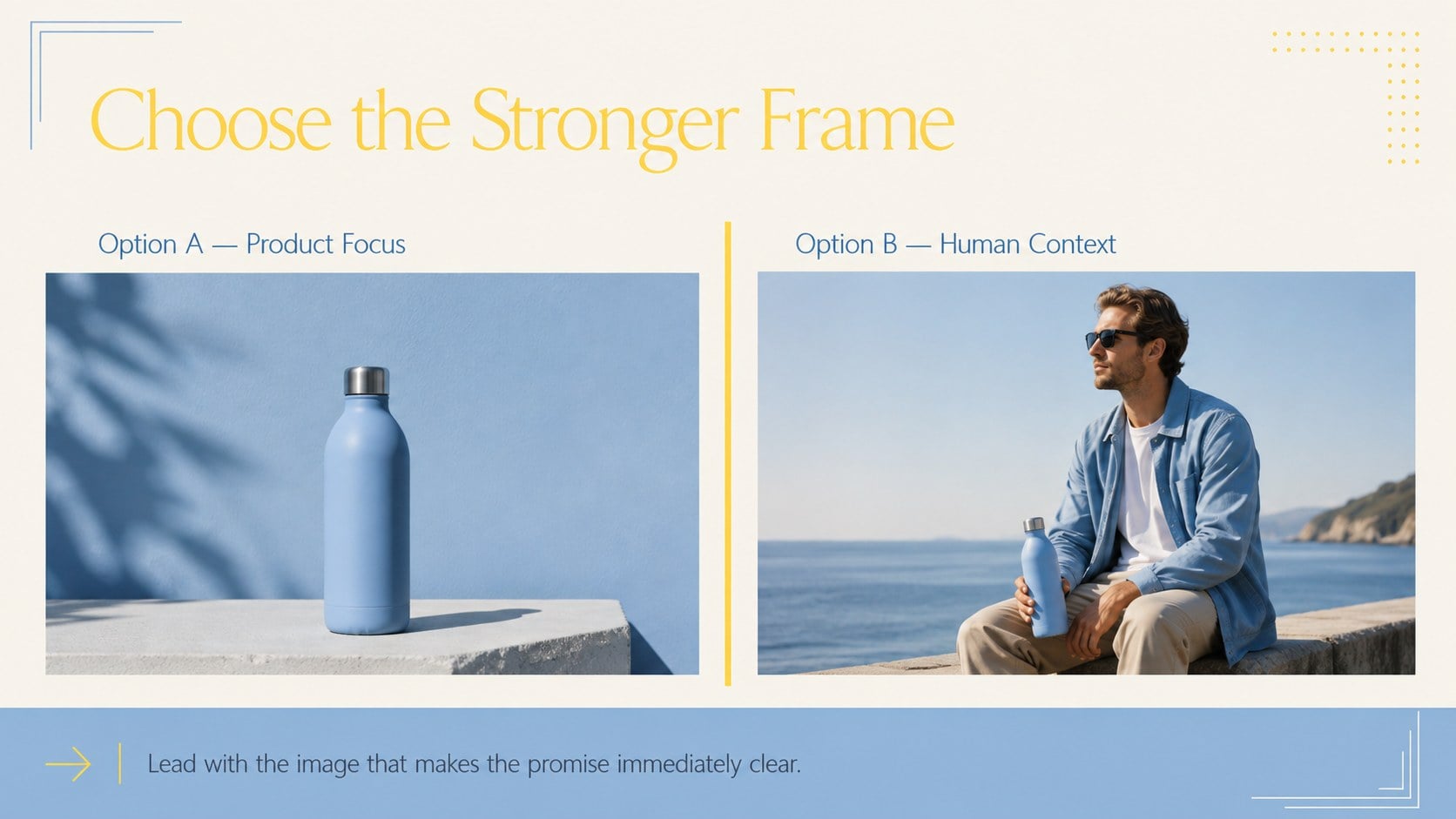
Cinematic Photo Transition Deck
Turn campaign photos into a smooth visual narrative. Bold landscape layouts support pitches, reports, and social planning.
12 slides · Business · Marketing · Creative & Themes

All 12 slides
Every slide in the template. Ottermind keeps this look and writes your own content into it.










How to use this template
- 1
Click “Use this template” to open it in Ottermind Studio.
- 2
Describe your topic, audience and key points — or attach notes and files.
- 3
Ottermind generates an editable deck in this style. Edit text, adjust slides and export.
Tags
- Photo Transitions
- Marketing
- Blue
- Yellow
- Landscape
- Visual Storytelling
- Campaign
- Minimal
- Creative
- Photography
- Pitch Deck
- Social Media
More Business templates
 Icon Grid Teamwork Theme16 slides
 Annual Goals Roadmap Infographic3 slides
 Annual Achievement Report Presentation15 slides
 Annual Performance Evaluation Report Slides15 slides
 Business Results Retrospective Slides15 slides
 Color-Coded Workflow Path Slides6 slides
 Global Data Heatmap Slides6 slides
 Financial Close Checklist Deck15 slides
Make your deck with Cinematic Photo Transition Deck
Pick this style, describe your topic, and get an editable presentation in minutes.