About this template
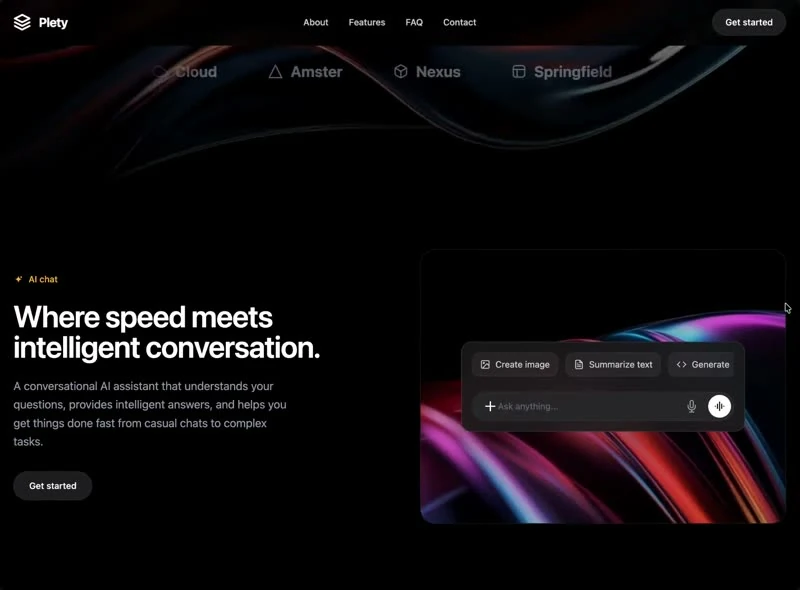
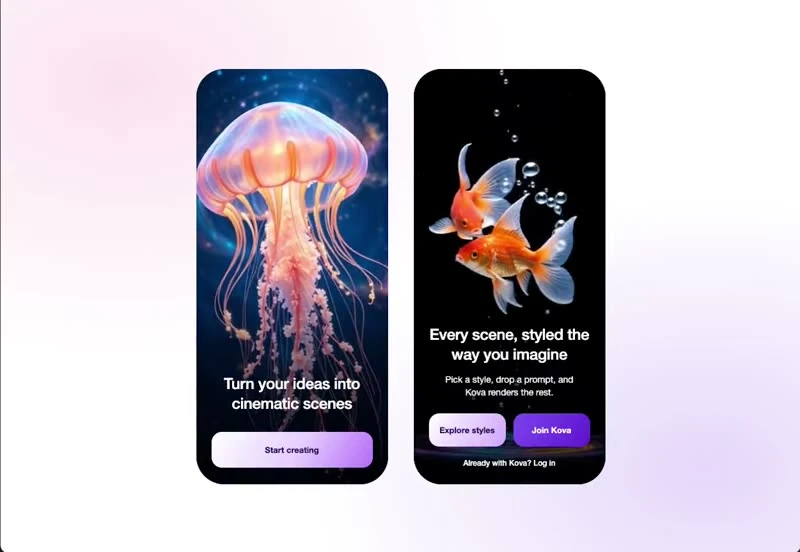
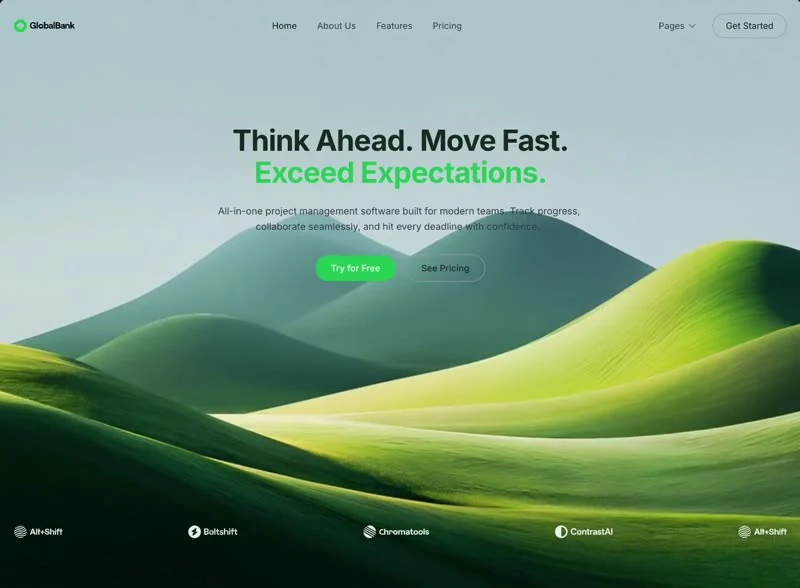
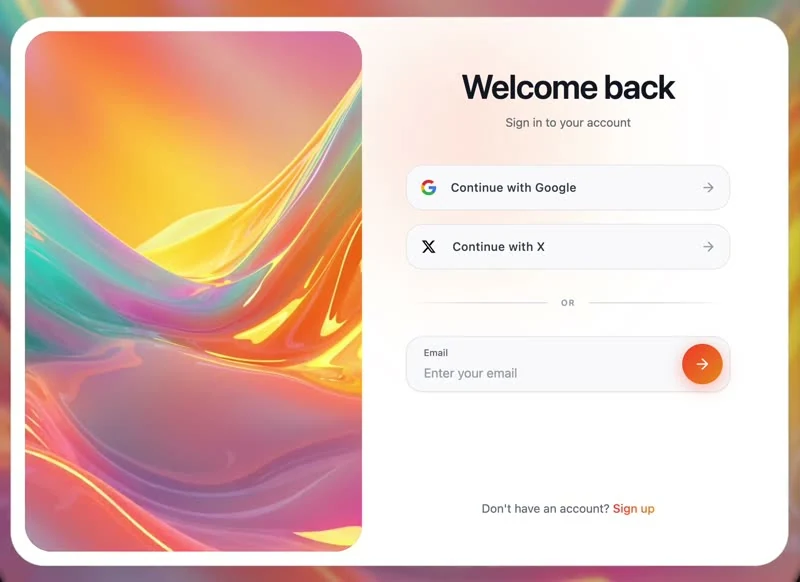
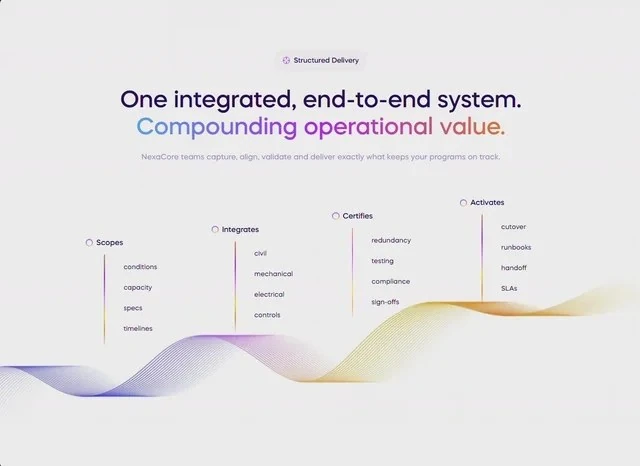
Read NexaCore Results as a features section spec: the values were written down before the page was built. “NexaCore teams capture, align, validate and deliver exactly what keeps your programs on track” is the line the layout is built to carry. The palette runs white #EBEBEB underneath and indigo #C86FFF carrying the accents, and the type is Mazzard H. Delivery is React and Tailwind CSS, captured at 640x466 so the frame is fixed before any code is written. Use it as the reference when you are building an AI or SaaS product features section and want a finished composition instead of a starting point.
Designed for
- If the motion has to be dropped, the features section still reads, with type from 14px to 18px and 36px corners doing the hierarchy work.
- People who brief a model on a features section will use the 9,261-character prompt as the starting point.
- Made for content leads rewriting a features section whose headline has to stay as long as NexaCore Results's.
What's included
- The spacing steps are quoted. Nothing here is eyeballed. The spec fixes type from 14px to 18px, 36px corners and 20px spacing steps, and the rest of the layout derives from those values. The smallest and largest values in that list set the range the composition works in.
- Numbers on the baseline. The row is placed high in the features section as proof rather than as decoration. The figures carry the #C86FFF accent while everything around them stays on the ink colour.
- Structure in one screen. The whole composition fits one screen and is delivered as React and Tailwind CSS, with the copy, the media and the controls named in the brief. The page is one composition at 640x466, which is why it holds together when the copy changes. Keep the frame; change the subject.
- The sizes are in the brief, not in a scale. Spacing is quoted the same way (type from 14px to 18px, 36px corners and 20px spacing steps), not as a scale that grows on its own.
Motion & interaction
Interaction kept local
Interaction is local to each control here (hover states on the buttons and links rather than on every card), so nothing on the page moves as a side effect. Because the states are simple, they port into any component system.
Motion that stays out of the way
There is no scroll library here: the 640x466 composition holds still and only the elements that respond to you move. There is no animation library in the brief, which keeps the rebuild small.
The numbers behind the features section
Specific numbers age: a value that suits 640x466 may not suit your frame. The brief states type from 14px to 18px and 36px corners anyway, because a stated value is easier to change than an unstated one. Nothing in this features section depends on a default.
What an AI or SaaS product gains here
One screen means one decision for the reader, and that is the cost of this layout: everything else moves below the fold. The brief states type from 14px to 18px, 36px corners and 20px spacing steps so the lower sections keep the same rhythm. NexaCore Results states the offer once and lets the composition repeat it rather than adding a second claim.
How NexaCore Results sequences the first read
A page like this usually buries the action under a feature grid. This one puts the announcement badge and the stats row in a fixed sequence, with the action inside the first screen rather than after three scroll lengths. A SaaS reader gets the offer before the options.
Frequently asked questions
How long is the prompt behind NexaCore Results?
The captured brief runs 9,261 characters and covers the frame, the type scale, the palette and the transitions. Copying it gives you that text, and sending it to Studio stages the same request with the page already described.
Do I need React and Tailwind CSS to rebuild NexaCore Results?
NexaCore Results was built in React and Tailwind CSS, and the entry says so for provenance. The brief describes positions, sizes and timings, so it rebuilds in any framework that can set type and place elements.
How much of NexaCore Results is animated?
The motion is specified at the same level of detail as the layout: state changes settle in the sub-second range. Port the composition first and the timings second, because they are easier to match once the layout holds. The reference was captured at 640x466.