Review
Taskade AI Review 2026: Are Agents and Genesis Worth Paying For?
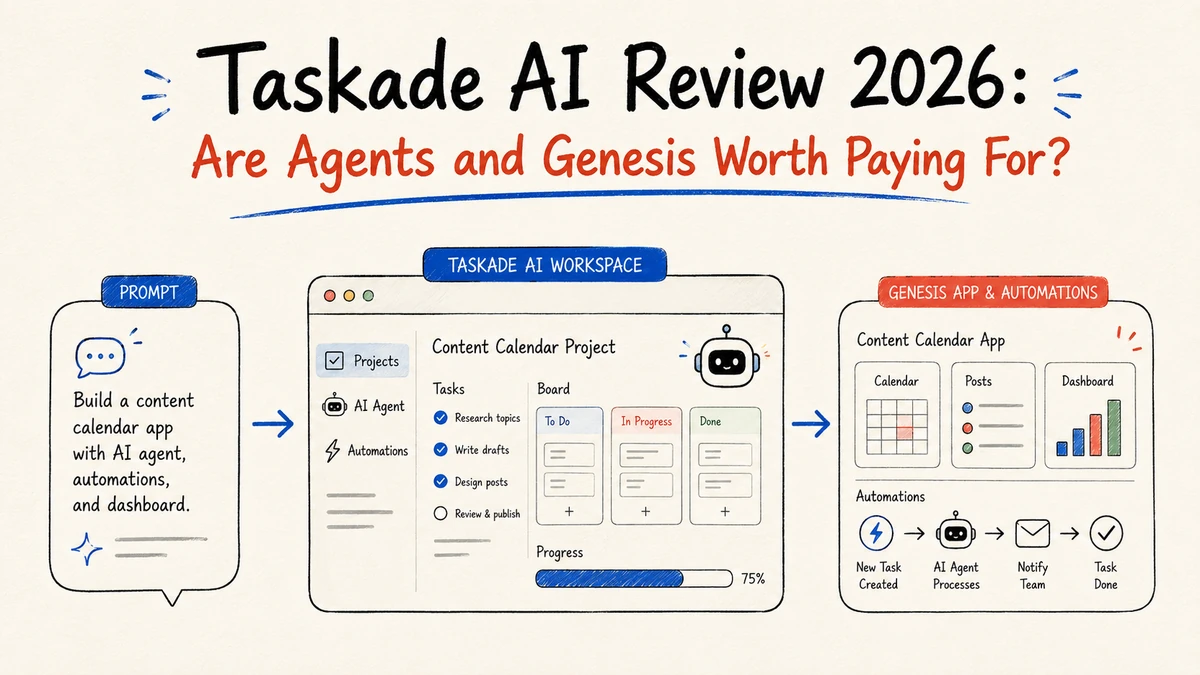
Taskade has evolved from a lightweight task list into an AI-native workspace. Projects retain context, agents reason and use tools, automations execute workflows, and Genesis aims to generate working apps from a prompt. That combination is promising, but it raises practical questions about reliability, credit usage, integrations, and support.
Verdict first
Taskade is worth trying, but a “one prompt to a complete app” demo is not enough reason to buy a high-tier plan. It is a good fit for turning briefs into project plans, content calendars, dashboards, and internal prototypes. It is a weaker fit for simple notes, tightly governed enterprise automation, or unsupervised high-stakes work.
What Taskade AI does
Taskade combines project management, real-time documents, multiple project views, AI chat, custom agents, and automation. Its feature page describes projects as memory, agents as intelligence, and automations as execution, with files from Google Drive, Dropbox, Box, and OneDrive available as agent knowledge (official features). Genesis is the app-building layer: Taskade says a natural-language instruction can create an application with agents, data, and automations (Genesis documentation).
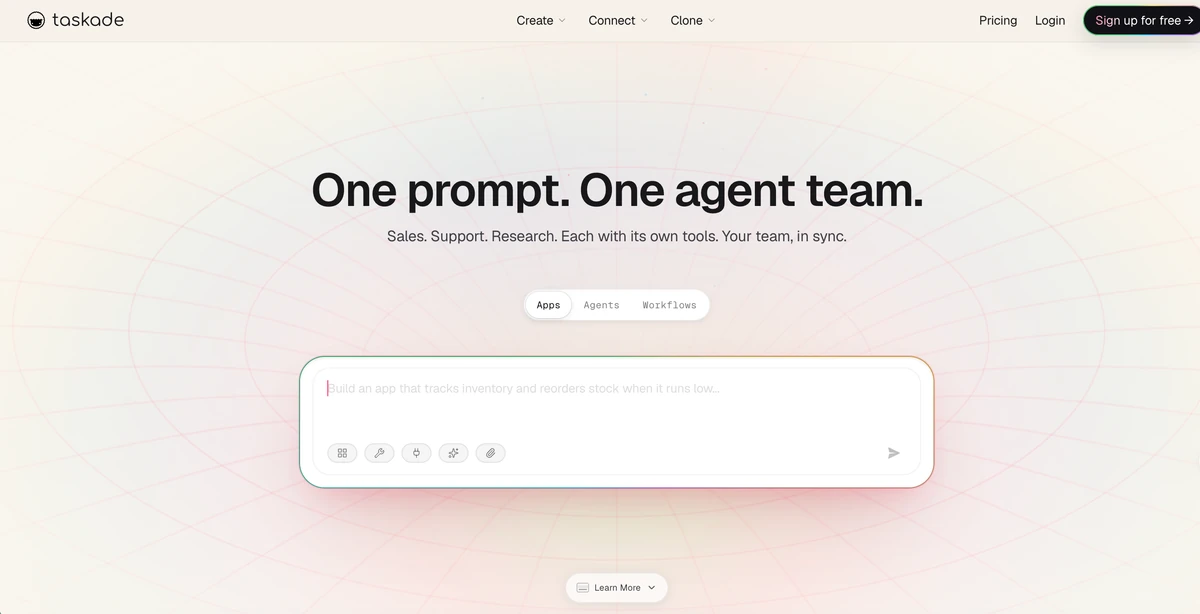
Official product screenshot: Taskade homepage showing the Apps, Agents, and Workflows entry points. Accessed August 28, 2026.
What independent testing found
Teknexia Hub tested project-plan generation, checklist generation, and a specialized SEO agent. Its prompts produced interactive apps, including a project with seven phases, 37 tracked tasks, deadlines, and a progress dashboard. The reviewer scored output quality and workflow integration 8/10, but beginner friendliness 6/10 because the interface is dense (hands-on review). This supports a narrow conclusion: first-pass structure can be useful, while navigation still takes practice. The test did not cover heavy multi-agent automation.
Taskade's own review page reports 34 agent tools, seven project views, real-time collaboration, and more than 100 integrations. Those are useful product claims, but they are not independent performance measurements (official review overview).
The real tradeoffs
Credits make heavy use harder to predict
Taskade's current billing FAQ lists Free with up to 3,000 one-time credits, Starter with 10,000 credits per month, Pro with 50,000, and Business with 150,000. Agent runs, automations, app generation, and image generation all consume credits, which reset on the billing date (billing FAQ). Other public pages and older reviews show different plan names and annual prices, so confirm the price shown in your account before subscribing.
Reddit discussions include reports of simple app builds using substantial credits and long-term users objecting to changes in lifetime-plan AI allowances. These are individual reports, not proof that every account is charged incorrectly, but they make usage logging and retry-cost tracking sensible (credit discussion).
Integrations and support need a preflight test
Trustpilot feedback is mostly positive about the interface, AI, and time saved. It also includes a report from a $200-per-month customer who said repeated Stripe integration support requests received no solution (Trustpilot reviews). One complaint cannot establish an average support experience, but teams should test critical integrations before migrating production work.
Who should use it
Taskade makes sense for founders, consultants, marketers, and small teams that want research, planning, collaboration, and a lightweight internal app in one workspace. It is especially useful when a human will review the generated fields, permissions, sources, and automation outcomes.
It is less suitable for teams that need a simple task list, strict SLA-backed integrations, or predictable costs for very high-volume agent calls.
Final verdict
Taskade's core advantage is real: agents, project context, collaboration views, and app generation form one connected workflow. The limitations are real too: a dense interface, credit-based costs, changing plan presentations, and mixed reports about integrations and product direction.
Start with a realistic, low-risk project on the Free plan. Upgrade only after you measure credit usage, confirm editability, and test the integrations you actually depend on. Treat Taskade as a reviewable work generator, not an unsupervised digital employee.
