Case Collection
How to Use Ottermind to Generate a Presentation
Creating a presentation is easy when the source is already clean, written in the right language, and organized around one clear decision. Real work is rarely that convenient. Teams start with foreign-language decks, scattered documents, incomplete context, and a deadline that leaves little time for manual rewriting.
Ottermind is built for that kind of work. Its AI PPT workflow connects source materials, research, summaries, proposals, slide structure, and editable presentation output in one workspace. The goal is not to decorate a document. It is to turn difficult input into a deliverable that another person can review, present, and continue working with.
Ottermind product reference: Ottermind AI PPT
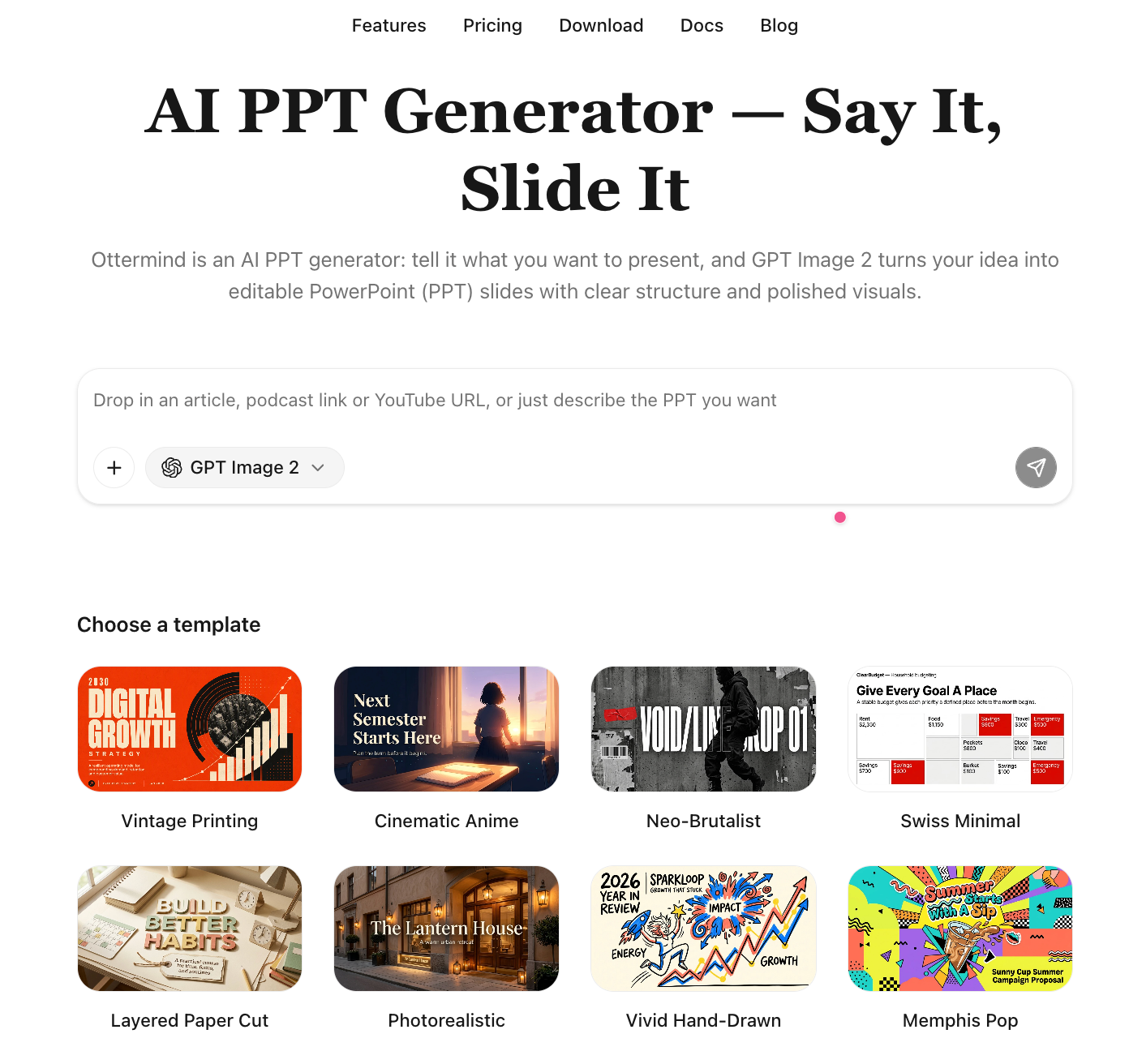
What Ottermind does for presentation work
Ottermind helps with the work before and around the slides:
- Bring in source material: use presentations, documents, web pages, notes, and project context as the starting point.
- Extract the useful signal: identify the facts, claims, numbers, and narrative points that matter for the intended audience.
- Create connected deliverables: turn the same source into a summary, proposal, presentation outline, or other project output.
- Generate an editable deck: produce presentation content that can be reviewed and refined instead of treating the first render as final.
- Adapt the presentation: change language, audience, tone, structure, and visual direction without losing the original context.
This is why the product is better described as a connected AI workspace with PPT generation than as a one-click slide decorator. The presentation is one result of the work, not the entire work.
The customer case in one view
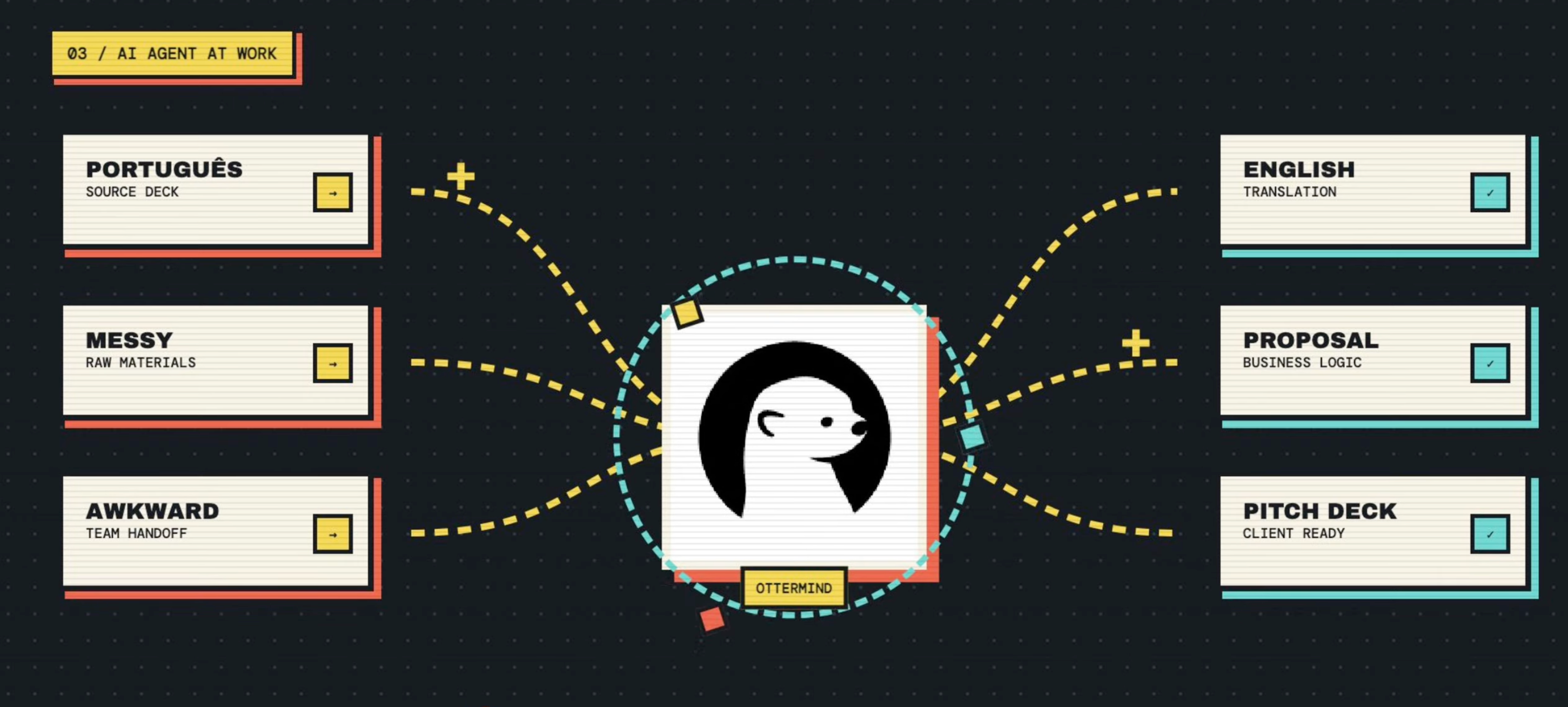
The Ottermind video shows a Brazilian landscaping technology company with a 25-slide presentation written in Portuguese. The task is to make the material useful for an English-speaking investment audience without rebuilding the story manually from scratch.
Starting point
- A 25-slide source presentation
- Portuguese-language content
- A business story that needs to be understood by an international audience
- Investor-facing communication as the target outcome
Target outcome
- A clear English summary
- A structured investment proposal
- A polished, editable 15-slide English pitch deck
- A visual treatment connected to the company's Brazilian context
The demo describes the end-to-end transformation as taking less than ten minutes. That is a production-time claim from the video, not a promise that every presentation will take the same amount of time. The important result is the connected sequence from source material to usable deliverables.
How the workflow was implemented
The case follows a clear five-stage product workflow.
1. Upload the foreign pitch deck
The process starts with the original presentation rather than a blank prompt. This gives Ottermind access to the company's existing claims, structure, terminology, and visual context. The user does not have to retype the source story in English before asking for help.
Video chapter: uploading the presentation and extracting key points.
2. Extract and summarize the key points
Ottermind first turns the dense source deck into an English summary. This intermediate step makes the content easier to inspect before it becomes a new presentation.
The summary can surface what the company does, which problem it addresses, how the product works, which market matters, and which evidence should carry into the investor story. This is more useful than translating every slide literally. Investors need a clear business explanation, not a sentence-by-sentence conversion that preserves every detail regardless of importance.
3. Turn the summary into an investment proposal
The next output is a structured proposal. It gives the material a decision-oriented shape before final slide design begins. A useful proposal answers:
- What is the opportunity?
- Why does the problem matter now?
- What is the company's approach?
- Who is the customer or market?
- What evidence supports the story?
- What should an investor understand or do next?
The proposal is a checkpoint. If the business logic is unclear in prose, adding colors and layouts will not fix the deck.
Video chapter: generating the investment proposal.
4. Generate the English pitch deck
Once the proposal has a coherent narrative, Ottermind turns it into a 15-slide English pitch deck. The slide count is part of the case shown in the video; it is not a fixed requirement for every pitch.
The source deck provides evidence and context. The proposal creates the business narrative. The pitch deck adapts that narrative to the investor audience and presentation format.
Video chapter: creating the 15-slide English pitch deck.
5. Restyle the deck for context
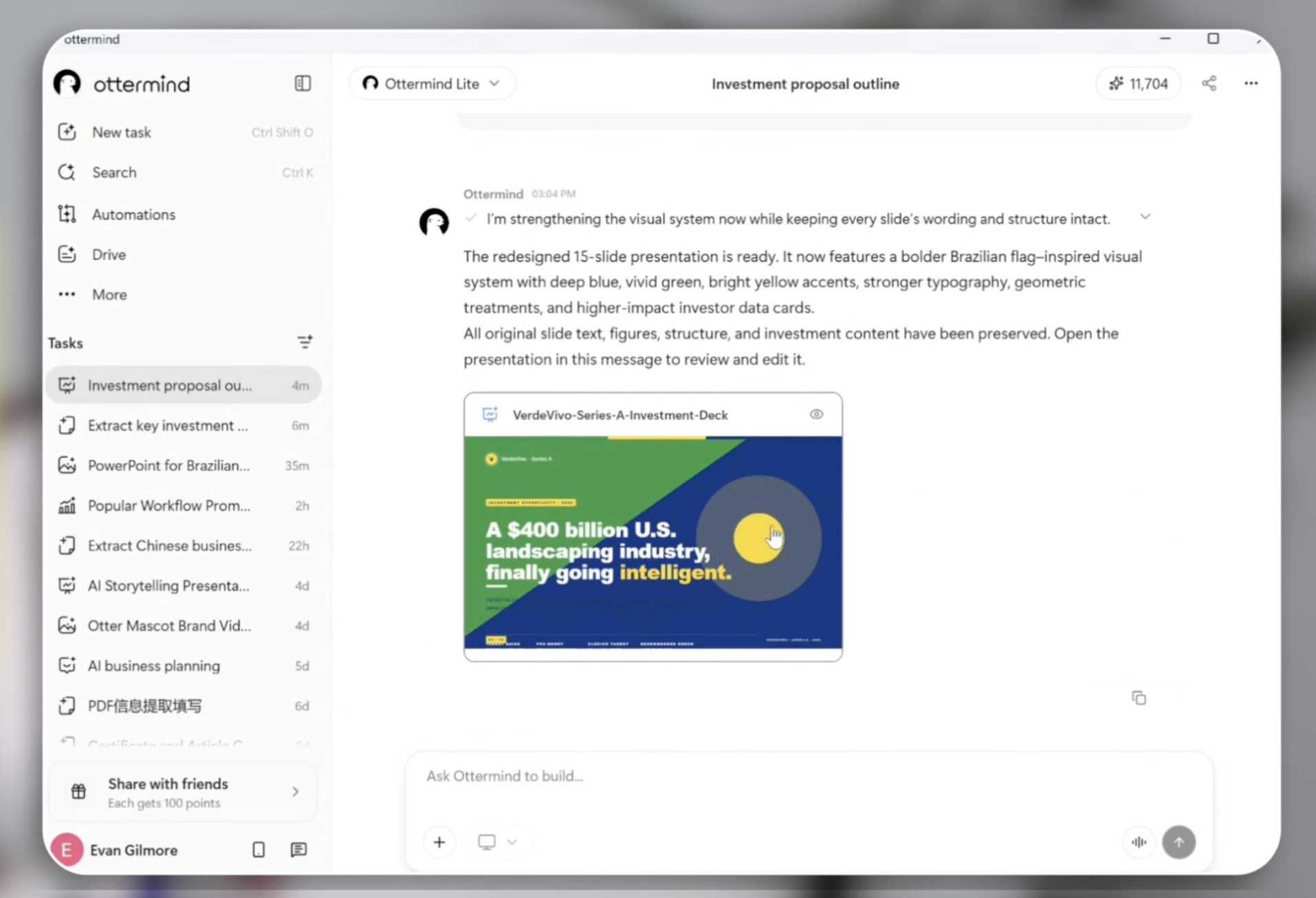
The final step in the demo applies Brazilian flag colors to the presentation. A visual system can help the audience recognize the company's context and make the deck feel intentional rather than translated and generic.
The same step can support a brand palette, a regional audience, a product launch theme, or a board-level visual standard. Apply the style after the story is sound, so visual direction reinforces the message instead of hiding weak reasoning.
Video chapter: restyling the deck with Brazilian colors.
What the workflow produced
| Stage | Deliverable | Why it matters |
|---|---|---|
| Source | 25-slide Portuguese presentation | Preserves the original business context |
| Understanding | English summary | Makes the source easier to inspect and share |
| Reasoning | Investment proposal | Turns information into an investor-facing argument |
| Presentation | 15-slide English pitch deck | Gives the story a concise, audience-ready format |
| Adaptation | Brazilian color restyling | Connects the visual system to company context |
This chain is the product result. If the output were only a translated deck, the user would still need to write the proposal, decide the narrative, and adapt the story for investors manually.
What this case teaches
Start from the real source
The quality of the final deck depends on the quality and completeness of the material behind it. Uploading the original deck gives Ottermind something concrete to inspect and gives the user something to verify.
Use an intermediate deliverable
The English summary and investment proposal create review points before the final deck. Correcting a misunderstanding before slide generation is faster than correcting it after it has spread across fifteen slides.
Separate story from styling
The case changes the visual treatment after the content is organized. That order keeps colors and layouts in service of the investor story.
Keep the result editable
An investor presentation is rarely finished after the first generation. It needs new numbers, comments from partners, changes to the market story, and versions for different audiences. A useful AI PPT workflow should leave room for that next round of work.
A recommended Ottermind prompt to generate a presentation
If you are trying Ottermind for the first time, start with a clear topic, define the sections you need, and describe the audience and visual standard. The prompt below is a ready-to-use example for an AI industry analysis deck. Paste it into Ottermind, then review the outline before generating the final slides:
Create an in-depth industry analysis report deck on the artificial intelligence (AI) sector. Cover the market overview and size, key players and competitive landscape, core drivers and technology trends, challenges and risks, and a 3-to-5-year outlook. Present the key data with charts, keep the logic clear, the structure complete, and the style professional.After Ottermind creates the outline, check the scope, data requirements, and intended audience. Attach source material when you need the presentation to reflect a specific company, market, or investment context, then generate and refine the editable deck.
What to review before sharing the deck
- Are the translation and terminology accurate?
- Does every number match the source material?
- Are claims separated from assumptions?
- Does the proposal make a clear investment case?
- Does every slide advance the narrative?
- Are the visuals relevant to the company and audience?
- Is the exported or shared deck editable where future changes are expected?
Ottermind can accelerate the production layer, but the company owner remains responsible for the facts, the recommendation, and the final decision.
The broader takeaway
Do not ask for slides first. Give Ottermind the real material, let it make the important intermediate outputs visible, then generate the deck for a defined audience.
For multilingual business work, one source can become an understandable summary, a decision-ready proposal, and a presentation ready for discussion. For product, marketing, sales, and research teams, the same pattern can connect documents and notes to the deliverable that the next meeting actually needs.
That is the role of Ottermind's AI PPT workflow: turn difficult source material into a reviewable, editable presentation without losing the context that makes the presentation credible.
FAQ
What does the Ottermind video demonstrate?
It shows a 25-slide Portuguese pitch deck from a Brazilian landscaping technology company being turned into an English summary, an investment proposal, and a 15-slide English pitch deck, followed by Brazilian color restyling.
Does Ottermind only translate presentations?
No. The case uses translation as the first step, then adds summarization, proposal writing, audience adaptation, slide generation, and visual restyling.
Can I use the same workflow for a sales deck?
Yes. Replace the investor proposal with a customer-facing solution brief, define the buyer audience and decision, and keep the same sequence: source, summary, narrative, deck, review.
Should I generate the final deck immediately?
For important presentations, review the summary and intermediate narrative first. Correcting a misunderstanding before slide generation is faster than correcting it after it has been spread across a full deck.
Where can I try Ottermind's AI PPT workflow?
Start with Ottermind AI PPT, attach the source presentation, and use the recommended investor pitch deck prompt above.
