Selection Guide
Best AI Website Builders in 2026: 8 Options Compared
AI website builders are useful when they shorten the distance between a rough brief and a site people can actually use. The important difference is what happens after the first draft: editing, responsive behavior, SEO controls, forms, publishing, and ownership all determine whether the result is production-ready.
Quick comparison
| Tool | Best fit | What stands out | Watch for |
|---|---|---|---|
| Ottermind | Teams turning a brief into a reviewed site | Context, copy, assets, and follow-up in one workspace | Review every claim and generated asset |
| Wix AI | Small businesses wanting an all-in-one site | Guided generation and mature site features | Template and plan constraints |
| Squarespace Blueprint AI | Polished brochure sites | Strong design system and editing experience | Less flexible for unusual workflows |
| Framer AI | Designers and fast prototypes | Visual canvas with quick layout generation | CMS and advanced production needs |
| Webflow AI | Teams needing structured control | Design system, CMS, and visual development | Higher learning curve |
| Hostinger Website Builder | Budget-conscious launches | Low-friction setup and hosting bundle | Validate long-term portability |
| 10Web | WordPress-based sites | AI generation with WordPress workflows | Plugin and maintenance responsibility |
| Durable | Very fast local-business sites | Prompt-to-site speed | Limited depth for complex content |
How we evaluated the tools
We compared first-draft quality, editing control, responsive behavior, SEO and content controls, integrations, publishing ownership, and the amount of human review required. This is a capability comparison, not a controlled benchmark; plans and features change, so verify current terms before purchase.
Tool-by-tool analysis
1. Ottermind: best for context-heavy website work
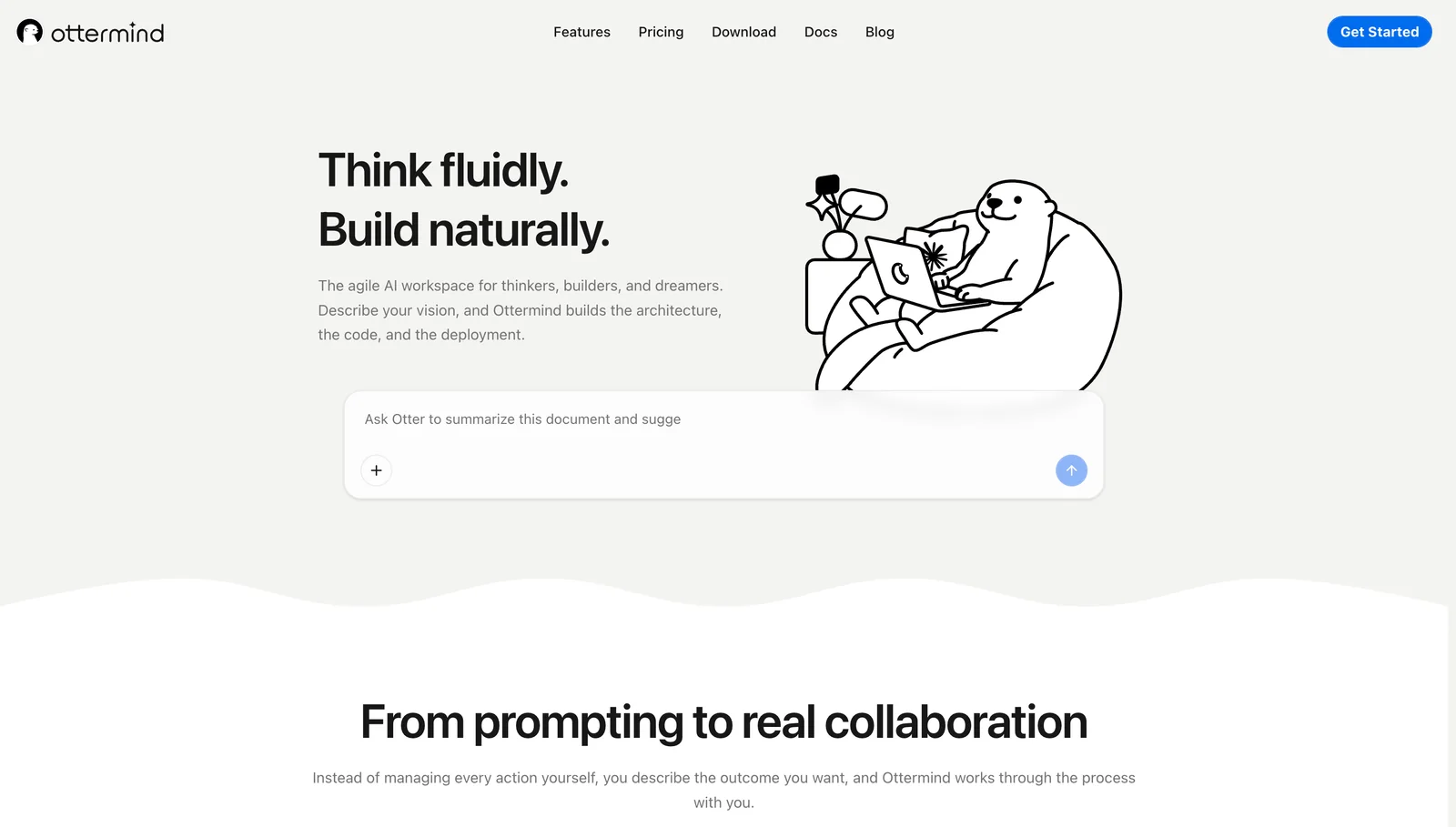
Ottermind fits teams that start with notes, files, audience research, and a messy brief. It can help turn that context into page copy, a site outline, calls to action, and a reviewable project. Use it when the website is one deliverable in a larger launch workflow.
2. Wix AI: best all-in-one option for small businesses
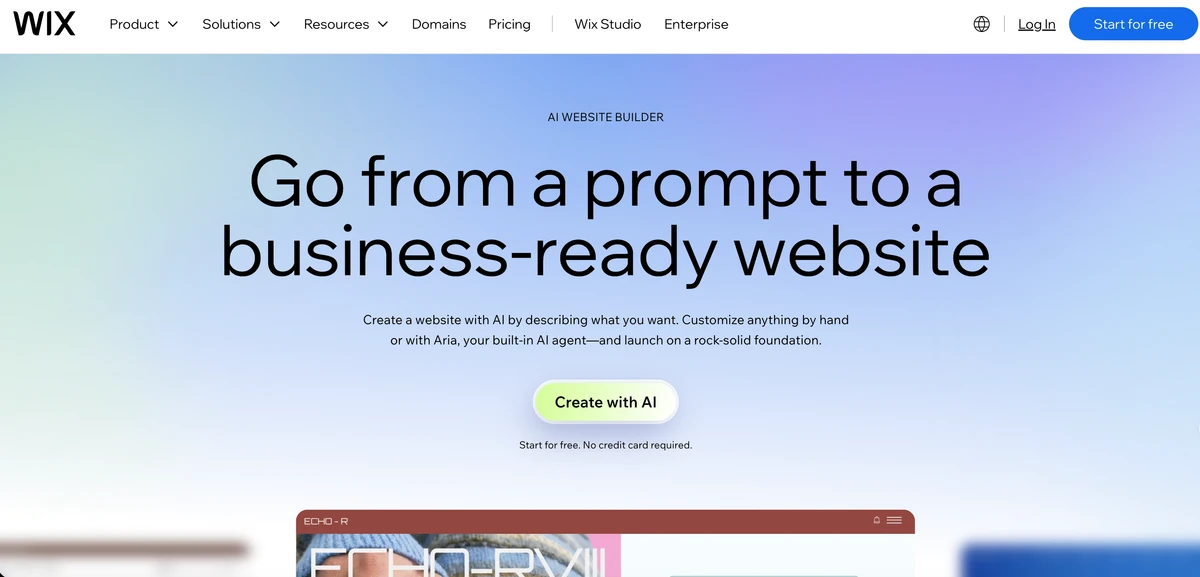
Wix AI is a practical choice when a business wants guided generation plus hosting, templates, forms, and familiar site administration. It is easiest to recommend for standard service sites where speed matters more than a highly customized production system.
3. Squarespace Blueprint AI: best for polished brochure sites

Squarespace Blueprint AI helps users assemble a coherent site within Squarespace's design system. It suits portfolios, professional services, and small brands that value visual consistency and straightforward editing.
4. Framer AI: best for visual prototypes and designer-led launches
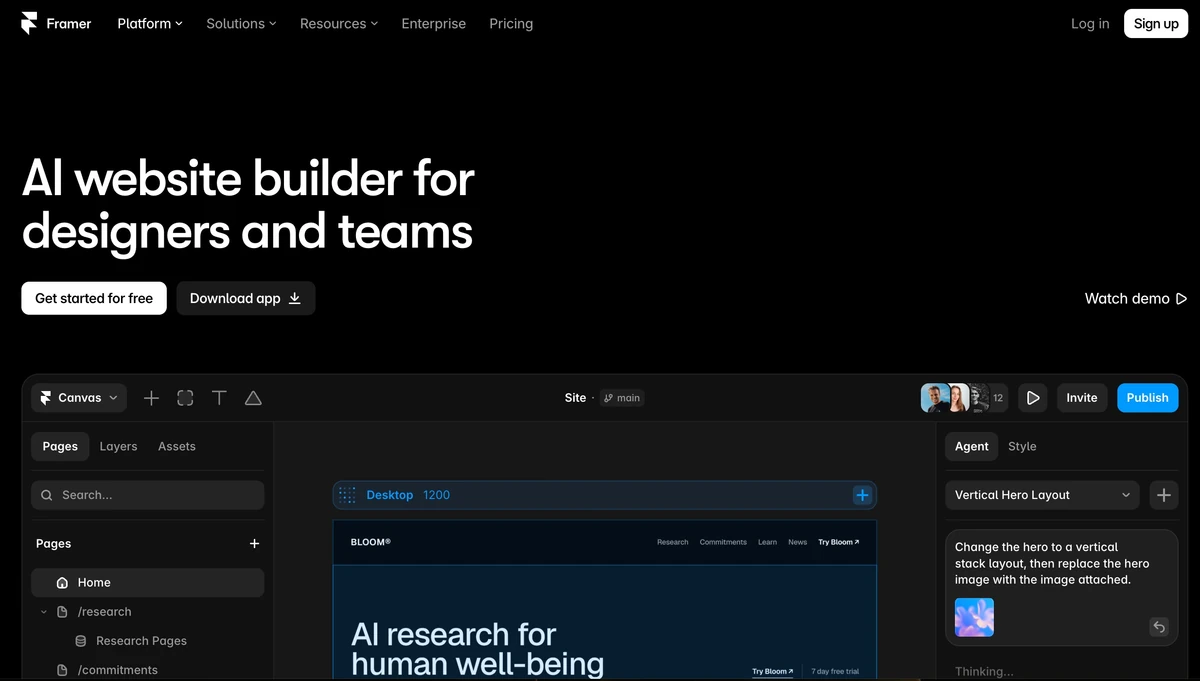
Framer combines prompt-assisted generation with a visual canvas. It is a strong fit for designers who want to move quickly from an idea to a polished responsive prototype, then refine the details by hand.
5. Webflow AI: best for structured design systems
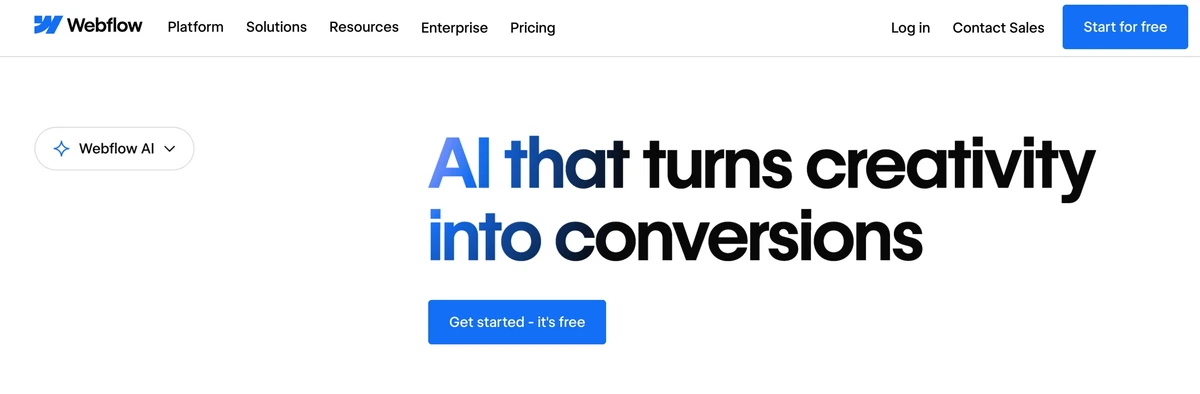
Webflow is compelling when a team needs reusable components, CMS structure, and detailed control over layout. The tradeoff is a steeper learning curve and a larger responsibility for accessibility, content modeling, and publishing operations.
6. Hostinger Website Builder: best for a low-cost first launch
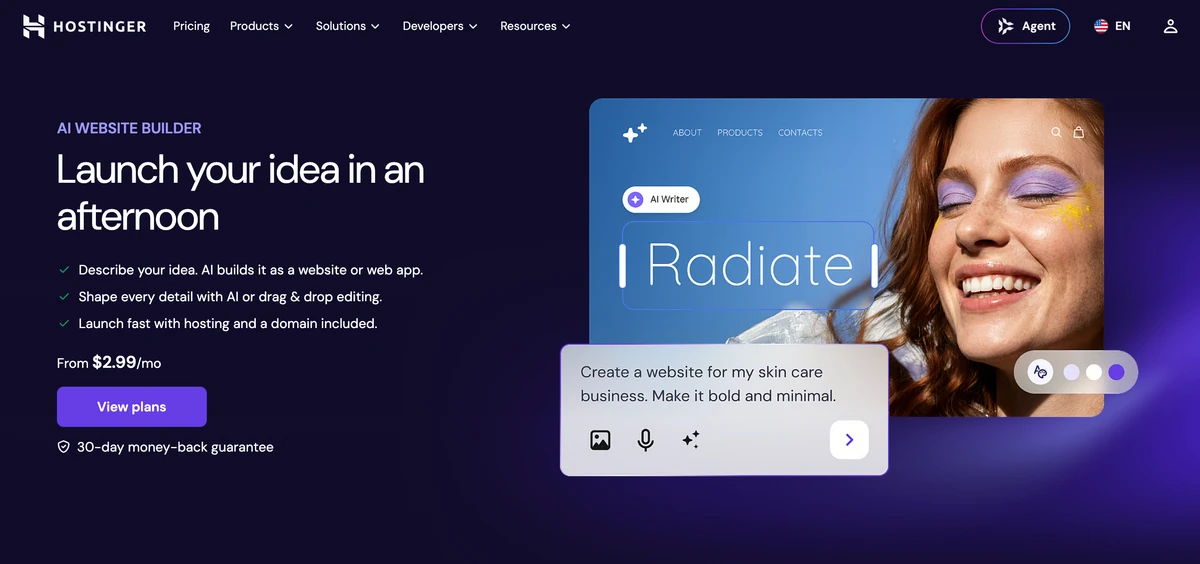
Hostinger Website Builder is aimed at users who want a quick site and hosting in one place. It can work well for a straightforward first launch; check export options, plan limits, and upgrade costs before building a long-term business asset.
7. 10Web: best for WordPress workflows
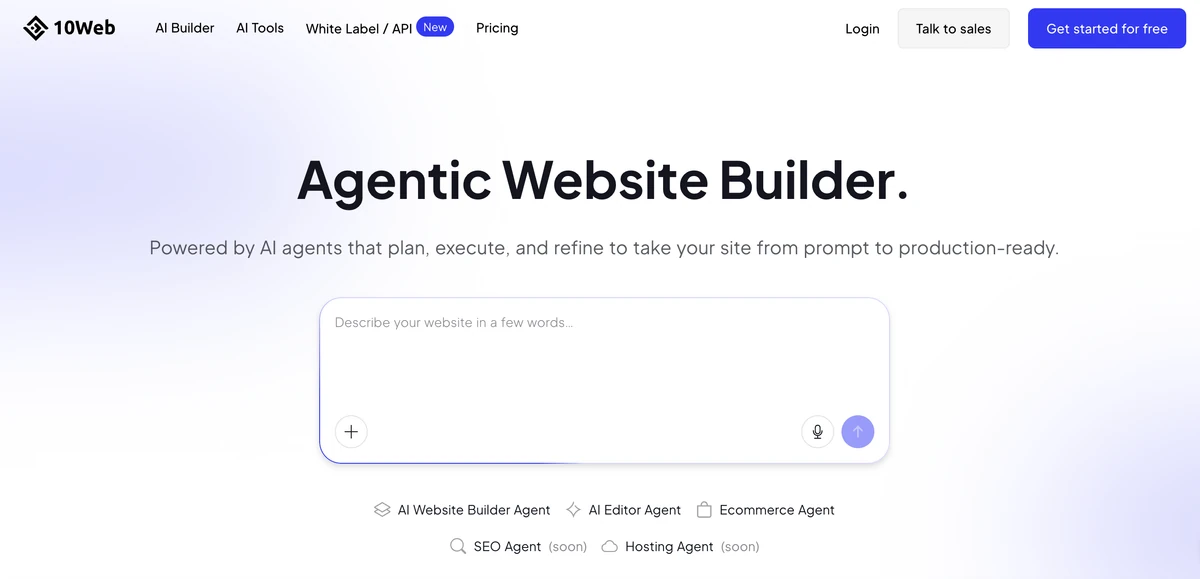
10Web is worth considering when the team already understands WordPress and wants AI-assisted generation inside that ecosystem. The flexibility comes with the usual WordPress obligations: plugins, updates, security, and performance still need an owner.
8. Durable: best for speed on simple local-business sites
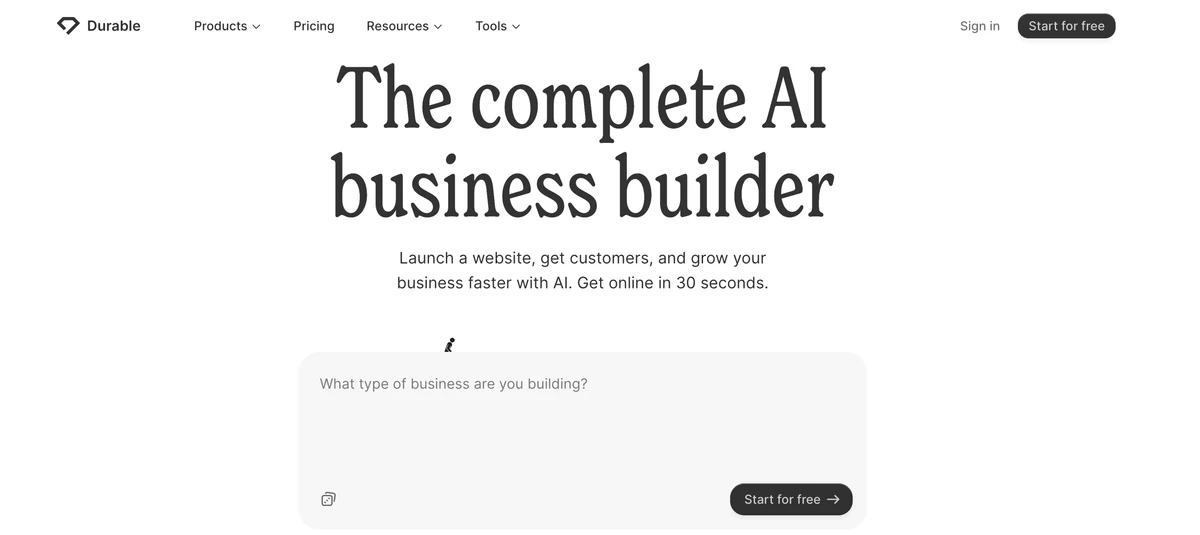
Durable is designed to get a basic business site online quickly from a short description. It is useful for testing an offer or creating a simple presence, but complex navigation, content governance, and custom interactions may require another platform.
What to check before choosing
Content and brand control
Confirm that you can edit generated copy, replace images, preserve terminology, and review claims before publication.
Responsive and accessible output
Test mobile layouts, keyboard navigation, contrast, headings, forms, and page speed on real pages rather than trusting the preview.
SEO and ownership
Check metadata, canonical URLs, redirects, sitemap controls, analytics, export options, domain ownership, and what happens if you leave the platform.
Handoff and maintenance
Decide who will update content, handle forms, monitor performance, and approve future AI-generated changes.
A repeatable evaluation test
Give every builder the same brief: a homepage, one service page, a pricing section, a contact form, and a mobile breakpoint. Score the result for accuracy, editing time, responsive quality, SEO controls, publishing clarity, and portability.
Bottom line
Choose the builder that matches the work after generation. Fast local sites can use a guided all-in-one builder; design-led teams may prefer Framer or Webflow; WordPress teams may prefer 10Web; and context-heavy launches benefit from a workspace that keeps the brief connected to the finished site.
