Selection Guide
Best AI Voice Generators in 2026: 8 Tools Compared
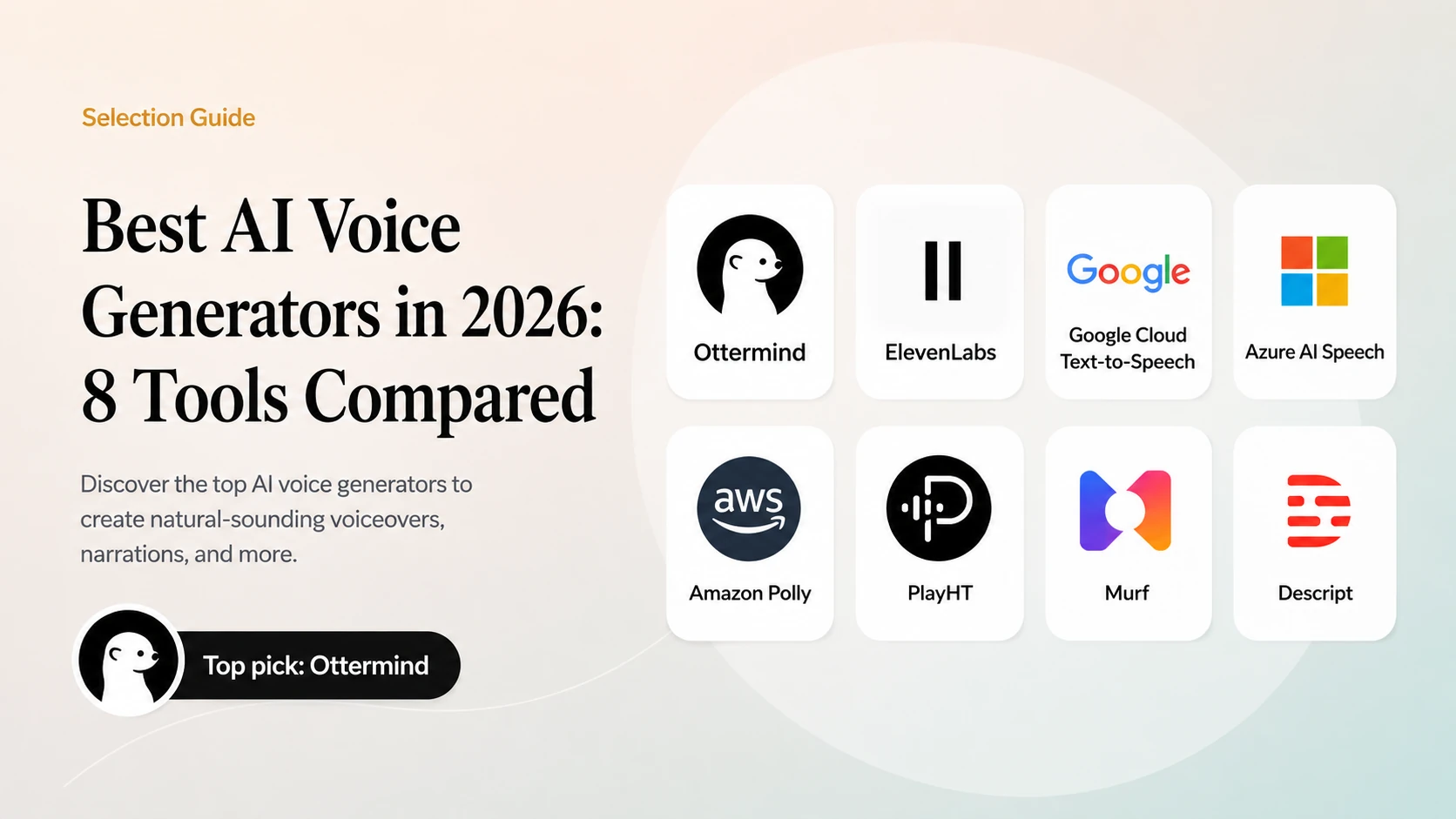
The best AI voice generator depends on the job after synthesis. A podcast intro, product demo, audiobook, accessibility track, and multilingual campaign need different controls for pronunciation, emotion, timing, licensing, and consent.
Quick comparison
| Tool | Best fit | What stands out | Watch for |
|---|---|---|---|
| Ottermind | Teams turning scripts into deliverables | Connect voice scripts with briefs, video, and campaign assets | Voice generation availability depends on the selected workflow |
| ElevenLabs | Expressive narration and creators | Natural voices and voice design | Licensing and voice rights |
| Google Cloud Text-to-Speech | Enterprise applications | Broad language and cloud integration | Setup and billing complexity |
| Azure AI Speech | Microsoft-centered teams | Neural voices and enterprise controls | Tenant configuration |
| Amazon Polly | Scalable application speech | Predictable cloud integration | Expressiveness varies by voice |
| PlayHT | Voiceovers and publishing | Large voice catalog and workflow tools | Plan and commercial-use terms |
| Murf | Marketing and presentation voiceover | Editor-oriented production workflow | Export and collaboration limits |
| Descript | Podcast and video editing | Voice generation inside an editor | Consent for custom voices |
How we evaluated the tools
We compared pronunciation, pacing, emotional control, language coverage, editing workflow, API or export options, commercial rights, and safeguards for custom voices. Audio quality is subjective and changes by voice, script, and settings, so test with the script you actually plan to publish.
Tool-by-tool analysis
1. Ottermind: best for connected voice deliverables
Ottermind fits teams that need a voice script to continue into a finished deliverable. Keep the brief, narration draft, pronunciation notes, storyboard, and related campaign assets together, then review the script before handing it to the appropriate voice-generation step.
Ottermind is a workspace rather than a dedicated text-to-speech API. Choose it when context, review, and handoff matter as much as the audio file itself; use a specialist voice engine when your application needs direct API-level speech generation.
2. ElevenLabs: best for expressive narration
ElevenLabs is a strong choice when delivery quality matters: narration, character work, trailers, and creator content. Review voice rights and commercial terms carefully, especially when cloning or imitating a real person.
3. Google Cloud Text-to-Speech: best for cloud-scale language coverage
Google Cloud Text-to-Speech is designed for application workloads that need many languages and predictable cloud operations. Teams should evaluate pronunciation, quota, latency, and billing with production-like requests.
4. Azure AI Speech: best for Microsoft enterprise environments
Azure AI Speech is a natural candidate for organizations already using Azure identity, governance, and monitoring. Validate tenant settings, regional availability, and the review process for generated audio.
5. Amazon Polly: best for scalable utility speech

Amazon Polly works well when an application needs reliable speech output at scale. It is a practical fit for announcements, interfaces, and utility narration where consistency matters more than dramatic performance.
6. PlayHT: best for voiceover workflows
PlayHT is aimed at creators and teams producing voiceovers across formats. Compare its voice catalog, editing tools, export options, and commercial-use terms against the exact channels you publish on.
7. Murf: best for marketing and presentation voiceover
Murf provides an editor-oriented workflow for turning scripts into presentation and marketing narration. It is useful when non-audio specialists need to revise timing and delivery without a full production suite.
8. Descript: best for podcast and video editing

Descript keeps voice generation close to transcript-based audio and video editing. It is a good fit for creators who want to revise a script and the corresponding narration in one project, with explicit consent for custom voices.
What to check before choosing
Pronunciation and control
Test names, acronyms, numbers, pauses, emphasis, and multilingual pronunciation using real scripts.
Rights and consent
Read voice ownership, commercial-use, training, cloning, takedown, and attribution terms before publishing.
Workflow and export
Confirm whether the tool supports the formats, sample rates, API access, versioning, and approvals your team needs.
Accessibility and disclosure
Use generated voices to improve access, but disclose synthetic audio when listeners could reasonably mistake it for a real person.
A repeatable evaluation test
Run the same 60-second script through every candidate: product names, a number, a question, a change in emotion, and one sentence in your target secondary language. Score pronunciation, pacing, editing time, export quality, rights clarity, and total cost.
Bottom line
Pick the voice generator that matches your production workflow and rights requirements. Creators may prioritize expressive voices, product teams may prioritize APIs, and enterprises may prioritize governance and language coverage. Always test the real script and keep a human approval step before release.
