Selection Guide
AI Project Management Tools: How to Choose a Trustworthy Stack
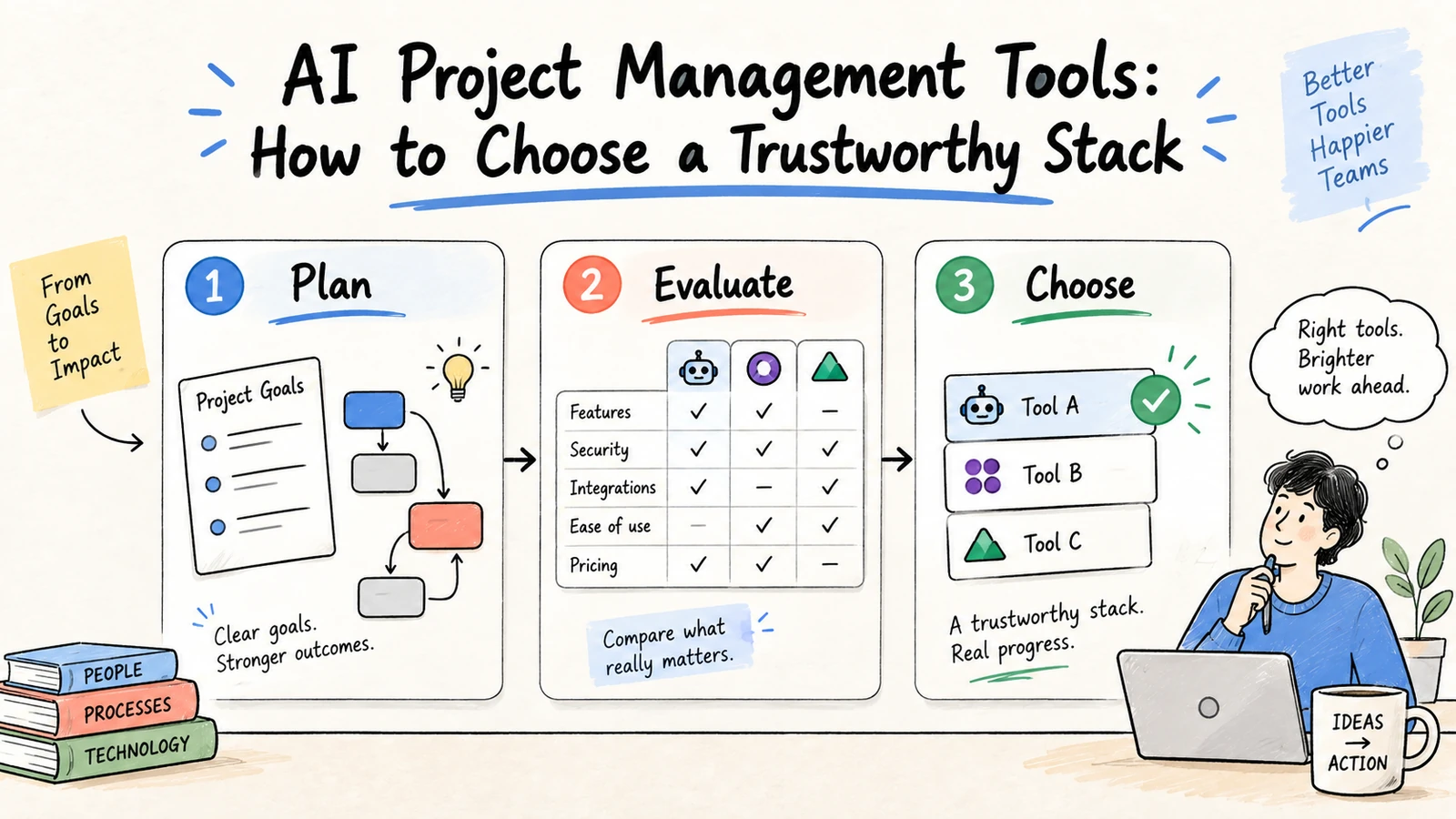
The best AI project management tools are not the ones that generate the most tasks. They help a team keep the brief, decisions, dependencies, risks, and current status connected, then produce updates people can review. Choose a tool based on the work surface you need: a project system, an AI workspace, a planning assistant, or an automation layer.
Research and disclosure: This guide uses official product documentation and PMI guidance on AI in project management, reviewed September 3, 2026. Features and pricing change; verify the current plan and permissions before purchase. Ottermind is included as the connected-workspace option.
AI project management tools at a glance
| Tool type | Best for | Main output | Watch closely |
|---|---|---|---|
| AI workspace | Research, briefs, and connected deliverables | Reviewed brief, plan, or report | Source permissions and handoff |
| Project platform with AI | Tasks, milestones, and team status | Updated plan and summaries | AI may not know context outside the system |
| Calendar planner | Scheduling work around commitments | Time blocks and rescheduled tasks | Estimates and priority quality |
| Automation platform | Repeatable triggers and updates | Routed records and notifications | Exceptions, retries, and write permissions |
| Developer agent | Repository and technical delivery | Code changes and technical tasks | Sandbox, secrets, and review path |
What to compare
- Context: Can it connect the brief, files, decisions, and current state?
- Planning: Does it show assumptions, dependencies, and acceptance criteria?
- Execution: Are actions proposed, logged, reversible, and permissioned?
- Collaboration: Can owners review and correct one field without restarting?
- Handoff: Can the final plan or deliverable move into the team's system of record?
- Measurement: Does it expose correction time, stale data, and blocked work?
A project context packet
Objective and definition of done:
Scope and exclusions:
Decision owners:
Current milestones and dependencies:
Recent decisions and source links:
Known risks, blockers, and review dates:
Give the tool this packet before asking for a plan. If records disagree, require a conflict list instead of allowing the model to choose silently.
Weekly status prompt
Create a weekly project update from the attached source records.
Return: completed work, next milestones, changes, risks, blocked dependencies,
decisions needed, and owner/date for each action.
Use only records dated in this reporting period. Cite each change.
Mark unsupported status as unknown. Do not edit tickets.
A safe adoption sequence
Start with status summaries and dependency reviews. Add draft task updates next. Only then consider narrow, reversible writes with an owner approval and rollback path. Keep the project source of truth authoritative; an AI summary is never the record by itself.
What the current market actually offers
Search results for this query mix all-in-one project suites with calendar products and AI add-ons. That is why a simple feature count is misleading. Microsoft Planner positions AI around planning, carrying out, and tracking work; Google Workspace emphasizes synthesizing project data; and comparison guides commonly group ClickUp, Asana, Wrike, Motion, and Notion together. Those products may all be useful, but they solve different bottlenecks.
ClickUp and Asana: structured work management
These tools are strongest when a team already manages tasks, owners, and milestones in a shared project system. AI can summarize updates, draft tasks, and surface workload or priority questions. Test whether generated work inherits the correct space, assignee, due date, and custom fields. A fluent summary is not enough if it detaches a decision from the ticket that records it.
Wrike and enterprise suites: governance and portfolio visibility
Enterprise platforms often add portfolio dashboards, custom workflows, approvals, and administrator controls. They can be a good fit when the work spans many departments and reporting needs a common taxonomy. Ask how AI suggestions are logged, which data boundaries apply to cross-project searches, and whether a risk prediction shows the evidence behind its signal.
Motion and calendar-native planners: time allocation
Calendar-first tools are useful when the main failure is unrealistic scheduling. They can move tasks around meetings and focus blocks, but they do not automatically create a reliable project brief or explain a stakeholder decision. Use accurate duration, priority, and availability inputs, then compare planned time with actual completion.
Notion and AI workspaces: context and documents
Documentation-heavy teams may prefer a workspace where notes, plans, and project knowledge sit together. The important evaluation question is whether retrieval respects page permissions and whether an AI answer links back to the current source. This is the problem Ottermind targets: keeping research context and the resulting deliverable connected while a team reviews the work.
A weighted selection scorecard
Score each finalist from 1 (weak) to 5 (strong), then multiply by the importance of the criterion for your team:
| Criterion | Suggested weight | Evidence to collect |
|---|---|---|
| Project context and source links | 25 | Can a new teammate trace a status claim? |
| Planning and dependencies | 20 | Are assumptions and blockers visible? |
| Collaboration and correction | 15 | Can an owner fix one field quickly? |
| Automation and integrations | 15 | Are writes narrow, logged, and reversible? |
| Permissions and administration | 15 | Are tenant and project boundaries enforced? |
| Handoff and reporting | 10 | Can the reviewed output reach the system of record? |
Do not combine scores from different workloads. A calendar planner should not lose points for lacking a research surface if scheduling is the only job being evaluated.
A 30-day pilot
Week 1: baseline. Select one active project, record the current reporting time, and collect three representative updates. Define what counts as a correct status and which fields require owner approval.
Week 2: read-only evaluation. Ask each finalist to summarize the same project packet. Compare citations, missing context, stale records, and correction time. Keep the source packet identical.
Week 3: draft-assisted workflow. Let the preferred tool prepare proposed tasks, risk entries, or stakeholder updates. A project owner accepts or rejects each change; do not enable bulk writes yet.
Week 4: narrow automation. Enable one reversible action, such as creating a draft task in a test project. Review logs, error handling, and rollback before expanding the scope.
The pilot should end with a decision record: workflow, owner, approved data, permissions, observed failure modes, and next review date.
Questions to ask vendors
Ask for a concrete demonstration using your project packet, not a generic tour. Can the system show which source produced a status claim? Does it preserve the original owner when it drafts a task? What happens when two milestones have conflicting dates? Can an administrator restrict an agent to one project? Are tool calls and model outputs available for audit? How are deleted or superseded documents handled in retrieval? The answers reveal more than a list of “AI-powered” features.
Also verify the operating details that are easy to miss: data retention, model-training defaults, export formats, rate limits, connector scopes, regional hosting, SSO, and support for service accounts. A tool can be excellent for an individual and still fail an organization's governance or handoff requirements.
A practical decision rule
Choose an AI workspace when the expensive part is assembling context and producing a reviewable artifact. Choose a project platform when the source of truth is already structured tasks and the main need is summaries, prioritization, or workload visibility. Choose a calendar planner when time allocation is the bottleneck. Choose an automation platform when deterministic triggers and integrations matter more than open-ended reasoning. Teams often combine these surfaces, but they should name one system of record and one owner for every transition.
How to measure value
Track time to a reviewed status, correction rate, stale or uncited updates, reopened work caused by bad context, and unresolved dependency age. More generated tasks is not a meaningful outcome.
FAQ
Can AI project management tools replace a project manager?
No. They can reduce reporting and coordination work, but prioritization, negotiation, accountability, and stakeholder judgment remain human responsibilities.
Should AI create tasks automatically?
Only after drafts are reliable and the write is narrow, idempotent, permissioned, and reversible. Start with proposed tasks for owner approval.
What should a small team test first?
Use one real project and ask for a source-grounded weekly update. Score evidence, missing owners, correction effort, and whether the output helps the next decision.
For the broader automation loop, see how to automate tasks with AI. For connected research and deliverables, start with an Ottermind workspace.
