Selection Guide
Best AI Assistant for Developers in 2026: 8 Tools Compared
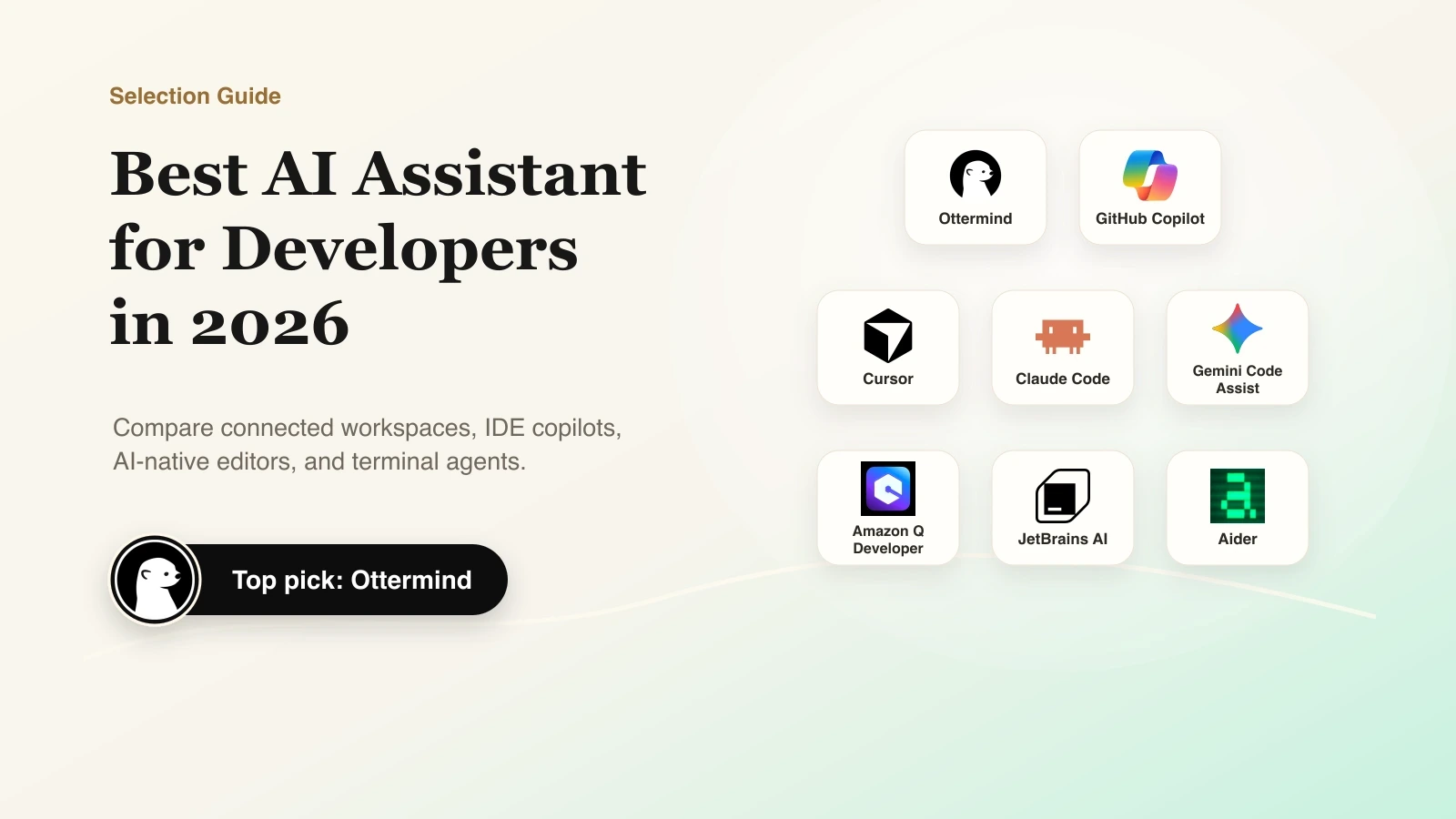
The best AI assistant for developers depends on where work happens. Choose Copilot for GitHub and IDE integration, Cursor for an AI-native editor, Claude Code for terminal agents, and Ottermind when work spans repository context, planning, implementation, documentation, and handoff. Gemini, Amazon Q, JetBrains, and Aider fit particular ecosystems or control preferences.
This guide compares eight options using the same criteria: working surface, codebase context, action scope, price, privacy and administrative controls, verification path, and main limitation. No single product is the best AI coding assistant for every developer or team.
Research and disclosure: Ottermind publishes this guide and is included. We reviewed official documentation and pricing on July 15, 2026, but did not benchmark productivity. Stack Overflow's 2025 Developer Survey found 46% distrusted AI output accuracy while 33% trusted it, so every recommendation assumes human review.
Best AI coding assistants for developers: quick comparison
| Product | Primary category | Best for | Public starting point | Main limitation |
|---|---|---|---|---|
| Ottermind | AI agent workspace | Keeping files, memory, tools, code tasks, and deliverables connected | Solo $20/month | Not an IDE autocomplete replacement |
| GitHub Copilot | IDE, GitHub, and cloud coding assistant | Developers already working across GitHub and supported IDEs | Free; Pro $10/month | Plans, models, and usage credits add complexity |
| Cursor | AI-native editor | Agent-led coding inside one editor | Free; Individual $20/month | Requires adopting or standardizing on Cursor |
| Claude Code | Terminal coding agent | Repository work with explicit permissions | Included with eligible Claude plans; API usage also available | Cost and risk vary with task scope and permissions |
| Gemini Code Assist | IDE and Google Cloud assistant | Google-oriented development teams | Check current Google plans | Individual tooling is changing, while Standard and Enterprise remain distinct |
| Amazon Q Developer | IDE and CLI assistant | AWS development and modernization | Free; Pro $19/user/month | Strongest differentiation is in AWS-heavy work |
| JetBrains AI Assistant | IDE-native assistant and agents | Teams committed to JetBrains IDEs | Check local JetBrains pricing | Less compelling outside the JetBrains ecosystem |
| Aider | Open-source terminal pair programmer | Developers who want model choice and Git-native control | Free software; model/API costs vary | More setup and cost management are left to the user |
Prices are public list prices checked July 15, 2026, before tax and usage overages. Verify current plan limits and data terms before buying.
Copilot, AI-native editor, coding agent, or workspace?
An AI-powered coding assistant may be an IDE copilot, AI-native editor, terminal agent, or broader workspace. Those surfaces optimize different parts of development, so choose the primary working surface before comparing features.
Which developer pain point are you actually solving?
Start with the friction in the current development loop:
- Context gets lost: requirements, decisions, code, and explanations live in different systems.
- Small edits interrupt flow: developers leave the editor to research APIs, explain code, write tests, or prepare pull requests.
- Repository tasks exceed autocomplete: migrations and refactors require file exploration, commands, and verification.
- The tool misses the stack: a generic assistant may not fit the IDE, cloud, or repository host.
- Generated code is hard to trust: teams need permissions, reviewable diffs, tests, data controls, and human ownership.
The right product should remove the most expensive friction without creating a larger verification or governance problem.
1. Ottermind: best for connected developer work beyond the editor
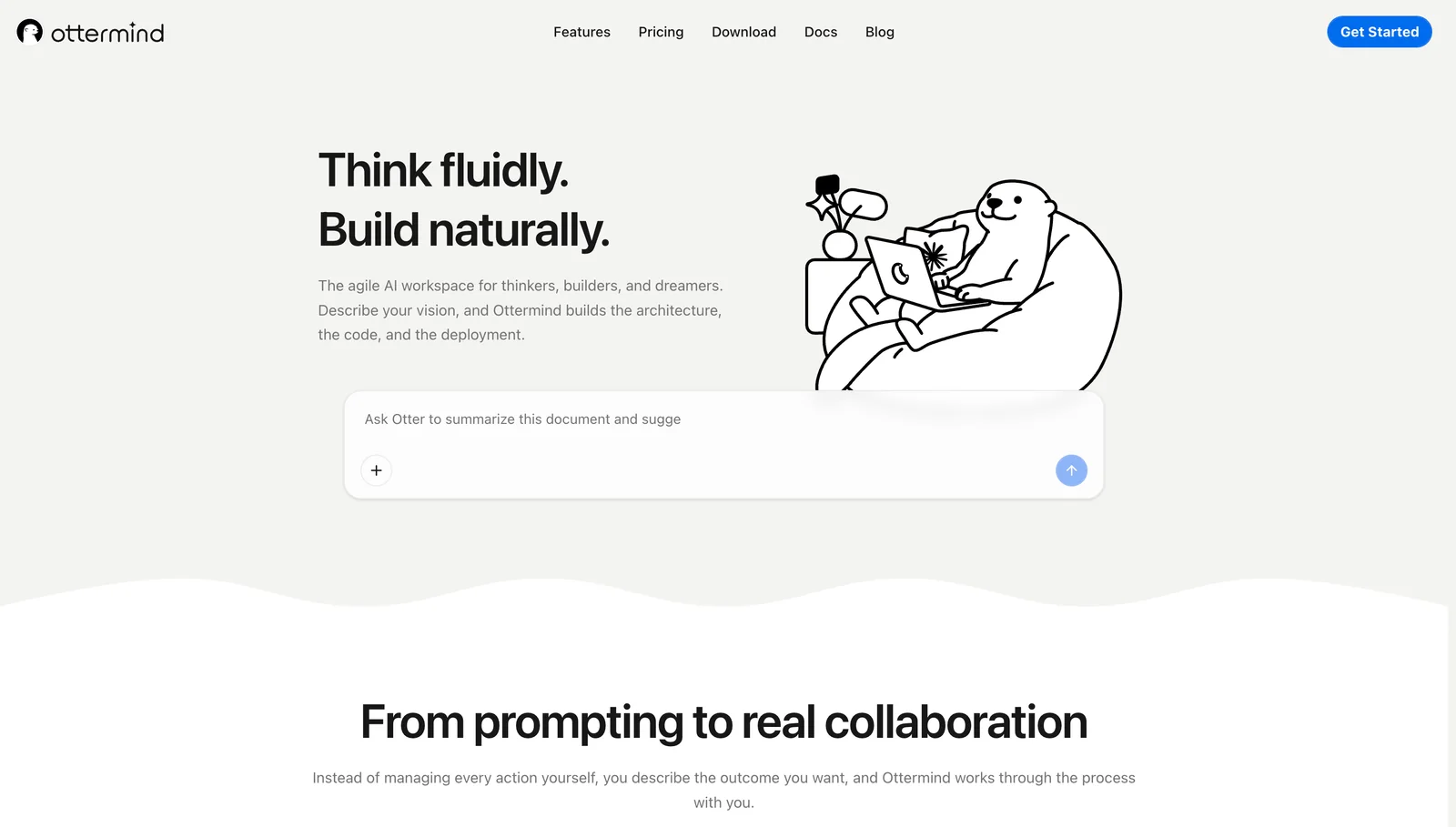
Pain solved: development context is often fragmented before code work begins and lost after the change ships. Ottermind is a developer AI assistant that keeps the brief, source files, repository context, decisions, tools, implementation task, documentation, and follow-up connected. It helps a developer move from an ambiguous request to architecture, code, explanation, and handoff without rebuilding context at every step.
Boundary: choose a specialist IDE assistant when the main need is low-latency completion or constant in-editor editing. Ottermind still requires project tests, code review, and security checks.
2. GitHub Copilot: best for broad IDE and GitHub integration
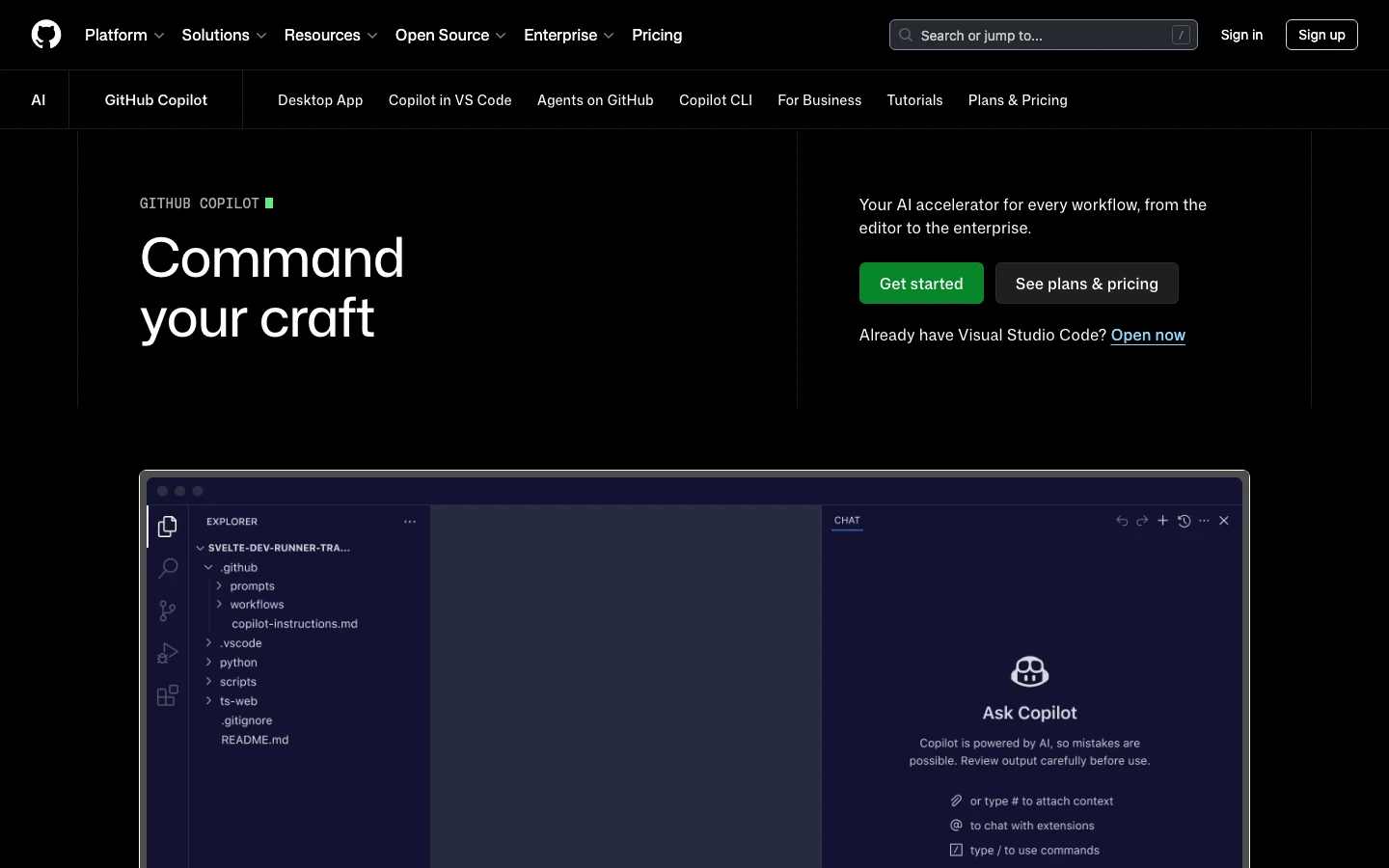
Pain solved: developers lose time moving between the editor, repository, issues, pull requests, reviews, and terminal tasks. GitHub Copilot is an AI assistant for developers that brings suggestions, chat, agents, review, and CLI help into GitHub surfaces. It fits teams that want a familiar path from a coding question to a reviewable change.
Boundary: its breadth creates configuration work around models, repository instructions, policies, and agent permissions. Generated diffs still need project-specific tests and review.
3. Cursor: best AI-native editor for agent-led coding
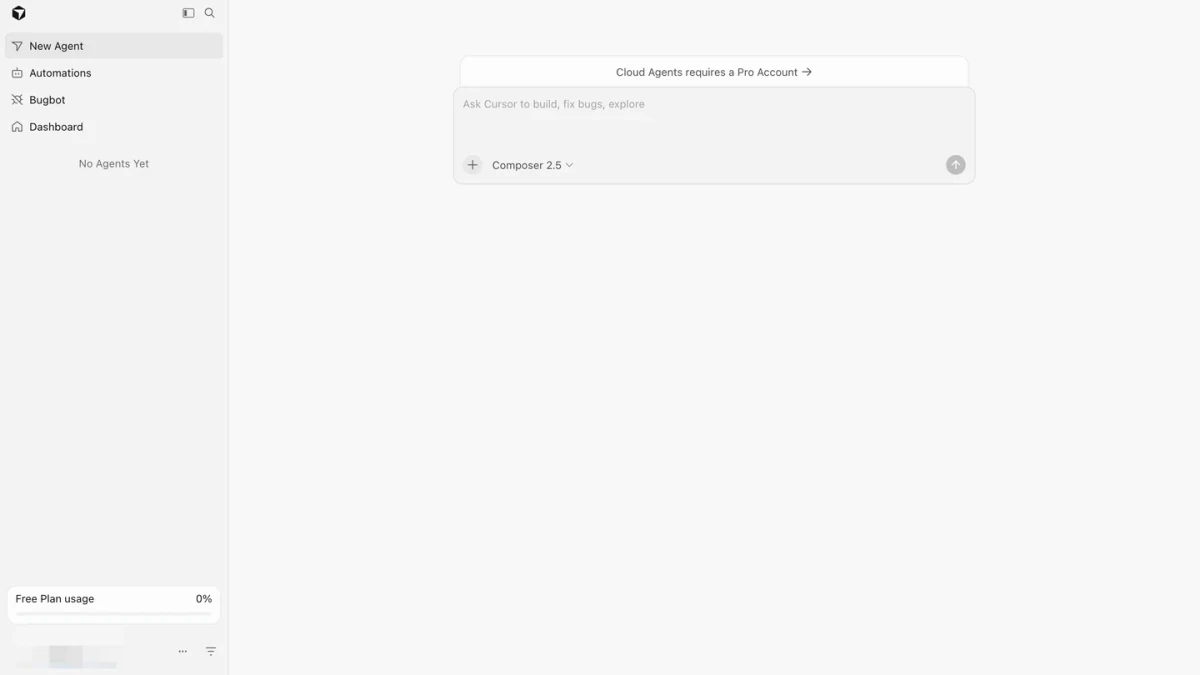
Pain solved: autocomplete is not enough when a change crosses files and requires repeated navigation, edits, and review. Cursor makes the AI coding assistant for developers central to the editor, letting a developer stay in one loop while an agent handles a bounded refactor or feature.
Boundary: the team must be willing to adopt Cursor and evaluate its agent, extension, network, and data controls. Privacy Mode is useful, but it does not make every action risk-free.
4. Claude Code: best for terminal-first coding agents
Pain solved: complex repository work needs an explore-plan-edit-test loop rather than a single suggestion. Claude Code is a terminal AI-powered coding assistant that can inspect the codebase, propose a plan, edit files, run commands, and explain the result. Its permissions help developers decide when the agent may move from analysis into action.
Boundary: broader action scope creates broader responsibility. Review proposed commands, restrict sensitive paths and network access, and treat MCP servers and credentials as part of the trust boundary.
5. Gemini Code Assist: best for Google ecosystem integration
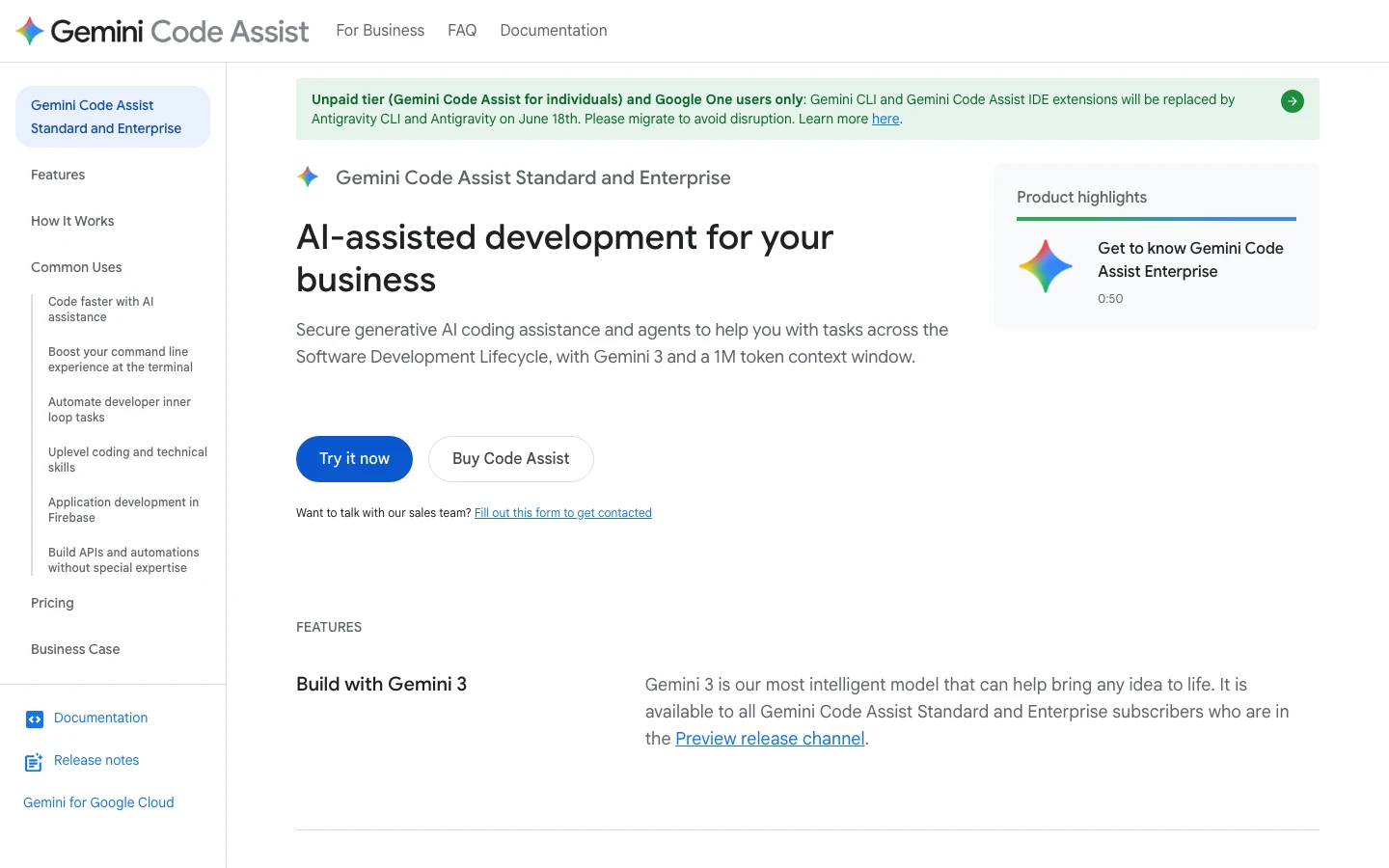
Pain solved: developers want contextual help without disconnecting from VS Code, JetBrains, Android Studio, or Google Cloud services. Gemini Code Assist is a developer AI assistant that can explain local code, debug, generate tests, and connect questions to Firebase, BigQuery, and other Google workflows.
Boundary: Google's individual coding tools are changing, while Standard and Enterprise solve different organizational problems. Check the current migration path, plan, and controls before adopting it, and validate generated output.
6. Amazon Q Developer: best for AWS-focused development
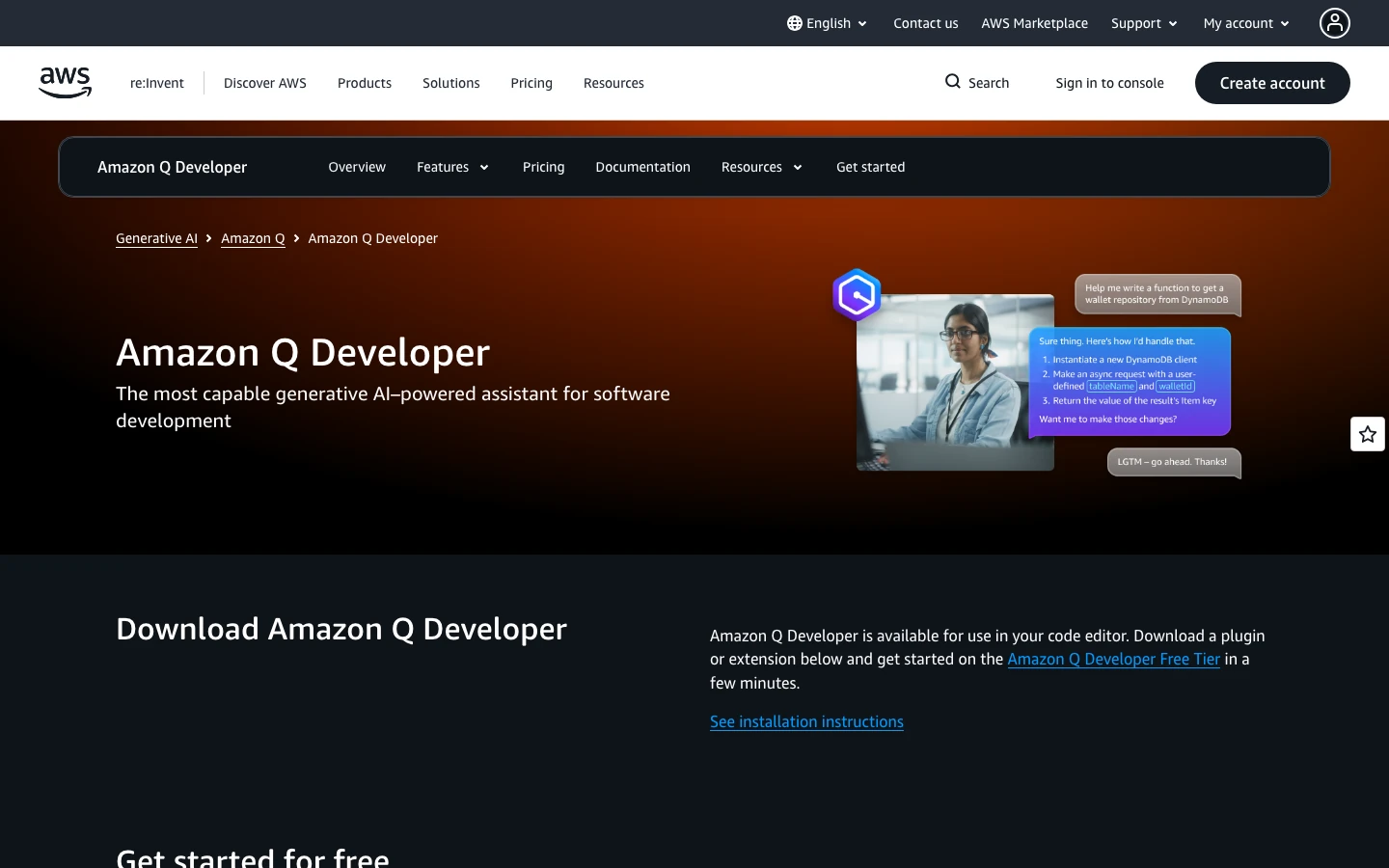
Pain solved: AWS developers move between application code, cloud services, infrastructure guidance, security questions, and modernization work. Amazon Q Developer is a focused AI code assistant that keeps help close to that AWS-heavy development and operations context.
Boundary: specialization matters only when AWS is a meaningful part of the job. Other teams may benefit more from an assistant centered on their editor or repository.
7. JetBrains AI Assistant: best for JetBrains IDE users
Pain solved: JetBrains users should not have to move project context into a generic chat for explanations, refactors, tests, documentation, or agent tasks. JetBrains AI Assistant is an AI assistant for developers that uses the IDE and project as the working surface, keeping suggestions close to the code under review.
Boundary: its strongest advantage is JetBrains-native workflow fit, not a universal model advantage. Teams using other editors should compare the integration cost.
8. Aider: best open-source terminal option
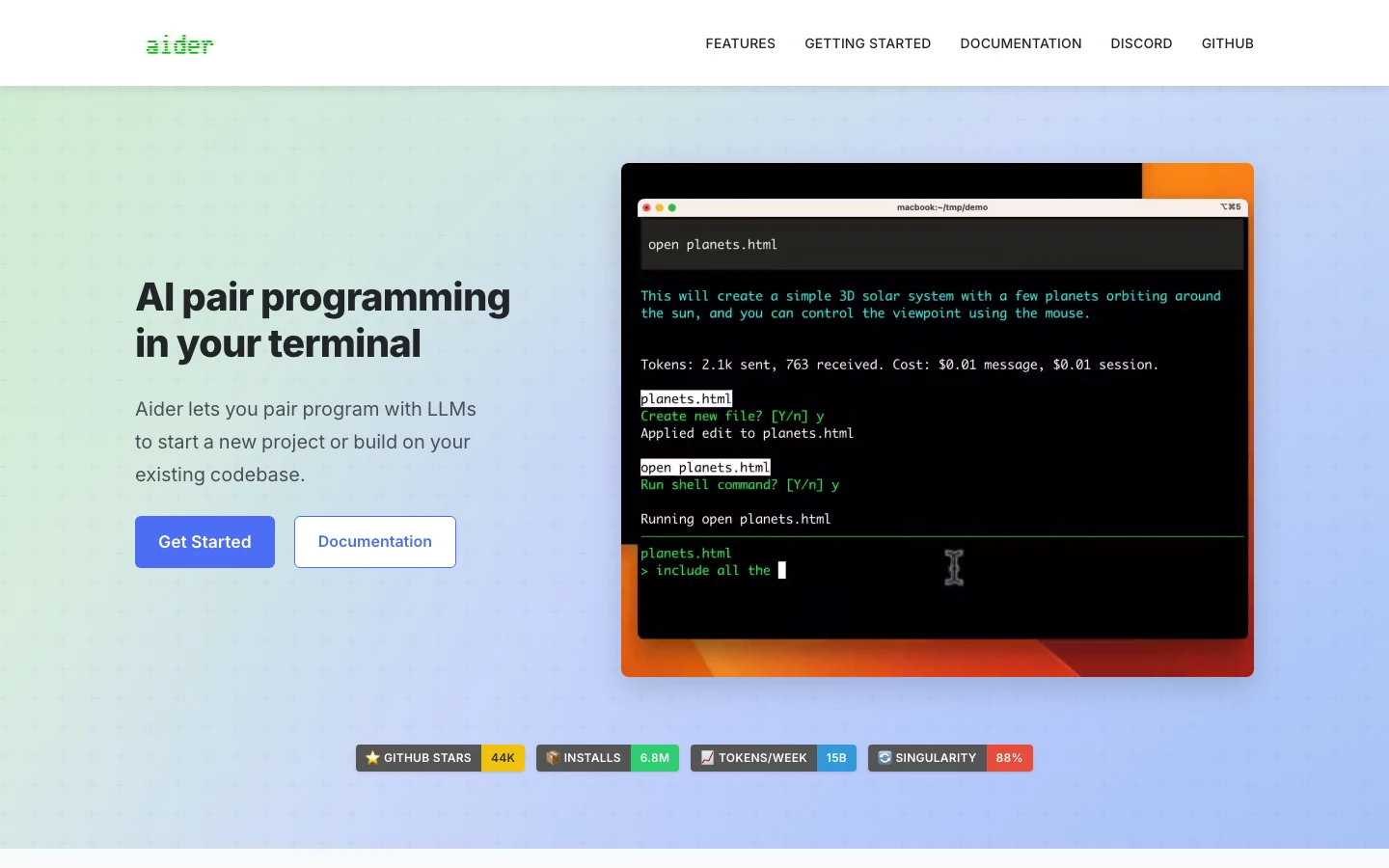
Pain solved: some developers want model choice, local Git workflow, visible configuration, and terminal control instead of a managed editor. Aider is an AI coding assistant for developers that lets them decide which files enter context, which model runs, and how edits, linting, and tests fit into the loop.
Boundary: that control comes with setup, API-key, model, permission, and usage-management work. Teams needing centralized policy and support may prefer a managed product.
How to choose an AI assistant for developers
Shortlist AI code assistants by working surface, then run the same bounded repository change in each finalist with clear acceptance criteria and existing tests.
Evaluate:
- whether the assistant finds the right files and respects instructions;
- whether its plan matches the task before editing;
- diff quality and scope, not generated-code volume;
- test, lint, type-check, and security results;
- repository retention, model-training, network, secret, and MCP policies;
- real monthly cost under expected usage;
- whether another developer can review and continue the work.
Choose Ottermind when connected context and end-to-end delivery matter most; Copilot for broad GitHub and IDE fit; Cursor for an agent-centered editor; Claude Code or Aider for terminal control; Gemini for Google workflows; Amazon Q for AWS; and JetBrains AI Assistant for JetBrains-native development.
FAQ
What is the best AI assistant for developers?
There is no universal winner. Ottermind is strongest for connected project context and deliverables, GitHub Copilot for broad integration, Cursor for an AI-native editor, and Claude Code for terminal-first agent work. The best choice depends on the repository, working surface, permissions, and review process.
What is the best free AI coding assistant?
GitHub Copilot Free is a managed option. Aider is open-source, but model or API usage may cost money. Compare current quotas, model costs, and setup, not only "free."
Are AI coding assistants safe for private code?
Safety depends on the plan, data terms, deployment, configuration, permissions, extensions, network access, and organizational policy. Review current official documentation, minimize access, protect secrets, and require human approval for consequential actions.
Should an AI code assistant replace code review?
No. Every AI code assistant can produce plausible but incorrect or unsafe output. Require human diff review plus the repository's normal tests, lint, type checks, dependency checks, and security controls.
Can teams use more than one AI assistant for developers?
Yes. A team might use Ottermind for context and handoff, an IDE assistant for daily edits, and a terminal agent for bounded repository tasks. Keep ownership, permissions, costs, and the source of truth clear.
The right AI assistant for developers should make work easier to understand and verify, not merely generate more code. Start with one representative task, compare the evidence, and keep the tool that improves the complete development loop.
