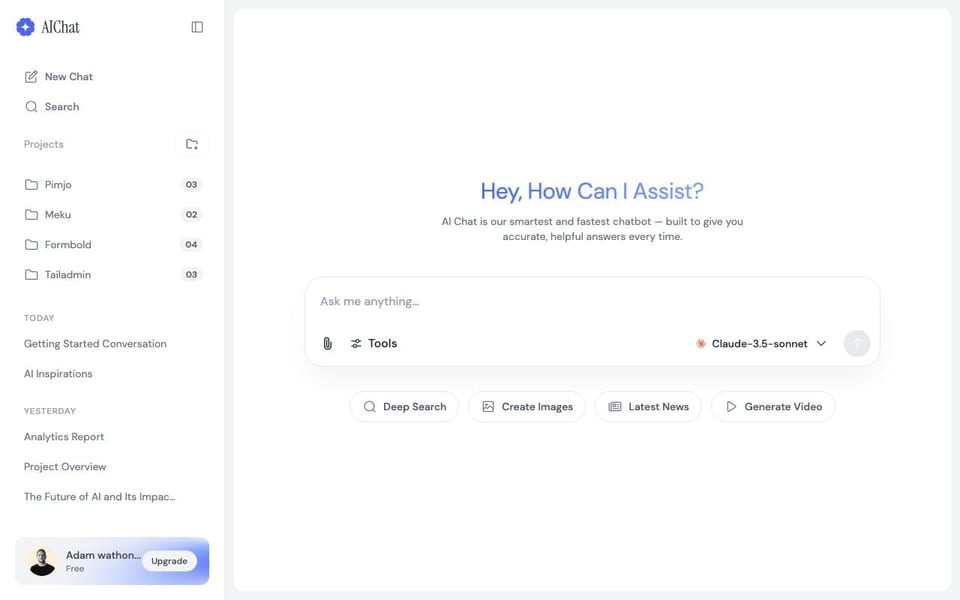
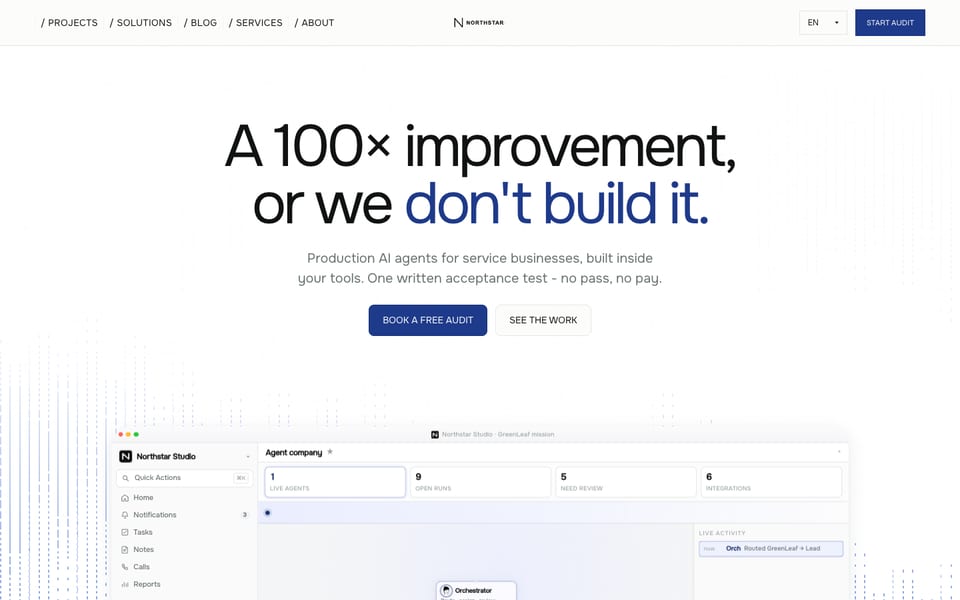
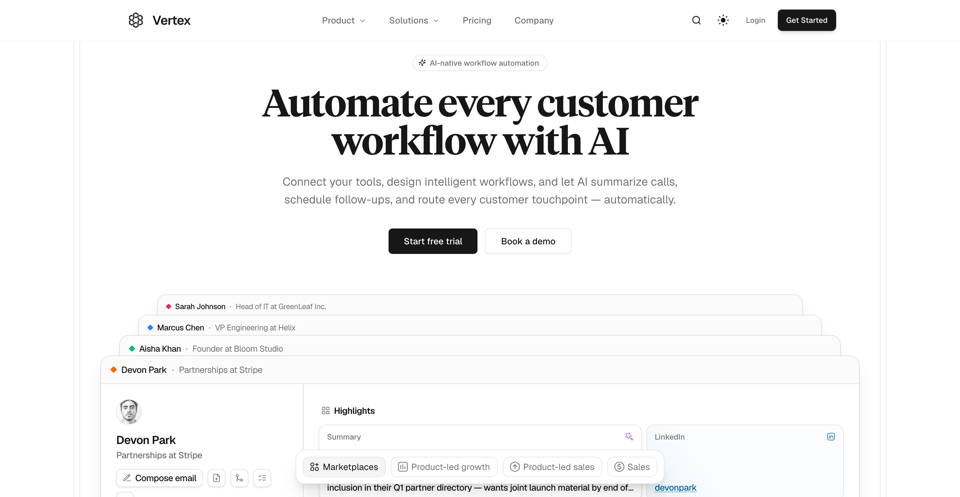
網站範本
Nodus Agent Template
A template focused for startups building for AI agents and AI Chatbots. Clean, Minimal and Modern.
這個範本的介紹目前還沒有繁體中文版本,先以英文顯示。
AI · Starter Kit · 免費
設計解讀
AI 對這套範本設計的解讀:配色、字體、間距、區塊與標誌性細節。使用範本時,Ottermind 會以它為起點。
這份解讀目前還沒有繁體中文版本,先以英文顯示。
- Overall
landing page, modern, minimal, light
- Palette
background #FFFFFF; surfaces #FFFFFF, #F9F9F9; text #000000; muted text #666666; primary #D35400; accents #E74C3C, #2ECC71
- Type
headings Inter, 700, title case; body Inter, 16px; scale h1 64px, h2 48px, h3 32px
- Shape & spacing
button radius 8px, card radius 12px, borders 1px solid #EAEAEA, shadows 0 1px 3px rgba(0,0,0,0.1), section spacing 80px, content width 1200px
- Sections (top to bottom)
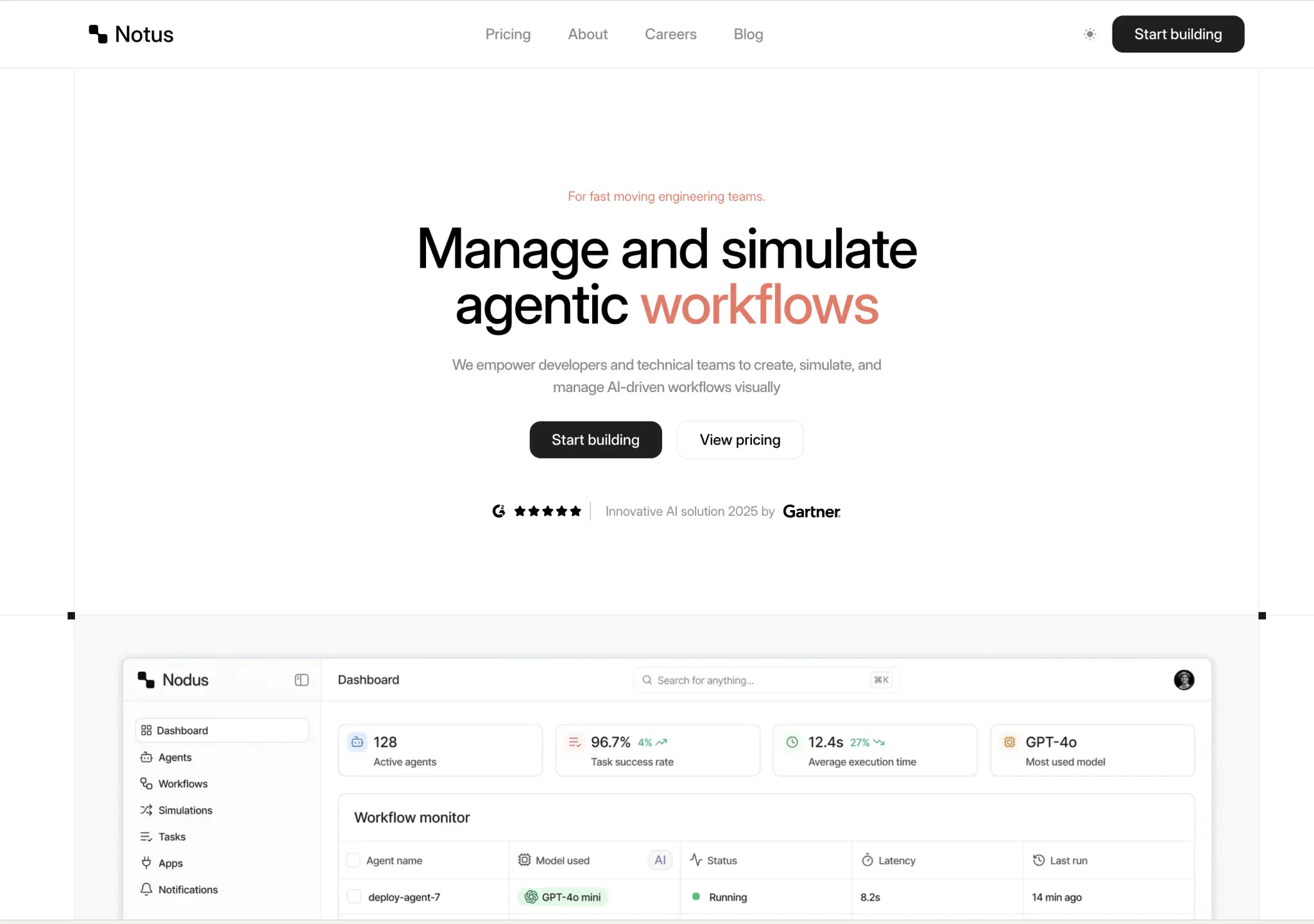
- Header — horizontal layout, logo left, nav center, CTA right, white background
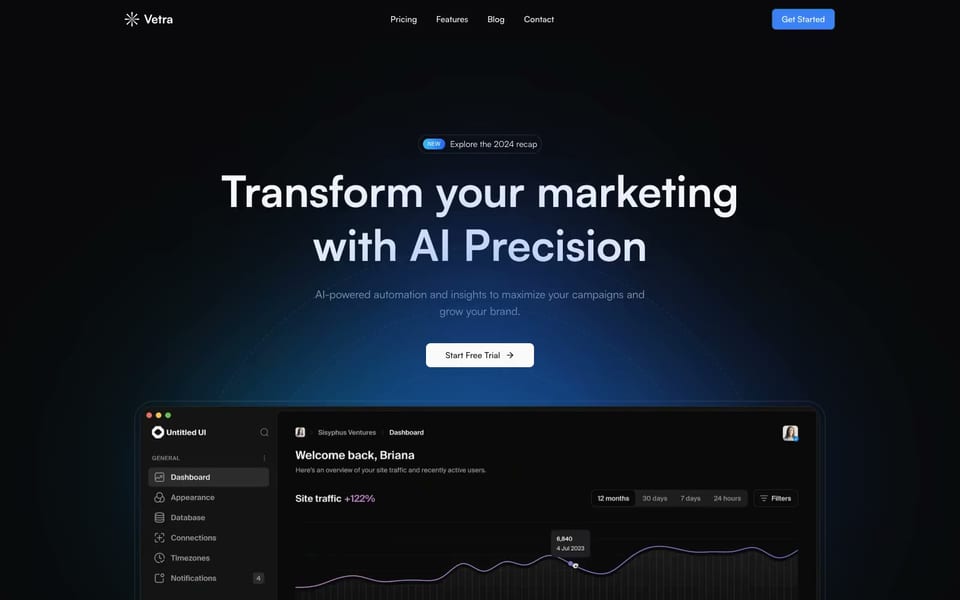
- Hero — centered layout, one column, headline with "workflows" in orange, subheadline, two CTA buttons, Gartner badge, white background
- Dashboard preview — full-width image of UI interface, light gray background, showing sidebar navigation and data cards
- Signature details
- Orange accent on key words in headline
- Clean, flat design with subtle shadows
- Rounded corners on all interactive elements
- Minimalist iconography in dashboard mockup
- High contrast between black text and white background
- Consistent use of 8px and 12px radii across components
- Other pages
- /pricing: pricing tiers with feature comparison
- /about: team and mission statement
- /careers: job listings and culture
- /blog: article list with featured image
範本資訊
- 分類
- AI, Starter Kit
- 授權
- Commercial
- 作者
- Aceternity UI
- 價格
- 免費
原始設計來自 Aceternity UI,刊登於 Aceternity UI。Ottermind 不會複製範本程式碼,而是依據需求打造全新的網站。
Ottermind 起步用的需求
它會以草稿形式在 Studio 中開啟,送出前先補充你的品牌、受眾與頁面。
Build a ai website inspired by the "Nodus Agent Template" template. Reference brief: A template focused for startups building for AI agents and AI Chatbots. Clean, Minimal and Modern. Use original copy and imagery for my brand rather than the reference's placeholder content.
如何使用這個範本
- 1
點擊「使用這個範本」,在 Ottermind Studio 中開啟並自動填入需求。
- 2
在需求中補充你的品牌、受眾、頁面與內容。
- 3
Ottermind 以這套設計為靈感打造全新網站,你可以在對話中繼續修改。