Case Collection
Meta Muse Image : des usages concrets à essayer

Introduction
Muse Image is useful less as a single demo and more as a repeatable visual workflow: collect source material, generate a direction, revise it, and save the prompt for the next campaign.
1. Social covers for fast topic clarity
Case source: Meta: Introducing Muse Image
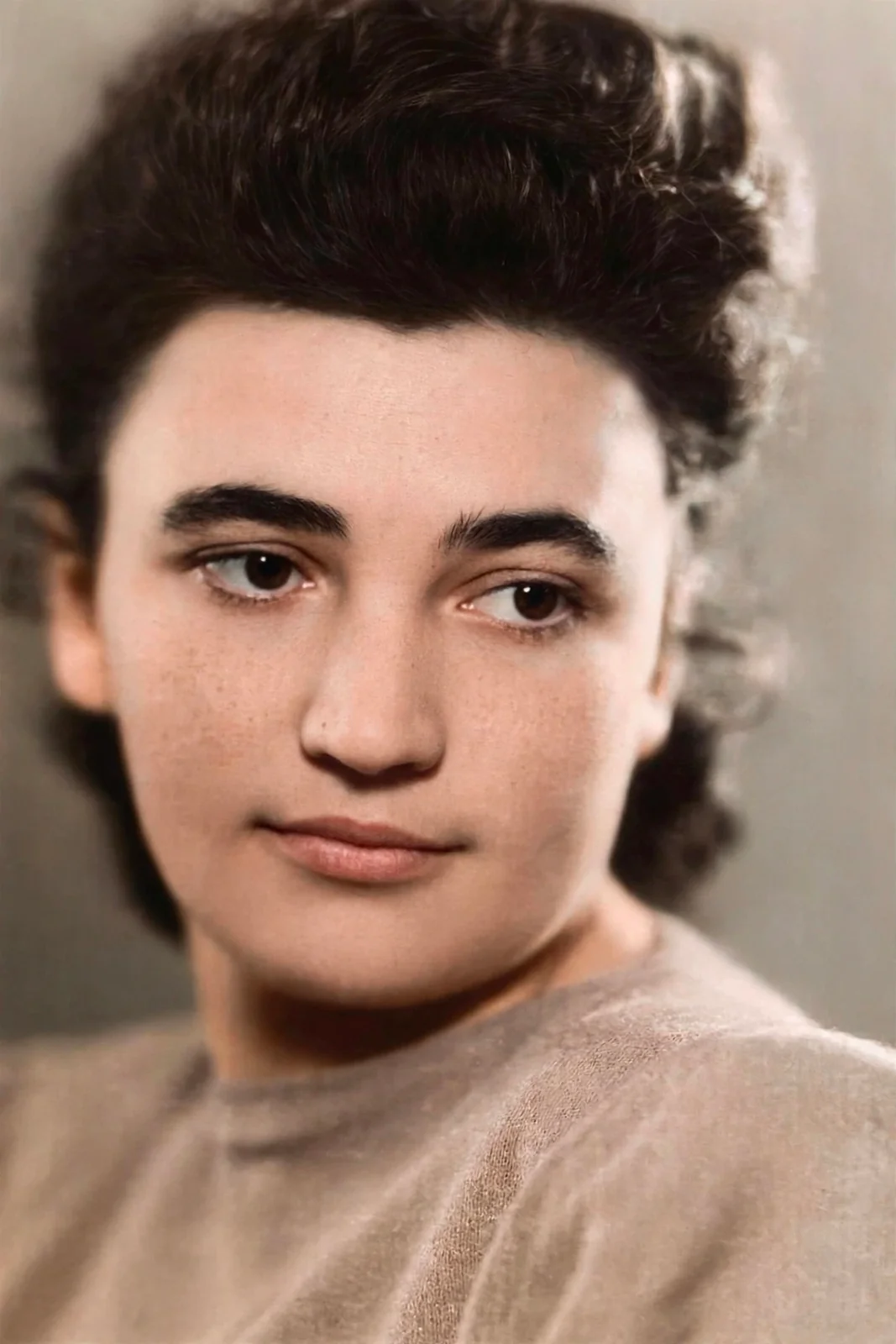
A social cover should make the topic readable before the caption does. For launch notes, research summaries, product updates, and creator posts, that first visual can decide whether the rest of the material gets opened.
Create a square social cover for this topic: use one clear subject, a clean background, strong hierarchy, and space for a short caption. The image should make the idea understandable before the post text is read.2. Lifestyle scenes for campaign moodboards
Case source: Meta: Introducing Muse Image

Lifestyle scenes are useful when a team needs to discuss audience, setting, emotion, and product context before production assets exist.
Generate a lifestyle scene for this product or idea: show the target audience, the setting, the emotional tone, and the key object in use. Keep it realistic enough for a campaign moodboard.3. Product visuals for early buying cues
Case source: Meta: Introducing Muse Image
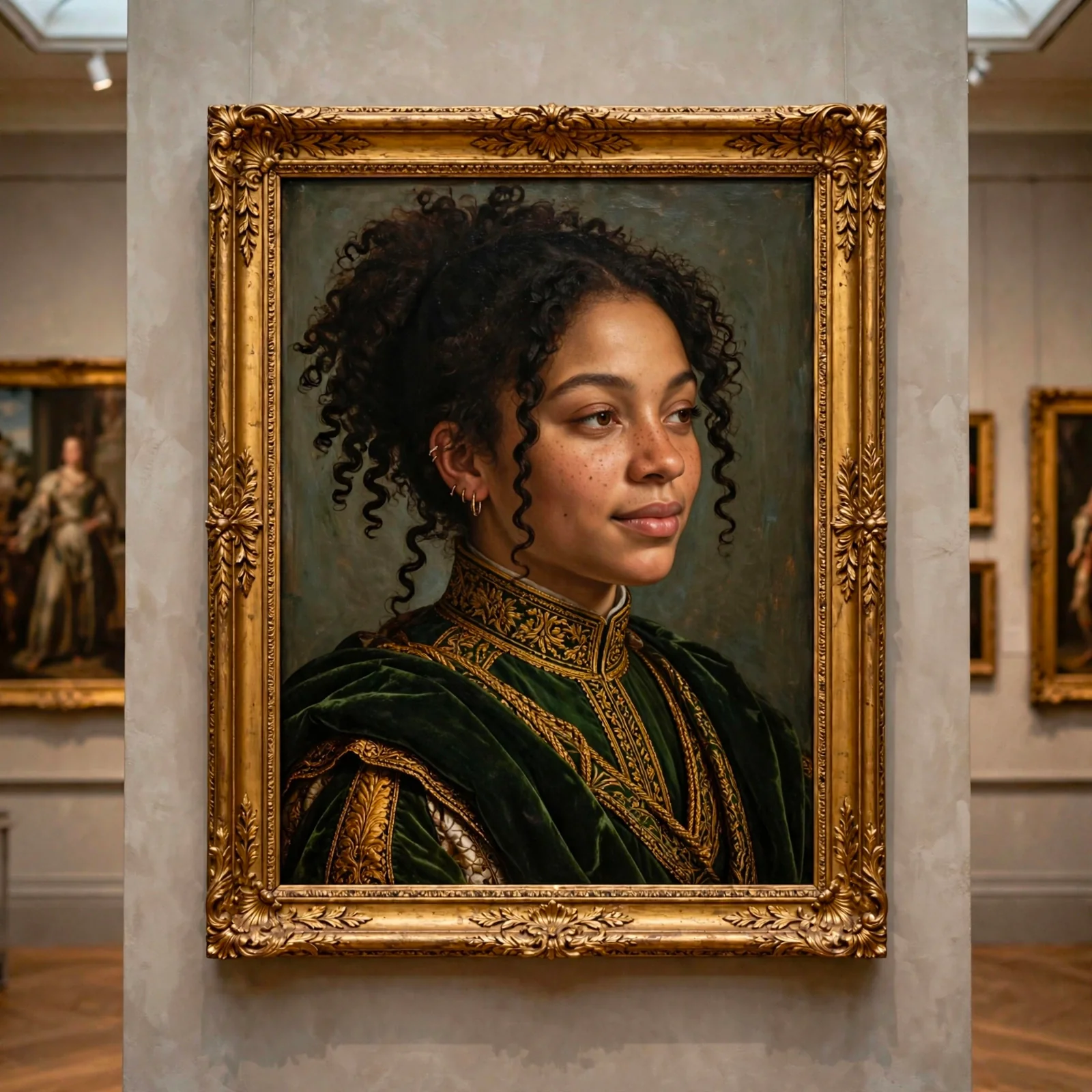
Product visuals test whether the concept is clear: what is being offered, who it is for, and why someone should care.
Create a product visual for this concept: make the object clear, show the use context, include a subtle buying cue, and keep the composition simple enough for a landing page hero or campaign thumbnail.4. Avatars and character covers as a consistent series
Case source: Meta: Introducing Muse Image
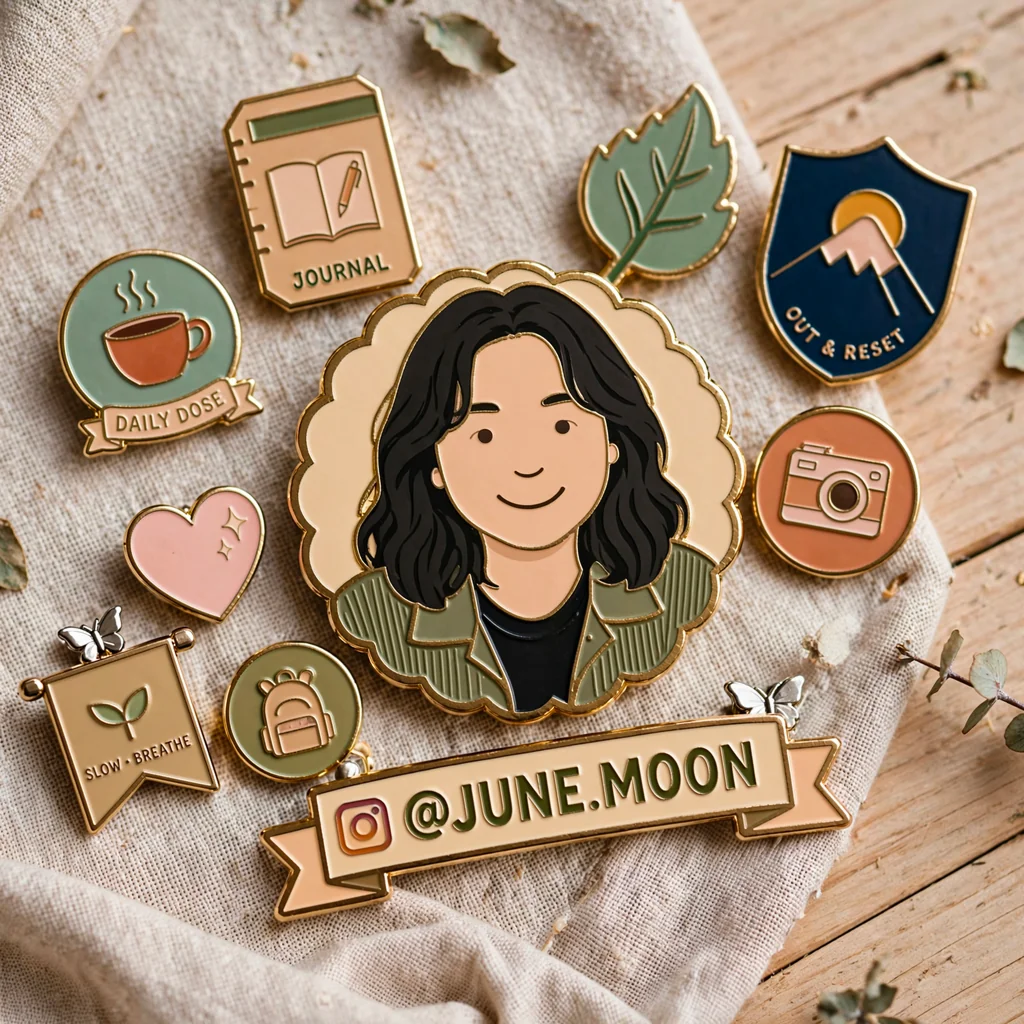
Avatar and character images work best when they become a series. Stable framing, color range, background simplicity, and style rules help the model produce related images over time.
Turn this person, role, or topic into a consistent avatar cover: keep the same framing, color range, background simplicity, and level of stylization across the series.5. Packaging mockups that make ideas testable
Case source: Meta: Introducing Muse Image
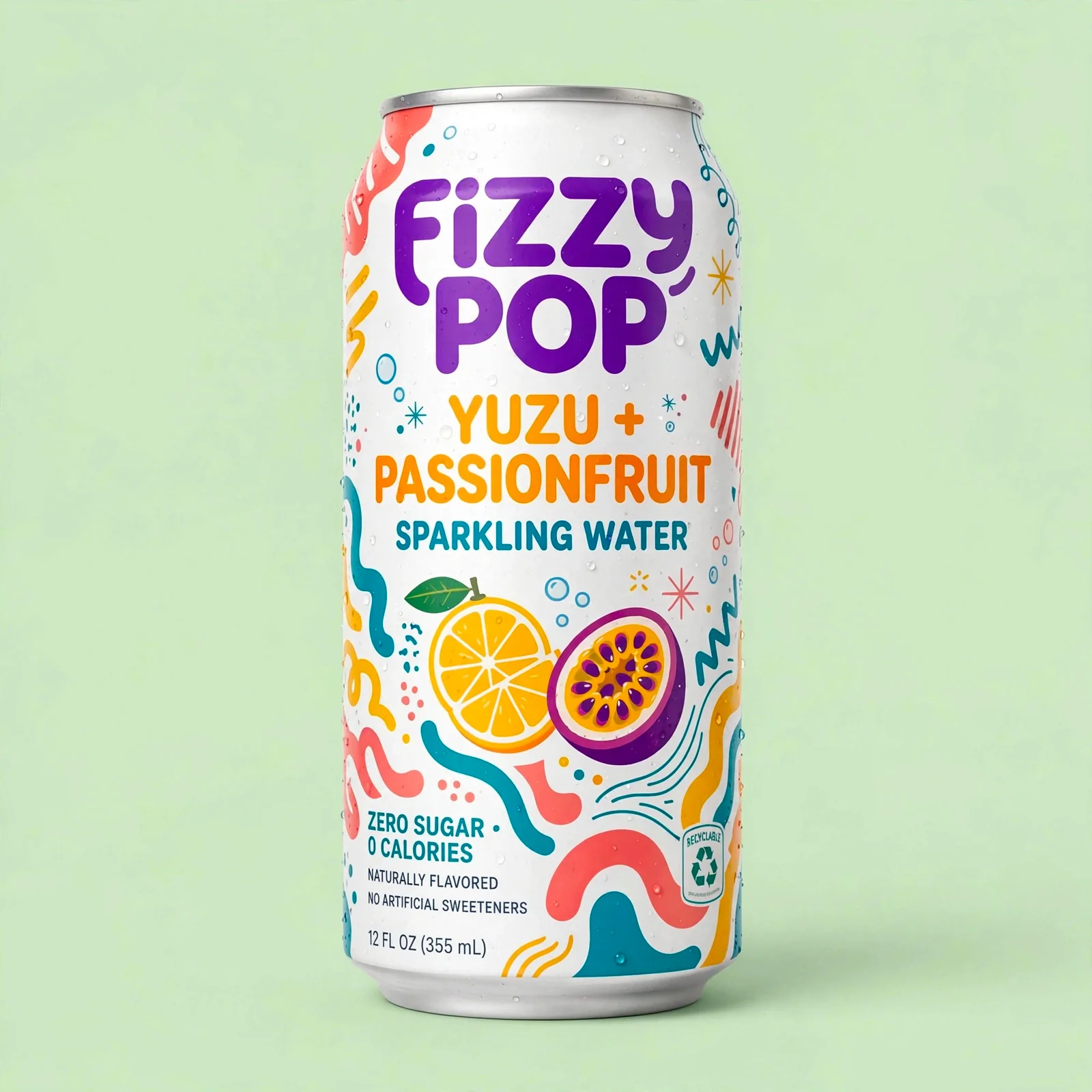
Packaging mockups push a loose idea into something a team can judge: name, variant, material, color system, shelf presence, and whether the concept feels like a real product.
Turn this product idea into a realistic packaging mockup: show the product name, flavor or variant, material texture, simple claims, and a visual system that could sit on a shelf.Turn Muse Image experiments into Ottermind assets
Ottermind can keep the prompt, source material, generated images, and reasoning together, so a one-time experiment becomes a reusable template for the next launch.
