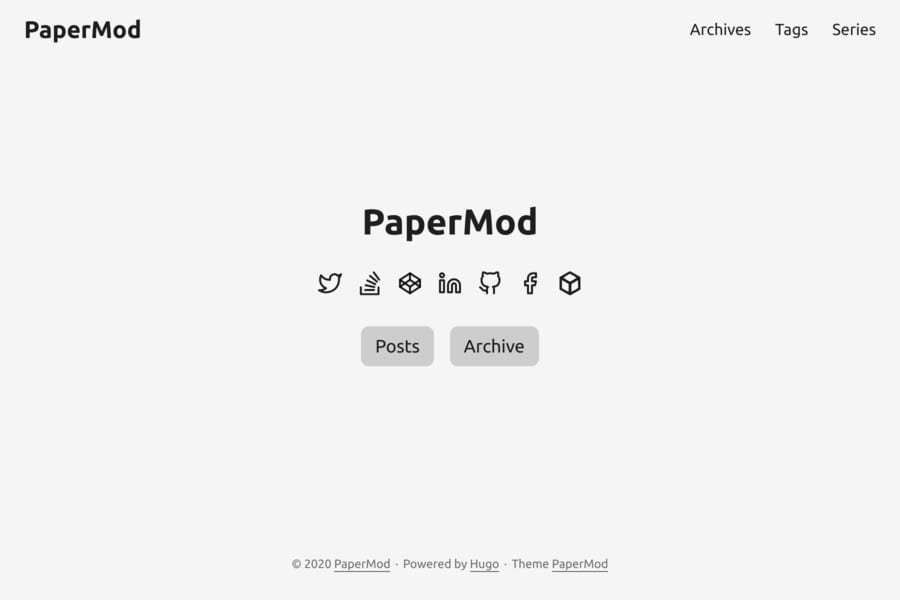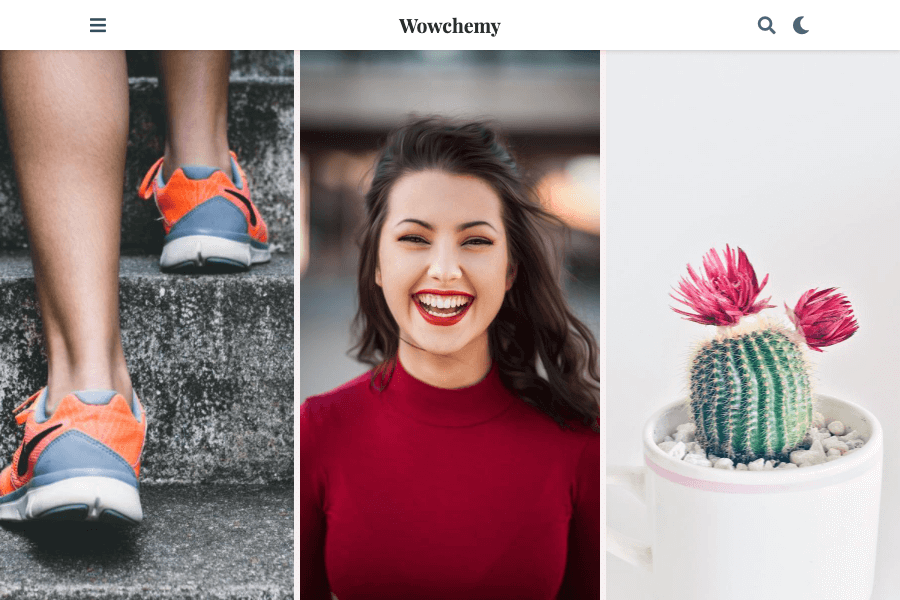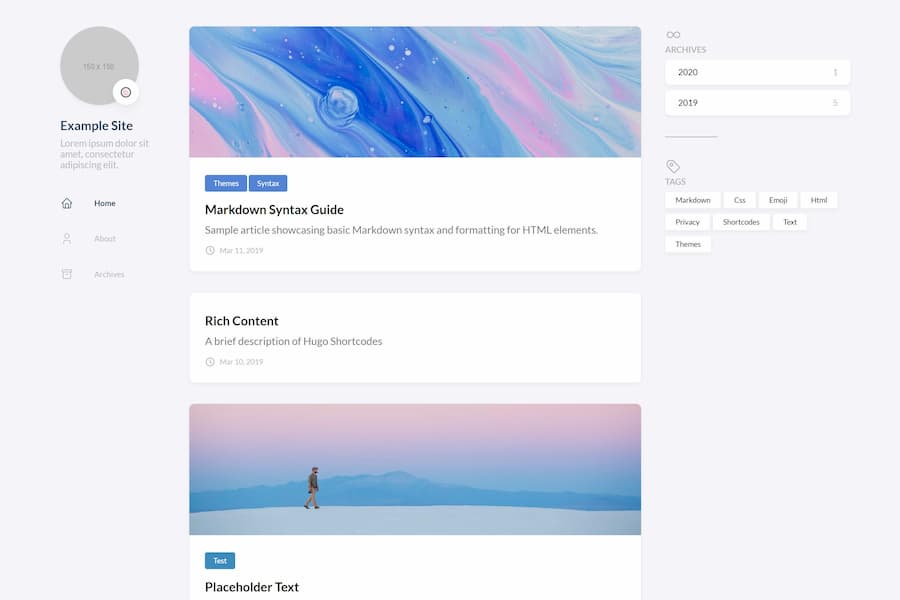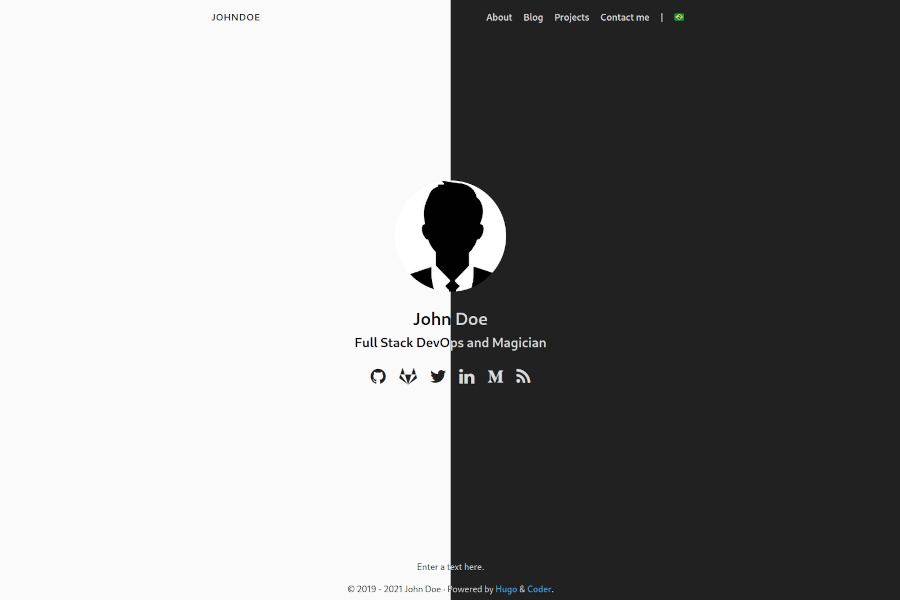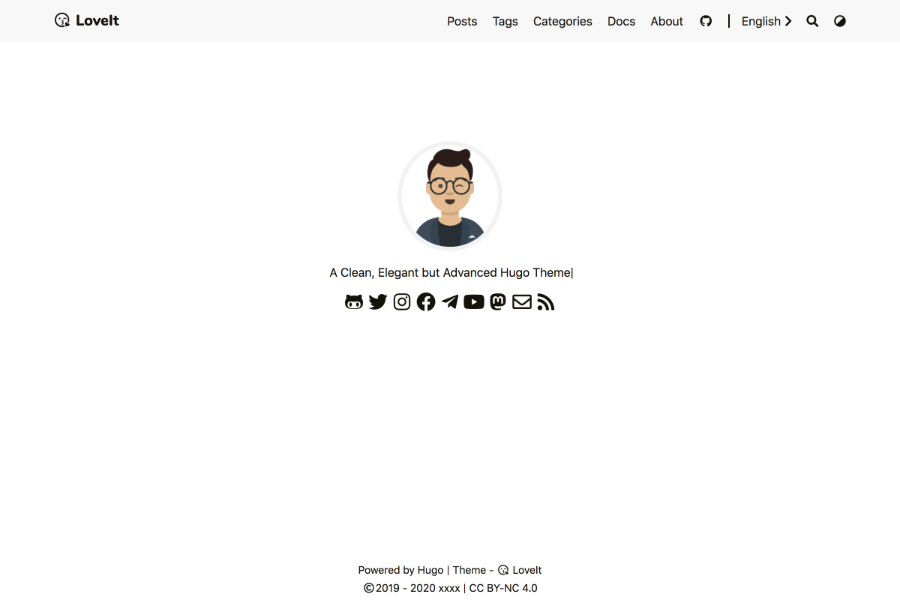
页面
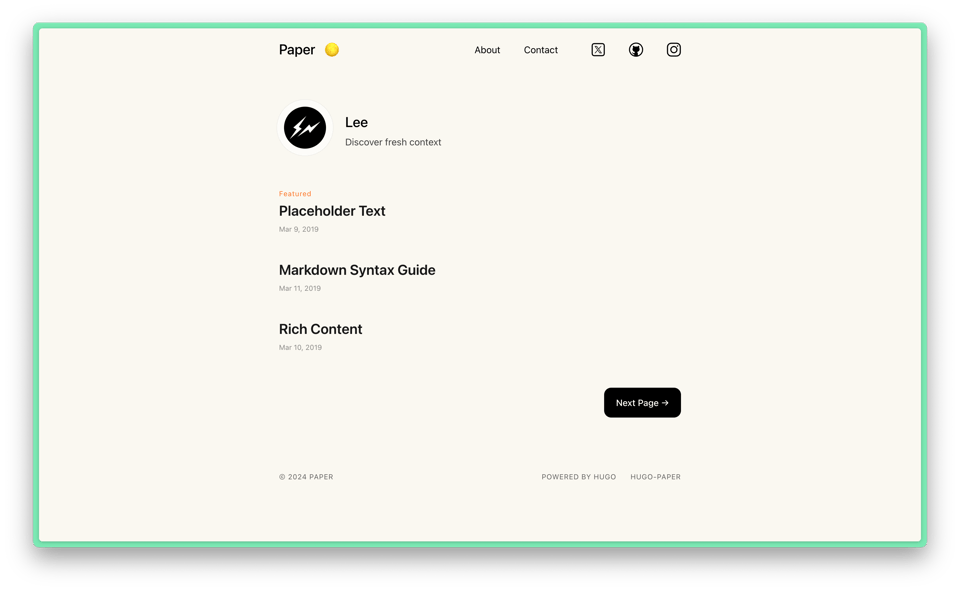
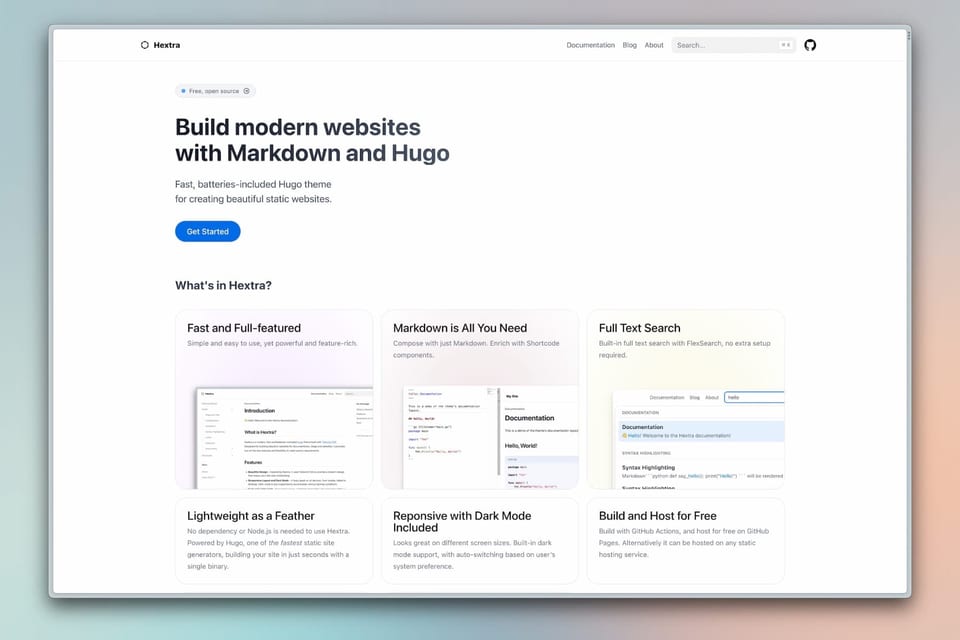
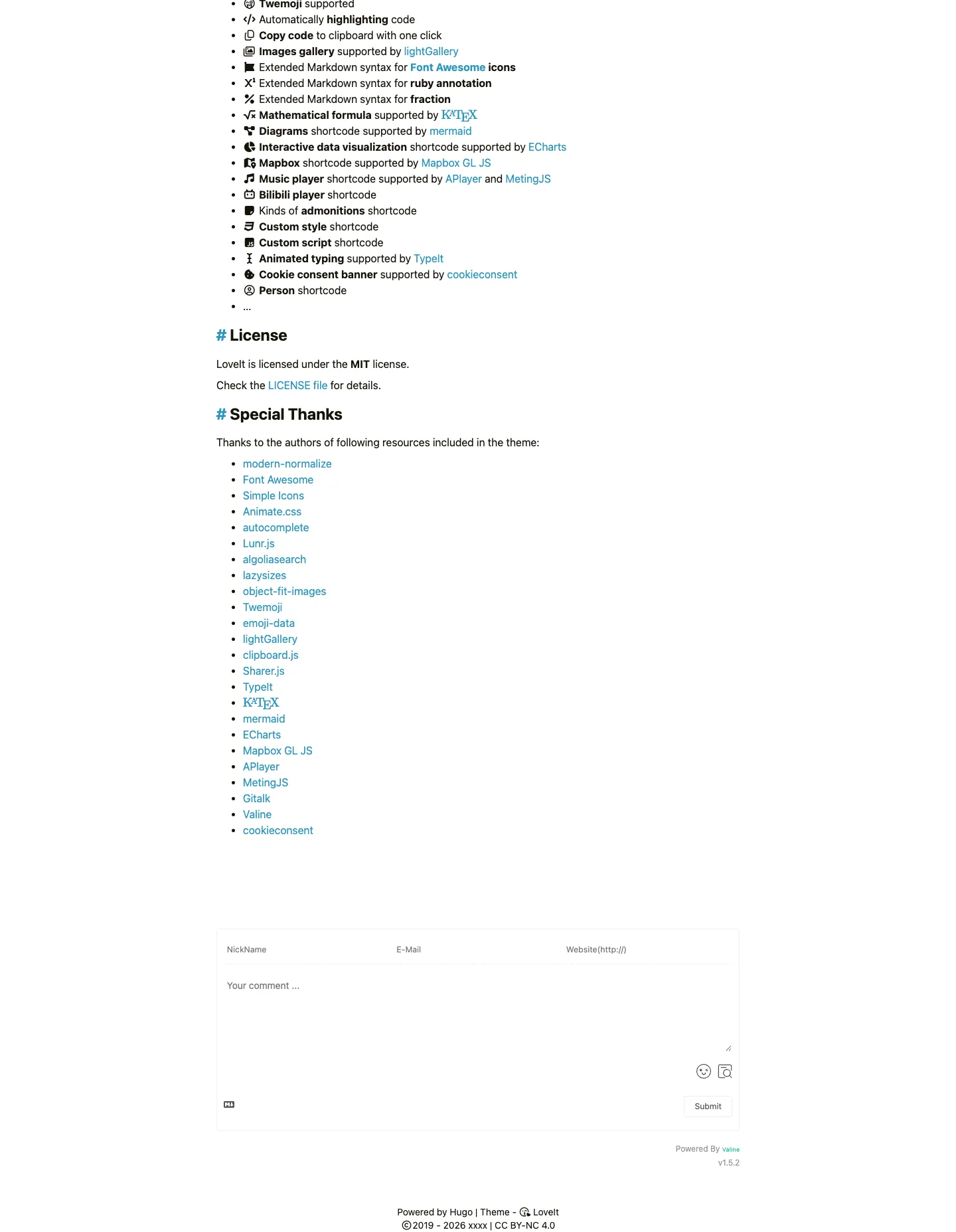
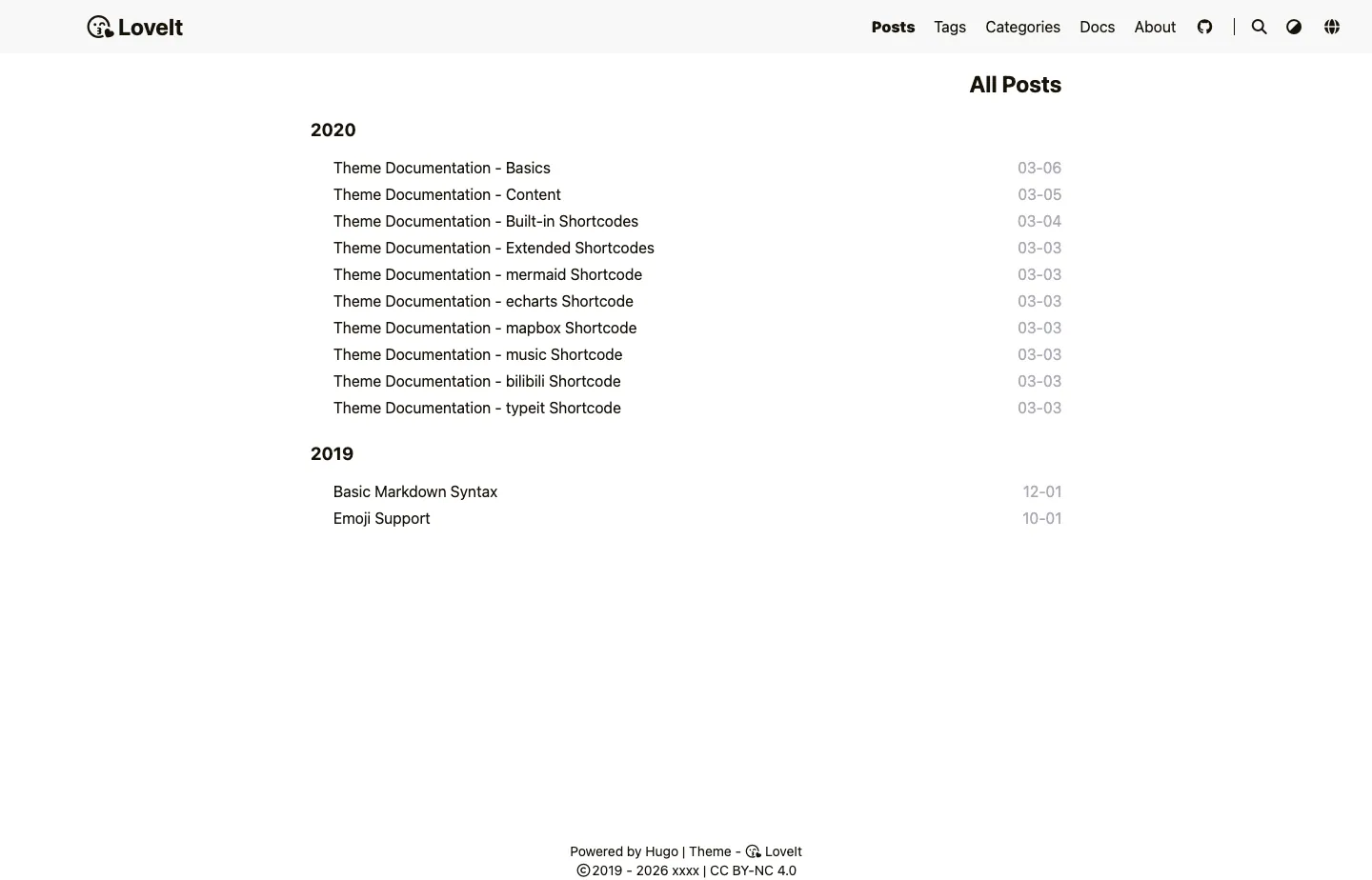
在线演示的逐页截图,在页面框内滚动可查看完整页面。
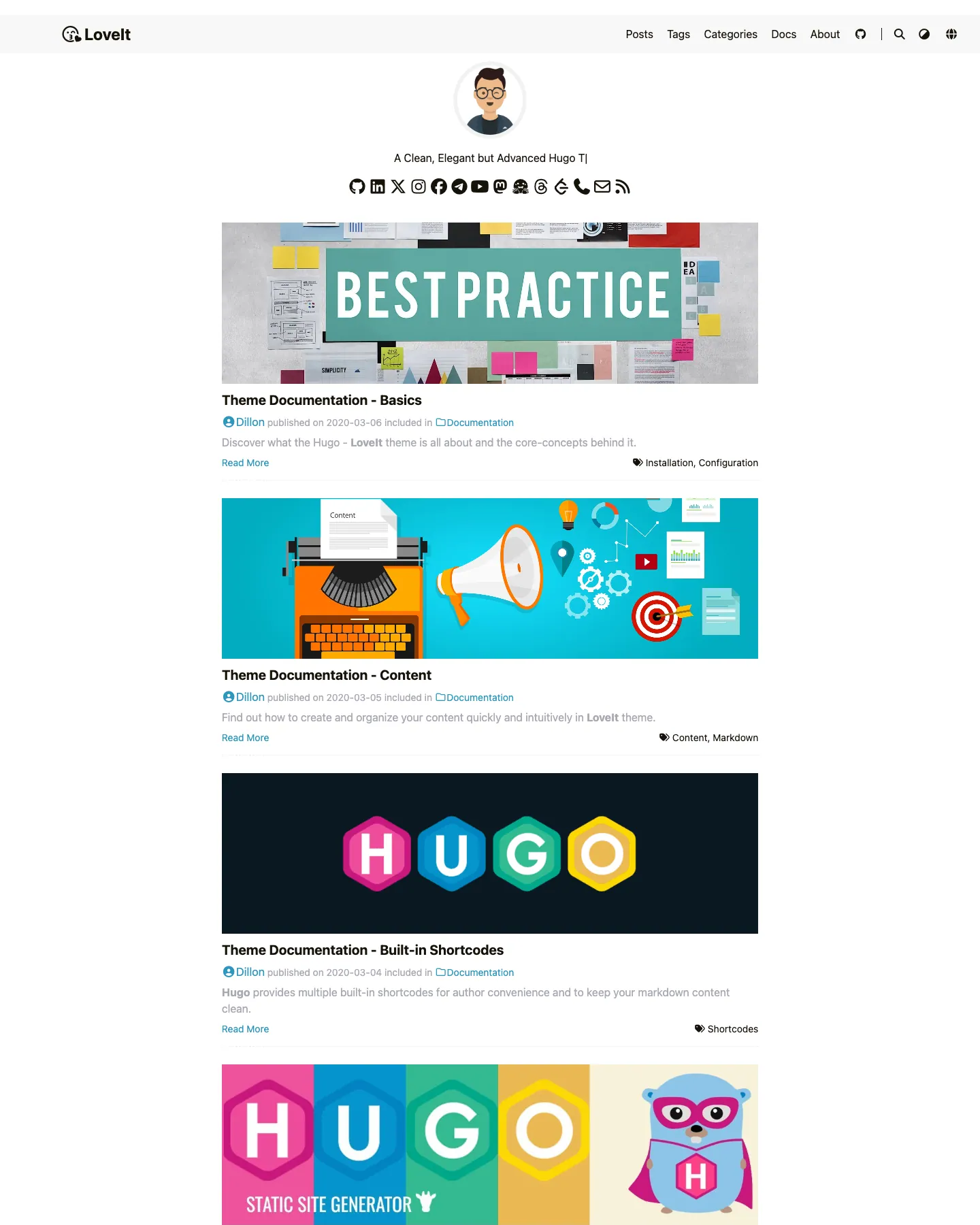
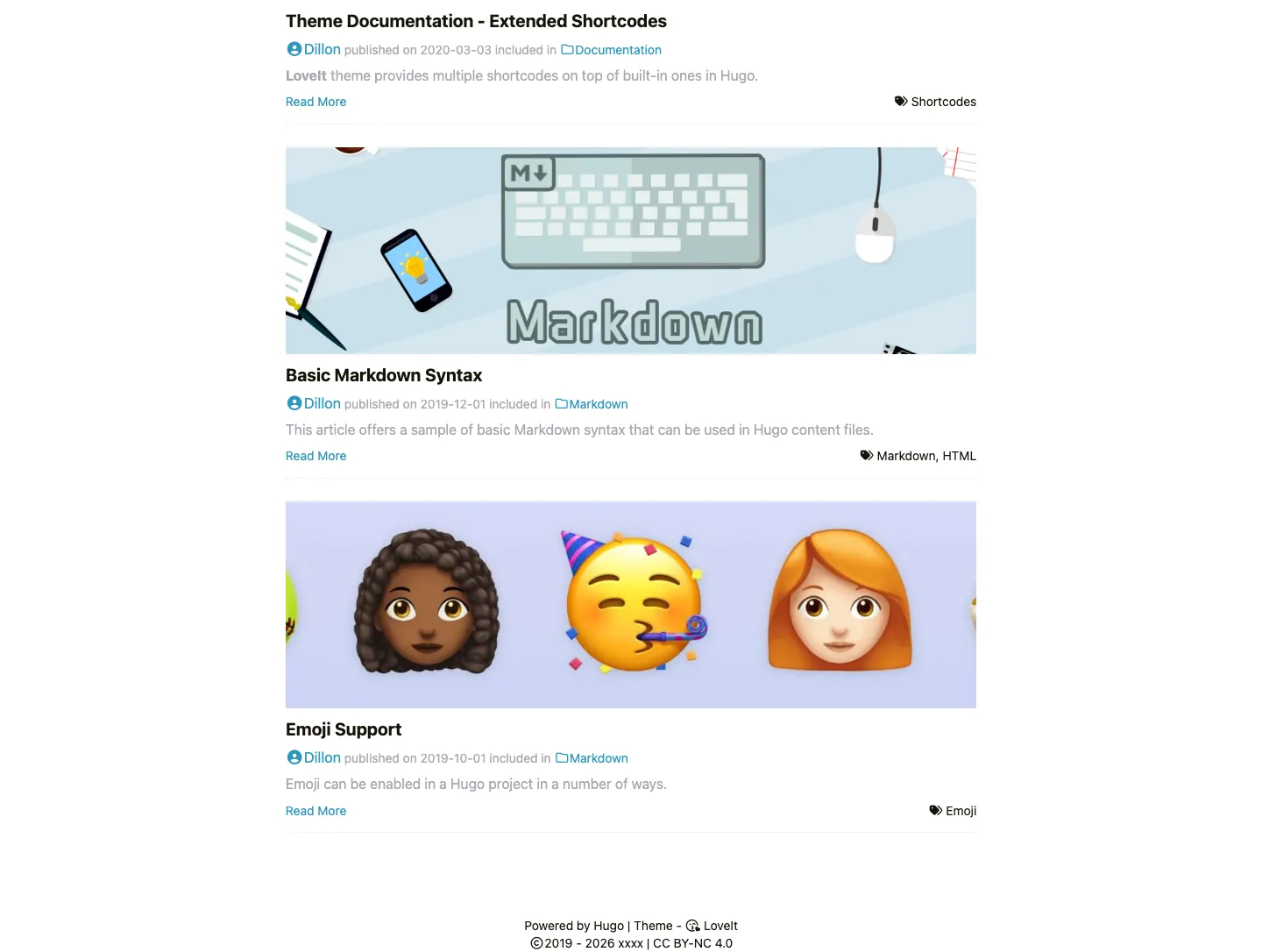
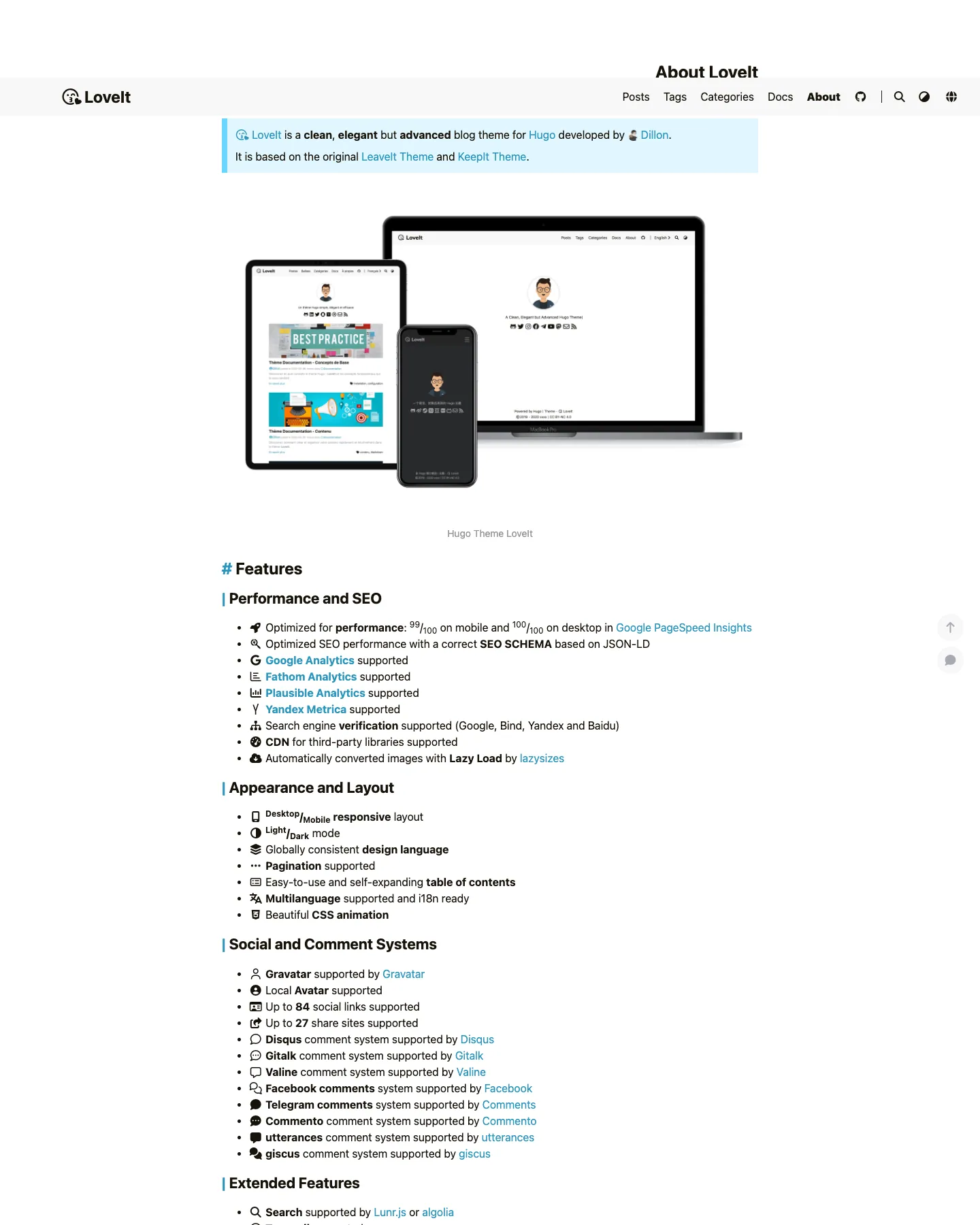
设计解读
AI 对这套模板设计的解读:配色、字体、间距、区块和标志性细节。使用模板时,Ottermind 会以它为起点。
这份解读暂时还没有中文版本,先以英文显示。
- Overall
blog, clean and modern, low density, light
- Palette
background #ffffff; surfaces [#f8f8f8]; text #161209; muted text #a9a9b3; primary #2d96bd; accents []
- Type
headings system-ui, 700, sentence-case; body system-ui, 16px; scale h1 20px
- Shape & spacing
card radius 0px, borders none, shadows none, section spacing 40px, content width 788px
- Sections (top to bottom)
- header — horizontal navigation with logo on left, menu items right-aligned, social icons below avatar, white background
- hero — centered avatar with tagline, social media icons in a row beneath, white background
- posts grid — two-column layout on desktop, each post has featured image, headline, author/date, category, excerpt, tags, read more link, light gray surface background
- footer — centered attribution line with Hugo and theme credit, copyright notice, CC license
- Signature details
- consistent use of system-ui font across all elements
- minimalistic design with no decorative borders or shadows
- uniform spacing between sections and cards
- feature list with icon prefixes in the about page
- monochrome social icons in circular form
- responsive layout with mobile-first structure
- Other pages
- /about/: full-width hero with device mockups, features listed in collapsible sections with icons, light blue info box at top
- /posts/: chronological list grouped by year, plain text layout with dates aligned right, minimal styling
模板信息
- 分类
- Blog
- 技术栈
- Hugo
- 许可
- MIT
- 作者
- Dillon
- 价格
- 免费
- blog
- dark
原始设计来自 Dillon,发布于 Hugo Themes。Ottermind 不会复制模板代码,而是根据需求生成一个全新的网站。
Ottermind 起步用的需求
它会作为草稿在 Studio 中打开,发送前先补充你的品牌、受众和页面。
Build a blog website inspired by the "LoveIt" template. Reference brief: A Clean, Elegant but Advanced Hugo Theme for Hugo. Style and features to reflect: blog, dark. Use original copy and imagery for my brand rather than the reference's placeholder content.
如何使用这个模板
- 1
点击「使用这个模板」,在 Ottermind Studio 中打开并自动填入需求。
- 2
在需求里补充你的品牌、受众、页面和内容。
- 3
Ottermind 以这套设计为灵感生成一个全新网站,你可以在对话中继续修改。