페이지
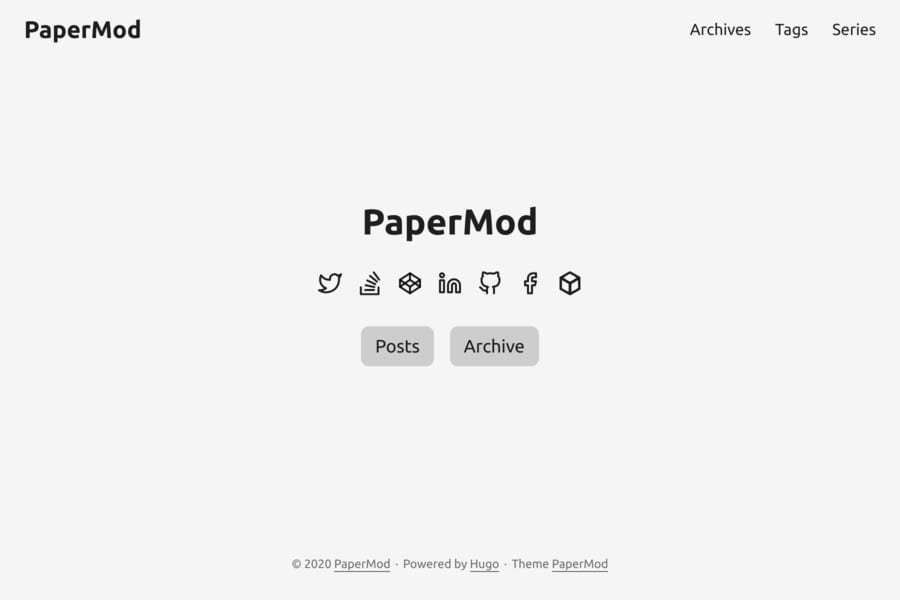
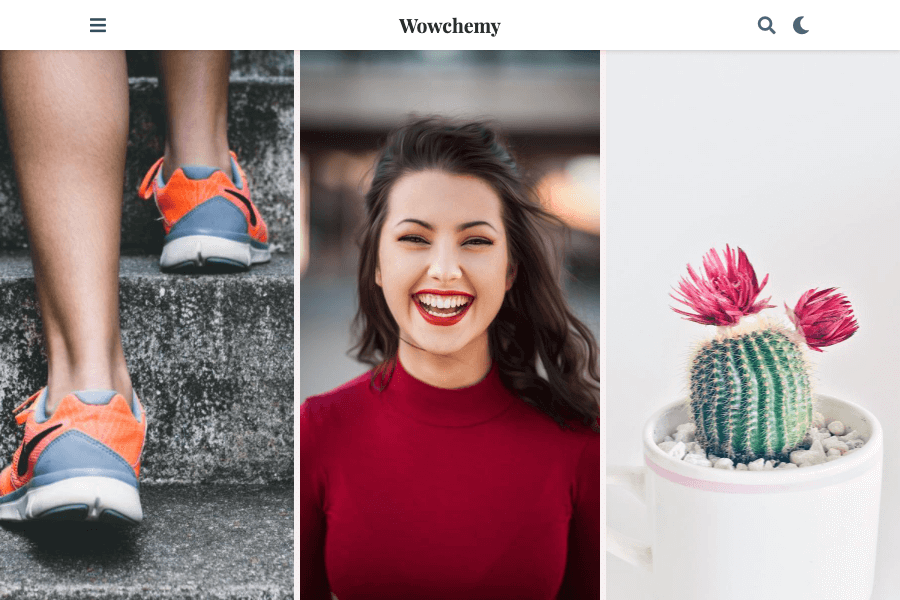
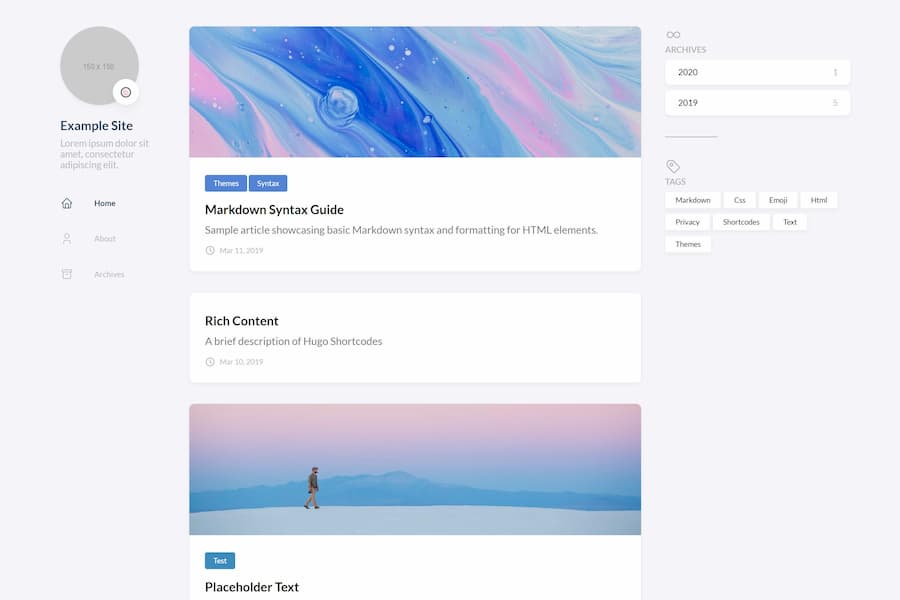
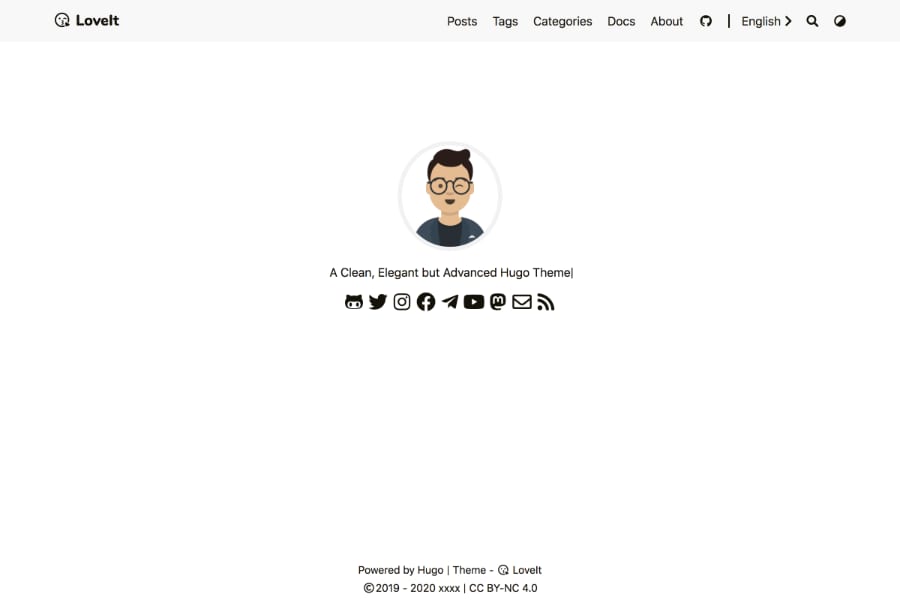
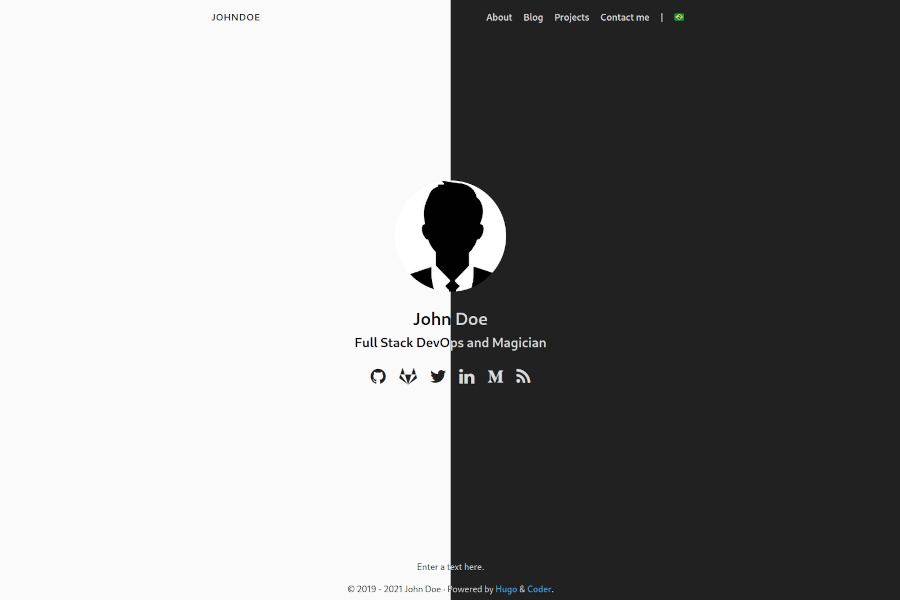
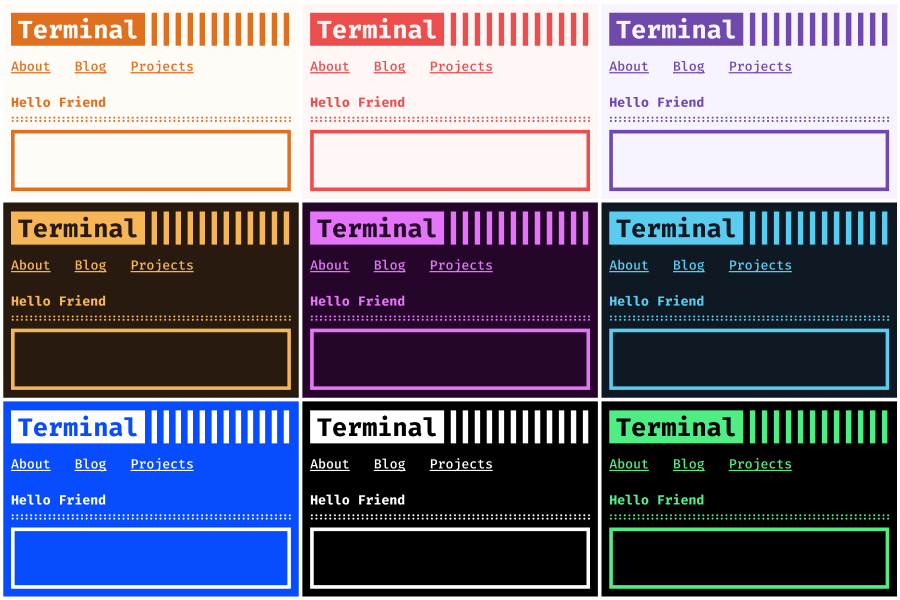
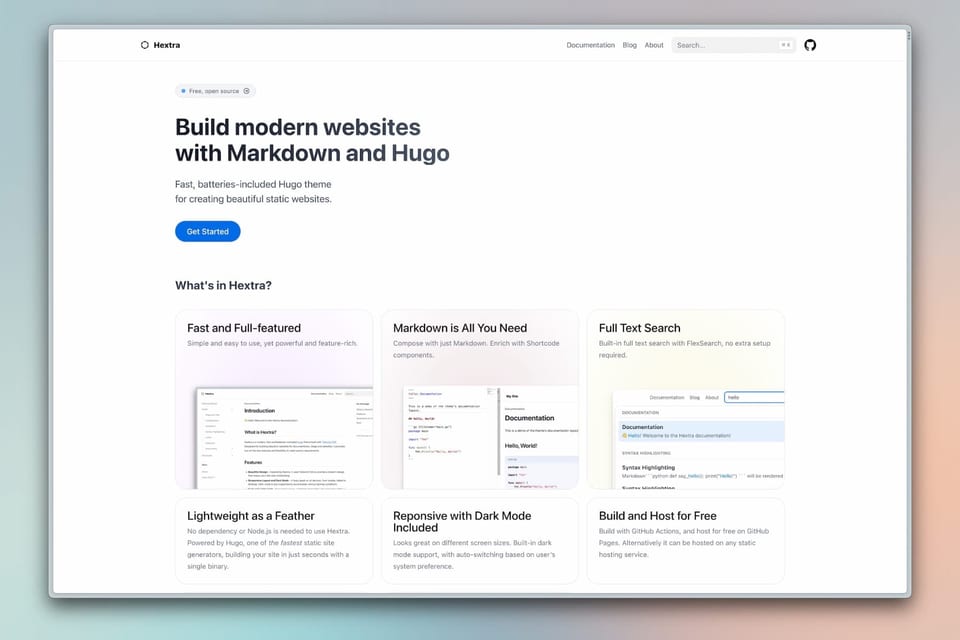
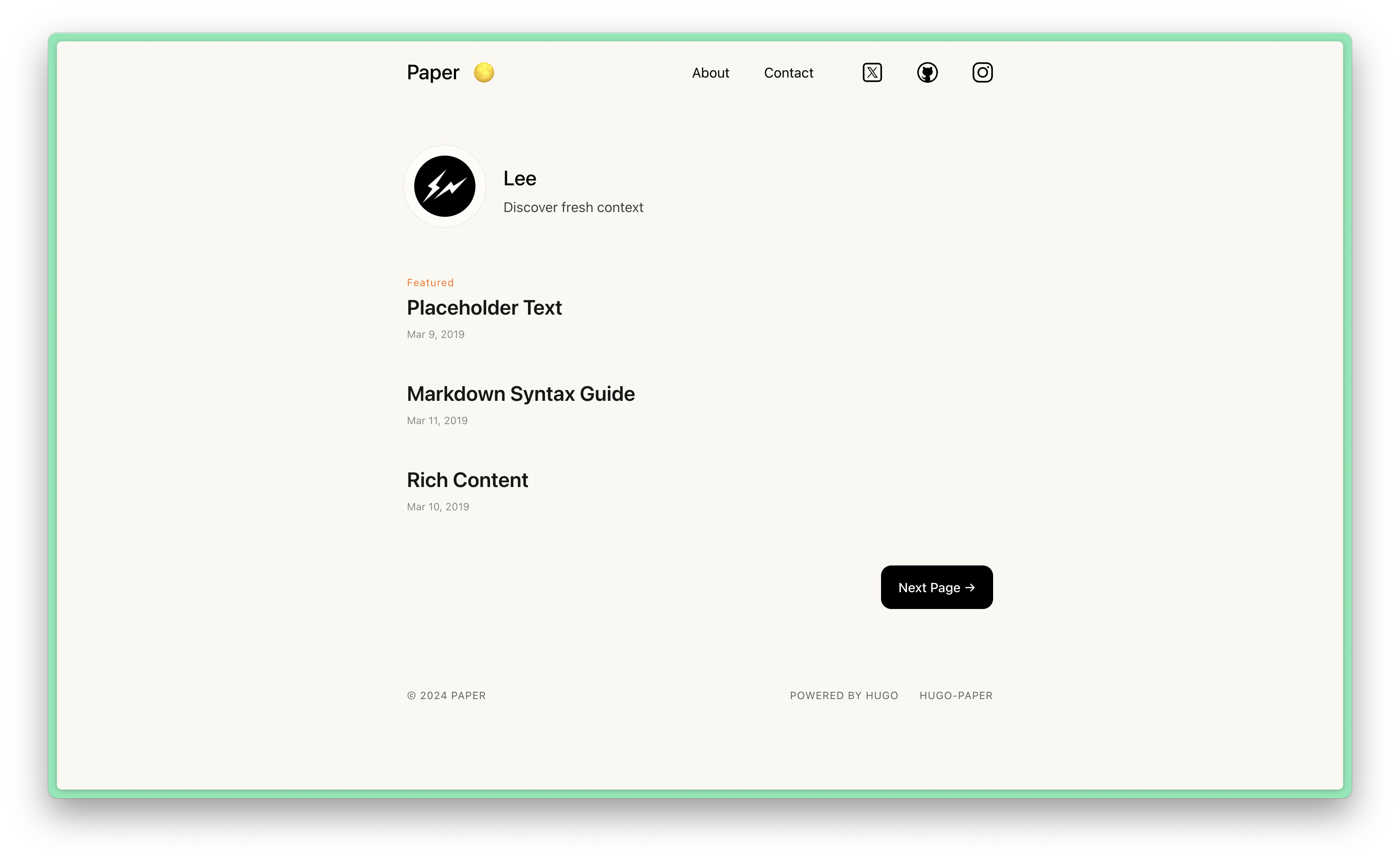
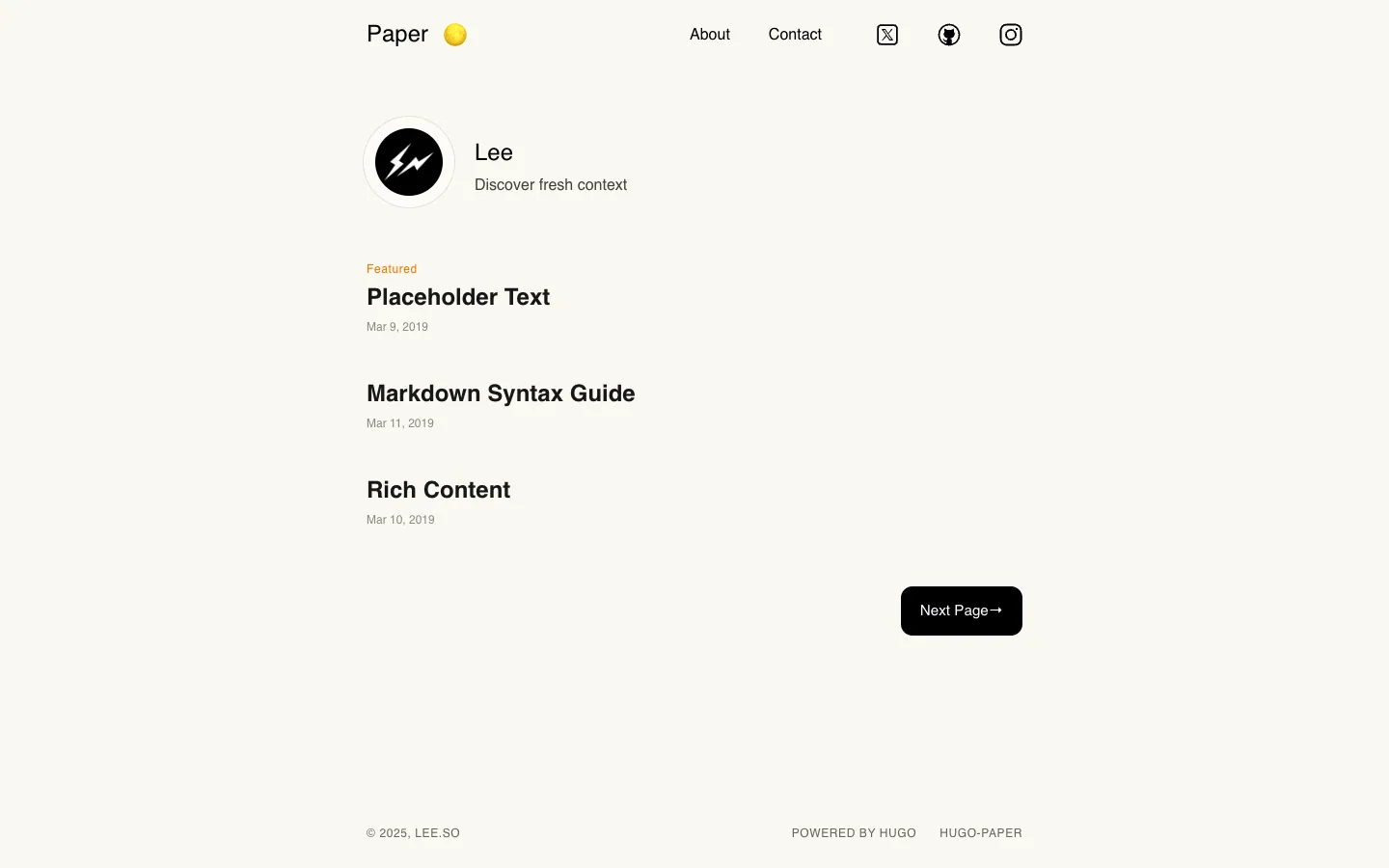
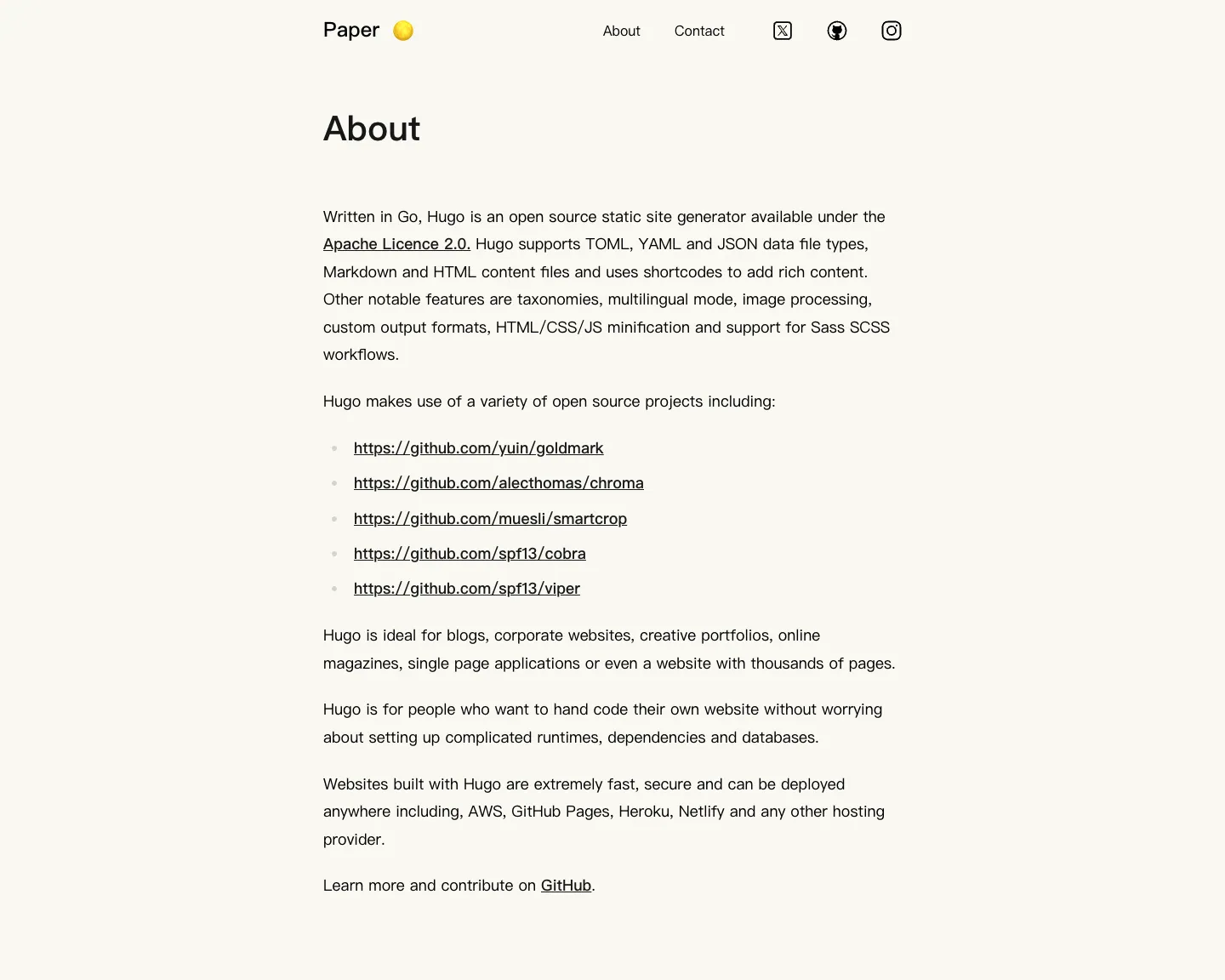
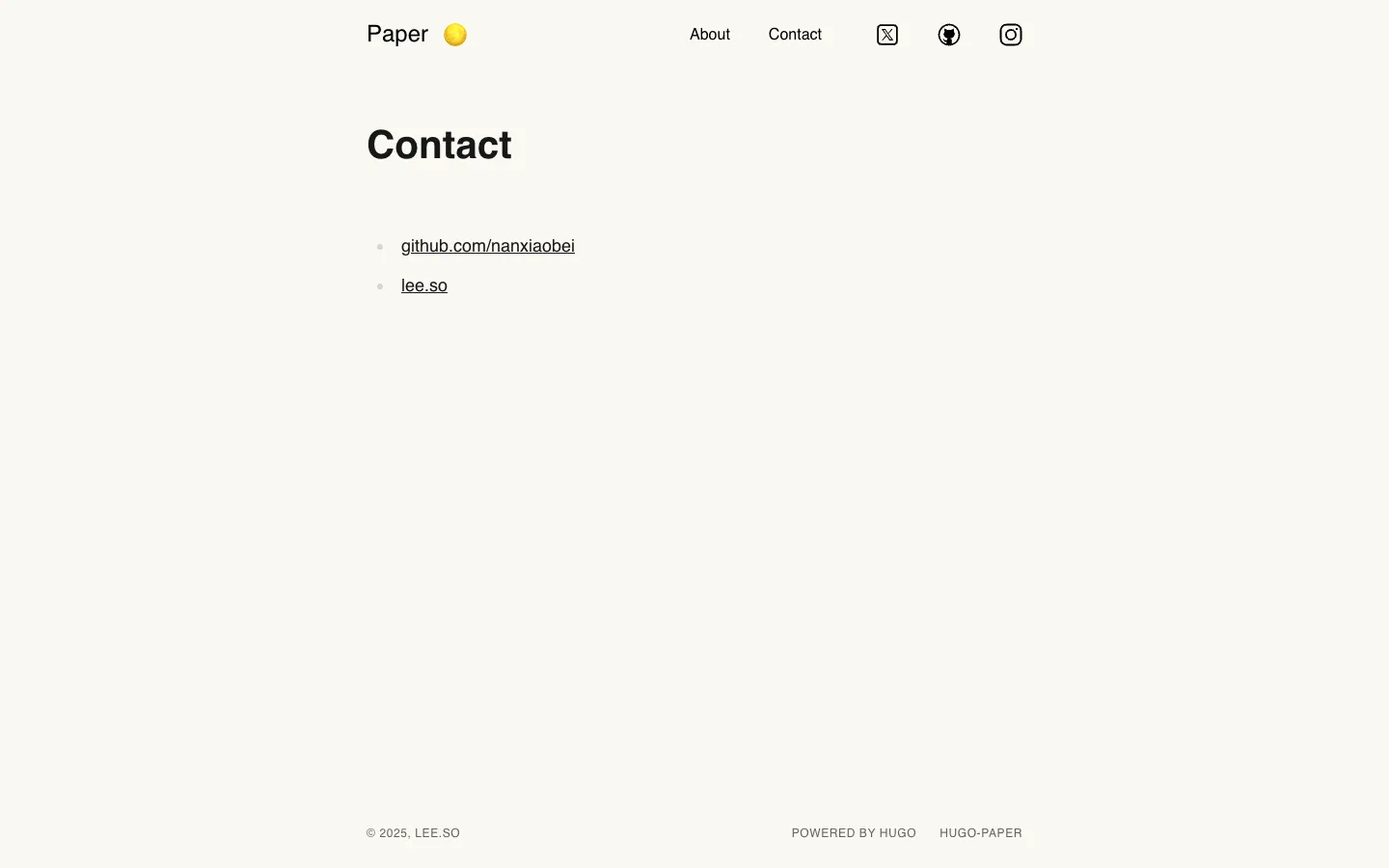
라이브 데모의 페이지별 스크린샷입니다. 페이지 안에서 스크롤하면 전체를 볼 수 있습니다.
디자인 분석
이 템플릿 디자인을 AI가 분석한 내용입니다: 색상, 글꼴, 여백, 섹션, 특징적인 디테일. 템플릿을 사용하면 Ottermind가 여기에서 시작합니다.
이 분석은 아직 한국어로 제공되지 않아 영어로 표시됩니다.
- Overall
blog, minimalist, low density, light
- Palette
background #faf8f1; surfaces [#ffffff, #000000]; text #000000; muted text #171717; primary #000000; accents []
- Type
headings ui-sans-serif, 600, sentence-case; body ui-sans-serif, 16px; scale h2 24px, body 16px
- Shape & spacing
button radius 12px, no borders, no shadows, section spacing 40px, content width 680px
- Sections (top to bottom)
- Header — horizontal layout, logo and navigation on left, social icons on right, white background
- Hero — centered profile image with circular border, name in bold, tagline below, light gray background
- Content — vertical list of article cards with featured label in orange, title in bold, date in small gray text, consistent spacing
- Pagination — centered black button with white text "Next Page→", rounded corners
- Footer — two-line layout, copyright on left, Hugo attribution on right, light gray text
- Signature details
- Circular profile avatar with thin white border
- Orange "Featured" label above first article
- Minimalist navigation with icon-only social links
- Clean, uncluttered typography with generous line height
- Centered content block within fixed width
- Black pill-shaped button with arrow for pagination
- Other pages
- /about/: single-column layout with descriptive paragraph and bulleted list of GitHub links
- /contact/: minimal contact info with two bullet points, no form or input fields
템플릿 정보
- 카테고리
- Blog
- 기술
- Hugo
- 라이선스
- MIT
- 제작자
- nanxiaobei
- 게시처
- Hugo Themes
- 가격
- 무료
- blog
- light
원본 디자인: nanxiaobei (Hugo Themes에 게시). Ottermind는 템플릿 코드를 복사하지 않고, 브리프를 바탕으로 새 사이트를 만듭니다.
Ottermind가 시작하는 브리프
Studio에서 초안으로 열립니다. 보내기 전에 브랜드, 대상, 페이지를 추가하세요.
Build a blog website inspired by the "Paper" template. Reference brief: A simple, clean, flexible Hugo theme Style and features to reflect: blog, light. Use original copy and imagery for my brand rather than the reference's placeholder content.
이 템플릿 사용 방법
- 1
“이 템플릿 사용하기”를 누르면 브리프가 채워진 상태로 Ottermind Studio가 열립니다.
- 2
브리프에 브랜드, 대상, 페이지, 콘텐츠를 추가하세요.
- 3
Ottermind가 이 디자인에서 영감을 받은 새 사이트를 만듭니다. 채팅으로 계속 다듬으세요.