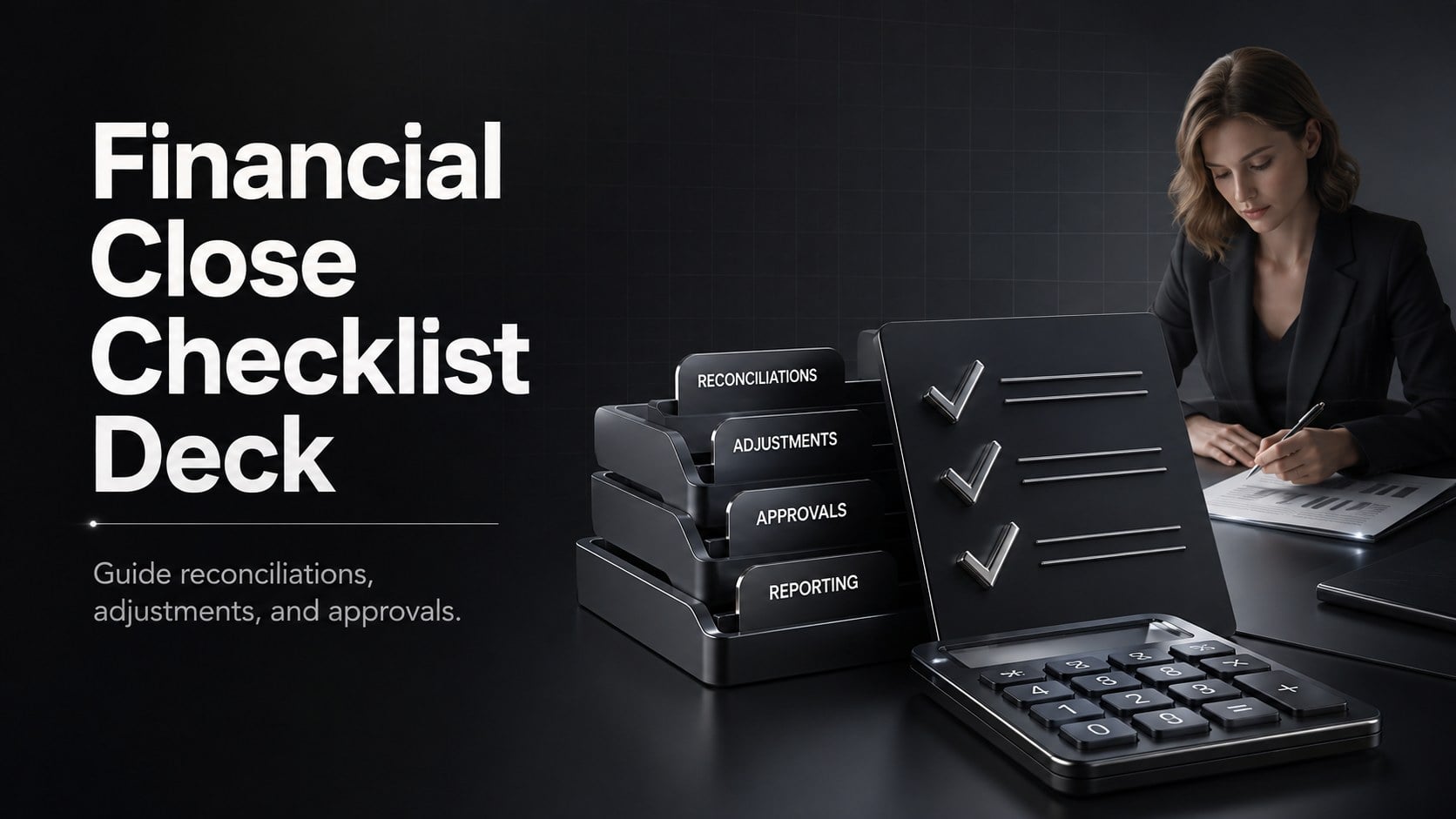
簡報範本

Onyx Motion Business Deck

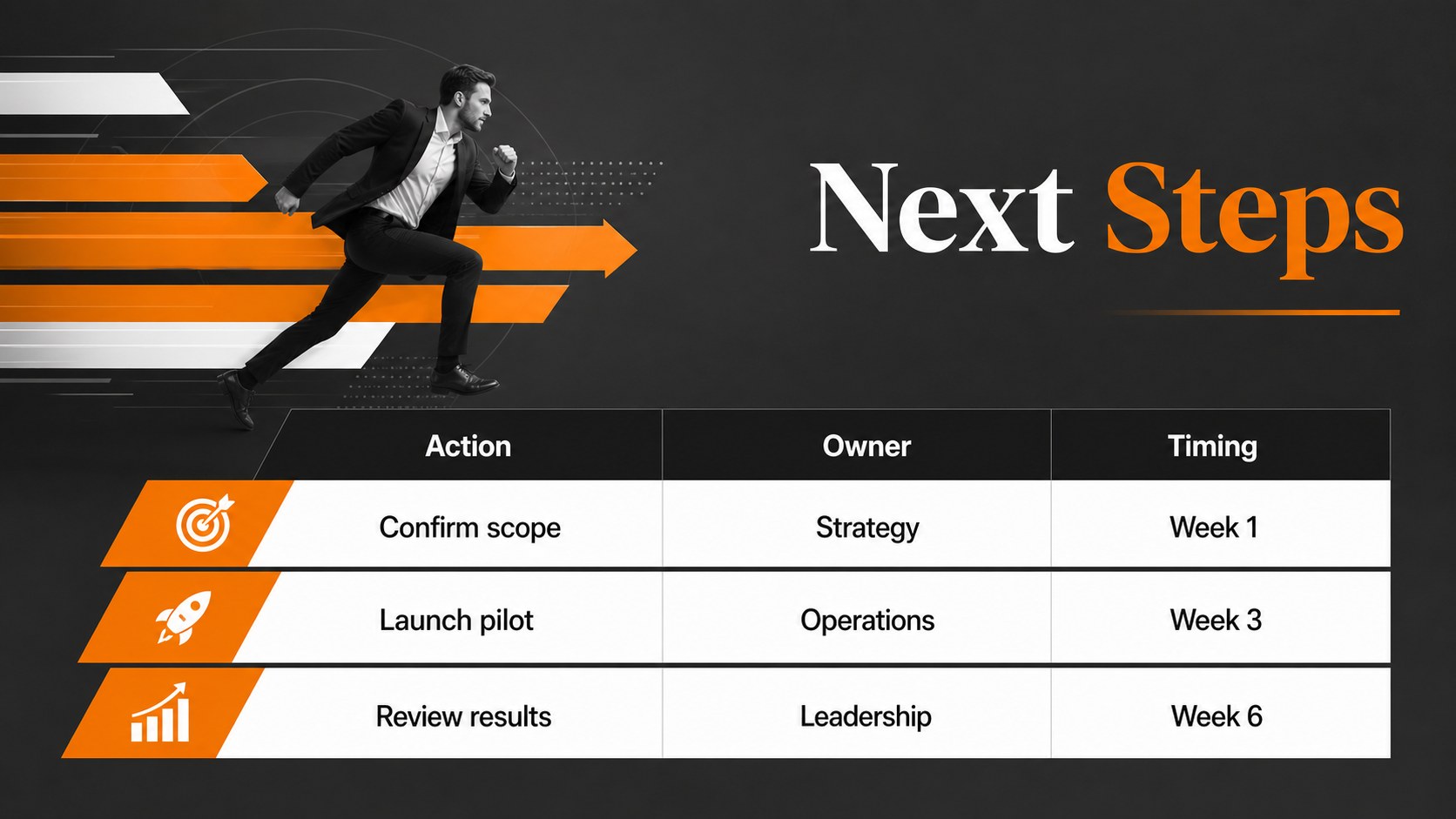
Present reports, plans, and proposals with clarity. This high-contrast business deck pairs an onyx backdrop with energetic orange geometry and confident typography.

這個範本的介紹目前還沒有繁體中文版本,先以英文顯示。

16 頁 · 商業

瀏覽全部 PPT 範本
Onyx Motion Business Deck 簡報範本,第 1 頁

全部 16 頁

範本中的每一頁。Ottermind 會保留這套風格,把你的內容寫進去。

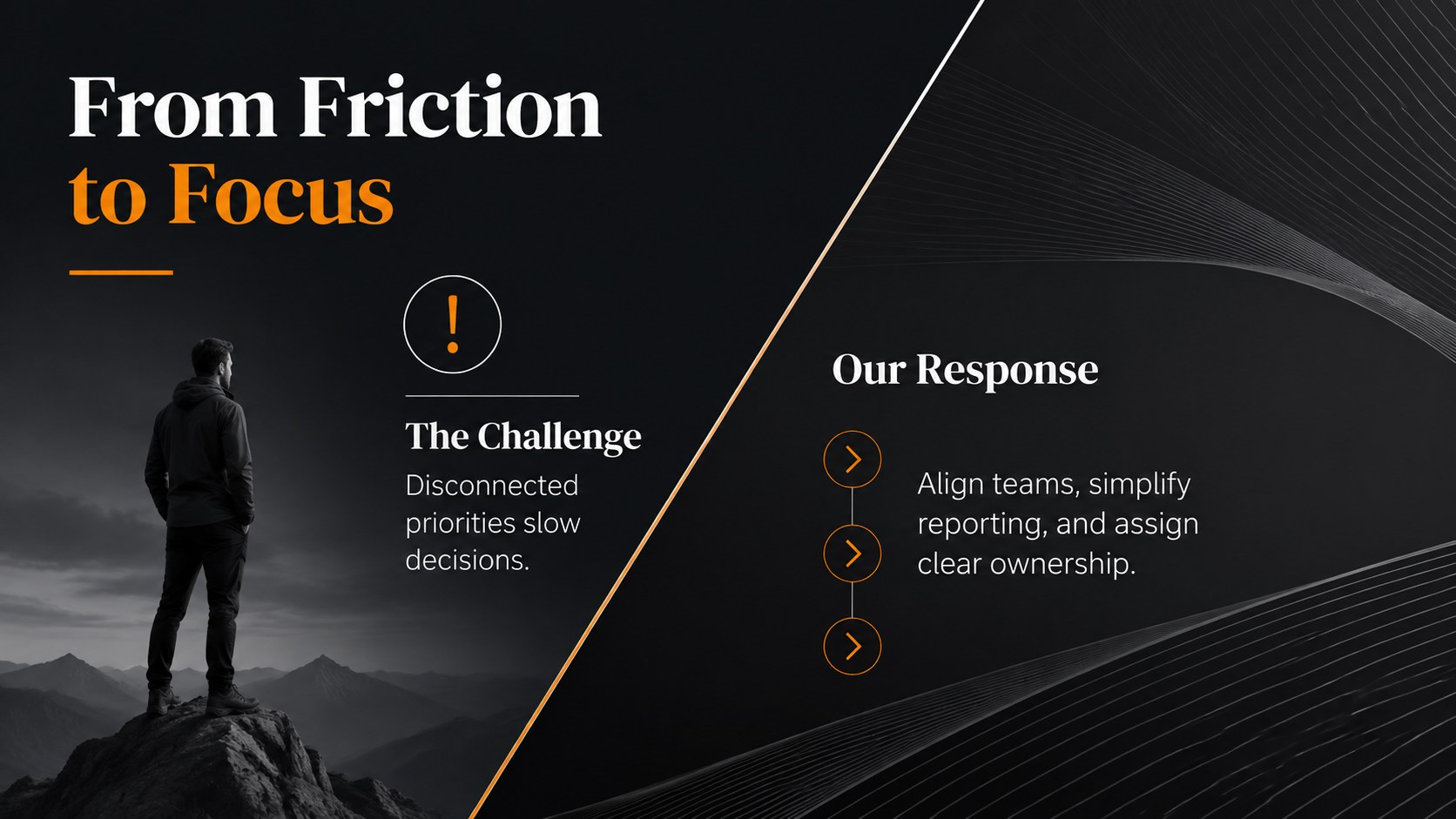
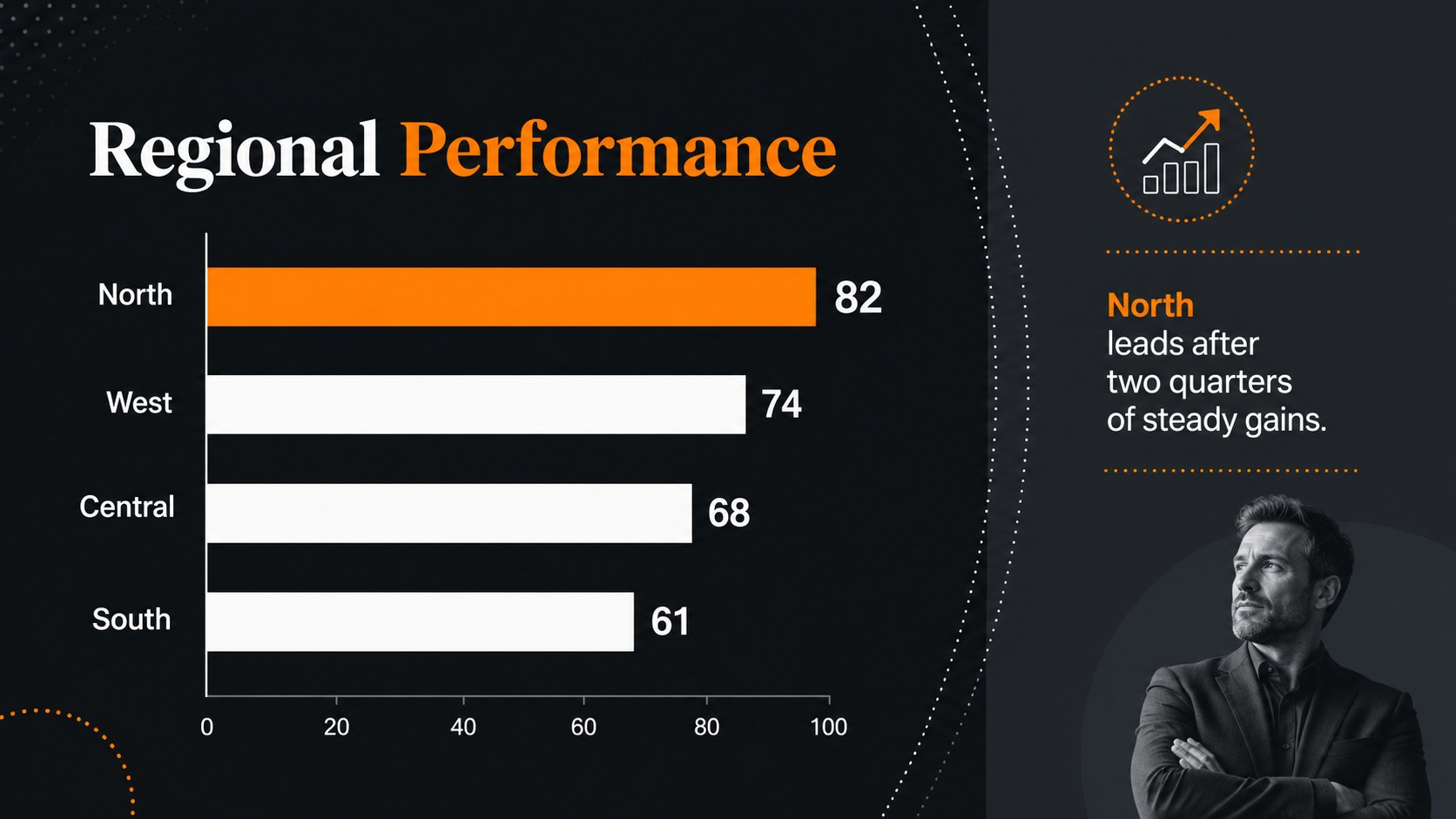
  1. Onyx Motion Business Deck 簡報範本,第 1 頁
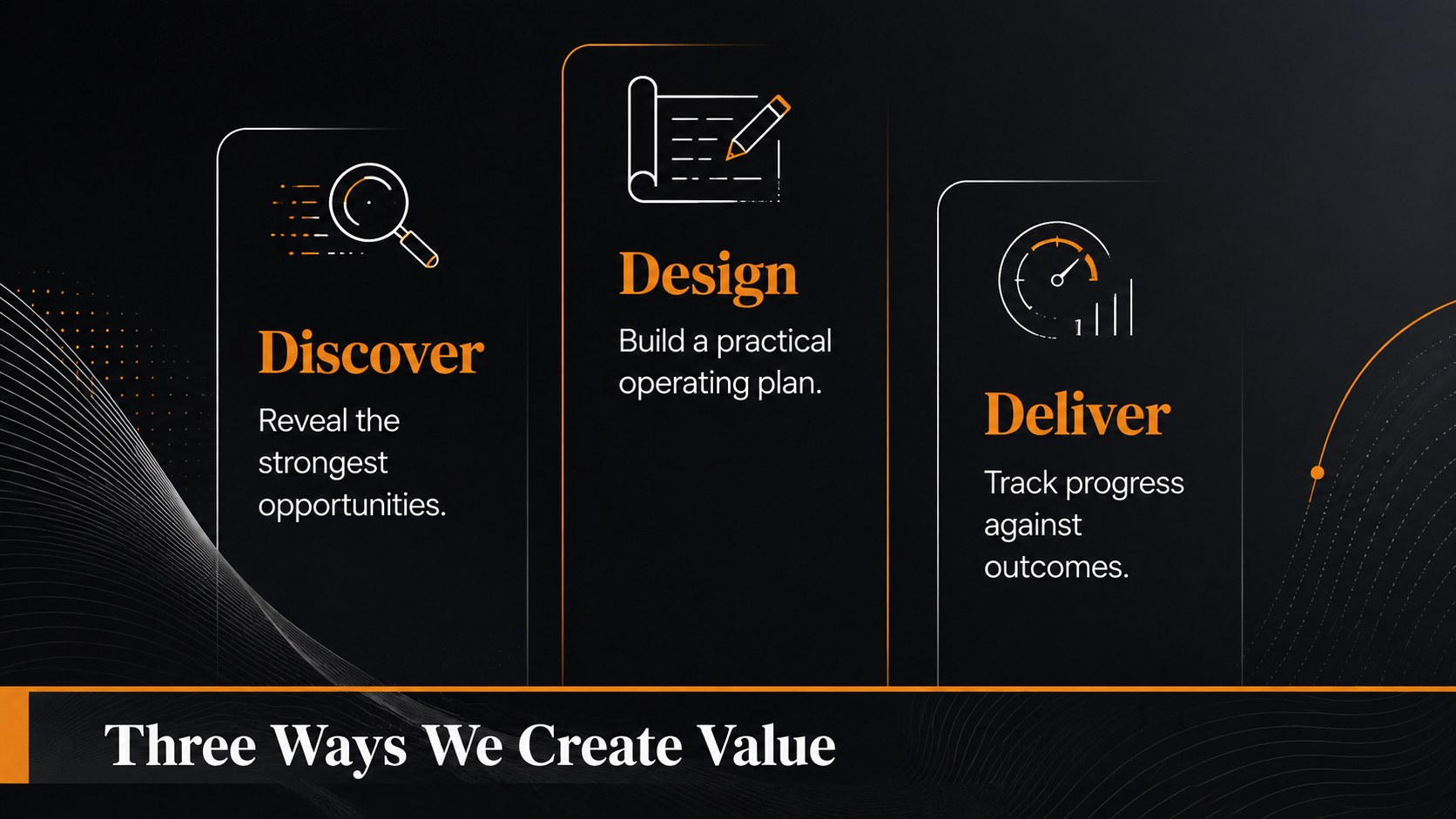
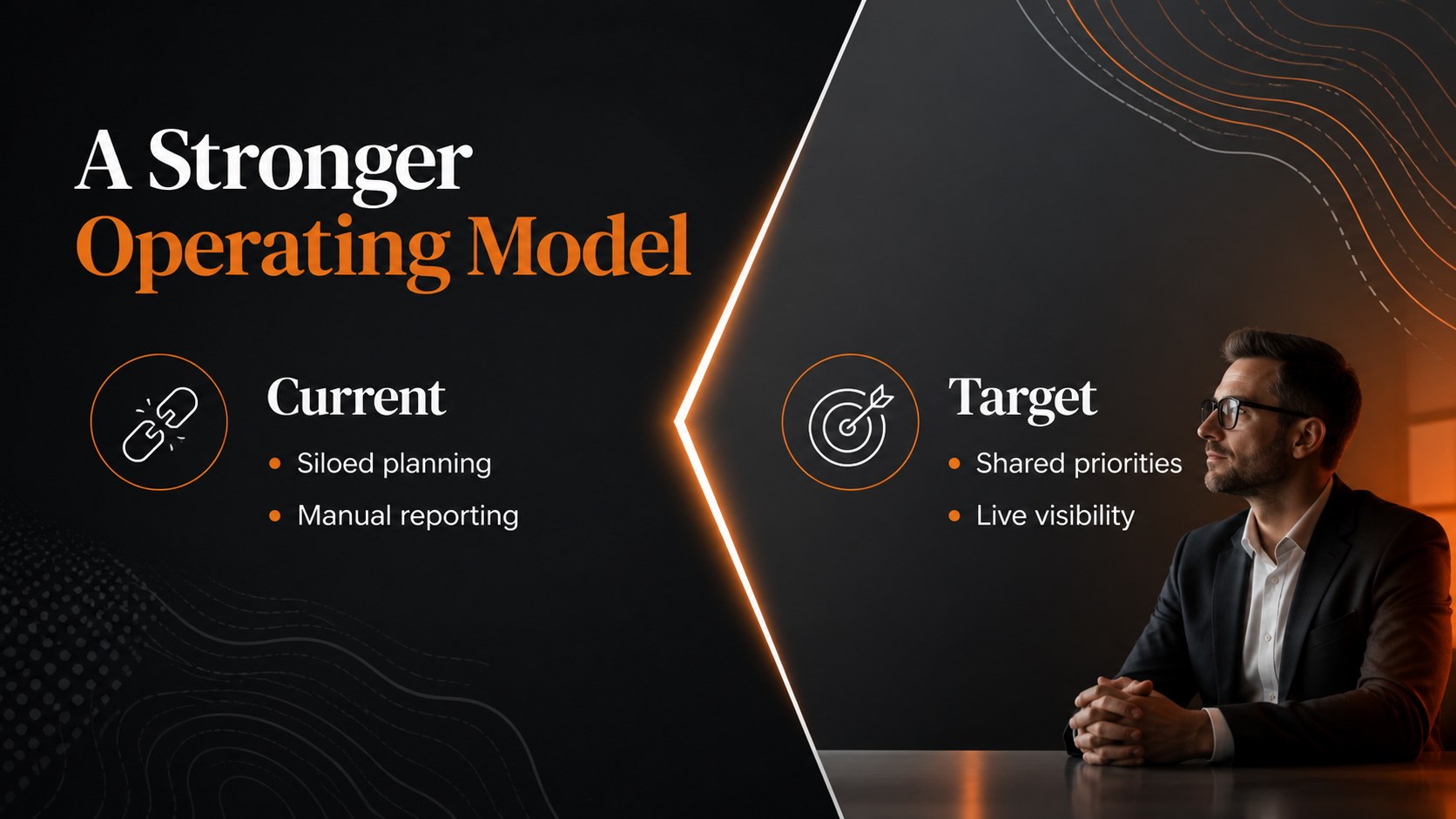
  2. Onyx Motion Business Deck 簡報範本,第 2 頁
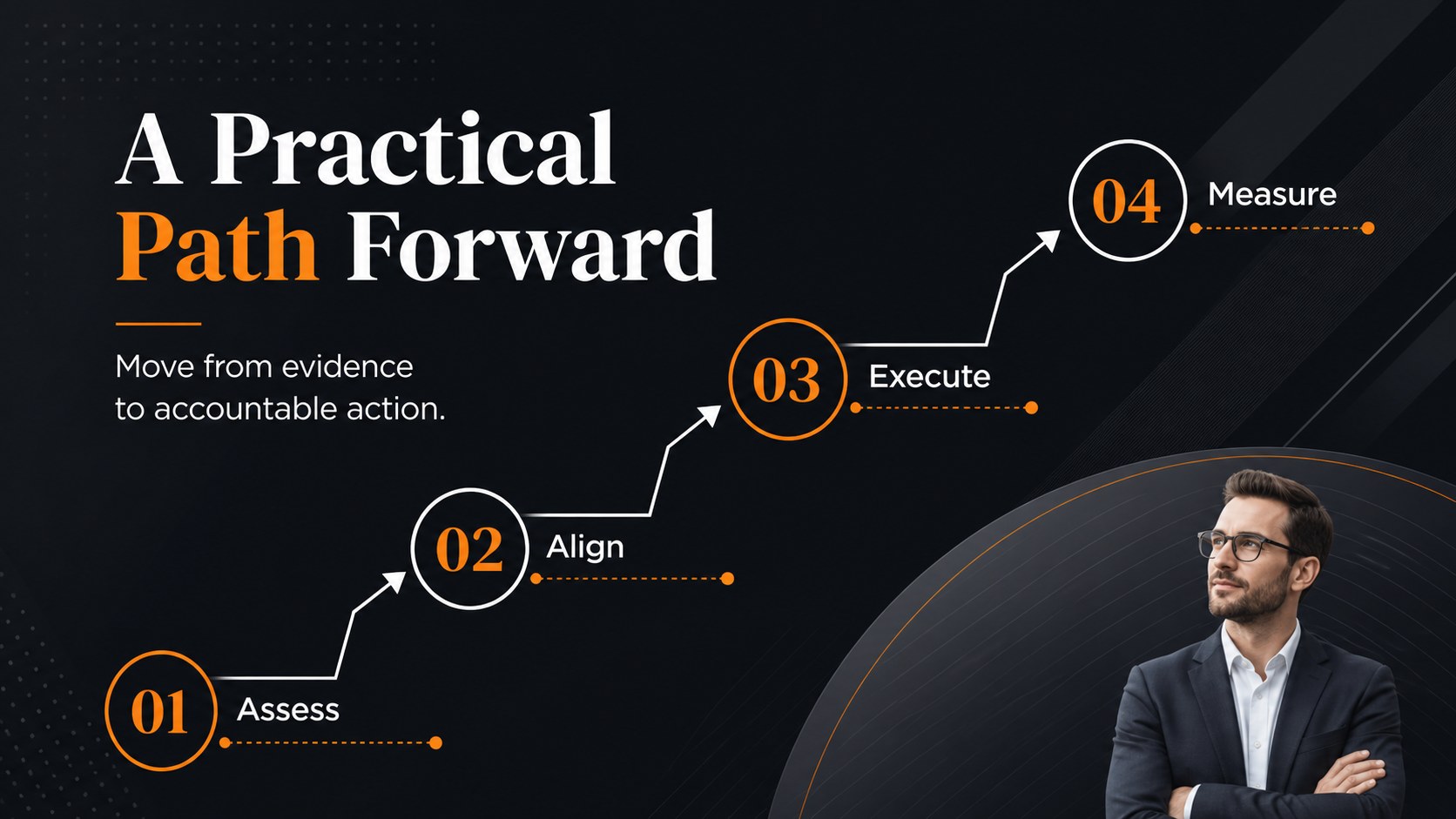
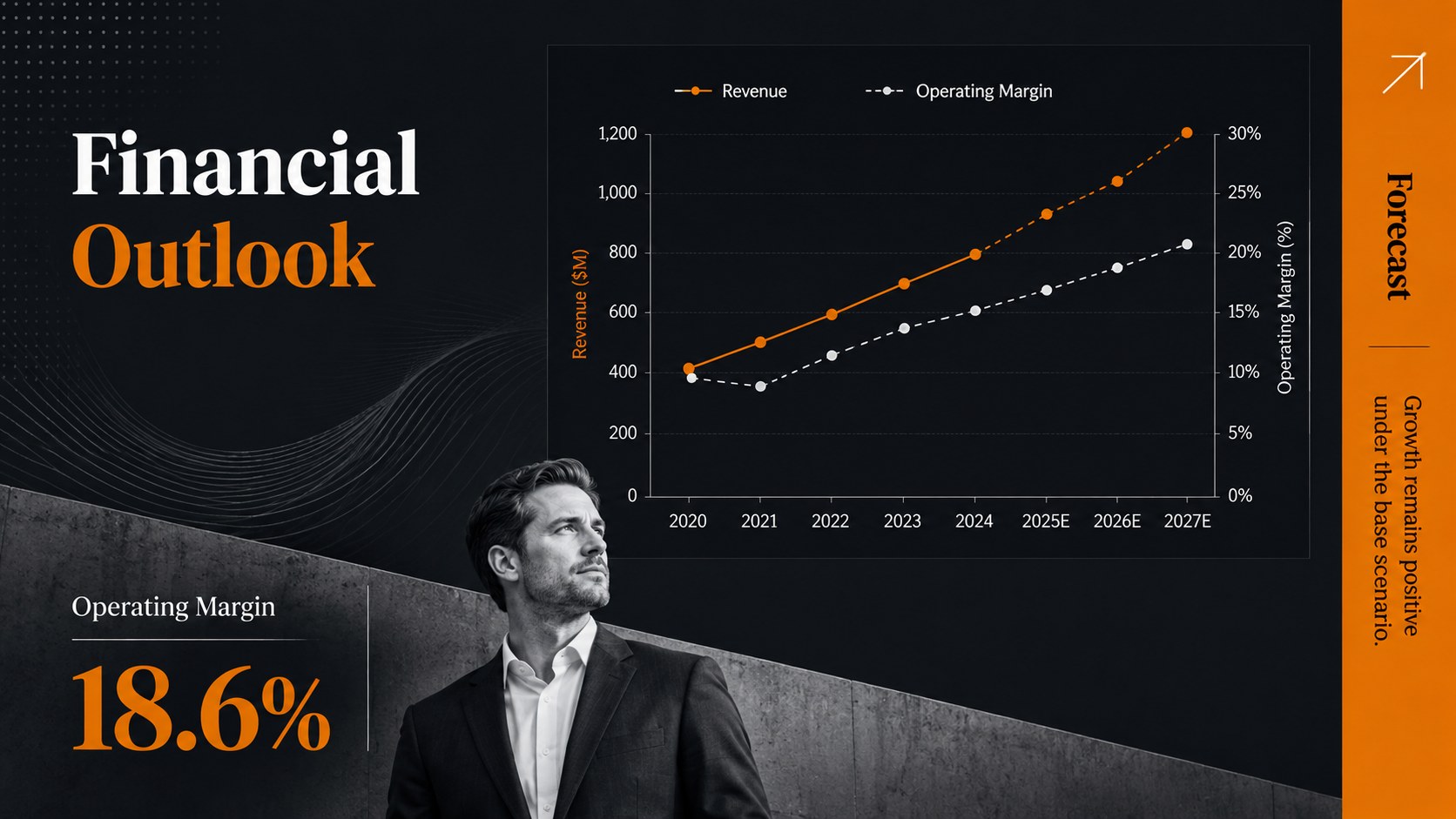
  3. Onyx Motion Business Deck 簡報範本,第 3 頁
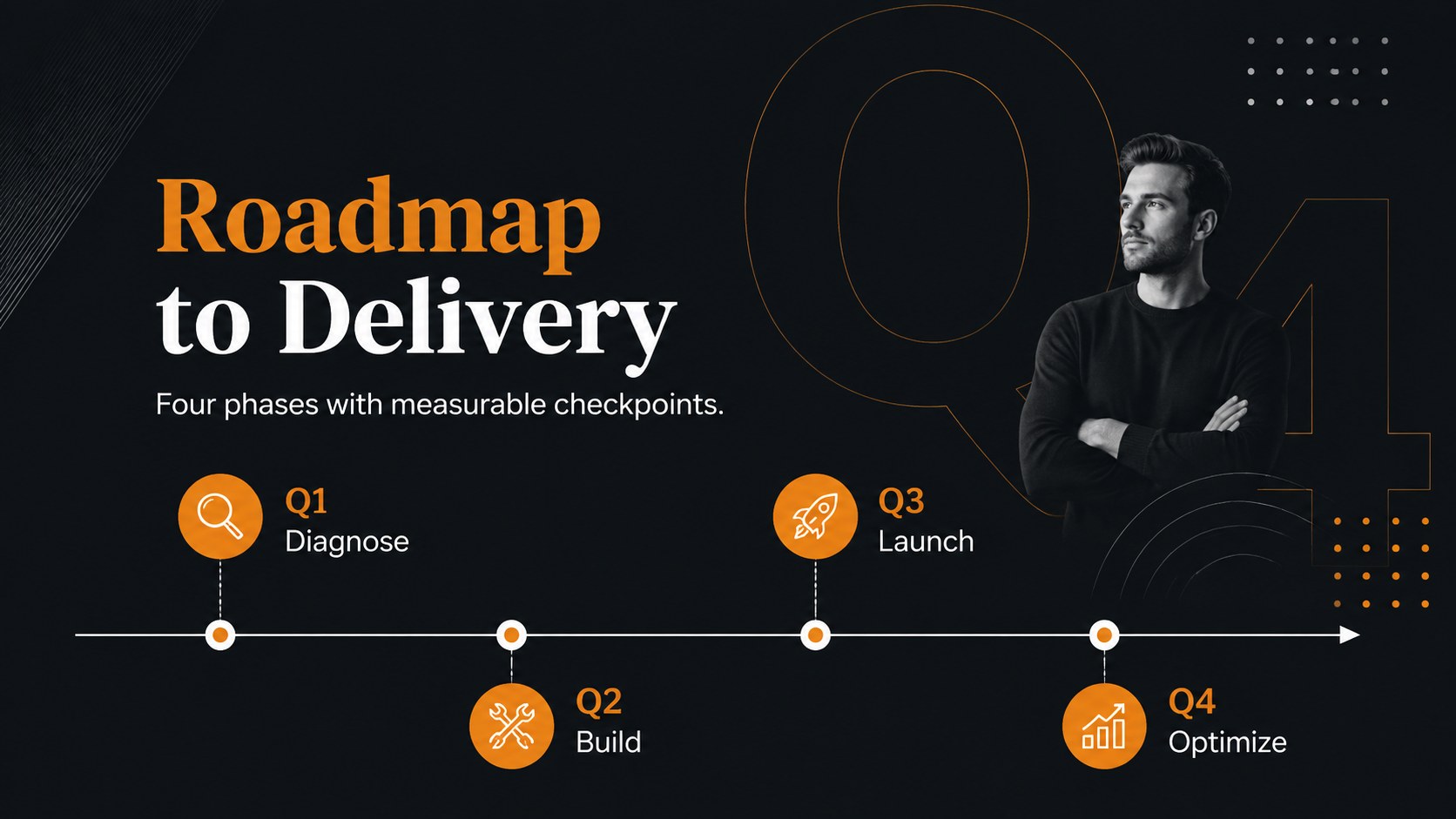
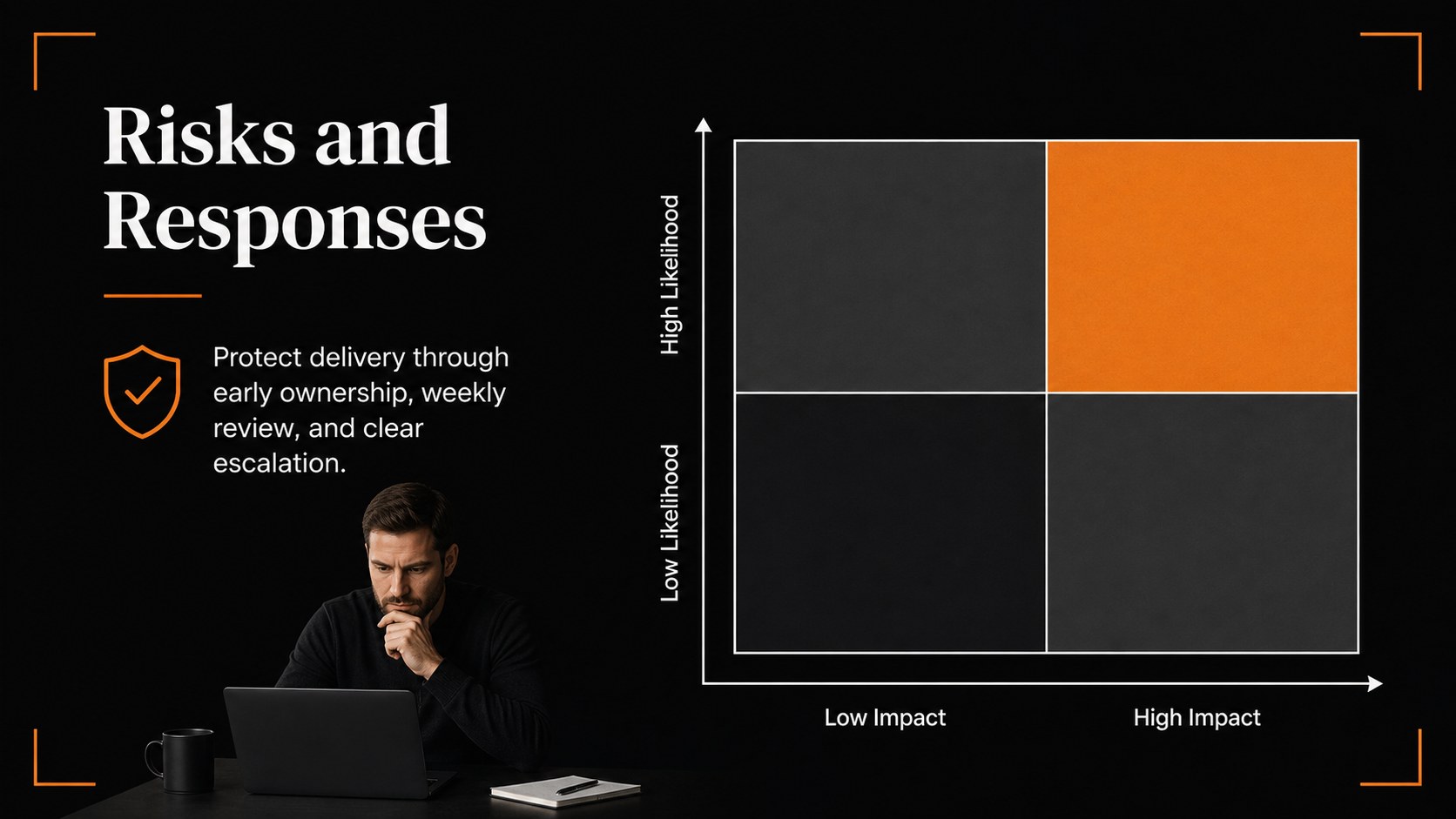
  4. Onyx Motion Business Deck 簡報範本,第 4 頁
  5. Onyx Motion Business Deck 簡報範本,第 5 頁
  6. Onyx Motion Business Deck 簡報範本,第 6 頁
  7. Onyx Motion Business Deck 簡報範本,第 7 頁
  8. Onyx Motion Business Deck 簡報範本,第 8 頁
  9. Onyx Motion Business Deck 簡報範本,第 9 頁
  10. Onyx Motion Business Deck 簡報範本,第 10 頁
  11. Onyx Motion Business Deck 簡報範本,第 11 頁
  12. Onyx Motion Business Deck 簡報範本,第 12 頁
  13. Onyx Motion Business Deck 簡報範本,第 13 頁
  14. Onyx Motion Business Deck 簡報範本,第 14 頁
  15. Onyx Motion Business Deck 簡報範本,第 15 頁
  16. Onyx Motion Business Deck 簡報範本,第 16 頁

如何使用這個範本

  1. 1

    點擊「使用這個範本」,在 Ottermind Studio 中開啟。

  2. 2

    描述你的主題、受眾與重點,或上傳筆記和檔案。

  3. 3

    Ottermind 依這套風格生成可編輯的簡報,可繼續修改文字、調整頁面並匯出。

標籤

  • Black
  • Corporate
  • Dark
  • Orange Accents
  • Geometric
  • Business Reports
  • Project Proposals
  • High Contrast
  • Minimalist
  • Professional
  • Modern
  • Line Art

用 Onyx Motion Business Deck 製作你的簡報

選好這套風格,描述你的主題,幾分鐘就能得到一份可編輯的簡報。