簡報範本
American Voting Insights Deck
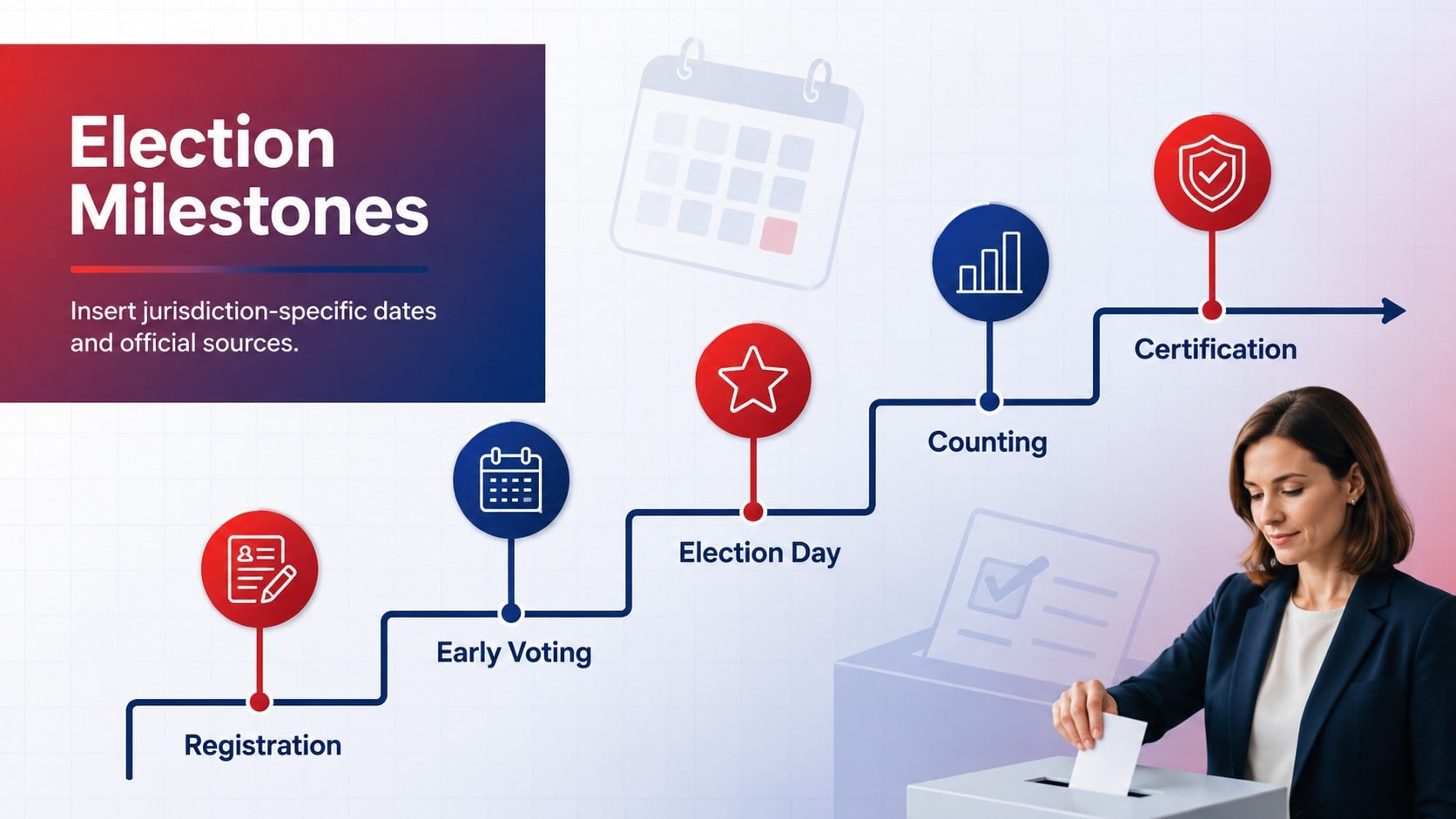
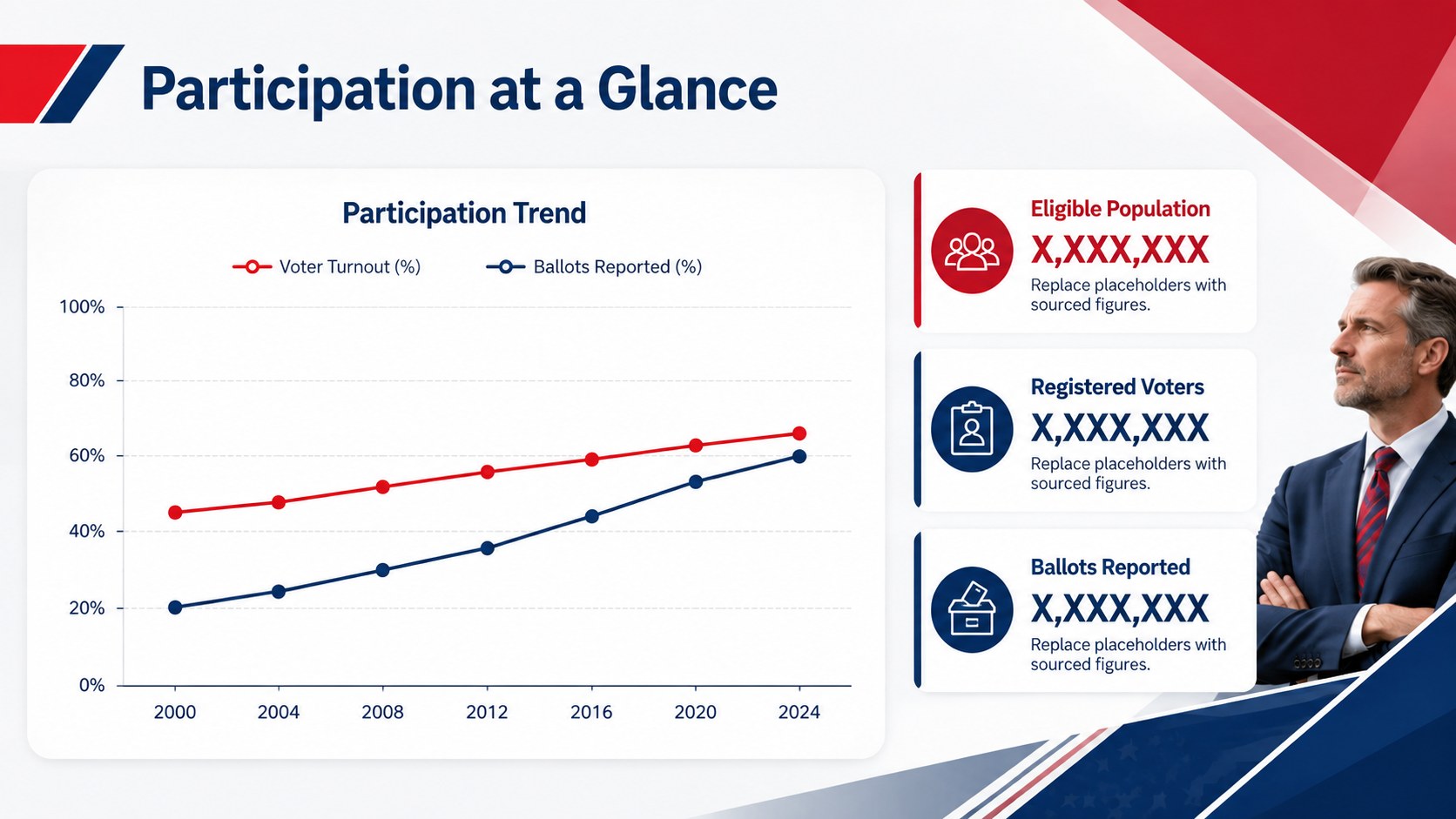
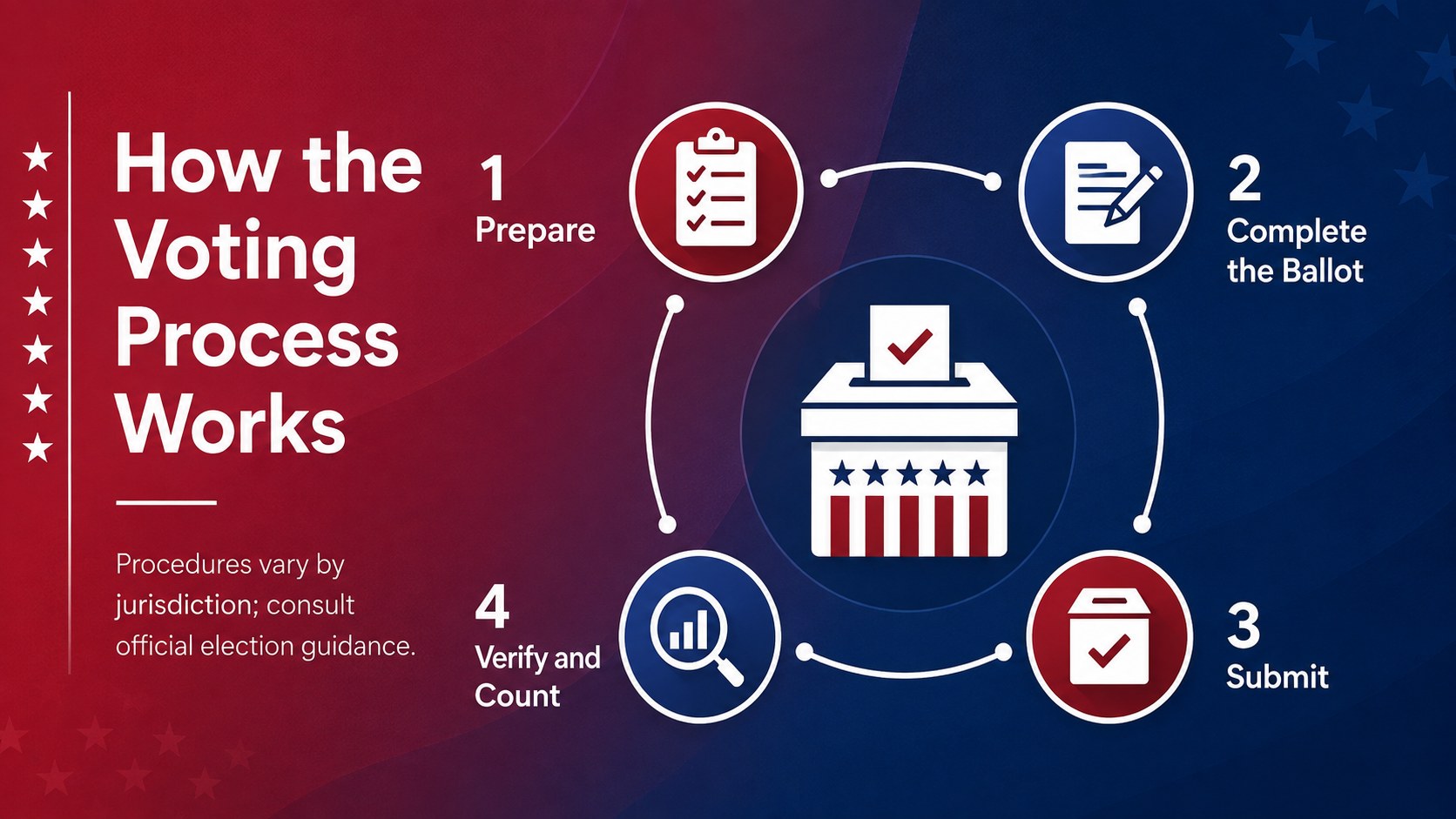
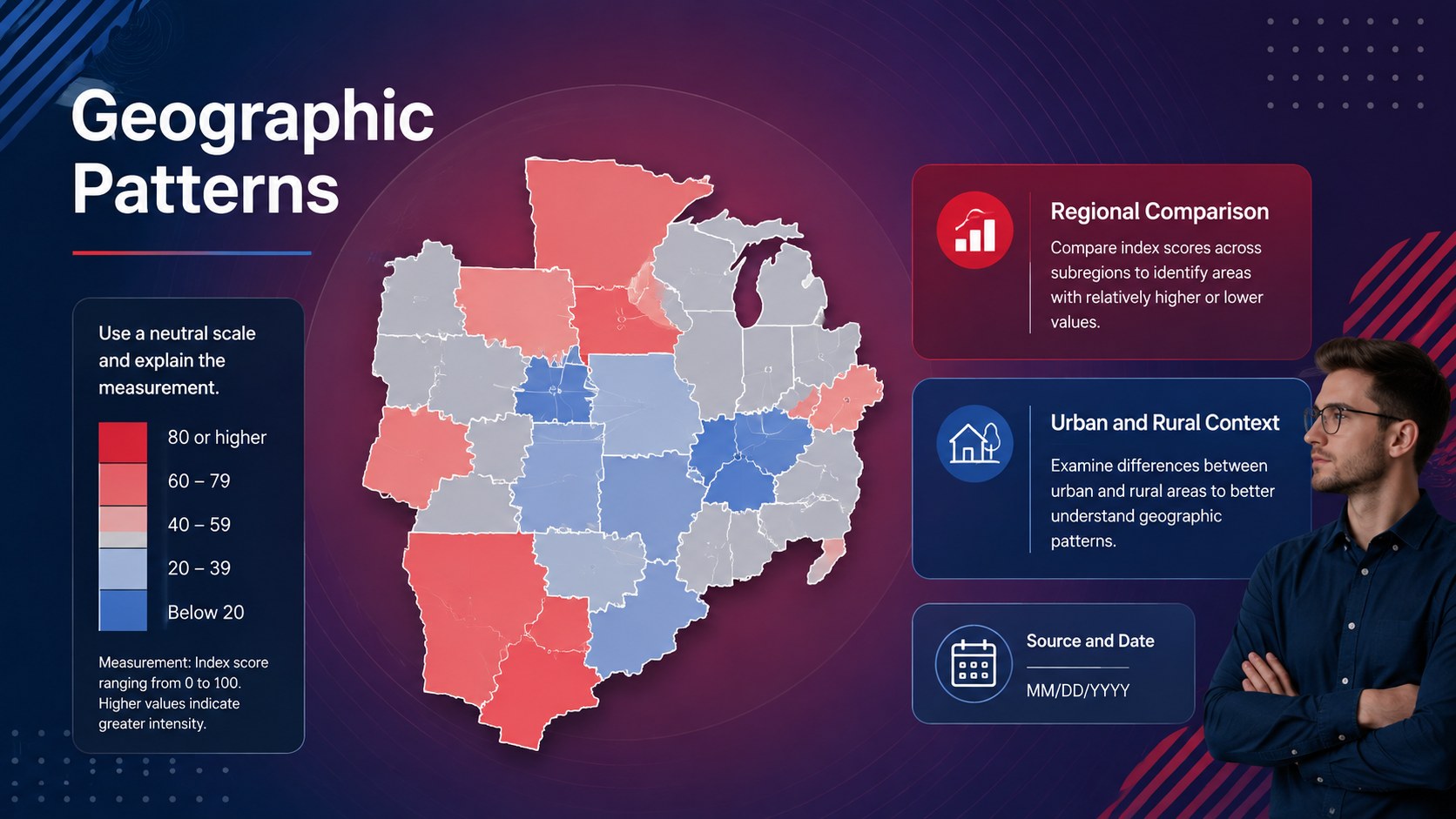
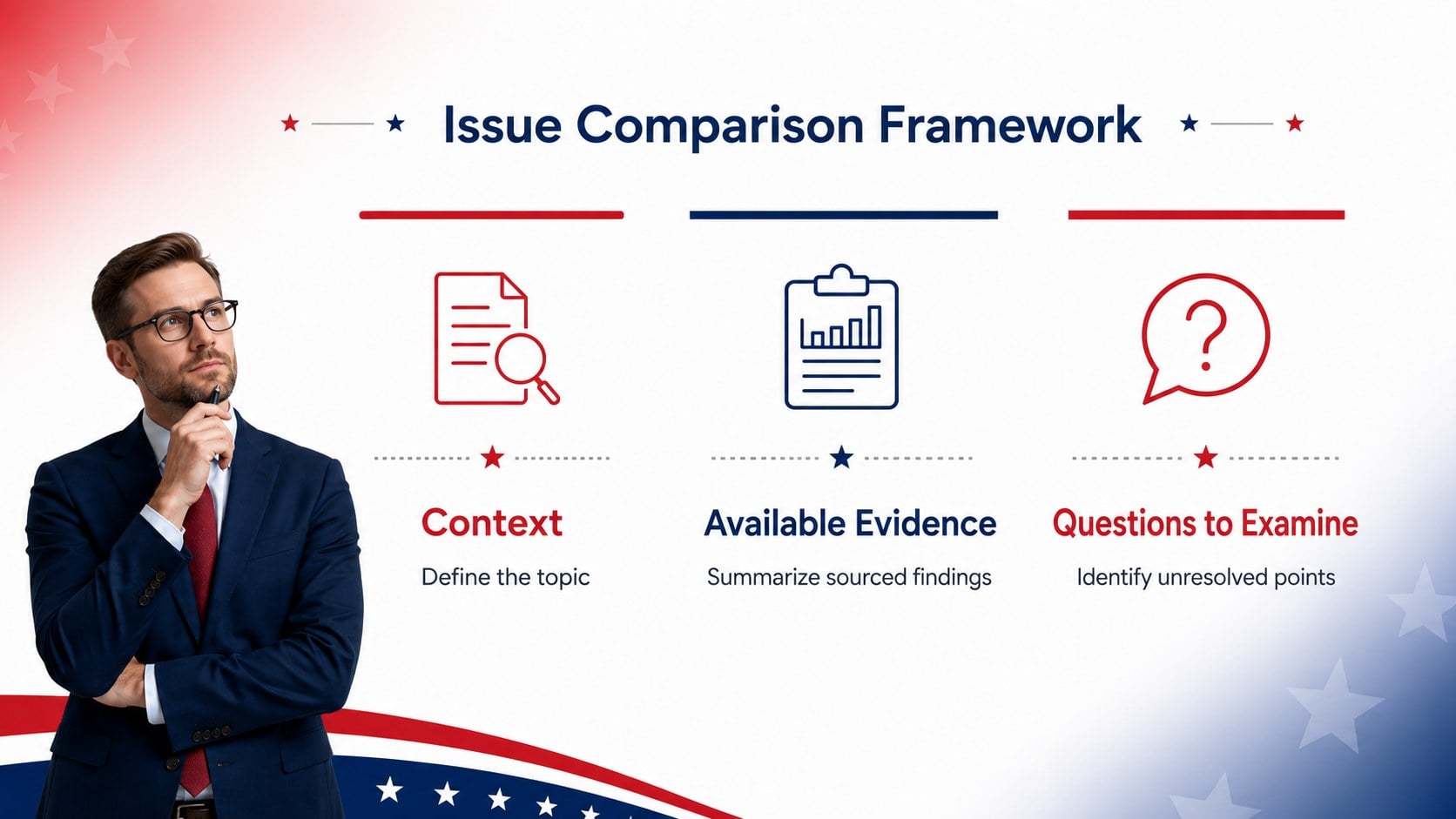
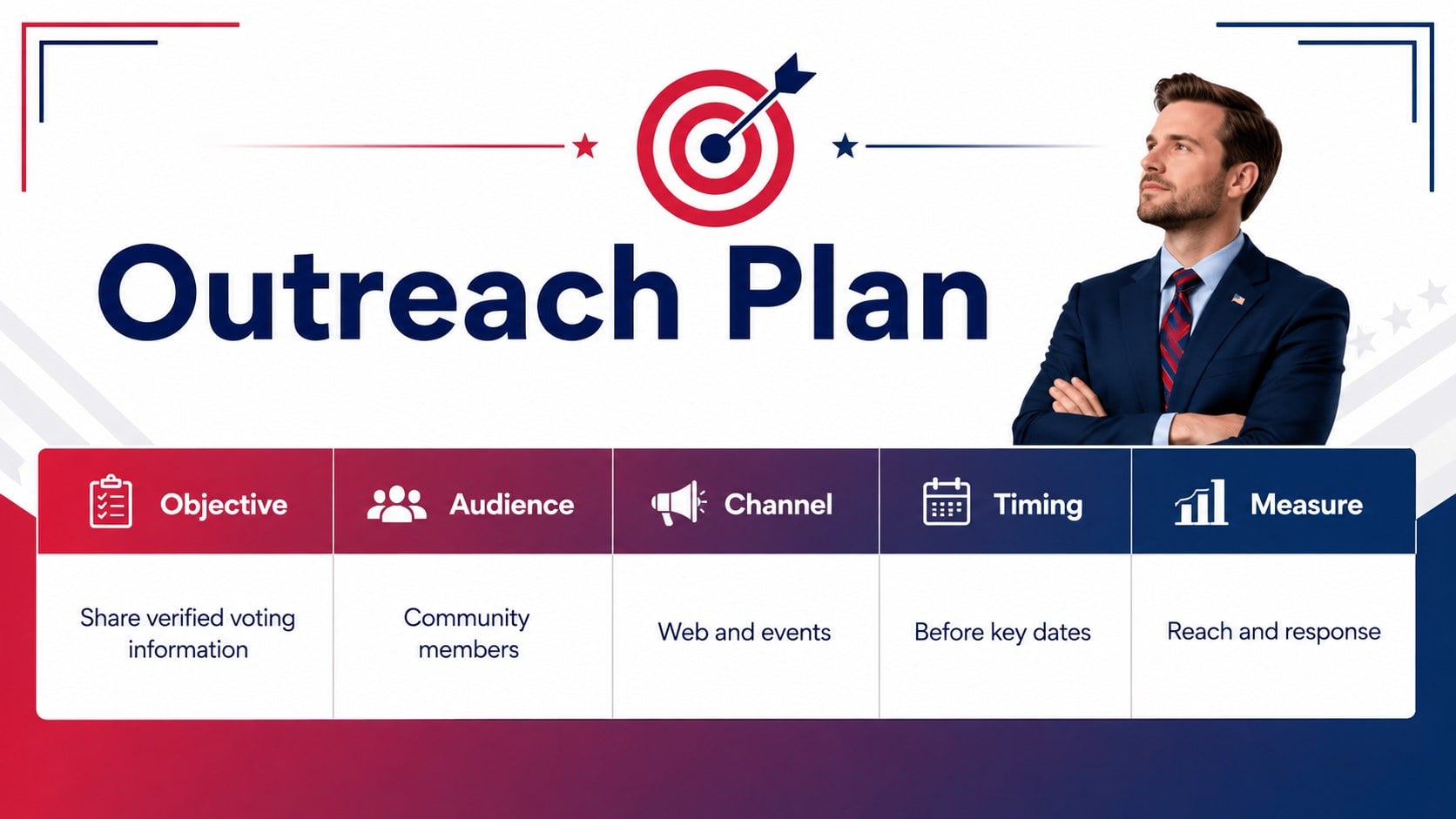
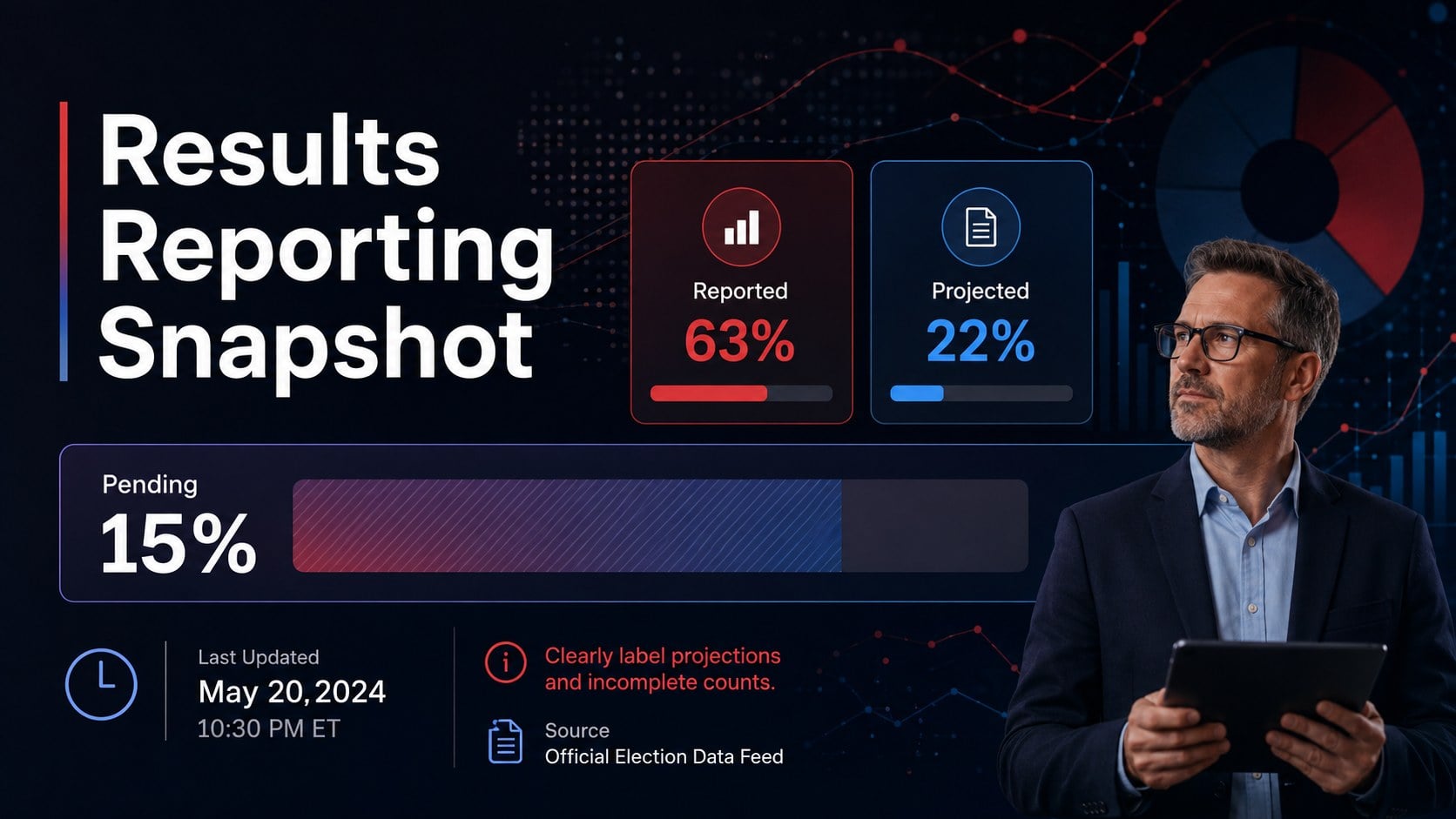
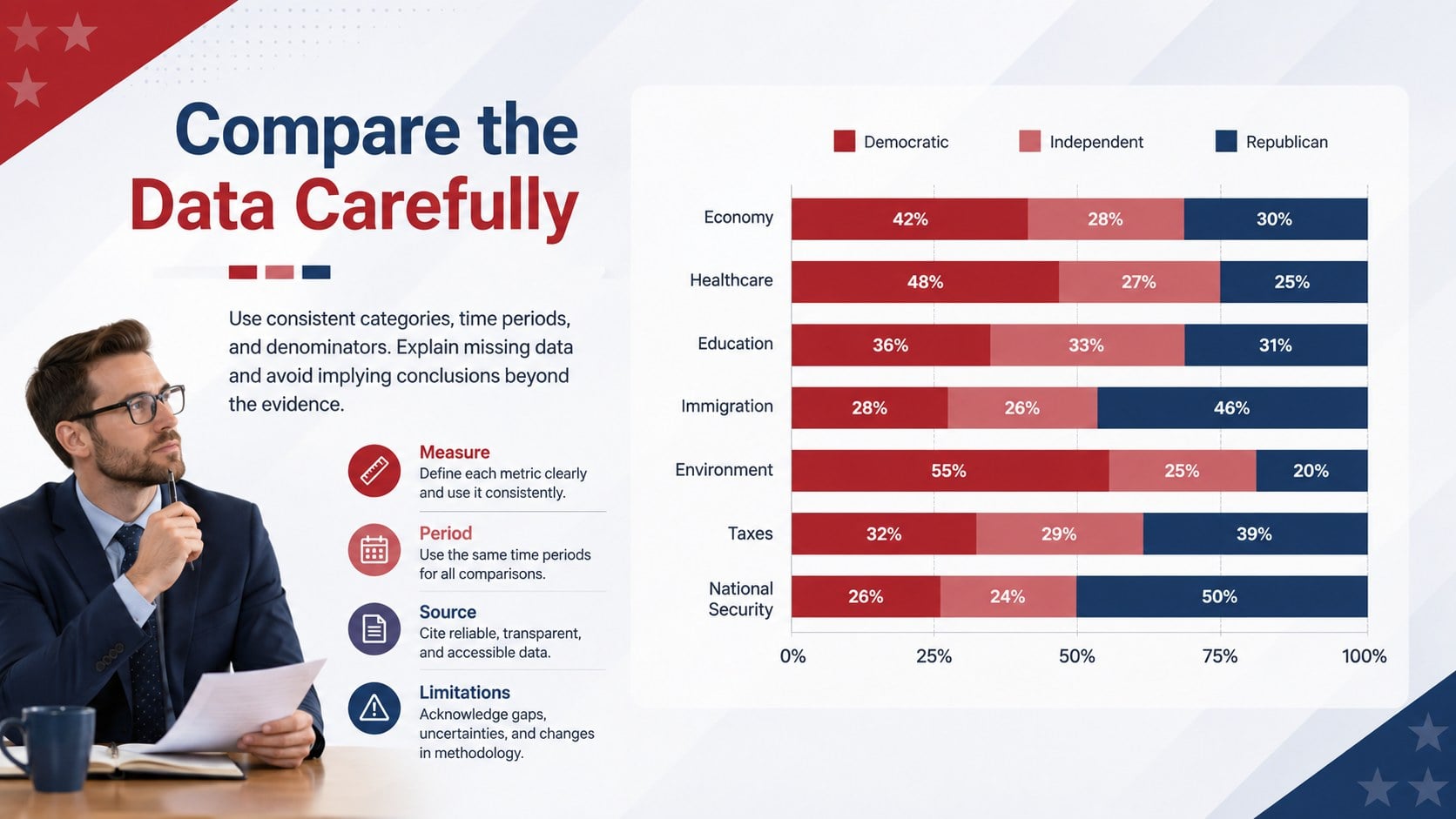
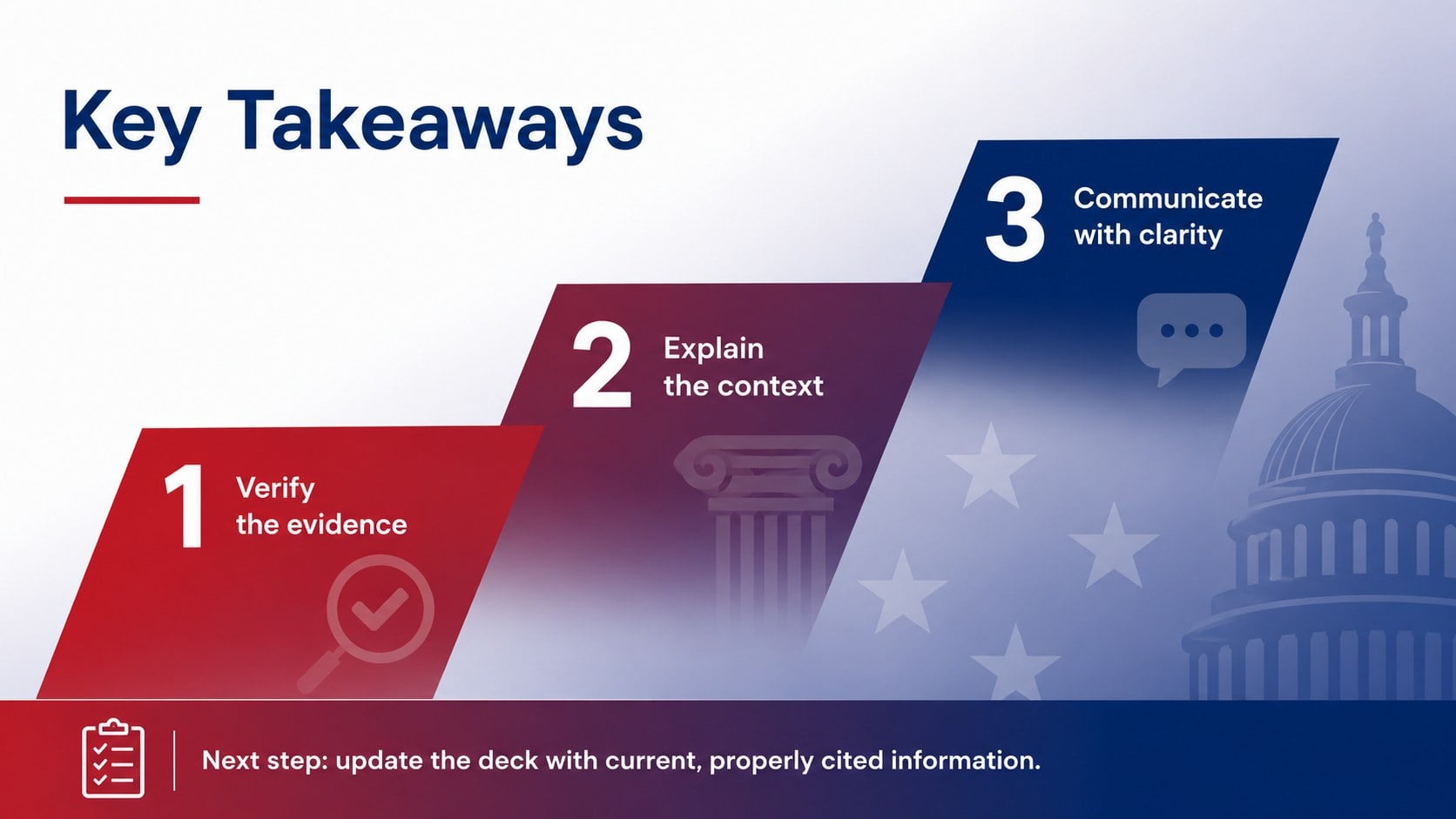
Frame election data, civic timelines, and voter outreach plans with a polished red-and-blue visual system. This editable deck supports clear, nonpartisan briefings in PowerPoint and Google Slides.
這個範本的介紹目前還沒有繁體中文版本,先以英文顯示。
15 頁 · 創意與主題

全部 15 頁
範本中的每一頁。Ottermind 會保留這套風格,把你的內容寫進去。



如何使用這個範本
- 1
點擊「使用這個範本」,在 Ottermind Studio 中開啟。
- 2
描述你的主題、受眾與重點,或上傳筆記和檔案。
- 3
Ottermind 依這套風格生成可編輯的簡報,可繼續修改文字、調整頁面並匯出。
標籤
- American Elections
- Voting
- Civic Education
- Election Data
- Government
- Politics
- Red And Blue
- Gradient
- Data Visualization
- Public Affairs
- Modern
- Nonpartisan
更多創意與主題範本
 Ice Hockey Fundamentals Training Deck4 頁
 Watercolor Ecology Presentation Theme16 頁
 Red Triangle Editorial Theme16 頁
 Annual Listening Recap Slide Deck15 頁
 Colorful Year in Review Slide Deck15 頁
 Standout Colleague Recommendation Letter Slides3 頁
 Astrology Birth Chart Basics Theme14 頁
 Celestial Personality Profiles Infographic3 頁
用 American Voting Insights Deck 製作你的簡報
選好這套風格,描述你的主題,幾分鐘就能得到一份可編輯的簡報。