プレゼンテーションテンプレート

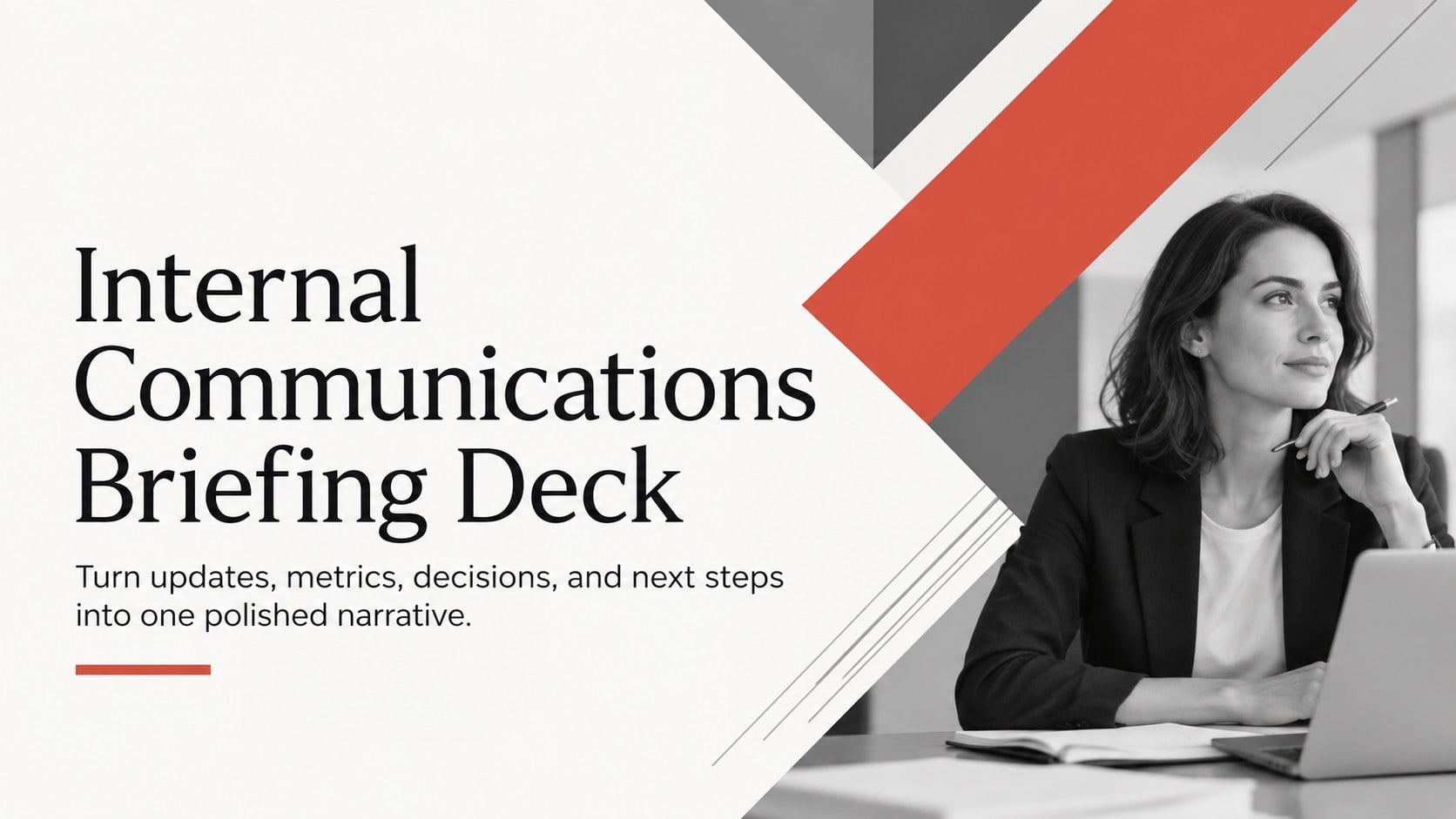
Internal Communications Briefing Deck

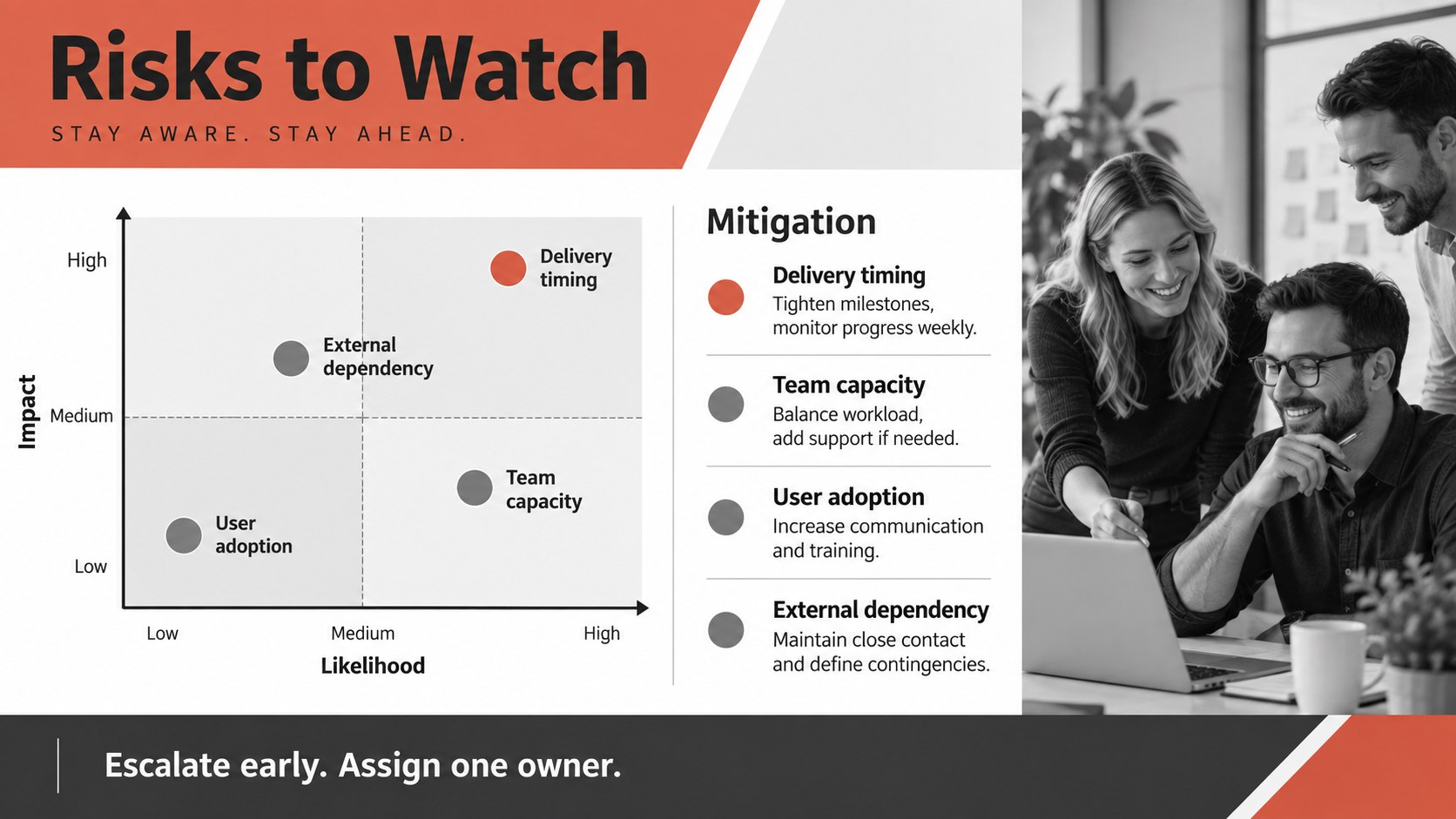
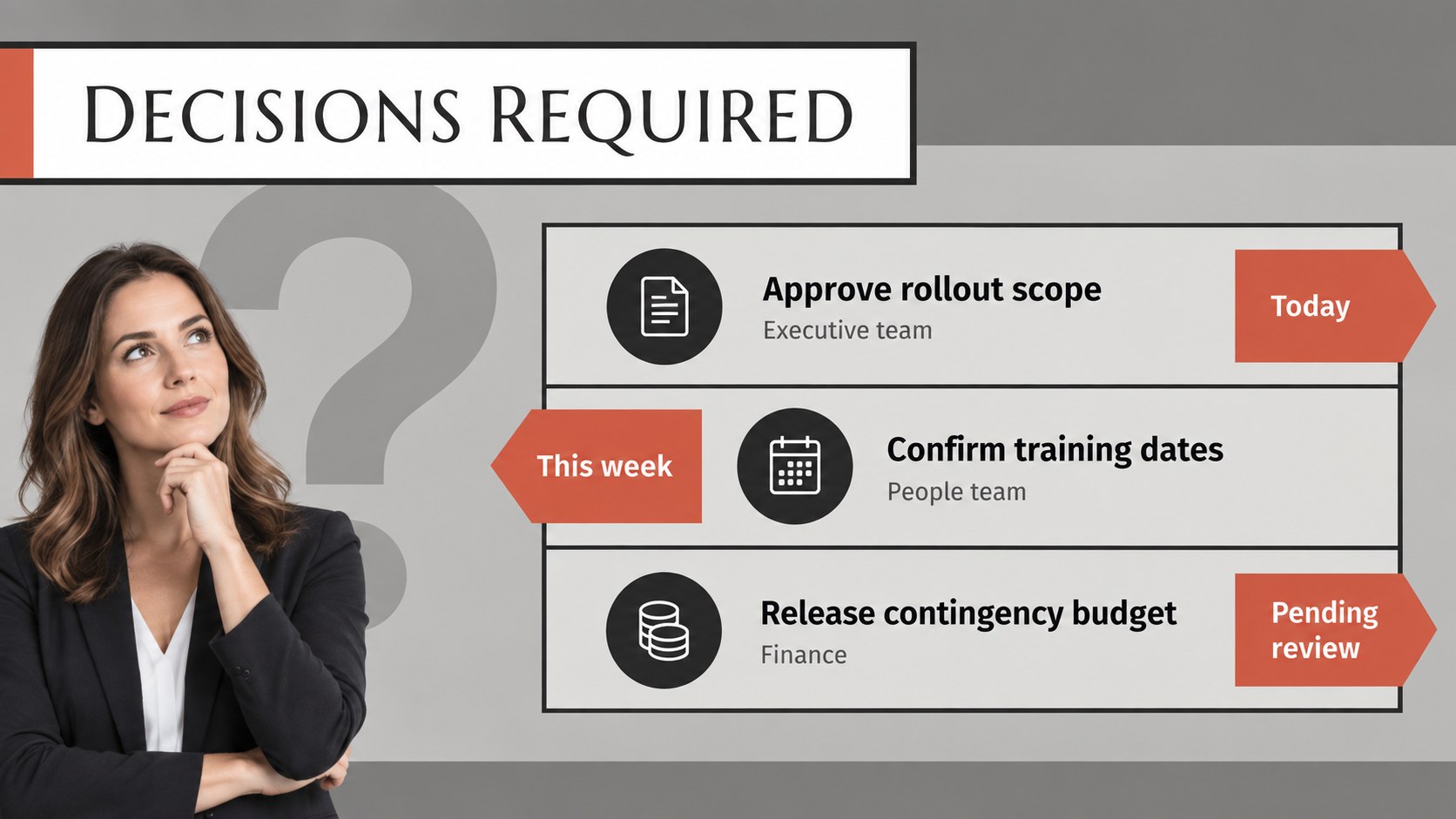
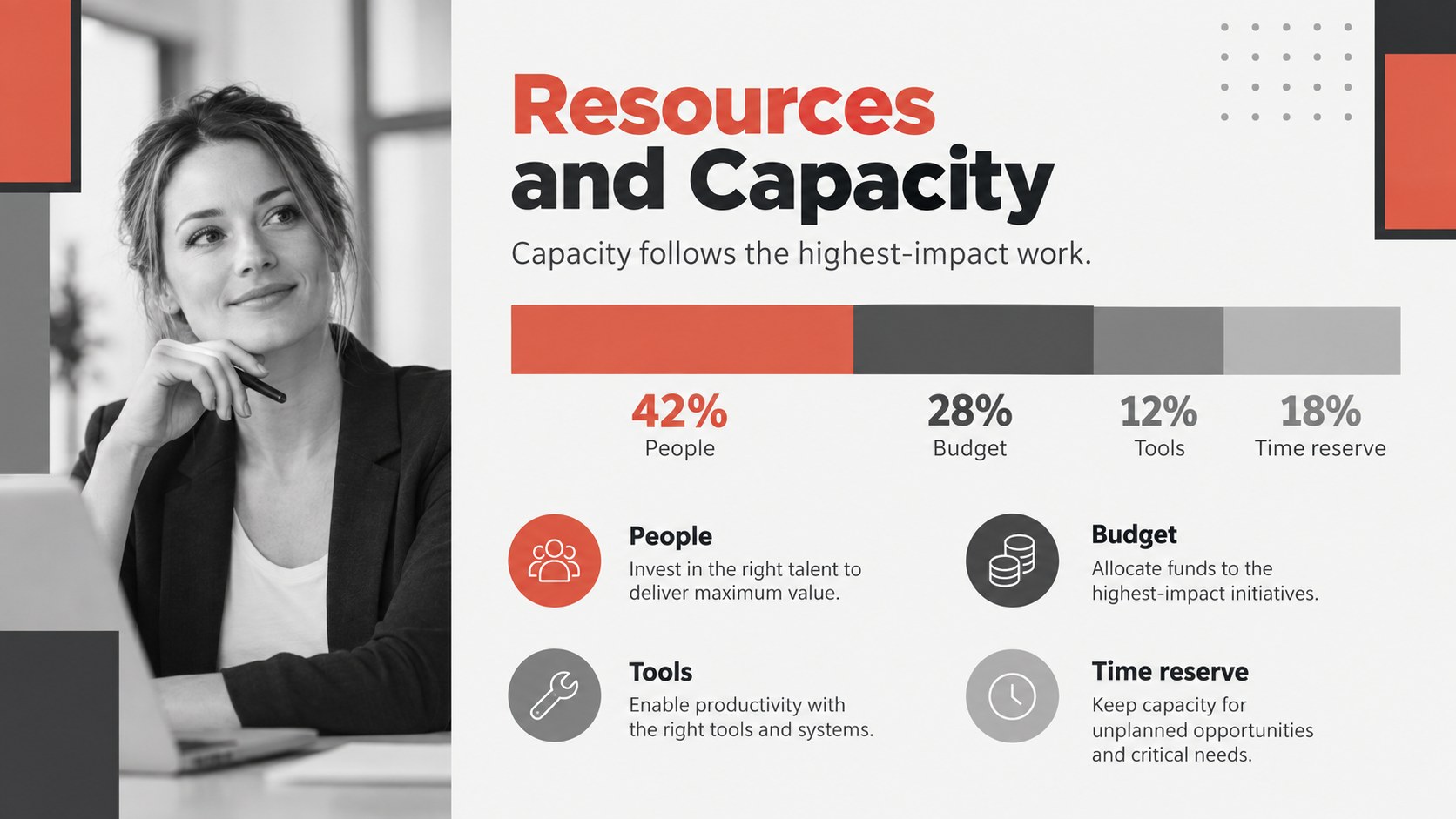
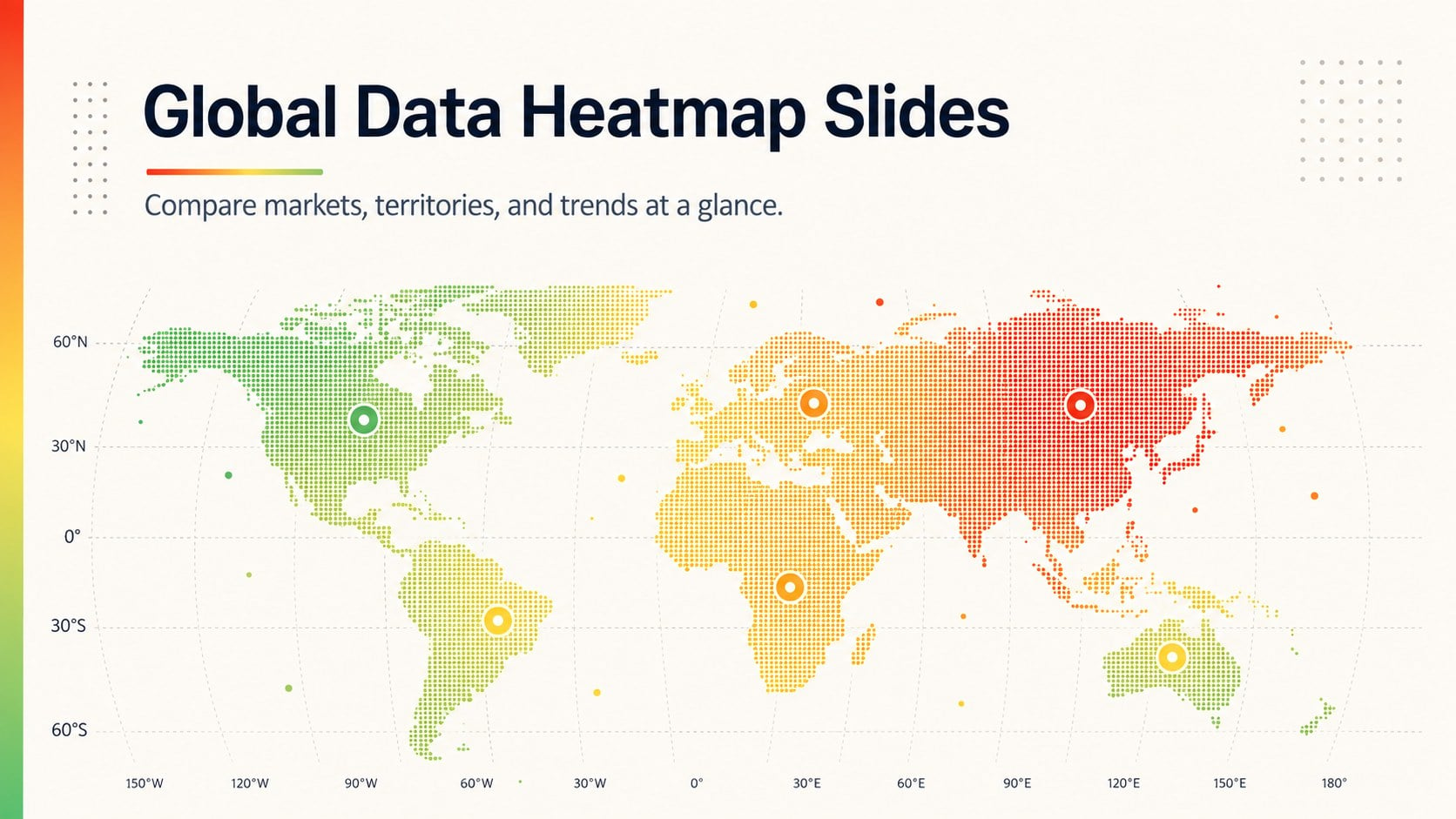
Turn updates, metrics, decisions, and next steps into one polished narrative. The restrained abstract layout keeps internal audiences focused.

このテンプレートの説明はまだ日本語で用意されていないため、英語で表示しています。

15 枚 · ビジネス
パワポ テンプレートをすべて見る
Internal Communications Briefing Deck プレゼンテーションテンプレート、1 枚目

全 15 枚のスライド

テンプレートのすべてのスライドです。Ottermind はこのデザインを保ったまま、あなたの内容を書き込みます。
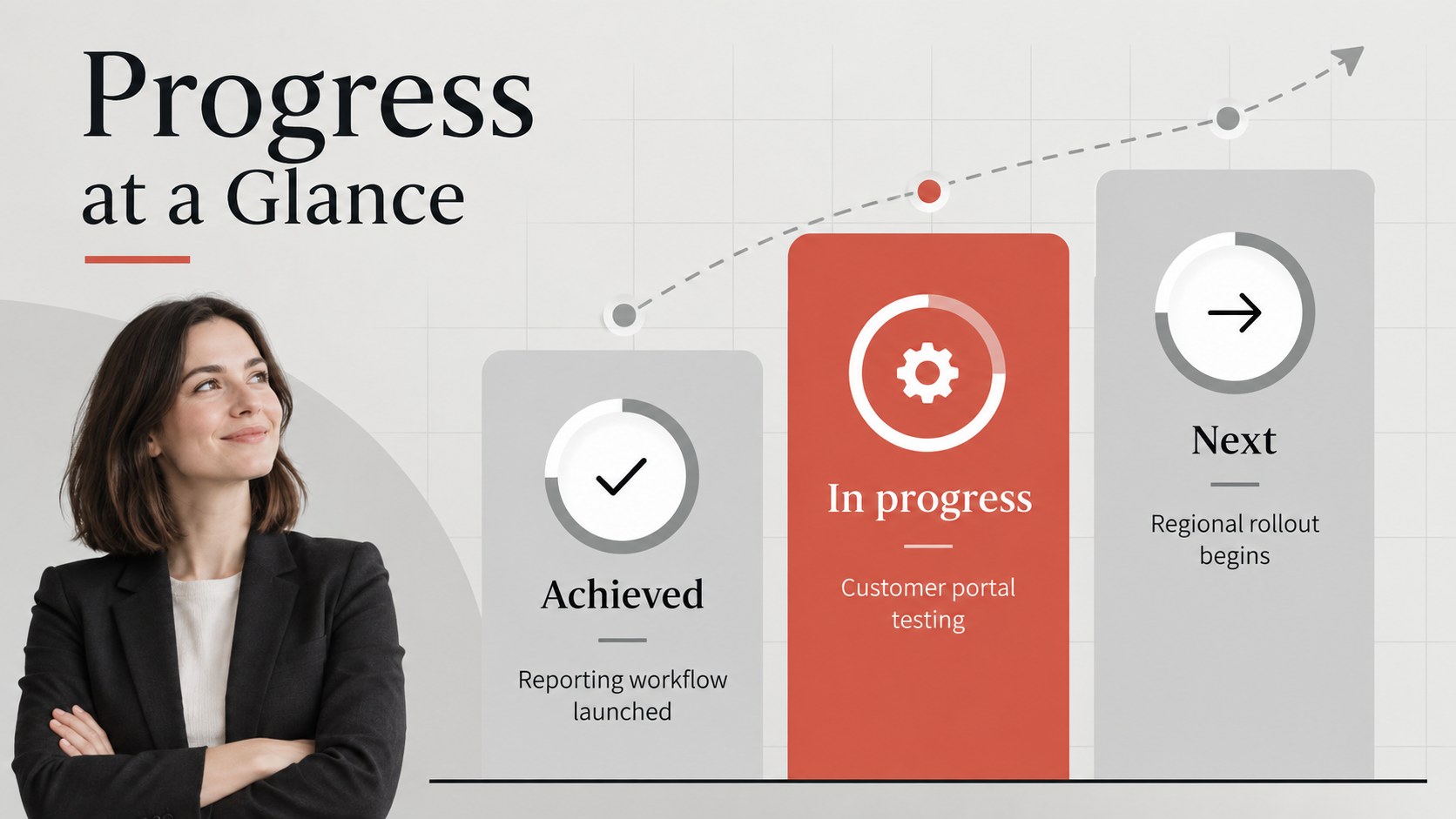
  1. Internal Communications Briefing Deck プレゼンテーションテンプレート、1 枚目
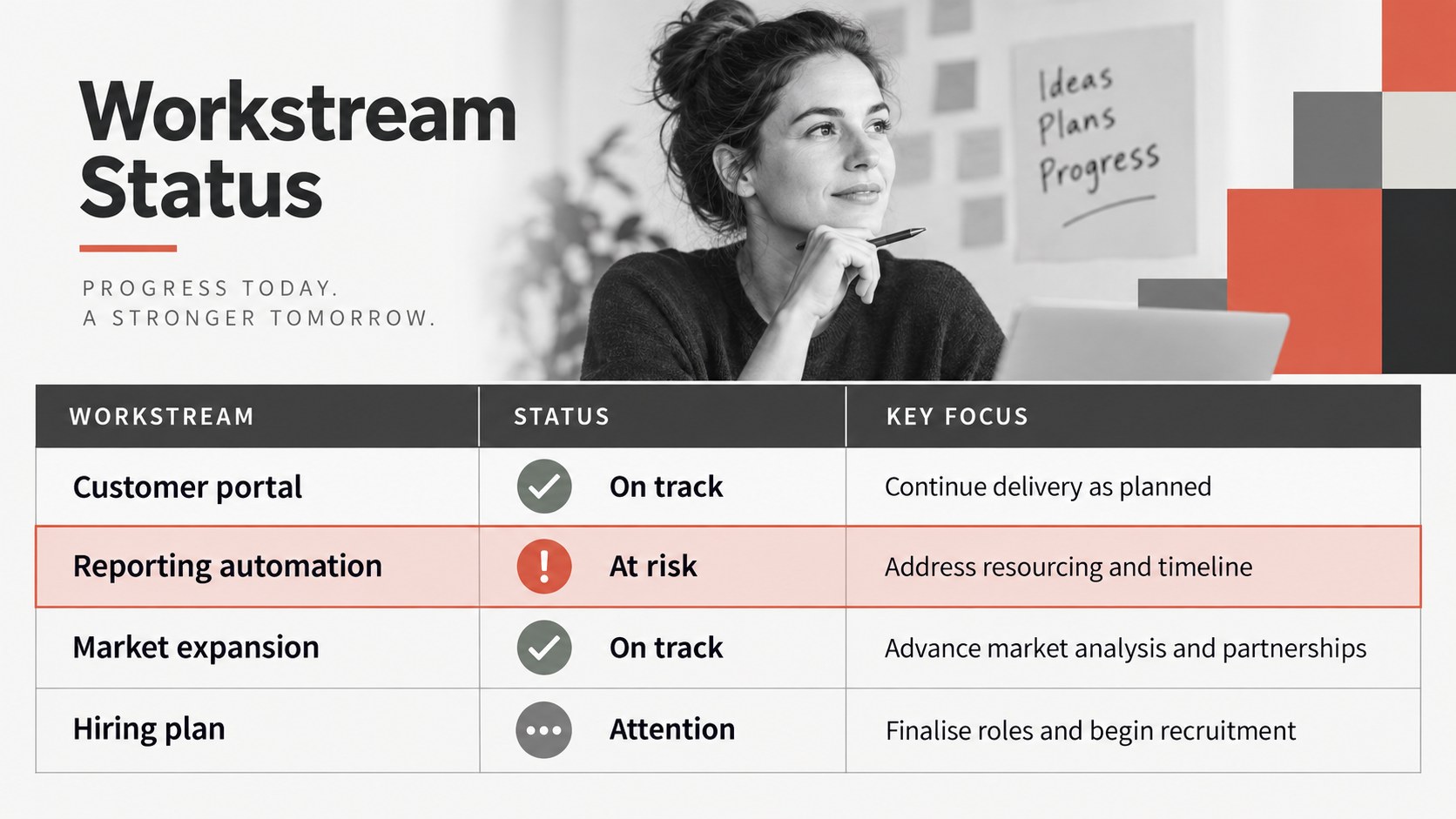
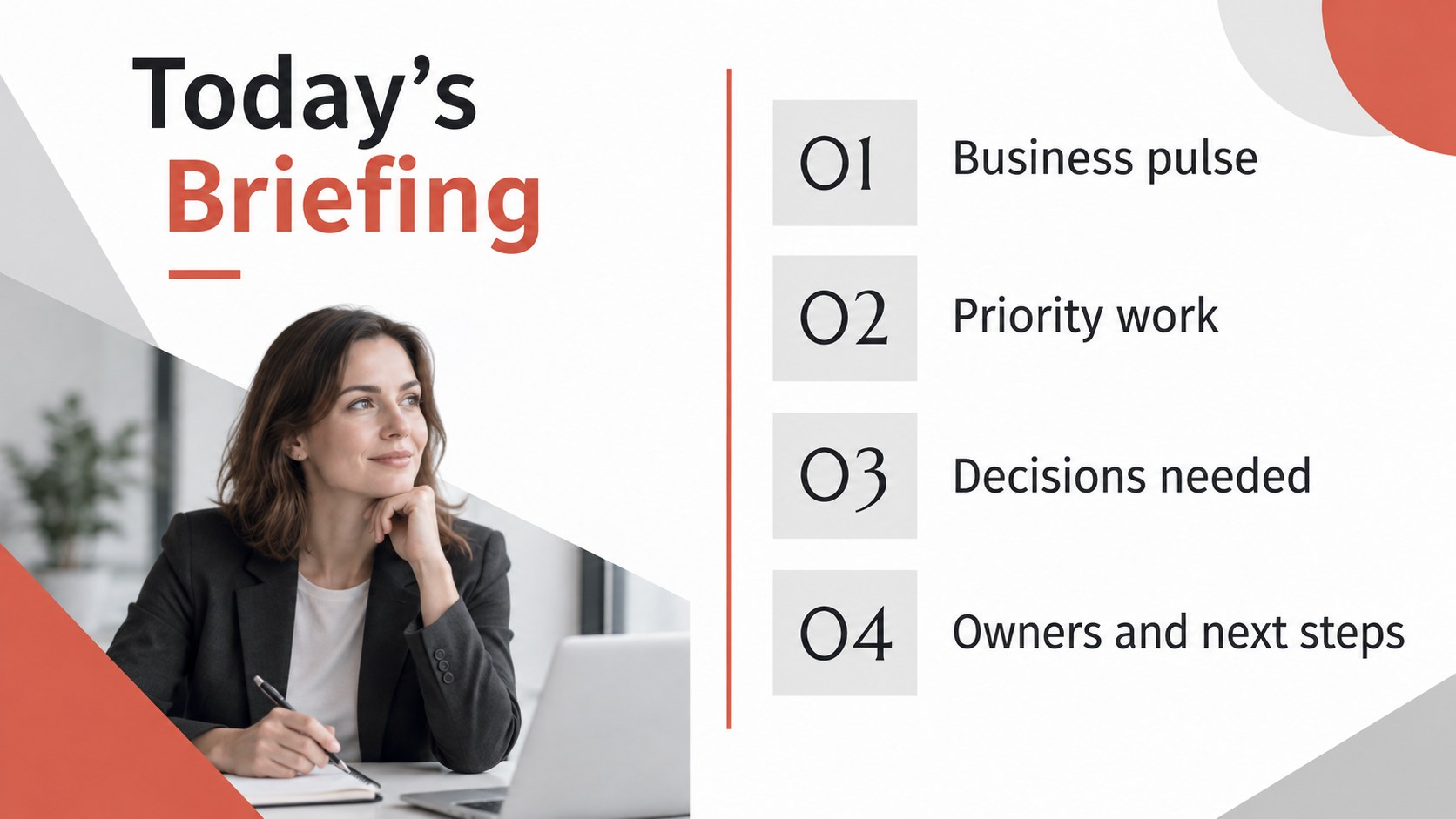
  2. Internal Communications Briefing Deck プレゼンテーションテンプレート、2 枚目
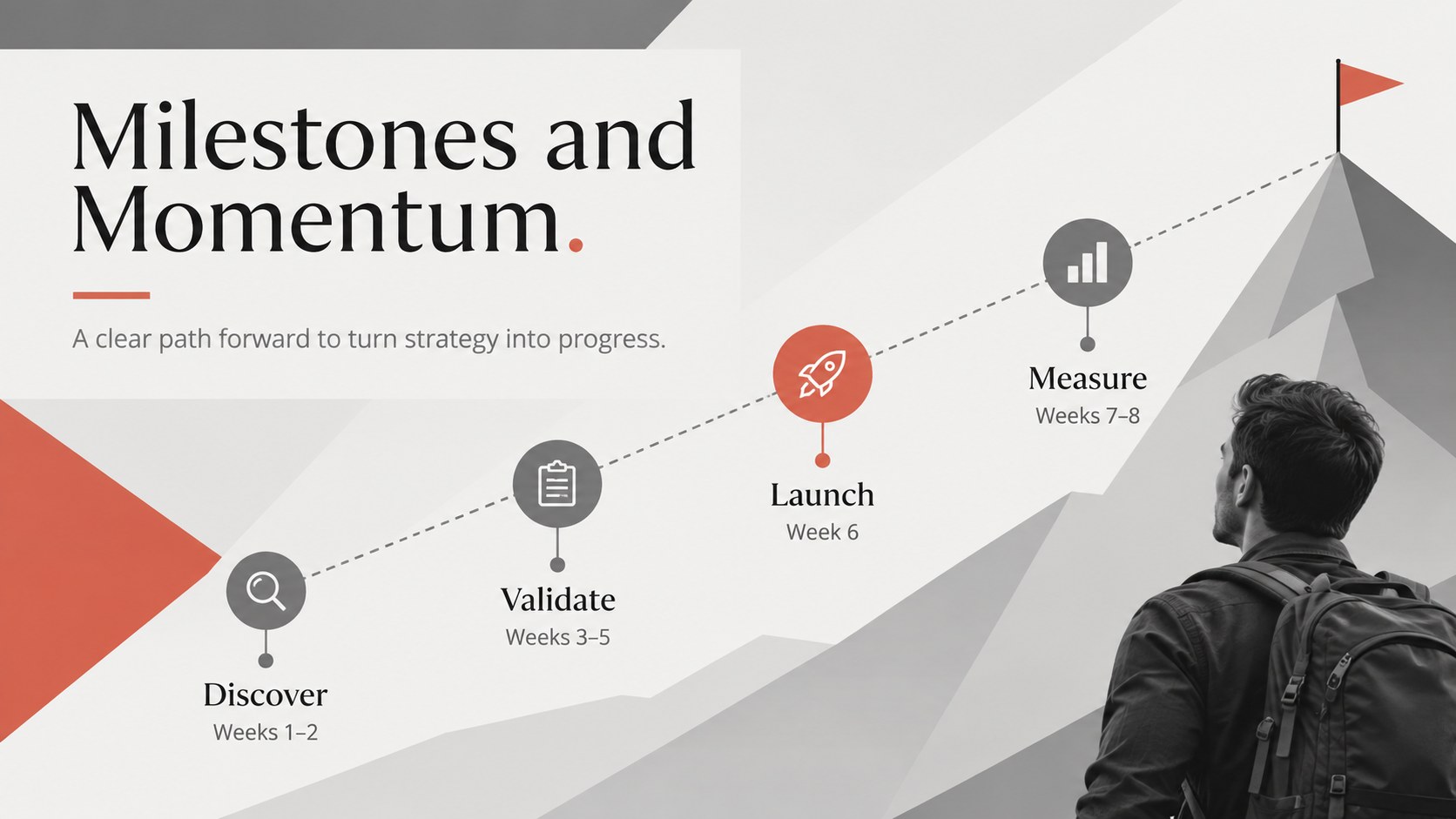
  3. Internal Communications Briefing Deck プレゼンテーションテンプレート、3 枚目
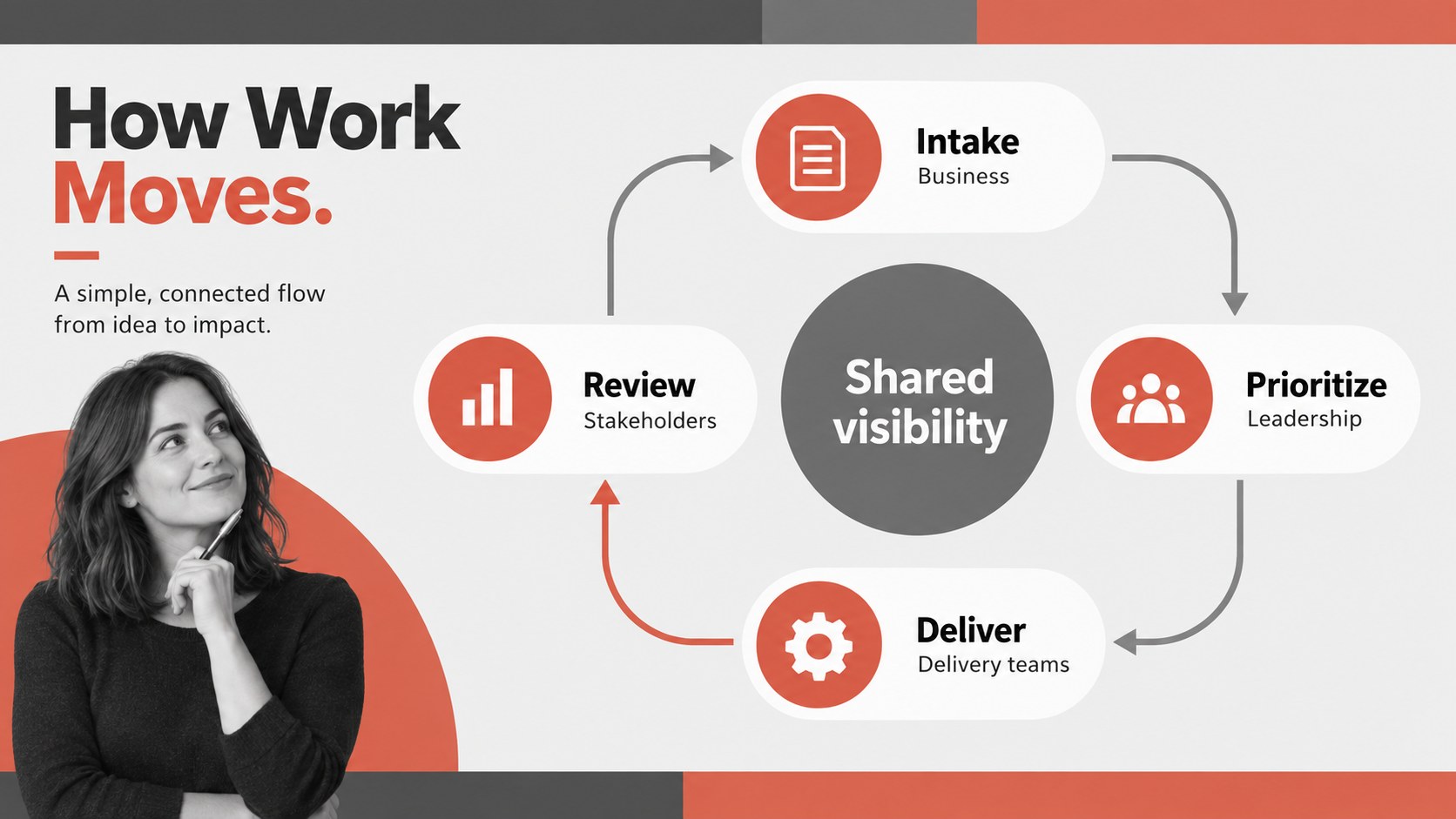
  4. Internal Communications Briefing Deck プレゼンテーションテンプレート、4 枚目
  5. Internal Communications Briefing Deck プレゼンテーションテンプレート、5 枚目
  6. Internal Communications Briefing Deck プレゼンテーションテンプレート、6 枚目
  7. Internal Communications Briefing Deck プレゼンテーションテンプレート、7 枚目
  8. Internal Communications Briefing Deck プレゼンテーションテンプレート、8 枚目
  9. Internal Communications Briefing Deck プレゼンテーションテンプレート、9 枚目
  10. Internal Communications Briefing Deck プレゼンテーションテンプレート、10 枚目
  11. Internal Communications Briefing Deck プレゼンテーションテンプレート、11 枚目
  12. Internal Communications Briefing Deck プレゼンテーションテンプレート、12 枚目
  13. Internal Communications Briefing Deck プレゼンテーションテンプレート、13 枚目
  14. Internal Communications Briefing Deck プレゼンテーションテンプレート、14 枚目
  15. Internal Communications Briefing Deck プレゼンテーションテンプレート、15 枚目

このテンプレートの使い方

  1. 1

    「このテンプレートを使う」をクリックして Ottermind Studio で開きます。

  2. 2

    テーマ、読み手、要点を伝えるか、メモやファイルを添付します。

  3. 3

    Ottermind がこのスタイルで編集可能な資料を作成します。テキストやスライドを調整して書き出せます。

タグ

  • Internal Communications
  • Executive Briefing
  • Team Update
  • Project Status
  • Corporate
  • Business
  • Modern
  • Abstract
  • Geometric
  • Meeting
  • Professional
  • Grey

Internal Communications Briefing Deck で資料を作る

このスタイルを選んでテーマを伝えるだけで、編集可能なプレゼン資料が数分でできあがります。